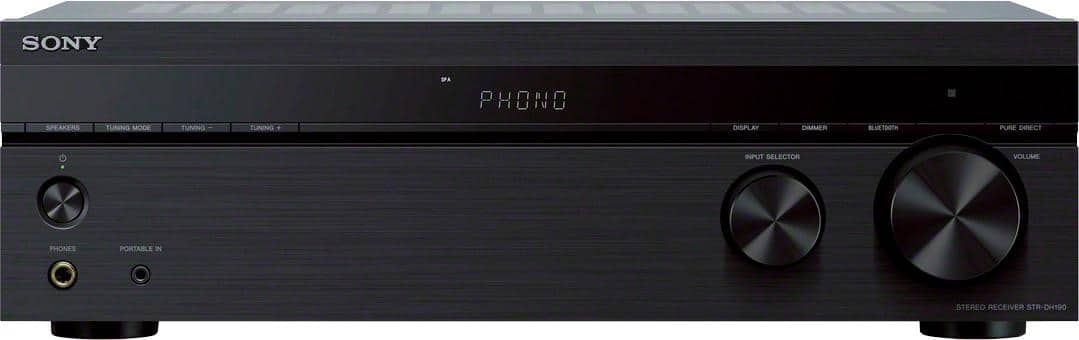
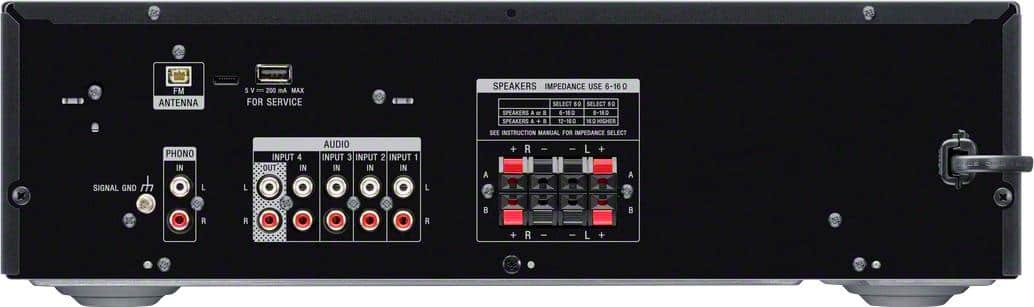
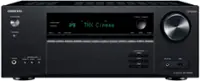
A:Answer Hi sub, Good question! Yes, you can connect a compatible active subwoofer to this receiver. For compatible subwoofer, check the subwoofer to determine if it has IN and OUT speaker wire connections. If so, connect the left and right speaker wires from the stereo receiver into the left and right speaker IN on the subwoofer. Then, connect speaker wire from the left and right speaker OUT on the subwoofer to the left and right main speakers. If the subwoofer does not have IN and OUT speaker wire connections, then it will not be compatible with the stereo receiver. Hope this helps!
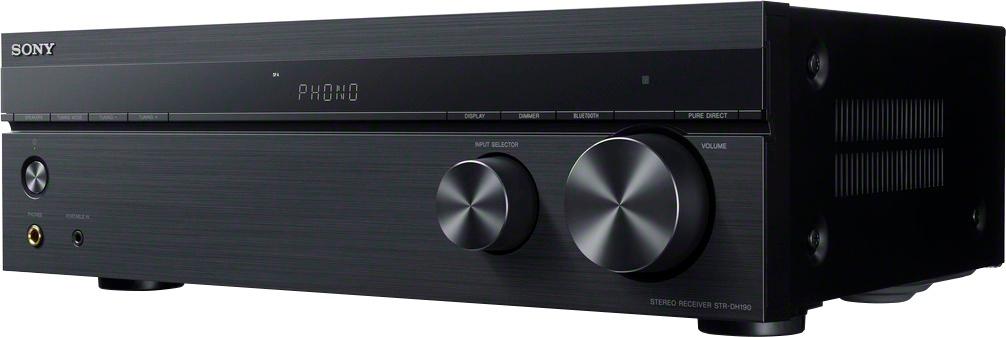
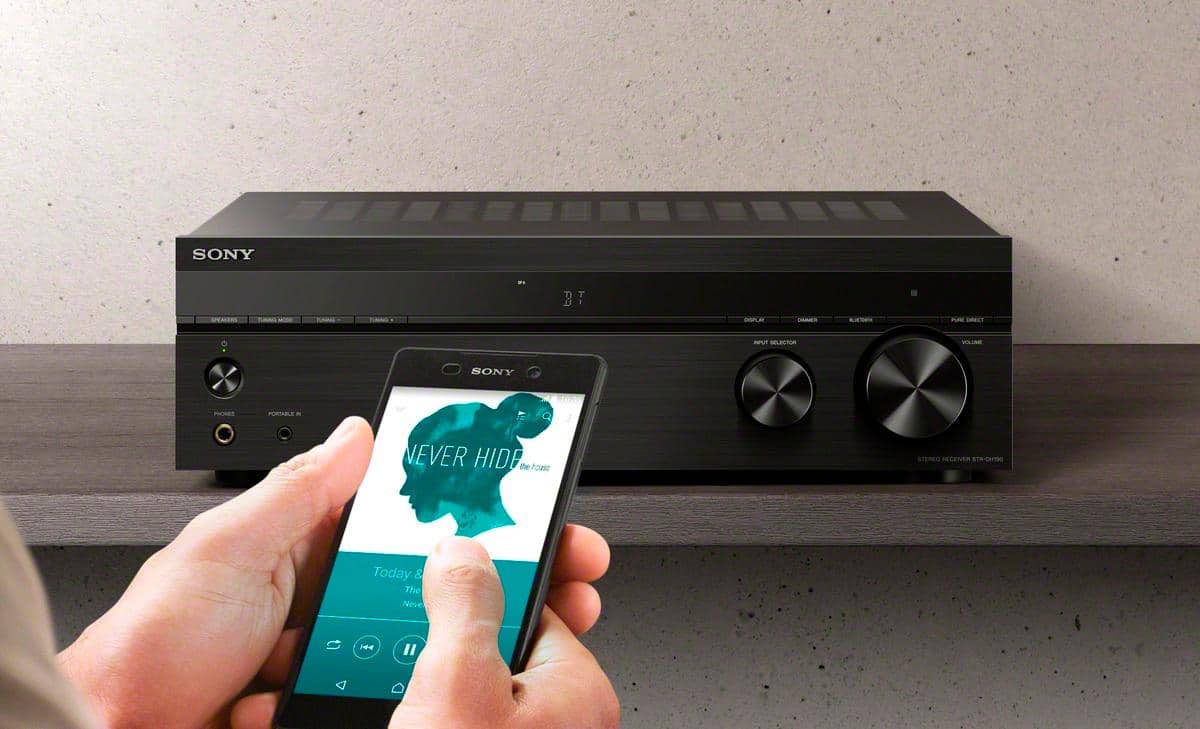
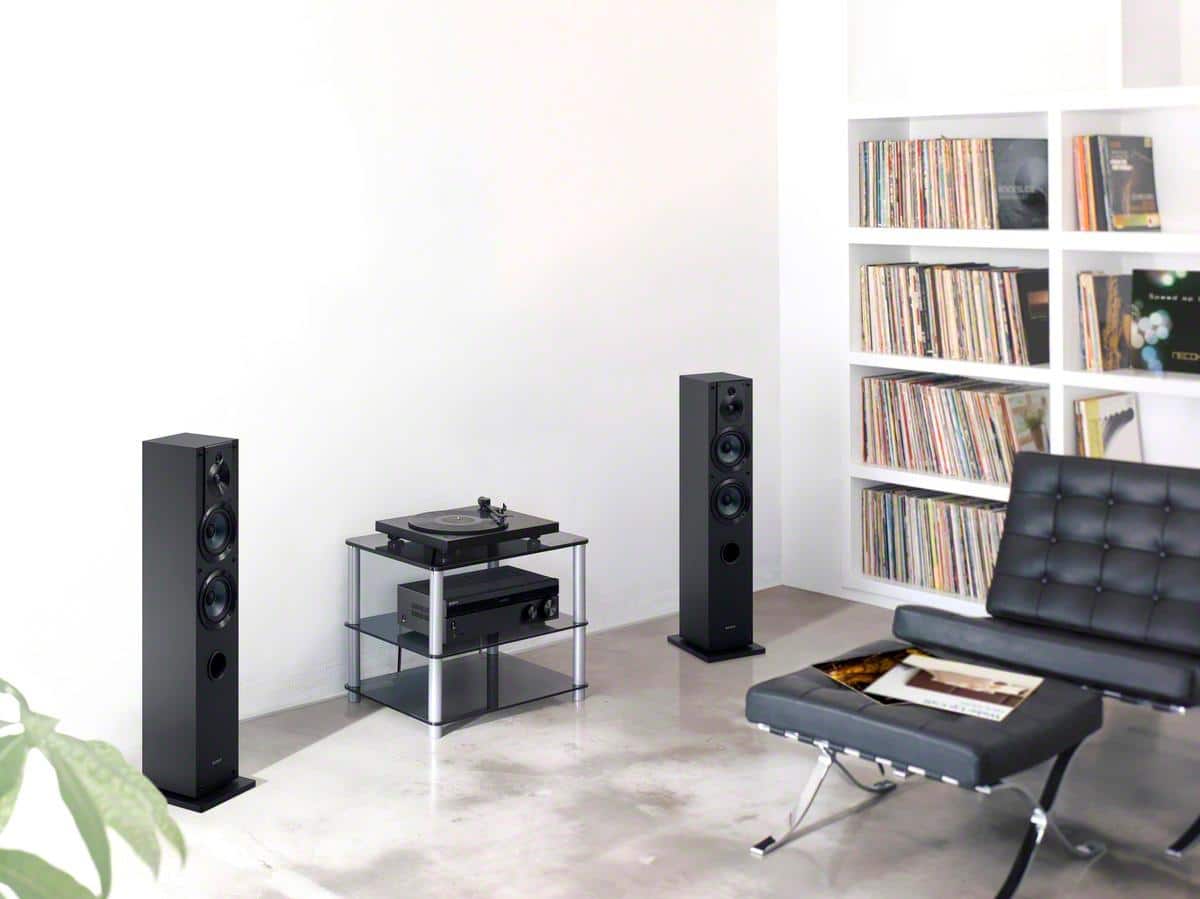
Whether you choose to enjoy the warm sound of vinyl via the phono input, or stream music from your digital music collection, you’ve found a perfect match. Don’t forget the receiver’s A=B function lets you connect two pairs of speakers. You can easily switch between A or B or use them all together at the same time. When you factor in the low-profile design, we’re sure you’ve found the flexibility and performance you’ve been looking for! -Sam