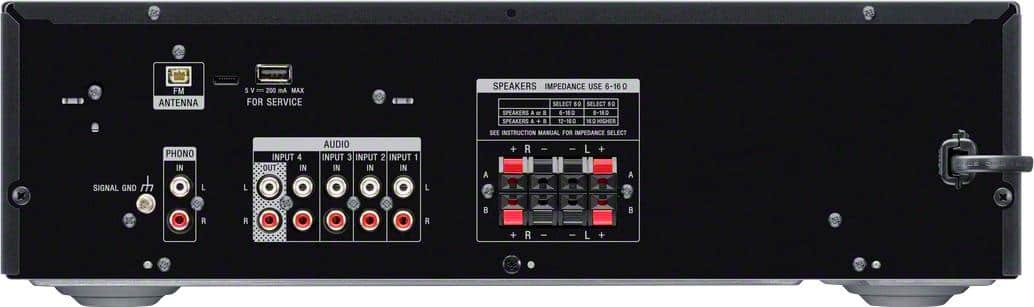
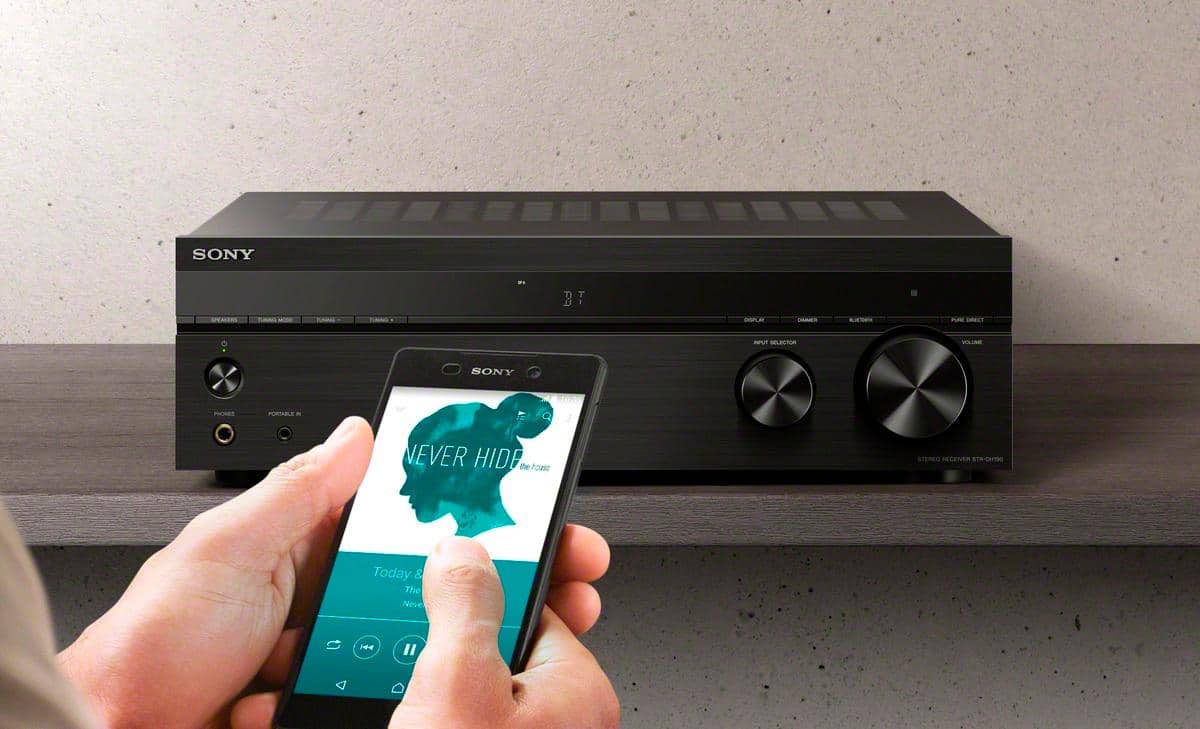
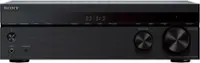
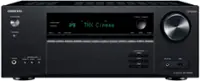
A:AnswerHi Shawn, Unfortunately, A karaoke microphone can't be connected to this particular model because the receiver doesn't have a microphone input, and also, this unit doesn't have an HDMI input. -Sam
A:AnswerHi Mike, Unfortunately, it is not possible to connect an add-on equalizer to current Sony AV receivers.
Notes:
Most Sony receivers feature a built-in Digital Signal Processing (DSP) Equalizer. The addition of an equalizer is not needed and would provide no additional benefit to the overall sound output of the receiver.
BOSE speakers that require an external equalizer are not compatible with Sony AV receivers.
Regards,
Sam
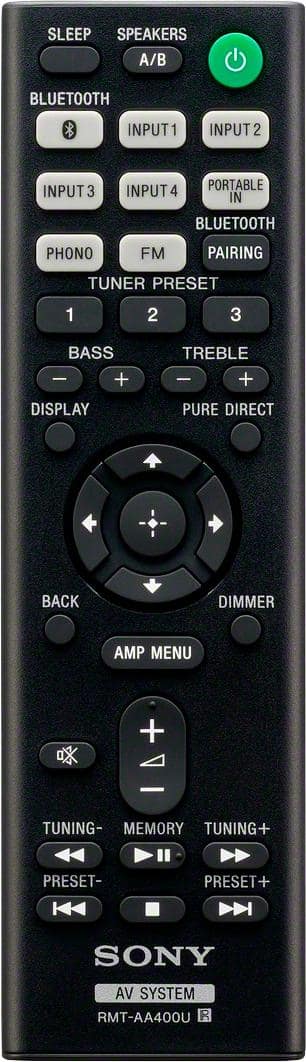
A:AnswerHi walterg646, The STRDH190 has a supplied remote control. Please refer to your authorized dealer for missing parts. Should you need further assistance, please email us at socialsupport@am.sony.com with the following details:
Name:
Bestbuy Username:
Model Number:
Issue:
Telephone Number:
Sincerely,
Sam
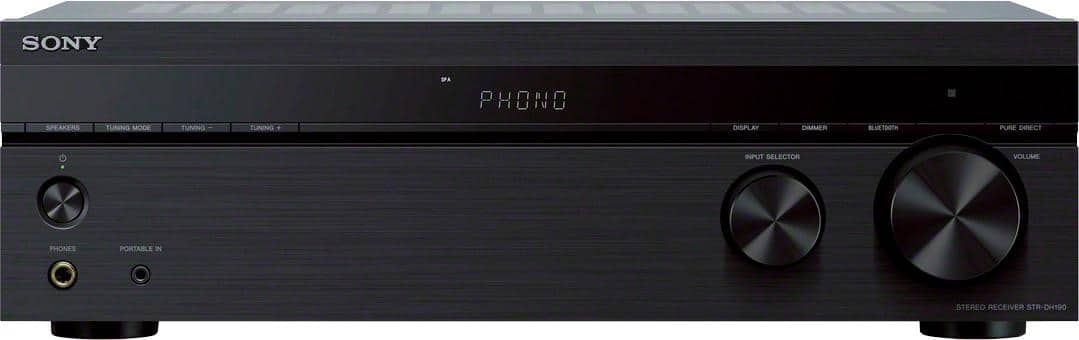
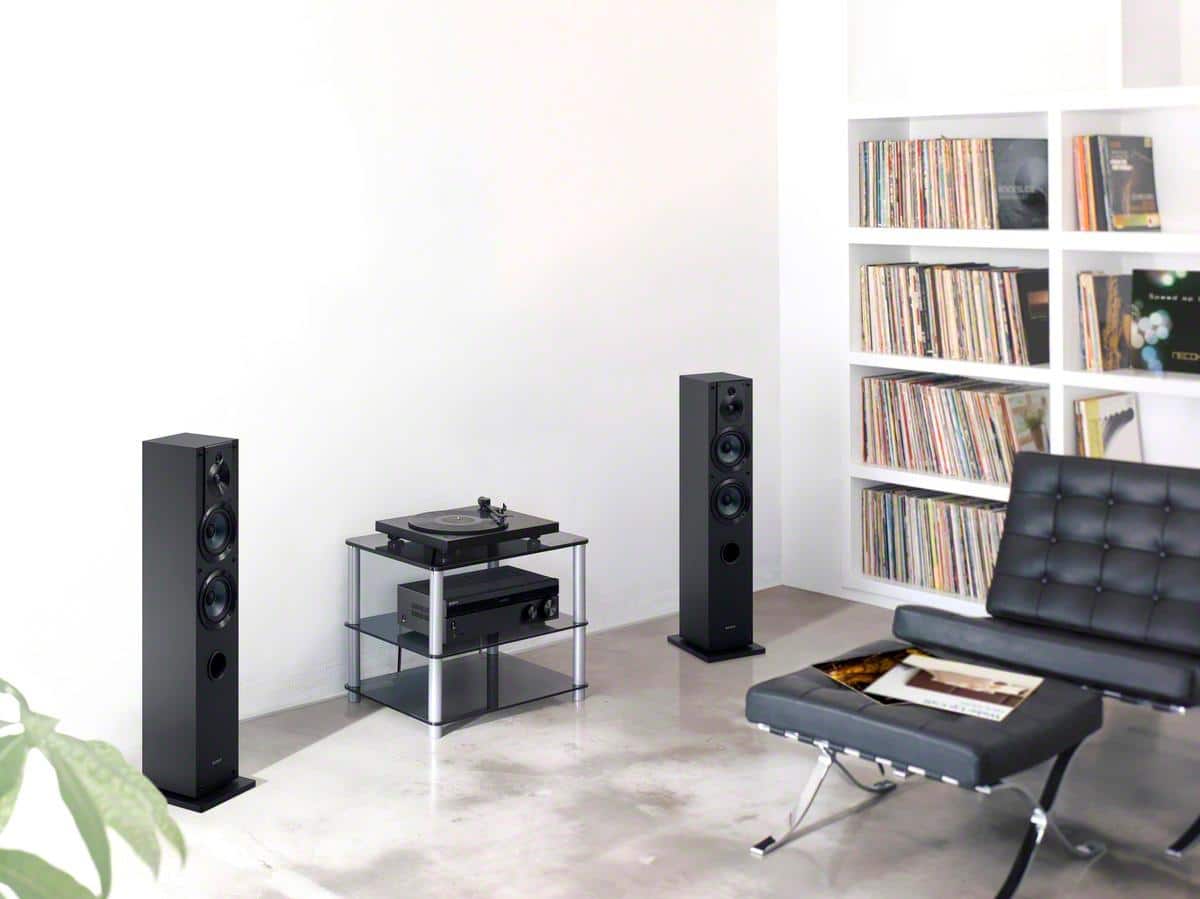
A:AnswerHi Marko, Yes, you can. Make sure to connect your turntable to the phono input of the receiver.
Note: When you connect a turntable with a PHONO/LINE switch, be sure to set the PHONO/LINE
switch to PHONO. -Sam
A:AnswerThe receiver has up/down tuning buttons so you can find any station, just like turning and analog dial. You can add it to the presets memory if you like. I really like this receiver.
A:AnswerHi Erik, Yes, it will definitely connect to the STRDH190. Make sure you're connecting your CD changer to the AUDIO IN port of the receiver. -Sam
A:AnswerHi Pele, We regret to hear about this. Please try to press the DIMMER button for the display panel to appear. If you are unable to resolve your concern, please email us at socialsupport@am.sony.com with the following details:
Name:
Bestbuy Username:
Model Number:
Issue:
Telephone Number:
Sincerely,
Sam
A:AnswerHi Nikolaus, This receiver requires speaker wire to connect your speakers. As long as your speakers are within the impedance rating of 6 to 16 ohms then they should work. -Sam