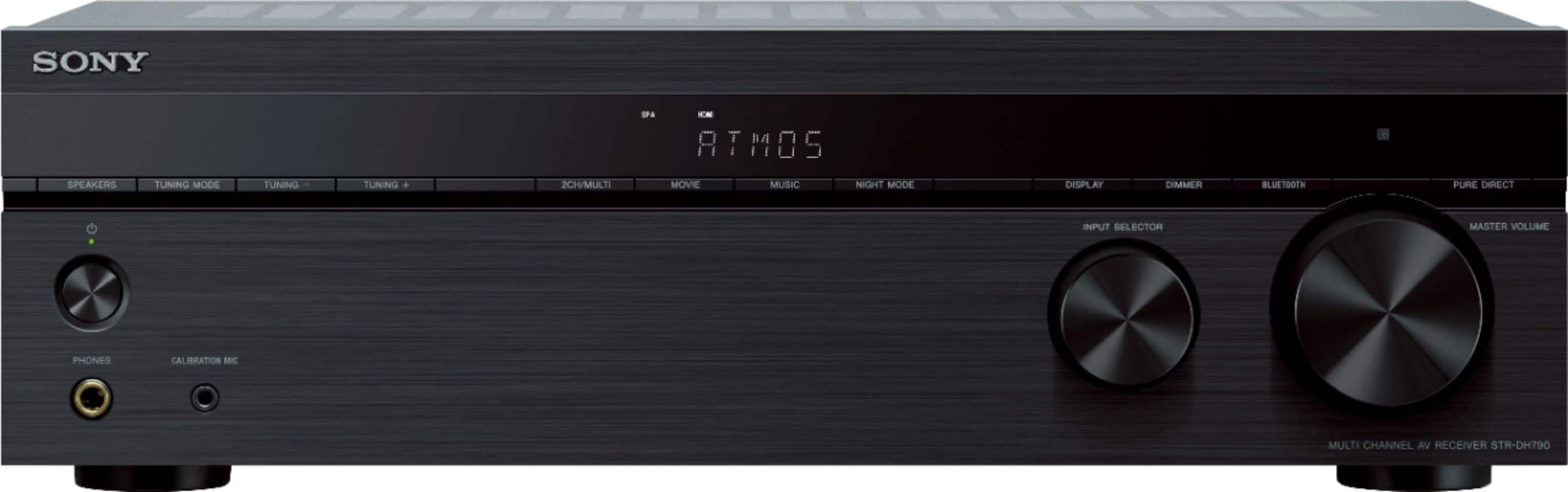
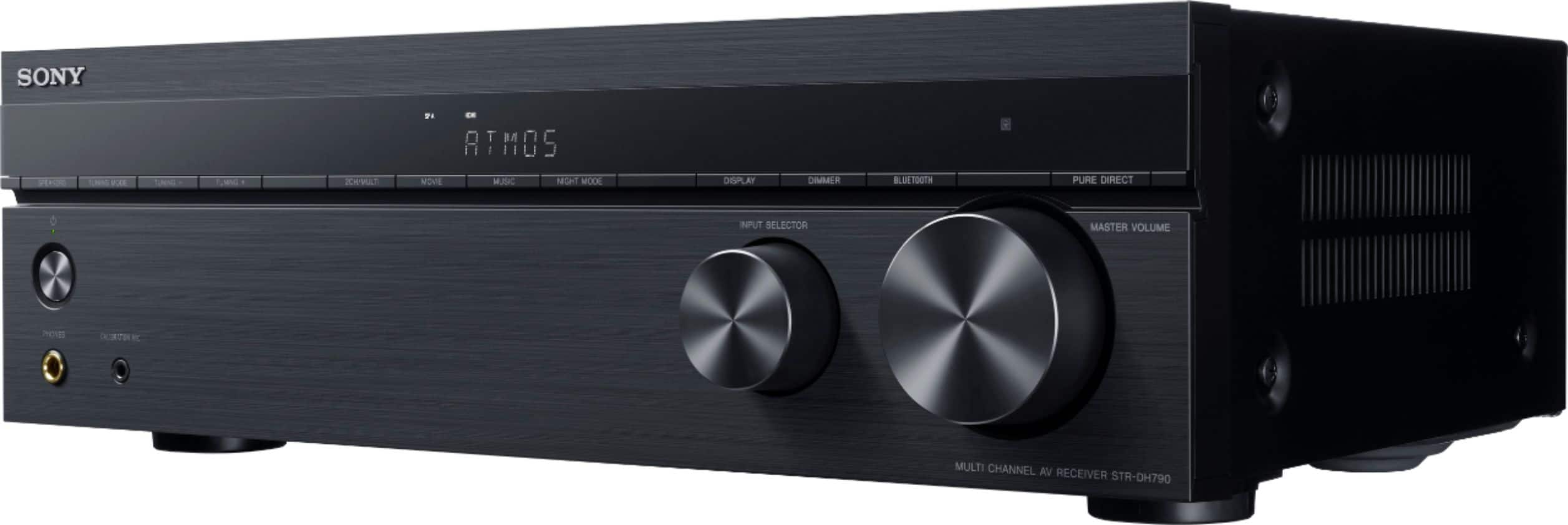
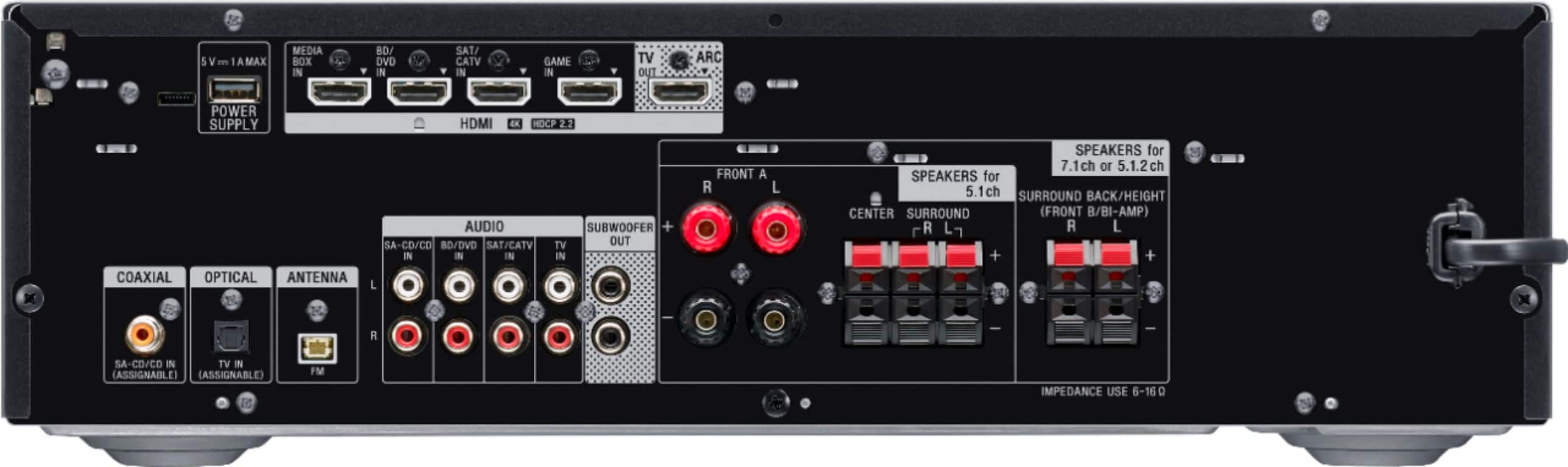
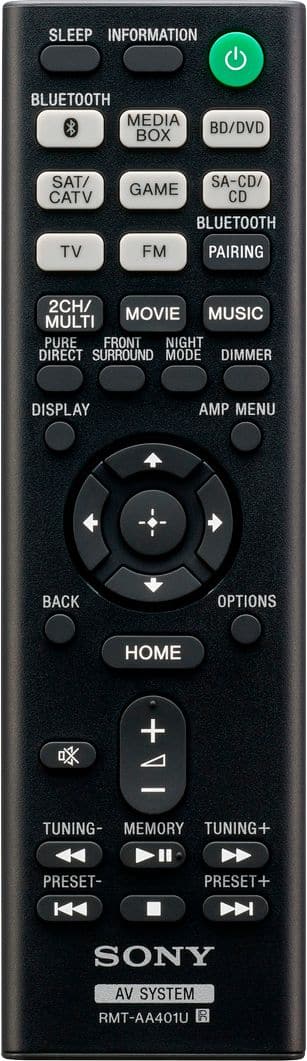
A:AnswerHello, Picasso4! Yes, you can enjoy audio content from the devices to the receiver without connecting to a TV. However, you'll be needing to connect the receiver to a TV to access the user interface and to maximize its feature. Thank you! - Romeo
A:AnswerIf you use the HDMI cable (ARC) it will. Cable HDMI to the receiver and the ARC out into your TV. Make sure your tv settings for ARC is set too.
A:AnswerRun the setup that came with the microphone. Afterwards you may be able to adjust each channel separately under audio menu. The rear will not be as loud regardless unless you place the unit in five channel stereo. Hope that helps.
A:AnswerHi Geno,
For the repair of your AV receiver, you can contact our service center using this link below.
https://us.esupport.sony.com/support/s/service?language=en_US
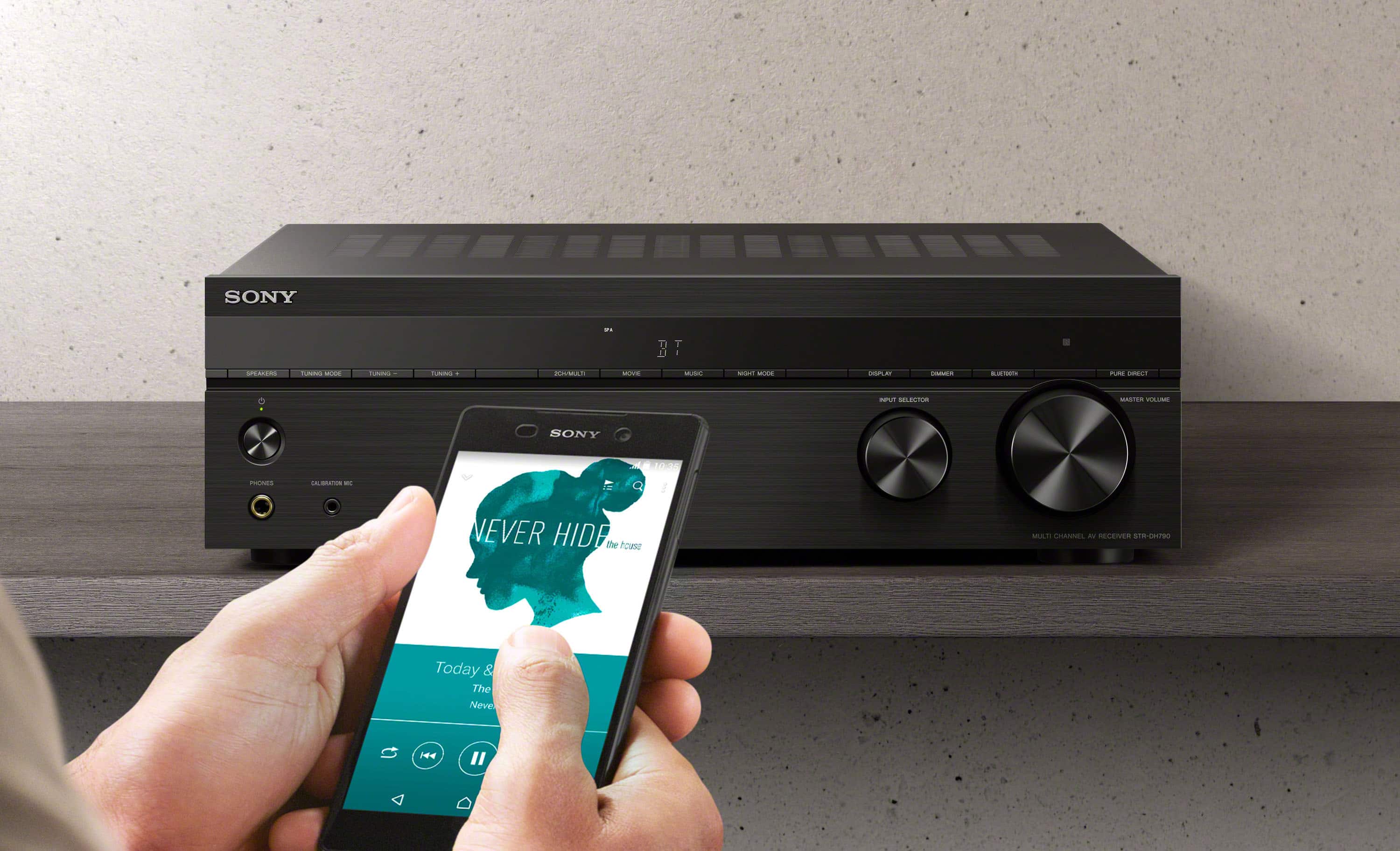
If you wish to upgrade we do have variety of choices for AV receivers. The STRDH790 or STRDN1080 will be the best option for STR-DN850 replacement. Visit our Sony website for more information.
https://www.sony.com/electronics/home-theater/t/av-receivers
Regards,
David
A:AnswerHi LienaD thanks for your question. The HP 2CH means Headphone(2ch) sound field. This sound field plays back 2-channel audio signals without adding any surround effect. Sound from monaural and multi-channel audio signals are output after being converted into a 2-channel signal. Please check page 41 of the manual for more details: https://www.sony.com/electronics/support/res/manuals/4726/890436b47fd2ffcc4003f34dc5f2592c/47269051M.pdf
Regards,
Erin
A:AnswerHi Wesgood1030,
The max it can do is 5.1.2-channel using top middle speakers or 7.1-channel using surround
back speakers. See page 16 from this link for details.
https://www.sony.com/electronics/support/res/manuals/4726/890436b47fd2ffcc4003f34dc5f2592c/47269051M.pdf
Regards,
David
A:AnswerJust checked. It’s always on. Quickly went through the settings to see if it was configurable and did not find an obvious option to control the USB port.
A:AnswerHi there, Yes, you can connect your powered/active subwoofer to the subwoofer out input of the Receiver. And, yes. An FM wire antenna (aerial) is an included accessory. -Sam