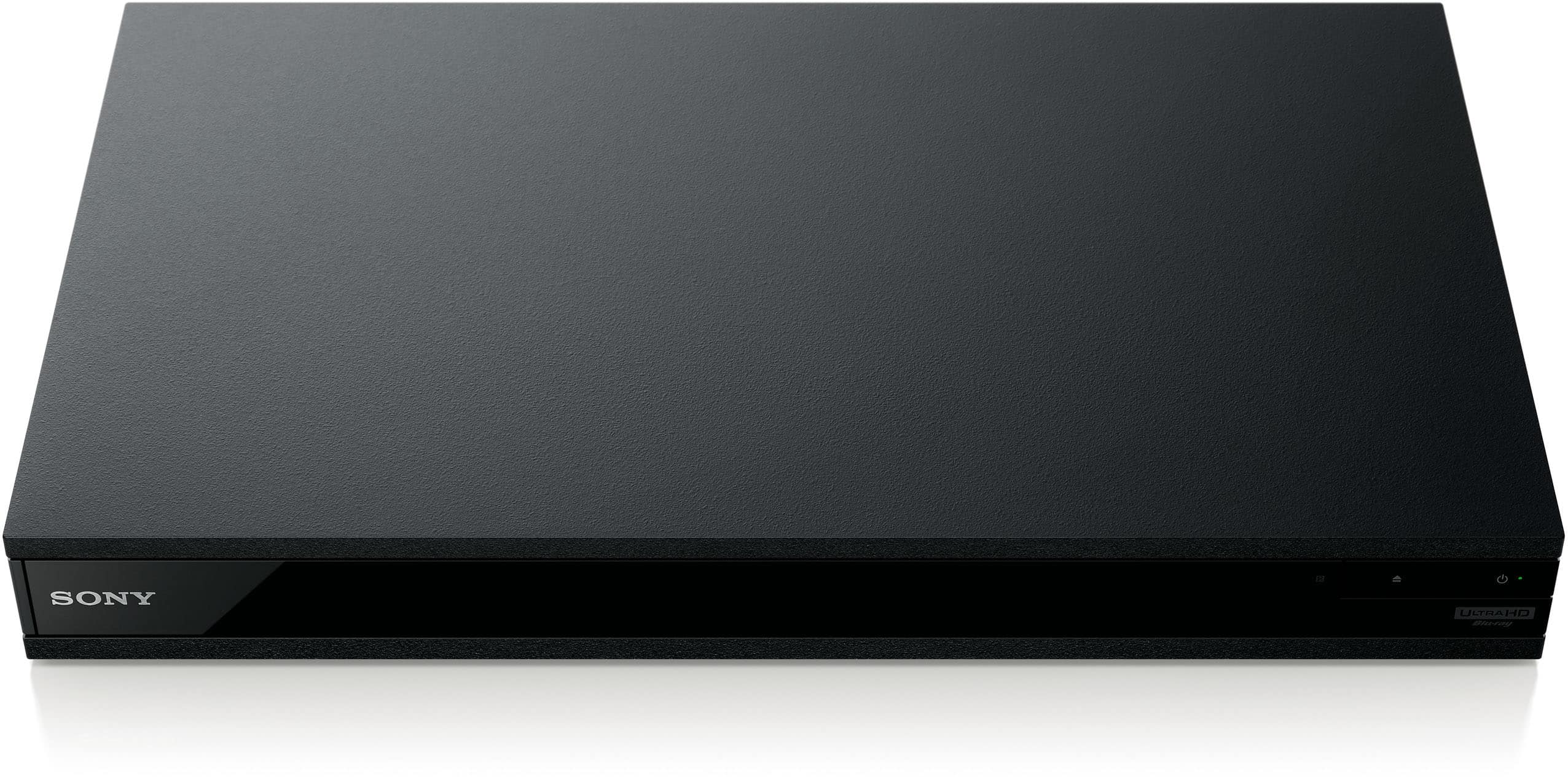
A:AnswerI believe you will only get whatever is the lowest quality of all the components connected. Example Blue Ray is playing a Dolby vision capable movie, but tv only HDR capable , you'll only get HDR displayed on tv. It's usually always what ever is the weakest link in the chain of components is what you'll get for both audio and video.
A:AnswerYes sony has video & tv Sideview and work just fine you just have to be at same wifi and pair at first your phone gonna display the same layout bottom of the remote works for the tvs and the receiver in my case dn1080
A:AnswerIt depends on which version of the Yamaha you have. If it was released in the past year or two, then more than likely yes. If older, likely not. It is dependent on whether your receiver supports HDCP 2.0 or greater AND can pass this through the receiver.
A:AnswerHi, Gibber! Yes. This Blu-ray player supports regular DVDs. For the list of supported media, please visit this link: https://docs.sony.com/release//SPECS/UBPX800M2_mksp.pdf. -Vincent
A:AnswerThe same apps should be available. Most people are likely hooking this up to a smart tv and using apps through that but I do see Netflix available on mine. The player can be updated over the internet to maintain compatibility with any apps, which are fairly simple to run. The main advantage of using this player is to watch uncompressed media such as blu rays or 4K blu rays.
A:AnswerFor better audio results can you go to audio settings! Audio mix settings you can turn it off. Active DSEE HX. You will get clearer audio. These settings helped me get better audio
A:AnswerFrom the manual:
Ultra HD Blu-ray, BD-ROM, BD-R*2/BD-RE*2
DVD-ROM, DVD-R/DVD-RW, DVD+R/DVD+RW, DVD AUDIO *4
CD-DA (Music CD) , CD-ROM, CD-R/CD-RW, Super Audio CD
*1 Since the Blu-ray Disc specifications are new
and evolving, some discs may not be playable
depending on the disc type and the version.
The audio output differs depending on the
source, connected output jack, and selected
audio settings.
*2 BD-RE: Ver.2.1, BD-R: Ver.1.1, 1.2, 1.3 including
organic pigment type BD-R (LTH type). The
BD-Rs recorded on a PC cannot be played if
postscripts are recordable.
*3 A CD or DVD disc will not play if it has not been
correctly finalized or the disc is not in
Mastered disc format. For more information,
refer to the instruction manual supplied with
the recording device.
*4 Some DVD AUDIO discs have hidden group
and need password entry. Refer to the disc for
the password.
A:AnswerHello, Sticky!
Unfortunately, Sony does not sell/manufacture region free BluRay / DVD players. Any "Region Free" players advertised on the market are a modified unit from a non-authorized Sony retailer. Happy to help!
~Zac
A:AnswerI have a UHD TV capable of displaying Dolby Vision HDR content, not all display devices can.
Any video content that offers Dolby Vision looks MUCH nicer than non-HDR or just HDR10.
It is easily noticeable.
So, yes!
A:AnswerThis player is definitely NOT region-free for Blu-ray discs only. It can only play discs from region A.
4K discs, however, do not have region codings so they are region free.
A:AnswerMake sure your television and/or receiver is capable of passing Dolby Atmos to your surround speakers. Make sure Bitstream Dolby Digital is selected in the optional decoding choices from the menu system in your Blu-Ray Player. Make sure the Blu-Ray Disk source that you play was recorded/created with Dolby Atmos and not just Dolby Digital/HD, DTS etc....and most of all if you're using 4K HD components make sure your using certified high speed with ethernet HDMI cables rated for at least 18Gbps.
A:AnswerI understand but sony xr90k have 1 earc hdmi input, 2.1 hdmi port and 2.0 hdmi ports, will sound everything ok if connect some of this to 2.0 port, thanks
A:AnswerYes of course. ALL Blu-ray players including 4K players play standard (SD) DVDs and (HD) 1080p Blu-ray as well as 4K Ultra HD Blu-rays as their description title implies.
A:AnswerYes, it can. Put the video in pause. If you hit FF once, it will advance by one frame. If you hold FF down for a few seconds, it will do slow motion and continue it after you release the button. Press Pause again and it will Pause. Press Play and it will start back up. Reverse works the same way.
My only negative on the system is that it can't play DVD-RAM, of which I have and extensive collection.
A:AnswerYes.
The SONY UBP-X800M2 plays Ultra HD Blu-ray discs, 3D and standard Blu-ray discs, SACDs, DVD-Audio, DVDs, CDs and rewriteable discs.
From the SONY specifications for this unit:
Playback Capability
DISC
Ultra HD Blu-ray, BD-ROM, Stereoscopic 3D (profile 5), SA-CD (SA-CD/CD) Playback, DVD-Video, DVD-Audio, DVD-R, DVD-RW, DVD-R Dual Layer, DVD+R, DVD+RW, DVD+R Double Layer, CD (CD-DA), CD-R/-RW
A:Answer"1. Does this unit include cables/accessories necessary for hook up to any smart TV? Yes 2. Does this have a multi-disc changer? No If not, what is comparable with multi-disc changer? Not sure 3. Will this takes CDs too? Yes 4. need basic DVD with HD Hi-Resolution?" I am unsure what you are asking with this question.