A:AnswerYou don't need to pay for a Roku account to use this TV. There is a "Premium" version of ROKU that has things like recent movies and some certain TV shows, but there is a TON of content you can see for free. I'm not a premium ROKU subscriber, and this TV has bee great for me anyway.
A:AnswerIn order to use the smart features of this TCL Roku TV, you would need to complete the guided setup. This includes connecting to the Internet via WiFi, creating a Roku account (completely free), and activating the TV (completely free). However, if you just want to use this TV as a traditional TV by connecting external devices through the various inputs and not use the smart features, you can elect to not connect this TV to the Internet at startup. You will still have access to all of the inputs and features of a traditional TV. Hope this helps! Thank you, TCL Customer Support
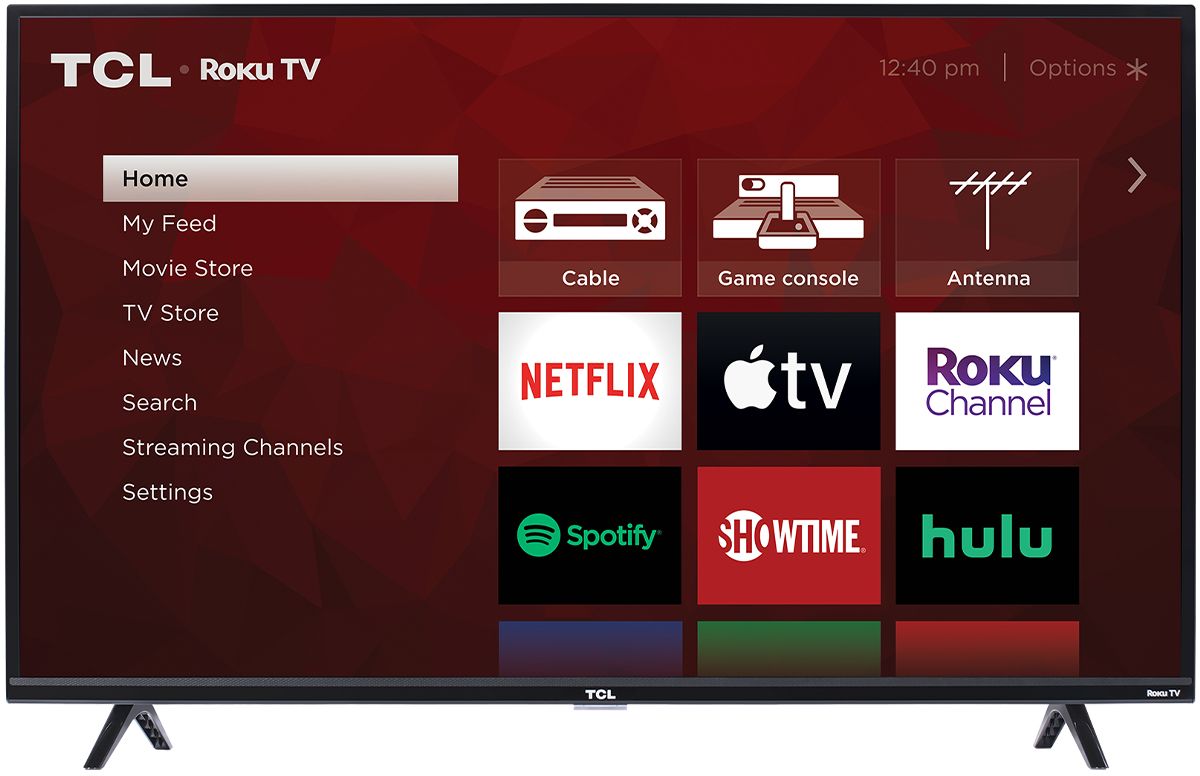
A:AnswerAbsolutely! This Standby LED can be turned off. In order to do this you would go to Home>Settings>System>Power>Standby LED>OFF. Hope this helps! Thank you, TCL Customer Support
A:AnswerYes, this TV will work great with Direct TV, or any other cable TV service. You don't need to have the internet set up as long as you can get a cable from a cable box to the TV.
A:AnswerAbsolutely! In addition to the smart features, you will still have access to all of the TVs inputs and features of a traditional TV. Hope this helps! Thank you, TCL Customer Support
A:AnswerThis particular model was originally launched at the end of 2018, and continued to be produced in 2019. Hope this helps! Thank you, TCL Customer Support
A:AnswerNo camera watching you but the Roku software will track your purchases and viewing habits and try to suggest movies to buy in the home page of TV as targeted ads if you don't opt out when setting up
A:AnswerIn order to use the smart features of this TCL Roku TV, you would need to complete the guided setup. This includes connecting to the Internet via WiFi, creating a Roku account (completely free), and activating the TV (completely free). However, if you just want to use this TV as a traditional TV by connecting external devices through the various inputs and not use the smart features, you can elect to not connect this TV to the Internet at startup. You will still have access to all of the inputs and features of a traditional TV. Hope this helps! Thank you, TCL Customer Support
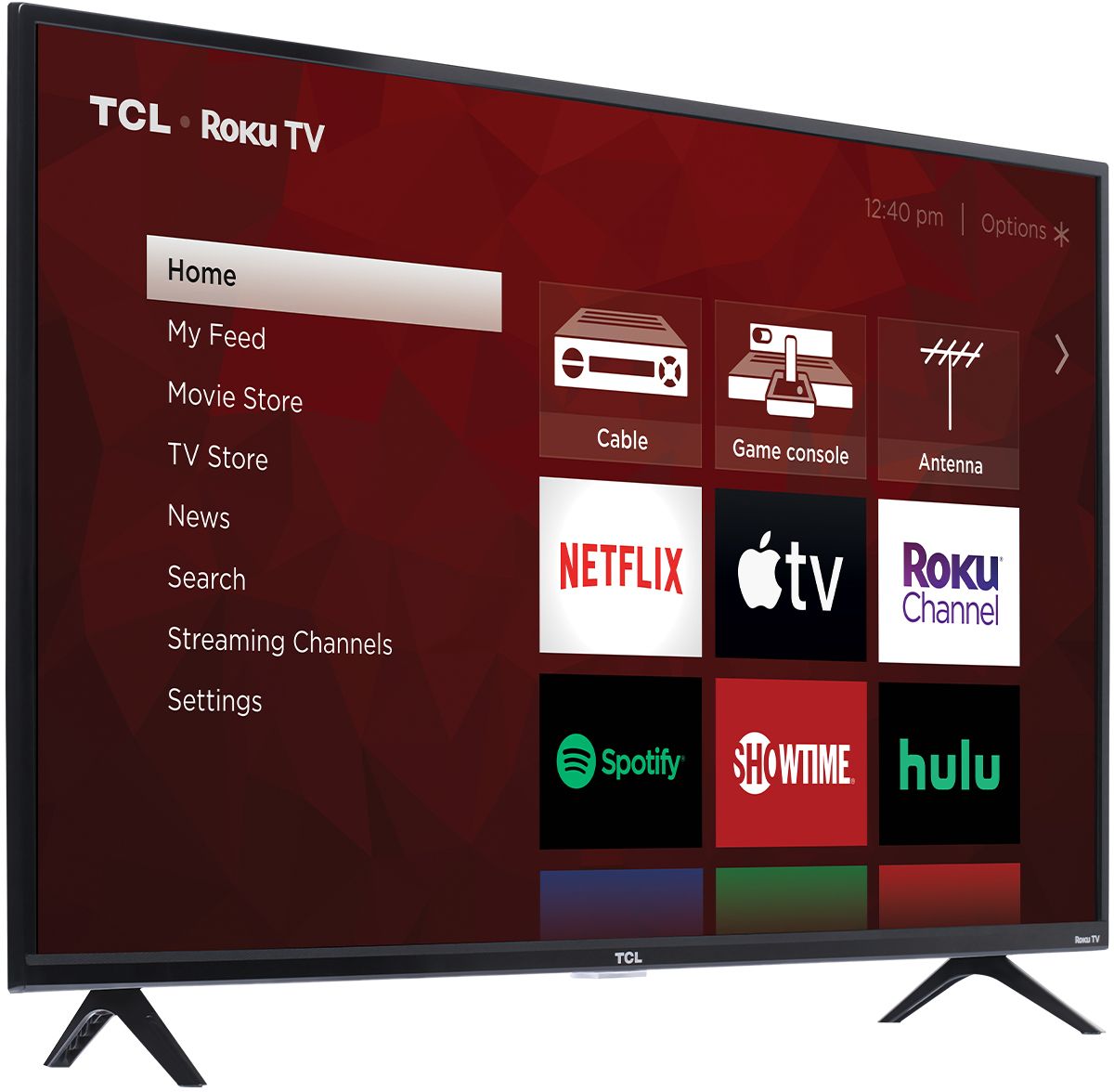
A:AnswerThis TCL Roku TV does feature a 'sound leveling' setting that can be found in the Options menu. Hope this helps! Thank you, TCL Customer Support
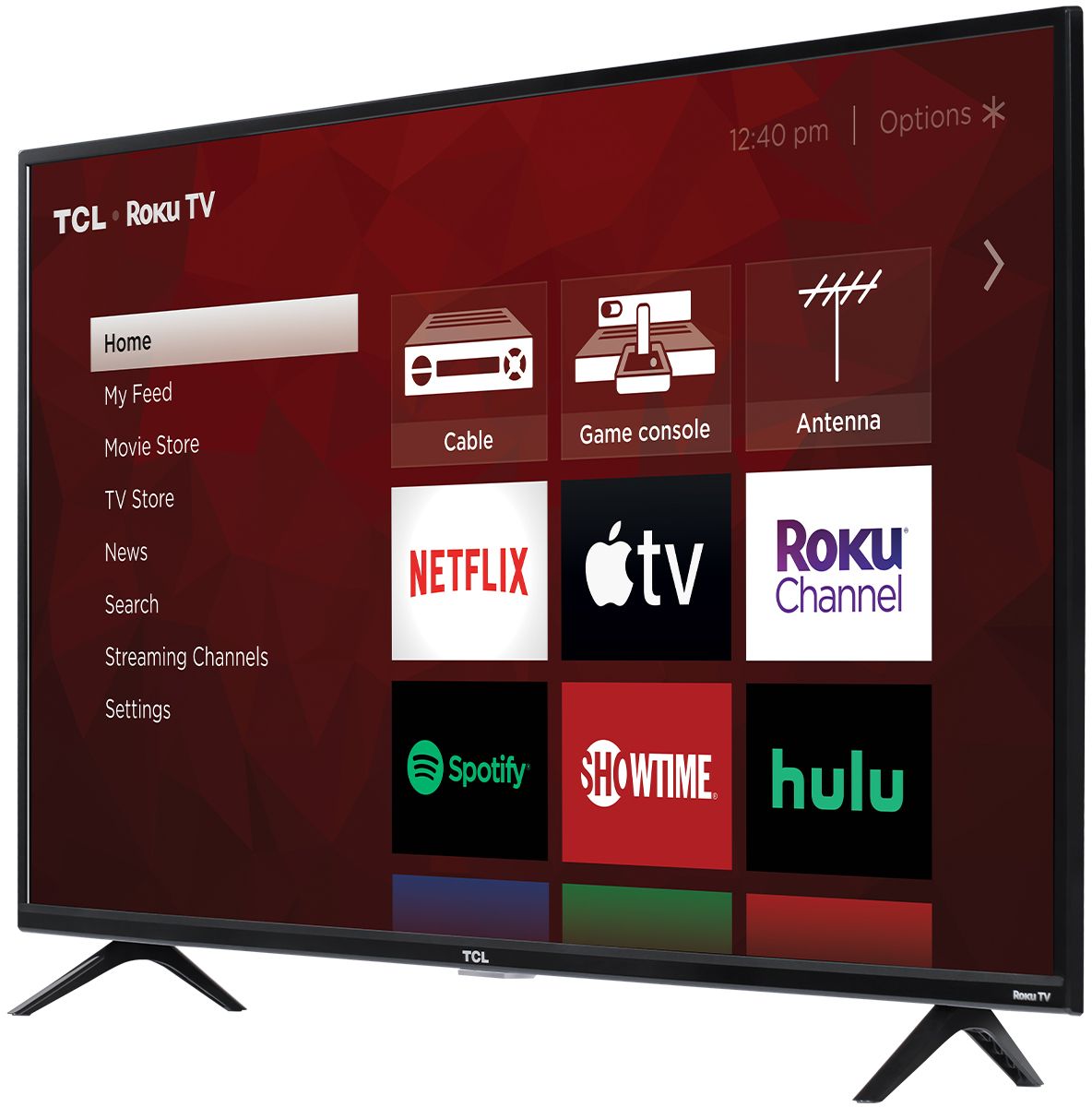
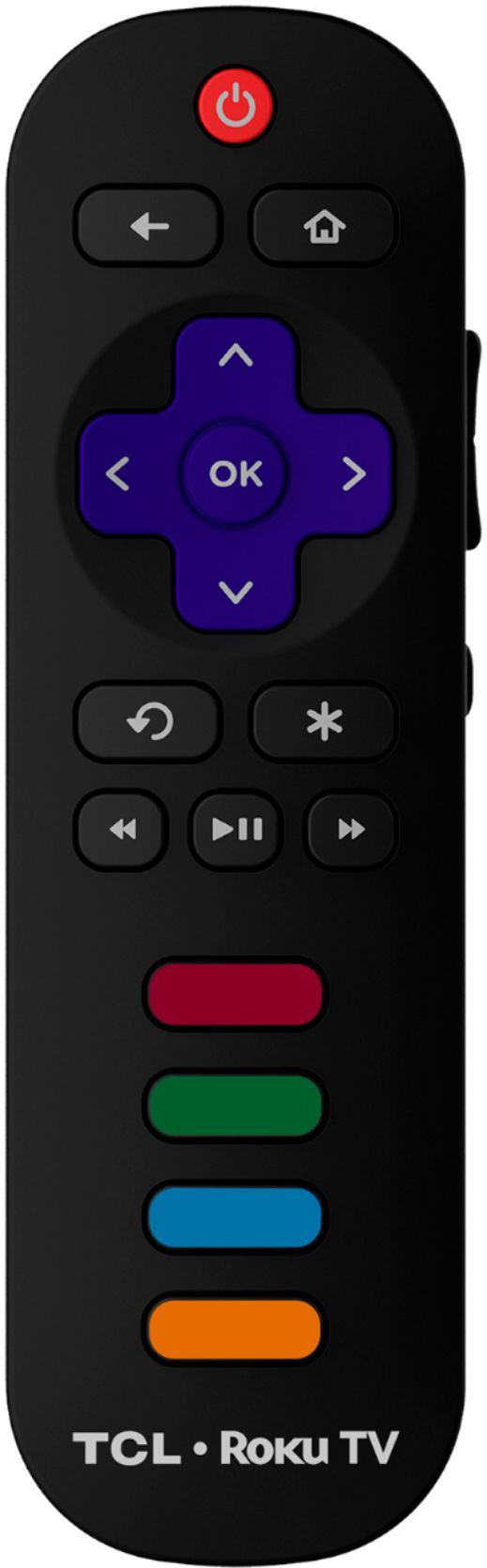
A:AnswerThe remote that comes with the TV is designed to be simple and still be able to control the functions of the TV. Currently, our smart TVs do not support the direct input of channel numbers. However, if your TV is connected to the Internet, you can press the left arrow key to populate a channel guide and navigate channels this way. Additionally, you can enable "favorites" for over the air channels so that your most watched channels will automatically appear towards the top. To enable favorites you would go to Home>Settings>TV inputs>Antenna TV>Favorite Channels>Enable. Hope this helps! Thank you, TCL Customer Support
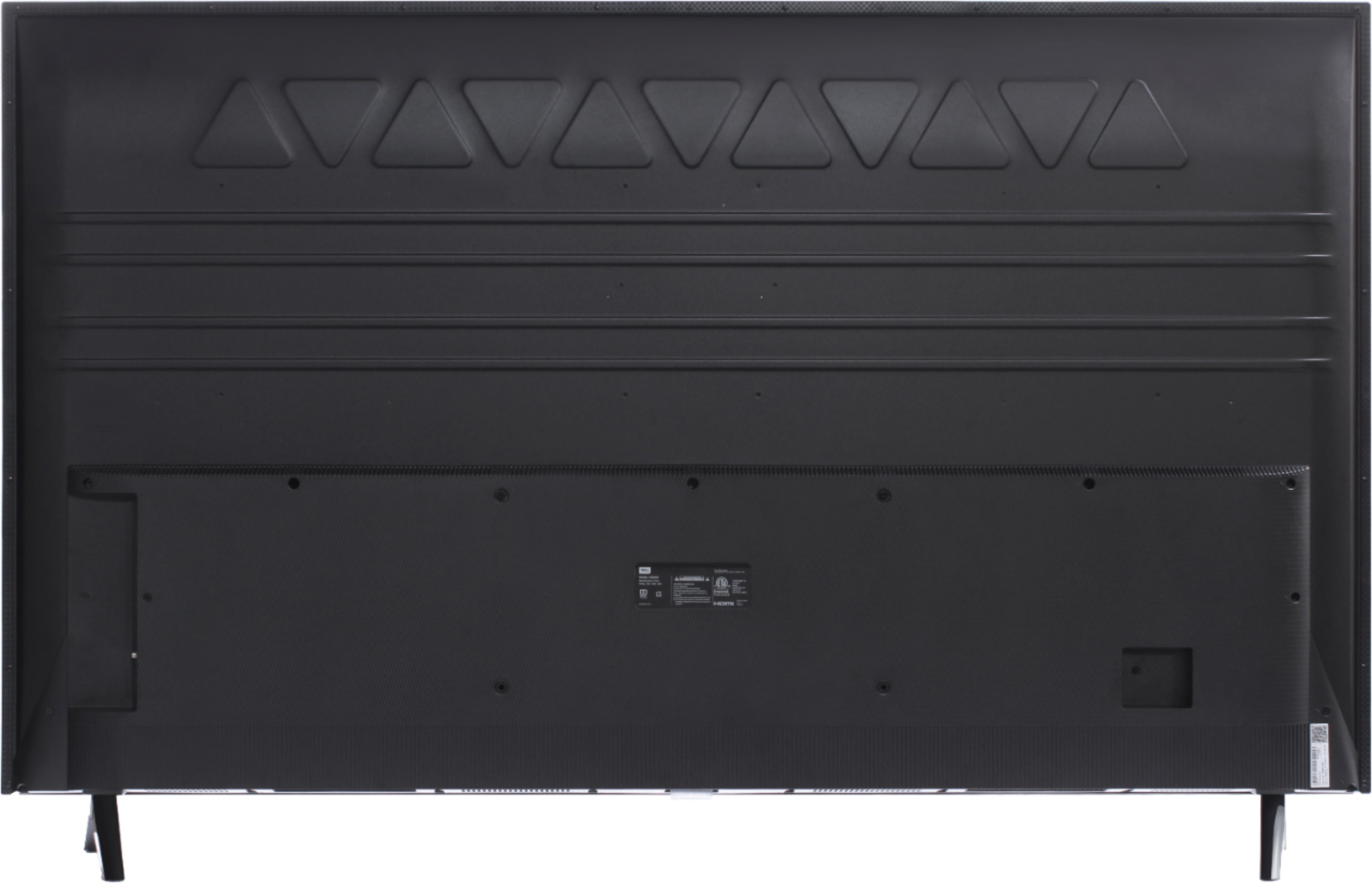
A:AnswerOur TCL Roku TVs do not currently support Bluetooth. However, you can download the free Roku app on your smart phone or tablet to use voice search, voice control, and experience private listening. To enjoy private listening you simply click private listening in the app, and attach headphones to your smart phone or tablet. Or you can use the 3.5 mm headphone jack in the back of the TV to connect standard headphones. Hope this helps! Thank you, TCL Customer Support
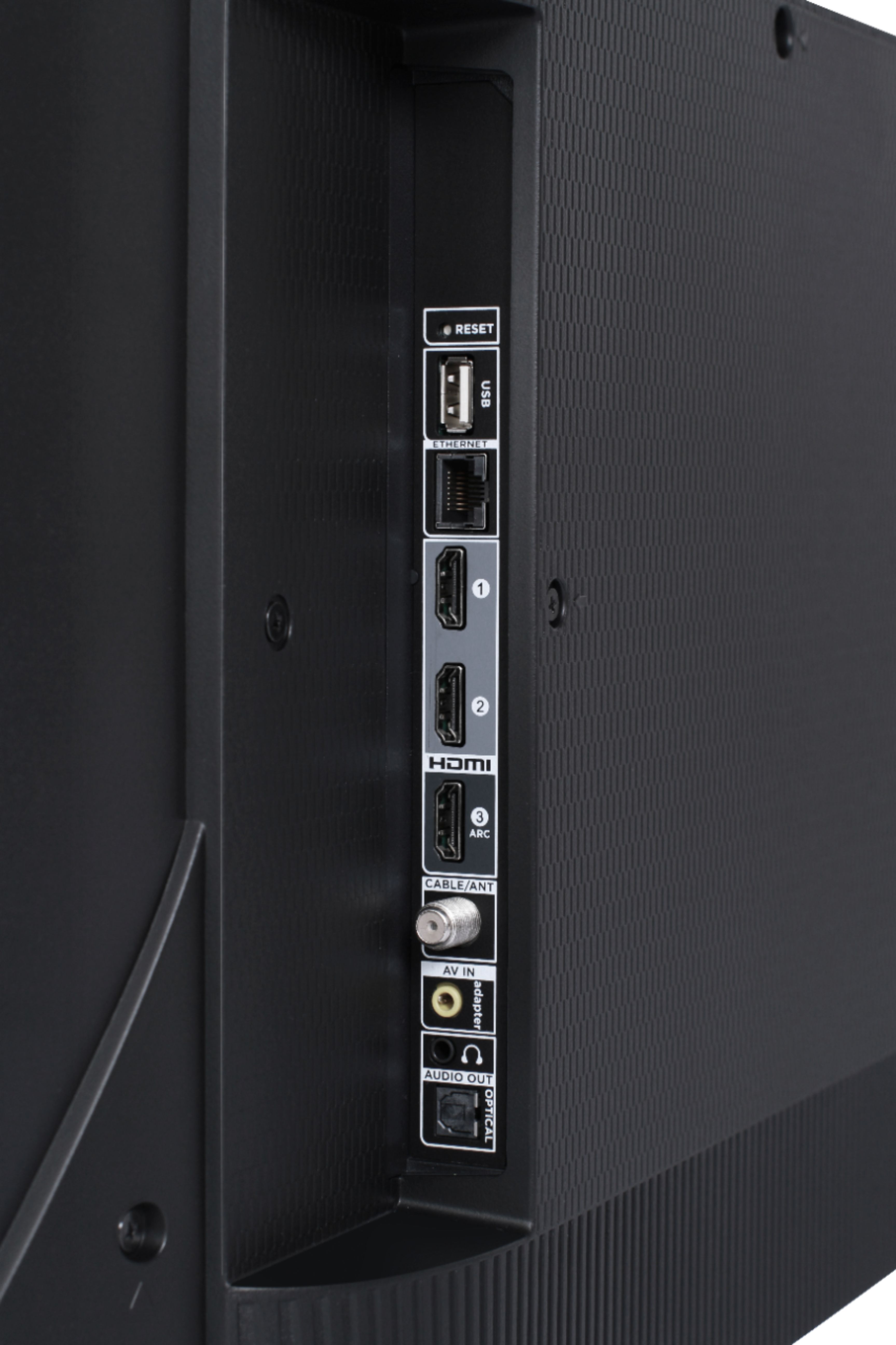
A:AnswerThe composite connection for this TCL Roku TV is a single input located between the coaxial input and the Headphone Jack. The TV comes with an adapter to connect the traditional red/white/yellow cables you are used to seeing. Hope this helps! Thank you, TCL Customer Support
A:AnswerYes - I use a similar 43 4K television for my computer monitor. If you use WIndows 10 you can also use night mode to dim automatically at dusk or you can set the time. I use mine with a PC, laptops, and with Macs. They all work great. Highly recommend 4K televisions for monitor. Best bang for the buck.
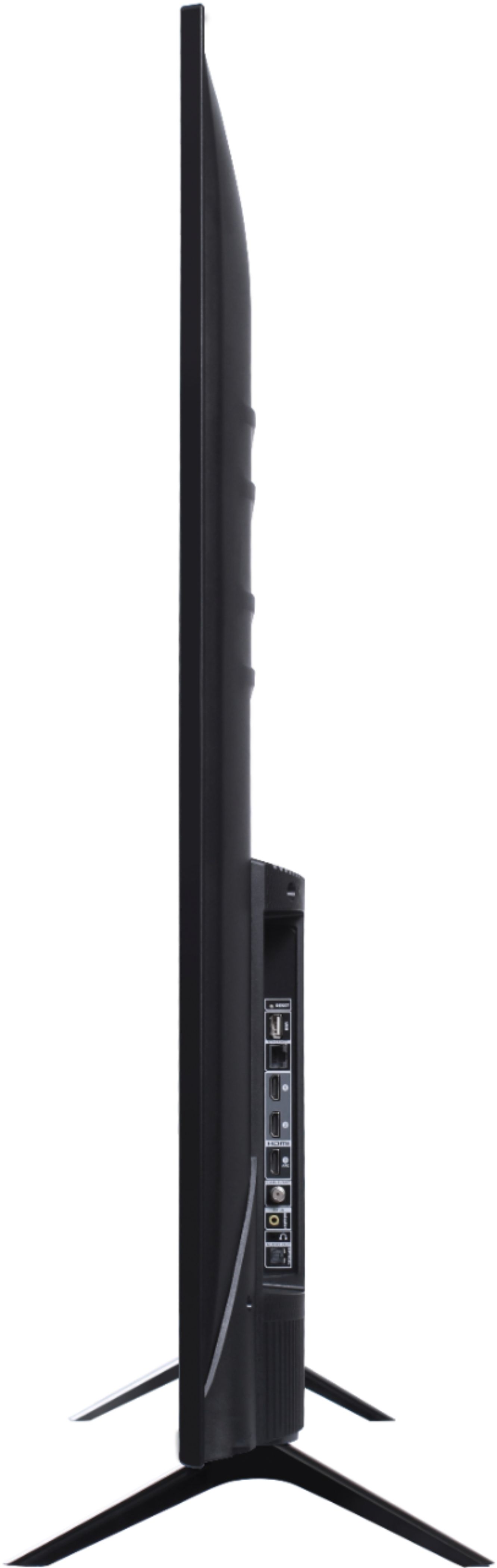
A:AnswerThe dimensions for this TV with the feet attached are as follows: (W x H x D) 38.2" x 24.5" x 7.6". Hope this helps! Thank you, TCL Customer Support