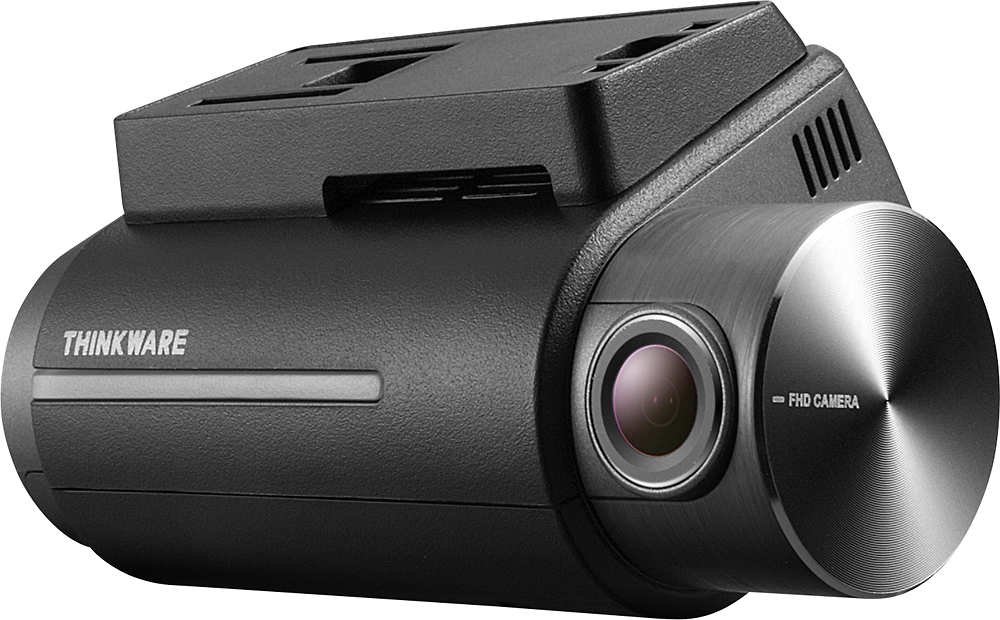
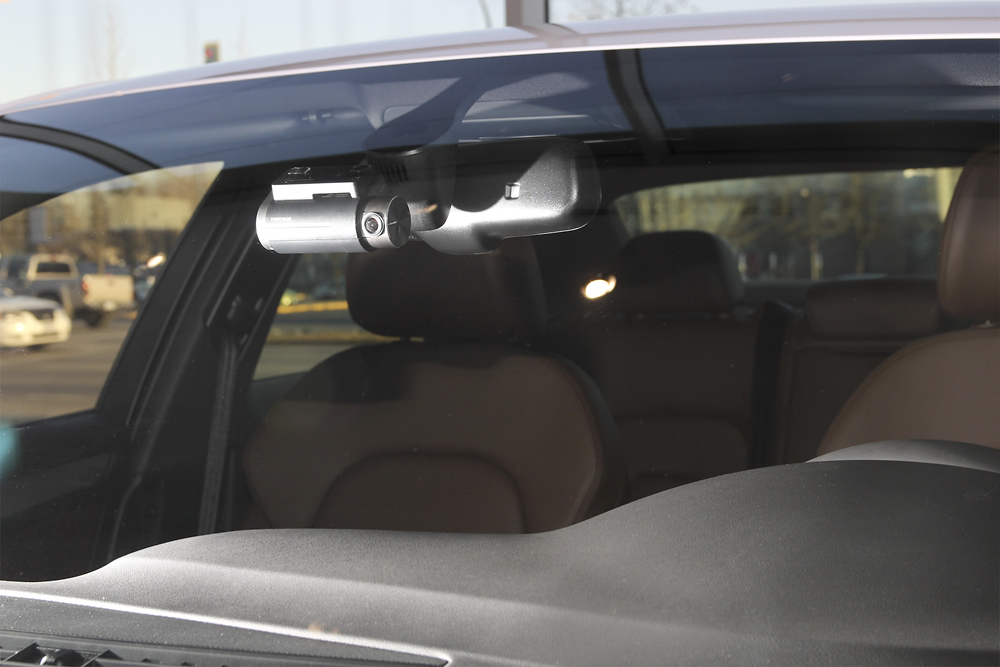
A:AnswerHi there! The dash cam operates like a side mirror or back-up camera where "objects in dash cam are closer than they appear". If you have further questions, please contact us directly by email ([email protected]) or phone (1-844-865-9273). Kind regards, Thinkware Customer Support
A:AnswerHi there,
You can not turn off the voice guidance on the settings on the PC Viewer to disable the voice guidance. Put the micro SD card into the computer and open the Thinkware PC Viewer and open settings. Click system settings and turn 'Voice Guidance" off.
Feel free to contact us directly by email ([email protected]) or phone (1-844-865-9273). Kind regards, Thinkware Customer Support
A:AnswerHi Paul,
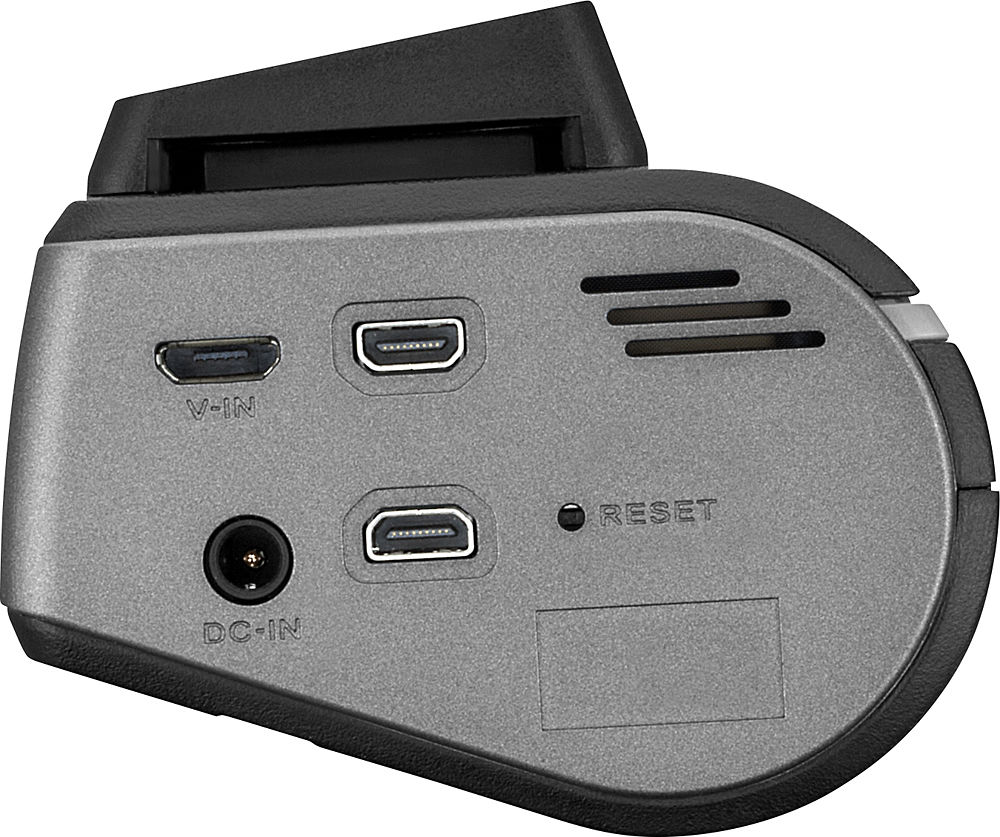
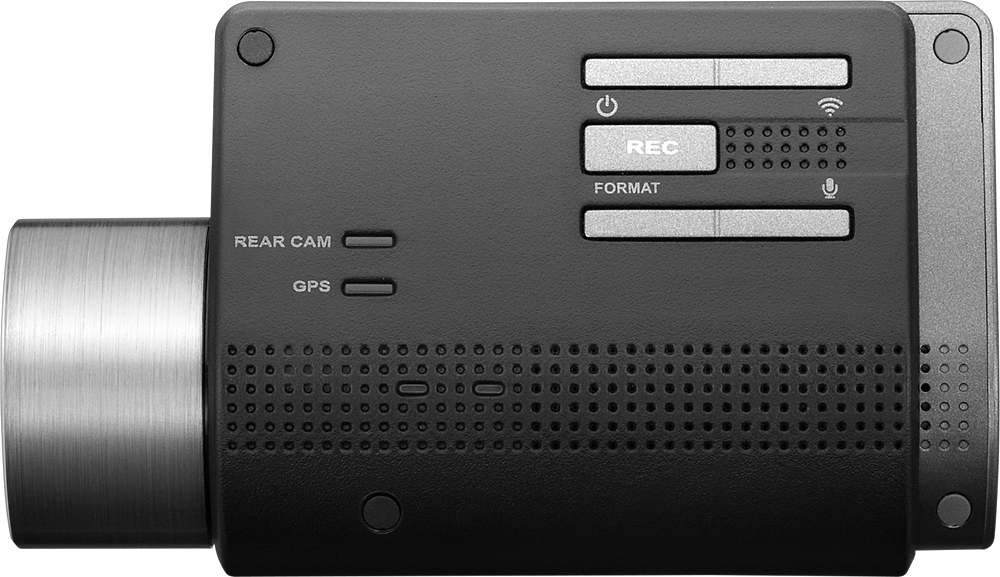
You can press the "Format" button on the back panel of the dash cam to disable the alert. Please note that the dash cam will still remind you to format every couple weeks but you can easily disable the alert with the format button.
Kind regards,
Thinkware Customer Support
A:AnswerThe rear facing camera is sold separately and you will need to get the rear camera installation kit too. This is mainly the cable to connect the 2 units. I had Best Buy do the installation and it only took about 1 1/2 hours.
A:AnswerHi there! The F750 has a built-in GPS tracker, which will record footage along with the speed and location details. To review footage in its full GPS details, you will need to use the PC Viewer software that we provided along with the dash cam. If you have further questions, please do not hesitate to contact us directly by email ([email protected]) or phone (1-844-865-9273). Kind regards, Thinkware Customer Support
A:AnswerHi there! When the DST (Daylight Savings Time) option is enabled, the adjustment is effective immediately upon the setting change. Please check to see if you have the correct time zone for your location. If you require additional assistance, we can be contacted directly by email ([email protected]) or phone (1-844-865-9273). Thinkware Customer Support
A:AnswerHi there! Yes, the timer will reset each time the dash cam switches from Parking Surveillance Mode to Continuous Recording Mode. Please note that Parking Surveillance Mode will require hardwiring installation with the Thinkware Hardwiring Cable, which is also available at Best Buy (TWA-SH). Please let us know if you have other questions! Feel free to contact our CS department by email ([email protected]) or phone (1-844-865-9273). Thinkware Customer Support
A:AnswerHi there! The time limit refers to inactivity on the app interface. As this is a more complex inquiry, please contact us directly by phone (1-844-865-9273) or email ([email protected]). Thinkware Customer Support
A:AnswerIt depends on how much motion is recorded. I agree it needs to allow for more parking recording. At work I am in a busy parking lot and it records even less. But it will record impact so lets hope we never run out of impact storage. That is my main concern and it works great for driveway night recording.
A:AnswerI'm thinking if you have the app on your smartphone you can
Go in app and delete previous video that you want need. As most of us guys do WE don't need instructions Ill be the first to admit (still haven't) if you can't get the app from the App Store I'm sure the instructions will explain. In fact I do need to read them. Gary
A:AnswerI can tell you, shortly after I had my unit installed I left it on and recording on a very hot day here in phoenix, AZ (112 degrees), though not on purpose. When I returned it had a blinking red light (my unit is hard wired). I removed it and left it turn off and placed in the glove compartment for about 3-4 hours. Sun had gone down, I reattached to the clip, turned on and worked fine. I did have to reformat the disk, though it was easy as you can do it right from the unit itself. I do not leave the unit attached during the summer, nor anytime for that matter, anymore. The clip that attaches the unit to the receiver on the windshield is very firm and I have problems, nor concerns with pulling on and off when not running. The hardware kit is only $10 extra dollars, and very worth it; as it only adds to the sleek and compact design when installed for discretion.
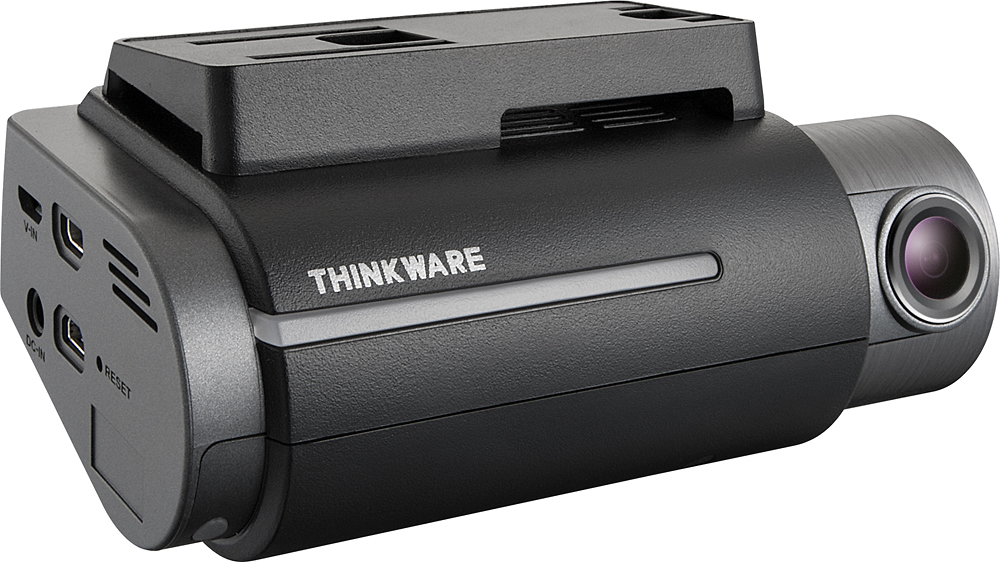
A:AnswerSounds like there is an issue. I haven't had that problem. It did take me a little while to figure out. and im not happy with some of the features. Good luck
A:AnswerHi there! Type C is currently the partition setting that provides maximum Parking Surveillance Mode storage at 15%. While we currently do not have a firmware update that allows increased Parking Surveillance Mode storage, that is a feature that we will be looking into the in the future. We recommend upgrading the MicroSD card for increased storage in high traffic areas. Please contact us directly by phone (1-844-865-9273) or email ([email protected]) if you have other questions. Thinkware Customer Support
A:AnswerHi there! The dash cam likely detected that the voltage level of the car battery was below the threshold set in the "Off Voltage" setting, a battery discharge protection feature. In high traffic areas, there will be more motion triggers to the sensor, which consumes more power and ultimately shortens Parking Surveillance Mode operation. We hope this answers your questions! Please contact us directly by phone (1-844-865-9273) or email ([email protected]) if you have other questions. Thinkware Customer Support
A:AnswerHi there,
The motion detection feature works with the amount of light exposure. If there is a sudden change in the exposure, the dash cam will automatically detect this as an event and trigger the motion detection. In this case, if the person is away from the dash cam's centre focus, the motion detection feature may not work.
If possible, please email our support team ([email protected]) so that we can investigate this inquiry.
Kind regards,
Thinkware Customer Support
A:AnswerHi there. We currently do not have a cloud storage feature. All footage is stored onto a MicroSD card, which can then be reviewed when the memory card is inserted to a computer. Models with built-in Wi-Fi can connect their mobile device to the dash cam and review footage on the mobile app. We hope this answers your question! Please contact us directly by phone (1-844-865-9273) or email ([email protected]) if you have other questions. Thinkware Customer Support