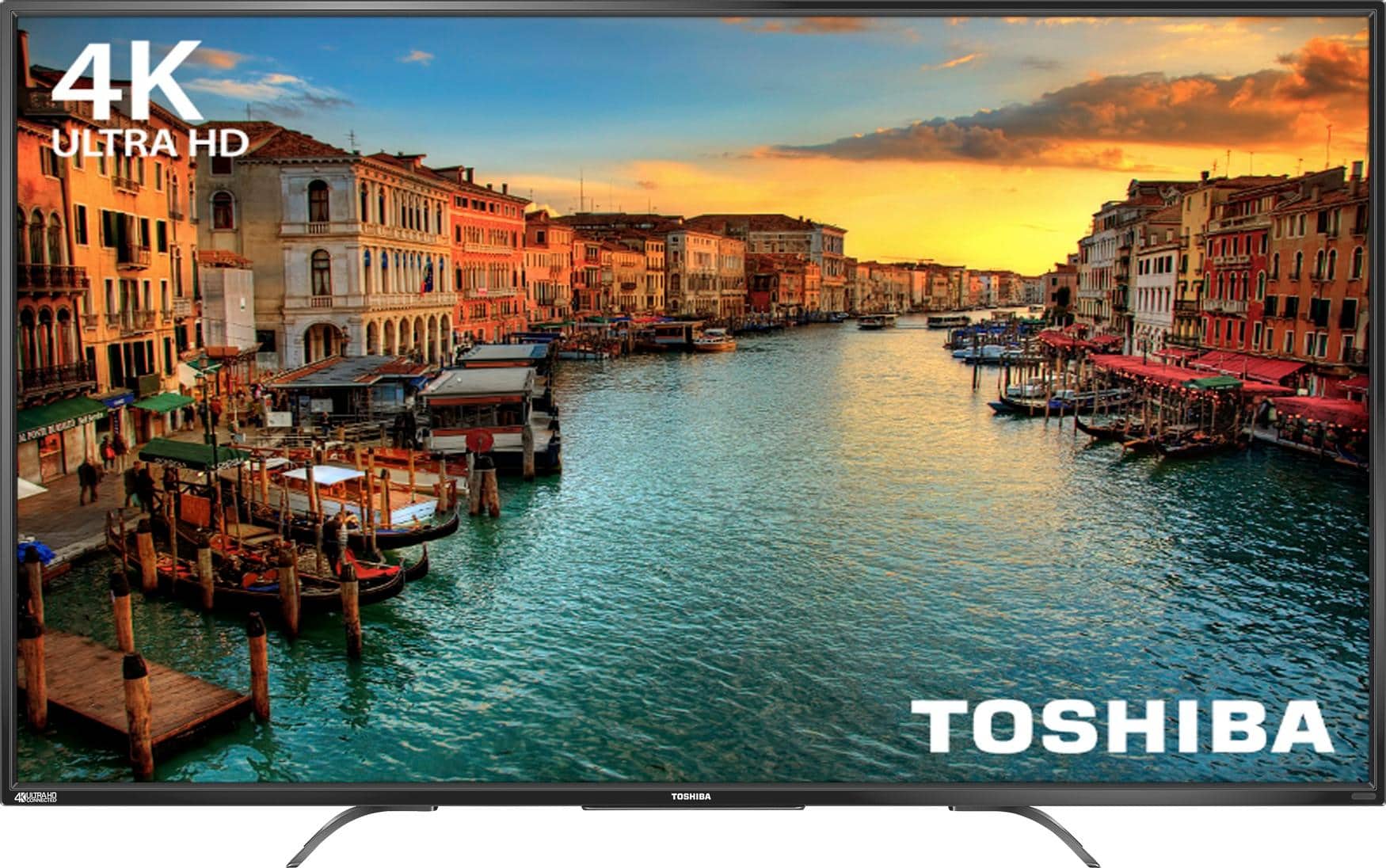
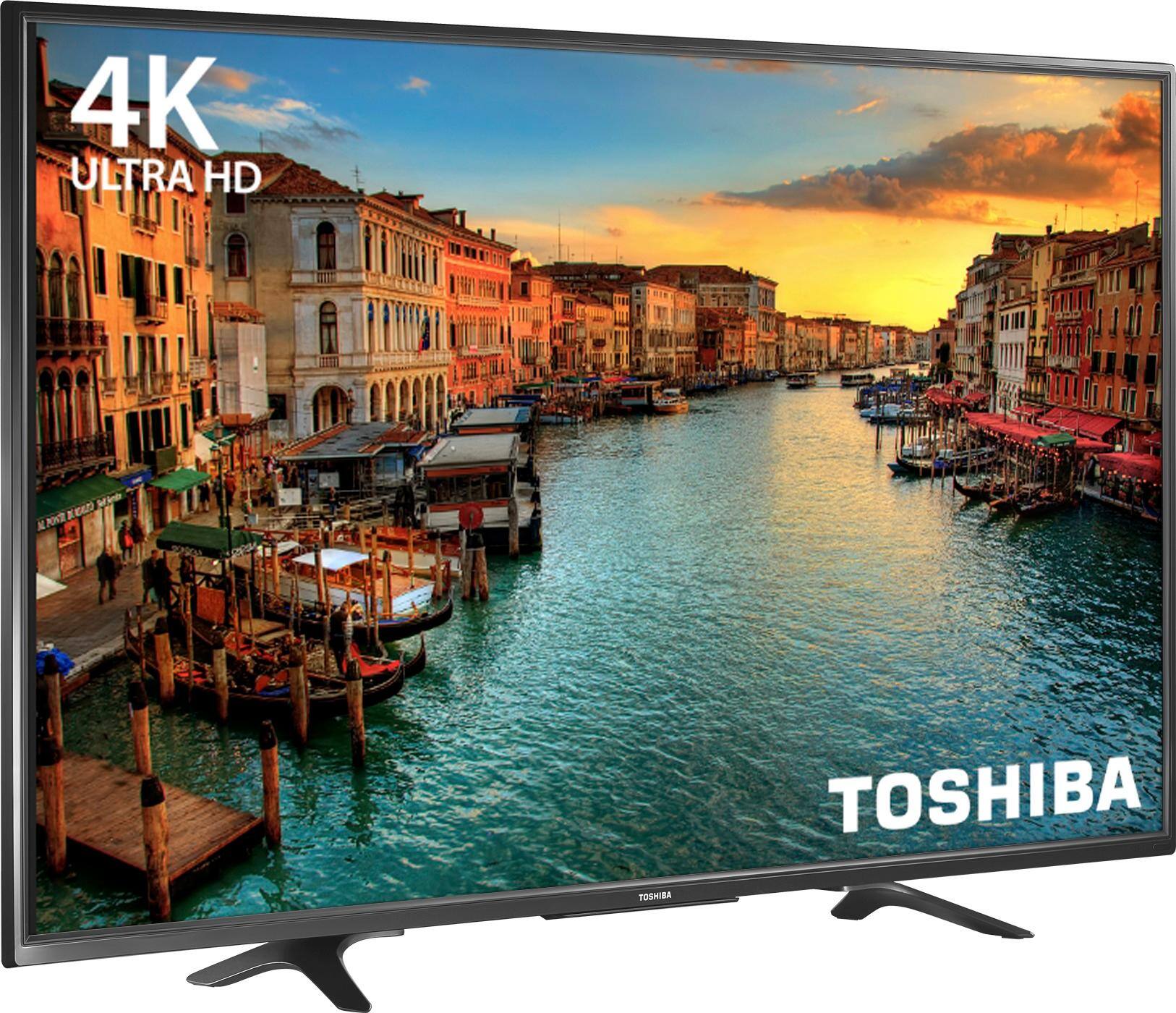
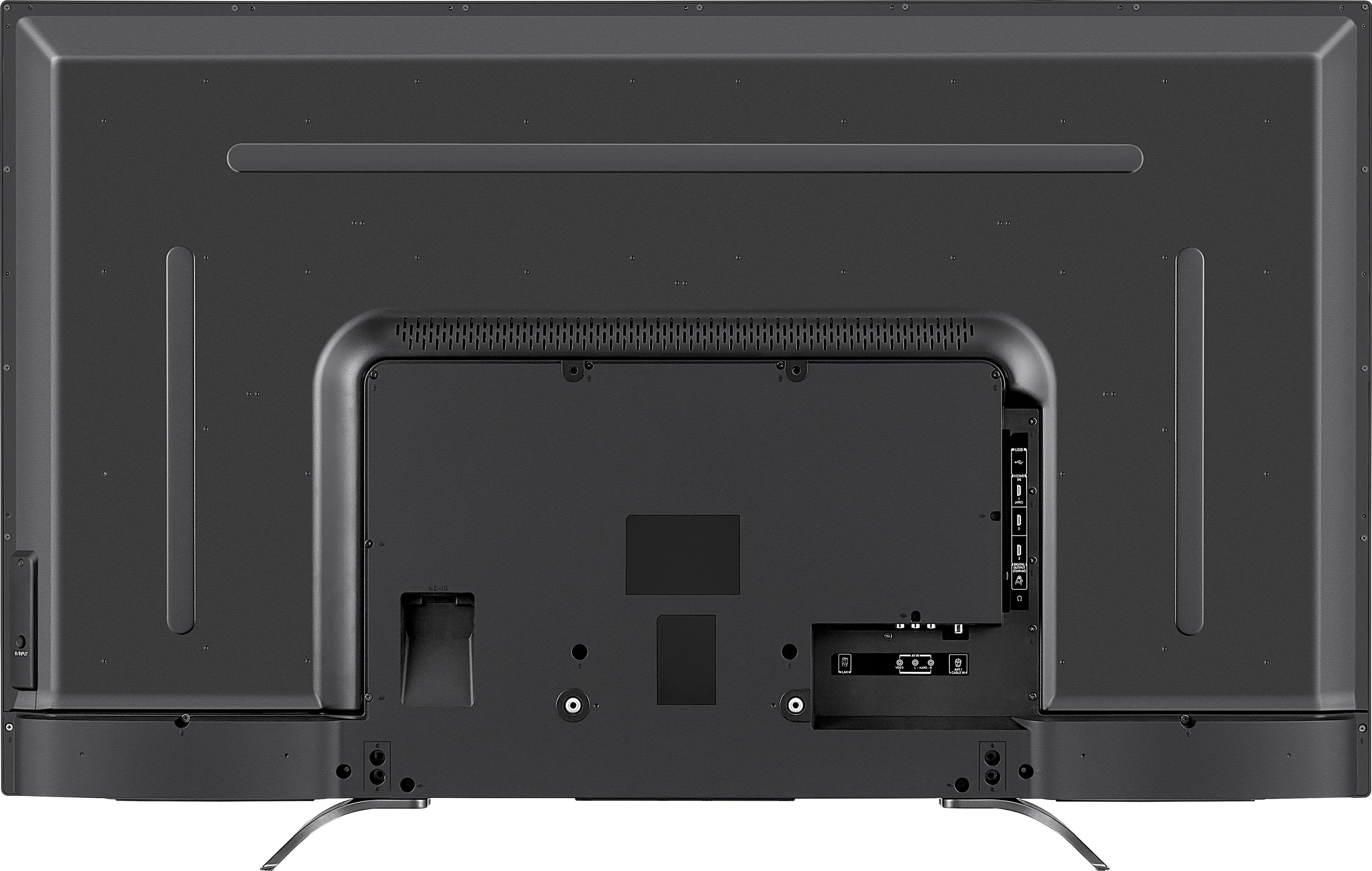
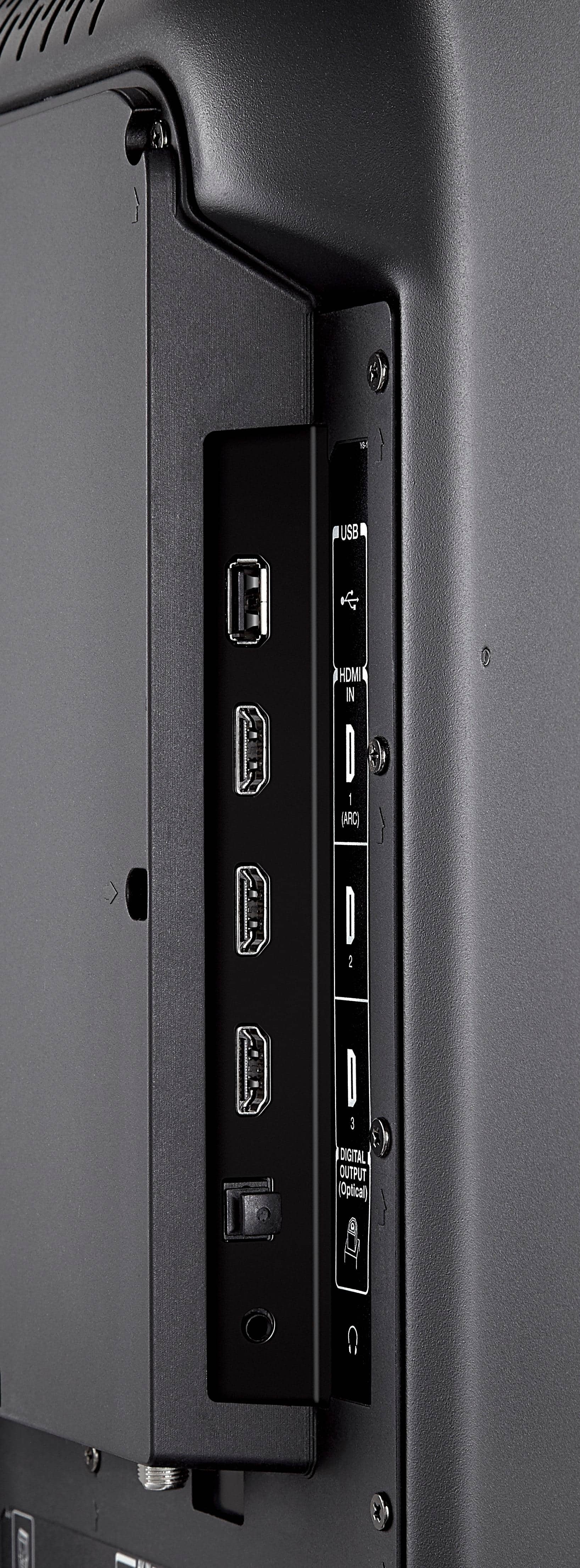
A:AnswerThe major difference is that with the older model (55L621U) it doesn't have HDMI hdcp 2.2 inputs which is actually quite significant, if you want to view 4k content.
The Chromecast built into either model of this tv is not 4k ready. It is the older version of chromecast, which gives 1080p resolution. In order to view 4k content you would have to attach a 4k capable streaming device such as a Chromecast ultra, to the HDMI input.
The input must be HDMI hdcp 2.2 ready in order for the content to be viewed in 4k, or it will be downgraded to 1080p.
HDCP 2.2 stands for high bandwidth digital content protection. Every link in your video chain must support HDCP 2.2, that includes your TV, video source, and any component the video signal passes through, in order for the video on the tv to be displayed in 4K resolution.
HDCP 2.2 is a technology designed to prevent illegal copying of 4K Ultra HD content, and if it's not detected on your video feed the image will be downgraded to 1080p.
The older model does not have HDMI hdcp 2.2 inputs, while the newer model the 55L711U18 does.
What does this mean?
With the newer model every link in your video chain will support 4k content, and if you attach a 4k ready streaming device, you will be able to watch videos at 4k resolution. If you use the built in Chromecast you will only get 1080p.
With the older model if you use the built in Chromecast you only get 1080p resolution. If you attach a 4k ready device such as a Chromecast ultra, there will still be a link in the chain that doesn't support 4k content, namely the HDMI input, because it is not HDMI hdcp 2.2. So your last image will be displayed in 1080p.
So although the television has 4x the number of pixels as a HDTV, you ll never be able to utilise them to see an image at that resolution.
In addition, contrary to what is stated on best buy's website, the older model does not have Bluetooth. None of the 2 models have Bluetooth, so I personally can't see any advantage in buying the older model apart from the lower price.
A:Answer4K Ultra HD has 3840 pixels × 2160 lines of resolution. Standard HD is 1920 pixels x 1080 lines. Anything displayed on a 4K TV that isn't Ultra HD resolution will be upscaled to the 4K TV's native resolution. So the lower the resolution of the source, the softer the image will be on the TV. TVs with better upscaling engines can do better jobs of mitigating this.
LED is the is the type of lighting used to light up the pixels on the panel. Older TVs used flourescent lights, current ones use LEDs. Most TVs today mount the LEDs around the edge of the panel. But this can cause blacks to look cloudy. More expensive sets have use full array LEDs behind the panel to light the screen more evenly. Paying still more gets you local dimming, which can turn on and off individual LEDs in the array to make the dark parts of the screen darker. Mortgage the house and you step up to OLED TVs that have pixels that individually light themselves to provide the highest levels of contrast and the deepest blacks.
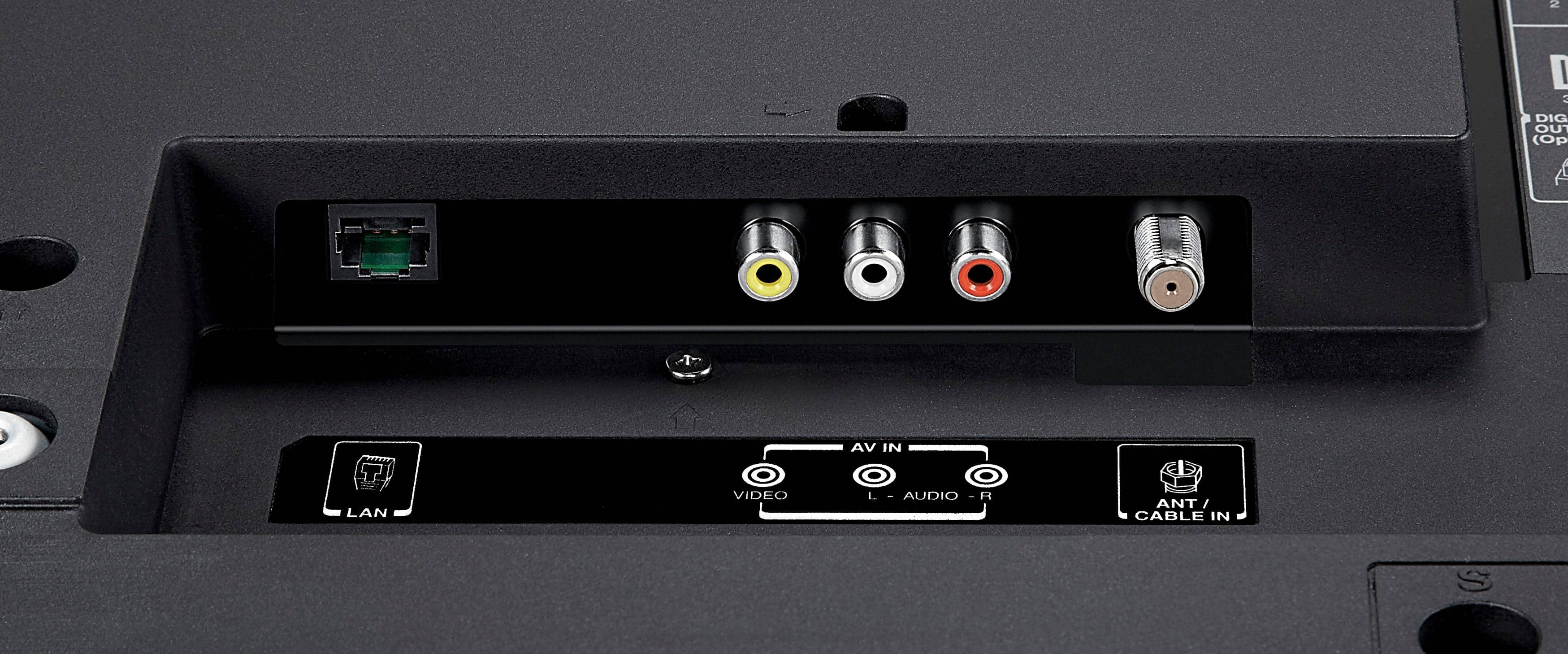
A:AnswerNo. It has Chromecast built in. The difference between the built in Chromecast and a true smart TV, is that you will have to purchase a dongle (such as Chromecast ultra or 2nd gen fire TV stick) in order to view 4k content. The built in Chromecast is equivalent to the $35 chromecast sold at the Google store. It will allow you to view content in 1080p aka HD resolution. To view 4k content you will need to use one of the HDMI inputs and attach a 4k capable streaming device. In a smart TV the built in apps would allow you to view 4k content, without the need for a streaming device.
You will also need a phone or tablet to cast content from the internet to the tv for viewing. That may not be a drawback for some people; but the first point mentioned is an issue as it will be an added expense to purchase a 4k capable streaming device.
A:AnswerIn reference to the 2016 model, the 55L621U, there is an error on best buy's website, it does not have Bluetooth. Neither model has Bluetooth. I have checked both user manuals, and have asked persons that have purchased the 2016 model, it does not have Bluetooth. There is an error under it's listed specifications.
A:AnswerI was practically pulling my hair out on the exact same issue. I was getting no audio with my Roku via HDMI. If I used composite connections the Roku audio was fine. The HDMI on the Roku was good because I tested it on another TV. The cable was good because I tested it on another TV. The HDMI port on the TV was good because I got audio when I attached the XBox360 to that input. I finally found a setting on the TV that allowed me to change it from HDMI 2.0 to 1.4. Once I changed it to 1.4 the Roku worked fine via HDMI.
Doing some reading it seems that I may have some issues with 4k content if I leave it on HDMI 1.4. HDMI 1.4 seems to support 4k, but only at lower refresh rates, I guess time will tell once I get some 4k devices.
A:AnswerAfter much digging, I found the manual online which talks about the different HDR modes you can turn on (page 65). I'm assuming it does have HDR, but can't speak to the quality:
http://tvna.compal-toshiba.com/us/wp-content/uploads/sites/2/2017/06/Toshiba_50_55L711U18_M18_17-0044_WEB_V3_EN_Final.pdf
A:AnswerThis particular model is setup for 120V only and connecting it to an incorrect voltage does void the warranty. Here's a link to the manual:
https://tvna.compal-toshiba.com/us/wp-content/uploads/sites/2/2017/06/Toshiba_50_55L711U18_M18_17-0044_WEB_V3_EN_Final.pdf
A:AnswerThat is correct it only is for viewing photos. If you want something to play those I recommend a Blue ray player with a USB slot in the front..
A:AnswerYou can buy the TV for $479.99 regularly, but the Black Friday price was $279.99. They say the regular price is $499.99, but I think it's always available for $479.99. I got one and they probably had 40 or 50 at the Black Friday Price at my local store. This model is only manufactured for Best Buy and I believe it is made in Taiwan. I read about it in Consumer Reports and it appears to be a good model in terms of performance and durability. Considering I paid $1500.00 for my 52" Sony Bravia in 2008 this is a steal, but broadcasting in 1080 the Sony Picture may still look better, although it is LCD instead of LED on the Toshiba. Regardless, at $280.00 you can't really lose.