A:AnswerYes, the Intel chipset and CPU type can see up to 16GB's of DDR3L PC3-1600, w/ latency 11. The DIMM's are reachable by taking off the bottom plate. There are four screws located under the rear feet. Each foot has two screws. The front feet do not have any screws located under them. Use a credit card to break the shell apart and do it slowly. There is a cable for the side ports that is attached to the lower plate and it you remove it to quickly you will rip it apart.
A:AnswerYes. The HDD is reachable by taking off the bottom plate. There are four screws located under the rear feet. Each foot has two screws. The front feet do not have any screws located under them. Use a credit card to break the shell apart and do it slowly. There is a cable for the side ports that is attached to the lower plate and if you remove it to quickly you will rip it apart.
A:AnswerThis laptop does not have a bay to install an optical drive. However, you can purchase an external USB optical drive that will work just fine with this laptop. Here are some options:
http://www.bestbuy.com/site/dvd-bluray-drives/external-dvd-drives/pcmcat189600050009.c?id=pcmcat189600050009
A:AnswerAs the older version uses an Intel AC 7260 card, this newer iteration has an Intel AC 7265 card. I personally have no WiFi problems with it. As I don't have a 802.11ac router I connect via the 2.4GHz band and get my normal expected speed through several areas in my house. Check out this picture:
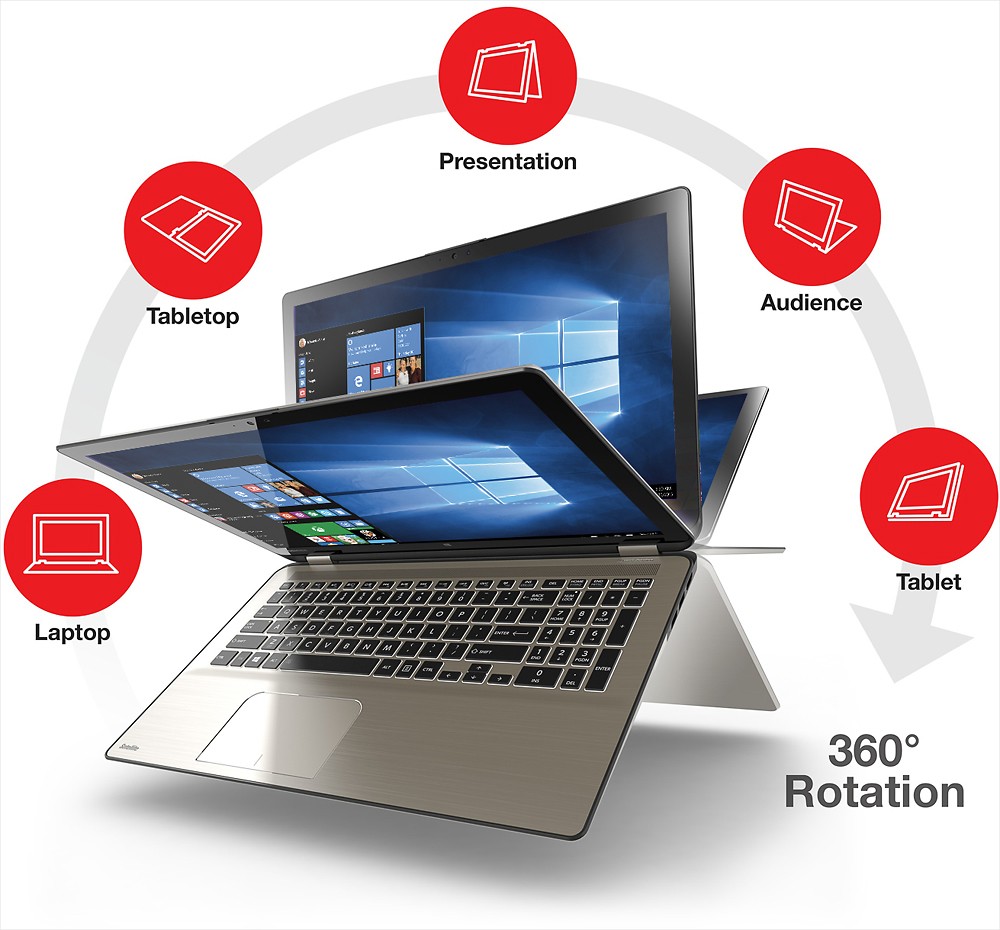
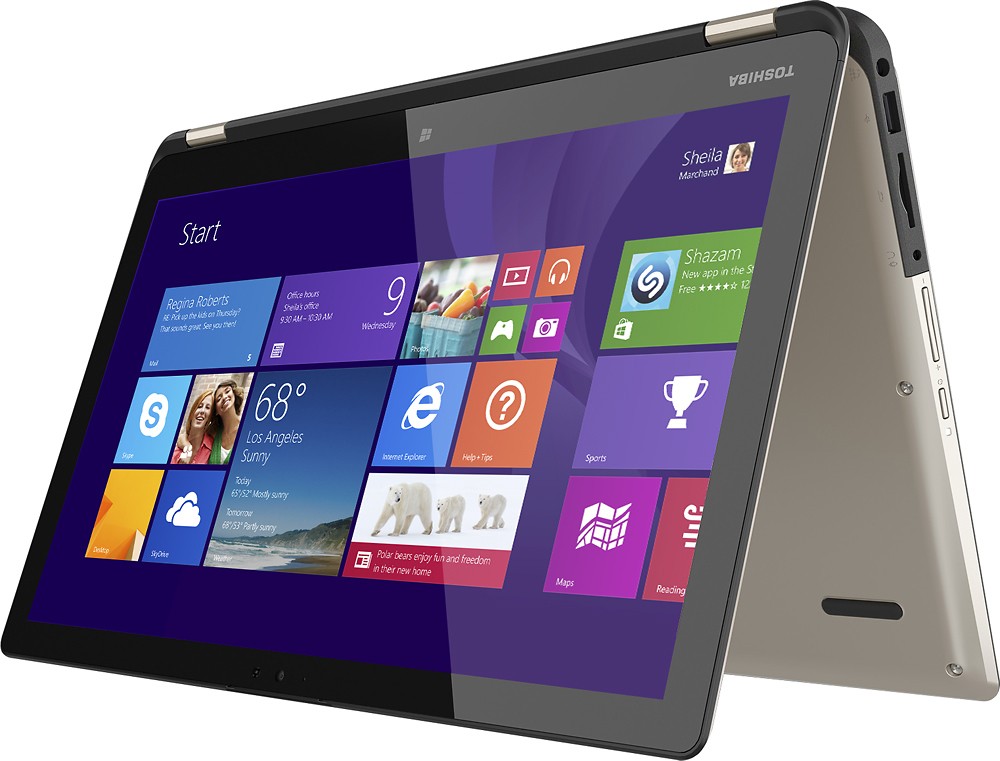
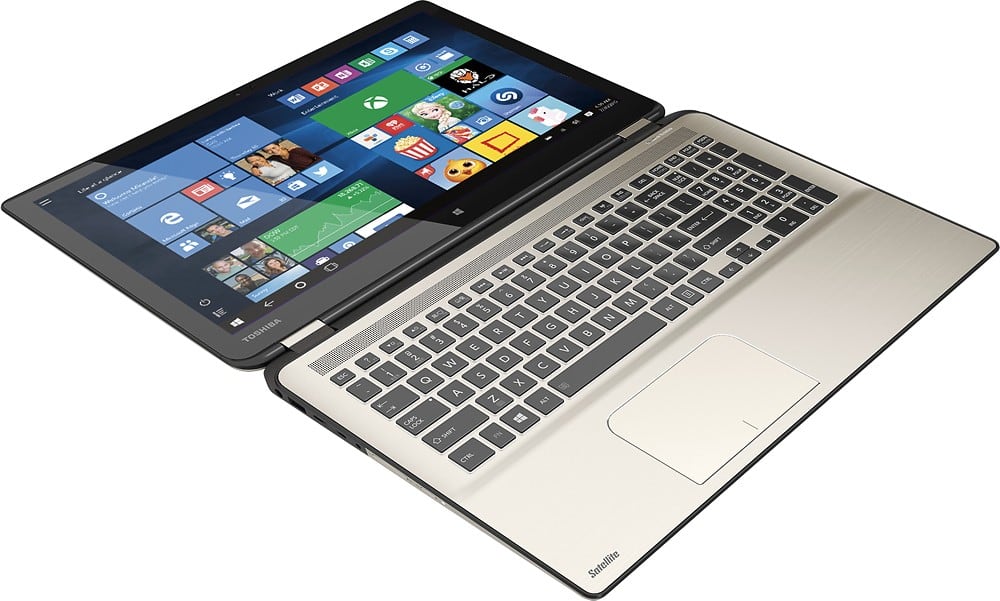
A:AnswerNo problems at all, whenever you fold it to use it as a tablet. The keyboard automatically disables and wont let you accidentally type up anything. I know because sometimes I have it on my lap folded and the only you can type when you're using it as a tablet is with the touchscreen keyboard.
A:AnswerIt was the 4th gen i7 processor one. That one had a faulty WiFi card so it was discontinued. Also the new 5th generation came out. In all honesty, they charged 200 dollars more for a sdd similar to the Samsung evo 840. That's more than it cost and for a computer expert to install. Just buy a Samsung evo 850 or pro 850 (119-159) and install. Its pretty easy. Or just pay someone 40 to do it. Unless you live in a big city, like la or NYC. Then it cost like 150.
A:AnswerYes. The HDD is reachable by taking off the bottom plate. There are four screws located under the rear feet. Each foot has two screws. The front feet do not have any screws located under them. Use a credit card to break the shell apart and do it slowly. There is a cable for the side ports that is attached to the lower plate and if you remove it to quickly you will rip it apart.
A:AnswerThis laptop will output 4K Ultra HD video from the HDMI port. However, for editing 4K content make sure to check the system requirements for the software you plan on using and compare them to the detailed specs of this laptop, which can be found on the bestbuy.com product page. If this laptop meets the system requirements for your editing software than you'll be able to edit and playback 4K content to a 4K TV via the HDMI port. Keep in mind though that the native display resolution for this laptop is 1920 x 1080.
A:AnswerPlease contact Toshiba support at 800-457-7777 for troubleshooting and, if needed, to make repair arrangements. Any problem with Wi-Fi reliability can be resolved either by configuration/driver changes or by troubleshooting the hardware and repairing/replacing any defective component.
A:AnswerWe have had the same type of laptop for a couple of months and have not had the same issue with the charger. Our charger barley warms up at all and we have the charge plugged in continuously and plug in the laptop every evening to charge. I would definitely suggest taking it in to be looked at.