A:AnswerIt will only work on a 2.4 ghz. Initially I was disappointed, but then i realized that, since my router allows to have separate networks (1 in the 2.4GHz band and 2 in the 5GHz band), I figured, for the functionality it needs, it does not actually need 5GHz, besides, the less devices you have on a 5GHz band, the faster the data communication between the router and them, and since I barely use the 2.4 band, having devices like this one on that band is beneficial.
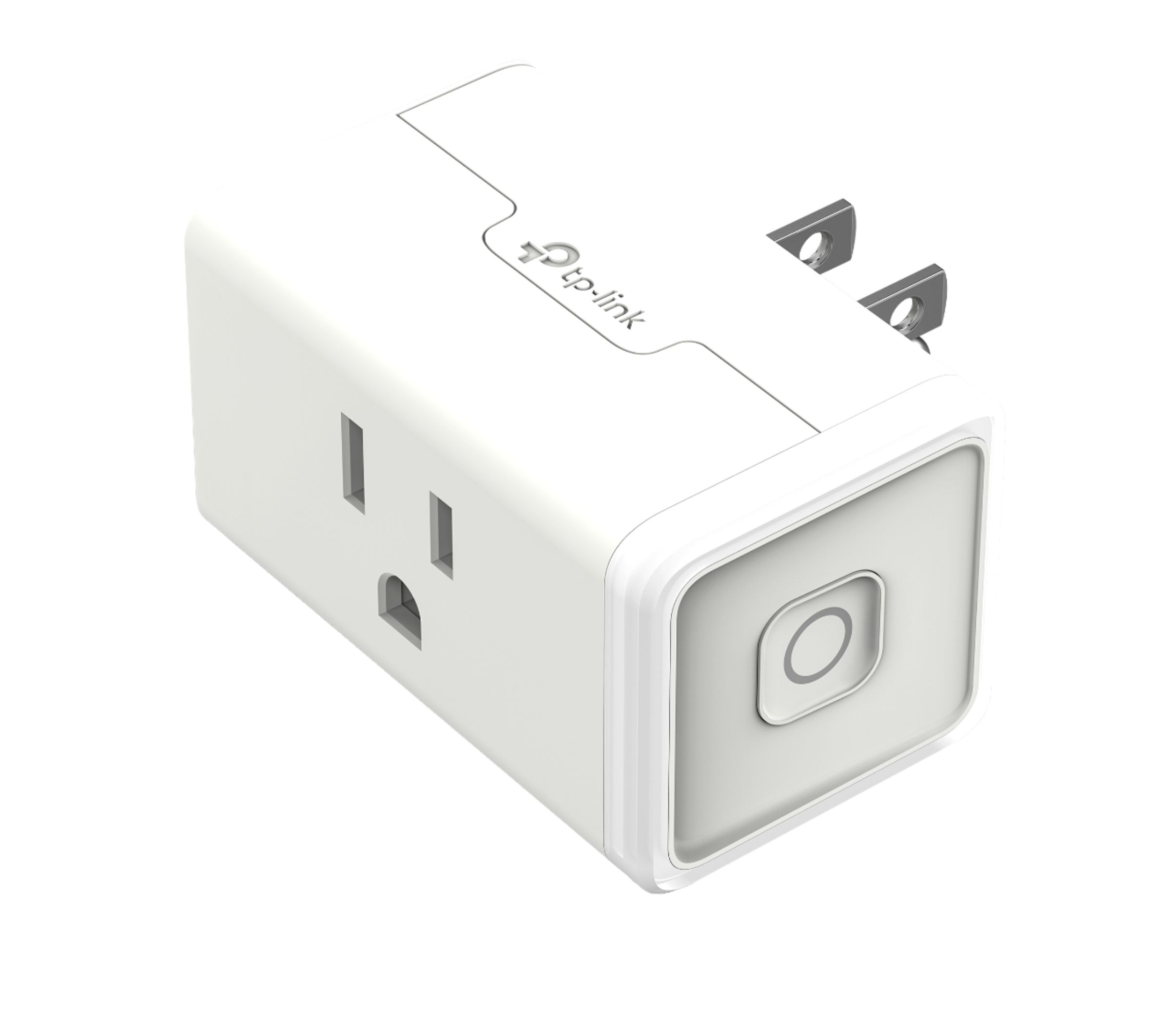
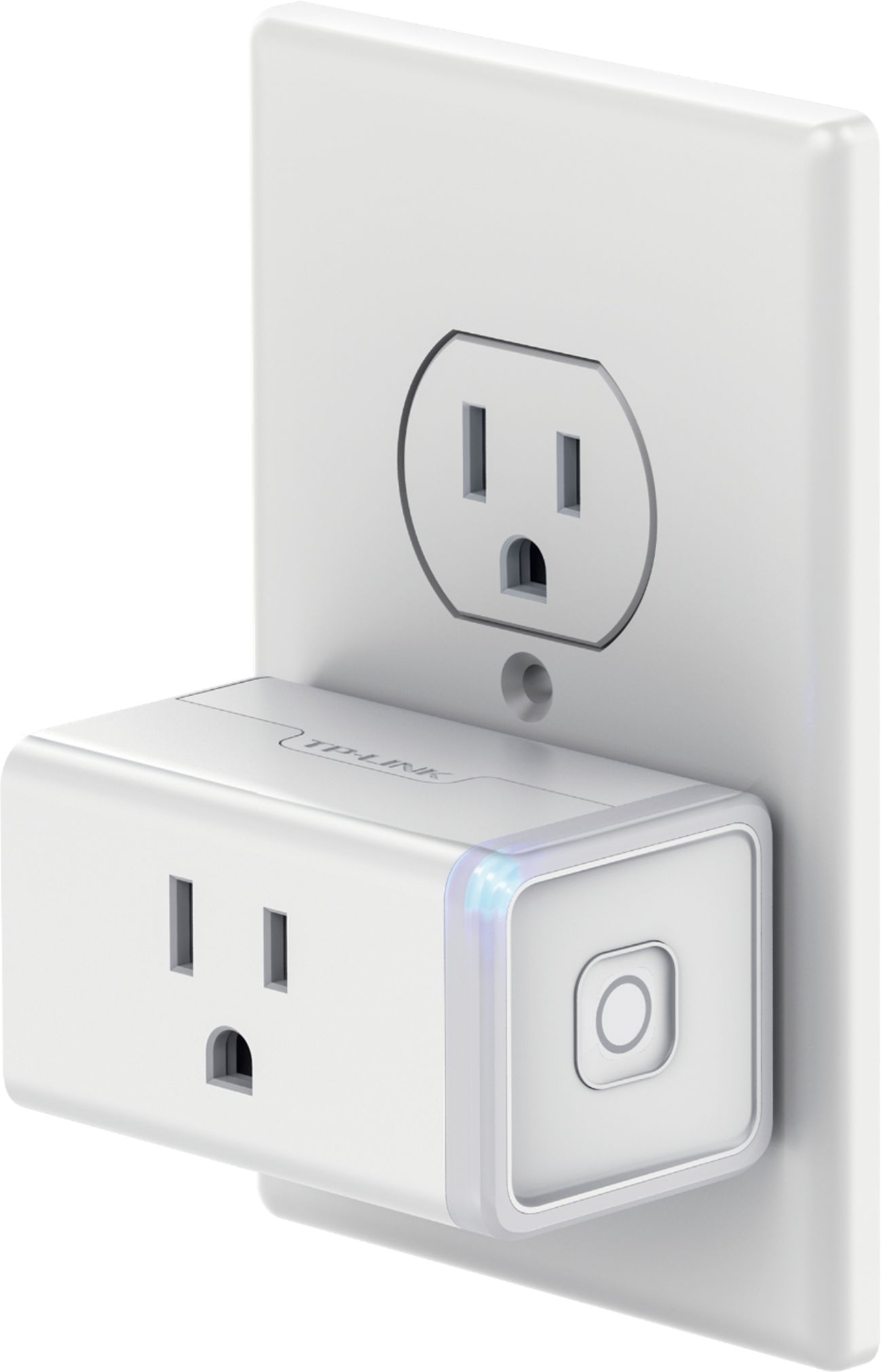
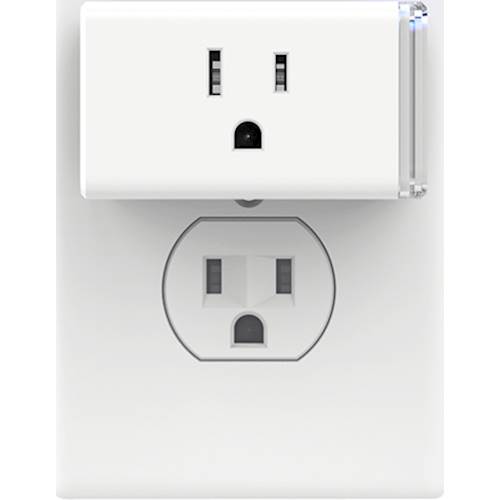
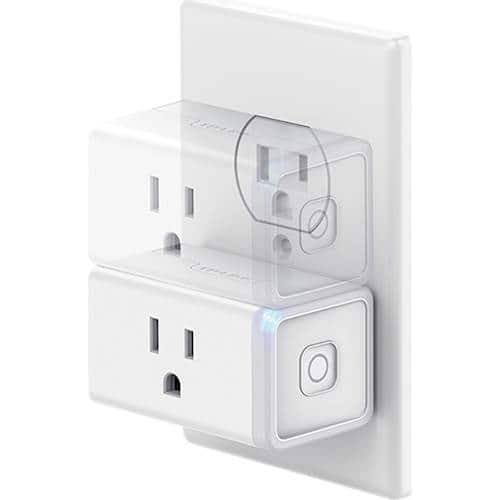
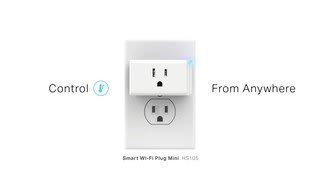
A:AnswerI, it is a regular plug. Be advised, it does extend the plug out from the wall, if you have it on a stand or something that you want close against the wall.
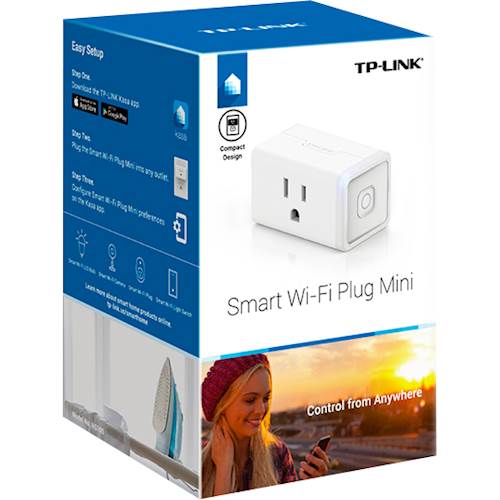
A:AnswerSmart plugs operate by allowing or restricting the flow of electricity to an appliance that would normally be plugged into a power outlet. As such, we suggest using appliances that support turning on as soon as they are plugged into a power outlet.
Please ensure the appliance in use does not exceed the smart plug's electrical load rating.
Our smart plugs do support Alexa/Echo integration, so you can conveniently control the smart plug using your voice.
Regards,
TP-Link Support
A:AnswerNo, this is used to only power on or off a device (tv/lamp/etc.) using your cell phone as the wireless controller.
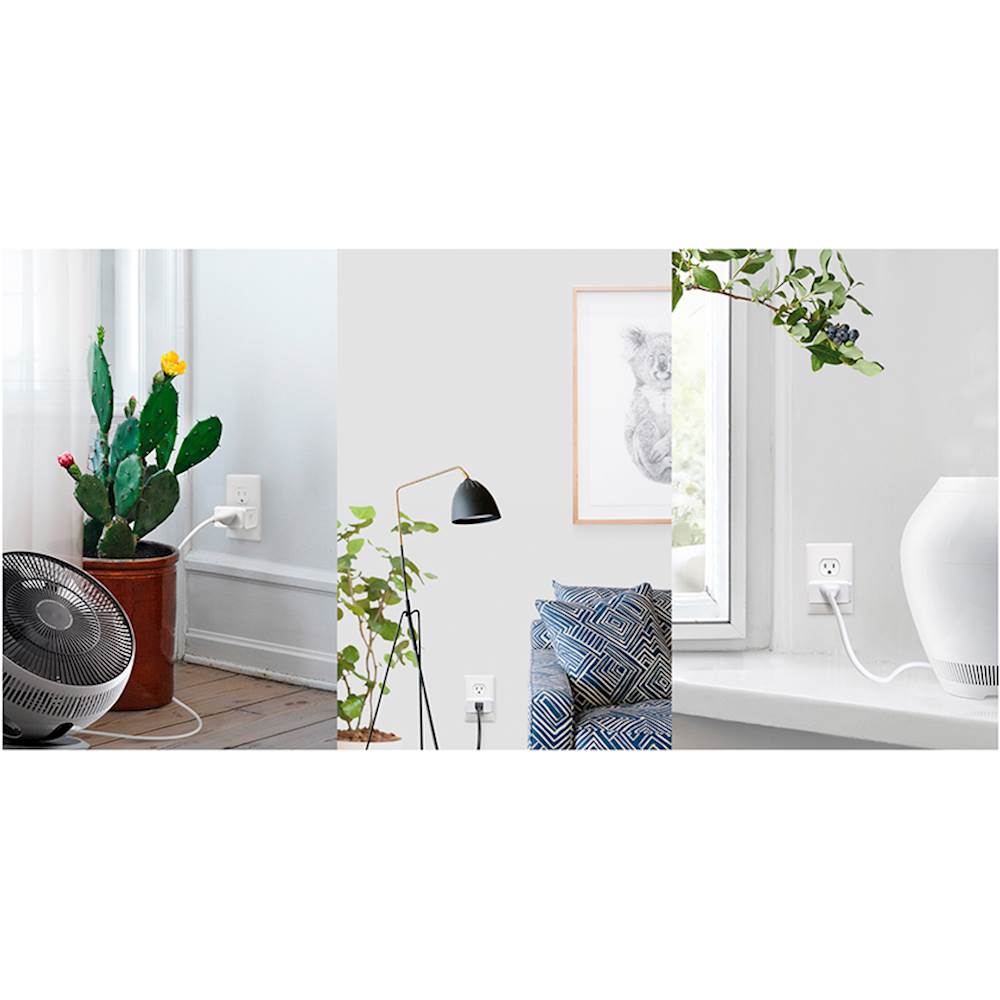
You plug in the smart plug into the wall outlet, set it up with your home wifi, then plug in a lamp or other electronic device, and then you can remotely control (turn on/off) that device from your cell phone from anywhere you have a wireless connection.
You can plug in a lamp and have it turn on or off while away at vacation to let potential burglars think someone is at home.
A:AnswerNo, our smart plugs utilize the 2.4GHz WiFi band, primarily for the following reasons:
- Does not require the user of a separate “Smart Hub” – our smart devices conveniently connect to your existing WiFi router.
- 2.4GHz provides considerably farther range than 5GHz, which allows for more flexible smart device positioning.
- Smart devices require very little bandwidth to send and receive information, so the higher bandwidth of the 5GHz frequency is unnecessary.
- Most 5GHz capable WiFi routers should also support the 2.4GHz frequency. We recommend consulting your router's documentation to verify whether it has this capability.
Regards,
TP-Link Support
A:AnswerI posted the original question, but was limited in the space to clarify the question completely. My aunt Charlotte is 91 and will lay down one of the cordless handsets somewhere in her house without hanging it up. Then it is nearly impossible for her to hunt down the active handset. The phone line can then busy for hours or even days. With a smart plug, we can turn the base off, then back on again which will force the line clear. We got a WEMO smart plug and it does that job fine. However, when the power goes out and then comes back on, the WEMO plug is ALWAYS off by design ( I did ask the WEMO chat help) and that leaves her again without all cordless handsets. She has two wired phones. So it's critical that the smart plug comes back ON or AS IT WAS before the power outage. I am 3 hours drive away from her. What I need is a smart plug that works independently with an Android or iPhone app AND does not power back in the off state!
A:AnswerThe plug needs to be plugged in to a standard indoor outlet for both to power the WiFi in the plug and to provide power to the device that is being controlled.
A:AnswerIf your smart plug loses WiFi or Internet connectivity, it will remain in the same state it was in when the connection was lost.
Regards,
TP-Link Support