A:AnswerHi! No, these adapters do not connect or interface with the network via Wi-Fi. For your specific purpose, we instead recommend considering one of our Travel Router models, such as the TL-WR902AC.
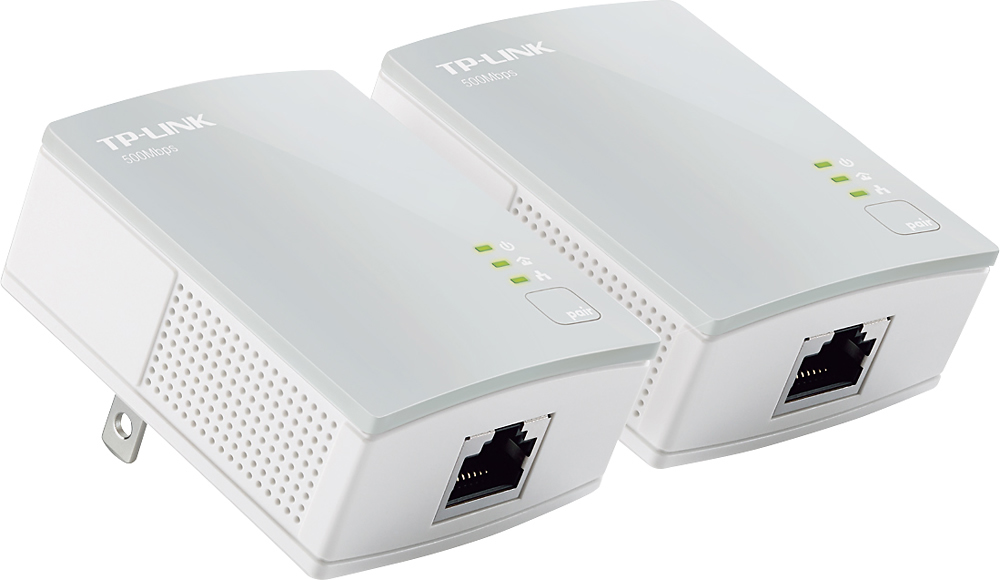
A:AnswerTL-PA4010 Powerline Kit is equipped with Fast Ethernet (up to 100Mbps) ports. If you have an Internet plan with speeds greater than 100Mbps, we would instead suggest considering one of our Gigabit Ethernet Powerline models, such as the TL-PA7010 Kit. However, that being said, Powerline connectivity and data transfer rates will vary due to network environment variables including: distance between adapters, network traffic, noise on electrical wires, building material and construction, quality of electrical installation and other adverse conditions.
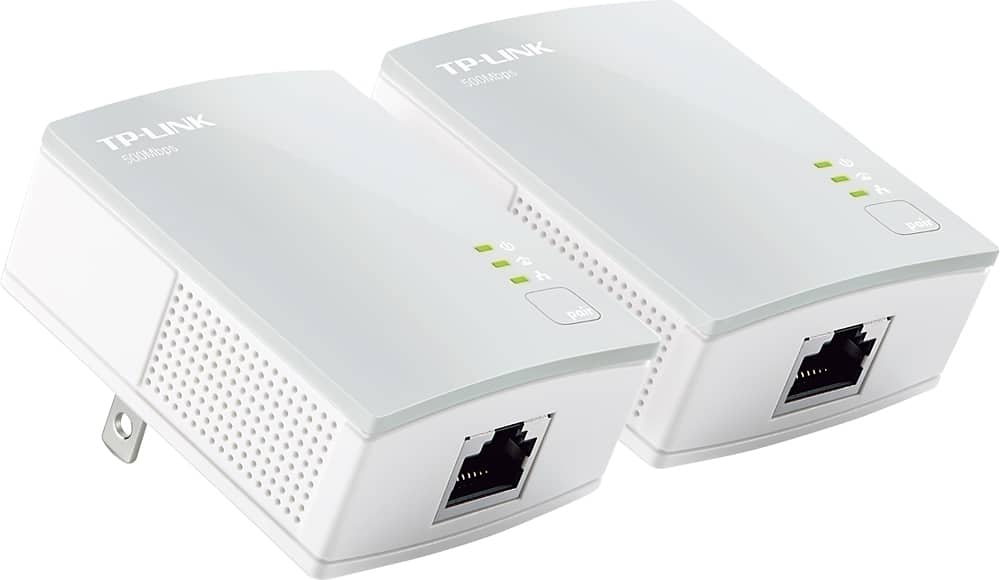
A:AnswerHi! No, the TL-PA4010 Powerline Kit is equipped with Fast Ethernet (up to 100Mbps) ports. Instead, we would suggest considering one of our Gigabit Ethernet Powerline models, such as the TL-PA7010 Kit.
That said, Powerline connectivity and data transfer rates will vary due to network environment variables including: distance between adapters, network traffic, noise on electrical wires, building material and construction, quality of electrical installation and other adverse conditions.
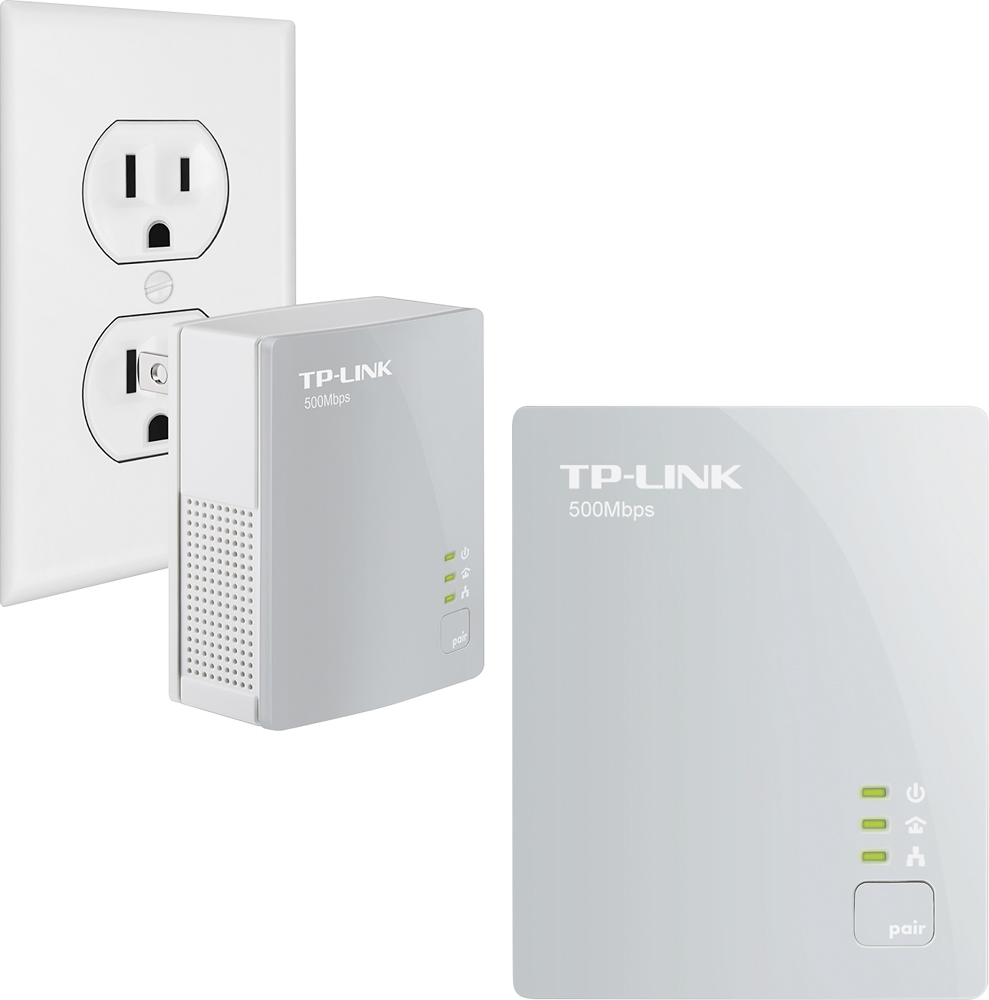
A:AnswerHi! No, the two units must be used as a pair - one must be connected via Ethernet to an existing network source and plugged into a wall outlet. The second unit must also be plugged into a wall outlet, on the same main circuit as the first unit, in order to establish a Powerline connection between the two. Then, the secondary adapter's Ethernet port can be used to gain connectivity into the network that the main unit is wired to.
A:AnswerHi! Yes, this AV600 Powerline Kit can be used universally in any network that supports Ethernet connectivity. As for whether it is different than other models - sure, we offer various Powerline Adapter models with varying speeds and features (such as Wi-Fi, power pass-through, etc.) You can find more information on our official TP-Link website.
A:AnswerYes. As long as one is plugged into a source of internet like the modem or router, the other can deliver internet to any device that takes a wired connection.
A:AnswerHi! The CD in the product package includes the tpPLC application software for your computer, which allows you to conveniently manage your Powerline adapters and monitor their connection via your PC. This software is an optional feature - it is not required for setup or use of the Powerline adapters, but is there for your convenience if desired.
A:AnswerIf the middle LED (Powerline LED) is blinking, the powerline adapter is in a location with a poor signal
strength. We recommend trying another wall socket.
A:AnswerThe Powerline kit can be used to flexibly expand Ethernet connectivity for any Ethernet capable device in your home. Once the adapters are properly installed, the secondary unit can be used to connect an Ethernet device to your existing network as if you were plugging it into your router, or a switch within your network.
A:AnswerMust be installed with the same circuit meaning with just one power meter. If you want to go over to another building with a separate power meter then it will not work.