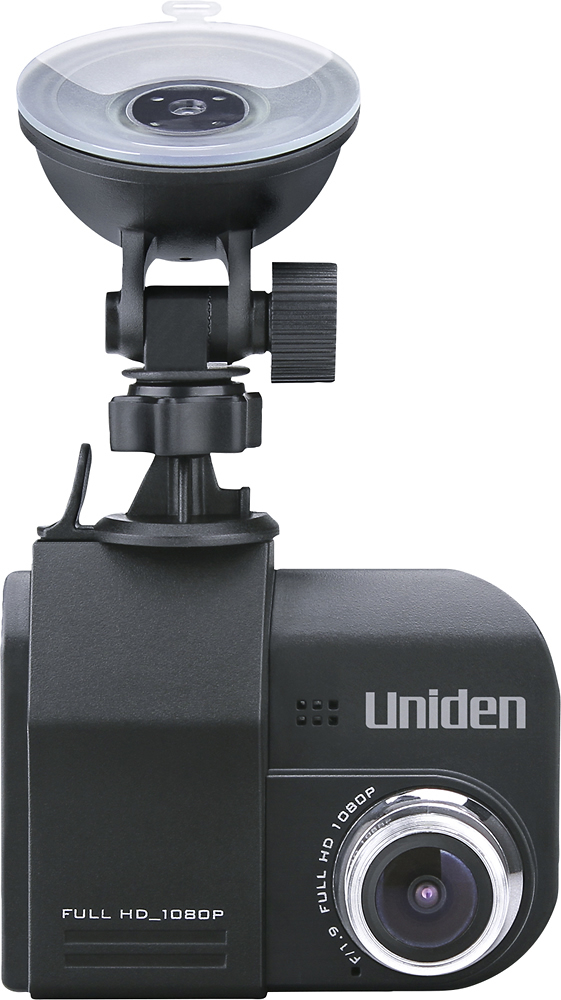
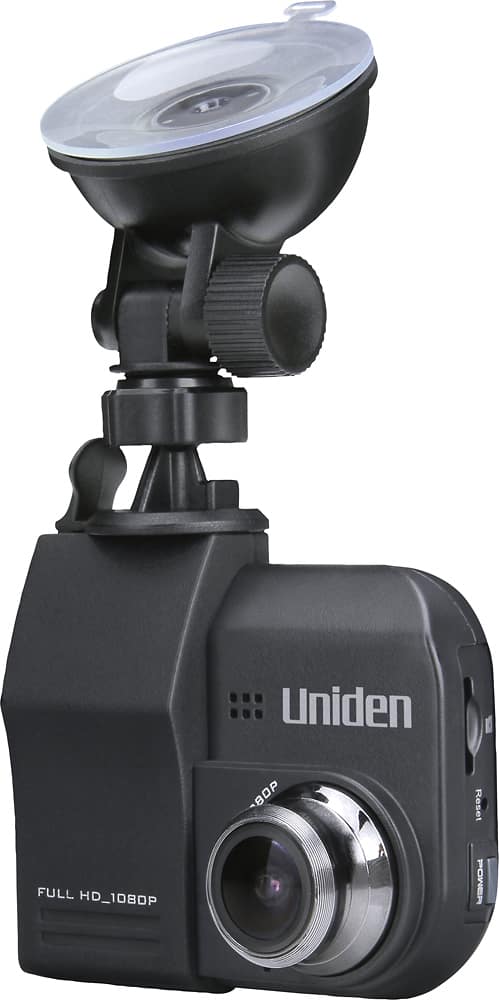
A:Answer I experimented with a couple of different size micro SD cards, not knowing at the time what the max memory was that the Uniden DC4 dash cam could support. The sales associate told me I could put in any size micro SD card, but that is clearly not the case. Initially I purchased a class 10, 128GB. This didn't work at all, the DC4 cam couldn't even format the card without throwing an error or freezing. Videos would record but they appeared as dark images on the dash cam and would freeze the unit if I tried to play them. On a PC running Win 10 even VLC player couldn't play them, unsupported file type error. I then searched forums and degraded to a 32GB, class 10. No luck here either. I'm curious to hear from the others that posted here if they all are using a class 6 for speed. In my case, using the 32GB, class 10, the Uniden DC4 dash cam had no issues formatting the card, but after recording a few I tried replaying them and it would freeze the unit up. Placing the micro SD card into a PC resulted in unrecognizable file type errors, all showed extension of .mov. I tried converting them to different video formats as well, .avi and .mpeg but no success playing them either. So I've switched back to the original 8GB class 10 micro SD card that sold with the unit and it works. Windows 10 media player isn't playing the sound on any of the clips but using QuickTime Player on my MAC they work perfectly. This is a bummer and I'd love to hear more feedback from others using anything higher than the 8GB micro SD card.