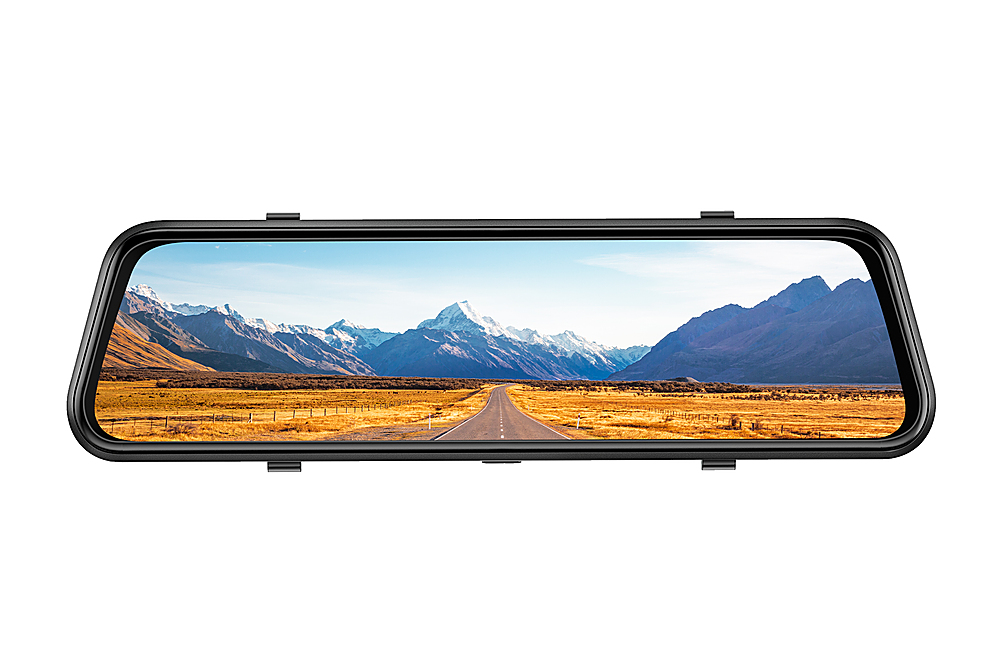
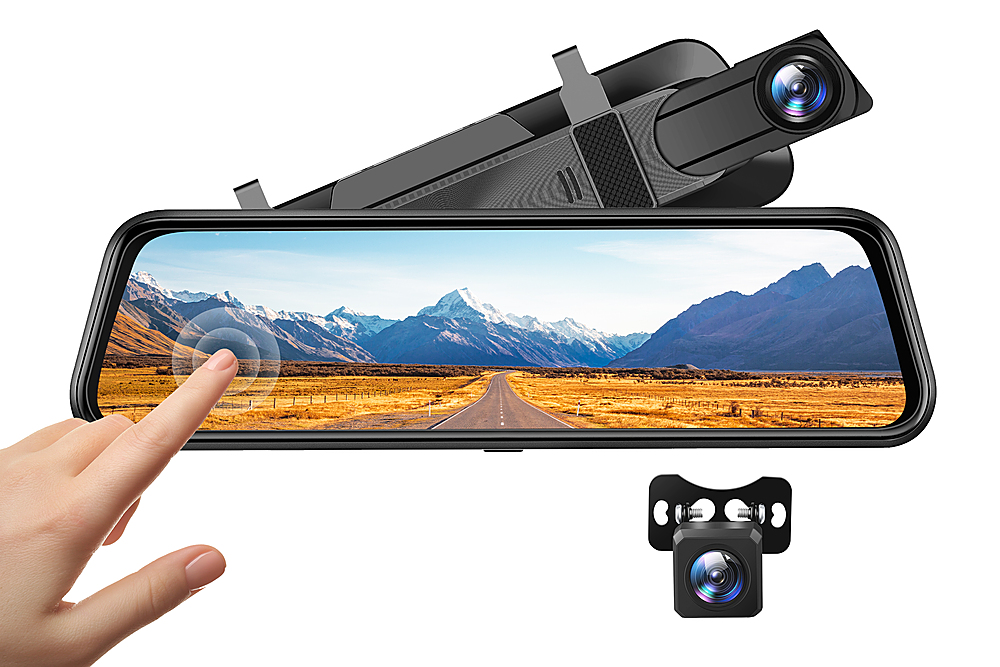
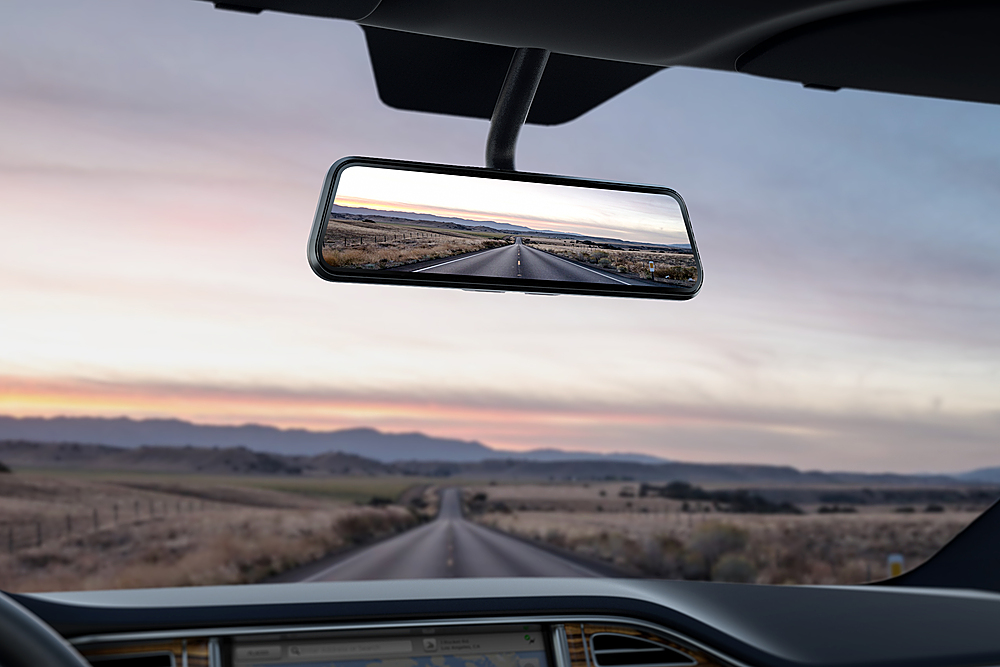
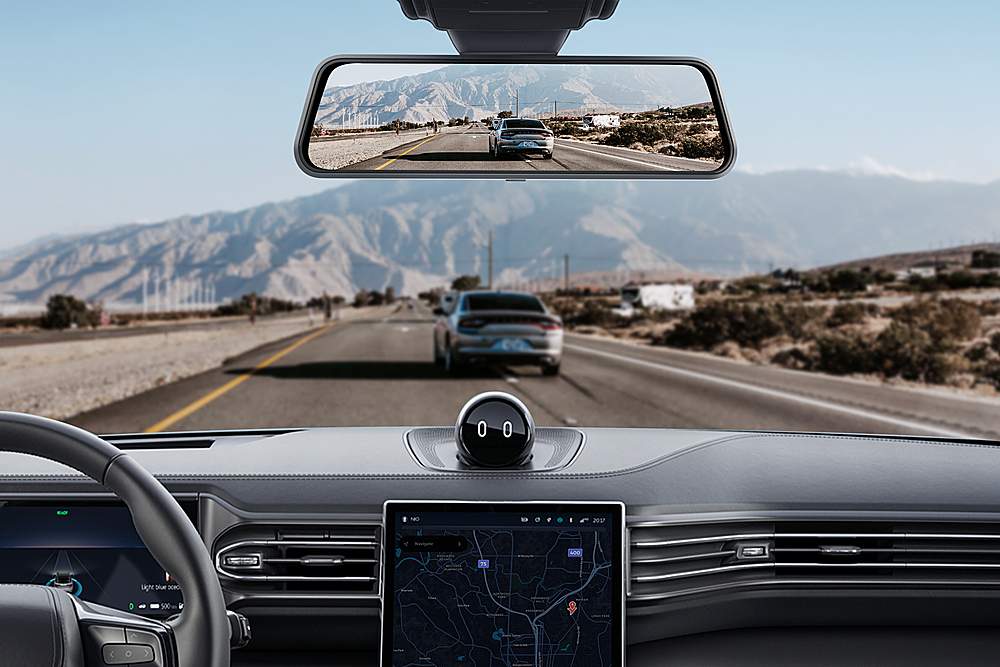
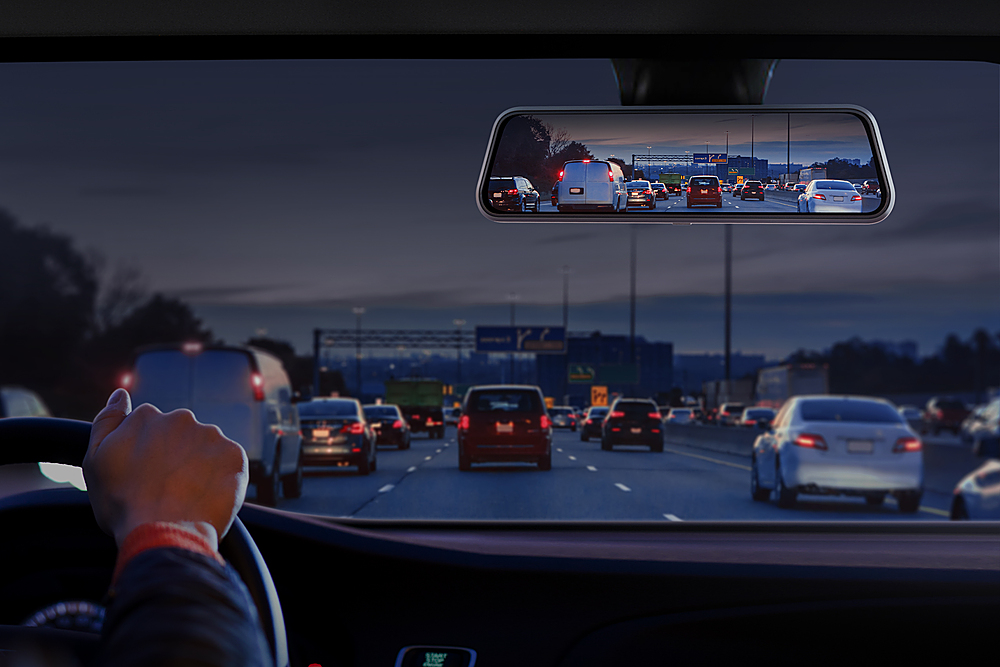
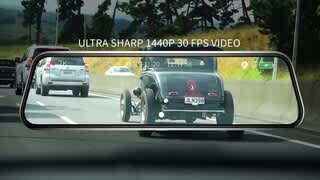
A:AnswerYes, it goes over the existing rearview mirror. The dash cam's mirror is darker than stock mirror. It's like looking through a tinted window. It does give the option to use the rear camera's stream as your Field of view, it does take a bit to get use to that option.
A:AnswerI think 128 gb is the max you can use. I waited until that card size was on sale. Figured I'd rather have more recording capability, not less, but I think you can go as low as 8 or 16 gb.
A:AnswerIt does not have an internal battery it shuts off two secs after unplugging..what i did was buy an adapter in amazon that made it so i have two car plugs two usb plugs and the new c-usb but one thing is never leave it on over night, next morning you will wake up to a car that needs a jump start all and all with those two things i still like the concept the fact that i have a back camera to park i mean i just hate when i forget to unplug it just creates that morning extra i don’t want lol
A:AnswerThis dashcam will only take up to a maximum sd card size of 128 Gb. Once you have the proper size card inserted power up the dashcam and tap on the settings icon (the one that looks like a gear wheel) if you don’t see the icon on the screen, tap on the screen to make it appear. Once in the settings menu scroll down to the bottom of the page (the third line of options since only two lines are displayed) the format option will be the first option on the third line. It took me awhile to find the format option until I realized I needed to scroll down in the settings. Good luck
A:AnswerI dont know but I have the same problem. Bought 2 of these online and wasn't sble to install for about 4 weeks. 1 of them the rear camera didn't work out of the box. Tried the return but Best Buy says I was out of there time window to return. So I need a rear camera or I have a expensive one thst dosen't work.
A:AnswerBrand response from VanTop Team
We apologize for any inconvenience this may cause you. Please follow these steps to troubleshoot.
1. Confirm if the power supply of the car charger is always on. Plug it into the cigarette lighter. The light will flash if the supply is poor.
2. Take out of the SD card and unplug all cables. Then take the dashcam indoors and charge it with a 5V/3A adapter and a MINI USB cable for an hour to see if it works.
3. Use a pin to reset the device directly. The reset hole is behind the camera.
4. Unplug the rear camera kit to see if the front camera works well.
We are dedicated to ensuring your 100% satisfaction. If the problem still persists, please reach out to us via [email protected]. We are more than happy to assist you further.
We offer a 24-month warranty for this product, plus lifetime technical support. Our standard for responding to email quests is less than 24 hours, and we look forward to hearing from you!
A:AnswerYes, you can pry off the lens and turn it 180. There's a YouTube video that shows how to do it. Video is called "Box Truck backup camera and dashcam install"
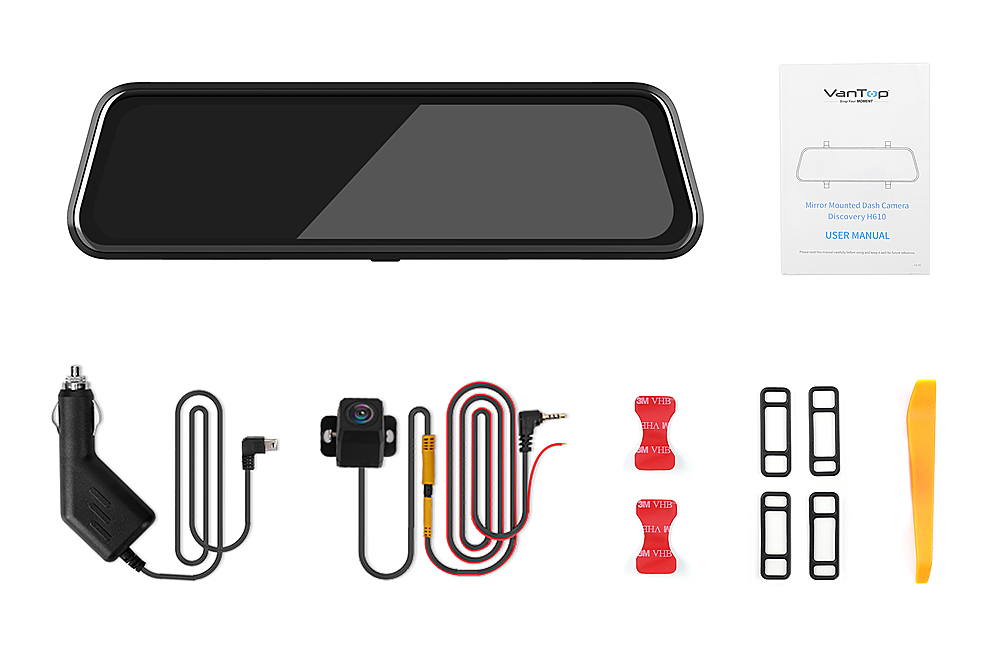
A:AnswerThe separate small camera is the back camera. It is attached at the back of the car mostly on top of the license plate. Might need to drill a hole to install it, you can also purchase a separate mount bracket that can be screwed with the license plate. The wire going for the back camera has an extra wire the need to be attached to the reverse light in the back. Hope this help.
A:AnswerBrand response from Vantop Team
In regard to your query, there isn't a USB spot on the 12v connector. The original car charger is plugged into the cigarette lighter directly.
We are dedicated to ensuring your 100% satisfaction. If you have any other questions, please reach out to us via [email protected]. We are more than happy to assist you further.