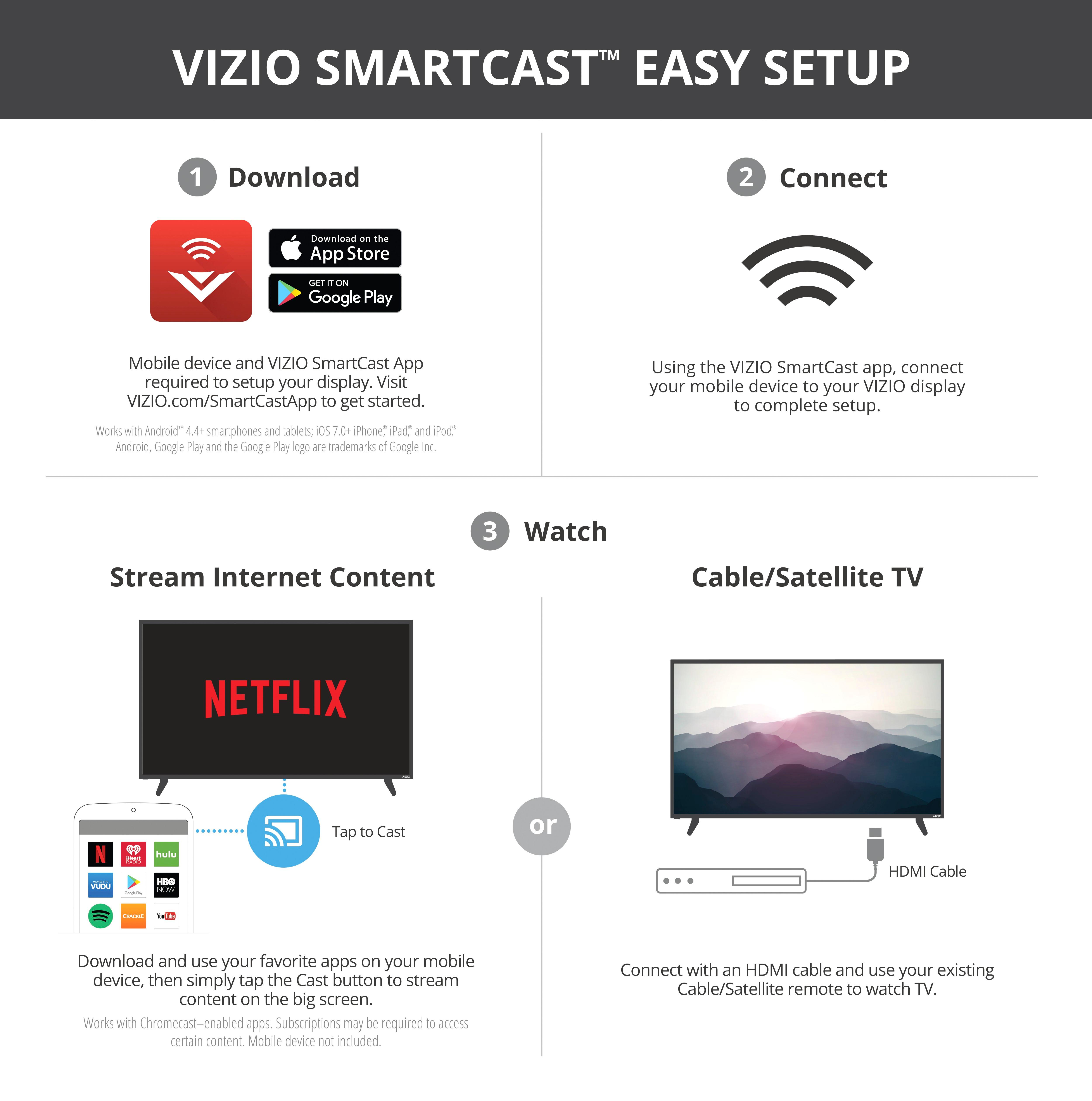
A:AnswerWell, I don't think Chromecast Built In is the same thing as being a Smart TV; there is a difference. The capabilities are similar: both connect to your WiFi to stream content. The way you control them is different.
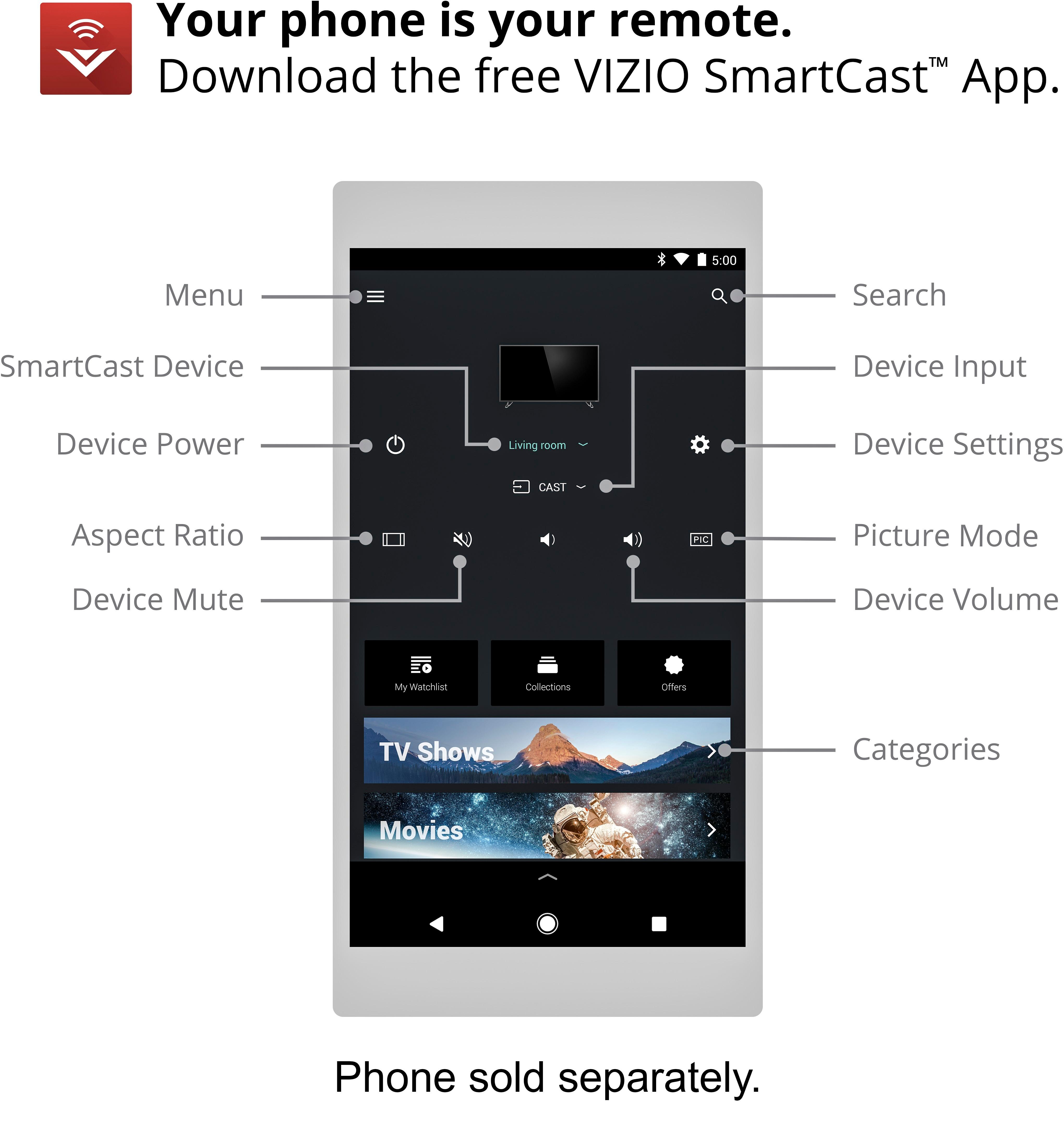
A Smart TV has a user interface you interact with using the remote, to select different streaming services and content. With the Chromecast, you use a separate device to navigate. I prefer the Chromecast approach. I find Smart TVs to be super annoying, because you use remote buttons to move around and select what option you want, like Netflix, and then you use those buttons to pick the content. If you have to search for something, or update a password, it's maddening. You have to use arrows to pick letters from an array, which takes a lot longer than it would with a phone or computer. If a Smart TV came with a remote that was more like a small tablet, instead of the same primitive remotes that have been around for decades, this would be less of an issue.
Smart TVs have the advantage of being a complete, stand-alone system, whereas a Chromecast requires an additional device (smart phone, tablet, computer) to operate. So in my case, my phone doesn't have this capability so I have to use my laptop to watch TV, which has potential limitations.
However, I prefer the Chromecast option because of its broader potential compatibility. If a new streaming service pops up in a few months, I can stream it from my computer and cast it to my TV. If they have an App, and they choose to make it Chromecast compatible, I can stream it through the Chromecast. The Smart TV would not have any option to bring in a streaming service that wasn't around when you bought the TV. With a technology like this that is evolving so rapidly, it is more beneficial in the long run to have compatibility than to have a "complete" solution that is static.
Only limitation is Amazon Prime, which is not compatible with Chromecast, because it is a competitor to the Amazon Fire Stick. You can still play Amazon shows on a PC and mirror the video, but the quality is not the same, and you cannot cast an Amazon show to Chromecast through the app. The Smart TVs I've seen can play Amazon video directly.
A:AnswerGenerally the soap opera effect is caused by an increased refresh rate,and viewing it can be a matter of personal preference. If you find yourself experiencing this while using the display, there are numerous picture settings that can be adjusted to eliminate the effect.
A:AnswerWith a Smart TV, you would use the remote to navigate through the different streaming services and select content from the TV. With Chromecast, you access content through a phone or tablet or laptop. I chose the Chromecast option because I was already using an external Chromecast on my old TV and I like that interface. The Smart TVs I have seen are super annoying to use, because you have to use the remote buttons to get to what you want. And if you want to search for something, you have to choose the letters from an array using the arrows on the remote. It's the worst.
Also, I don't know if the Smart TV operating systems can be updated, and since this whole content streaming technology is changing so fast, a TV purchased now could potentially be really limited in a few years. The Chromecast app is continuously updated. For example, if a brand new streaming service comes out in a year, you'll be able to stream it from a laptop right away. If that service has an apps and allows it to work with Chromecast, you can stream it from a phone. With a Smart TV, if it's not on the system, I don't know how you would go about getting it on the TV.
A Smart TV has the advantage of being a total package, no need for any other device. As long as you have WiFi, you can stream video to the TV. With a Chromecast, you need to not only have a device to set it up, but you need to use a smart phone or computer to select what you want to watch. For example, my phone doesn't have this capability and I use my laptop to stream to Chromecast. That means I have to bring my laptop home from work every day in order to watch TV.
With regard to WiFi: Both options, the Smart TV and the Chromecast, use WiFi, so if it truly is slow, that would be limiting. However, the WiFi may seem slow on your computer or device and it may be because of the device, not the actual WiFi speed. When I stream on my laptop, it does sometimes seem slow, but the Chromecast doesn't ever seem to have that problem. Other people I know have the same observation- they think the WiFi is slow because they're having problems on a laptop or tablet, but there's no problem with the WiFi enabled TV. Since Chromecast typically works through the WiFi, and not through the device you're using, it will probably perform better than streaming to a device.
I bet there is a minimum speed required for optimum performance with either a Smart TV or Chromecast, which may change in the future. I have a standard internet package from Fios and I have never had any problems with streaming video on Chromecast. My laptop is another issue. However, if you have many people using the same WiFi, I don't know if that could be an issue. If it is, your internet provider would probably be more than happy to switch you to a faster service. Since a Smart TV or Chromecast basically negates the need for cable TV, this would not be a bad trade-off.
A:AnswerYour cable box should have an HDMI output. If the cable box was previously hooked up to a TV that predates HDMI, the would have used the RF. If your cable box doesn't have an HDMI output, I assume you can contact them and they will switch it out for an HDMI compatible one.
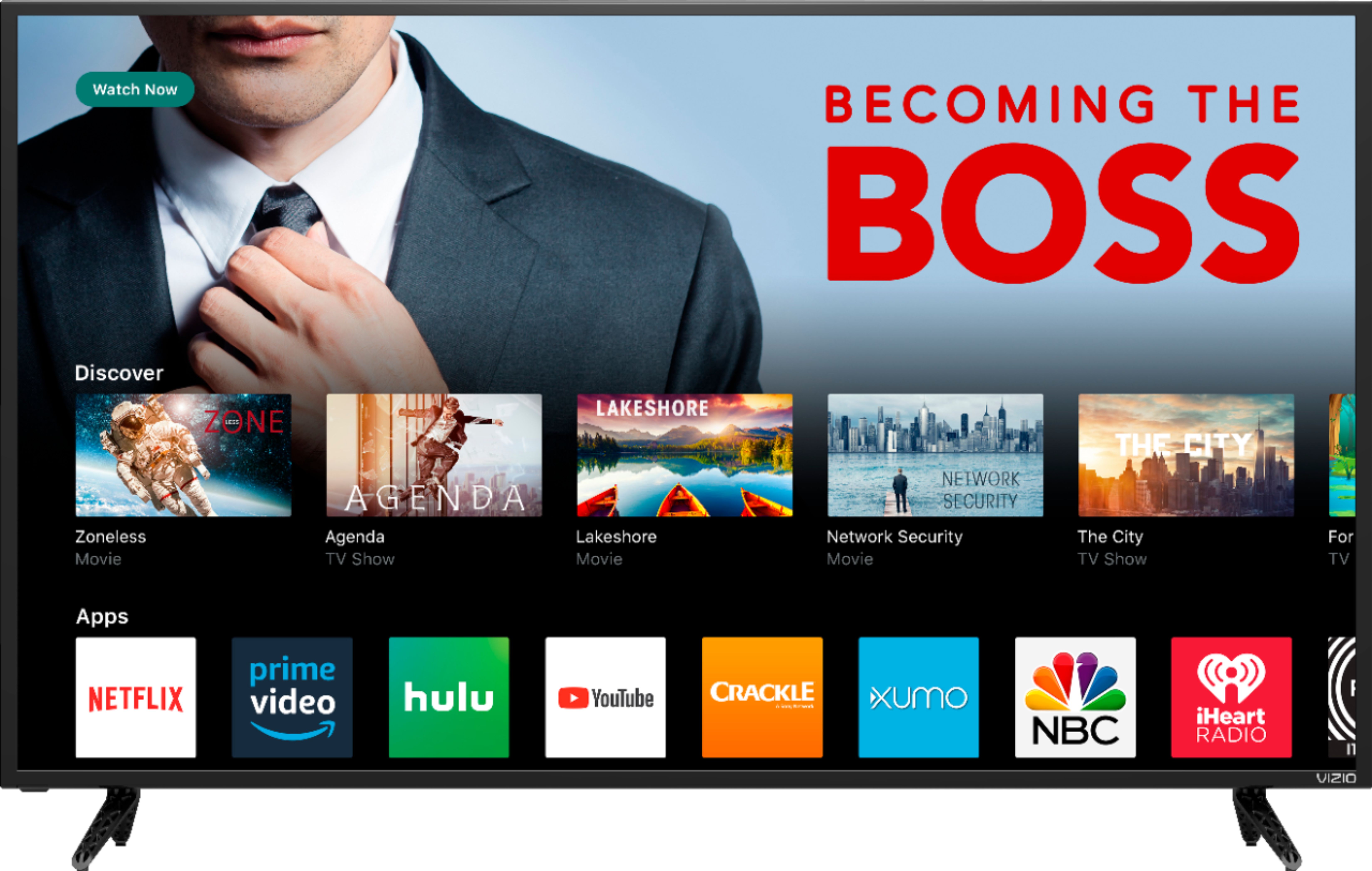
A:AnswerSmartCast TV is now starting to roll out to our SmartCast Home Theater Displays. SmartCast TV makes apps accessible directly from the display as well as adding multimedia functionality to the USB port.
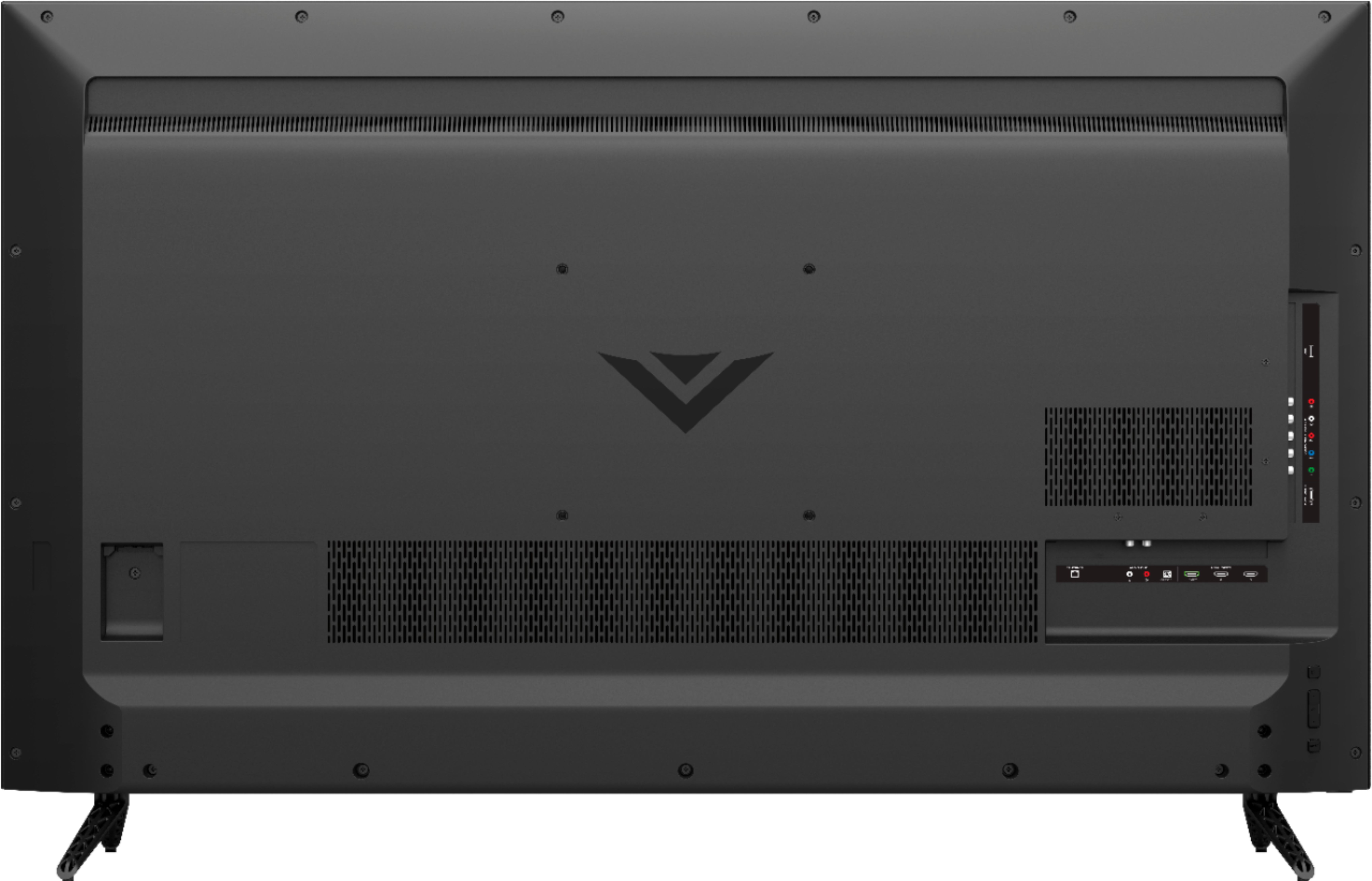
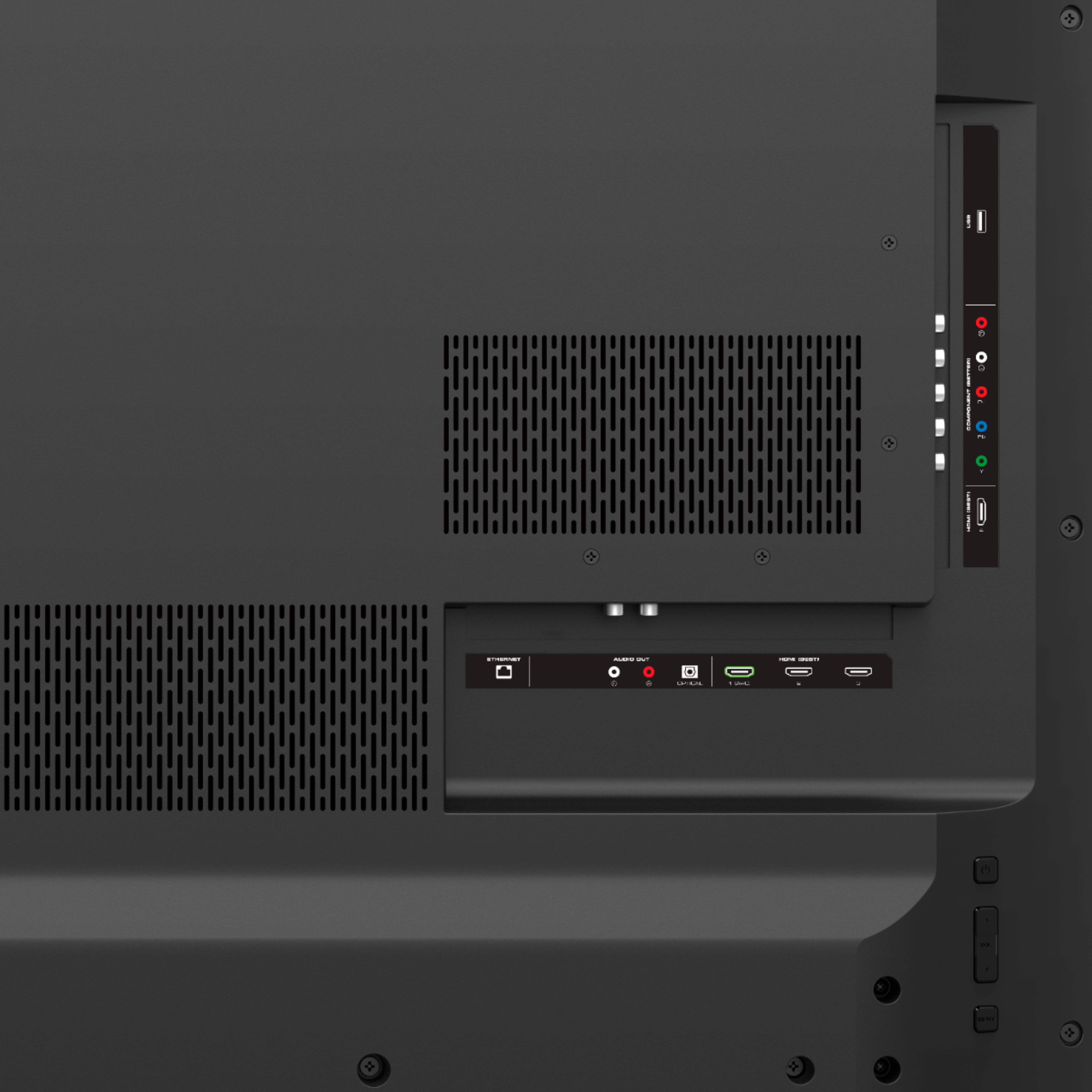
A:AnswerThis model does not support using Bluetooth signal to send audio to devices like speakers. If you'd like to connect the display to a speaker you can use one of the Audio Out ports on the back on the display. This model has an optical (SPDIF) output, analog (red and white) ouput, and HDMI-ARC.
A:AnswerNo, this TV will not get HDR in an update. If you want HDR you have the get the M series TV. However, if you don't own or have access to a lot of content that is natively 4k then I wouldn't bother. HDR would only be used on that content. If you mostly have Blu-rays or DVD's this TV will upscale the content to 4k but even a TV with HDR wouldn't make a difference on any of that content.
A:AnswerVIZIO SmartCast utilizes Chromecast technology. There isn't a chromecast installed but we use that technology so with this unit you will be able to stream 4K content.