A:AnswerHi - the VTech CS5119 has 5 channels. You cannot manually change the channel as the telephone goes through the bandwidth automatically.
Thank you,
-VTech Support
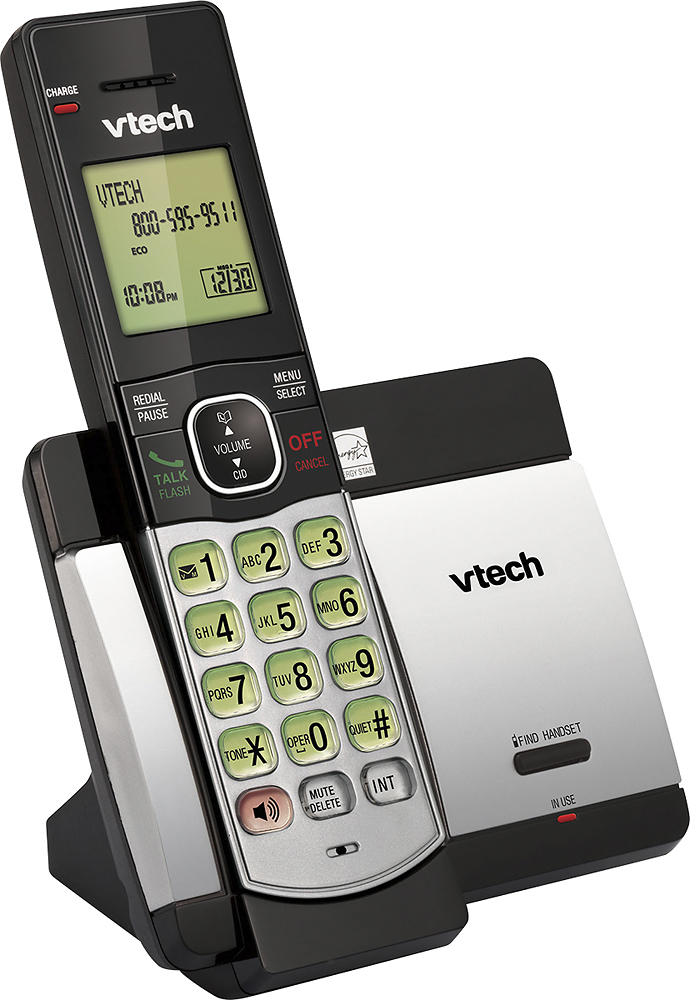
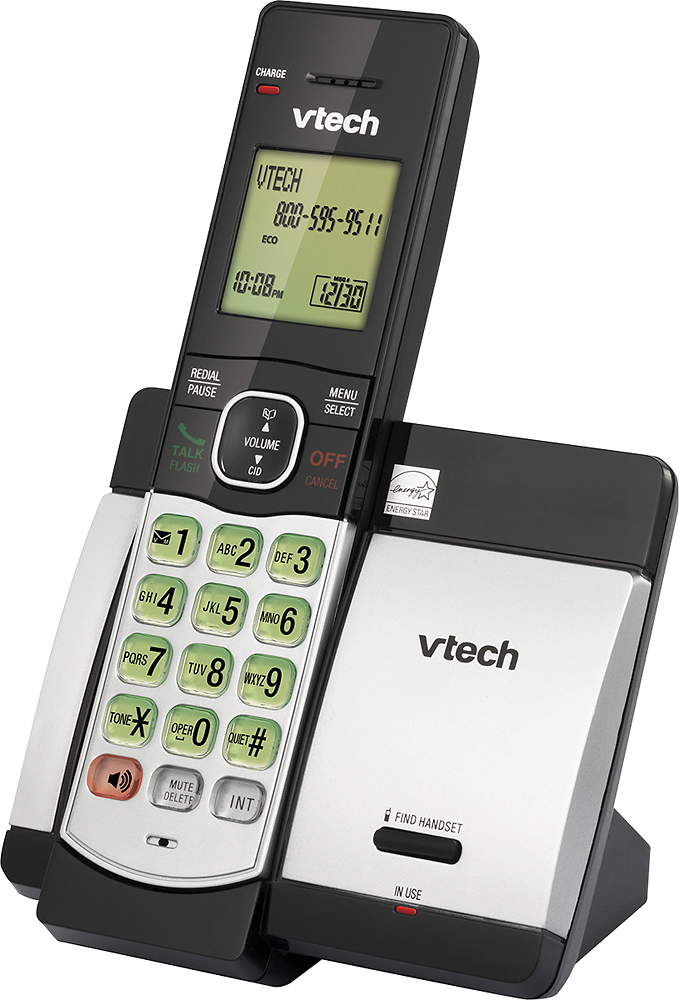
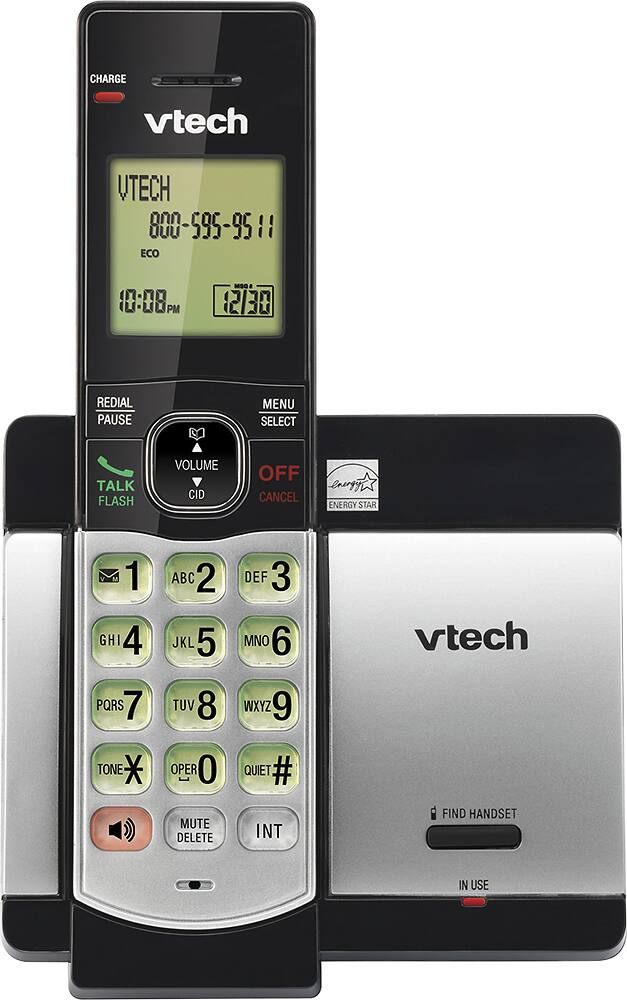
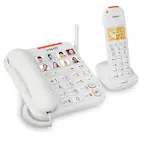
A:AnswerHi - The Speakerphone button for the VTech CS5119 is located at the lower left corner of the handset beside the mute/delete button. Thank you! - VTech Support
A:AnswerHi - The power requirements of the telephone base and charger of the VTech CS5119 is 6V DC @ 400mA. The unit is designed for use within the US and requires 110-120 V AC power. Thank you! VTech Support
A:AnswerAnnette - You can connect the VTech CS5119 on a different jack on the same line as the CS6949 but the cordless handset from one base will not communicate with the handsets from another base. Thank you - VTech Support
A:AnswerClueless - The VTech CS5119 does not have a built-in Answering System. If you are subscribe to Voicemail with your telephone service provider, you may contact them to get assistance on how to set it up. Thank you! - VTech Support
A:AnswerKB - You can connect the VTech CS5119 on a different jack on the same line as the CS6229 but the cordless handset from one base will not communicate with the handsets from another base. Thank you - VTech Support
A:AnswerHi - The VTech CS5119 does not have a built in answering machine. You may reach out to your Telephone service provider to change the number of rings before Voicemail picks up the call.
Thank you,
-VTech Support
A:AnswerChris - The VTech CS5119 is not Bluetooth capable. You may want to check the model VTech DS6421, which does have a capability of pairing with a Bluetooth enabled headsets.
Thank you,
-VTech Support