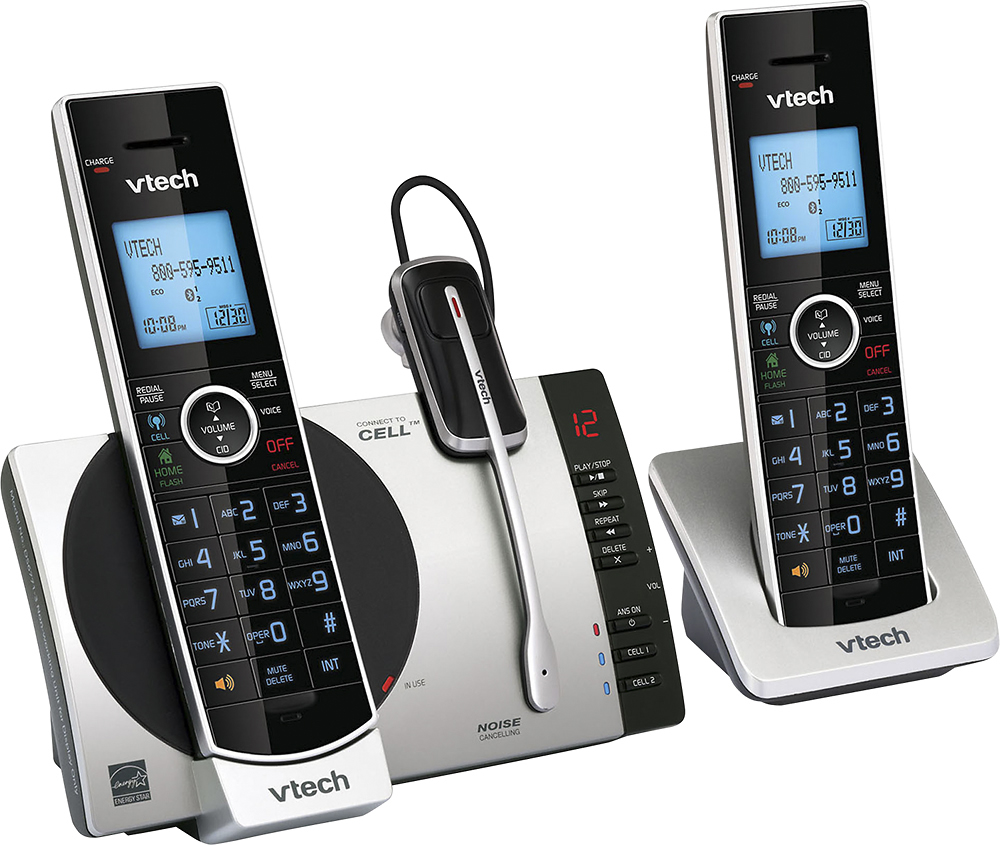
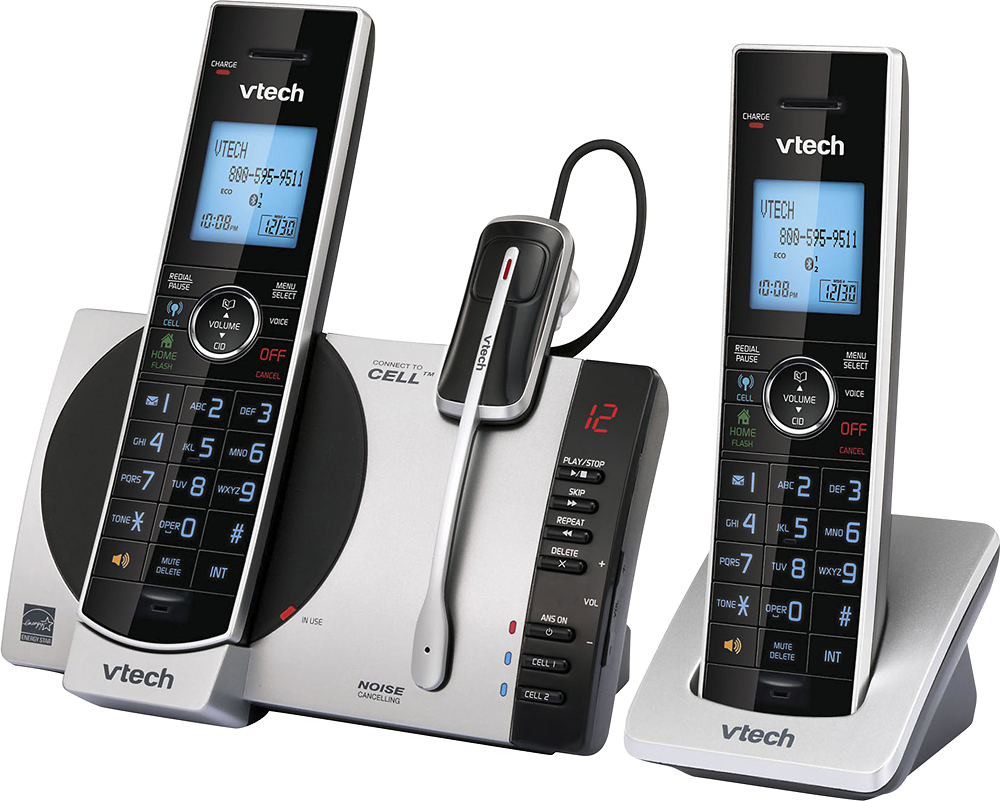
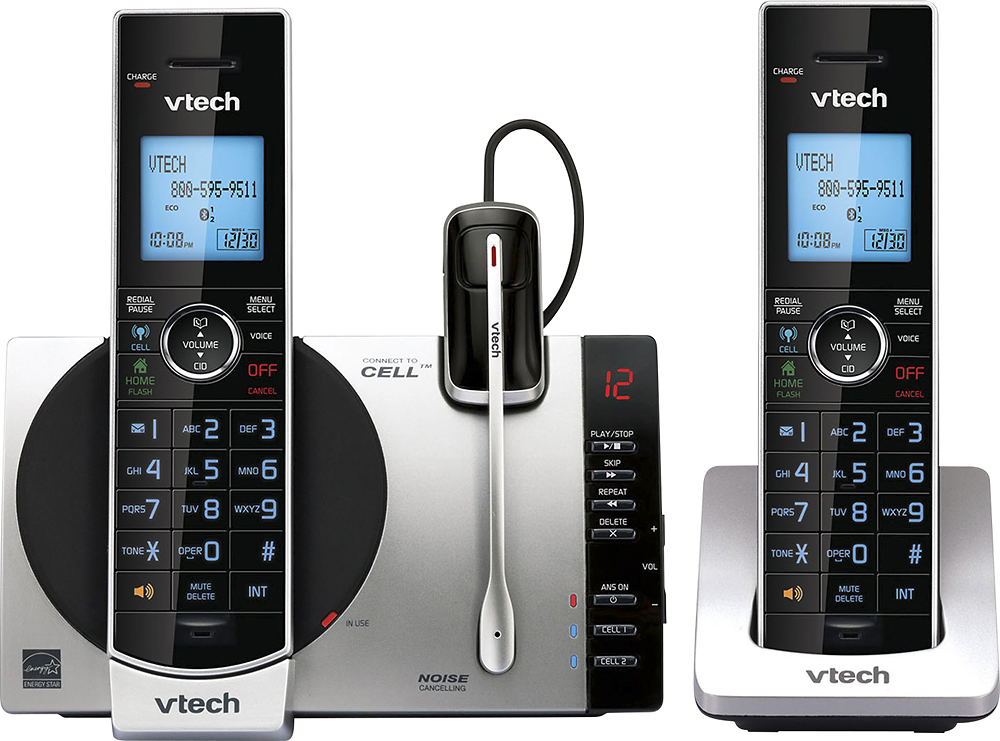
A:Answer Hi - We are sorry if you are having difficulties lowering the ringer volume on the VTech DS6771. You may follow the procedure below:
Step 1: Press MENU when the handset is not in use.
Step 2: Press ▼ or ▲ to choose Ringers, then press SELECT.
Step 3: Press ▼ or ▲ to select Home Volume or Cell Volume, then press SELECT.
Step 4: Press ▼ or ▲ to play the sample of each volume level.
Step 5: Press SELECT to save your selection.
If you are doing this on the base, press the -/VOL/+ key on the side of the base station when not in use. Hope this helps!
Thank you,
-VTech Support