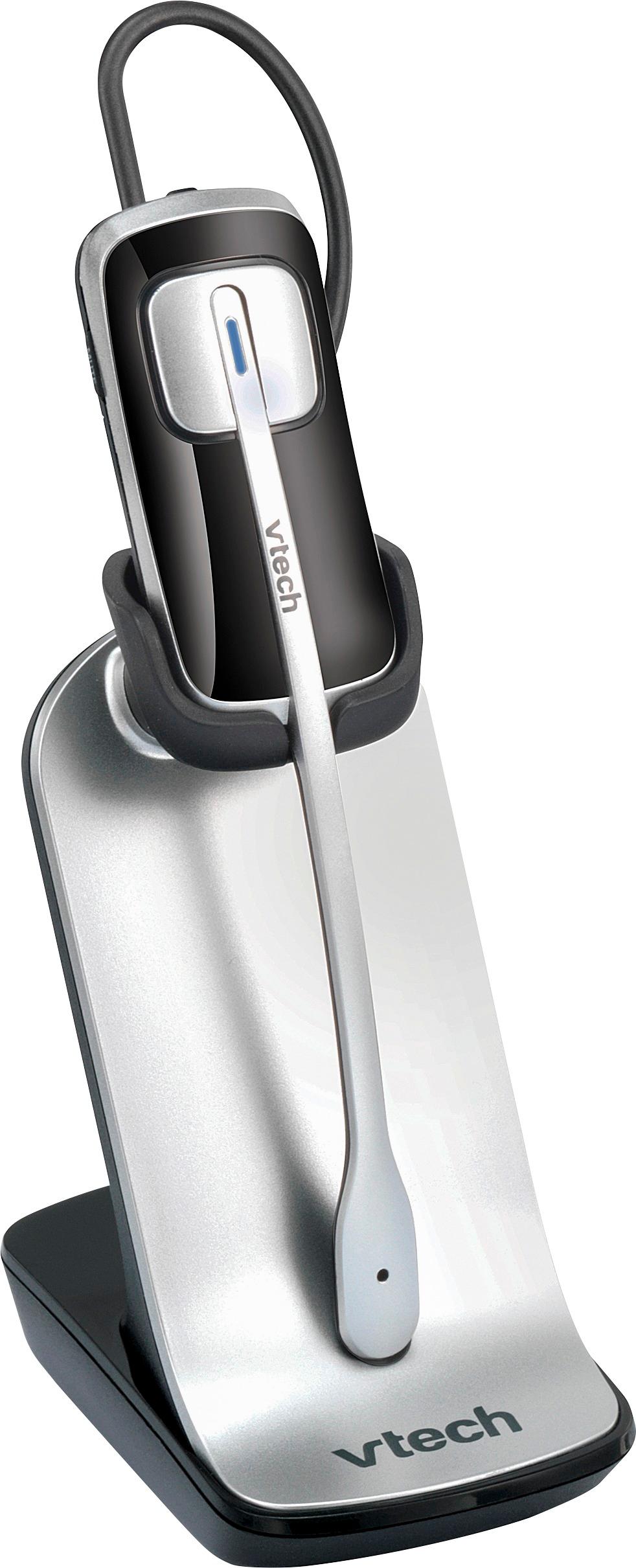
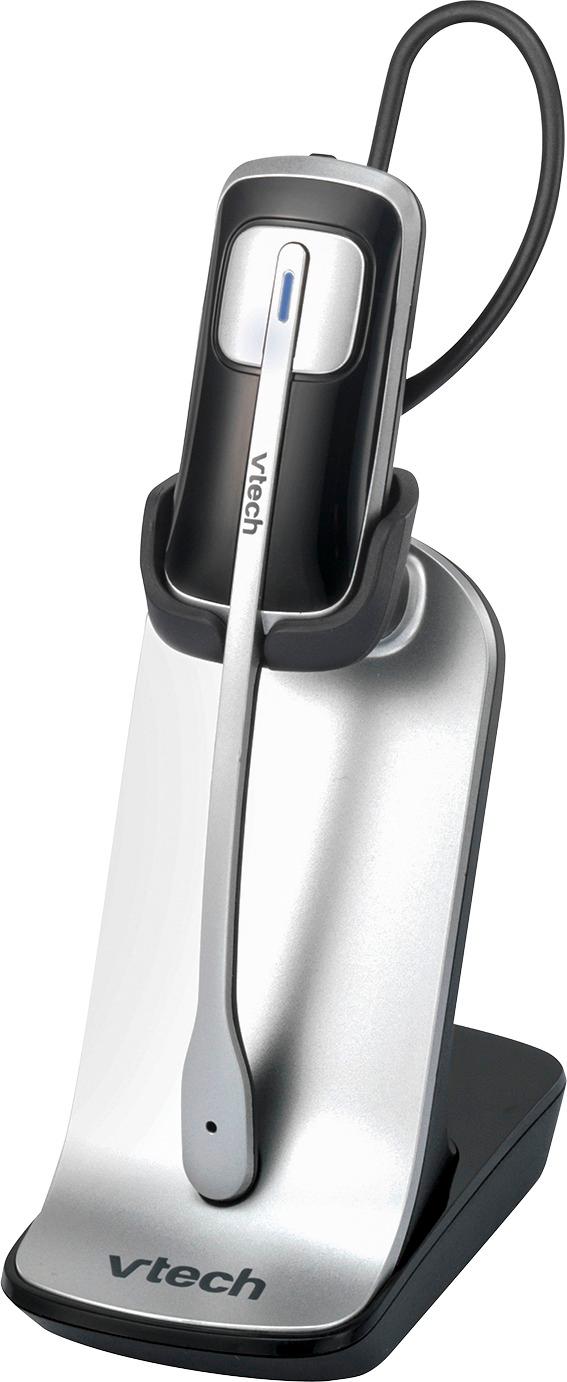
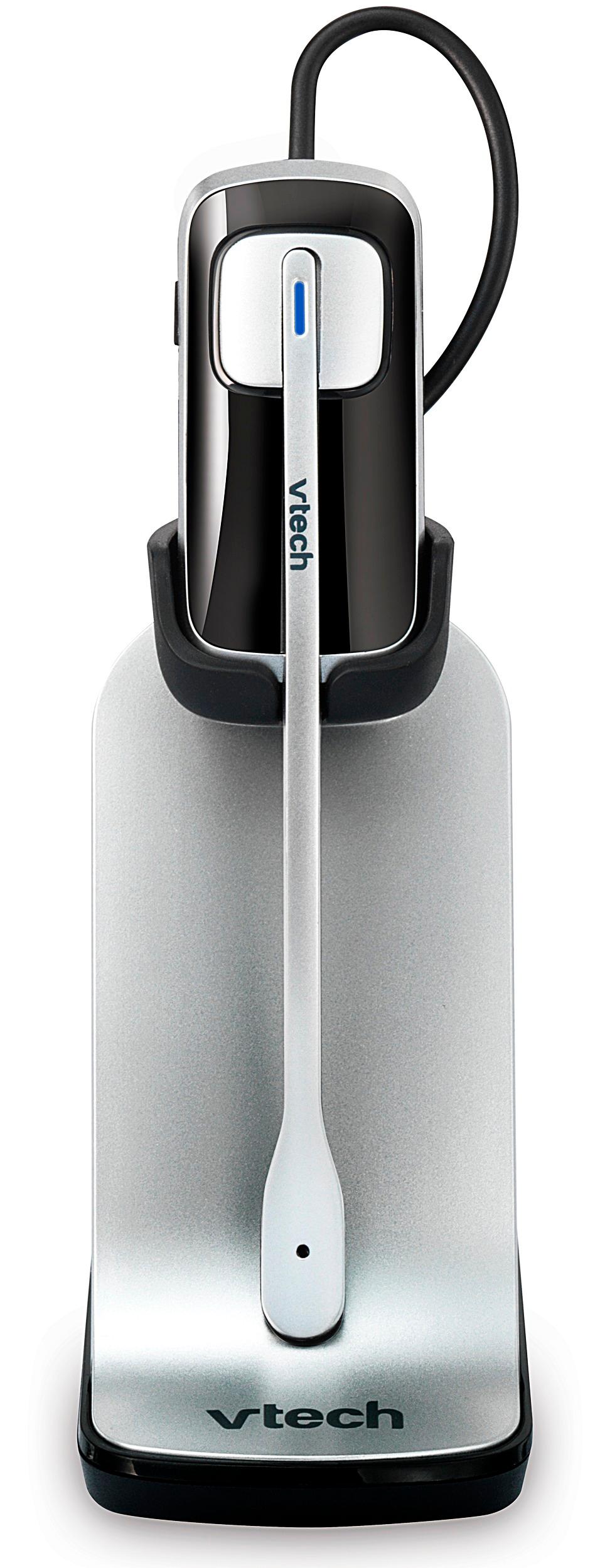
A:Answer In the event someone has the same difficulties deregistering and registering their IS6200 headset when the base is not longer working or available, and registering to a newer compatible VTec Answering Base (ours is the CS5229-2), I fiddled a bit and discovered the following:
1) DEREGISTER: sequence these 1) Vol+, On 2) Vol-, On 3) Vol+ 4) Vol-, On (Headset starts a slow flash red/blue, might also beep)
2) REGISTER: To a new base that is different than original;y used...discovered on the CS5229 that trying to register Headsets AFTER the Handsets wasn't allowing the Headsets to register regardless what I tried, but eventually stumbled onto this sequence:
START WITH HEADSETS
Start registering procedure by deregistering all handsets and headsets...usually by holding the FIND HANDSET button down until it flashes, then immediately press it again, it'll beep, wait 10 seconds or so for all handsets to deregister, then...
- Set slow flash red/blue Headset into charging stand (starts to fast flash red/blue)
- THEN (this is the odd part but it worked) PLACE ONE Handset into the base, wait for Headset light to turn solid red
- Remove Handset from base (to keep it from registering)
- Repeat for other headsets
Then...
- Register other Handsets per instructions (by placing each one in the Base sequentially (usually up to five total headset/handsets)
NOTE: For one Headset this will number the first Handset not as #1 but as #2...or #3 for 2 Headsets, etc.