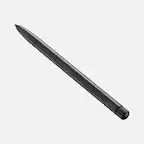
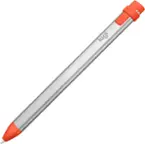
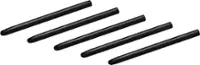
A:AnswerHi! I am actually using it on my x360 and both work perfectly! Only difference between both is that in the 1st gen you can do quick snippets on the top button to doodle over a screenshot or simply long press to be navigated over to a whiteboard for doodling as well. When I bought my 1st gen it came with 3 points (fine, bold and normal I believe) and the 2nd gen only with 1 with the option of buying extras. The 2nd gen has less connectivity issues compared to my 1st gen however Wacom eliminated the top button for the white board and screen snippet doodling for the 2nd gen, but it still works as intended, I use it mainly for OneNote and has been great to me.
A:AnswerI have both this pen and the Galaxy Flex Alpha (12 GB memory version), and it does work with it! It does occasionally "skip" when drawing, but its pretty solid overall. I do light graphic design work with it: simple sketches, knocking out backgrounds in photos, and note taking.
A:AnswerThank you for asking. This product works with 2-in-1 devices that have either MPP (Microsoft Pen Protocol) or AES (Active Stylus) pen technologies built in. If in doubt you can reach out to the manufacturer of your device (Dell) and clarify that with them.
The ones we have listed under tested devices are:
Dell™ XPS 13 2in1 (9365)
Dell™ XPS 15 2in1 (9575)
and as you can see these are not the (7390) you have, so reaching out to Dell to confirm would be the best step.
Hope that helps!. Best
A:AnswerYes, we bought this for the Lenovo - Yoga C940 2-in-1 14" Touch-Screen Laptop - Intel Core i7 - 12GB Memory - 512GB Solid State Drive and it works good.
A:AnswerYou can view a list of tested devices at www.wacom.com/comp. Generally if your model has Wacom AES or Microsoft Pen Protocol pen technology built-in then it may be compatible.
A:AnswerYes it is compatible. The Bamboo Ink works with both Wacom Active ES protocol and Microsoft pen protocol (MPP) and per HP the laptop is compatible with active pens. My son currently uses the Bamboo Ink on an HP Envy X360 13 inch model and it works perfectly.
A:AnswerI also bought one and it also works. Initially if it does not, hold both buttons down simultaneously on the pen for 2 seconds to switch modes and voila.