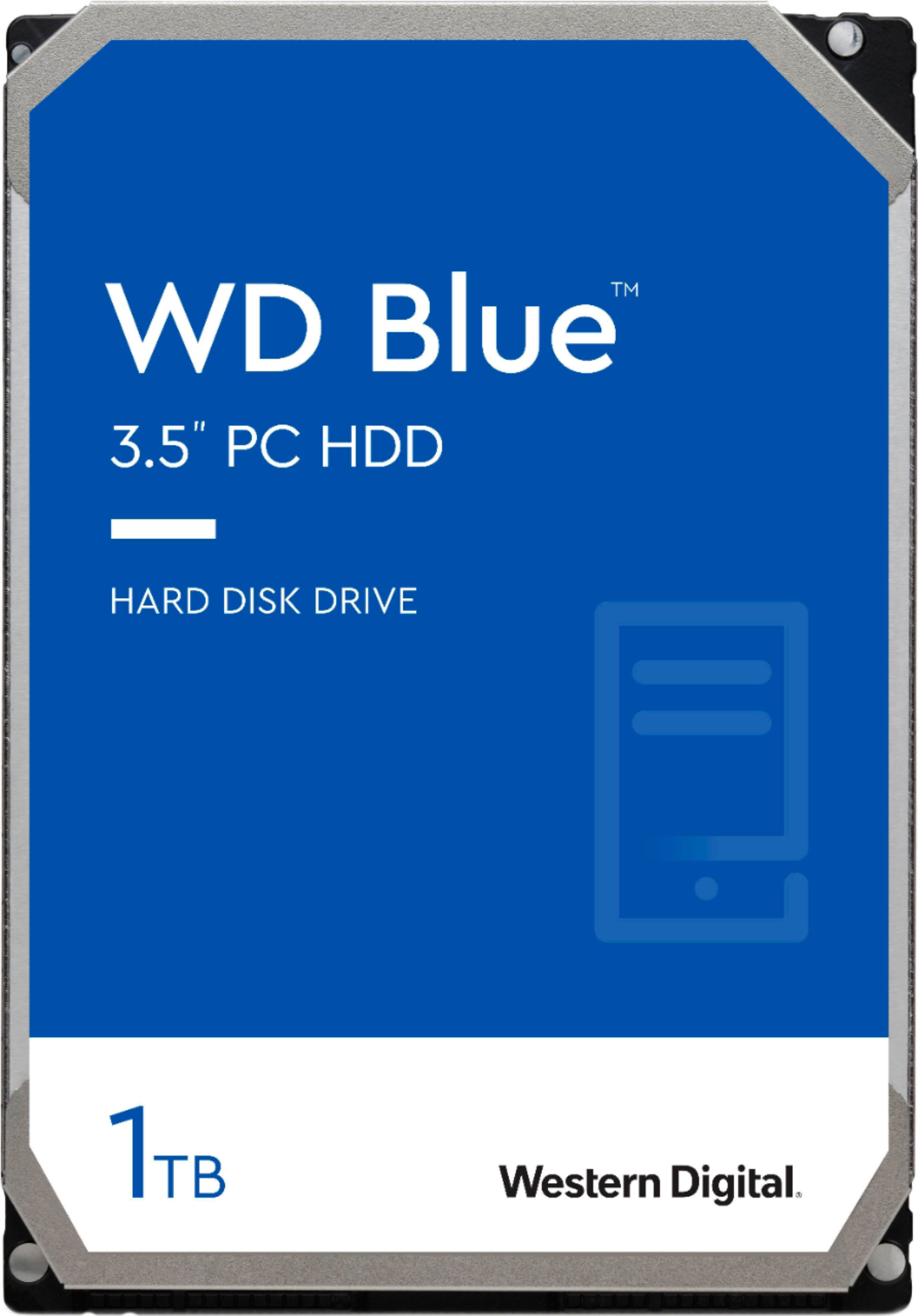
A:AnswerYou need to measure the inside width of the drive bay inside the case (if it has one), or measure the dimensions of the space inside the case where you could safely mount a hard drive. This drive is the larger 3.5" width type and won't fit if the bay or space in the case is only 2.5" wide.
A:AnswerWe used it in a security dvr. As long as your old hard drive is an SATA drive, it should work. You will probably have to format it once it is installed. Also, the size may be different (2.5 vs 3.5), but that shouldn’t be an issue.
A:AnswerIf this is the ALL-IN-ONE systems; I have seen both physical size drives in these types of systems. IF the system allows this size but has an adapter case for the smaller laptop size drive you can just remove the hdd and adapter and this should fit. Always check with Dell to find the right part size and configuration before you buy anything. Some desktop systems are designed to use laptop hdds without an adapter, and in that case this would not physically fit in the unit.
A:AnswerThis is a desktop hard drive not a laptop hard drive so the answer is no this will not work. In all mac computers that I 've upgraded installing a solid state hard drive will yield the best performance.
A:AnswerMine was a Gateway DX4380G, different processor but drive arrangement same. Mine offered a semi-external plug-in to add a second drive, cloned the original by sector to it, and it works as a perfect replacement. But with the higher rpm, it is now zipping along much faster.
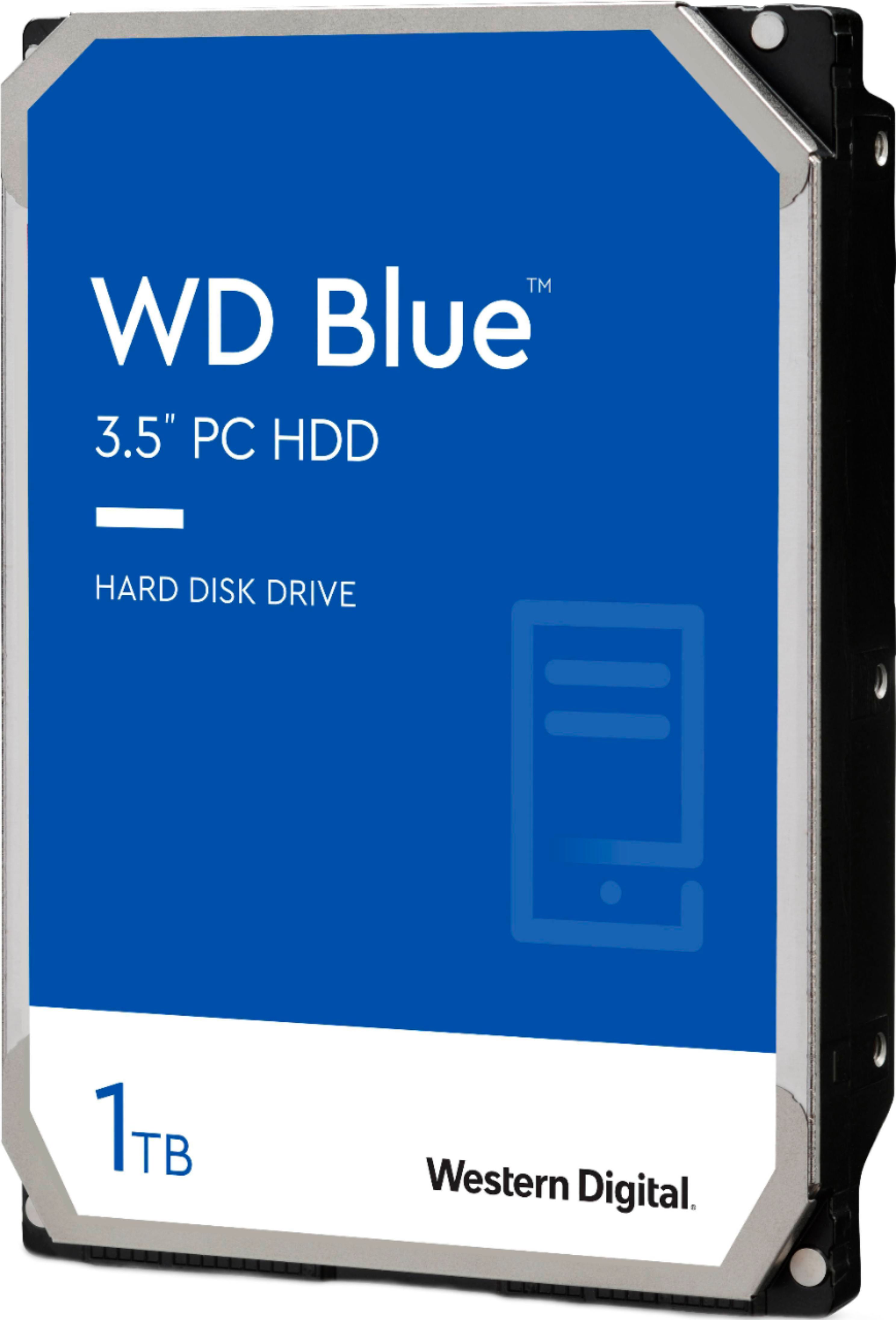
A:AnswerWithout knowing the Model number of computer it's hard to tell. However if its a desktop computer than more than likely you can use this drive.
A:AnswerThe Dell Inspiron 530 mid-tower Desktop PC uses SATA hard drive. So, yes, this Western Digital 3.5" 1TB Internal Serial ATA drive will work with it as an OS bootable drive.
A:AnswerIf your computer has an SATA HDD connection, this should work.
I would go to Dell's website and enter in your serial number at their support page... that way you can see what HDD it shipped with.
Just to be sure.
Most desktops use 3.5" HDDs.
A:AnswerNo. This is a 3.5" HDD.
You need a 2.5" HDD for a laptop.
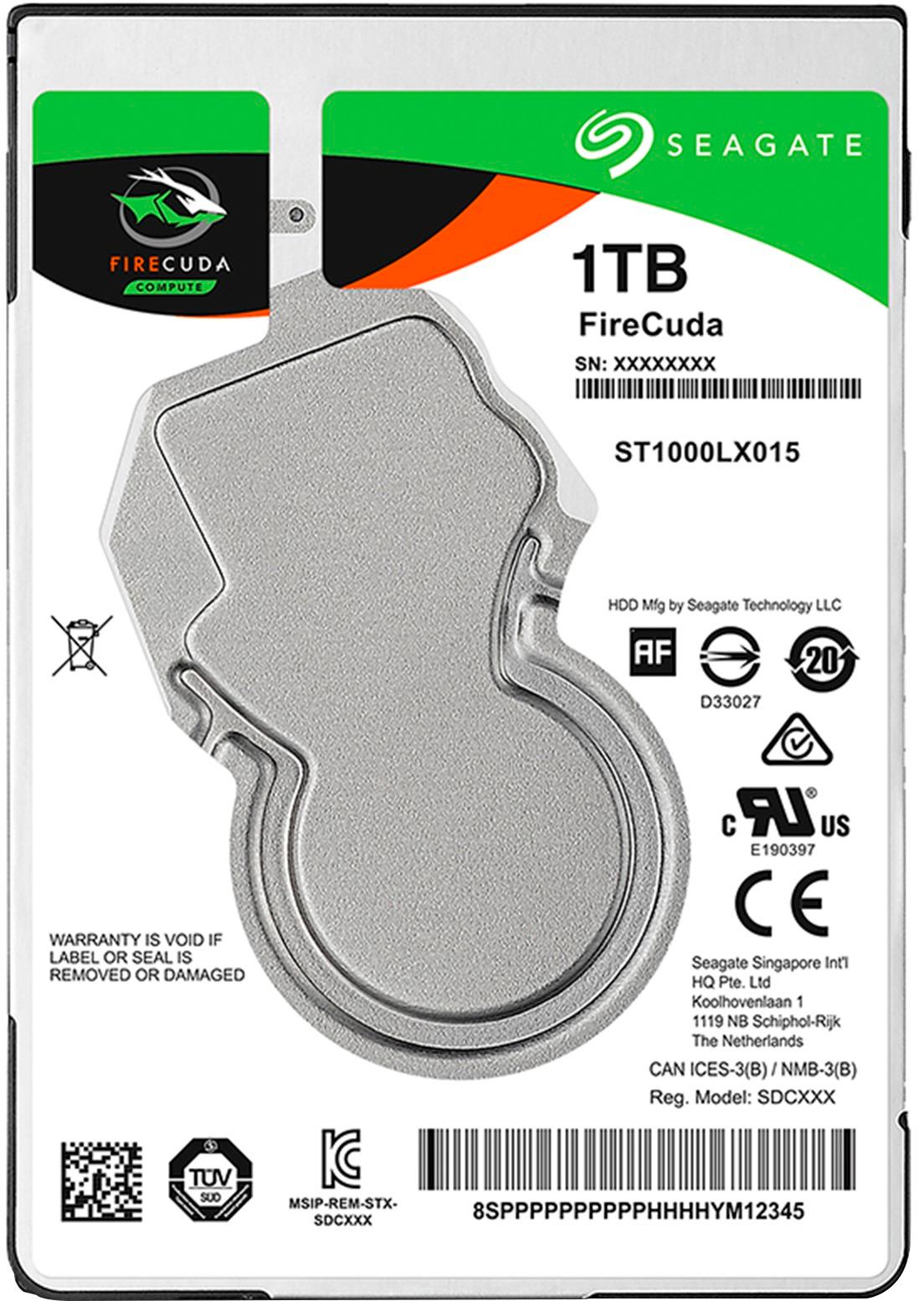
I use a Seagate FireCuda 2TB in my PS4 Slim and it loads games faster than my friend's PS4 Pro most of the time.