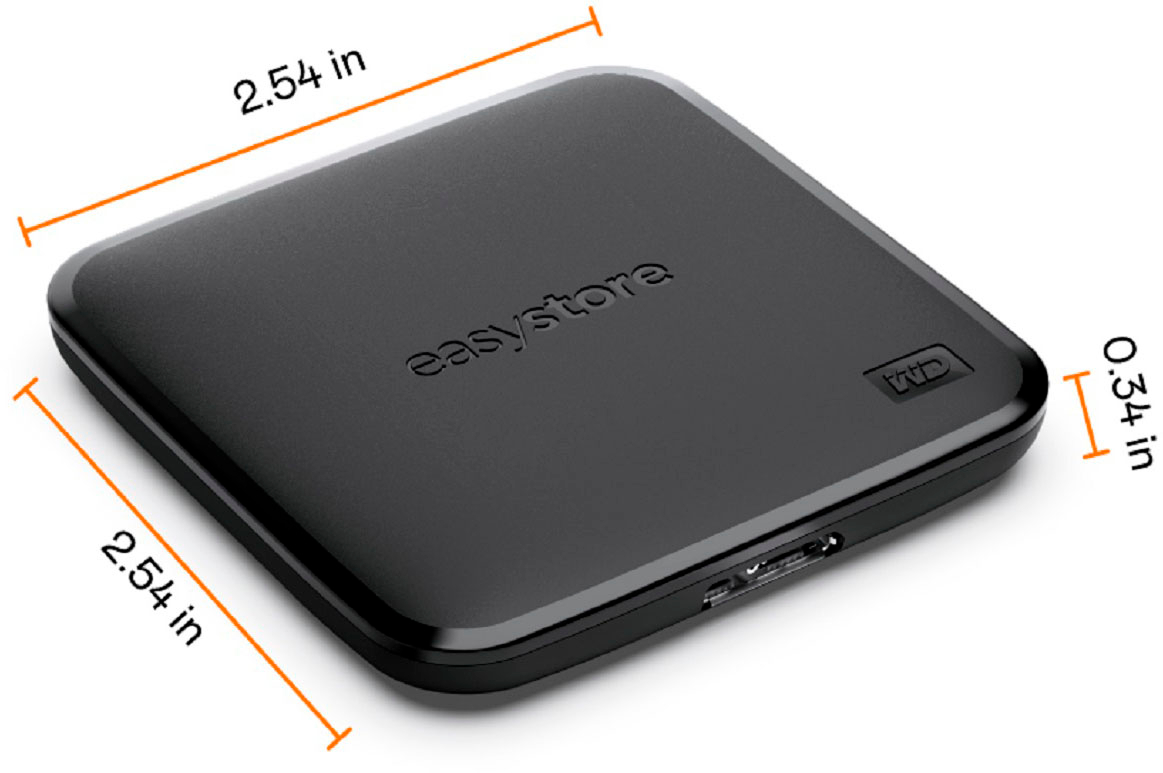
A:Answeryes. I bought it as external memory for my son's PS5. I attached it to the top for him with a command hook so it would not be misplaced but also so he could take it with him when we travel out of town.
A:AnswerYou should be able to run programs from this external SSD. Just be sure that your desktop shortcut has the correct location of the new drive to activate & run it.
A:AnswerI think the main question is whether the Windows XP operating system will support the USB 3.0 interface connection. If so, the necessary driver is installed by your computer when you first initiate the connection.
A:AnswerNo, the WD easystore external drive will not work for this purpose. You would need to add software, an executable file, to the drive, but would have no way to launch and manage the files to be played.
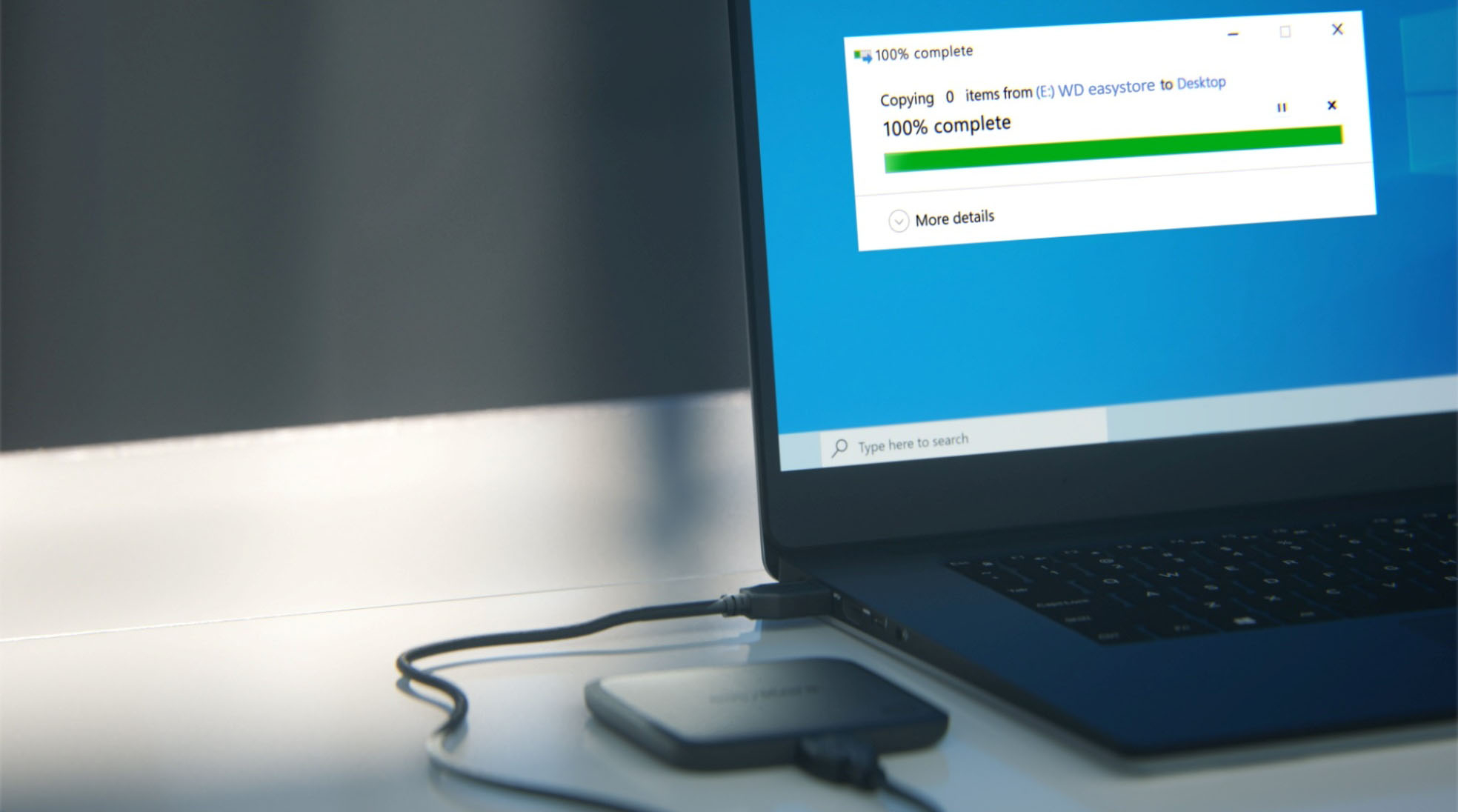
A:AnswerAlmost no instructions included. It acts like a big memory stick, so you can easily copy individual folders, or run an image backup. Comes formatted as "exFAT" which I re-format as NTFS for compatibility with my WIN 7 and 10 systems.
A:AnswerMy old Macbook pro (from 2013) recognized this device as did my windows 10 PC. It was even recognized by my bios straight out of the box; which means it could operate as a recovery/boot drive.
A:AnswerOf course, you can. Choose this drive in your "Save As" dialog box and you are done. Needless to say, do not forget to plug it into one of your USB slots.
A:AnswerThis is an external hard drive, and therefore it’s going to be its own entity, kind of like back in the day when computers came with little floppy disk drives or hard, disk drives, and you would have to open a file “A” but basically from what I understand is you just plug this in to your USB port and it works as an external drive what you’re trying to do as you’re trying to get it to be part of your computer… for that you would need an internal hard drive and a professional to install it. This is an external hard drive.
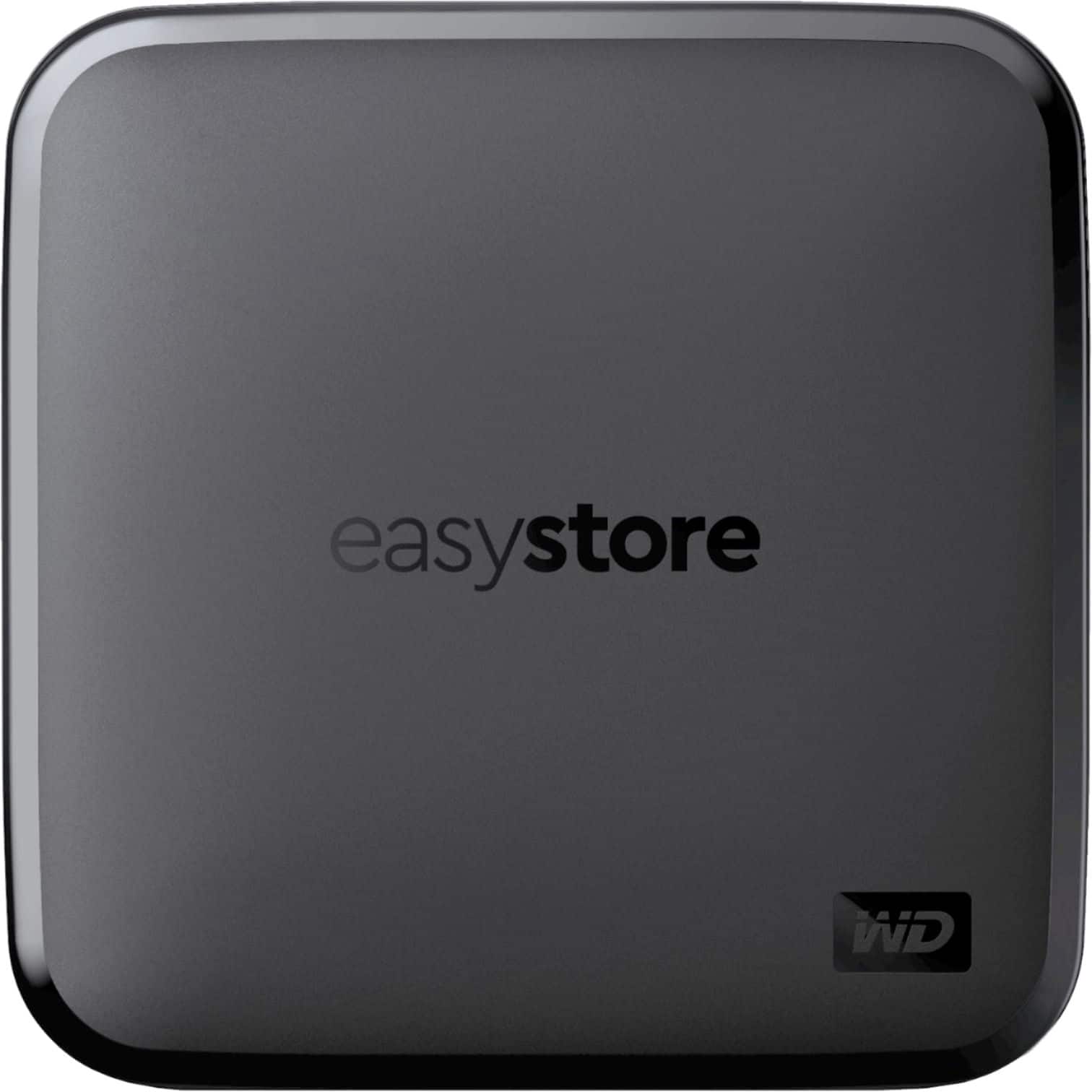
A:AnswerIt’s just a basic external hard drive, and while dragging and dropping may take a while to do what I would recommend is take all the files, put it in one file and then drag and drop that file into the external hard drive do that in the morning before you go to work, and then by the time you come home it should be finished… However, if your computer is a newer computer with a fast processor and your USB port is at least 3.0 then it may be faster than you think.