Black Friday is hereShop new DoorbustersShop now

Main Content

Questions & Answers

Your price for this item is $109.99
Page Showing 301-320 of 822 questions
  • QuestionWill this store over the air tv with HD Home run Flex 4 K ?

    Asked by Donald.

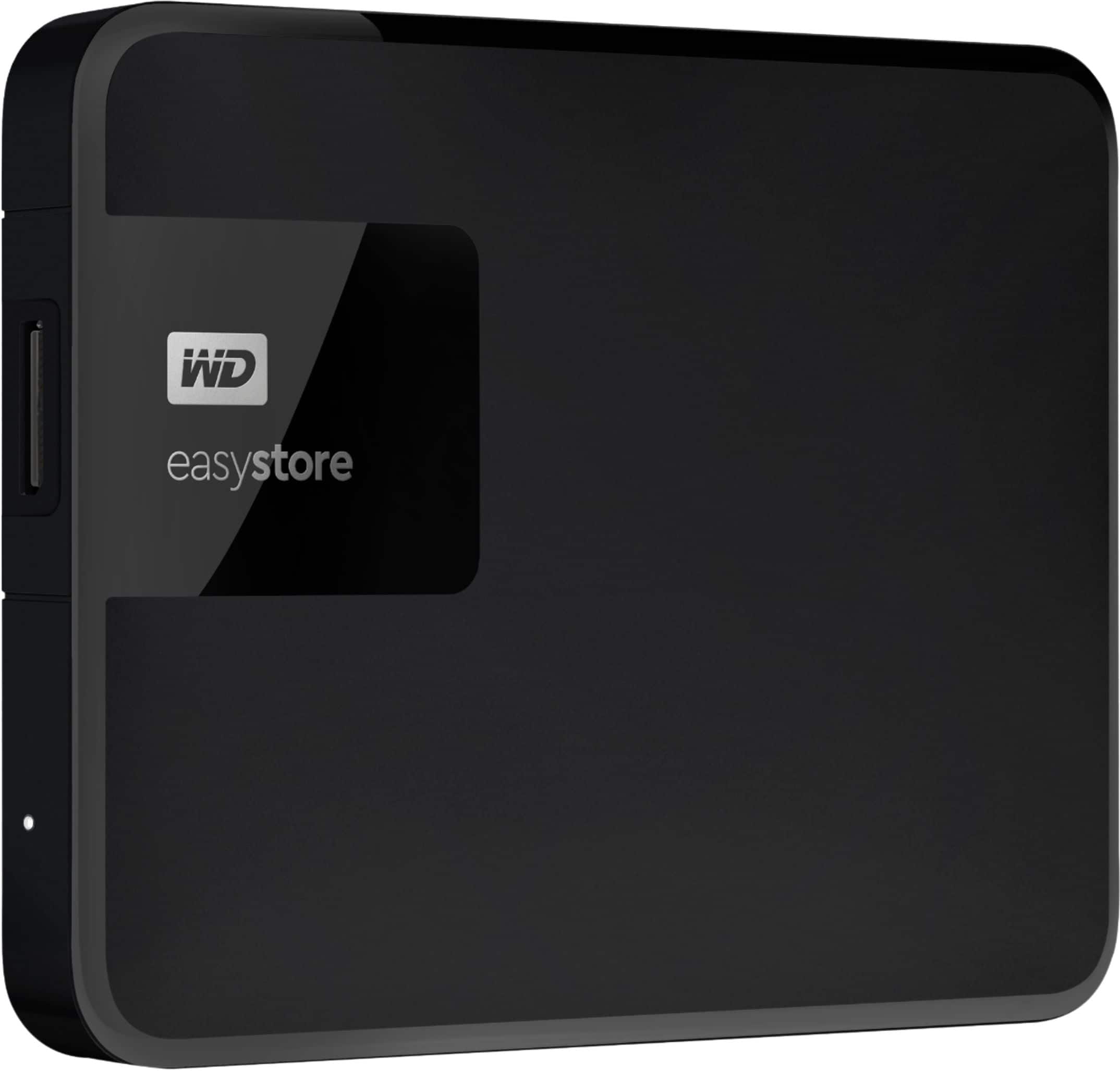
    • Answer Hi Donald, Please be informed that the WD Easystore Drive is a plug 'n' play device tested and designed for Windows and Mac computers. The drive ships along with a USB 3.0 cable​​​​​​​ and uses USB 3.0 Type-A interface. We recommend you to please contact your host device vendor support to check whether the drive will support. For more info on the drive, refer to the link: http://products.wdc.com/library/AAG/ENG/4078-705145.pdf -Need Help? Please see our "'Contact Us" page for information.

      Answered by Western Digital Team

  • QuestionWhat other Easystore products are compatible with Apple MacBook Air that does not have a USB port?

    Asked by Tom.

    • Answer Hi Tom, We recommend you to please visit our online store and check out the products offering USB Type C connector cables or Thunderbolt. You can also contact our Online Store Support for more information at https://shop.westerndigital.com/. -Need Help? Please see our "'Contact Us" page for information.
      Answered by Western Digital Team

  • QuestionDoes it work on Xbox series s

    Asked by Anonymous.

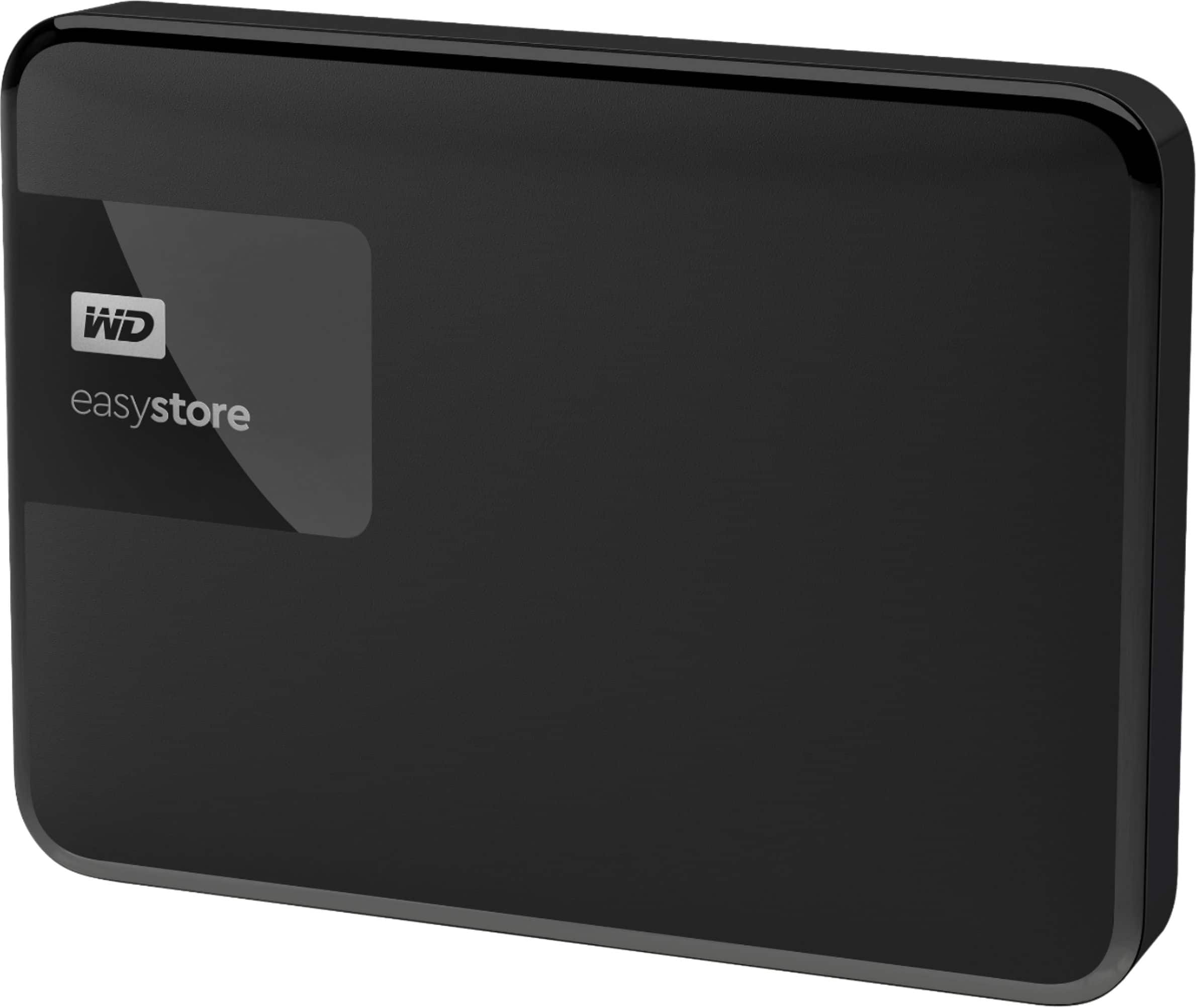
    • Answer Hi, Please be informed that the WD Easystore Drive is a plug 'n' play device tested and designed for Windows and Mac computers for seamless operation. The drive ships along with a USB 3.0 cable​​​​​​​ and uses USB 3.0 Type-A interface. We recommend you to please contact your host device vendor support to check whether the drive will support. For more info on the drive, refer to the link: http://products.wdc.com/library/AAG/ENG/4078-705145.pdf -Need Help? Please see our "'Contact Us" page for information.
      Answered by Western Digital Team

  • QuestionIs this compatible with an android box?

    Asked by Bite.

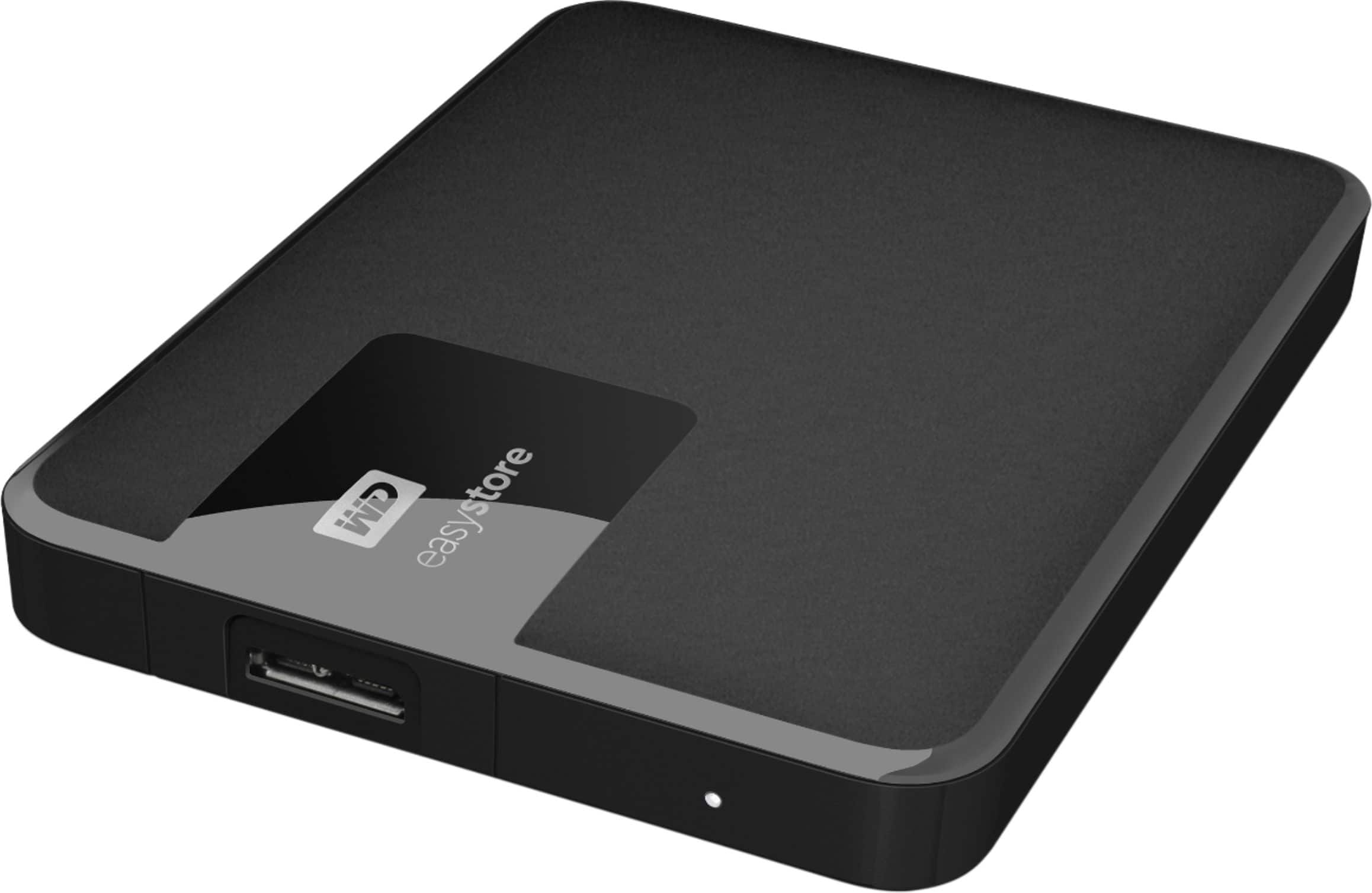
    • Answer Hi Bite, Please be informed that the WD Easystore Drive is a plug 'n' play device tested and designed for Windows and Mac computers for seamless operation. We recommend you to please contact your host device vendor support to check whether the drive will support. For more info on the drive, refer to the link: http://products.wdc.com/library/AAG/ENG/4078-705145.pdf -Need Help? Please see our "'Contact Us" page for information.
      Answered by Western Digital Team

  • QuestionWill it work for ps5

    Asked by Rich14.

    • Answer Hi​​​​​​​, Sony added support for external USB hard drives on the PS5 with their April 2021 update. However, due to PS5 restrictions, games can only be played off the console’s internal SSD. As such, external USB storage hard drives only function as a faster way to hot-swap games and data on or off the PS5’s internal storage. -Need Help? Please see our "'Contact Us" page for information

      Answered by Western Digital Team

  • QuestionWhen does the sale end?

    Asked by Aloharosie.

    • Answer It ended already, sorry.

      Answered by Fallouter76er

  • Questioncan this drive be used to backup two computers.

    Asked by 1111.

    • Answer Hi 1111, Please be informed that you may backup two computers on the drive with same Operating System. Moreover, in order to assist you better, we request you to please get in touch with our customer service team. This way we can ask you some questions & provide the best possible answer. T​​​​​​​o know more about the drive refer to the link: http://products.wdc.com/library/AAG/ENG/4078-705145.pdf -Need Help? Please see our "'Contact Us" page for information

      Answered by Western Digital Team

  • QuestionCan this be used with a Sony BRAVIA XR X90J android TV to increase internal shared storage?

    Asked by Don.

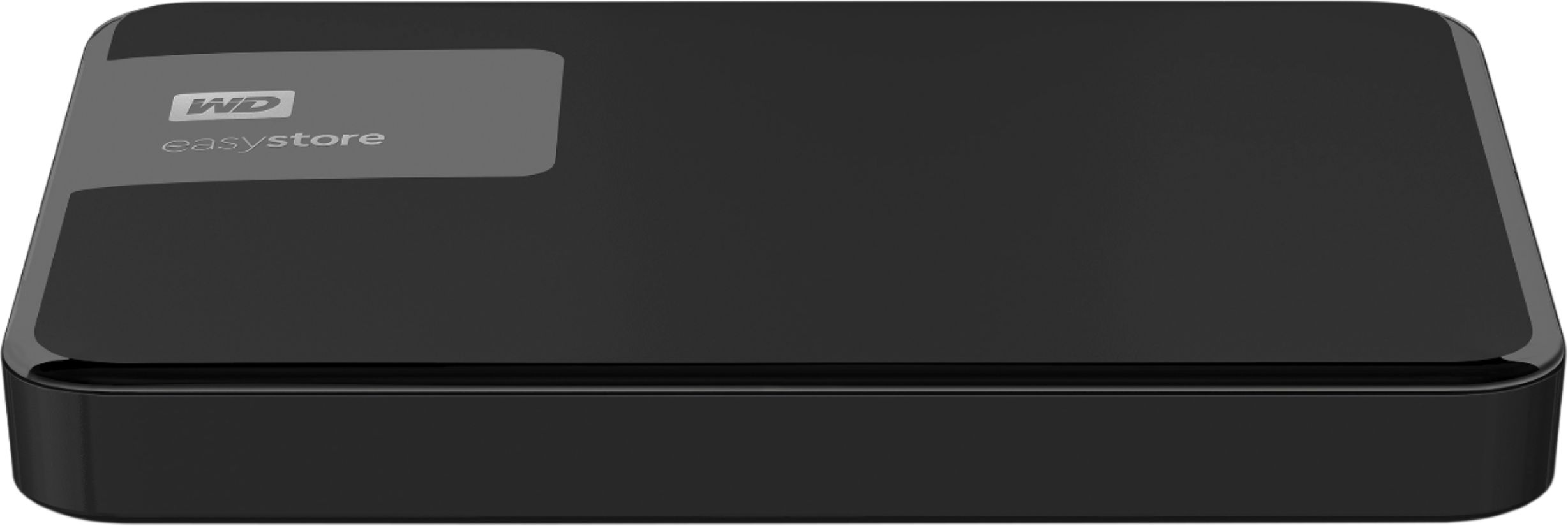
    • Answer Hi Don, Please be informed that the WD Easystore Portable Hard Drive is a plug 'n' play device tested and designed for Windows and Mac computers for seamless operation. Moreover, the drive comes formatted NTFS for Windows 10 and 8.1 and compatibility may vary depending on user’s hardware configuration and operating system. For more info about the drive, refer to the link: http://products.wdc.com/library/AAG/ENG/4078-705145.pdf -Need Help? Please see our "'Contact Us" page for information.
      Answered by Western Digital Team

  • QuestionI this external hard drive in NTFS format?

    Asked by jack.

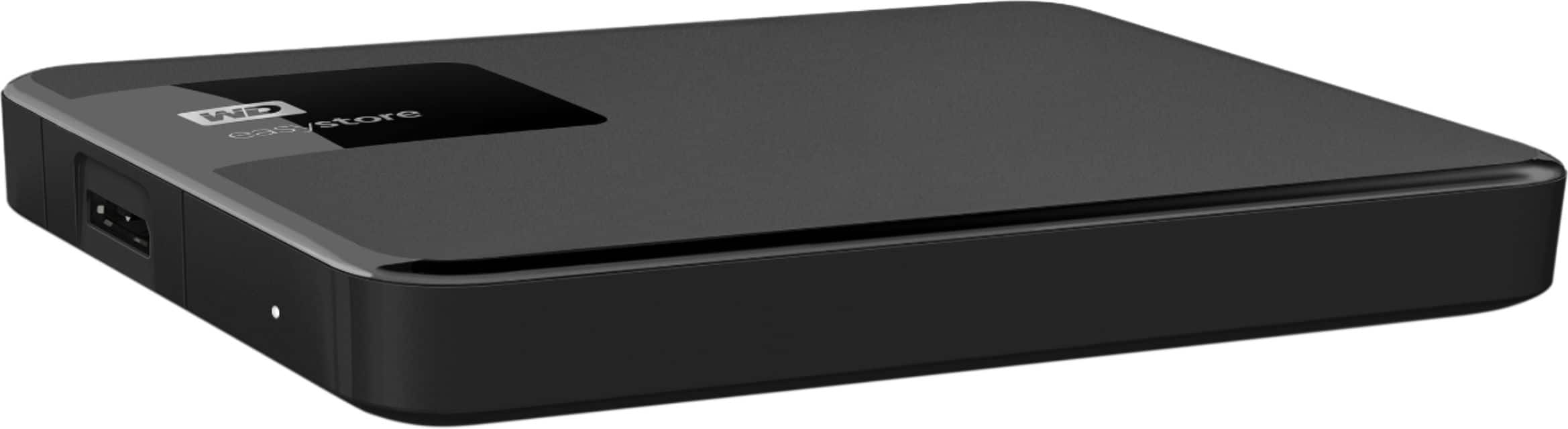
    • Answer Hi jack, Please be informed that the WD Easystore Portable Hard Drive is a plug 'n' play device tested and designed for Windows and Mac computers for seamless operation. Moreover, the drive comes formatted NTFS for Windows 10 and 8.1 and compatibility may vary depending on user’s hardware configuration and operating system. Reformatting required for macOS. For more info about the drive, refer to the link: http://products.wdc.com/library/AAG/ENG/4078-705145.pdf -Need Help? Please see our "'Contact Us" page for information.
      Answered by Western Digital Team

  • Questioncan i use a micro usb to usb C to plug this into my laptop

    Asked by jae.

    • Answer Hi jae, Please be informed that the WD Easystore Portable Hard Drive is a plug 'n' play device and has connectivity with USB 3.0 devices as well as backward compatibility with USB 2.0 devices. The drive comes with USB 3.0 Type-A​​​​​​​ Interface. For more info about the drive, refer to the link: http://products.wdc.com/library/AAG/ENG/4078-705145.pdf -Need Help? Please see our "'Contact Us" page for information.

      Answered by Western Digital Team

  • QuestionDoes this work on windows 7?

    Asked by Forest.

    • Answer Hi Forest, Please be informed that Western Digital drives are not tested with the vendor end of life operating systems and are optimized for more recent versions of OS. -Need Help? Please see our "'Contact Us" page for information.

      Answered by Western Digital Team

  • QuestionAre you able to connect to a smart tv with HDMI port?

    Asked by Anonymous.

    • Answer Hi, Please be informed that the WD Easystore Portable Hard Drive​​​​​​​ is a plug 'n' play device tested and designed for Windows and Mac computers for seamless operation. We recommend you to please check with your host device vendor for more compatibility info. For more info about the drive, refer to the link: http://products.wdc.com/library/AAG/ENG/4078-705145.pdf -Need Help? Please see our "'Contact Us" page for information.

      Answered by Western Digital Team

  • QuestionIs this compatible with Apple and Mac/PC?

    Asked by Anonymous.

    • Answer I have not tried it on a MAC but it is simply an external hard drive that saves files, so it should work.

      Answered by JimmieLG

  • QuestionCan I store MP4 video files on this device, and will the videos play when selected from this device?

    Asked by Doug4Cards.

    • Answer can I put apps from my phone on here so it doesn't take up space on my phone.

      Answered by young

  • Questionis this an ssd?

    Asked by Lori.

    • Answer Hi Lori, Please be informed that the WD Easystore drive is a plug 'n' play External Hard Disk Drive. The drive ships with a USB 3.0 cable​​​​​​​ and uses USB 3.0 Type-A interface. This drive is not a SSD. To know more about the drive please refer to the link for user manual: http://products.wdc.com/library/UM/ENG/4779-705168.pdf -Need Help? Please see our "'Contact Us" page for information.

      Answered by Western Digital Team

  • QuestionDoes this work with iPad Pro? When I ask the question, I’m lead to this very drive. But I just simply need to know if I can store and transfer files, photos, and Videos to and from iPad to iPad, to and from iPhone.

    Asked by 4757.

    • Answer Hi Gail, Please be informed that the WD Easystore drive is a plug 'n' play device tested and designed for Windows and Mac computers. The drive is both USB 3.0 ready and USB 2.0 compatible. It comes with USB 3.0 Type-A cable. You can move the data from phone to drive using your computer. Refer to the link to know more about the drive: http://products.wdc.com/library/AAG/ENG/4078-705145.pdf -Need Help? Please see our "'Contact Us" page for information

      Answered by Western Digital Team

  • QuestionI just bought a brand new lap top with usb 3.0. why is this maxing out at 100mbps?

    Asked by Alex.

    • Answer Hi Alex, Please be informed that in order to assist you better it would be helpful to have a bit more information. We request you to please get in touch with our customer service team. This way we can ask you some questions to discuss in detail to provide the best possible answer. -Need Help? Please see our "'Contact Us" page for information.

      Answered by Western Digital Team

  • QuestionWill this work with a windows 7 pc.

    Asked by bobd3434.

    • Answer Hi bobd3434​​​​​​​, Please be informed that Western Digital drives are not tested with the vendor end of life operating systems and are optimized for more recent versions of OS. Moreover, you can visit the link for more information on the drive: https://support-en.wd.com/app/products/product-detail/p/266 -Need Help? Please see our "'Contact Us" page for information.
      Answered by Western Digital Team

  • QuestionWill this Work for my XBOX X System ? Or should I purchase the Seagate One ?

    Asked by Bluetooth.

    • Answer Hi KingWayne, Please be informed that the WD Easystore Drive is a plug 'n' play device tested and designed for Windows and Mac computers for seamless operation. We recommend you to please contact your host device vendor support. For more info on the drive, refer to the link: http://products.wdc.com/library/AAG/ENG/4078-705145.pdf -Need Help? Please see our "'Contact Us" page for information.

      Answered by Western Digital Team

  • QuestionIs the formatting a one time process or do I have to reformat Everytime I go back and forth with PC and PS4?

    Asked by Anonymous.

    • Answer Hi, Please be informed that the WD Easystore external portable drive comes preformatted in NTFS for Windows OS, However, in order to use the drive with PS4, the drive needs to be reformatted to the supported file format. -Need Help? Please see our "'Contact Us" page for information.

      Answered by Western Digital Team









