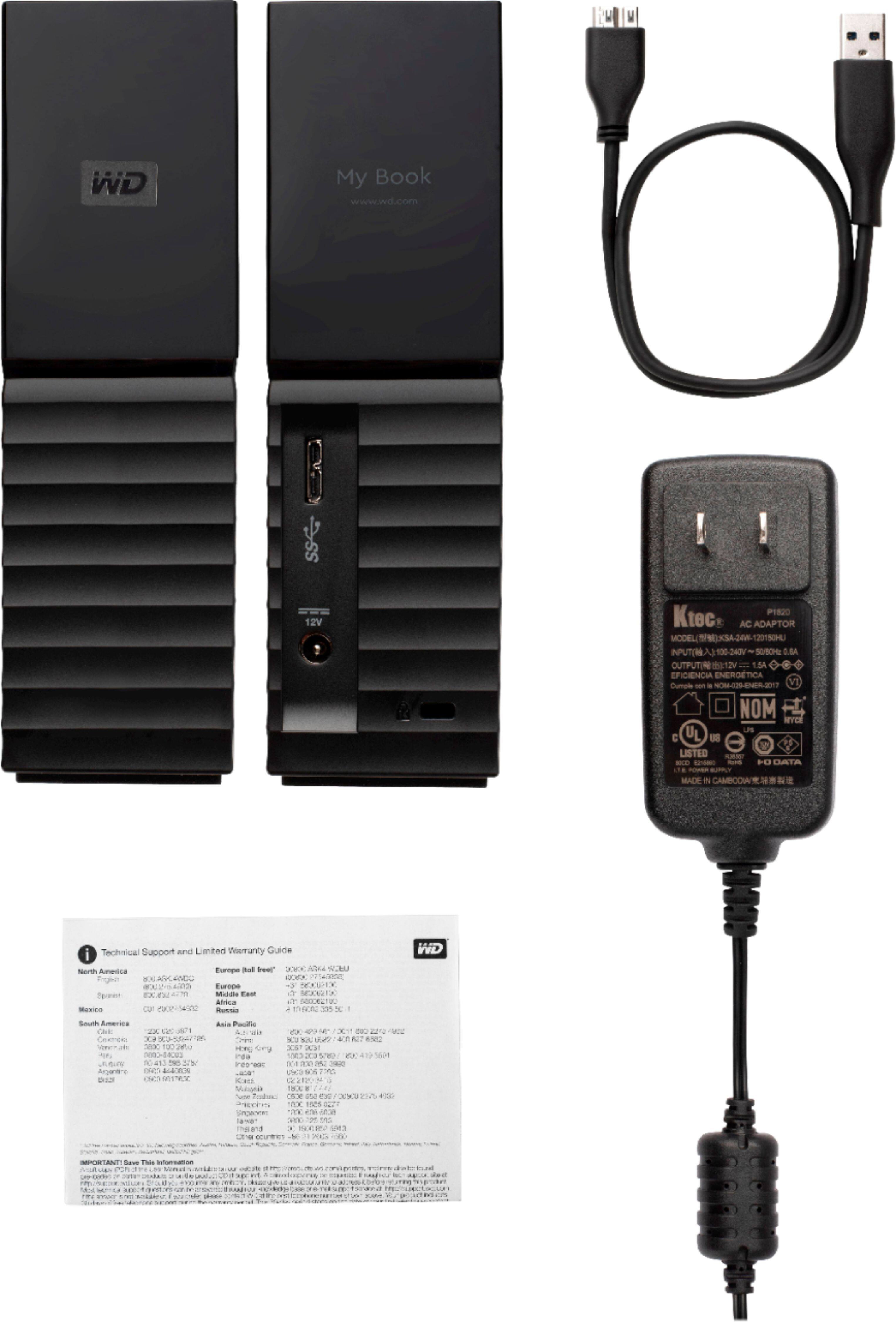
A:AnswerYes it will, it's a USB drive. No special formatting is required.
IOf you meant to install it internally then NO. The PS4 uses 2.5" (Laptop) drive inside.
A:AnswerUmmm... Why not connect it to a desktop and have Plex server running in the background? That's what I did; its easy to set up and it works just fine. And I have a variety of media; AVI, MKV, MP4, audio files and photos. Good luck.
A:AnswerI've never tried it, honestly, but I dont see why you wouldn't. It would depend on what it's formatted as though, check the TV support page and see if the TV supports NTFS or ExFat (if ExFat is supported thats the better option for large video files)
A:AnswerThere is, if you install the Western Digital Drive Utilities software, it has the option to adjust its sleep time. I will attach screenshots, forgive the crude arrows, I made them quickly
A:AnswerHello Mike, We would like to inform you that we are tested the device with windows and mac operating system. We recommend you to please check with your host device vendor for more compatibility info. For more information please refer to the user manual of the device: http://products.wdc.com/library/AAG/ENG/4078-705157.pdf.-Need Help? Please see our "'Contact Us" page for information.
A:AnswerHello, Please be informed that the WD My Book drive is a plug 'n' play device tested & designed for Windows and Mac computers for seamless operation. We recommend you to please contact your host device vendor support to check whether the drive will support. For more information about the drive refer to the link: http://products.wdc.com/library/AAG/ENG/4178-707230.pdf .Please see our "'Contact Us" page for information.
A:AnswerHello Babbs, Based on your concern we never recommend you to use the USB hubs or extensions. For more information about the drive refer to the link: http://products.wdc.com/library/AAG/ENG/4178-707230.pdf -Need Help? Please see our "'Contact Us" page for information.
A:AnswerHello Chewiestbike745, WD My Book External is behaving abnormally there could be several possible reasons .We would recommend you to perform a health test on the drive .Please follow the link to test the drive :https://downloads.wdc.com/wdapp/WDDriveUtilitiesSetup_for_web_2.0.0.76.zip .If you see any inconclusive results, please replace your drive if it is in warranty. Please refer the mentioned link for RMA:https://support-en.wd.com/app/answers/detail/a_id/10336/kw/rma Need Help? Please see our "'Contact Us" page for information.
A:AnswerHello, Please be informed that Western Digital drives are not tested with the vendor end of life operating systems (Windows 7) and are optimized for more recent versions of OS. -Need Help? Please see our "'Contact Us" page for information.
A:AnswerHello Katie,Please be informed that these drives are not designed for the daisy chain feature on the drives.We would suggest you to use the drive through the USB ports.For more information on the drive, refer to the link: https://products.wdc.com/library/AAG/ENG/4178-707230.pdf -Need Help? Please see our "'Contact Us" page for information.