A:AnswerHi MCBS, The WD My Passport portable hard drive comes preformatted for Windows computer. The hard drive can be reformatted in the supported file system for Mac OS by following simple steps mentioned in the link: Reformatting Required for Mac OS Compatibility: https://support-en.wd.com/app/answers/detail/a_id/3879 How to Partition and Format a WD Drive on Windows and macOS https://support-en.wd.com/app/answers/detail/a_id/8200 -Need Help? Please see our "'Contact Us" page for information
A:AnswerHi jack, The WD My Passport hard drive is designed to be used with Windows or macOS computer. We have not tested the drive on the gaming stations We have a different range of gaming drives. The drive is to use as an external storage so you can keep any data in the drive or you can perform the backup jobs by connecting the external hard drive to a computer. For more information please refer to the link: http://products.wdc.com/library/AAG/ENG/4078-705155.pdf -Need Help? Please see our "'Contact Us" page for information
A:AnswerHi Roofmann, We have not tested the hard drive with Gaming consoles. We will recommend you to use WD GAMING DRIVE which is specifically designed to be used with PS4. Please refer to the link mentioned below for more information. WD GAMING DRIVE: http://products.wdc.com/library/AAG/ENG/4078-705139.pdf Need Help? Please see our "'Contact Us" page for information.
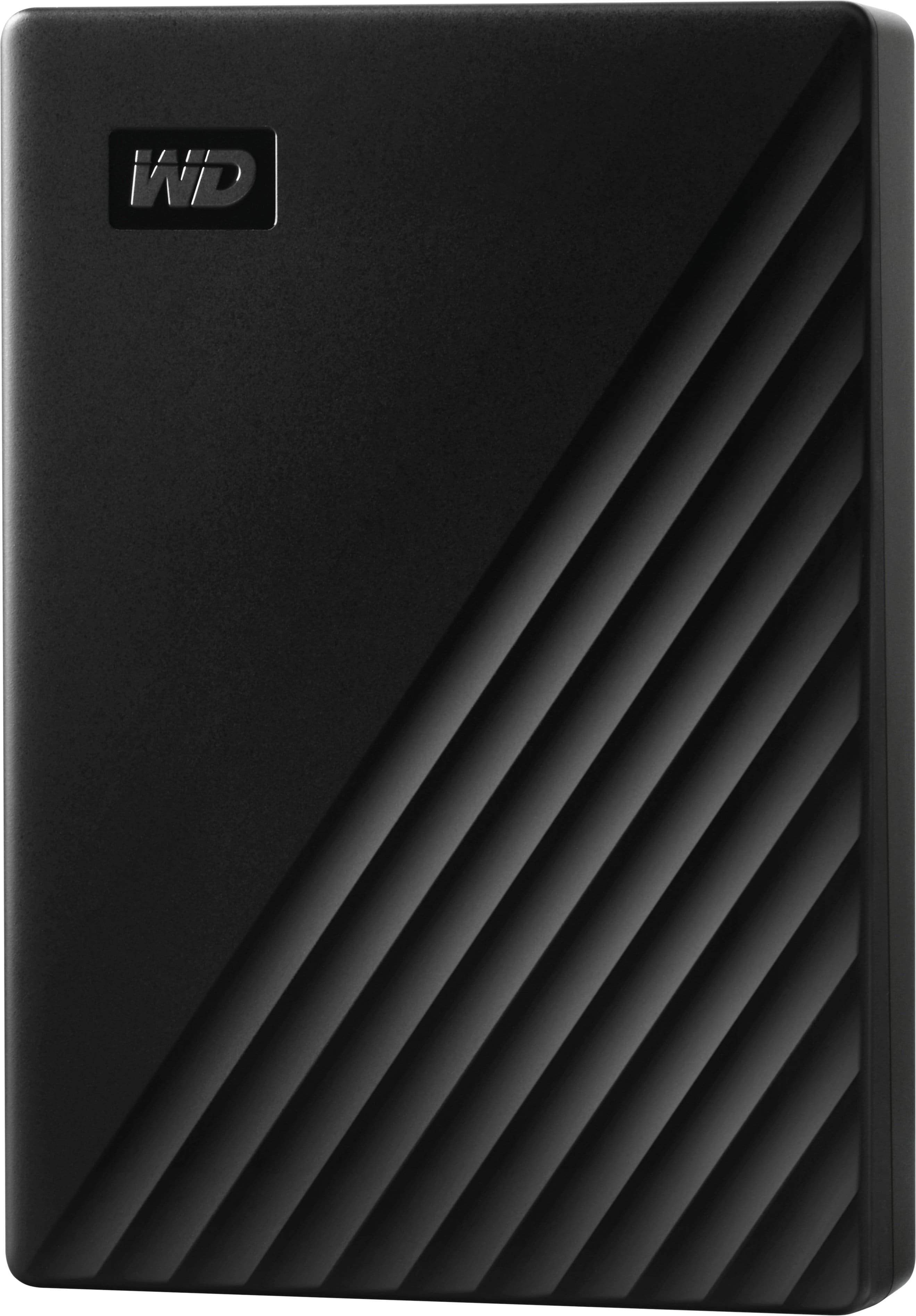
A:AnswerJust plug in the "Passport" and it will be recognized by "Plug and Play", then 1) format Passport, 2) partition if you want to have virtual storage drives, 3) create virtual drives to store backup or mirror files.
A:AnswerHi Hmhmielewski, This issue can be better addressed over the call. This way we can provide you best customer support. Need Help? Please contact us at: Phone: (https://t.co/4tEu1E0hVa) Email: (https://t.co/5bQq1l63Dn)
A:AnswerHi Pam,
Please be informed that the WD My Passport drive is a plug and play device tested and designed only for Windows and Mac computers for seamless operation. Need Help? Please see our "'Contact Us" page for information.
A:AnswerHi me,
A computer infected with Virus or Malware may contribute to such incidents. Ensuring that your computer is Virus and Malware free can enhance performance.You can run a virus scan to check if there is any virus on the drive.
If the issue persists, please refer to the link given below to troubleshoot the issue.
https://support-en.wd.com/app/answers/detail/a_id/6226
Need Help? Please see our "'Contact Us" page for information
A:AnswerHi Dookie,
The WD My Passport external hard drive comes pre-formatted for Windows OS. We have tested this hard drive with windowsOS and macOS.
Please refer to the link mentioned below to know more about this drive.
https://shop.westerndigital.com/en-us/products/portable-drives/wd-my-passport-usb-3-0-hdd#WDBYVG0010BBK-WESN
Need Help? Please see our "'Contact Us" page for information.
A:AnswerHi Jgo,
You can take two back on a single drive for that, you may required two different partition. We does not recommend to make two partition. Please refer to the link.
"How to Partition and Format a WD Drive on Windows and macOS"
https://support-en.wd.com/app/answers/detail/a_id/8200/
Need Help? Please see our "'Contact Us" page for information