Black Friday is hereShop new DoorbustersShop now

Skip to content
Gift Ideas
26 Cypress St
Williston, VT 05495
Open until 9 pm
Find Another Store
Main Content

Questions & Answers

Page Showing 1-20 of 27 questions
  • QuestionIs there any charge (fee) for using this camera and app?

    Asked by chuck.

    • Answer The answer is Yes and No. If you want all the features like saving to the cloud and other features then yes. What I did was use an old micro SD card and you insert it into the camera. Then you have to format using the app. Once you do all that, you can basically use the camera for free without the subscription. It may be a little annoying because you will constantly see ads to upgrade. Just make sure you select to save the videos on the SD memory card in the options within the app. Also, it will not notify you of any movement within a 5 minute period. For example, if you walk past the camera and then 1 minute later walk pass the camera , it will only show you the first time walking past. It takes 5 minutes to reset for the next movement. I hope this helps you out before you buy the camera.

      Answered by FakYou

  • QuestionDoes it come with micro chip, can it be used without micro chip

    Asked by Anonymous.

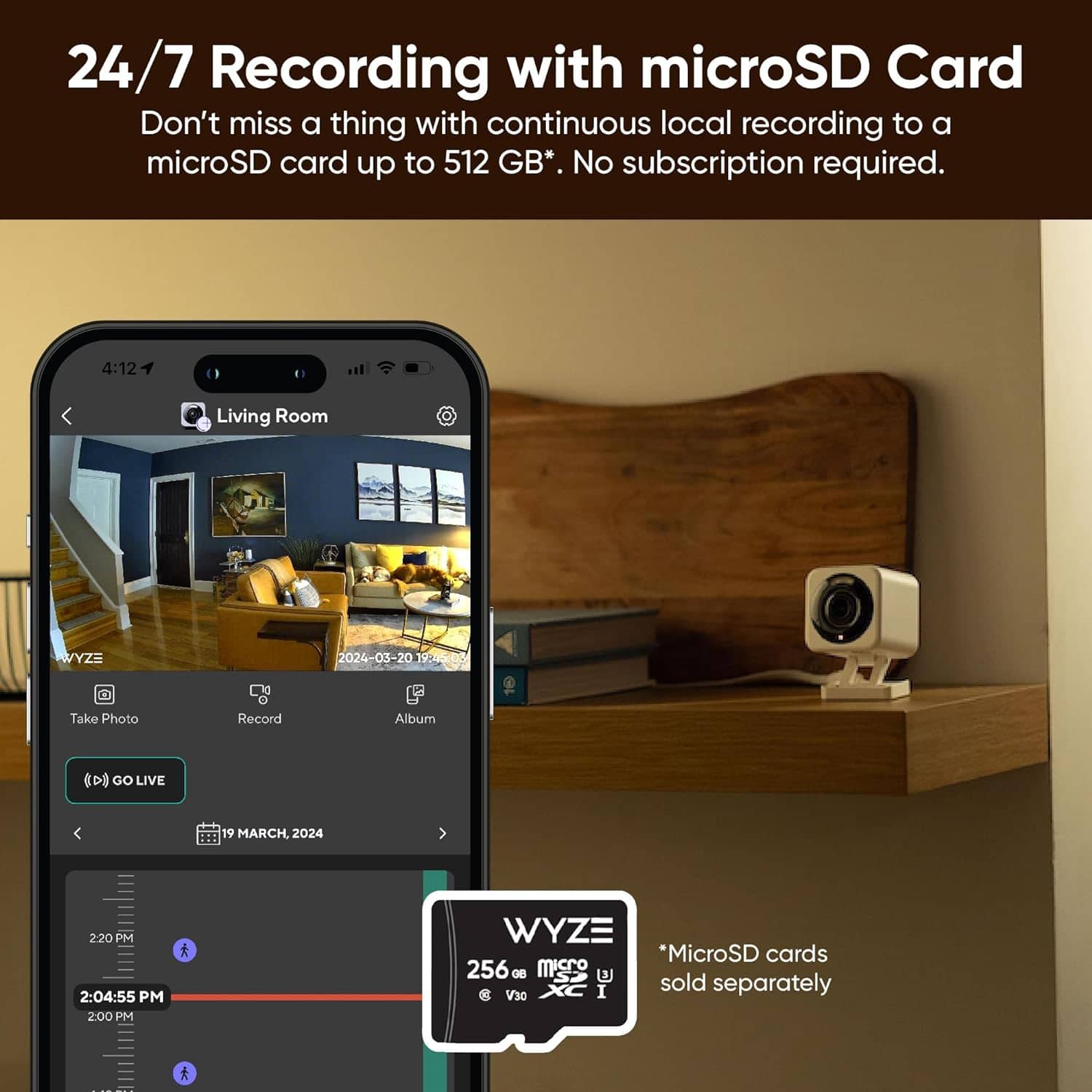
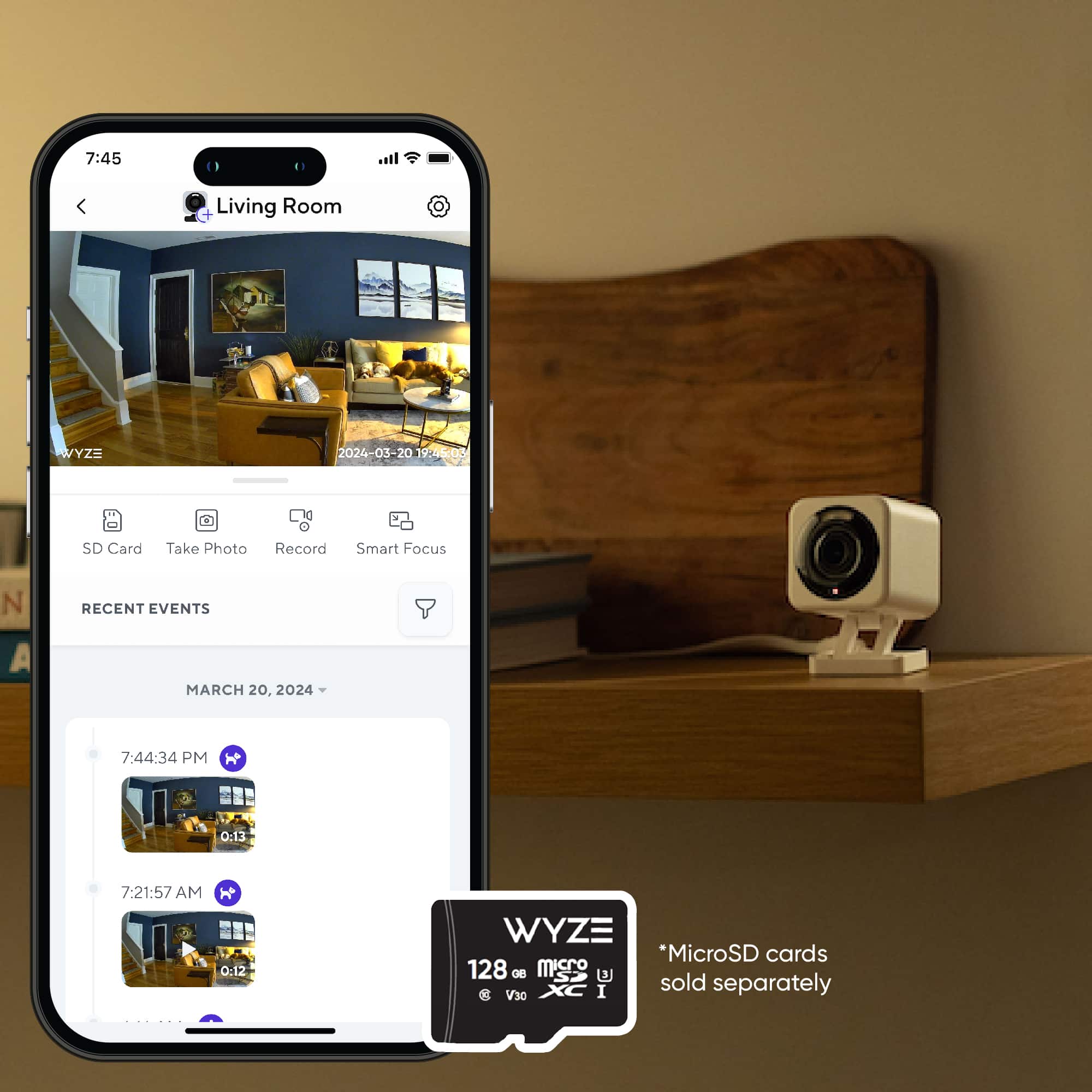
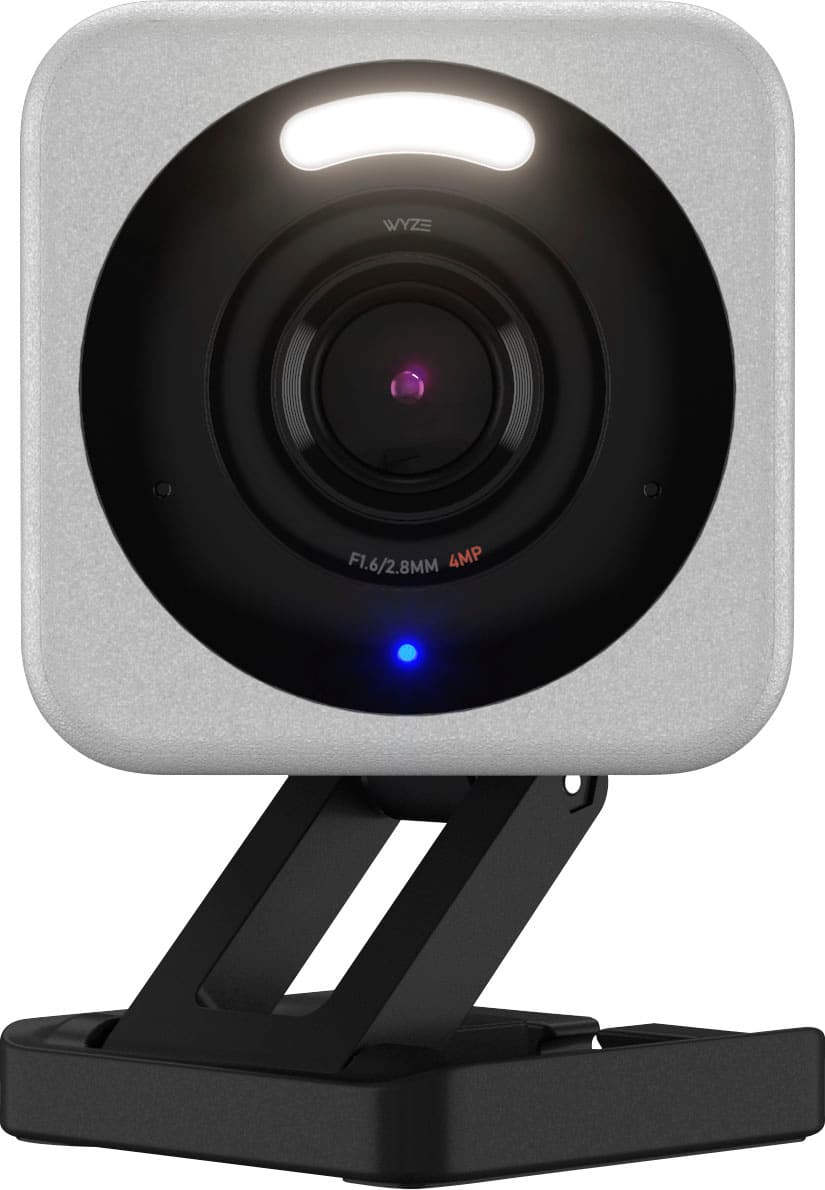
    • Answer Hello there! The Wyze Cam v4 does not come with a microSD card included. However, it can still be used without a microSD card. Here are some details: Without a microSD card: The camera will still function and you can view live streams, receive motion alerts, and use cloud storage for event recordings if you have a subscription to Cam Plus or Cam Protect. With a microSD card: You can enable 24/7 local recording and store more footage locally. If you want to take full advantage of the 24/7 recording feature, we recommend using a microSD card.

      Answered by Wyze Labs

  • QuestionCan this camera be used in a vacant home with no internet. Just a wi-fi hot spot. If so, can I use my phone remotely to activate the "siren"?

    Asked by Bikermom.

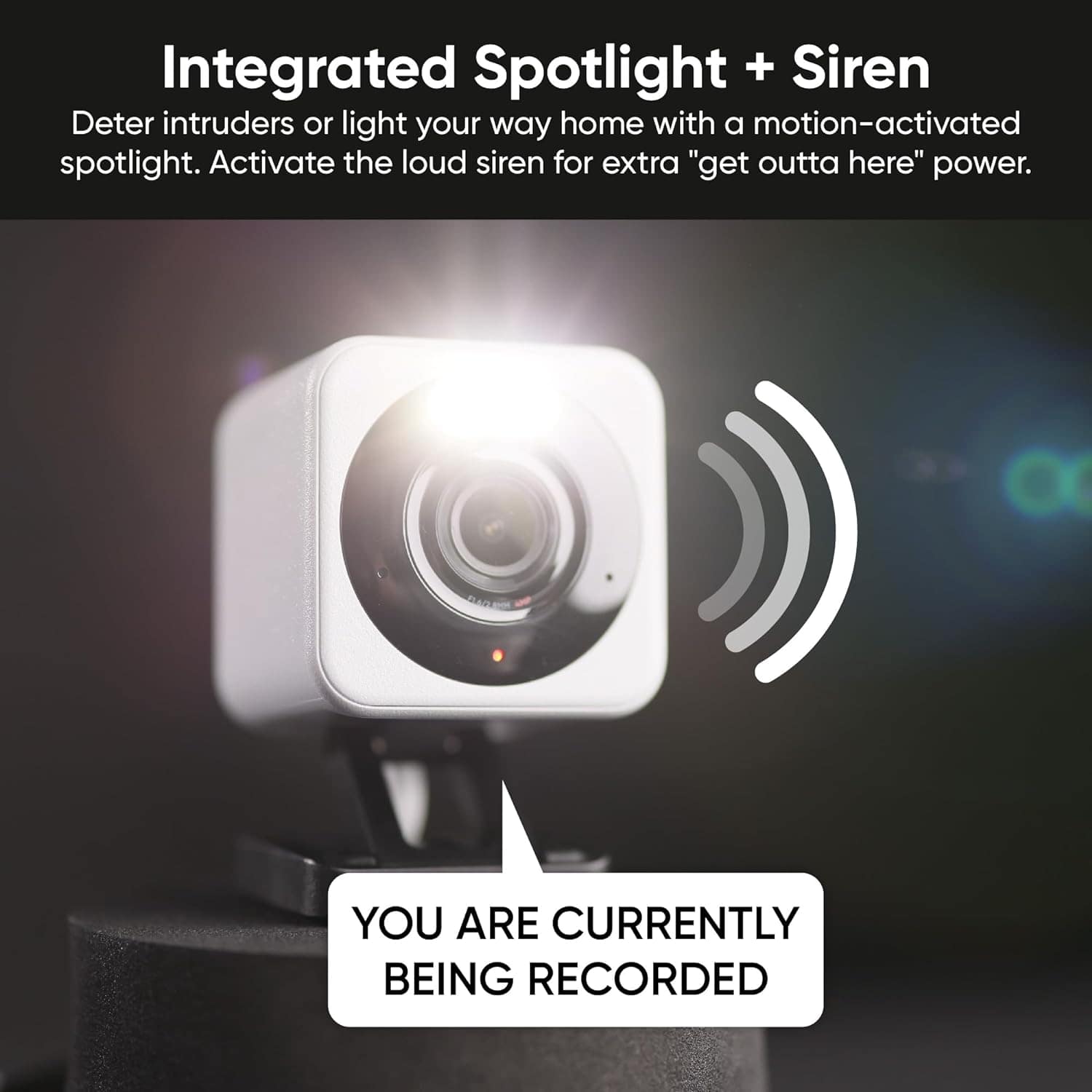
    • Answer Hi there! The Wyze Cam v4 can be used without a continuous internet connection by scheduling recordings to a microSD card. However, to set up and configure the camera initially, an internet connection is required. Once set up, the camera can record to the microSD card even if the Wi-Fi drops, as long as it has power. However, to use features like activating the siren remotely, you would need an active internet connection. This is because remote access and control through the Wyze app require the camera to be connected to the internet. If you have a Wi-Fi hotspot available, you could potentially use it to connect the camera to the internet for remote access.
      Answered by Wyze Labs

  • QuestionHow many Hours of recording on local memory card ?

    Asked by HoursOfRecording.

    • Answer The recording time on a local memory card for the Wyze Cam v4 depends on the card’s capacity, resolution setting, and recording mode: Resolution Setting: Higher resolutions use more storage. Lowering the quality will extend the recording time. Recording Mode: Continuous Recording: A 32GB microSD card typically stores around 2-3 days in HD quality. Event-Only Recording: The card lasts much longer as it only records when motion or sound is detected, potentially lasting several weeks depending on activity level. Card Capacity: Wyze cams support up to 256GB microSD cards, significantly extending recording time. In general, a larger card and event-only recording will maximize recording duration.

      Answered by Wyze Labs

  • Questionis there an app that doesn't charge $40/mth to record?

    Asked by kmac.

    • Answer What I did was put in a 128GB micro SD card. Then you need to format it using the Wyze App. After that you can choose an option in the settings to save videos to the SD card. Once you do that you can view the videos on the SD card within the app. You can do this on the free version but it gets a little tricky on where to go view the videos. Once you do it a few times you will know.

      Answered by FakYou

  • QuestionWhat’s the length of charging cable?

    Asked by JJ.

    • Answer 6 foot i went on waze ita self to take pic for you

      Answered by NicoleS

  • QuestionWhat temperature range does the outdoor camera operate in? What is required for a "hard wired" application?

    Asked by Builder.

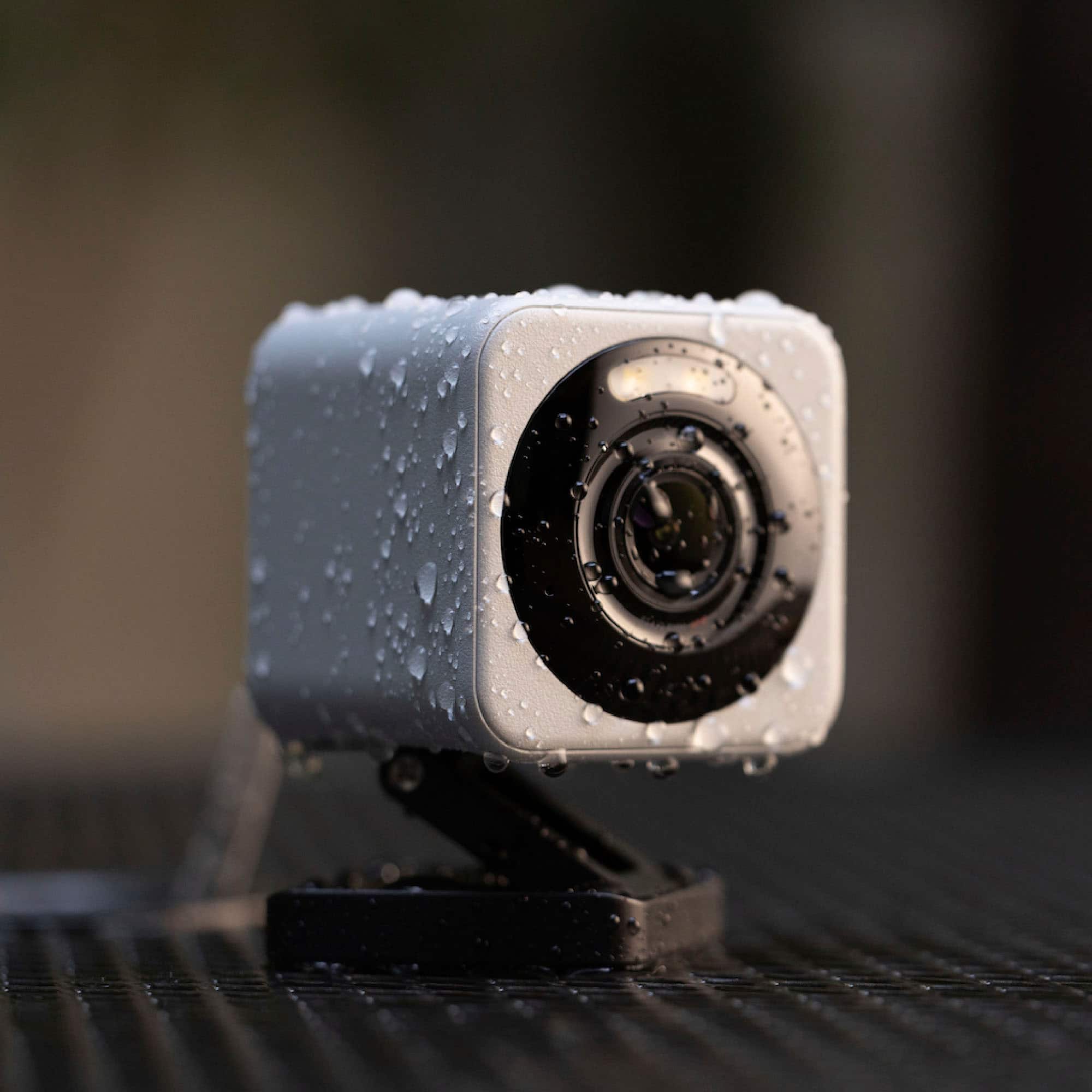
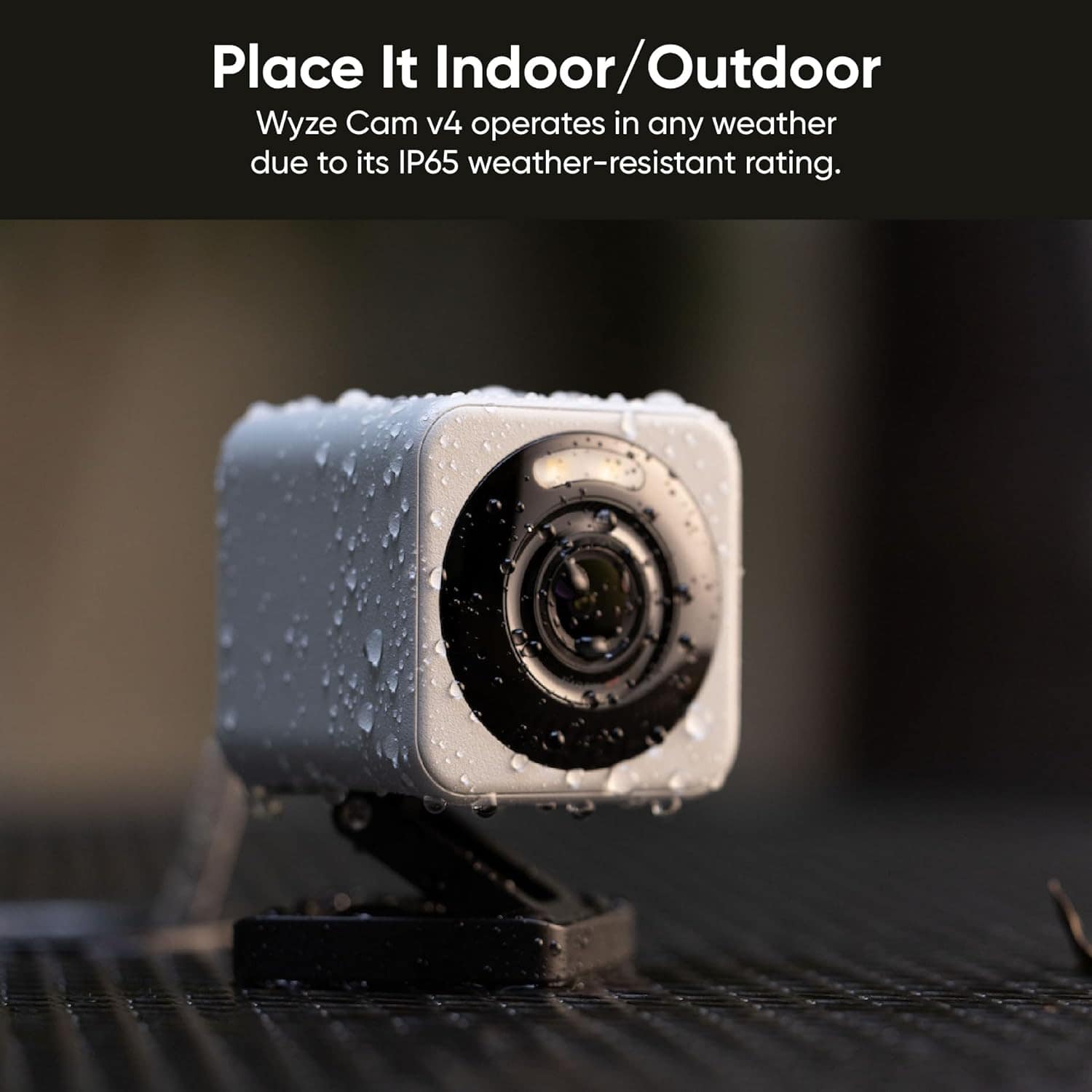
    • Answer Hi there! The Wyze Cam v4 operates in a temperature range of -4°F to 122°F (-20°C to 50°C). For permanent, hardwired power to an outdoor electrical box, you would plug the specialized Outdoor Power Adapter into the outdoor outlet, and then connect the adapter's micro USB cable to the camera. If you have other questions, concerns, or would like to speak more about our products please reach out to our Wizards team (https://wyzelabs.zendesk.com/hc/en-us) so we may help. Thank you and have a great day!

      Answered by Wyze Labs

  • Questioncan the camera feed display on a tv using the alexa fire cube and can you describe how 2 way voice communication works- my client has a strong voice but no arms and cannot touch a phone. must be voice activated.

    Asked by appridge.

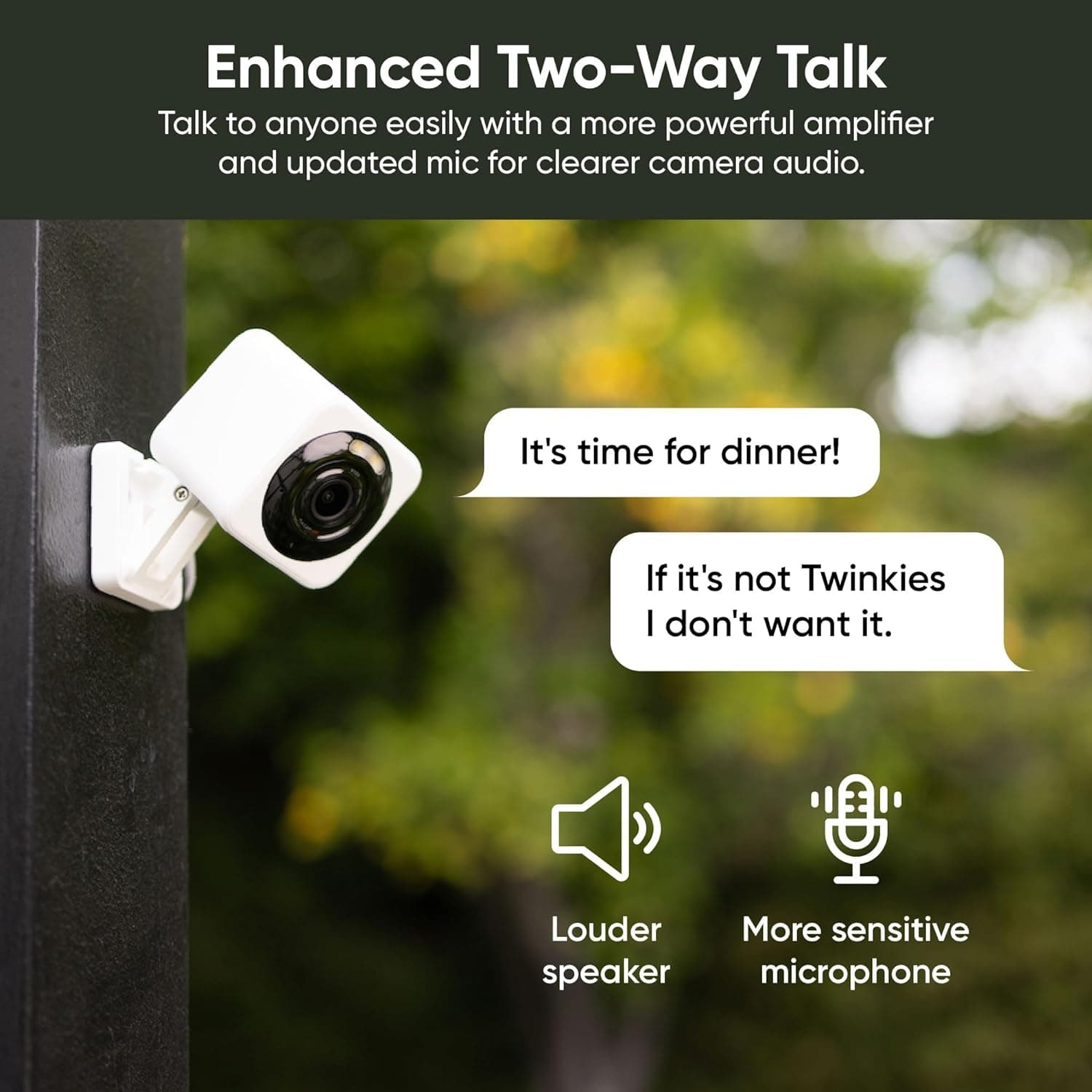
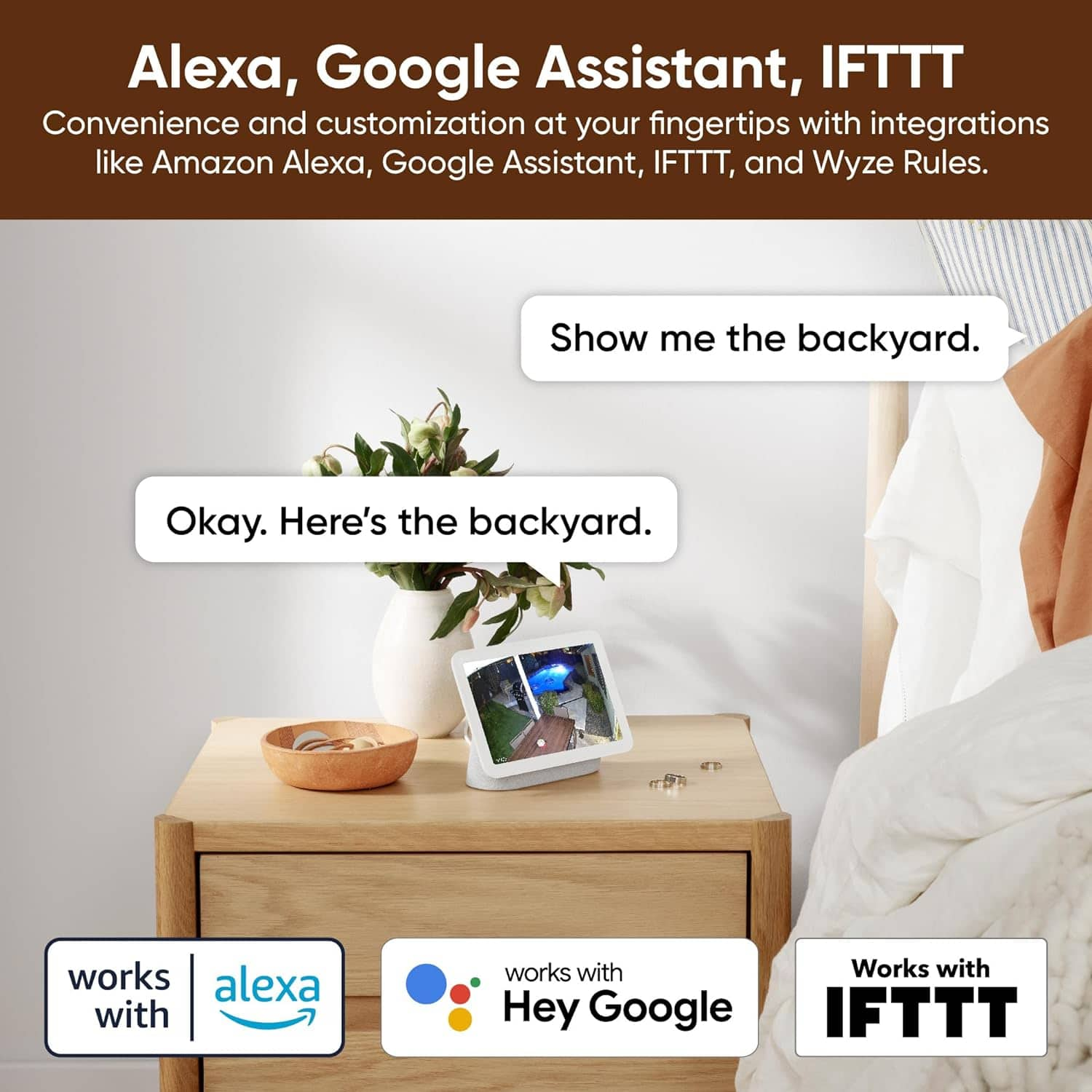
    • Answer Hi there! Yes, the Wyze Cam v4 can display its feed on a TV using the Alexa Fire TV Cube. Additionally, the camera supports two-way voice communication, which can be helpful for your client. Here's how both features work: Displaying Wyze Cam v4 Feed on a TV with Alexa Fire TV Cube 1. Enable the Wyze Skill in Alexa: Open the Alexa app on your device. Tap More > Skills & Games and search for "Wyze." Select the Wyze Skill and tap Enable to Use. Sign in to your Wyze account to link it with Alexa. Follow the prompts to discover your Wyze devices. 2. View the Camera Feed: Once linked, you can use voice commands like: "Alexa, show me [camera name]." The live feed will display on your TV connected to the Fire TV Cube. Two-Way Voice Communication The Wyze Cam v4 has a built-in microphone and speaker for two-way Audio. To use this feature: Open the Wyze app and select the camera. Tap the microphone icon to speak through the camera. Your voice will be transmitted through the camera's speaker, and you can hear responses through the app. Voice-Activated Communication for Accessibility Currently, the two-way communication feature requires interaction through the Wyze app, which may not be fully voice-activated. Unfortunately, Wyze does not natively support hands-free, voice-only activation for two-way communication. If your client relies solely on voice commands, they can use Alexa to view the camera feed but may need additional accessibility tools or devices to enable two-way communication without physical interaction. We hope this helps! If you have further questions or need assistance, feel free to reach out.

      Answered by Wyze Labs

  • Questiondoes this product require internet connection to record video?

    Asked by Birdman.

    • Answer Yes

      Answered by TONY

  • QuestionWhat humidity can the camera handle? I'm looking for a camera that I can use to remotely check on cells in a lab incubator where the humidity is typically around 85-95%.

    Asked by Anonymous.

    • Answer I have been using this in a detached garage at about 85° F outside and approx 75% humidity average through the last summer weeks. It continues to perform as expected. The camera itself feels very warm to the touch but I’ve noticed no problem with performance.

      Answered by GarretP

  • QuestionIs it motion detector

    Asked by Dc.

    • Answer Yes it has that capability

      Answered by Anonymous

  • QuestionCan this camera be placed in a window facing outdoors?

    Asked by Anonymous.

    • Answer Yes. It’s on a stand that can sit someplace or be mounted with a screw

      Answered by Mars

  • Questioncan I use solar panel

    Asked by Rendon.

    • Answer Hi there! No, the Wyze Cam v4 cannot be directly powered by a solar panel. It's designed as a wired camera and requires a continuous power source via USB. While solar panels can be used with other Wyze battery-powered cameras like the Battery Cam Pro, the v4 doesn't have a built-in battery and relies on a constant power connection. If you have other questions, concerns, or would like to speak more about our products please reach out to our Wizards team (https://wyzelabs.zendesk.com/hc/en-us) so we may help. Thank you and have a great day!

      Answered by Wyze Labs

  • QuestionCan it be used without a power cord and charge when battery get weak

    Asked by Seymore.

    • Answer There is no battery in these, they are powered via wire only.

      Answered by Mars

  • QuestionSince these camera say they are wired to a power adapter, do they have to connect via Wifi to be used or can they used strictly with power?

    Asked by Brenda.

    • Answer The cable is for power only. Network connection if through wireless.
      Answered by Mars

  • QuestionCan these cameras be monitored on an Apple iPad?

    Asked by Brenda.

    • Answer Yes

      Answered by Lifeline23

  • QuestionCan you please tell me if the LED light can be turned off and if the camera makes any sound when operating?

    Asked by Rebeca.

    • Answer I do not see where the LED can be turned off, but you could tape some black paper over it. It does not pan/move, so it is totally silent.

      Answered by CodeDoctor

  • QuestionCan i use this wired camera with my bluetooth on my android cellphone/tablet only,or do i need wi fi also from a cable provider?

    Asked by B.

    • Answer Yes, you can use your android; that's what I have.

      Answered by TamekaJ

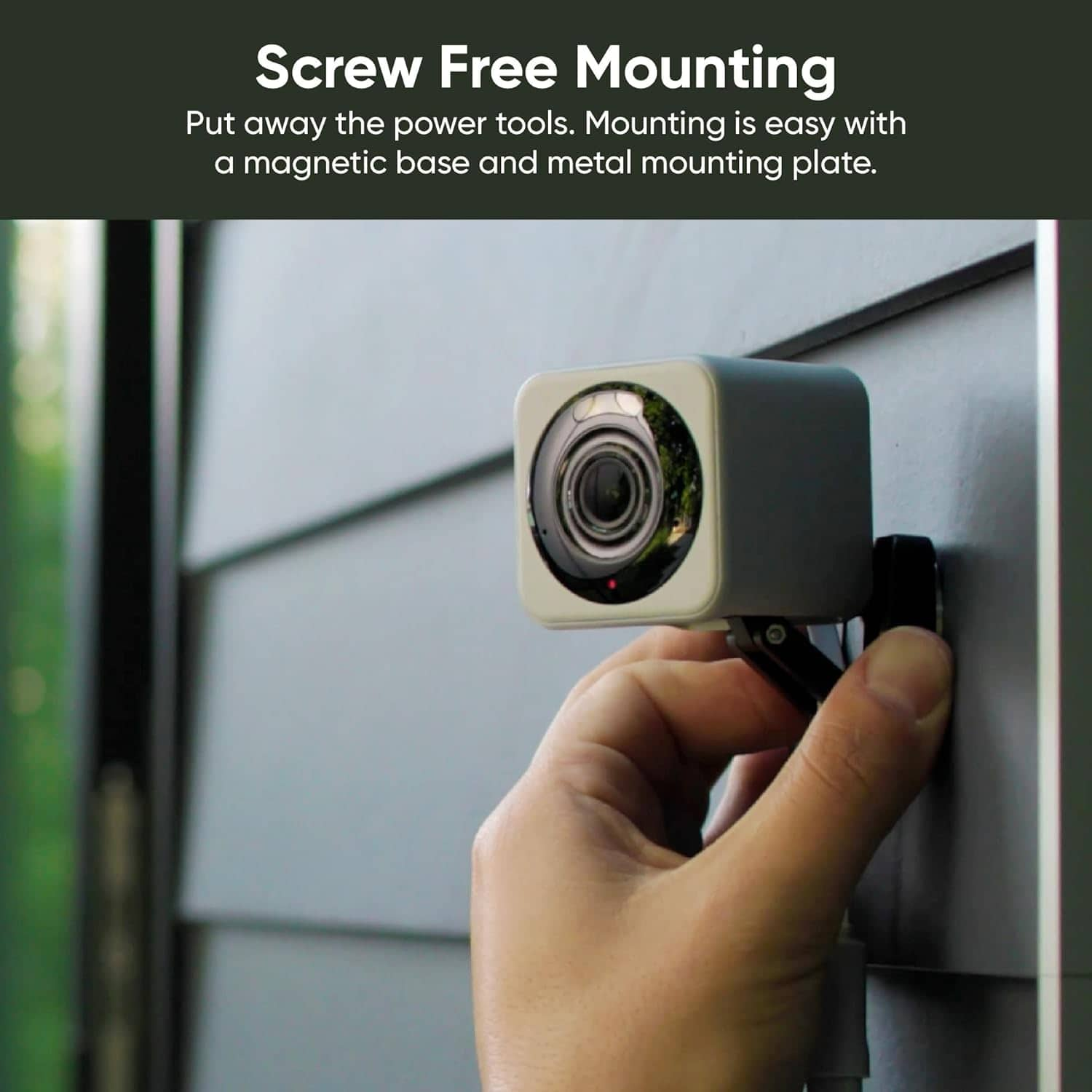
  • QuestionDoes the metal attachment plate stick on the surface you want to attach it to with adhesive?

    Asked by cameraman.

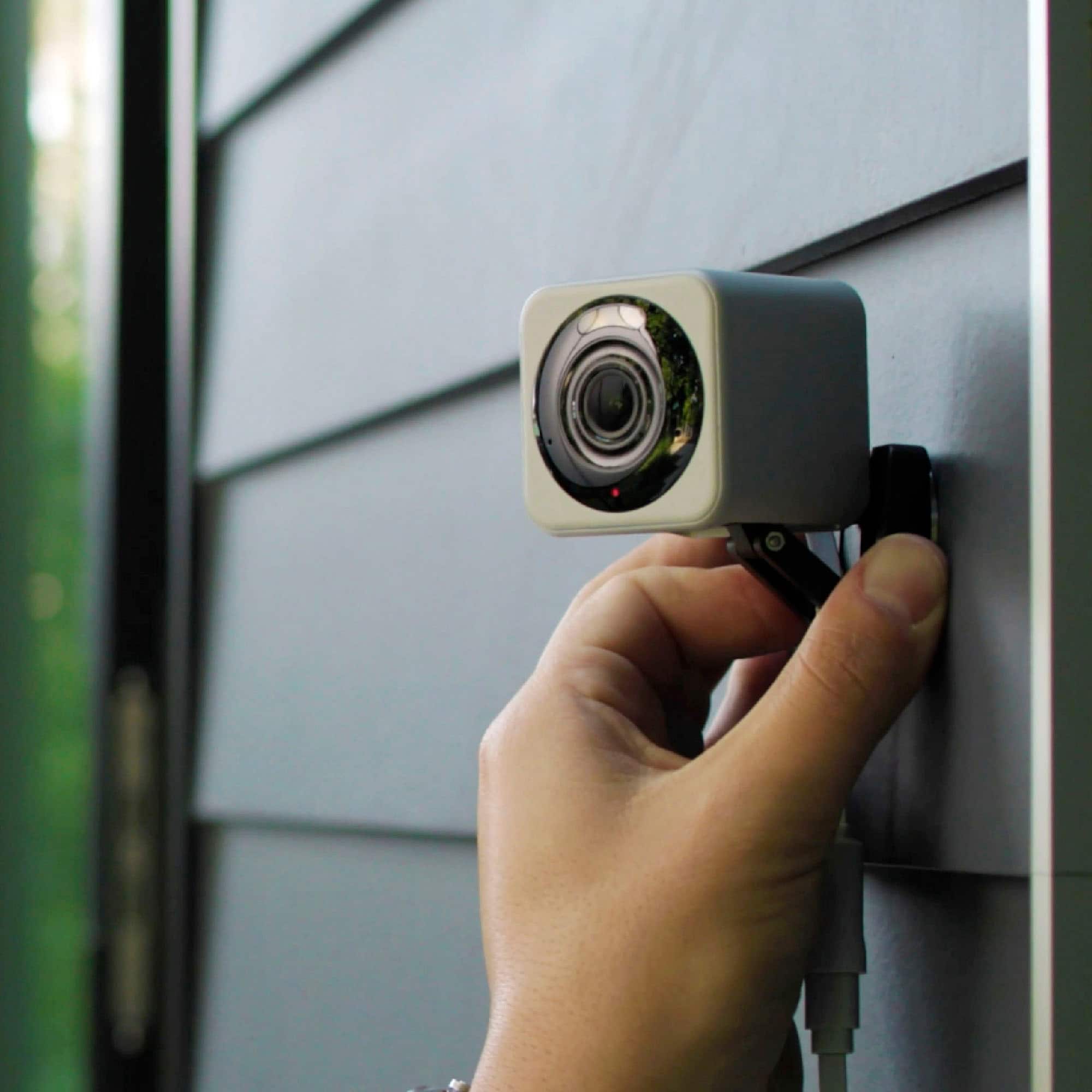
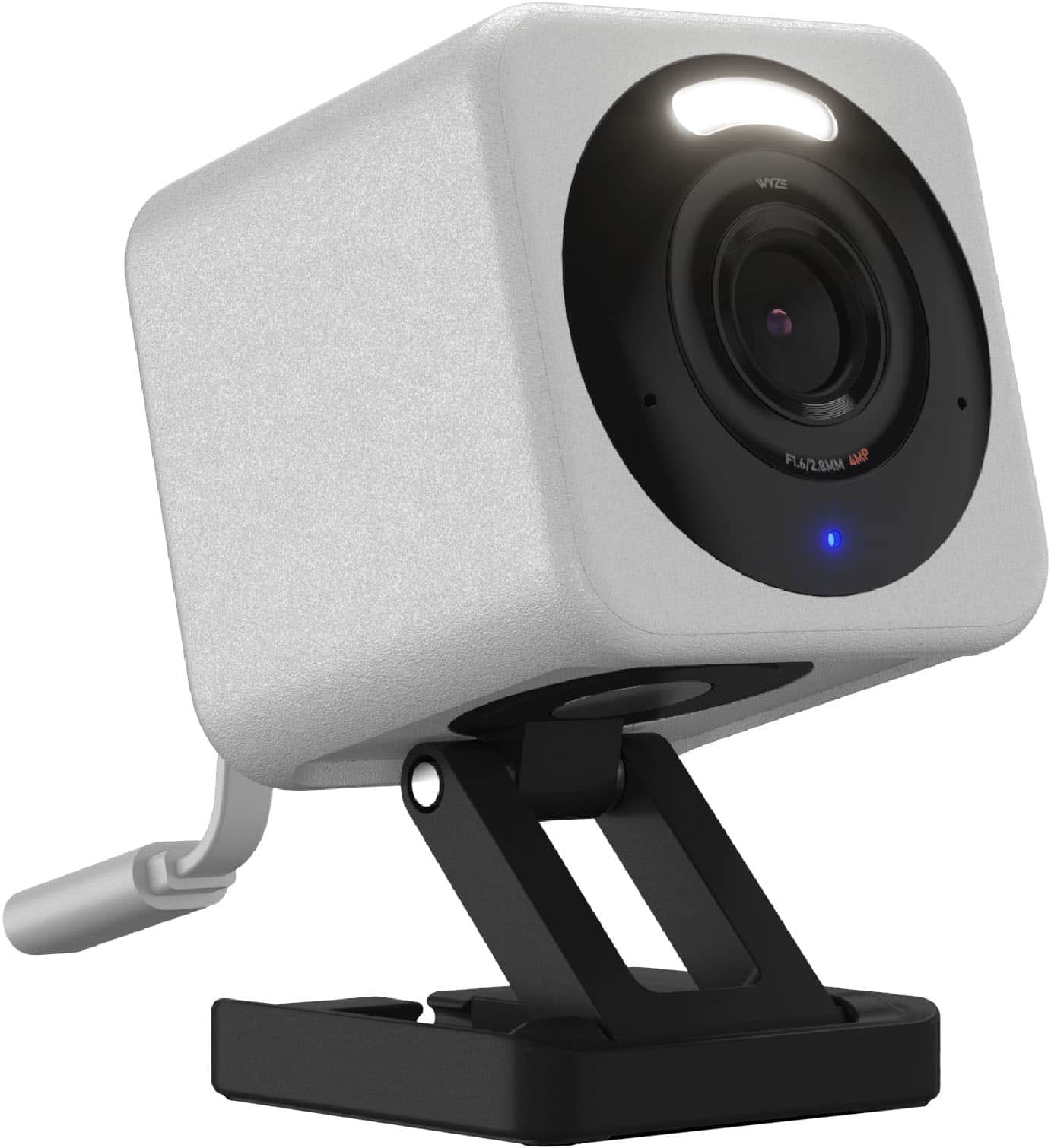
    • Answer From Wyze: "Wyze Cam v4 includes a magnet in its base that allows it to be mounted to steel or iron surfaces, so you can use the included metal plate for mounting." - it's a peel & stick thingy. On a low open 'pony wall' my v4 magnet holds the cam in place. An optional dual side sticky tape could be used if you feel more adhesion is needed. I have mounted a cam outside attaching it to a gutter down spout with a nylon tie-down. Save all packaging and try one; return if it doesn't meet your needs. I have 9 v4's and love the clarity.

      Answered by documentation

  • QuestionIs the Wyze camera compatible with google home app?

    Asked by Carl.

    • Answer Hi there! Yes, Wyze cameras are compatible with the Google Home app. You can pair and control your Wyze Cam using Google Assistant. Here are some key points: Compatible Wyze Products: Wyze Cam v2, Wyze Cam v3, Wyze Cam Pan, Wyze Cam Pan v3, Wyze Battery Cam Pro, Wyze Cam Floodlight v2, Wyze Lock, Wyze Plug, Wyze Bulb, and Wyze Sense Contact Sensors work with Google Assistant. You may also reach out to our team at (https://wyzelabs.zendesk.com/hc/en-us) so we may further assist you with this matter.

      Answered by Wyze Labs