Customer Ratings & Reviews



- Model:
- SMART TANK 651/7XV38A#B1H
- SKU:
- 6390495
Rating by feature
- Value
Rating 4.2 out of 5 stars
- Quality
Rating 4.3 out of 5 stars
- Ease of Use
Rating 4.2 out of 5 stars
Customers are saying
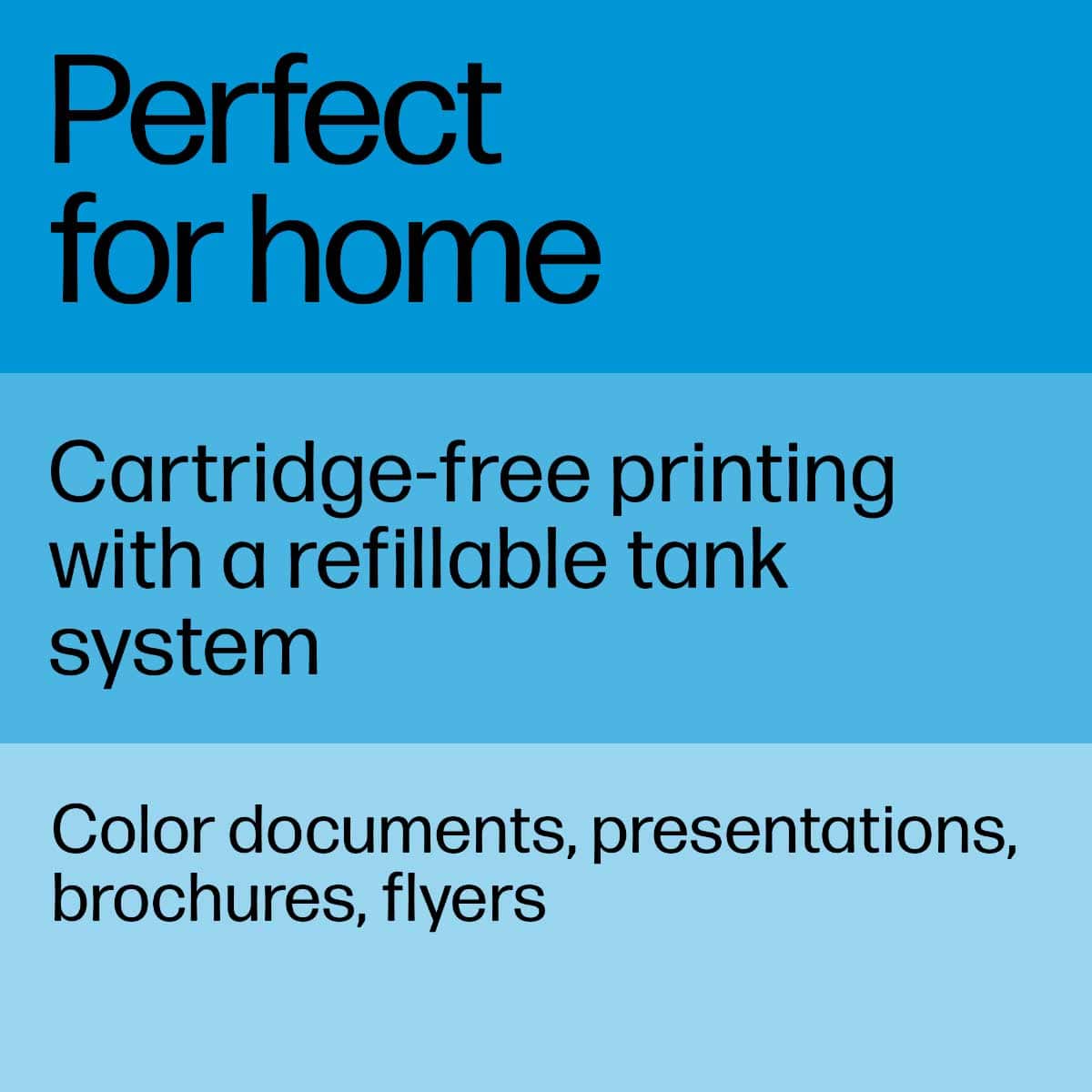
Customers highly value the Smart Tank Plus 651 printer for its excellent print quality and ease of use. Many appreciate its overall performance, finding both the printer and scanner to work well, and they also note the simple setup process. While the printer is praised for these features, some users have experienced connectivity issues, and a few consider the price to be a drawback.
This summary was generated by AI based on customer reviews.
- Cons mentioned:Connectivity
Don't buy
||Posted . Owned for 11 months when reviewed.This reviewer received promo considerations or sweepstakes entry for writing a review.This has been the worst printer purchase. Every time I print I have to reset the printer connection settings and hard reset the printer.
No, I would not recommend this to a friendBrand response from HP Team
Posted .Hello there,
This is so upsetting to hear that you are not entirely satisfied with this printer. We are always grateful for our customers' feedback, as we can continuously care for their experience. This also allows us to adjust our Products' design to suit our customers' needs the best.
Due to the vague nature of the issue, I would suggest contacting us for support to resolve any issue that you may be experiencing with this device. We'd be more than happy to help you. You can find our official support site at: support.hp.com/us-en
Kacper
HP Care
hp.com/support
It prints fine..
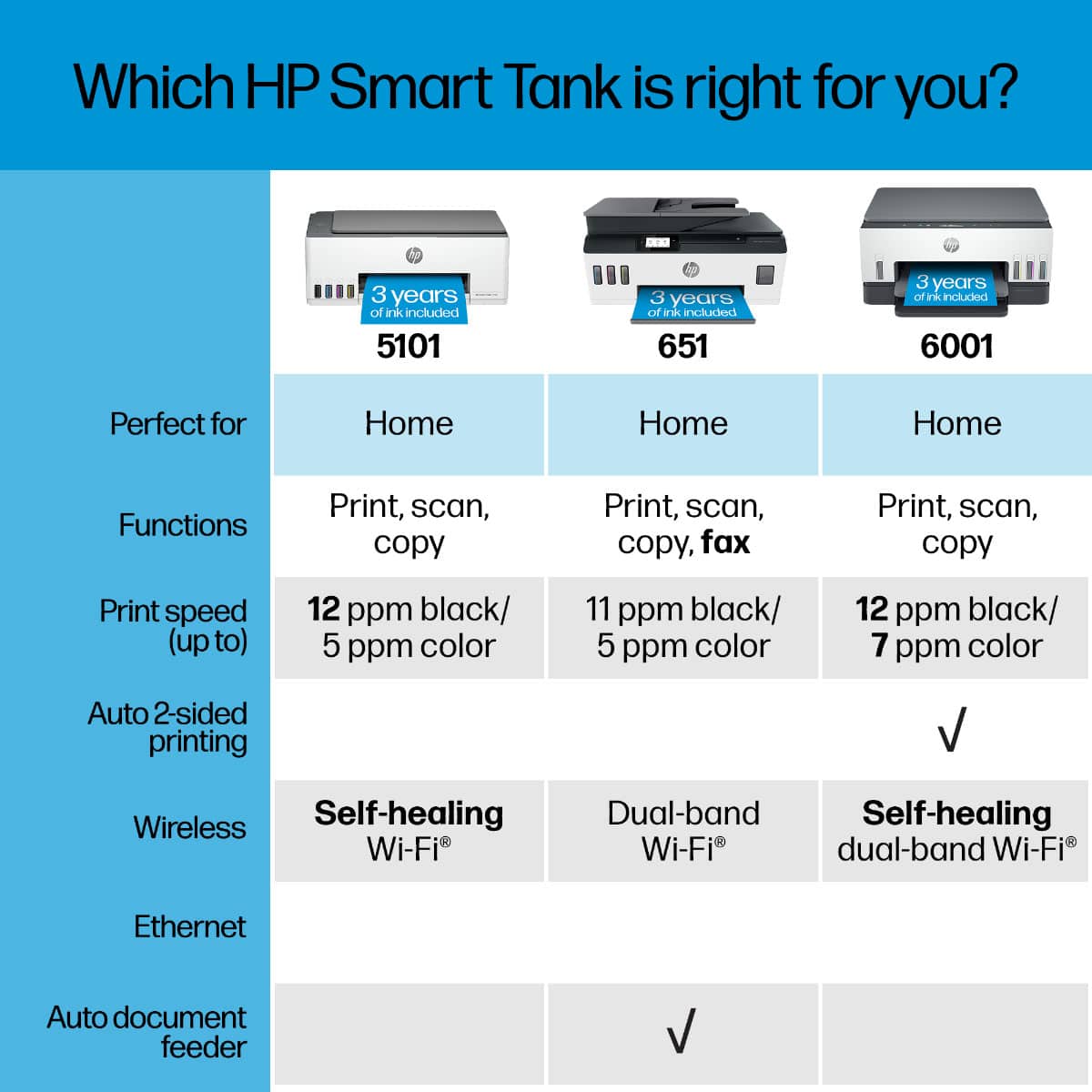
||Posted . Owned for 1.5 years when reviewed.This reviewer received promo considerations or sweepstakes entry for writing a review.Good printer; sucks it does not have a LAN connector nor does it double-side print. What kind of printer does not do double side printing?!
No, I would not recommend this to a friendThis Printer Sucks.
||Posted . Owned for 1 month when reviewed.This reviewer received promo considerations or sweepstakes entry for writing a review.This printer sucks. It's a piece of junk. It has many problems.
No, I would not recommend this to a friendHP Smart Tank Plus 651
||Posted . Owned for 1 year when reviewed.This reviewer received promo considerations or sweepstakes entry for writing a review.Biggest hunk of junk I've ever dealt with! Only worked once then problems with print heads and automatic paper feeder and no one would help during covid of coarse, so warranty run out and to bad so sad is all HP had to say. SAVE YOUR $500.OO, this is the worst of the worst in printers. All you get is foreign people answering the phones that you cant even understand, and sorry, so sorry. HP does not have your back on anything EVER!
No, I would not recommend this to a friendRequires constant cleaning & realignment
||Posted . Owned for 4 months when reviewed.This reviewer received promo considerations or sweepstakes entry for writing a review.Requires constant cleaning and re-alignment, and still doesn't print pages without issues. I've had this 4 months, and we use this maybe once or twice a month. It worked fine for the first month, then it started having issues. It always prints with gaps and faded areas. You have to run two different cleaning runs and the realignment process before each job to get it to print a visible document. But even after the cleans and alignment, there are still some faded spots and blank lines.
No, I would not recommend this to a friendBrand response from HP Team
Posted .Hi there.
I’m sorry to hear that your printer has started rendering prints of poor quality, and that it requires cleaning and realignment so often. It’s easy to understand why this combination would be tremendously frustrating, especially considering the print quality issues remain. With that in mind, I’ll offer some resources and information I hope will help.
I can’t tell from your review what’s causing these problems or why the quality issue persists after the remedial actions, so I recommend that you contact us directly at +1 800-474-6836 so we can help you assess the situation and guide you through any applicable troubleshooting. (Please note that because of restrictions on personal movement and workplace attendance associated with the COVID-19 pandemic, wait times for agents are longer than normal. Thanks in advance for your understanding.) To expedite the process, I recommend gathering the following information before the call:
- Model number
- Serial number
- Your location
- Case number (from any previous contact with HP support)
I'll also mention that HP printers have a one-year warranty from their purchase date that covers hardware as well as ink supplies, so if it comes to that, you might consider making use of it. You can verify the warranty using the following link: support.hp.com/us-en/checkwarranty
Keith
HP Care
hp.com/support
Don't buy.
||Posted . Owned for 1.5 years when reviewed.This reviewer received promo considerations or sweepstakes entry for writing a review.Setting it up is very complicated. It just keeps going around in circles and wastes a lot of time which could have been used better elsewhere. Then after you finally get it to work, the next time you try to use it, you have to start all over again because it doesn't work again... Very frustrating. I use my old printer. If I could take it back I would.
No, I would not recommend this to a friendPrinter
||Posted . Owned for 1 month when reviewed.This reviewer received promo considerations or sweepstakes entry for writing a review.Holds very small amount of paper, does not print on both sides automatically, and has to be yurned off and back on at times to operate.
No, I would not recommend this to a friendBrand response from HP Team
Posted .Hello there,
This is so upsetting to learn that you are not entirely satisfied with this printer. We are always grateful for our customers' feedback, as we can continuously care for their experience. This also allows us to adjust our Products' design to suit our customers' needs the best.
Also, I would recommend contacting us for support to resolve any issue that you may be experiencing with this device. We'd be more than happy to help you. You can find our official support site at: support.hp.com/us-en
Kacper
HP Care
hp.com/support
annoyed
||Posted .This reviewer received promo considerations or sweepstakes entry for writing a review.Such a total ripe off. Printer was delivered previously used with ink spilt everywhere. After cleaning it which took quite some time. Then the printer didn't work and made a really loud sound. It didn't even come with a manual. After paying full price for this printer Best Buy took complete advantage of the process. Sad. And a complete waste of time. I tried uploading all the photos I have but this site wouldn't even allow it.
No, I would not recommend this to a friendA waste of money
||Posted . Owned for 3 months when reviewed.This reviewer received promo considerations or sweepstakes entry for writing a review.Constantly having issues. And doesn’t have paper drawer, can’t duplex to print on both side of paper
No, I would not recommend this to a friendBrand response from HP Team
Posted .Hi, Phoenix.
I’m sorry to learn that you’ve encountered difficulty with your printer and that you’re not satisfied with some of its design points and functionality. I want to help you remedy what issues you can and get the most from the device, so I’ll direct you to some resources and information I hope will make that happen.
I can’t tell from your review what issues you’ve had, but for a broad view of potential remedies, I recommend that you visit a page on our support site that has diagnostic tools for various tasks and issues, including setup, connectivity, cartridge installation and print quality. There you can find a general-purpose tool called the HP Print and Scan Doctor. If you use Windows, the tool will help identify and guide you through solutions to a wide range of common printing and scanning issues. You can find the page here:
- support.hp.com/us-en/topic/diagnostics
For more help with difficulties, or to learn more about your printer and all its features, you can access troubleshooting guides, how-to documents, user manuals and software updates here:
- support.hp.com/us-en/product/model/31017110
If you need further assistance with anything, I recommend that you contact us directly at +1 800-474-6836 so we can help you assess the situation and find a solution. (Please note that because of restrictions on personal movement and workplace attendance associated with the COVID-19 pandemic, wait times for agents are longer than normal. Thanks in advance for your understanding.) To expedite the process, I recommend gathering the following information before the call:
- Model number
- Serial number
- Your location
- Case number (from any previous contact with HP support)
Keith
HP Care
hp.com/support
No cartridges but slow printing
||Posted . Owned for 1 month when reviewed.This reviewer received promo considerations or sweepstakes entry for writing a review.It is nice that it doesn’t have cartridges but it is very slow to print.
No, I would not recommend this to a friendBrand response from HP Team
Posted .Hello there,
This is so upsetting to learn that you are not entirely satisfied with this printer. We are always grateful for our customers' feedback, as we can continuously care for their experience. This also allows us to adjust our Products' design to suit our customers' needs the best.
Also, I would recommend contacting us for support to resolve any issue that you may be experiencing with this device. We'd be more than happy to help you. You can find our official support site at: support.hp.com/us-en
Kacper
HP Care
hp.com/support
- Pros mentioned:Ease of use, Overall performance, Setup
HP SMART TANK PLUS 651
Posted .This reviewer received promo considerations or sweepstakes entry for writing a review.Easy installation and set-up. Does what it says it does. Good value!
I would recommend this to a friend - Pros mentioned:Print quality, Setup

All in one set up and print... thumbs up!
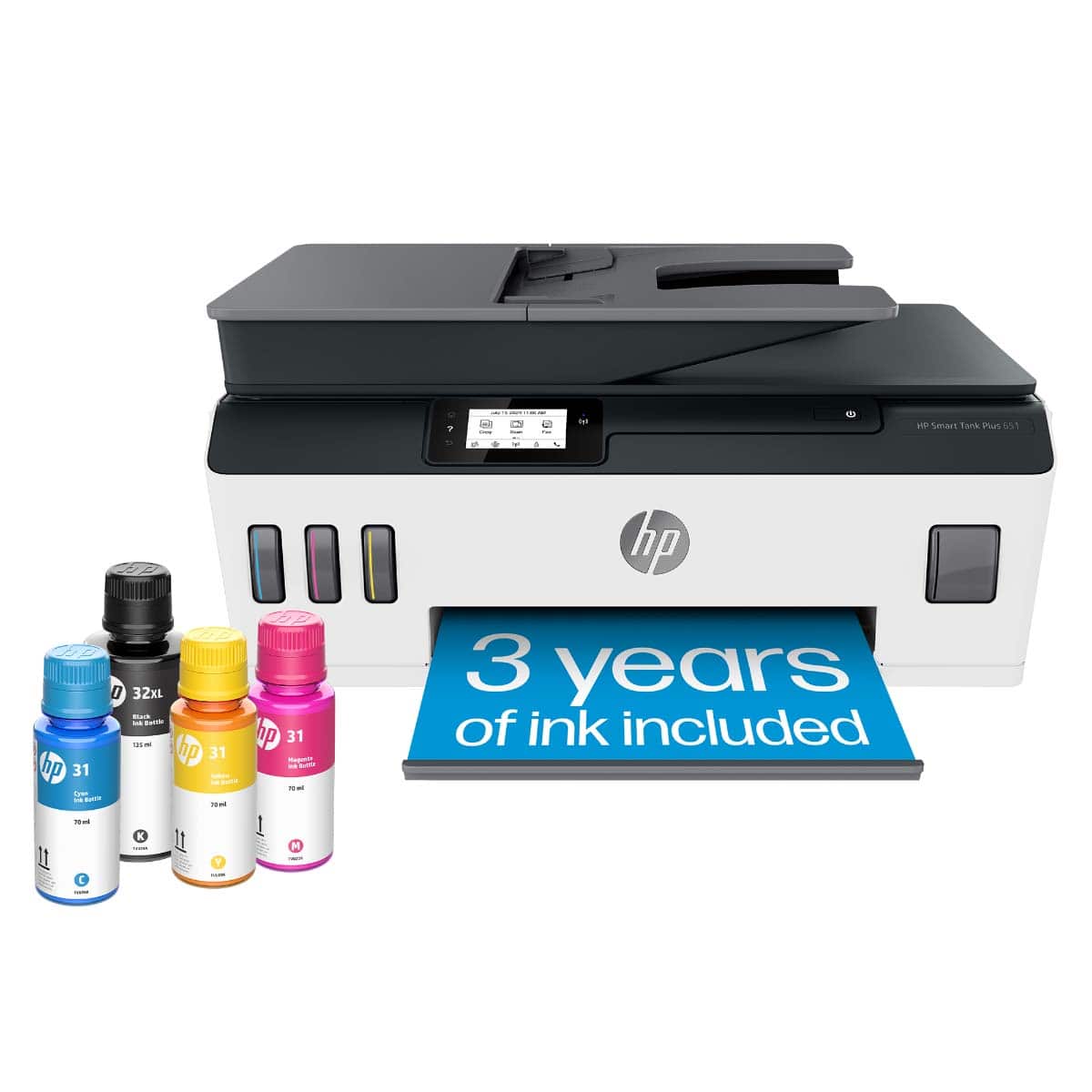
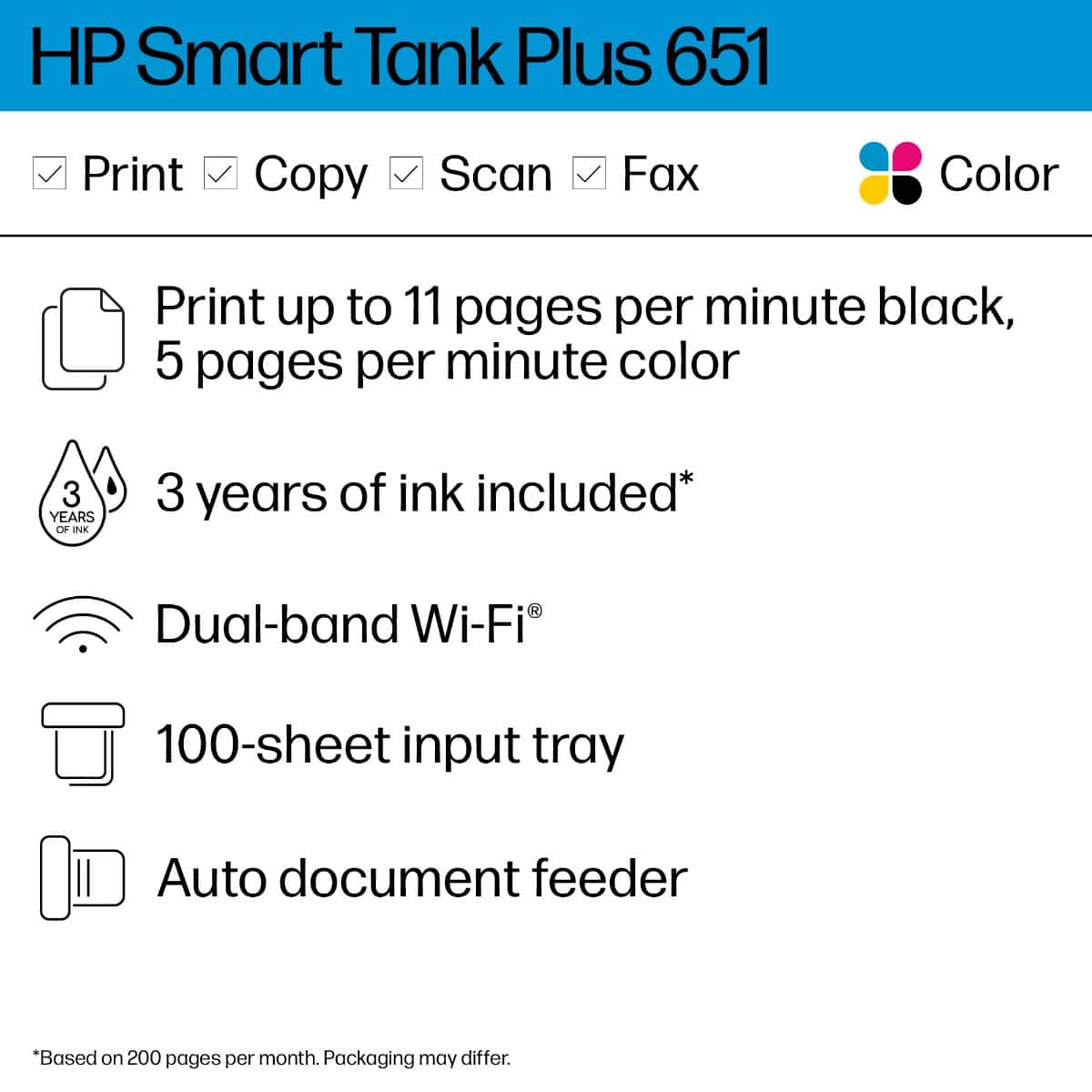
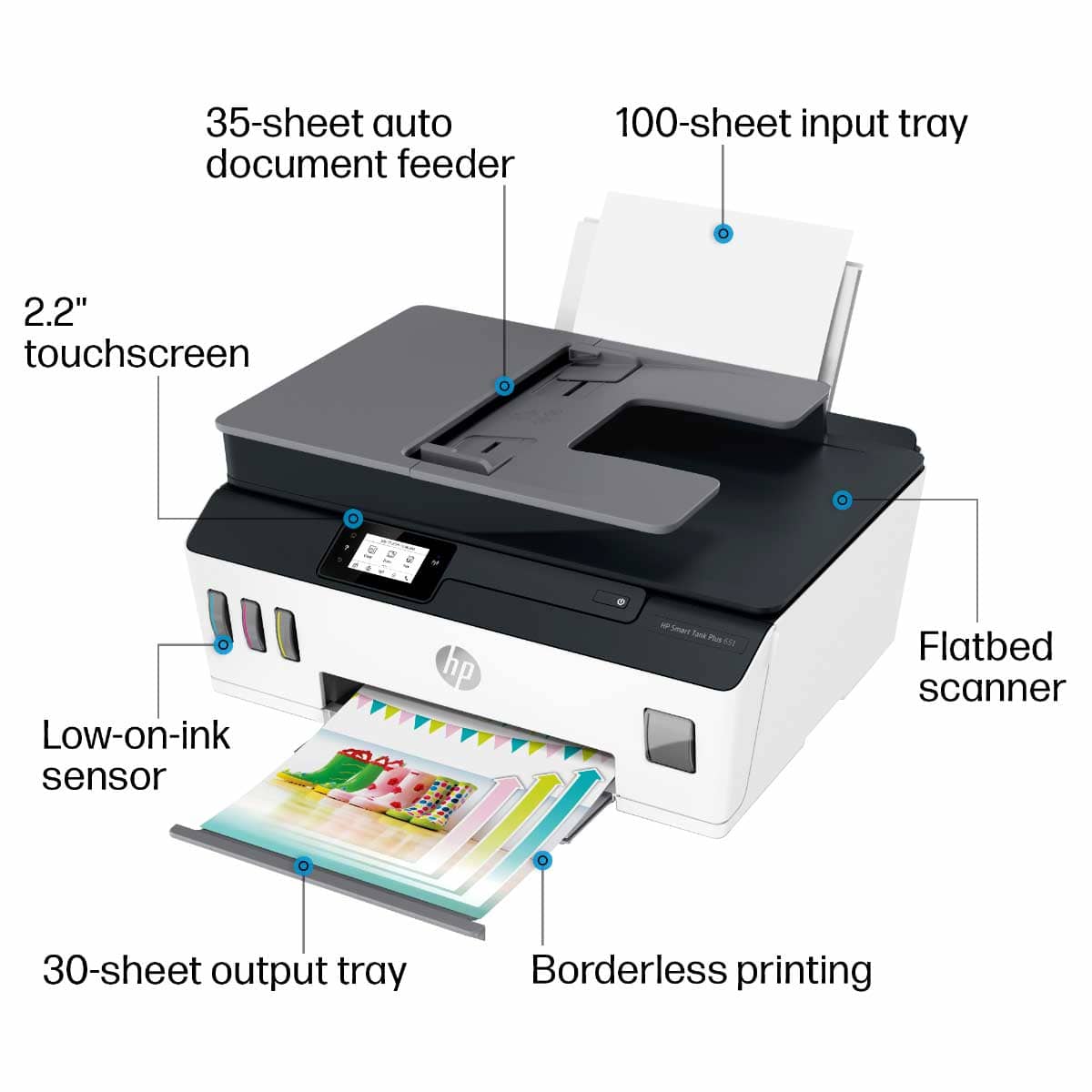
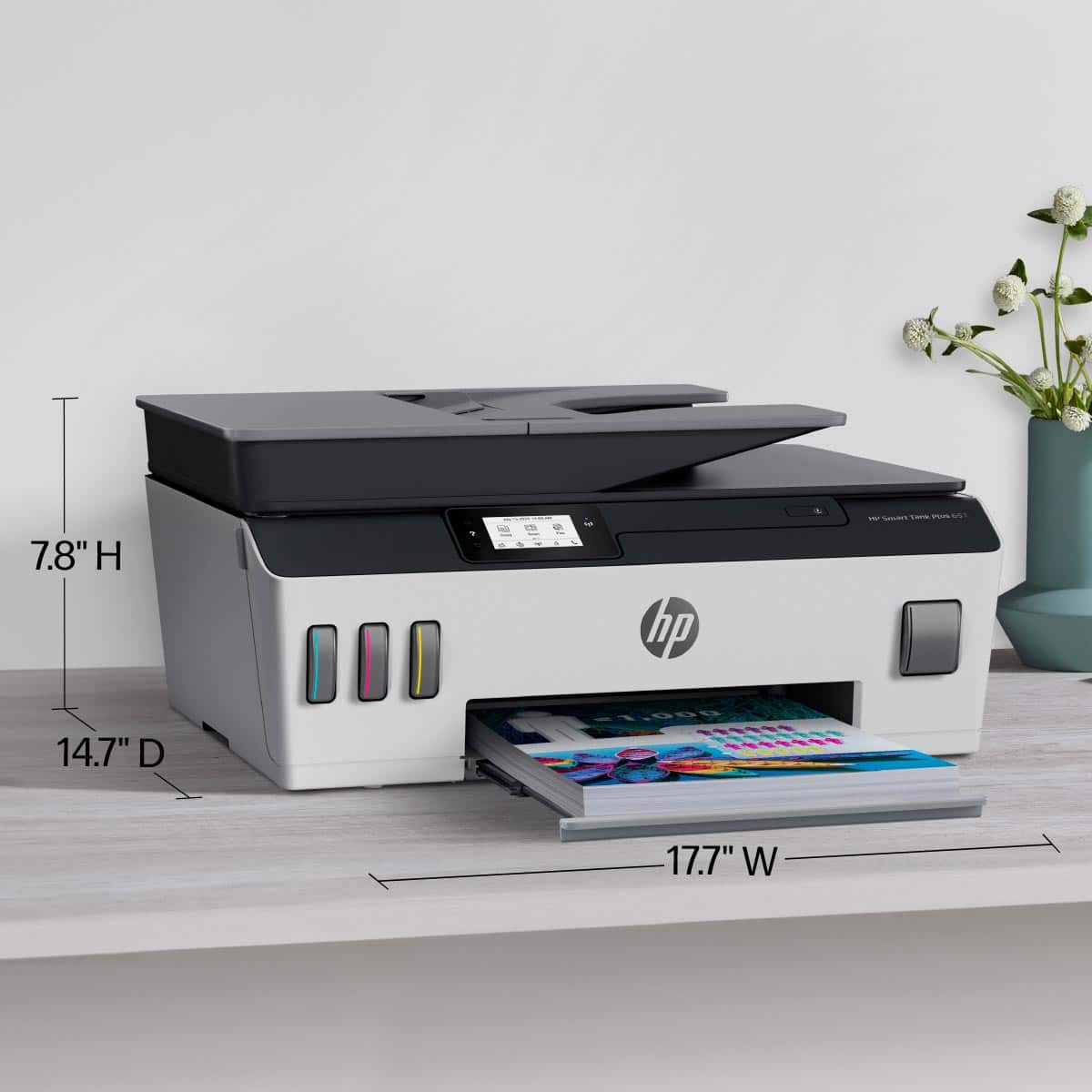
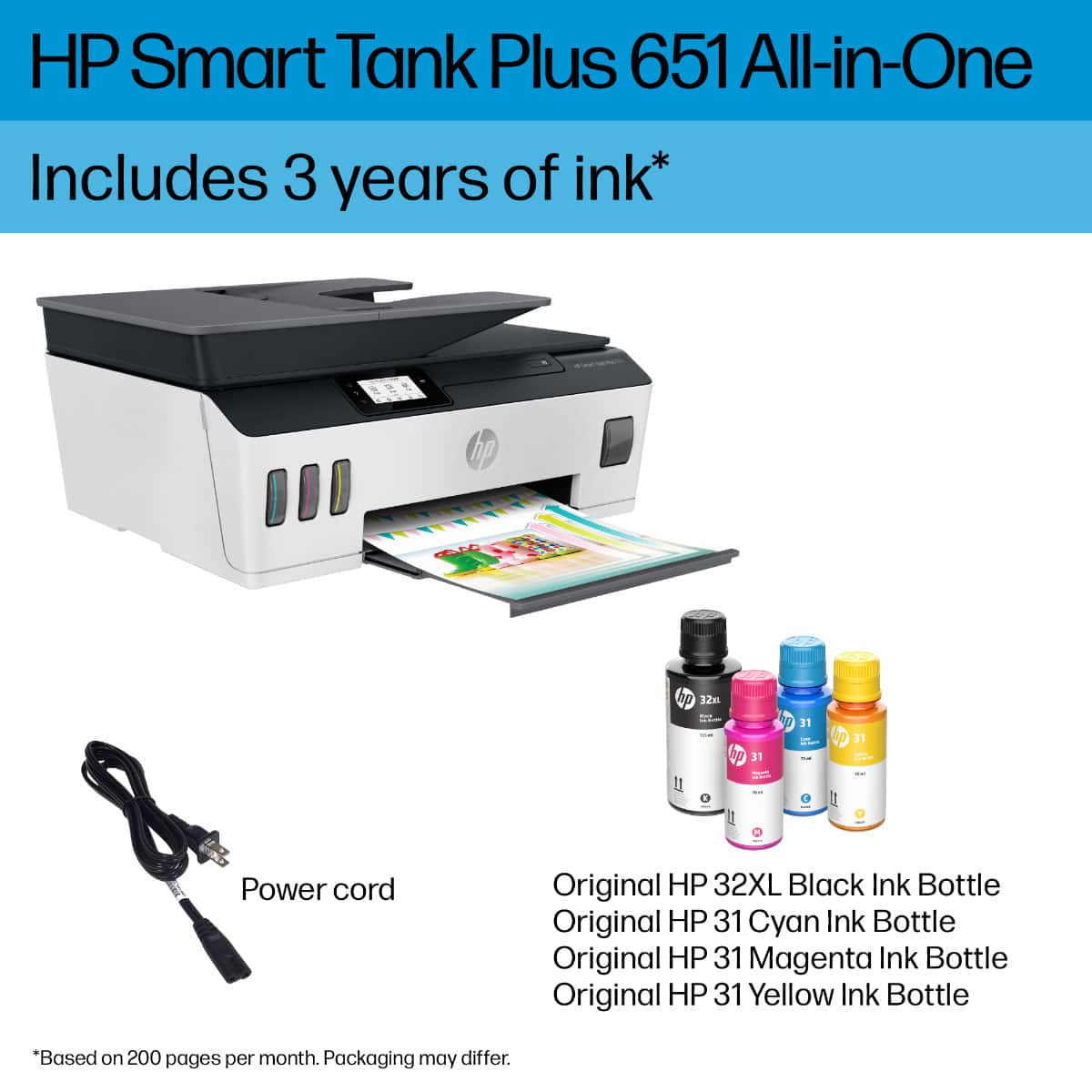
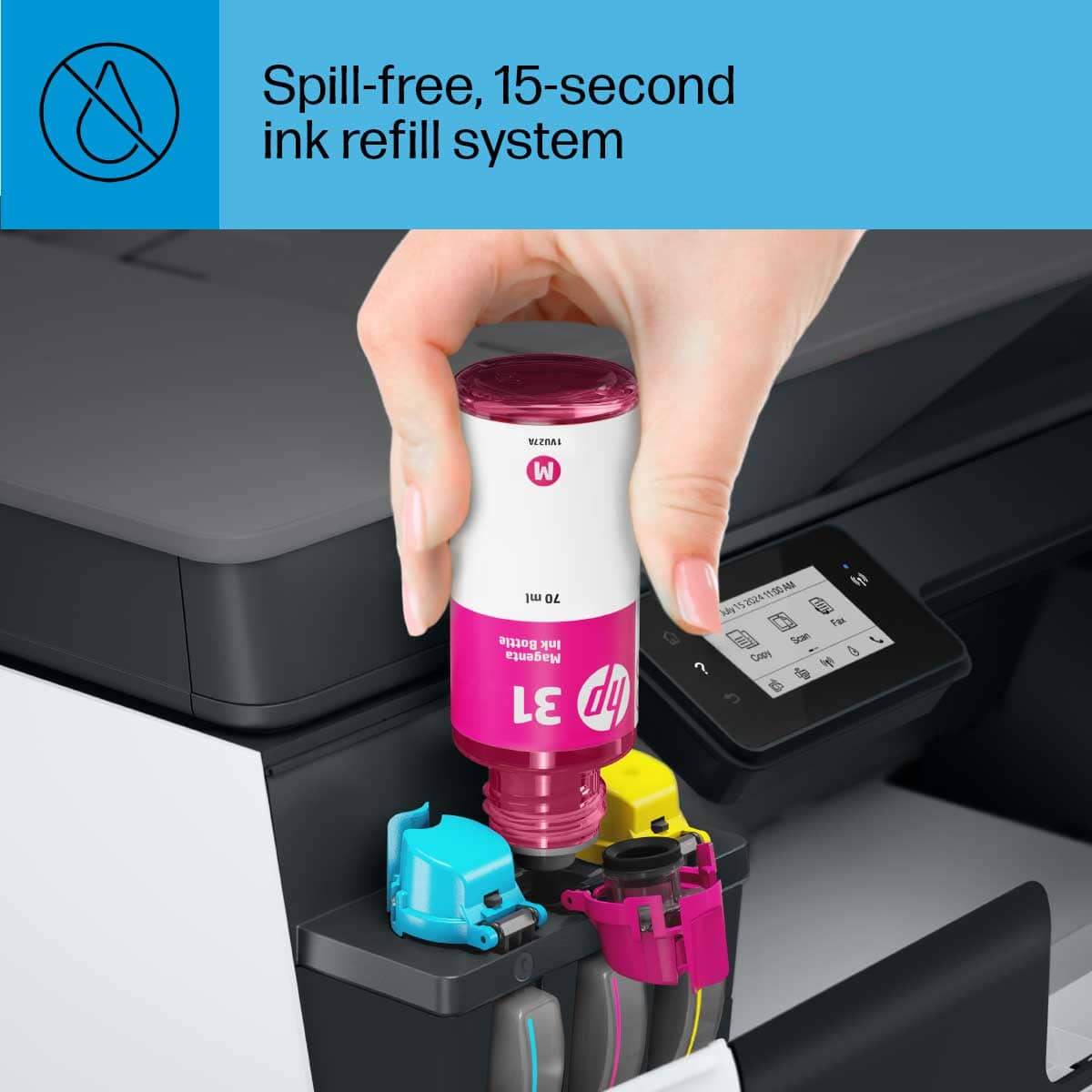
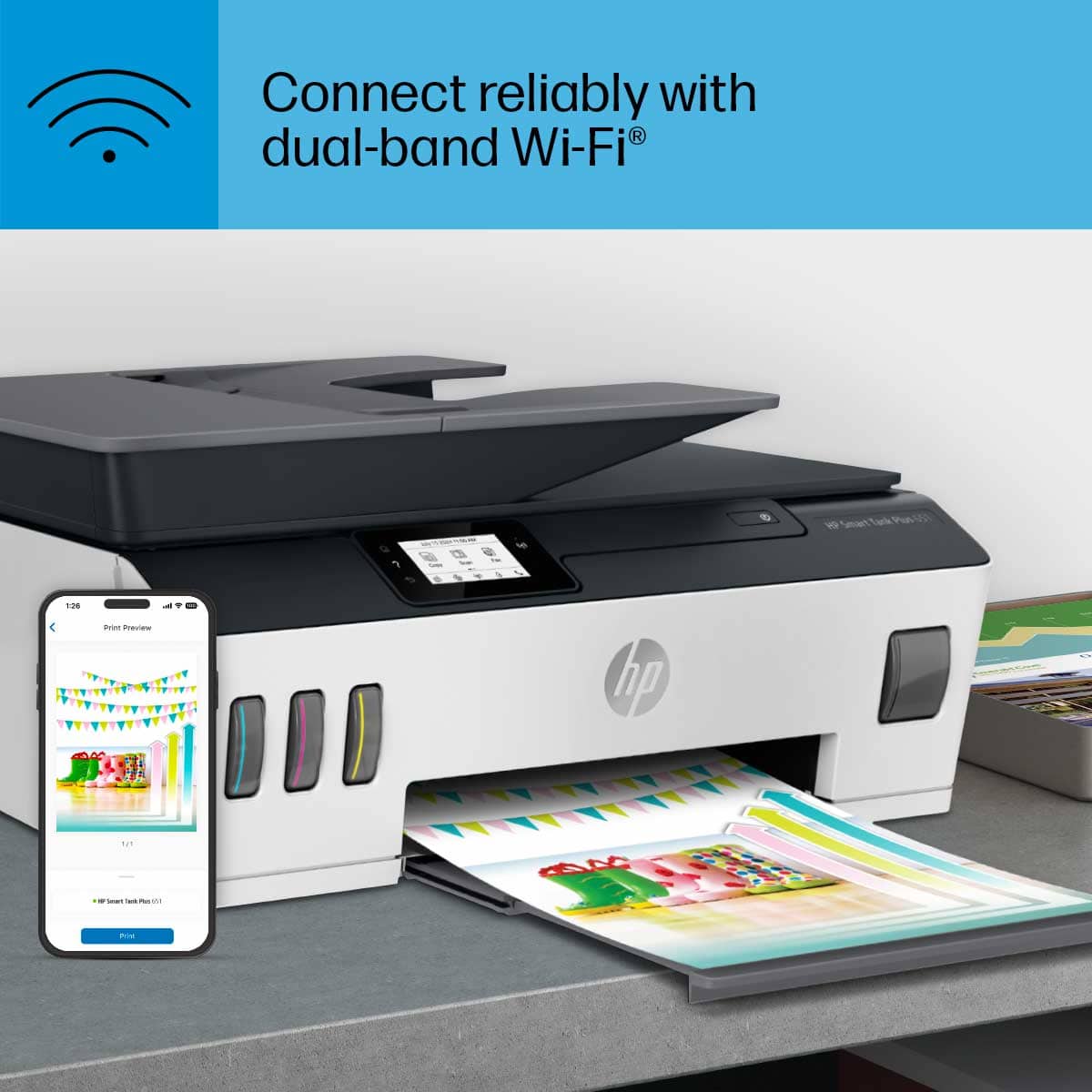
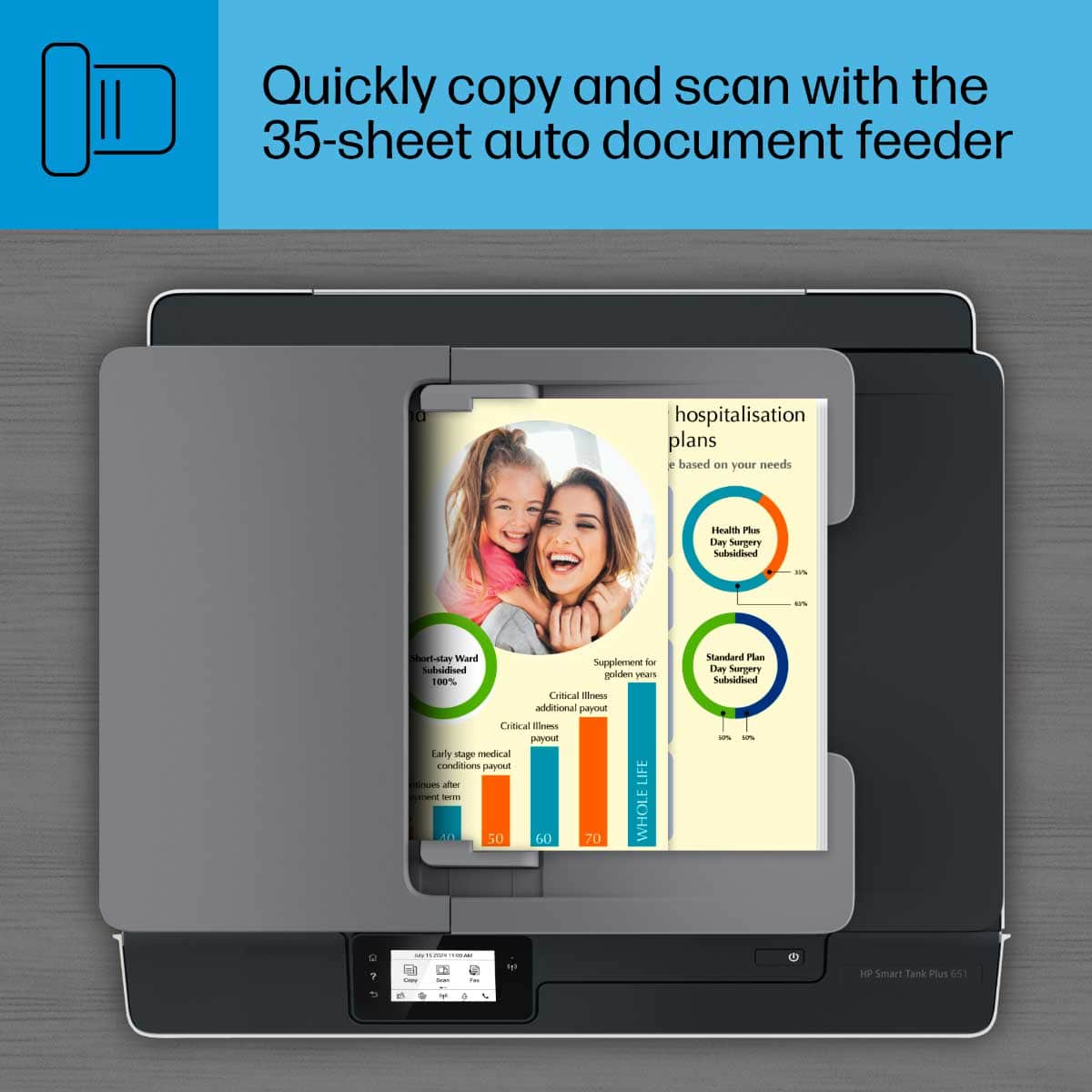
|Posted .This reviewer received promo considerations or sweepstakes entry for writing a review.Unboxing and setting up the HP Smart Tank 651 Wireless All in One Printer was simple, straight forward, and easy. It comes with everything needed to get started except paper (4 ink bottles, 2 printer heads, power cord, and quick start instructions). Out of the box the printer is very nice and compact to fit on any workspace. Simply attach the power cord, fill the ink tanks, insert printer heads, follow the touch screen instructions. This was a very convenient and easy way to set up the printer, I was very impressed with set up! Once everything is in place, the printer prints out a printer alignment sheet and you place it on the scanner bed and press ok. It self-aligns and picks the best printer options for your printer. Much easier than printing the alignment sheet and having to go through several screens to pick or choose the best print setting by eye and inputting into the settings screen. The wireless setup was also easy and straight forward with the touch screen input. However, the only thing I didn’t like was the that there was not qwerty keyboard or something similar for the entering of password. It uses an old school multi tap for the letters which wasn’t difficult, just not expected for a touch screen input. Otherwise, this set up is a one stop push button setting and you’re good to go. Now the important part… the printer is quiet and fast. I printed several different test sheets varying in text, color, and photo, to compare to my old printer. The plain text sheet printed very crisp, clear, with bold blacks and even printing throughout the sheet. It was very accurate and quiet. The colored text with graphics printed at the same quality and was very nice with fast clean printing. The photo sheet I printed was very nice but when compared with the same photo printed from my older printer, you could see the color tone was a little different. Not bad, just different. It prints photos at a good pace in speed and there is little noise in the photo. It prints with a small border on the sheet on all four sides (maybe 2-3 mm). The photo sheet comes out ready to handle and does not feel still wet after printing. The colors are even throughout the photo with no bleed lines or streaks. Very worthy of hanging on the wall. This printer comes with all the features needed for the home office or business (print, scan, fax, copy) and is completely wireless minus the power plug. No complaints on any of these although I rarely use fax and did not use the fax before writing this review. The paper load I wish would have been the drawer type load just to keep a clean look but is very accessible and convenient with the rear load tray. The paper prints out is on the front with a nice paper catch for prints. The paper feed on top for copies is the traditional feed for a business-like feel. The front display for the ink tanks is awesome to keep an eye on the ink levels even though it is said you have two years’ worth of ink with the included ink bottles, time will tell. Everything about this printer is a thumbs up and works seamlessly with Wi-Fi. It has an HP app that you can download to connect your phone or tablet directly to the printer that I do not care to use since I primarily use the Wi-Fi to print and connect all my devices. It just seems easier to me to skip all the extra steps of install and memory usage for apps and add-ons. The only things I could say that aren’t 100% for me which is only minor preference opinions is the paper load tray and a very slight beeping noise that emanates during certain processes which I could not determine. But my hearing is on the sensitive side. A very good buy for the home office and I am impressed and satisfied so far.
I would recommend this to a friend Not worth the money
||Posted . Owned for 1 year when reviewed.This reviewer received promo considerations or sweepstakes entry for writing a review.This printer is TERRIBLE.. honestly people should just stop buying HP product, they are made to last maybe 6 months, really they are made to last for as long as your 1 year warranty.
No, I would not recommend this to a friendSpent five hours and still won't print
||Posted .This reviewer received promo considerations or sweepstakes entry for writing a review.HP was no help. Geek squad was no help. Best Buy virtual assistant was no help. Chat was no help. Lost five hours trying to get a "smart" printer to print. Will return this piece of crap and shop WalMart.
No, I would not recommend this to a friendBrand response from HP Team
Posted .Hi there.
I am sorry that your printer failed to work. Your review is pretty short, but your frustration is very clear, so if you’ve not yet returned the printer, I’ll suggest some resources and information I hope will help remedy the situation.
You mention that you sought assistance through various means, but I can’t tell whether you used HP’s online support system or you spoke to a person by phone. Because I want to make sure you got all the help possible from HP, I recommend that you contact us directly at +1 800-474-6836 so we can help you assess the situation and do whatever’s needed. To expedite the process, I recommend gathering the following information before the call:
- Model number
- Serial number
- Your location
- Case number (from any previous contact with HP support)
I'll also mention that HP printers have a one-year warranty from their purchase date that covers hardware as well as ink supplies, so if it comes to that, you might consider making use of it. You can verify the warranty using the following link: support.hp.com/us-en/checkwarranty
Keith
HP Care
hp.com/support
poor quality, trouble with software and cartridges
||Posted . Owned for 3 weeks when reviewed.This reviewer received promo considerations or sweepstakes entry for writing a review.Nothing but trouble, printed papers end on the floor, cartridge errors and now doesn't print. If you're looking to waste money, this is the one to choose.
No, I would not recommend this to a friendBad part right out of the box
||Posted . Owned for 1 month when reviewed.This reviewer received promo considerations or sweepstakes entry for writing a review.Took 20 seconds and sounded like a plane landing when used for the very first time. After that still not fast in printing. Returned.
No, I would not recommend this to a friend- Pros mentioned:Overall performance, Print quality
Decent printer
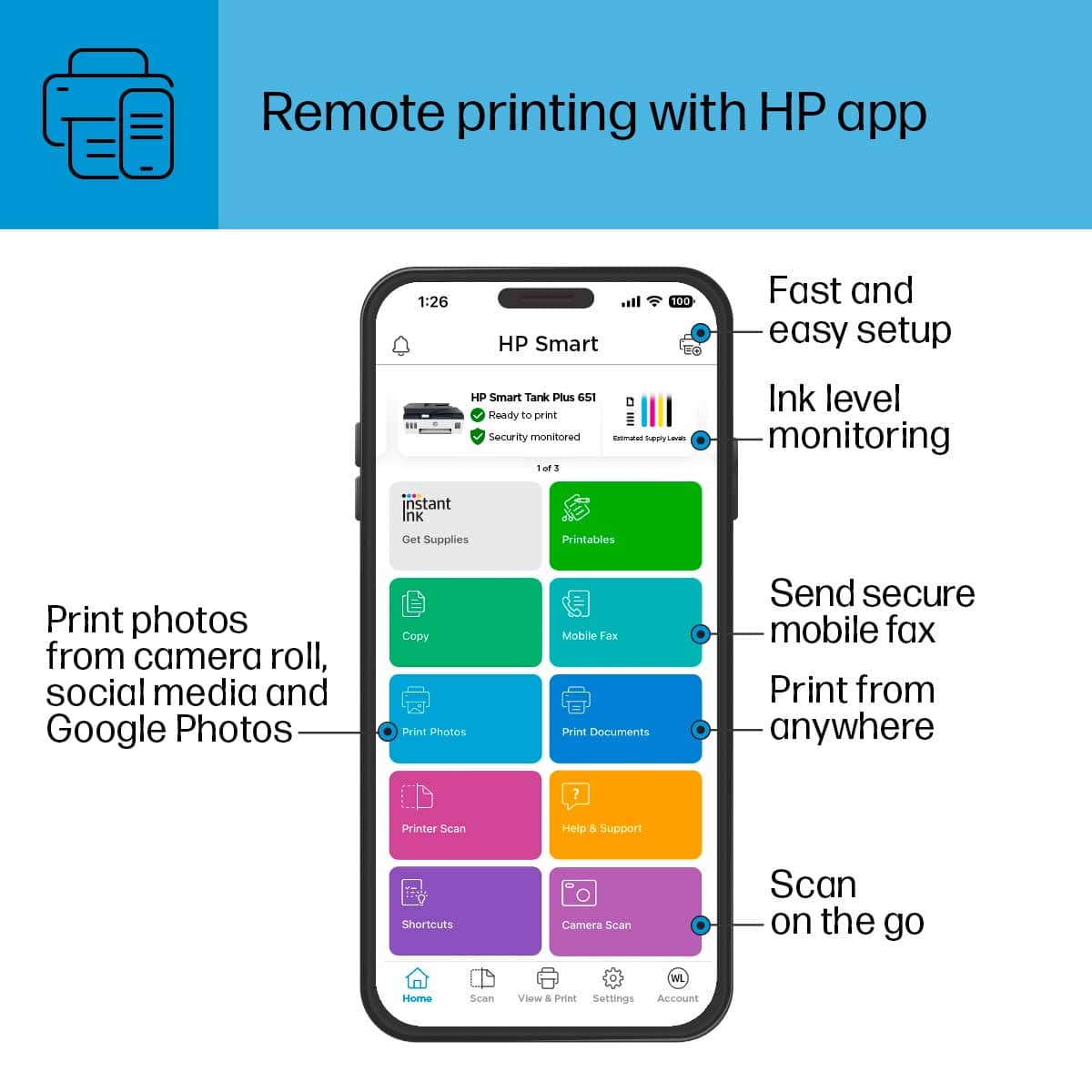
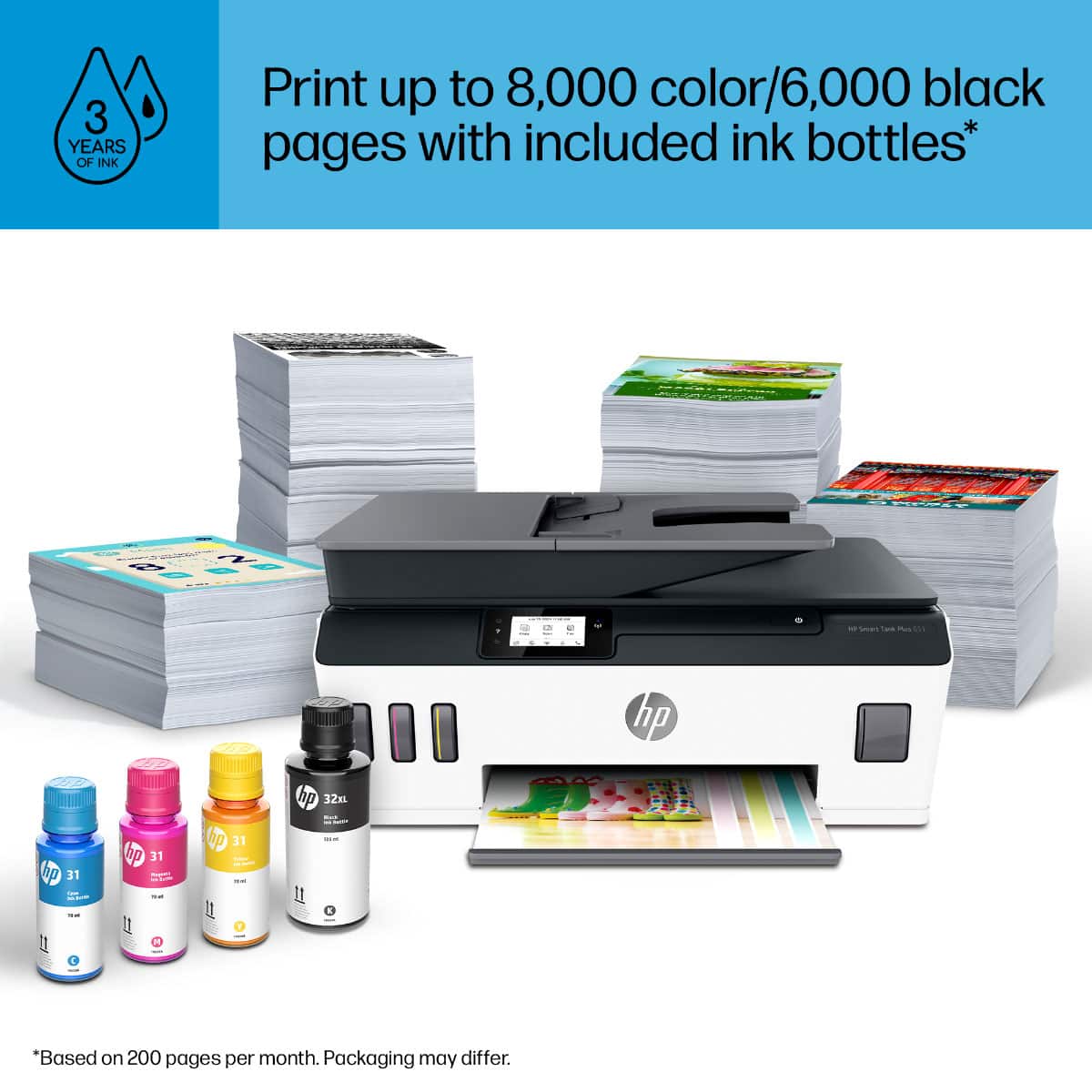
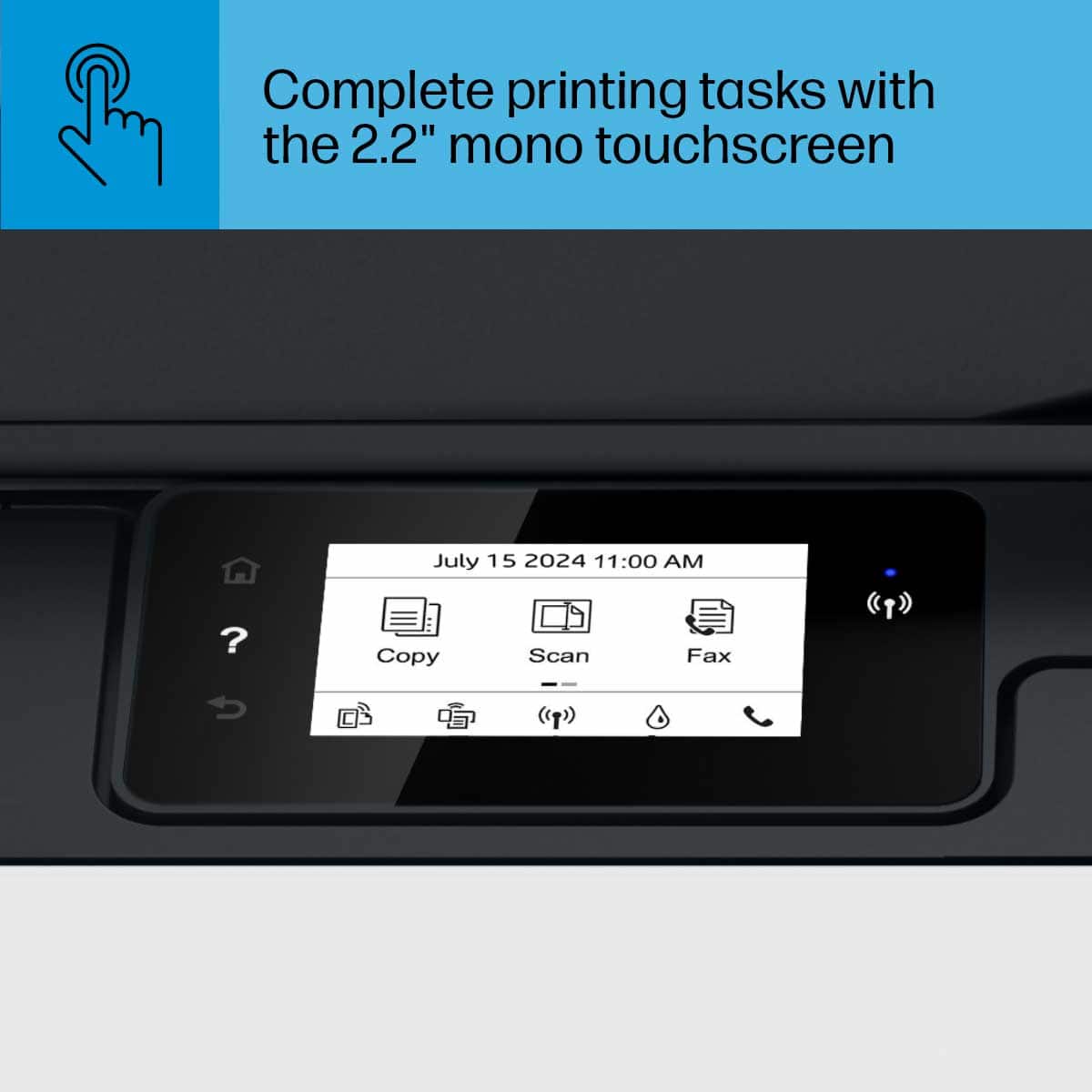
|Posted .This reviewer received promo considerations or sweepstakes entry for writing a review.The HP Smart Tank 651 is a well rounded printer that gets the job done. One of the best features about this printer, is that it has 2 years supply of ink right in the box. The printer itself is fairly simple to set up, you can either follow the included manual, or you can download the HP app and follow that. The printer functions very well, it makes good quality prints and is pretty fast to print. The HP app is a very useful tool, through this app you can create simple tasks like; scan to printer, create print shortcuts, and even print photos from many of the cloud services directly from your phone. This makes things much more simple because it eliminates the need to transfer documents or photos to a memory card and to a computer or the printer. The printer comes with a built in touch screen, (which they couldn't make any smaller if they tried) that has very limited use due to its size. But with the HP app, this also eliminates the need for that, plus it would be the size of your phone screen. This printer also has a built in scanner, which is both fast and precise at scanning documents and images. I tried a few test photo prints, a 3x5 and couple 5x7's. The image quality is average at best, the photo's tend to come out a little dull and faded. I tried tweaking the settings for this, but neither the app nor the printer offer that many. Overall, the HP Smart Tank 651 is a really good printer, that works along side of the free HP app. With the HP app it not only adds many features, it also makes printing a lot easier. This is now my go to printer whenever I need to print anything, and I would recommend it to anyone looking for a new printer.
I would recommend this to a friend Waste of time. Doesn’t work
||Posted . Owned for less than 1 week when reviewed.This reviewer received promo considerations or sweepstakes entry for writing a review.Took 2 days still can’t set up this printer. It kept saying cartridge problem. But it’s brand new. Waste of time. Very disappointed.
No, I would not recommend this to a friendBrand response from HP Team
Posted .Hi, Jim.
I’m sorry to hear that your printer has displayed error messages rather than setting up like it should. Your review is short, but your disappointment and frustration are clear – and understandable – so I’ll identify some resources and offer some information that I hope will help.
From your review, I can’t tell what the error message are or what’s causing them, so I recommend that you contact us directly at +1 800-474-6836 so we can guide you through the proper troubleshooting. (Please note that because of restrictions on personal movement and workplace attendance associated with the COVID-19 pandemic, wait times for agents are longer than normal. Thanks in advance for your understanding.) To expedite the process, I recommend gathering the following information before the call:
- Model number
- Serial number
- Your location
- Case number (from any previous contact with HP support)
I'll also mention that HP printers have a one-year warranty from their purchase date that covers hardware as well as ink supplies, so if it comes to that, you might consider making use of it. You can verify the warranty using the following link: support.hp.com/us-en/checkwarranty
Keith
HP Care
hp.com/support
Vice President/assistant Treasurer of a Foundation
||Posted . Owned for 3 weeks when reviewed.This reviewer received promo considerations or sweepstakes entry for writing a review.Had to return first one... defective Second one not happy with at all. Haven’t had time to see if I could still return
No, I would not recommend this to a friendBad slow
||Posted .This reviewer received promo considerations or sweepstakes entry for writing a review.Slow a lot noise , I had to turn off and then n to scan my documents don’t Like it for the price I pay for it .
No, I would not recommend this to a friendBrand response from HP Team
Posted .Hi, Sandro.
I’m sorry to hear that your printer has not performed like it should. It’s easy to understand why slow and noisy printing plus a scanning issue would be an exasperating combination, so I’ll point you toward some resources that I hope will help.
I can’t tell what’s causing these problems, so I recommend that you contact us directly at +1 800-474-6836 so we can guide you through the proper troubleshooting. (Please note that because of restrictions on personal movement and workplace attendance associated with the COVID-19 pandemic, wait times for agents are longer than normal. Thanks in advance for your understanding.) To expedite the process, I recommend gathering the following information before the call:
- Model number
- Serial number
- Your location
- Case number (from any previous contact with HP support)
I'll also mention that HP printers have a one-year warranty from their purchase date that covers hardware as well as ink supplies, so if it comes to that, you might consider making use of it. You can verify the warranty using the following link: support.hp.com/us-en/checkwarranty
Keith
HP Care
hp.com/support















