Customer Ratings & Reviews
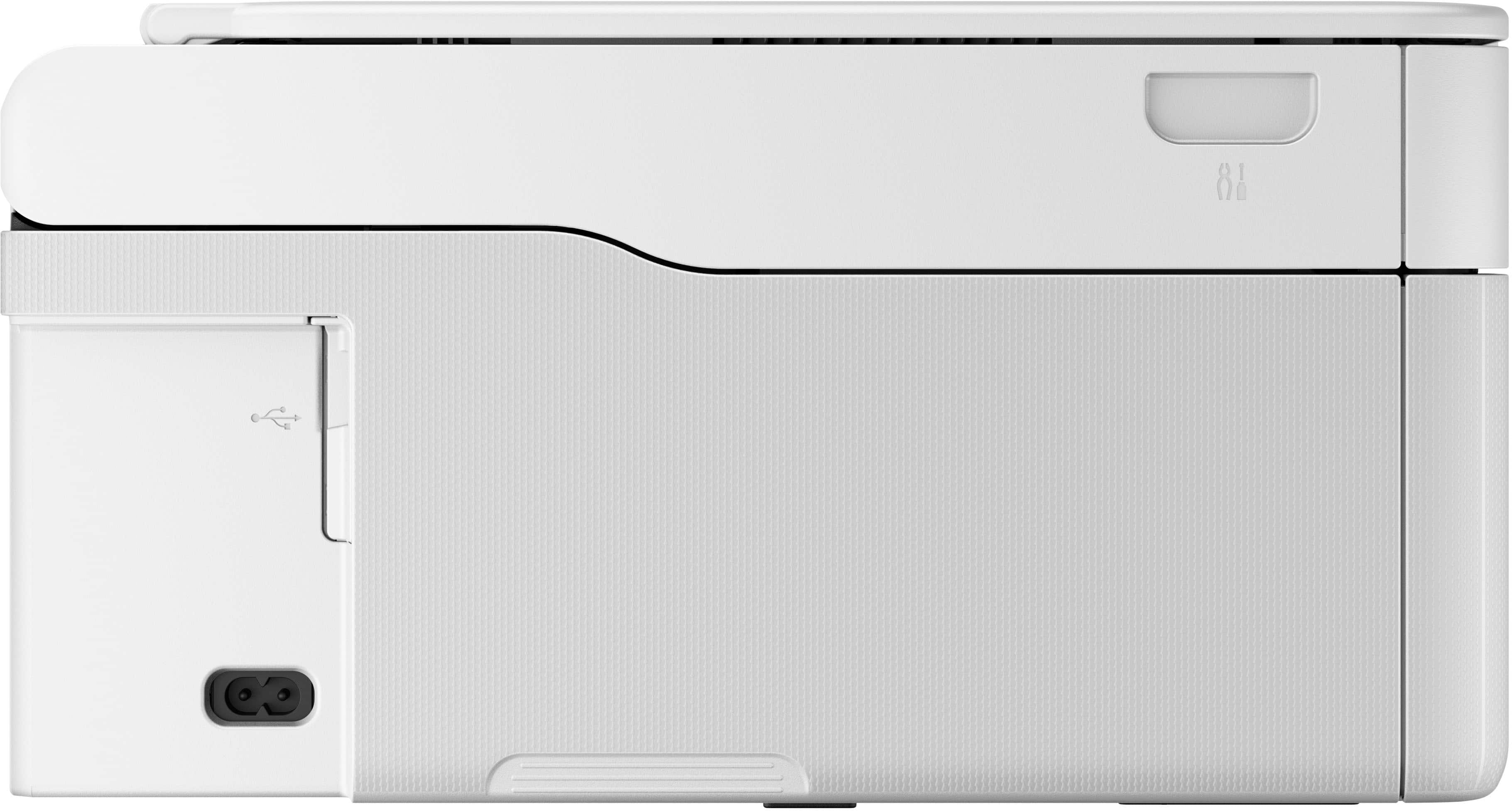
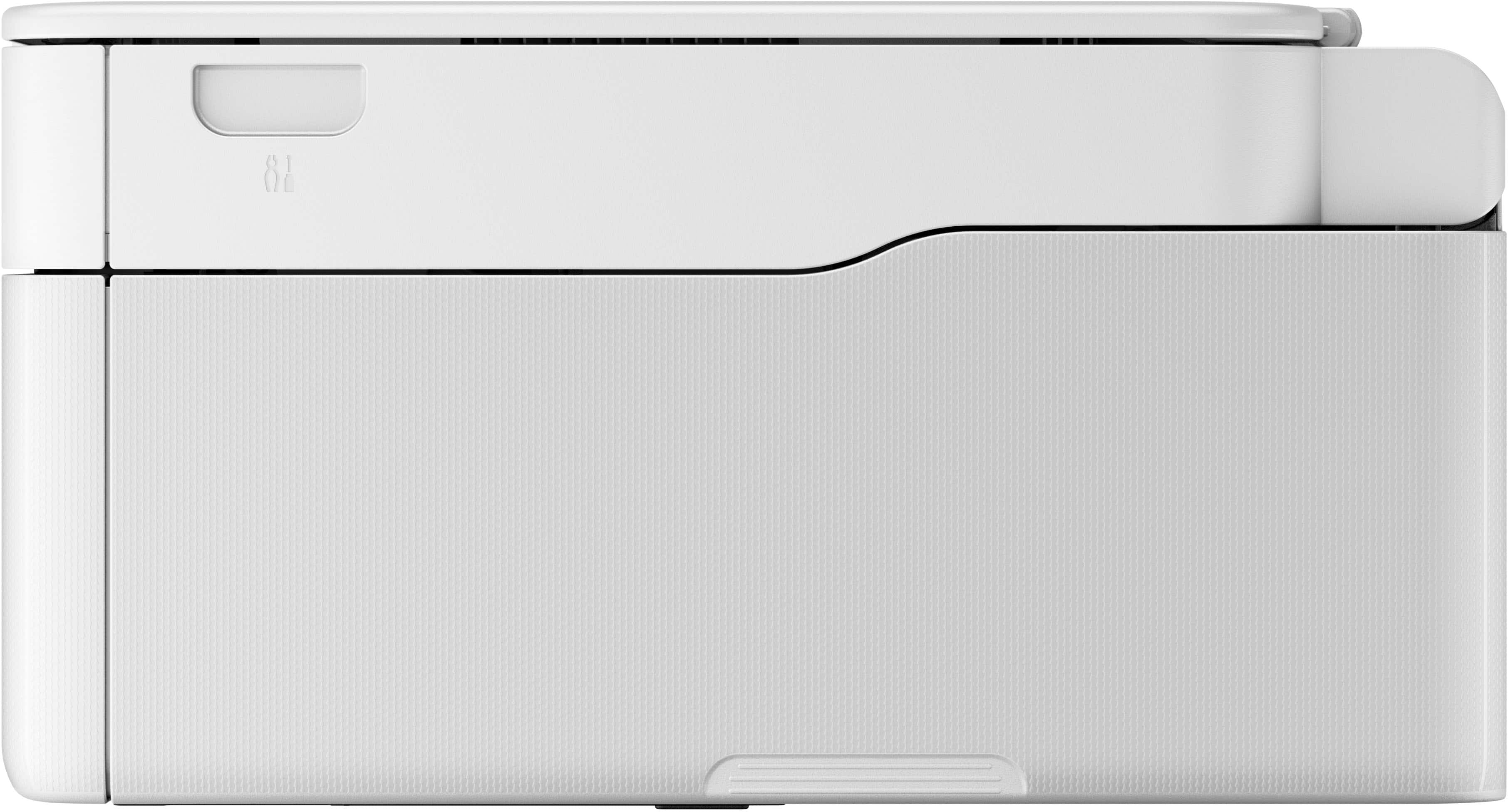
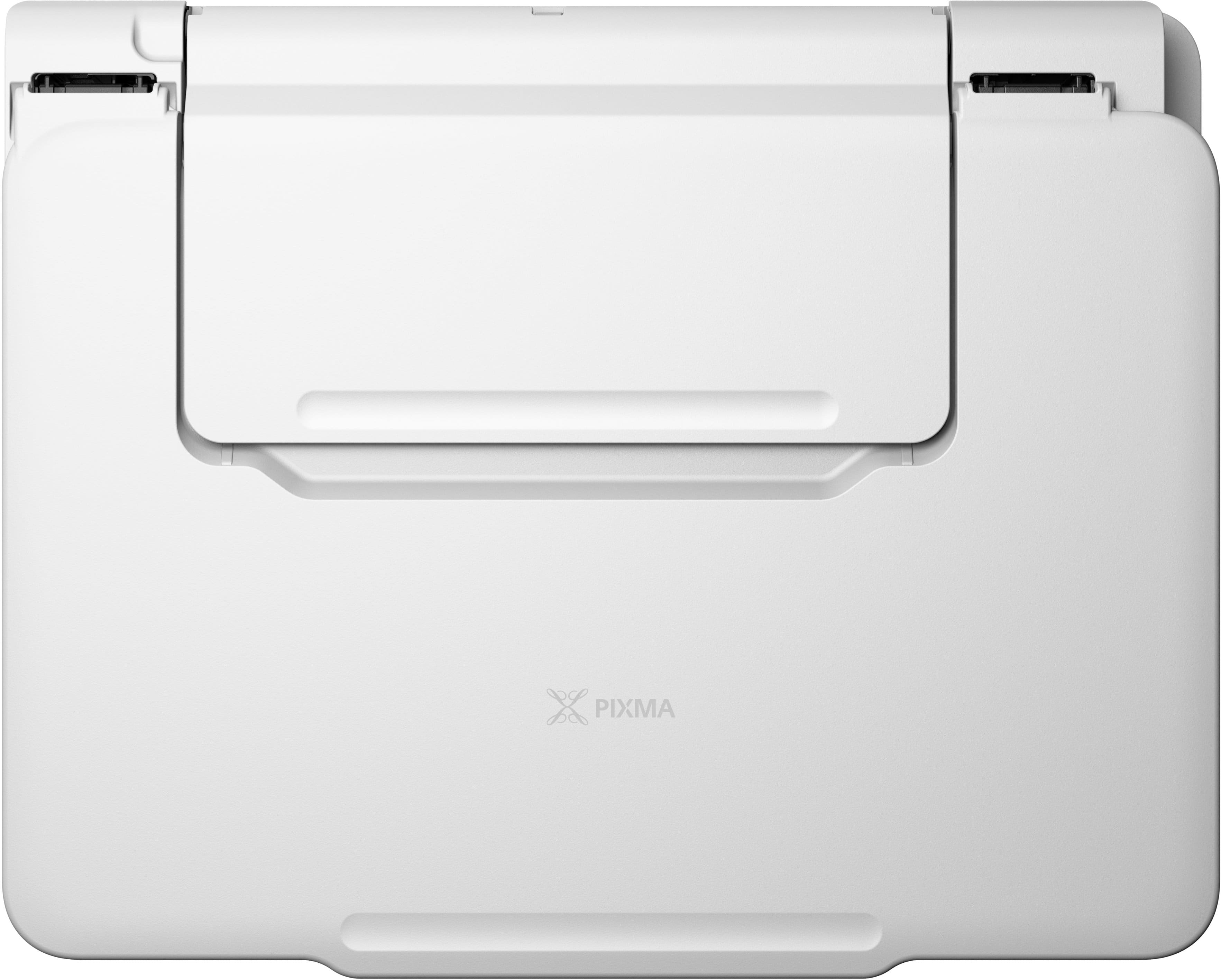
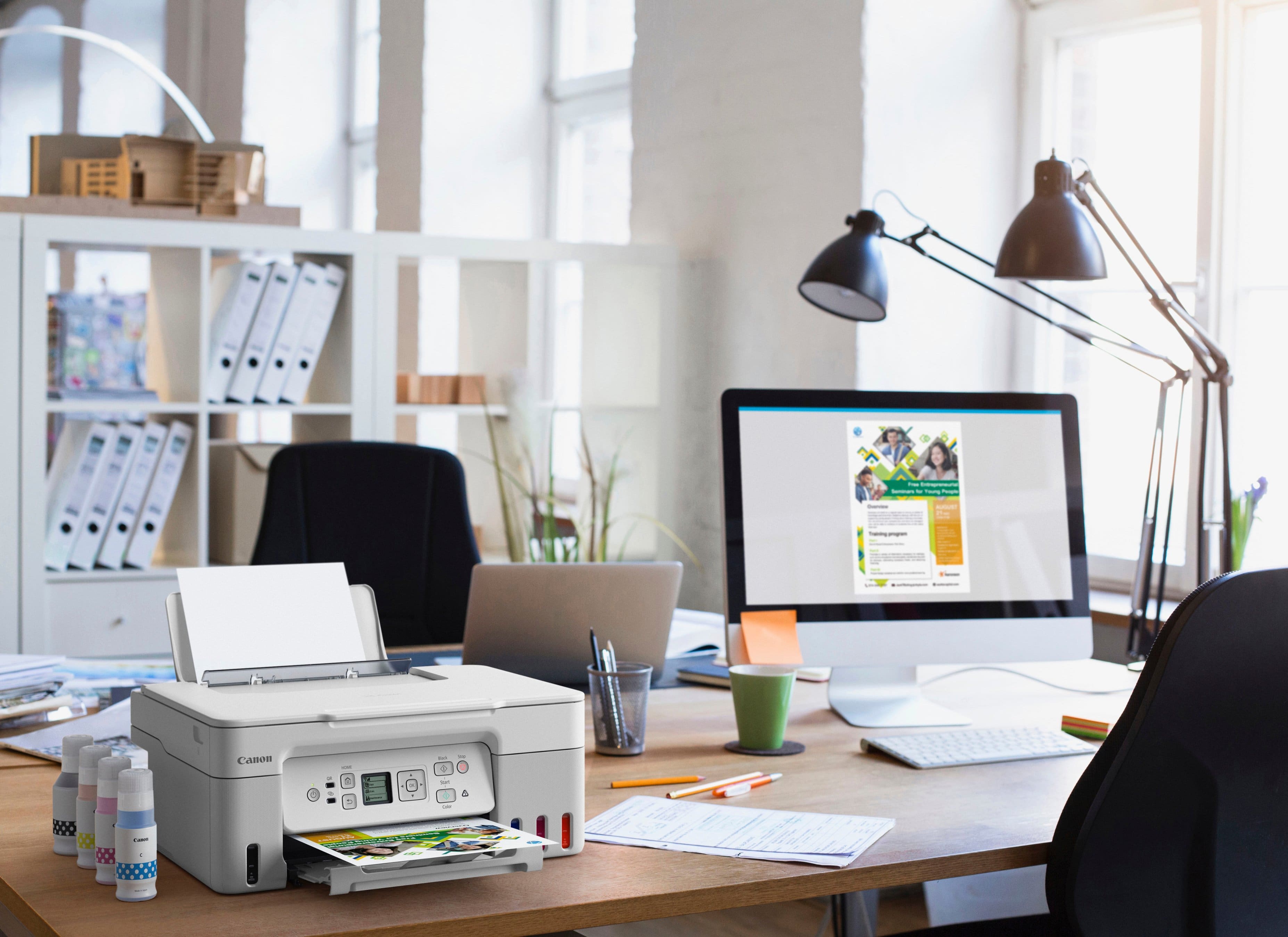

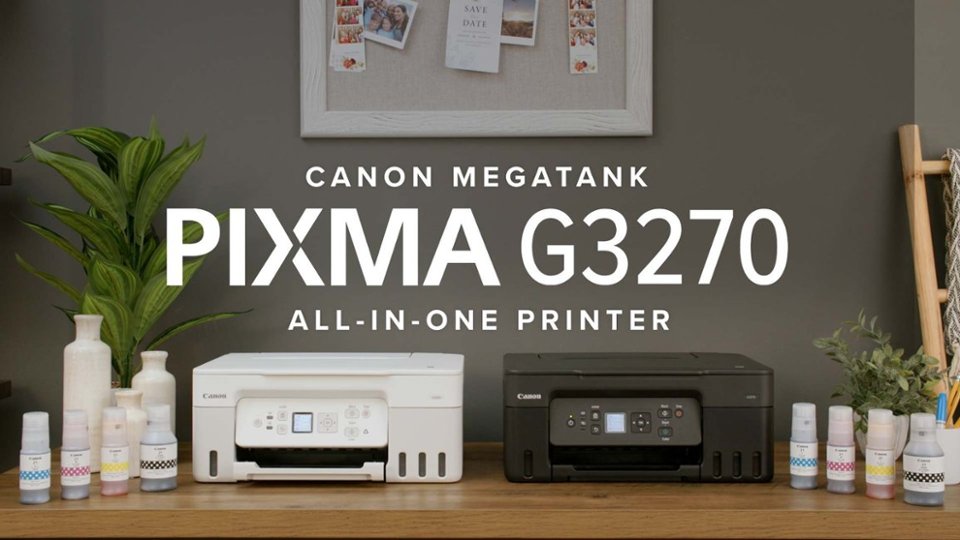
- Model:
- 5805C022
- |
- SKU:
- 6535602
Customer reviews
Rating 4.4 out of 5 stars with 383 reviews
(383 customer reviews)Rating by feature
- Value4.5
Rating 4.5 out of 5 stars
- Quality4.4
Rating 4.4 out of 5 stars
- Ease of Use4.4
Rating 4.4 out of 5 stars
Customers are saying
Customers are delighted by the PIXMA Megatank G3270's print quality and ease of use. Many find the setup process straightforward, and appreciate the wired and wireless connectivity options. While users find the overall performance acceptable, some have noted that it can be a bit noisy during operation and are disappointed by the absence of an automatic document feeder.
This summary was generated by AI based on customer reviews.
- Pros mentioned:Ease of use
Rated 5 out of 5 stars
great printer!
||Posted .This reviewer received promo considerations or sweepstakes entry for writing a review.great printer;easy to use and love the ink well idea instead of cartridges for ink
This review is from Canon - PIXMA Megatank G3270 Wireless All-In-One Supertank Inkjet Printer - Black
I would recommend this to a friend - Pros mentioned:Ease of use, Print quality
Rated 5 out of 5 stars
Great Pixma All In One printer
||Posted . Owned for 1 month when reviewed.This reviewer received promo considerations or sweepstakes entry for writing a review.This is a great All In One Printer. The prints and pictures are of really good quality and it is easy to set up.
This review is from Canon - PIXMA Megatank G3270 Wireless All-In-One Supertank Inkjet Printer - Black
I would recommend this to a friend - Pros mentioned:Print quality
Rated 5 out of 5 stars
A great replacement for an older all-in-one
||Posted . Owned for 3 weeks when reviewed.This reviewer received promo considerations or sweepstakes entry for writing a review.Excellent speed and print quality. Very good photo results.
This review is from Canon - PIXMA Megatank G3270 Wireless All-In-One Supertank Inkjet Printer - Black
I would recommend this to a friend Rated 4 out of 5 stars
Great replacement
||Posted .This reviewer received promo considerations or sweepstakes entry for writing a review.I have had this printer a couple of weeks now and have been very pleased. It is a replacement for an HP inkjet that is expensive to fill and has periodic issues. The Canon was easy to fill and I look forward to less expensive ink restocking. I have used it for copying and printing. It handled card stock well. I don’t need high quality printing so can’t make judgement call on that topic. I shorted one star because of a little confusion on set up. It seemed like I need to download a Canon app. As it turned out I just needed to link it to my home network. Have not used the app.
This review is from Canon - PIXMA Megatank G3270 Wireless All-In-One Supertank Inkjet Printer - Black
I would recommend this to a friend- Pros mentioned:Print quality
Rated 5 out of 5 stars
Not Bad For My First Canon
||Posted . Owned for 3 weeks when reviewed.This reviewer received promo considerations or sweepstakes entry for writing a review.I have always been an HP printer type of person. After a recent bad experience with their customer support, I decided to broaden my printer horizon and try Canon. This has been a great printer so far! For a tank printer my first one), I have had quality printing and no issues with the wireless feature. Setup was fine for me, going quite easily. My only hiccup is that the app is a little hard to navigate through, but since it is new to me, I am not going to knock it too much yet. Ordered online through Best Buy and it was quick. Very impressive order!
I would recommend this to a friend Rated 4 out of 5 stars
Canon for the win!!!
||Posted . Owned for 2 weeks when reviewed.This reviewer received promo considerations or sweepstakes entry for writing a review.So far so good. Setup was easy and filling ink was easy as well. Printing is a little slow but overall a great printer.
This review is from Canon - PIXMA Megatank G3270 Wireless All-In-One Supertank Inkjet Printer - Black
I would recommend this to a friend- Pros mentioned:Ease of use, Print quality
Rated 5 out of 5 stars
Great all in one
||Posted . Owned for 3 weeks when reviewed.This reviewer received promo considerations or sweepstakes entry for writing a review.Excellent printer. Easy to operate. The print quality is very good. I have had several Canon printers and have always been happy.
This review is from Canon - PIXMA Megatank G3270 Wireless All-In-One Supertank Inkjet Printer - Black
I would recommend this to a friend - Pros mentioned:Overall performance, Setup
Rated 5 out of 5 stars
Cannon G3270
||Posted . Owned for 3 weeks when reviewed.This reviewer received promo considerations or sweepstakes entry for writing a review.It was easy to set up. My daughter and I are pleased how well this copier works.
I would recommend this to a friend Rated 5 out of 5 stars
Easy set up - Good Value - Slower Print than laser
||Posted .This reviewer received promo considerations or sweepstakes entry for writing a review.Thank goodness! I am done with my “Brother” color laser printer. For the cost of toner, I bought an HP-smart tank, Canon Mega Tank, and Epson Eco tank. The inkjet is slower, however, now I am free to explore with color. To compare, I can truly see how “Brother” was ripping me off. Brother would stop printing, reporting low toner levels. I knew better. FYI - Don't print photos, just colored reports, plamphlets.
This review is from Canon - PIXMA Megatank G3270 Wireless All-In-One Supertank Inkjet Printer - Black
I would recommend this to a friend- Pros mentioned:Print quality
Rated 5 out of 5 stars
Amazing!
||Posted .This reviewer received promo considerations or sweepstakes entry for writing a review.The printer was much bigger than I expected, and it works wonders! I run a small business printing stickers and art posters, and the quality is fantastic!
This review is from Canon - PIXMA Megatank G3270 Wireless All-In-One Supertank Inkjet Printer - Black
I would recommend this to a friend - Pros mentioned:Print quality
Rated 5 out of 5 stars
Great Printer!
||Posted .This reviewer received promo considerations or sweepstakes entry for writing a review.Its a great printer. It prints clearly and fairly quick.
I would recommend this to a friend - Pros mentioned:Overall performance
Rated 5 out of 5 stars
Great for stickers, labels, signs
||Posted .This reviewer received promo considerations or sweepstakes entry for writing a review.Awesome printer for stickers and labels, LOVE it!!
This review is from Canon - PIXMA Megatank G3270 Wireless All-In-One Supertank Inkjet Printer - Black
I would recommend this to a friend Rated 5 out of 5 stars
Great printer
||Posted . Owned for 1 month when reviewed.This reviewer received promo considerations or sweepstakes entry for writing a review.Very economical. Printed out 53 pages of a manual and ink barely moved. Wish it had double sided but made the sacrifice since I missed the special lower prices.
This review is from Canon - PIXMA Megatank G3270 Wireless All-In-One Supertank Inkjet Printer - Black
I would recommend this to a friend- Pros mentioned:Ease of use, Setup
Rated 5 out of 5 stars
Nice and easy
||Posted . Owned for 1 month when reviewed.This reviewer received promo considerations or sweepstakes entry for writing a review.Changing ink is now a simple task. Setup was simple with the app and note I can find the printer on my network.
I would recommend this to a friend - Pros mentioned:Ease of use, Print quality
Rated 5 out of 5 stars
Terrific All-In-One Printer
||Posted . Owned for 1 year when reviewed.This reviewer received promo considerations or sweepstakes entry for writing a review.Love this printer! Prints great in black or color! Easy to setup & use! Only neg. is it's hard to view the Black Ink level.
This review is from Canon - PIXMA Megatank G3270 Wireless All-In-One Supertank Inkjet Printer - Black
I would recommend this to a friend - Pros mentioned:Print quality
Rated 3 out of 5 stars
Not a good photo scanner; good otherwise
||Posted . Owned for 1 month when reviewed.This reviewer received promo considerations or sweepstakes entry for writing a review.If you are looking for a great photo scanner, this printer is not for you. CONS: With the standard photoscan option with the CANON PRINT utility, the color is not accurate and the crispness is not there. My previous, nine-year-old Canon MC Pixma printer was an excellent photo scanner. By using the CANON PRINT scan utility “advanced mode“, you can tweak the scans to be better than the automatic ones, but it requires your time and effort. Other problems: You can Air Print from your iPhone, but NOT if the printer is ethernet cable connected to your PC for scanning. Additionally, it is not easy to set up where you want scanned items to be filed. Printer set up requires phone app. PROS: printing and copying are easy. Physical set up including ink tanks is easy. Looking forward to printing for years without ink purchase!
This review is from Canon - PIXMA Megatank G3270 Wireless All-In-One Supertank Inkjet Printer - Black
No, I would not recommend this to a friend - Pros mentioned:Overall performance
Rated 4 out of 5 stars
Nice basic printer
||Posted .This reviewer received promo considerations or sweepstakes entry for writing a review.Nice, basic ecotank printer. It is very slow but gets the job done.
This review is from Canon - PIXMA Megatank G3270 Wireless All-In-One Supertank Inkjet Printer - Black
I would recommend this to a friend Rated 5 out of 5 stars
Good for home use
||Posted . Owned for 6 months when reviewed.This reviewer received promo considerations or sweepstakes entry for writing a review.Needed a solid upgrade for hime. My wufe dies scrapbooking and i have a kid in elementary so great use. Also regular stuff. Wish i could print remotely but only works remotely if connected to wifi
This review is from Canon - PIXMA Megatank G3270 Wireless All-In-One Supertank Inkjet Printer - Black
I would recommend this to a friend- Pros mentioned:Print quality
Rated 4 out of 5 stars
Very good printer for the cost
||Posted . Owned for 1 month when reviewed.This reviewer received promo considerations or sweepstakes entry for writing a review.It does basic document printing very well. Filling the ink is quite easy. Not super fast, but definitely not bad.
This review is from Canon - PIXMA Megatank G3270 Wireless All-In-One Supertank Inkjet Printer - Black
I would recommend this to a friend - Pros mentioned:Overall performance, Print quality
Rated 5 out of 5 stars
Great Home Printer
||Posted . Owned for 1 month when reviewed.This reviewer received promo considerations or sweepstakes entry for writing a review.This is the best printer I've ever had. The quality is really great for the price. Figuring out the app was a little bit annoying, but once I got it working I was really impressed.
This review is from Canon - PIXMA Megatank G3270 Wireless All-In-One Supertank Inkjet Printer - Black
I would recommend this to a friend