Customer Ratings & Reviews
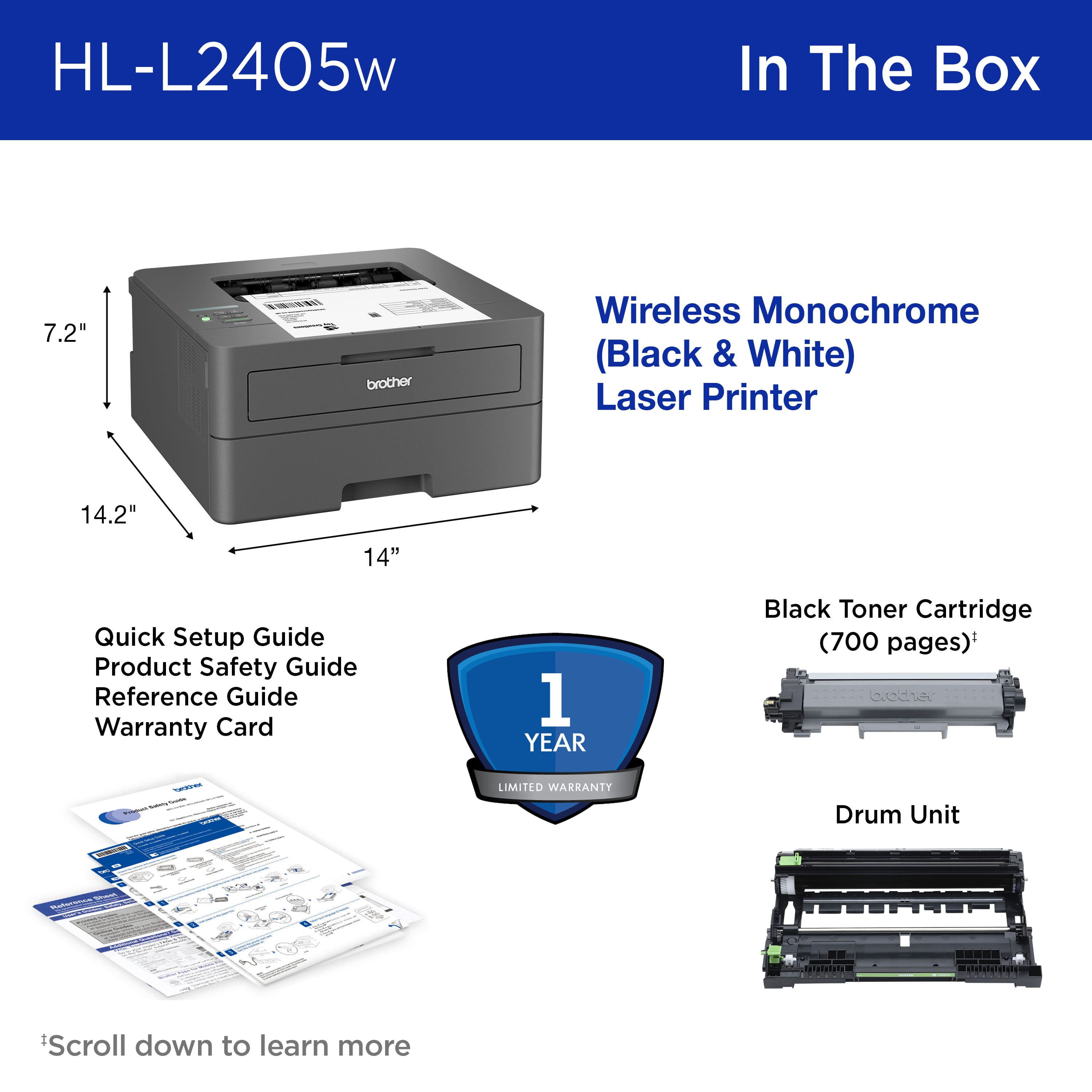
- Model:
- HL-L2405W
- SKU:
- 6569815
Rating by feature
- Value
Rating 4.7 out of 5 stars
- Quality
Rating 4.7 out of 5 stars
- Ease of Use
Rating 4.6 out of 5 stars
Customers are saying
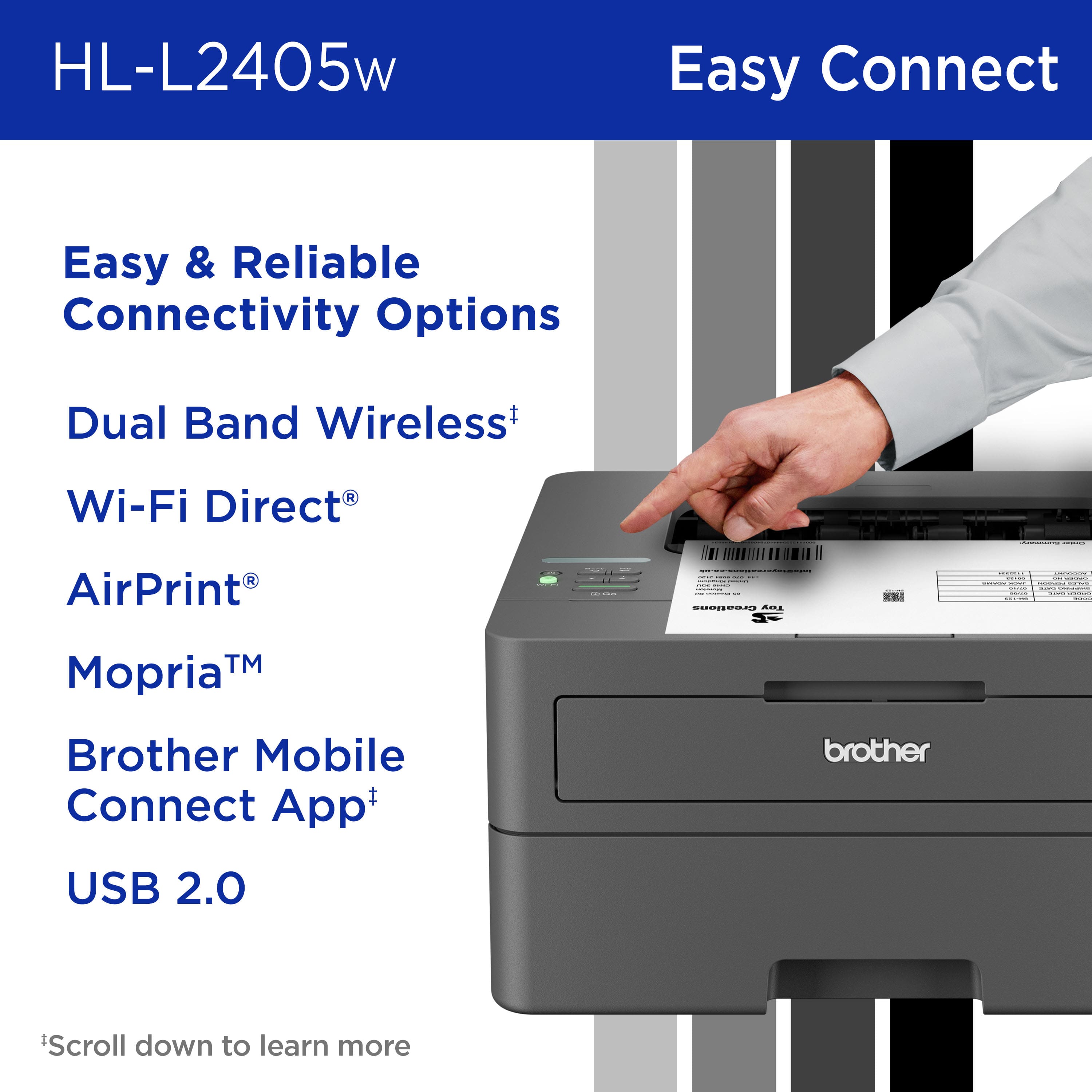
Customers frequently mention the impressive print quality and ease of use of the HL-L2405W printer. They also appreciate its overall reliable performance and super easy setup. The printer's perfect wireless connectivity and great size are additional benefits, and users find the noise levels to be very low.
This summary was generated by AI based on customer reviews.
- Pros mentioned:Print quality

This Printer Delivers
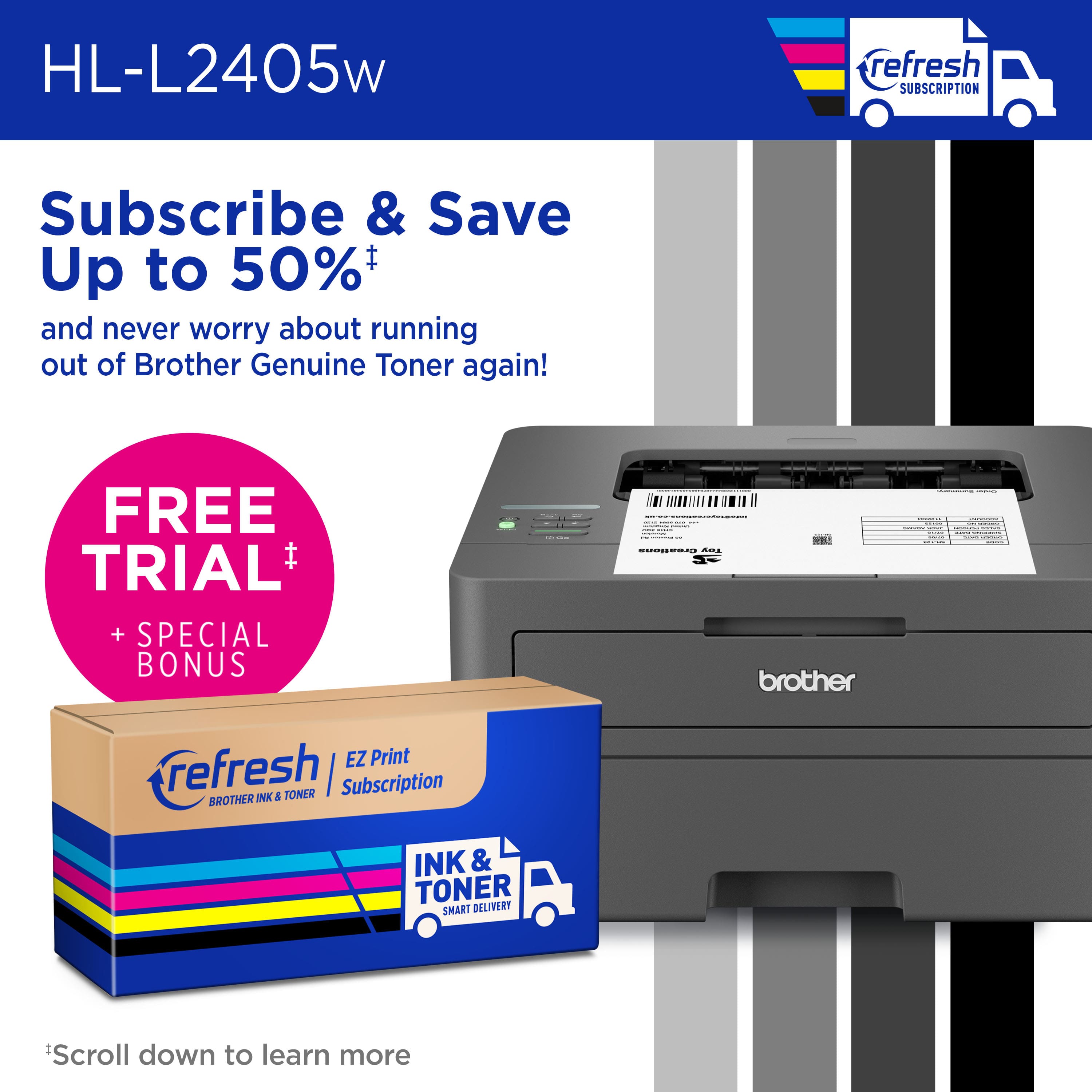
|Posted .This reviewer received promo considerations or sweepstakes entry for writing a review.I do not believe that Brother has made a device I have not “liked.” Now, I like some more than others, but Brother has to be one of the most reliable printer manufacturers out there. In my experience, their products have worked for many years and usually work very well. The HL-L2405W laser printer is no exception. When properly set up, it works very well. Prints are clean, dark, and fast. I personally had some issues with the set up of this printer, but once it was working, I really liked the print quality. Setup: Following the printer instructions, I set the printer up with an Android phone. In theory, you can connect the printer to your wi-fi network using the thin, tiny, arrow only control display. But practically, that was a bit of a nightmare. Thankfully, phone set up was pretty simple and I was online in no time. Experience: I originally thought set up would be easy. My Windows 11 PC detected the printer in no time and a driver was installed and running pretty quickly. However, trying to update the firmware on my Windows 11 PC resulted in timeout problems. I was only able to update the firmware after I used my smartphone to perform the procedure. Also, while technically functional, the stock drivers that come with Windows 11 are not particularly good for this printer. I had random artifacts during prints. One artifact resulted in what looked like a hole punch in the top right of every other page. I never had these problems when printing with my phone or an iPad via Airprint. Eventually, after some headaches, I installed the updated driver from Brother’s website. That improved the feature set and print quality immensely. So, if you are having problems with your prints on Windows 11, make sure you have the latest driver. Installing the driver-only installation was a bit tricky as I had to add the device and search for driver download and it was a bit finicky. Save yourself the headache, install the full printer feature package before you set the printer up. Outside of a rocky start, the print quality has been exceptionally good. The 1200DPIHQ setting looks great. Prints on MACs look good. The printer is fast. Compared to some other laser printers, the HL-L2405W produced a much darker print on the same paper. I thought the gradient range was good, but the printer was darker than other laser printers I had used in the past. I noticed few lines or defects in the print. After printing close to 100 pages, I found I had used ten percent of my toner. Brother advertises up to 1200pages on the non-XL toner and I am getting close to that. Brother also has a subscription service to replenish toner. I like the idea in theory, but I am not a fan of extra subscriptions at the moment. But the printer came with a few free months of the service. I also like the fact that there is a separate tray for envelopes and smaller print jobs. My only other con is that I wish this had automatic duplex printing. I feel like that should be a standard feature for a printer used in a small office setting, but that is just me. Conclusion: This is a quick laser printer. Prints look dark and crisp. My only complaint is that Windows 11 driver setup seemed a bit more difficult than it should have been. I had some initial defects in prints using the stock Windows 11 drivers. All-in-all, I like the printer. Prints are good. At this price, it is a solid machine. 4/5
I would recommend this to a friend - Pros mentioned:Connectivity, Print quality, Setup
Easy setup
||Posted . Owned for 1 month when reviewed.This reviewer received promo considerations or sweepstakes entry for writing a review.Very easy to set up. Pages are crsip and clear. Like the fact its wireless, makes printing from cell phone so easy. Only glitch ive had is that i had to reinstall it on my laptop.
I would recommend this to a friend - Pros mentioned:Ease of use, Overall performance, Print quality
Its a Big Brother", it takes care of me !
||Posted . Owned for 1 month when reviewed.This reviewer received promo considerations or sweepstakes entry for writing a review.I have been very happy with my purchase of the "brother" printer. It is easy to operate, prints very well, and is a eye pleasing piece of equipment. What is else is there to say except the price was reasonable, its works very well, good looking, and I have not had any problems with it. I recommend it wholeheartedly without reservations.
I would recommend this to a friend - Pros mentioned:Ease of use, Print quality, Setup
Great printer at an excellent price
||Posted . Owned for 2 weeks when reviewed.This reviewer received promo considerations or sweepstakes entry for writing a review.I had an ink jet printer that would dry out the ink before I could use it... this laser printer is an excellent printer, prints perfect sheets every time and the ink doesn't dry out... and so easy to set up... thank you
I would recommend this to a friend - Pros mentioned:Print quality
Great Black and White Printer
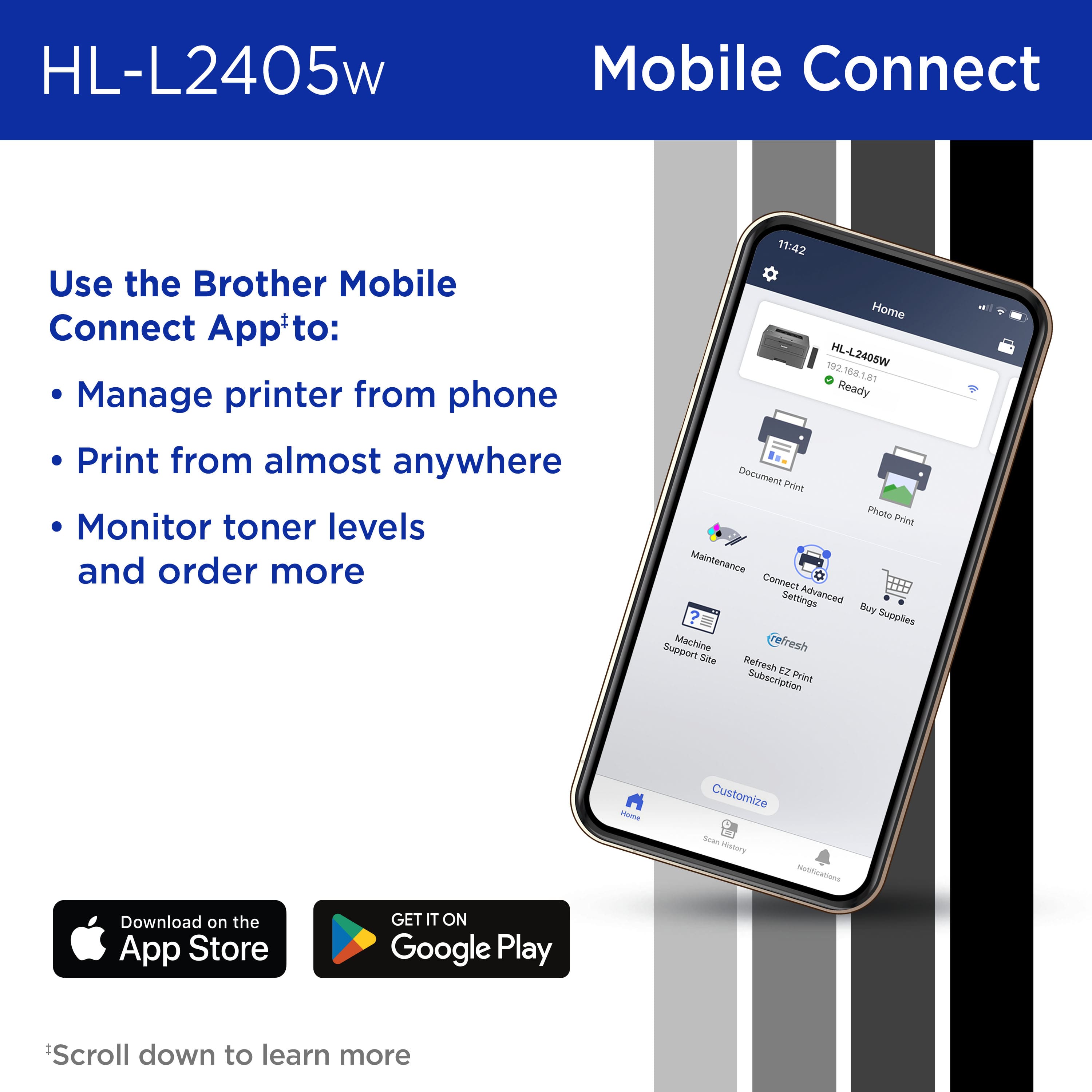
|Posted .This reviewer received promo considerations or sweepstakes entry for writing a review.The brother HL2405W is a great printer if you only require black and white prints, its simple to use for anyone and gives business style tools that are beneficial to everyone. The printer is easy to set up and comes with everything you would need to get it going wirelessly, it does not come with the usb wire for hard wire connection. The brother is a small printer which doesn’t take up much space and can hold 250 so you’re not constantly refilling. The prints come out fast and clear and can do up to 30 pages a minute. Brother makes it easy to set up printer with a QR code and directs you to download the app if you choose to set up via phone/tablet. If you choose to set up manually the instructions are easy enough for anyone. The printer can be accessed by your web browser or the app, the printer has multiple settings for business users which I would highly advise all homeowners to use. Once on the network anyone can print to it. The printer also allows you to print while away from home, you do have enable online functions, which than provides you with an email address where you can send your prints. When emailing you can send files (word/excel/pictures) and they print within 5 to 10 seconds of emailing. You can also restrict who is able to send prints to the email, this is great to avoid spam emails being printed. The app also allows you to access files in other apps (google drive) which is a nice touch. The Brother HL-L2405W makes IT simple , all the function are easy to understand and use for everyone. Everything is easily and clearly laid out so you don’t need a IT professional to understand the printer and its functions. The online portal shows you all the necessary data (total prints/errors/ink amount) and if any maintenance is needed. Brother also provides brother refresh service which automatically sends you out a cartridge of ink so you never have to worry about running out. Over all the printer is just about perfect, its easy to use and maintain while giving you access to detailed information. I only have two complaints about the brother and that is the small screen on the printer is hard to read because it has no back lighting, now you can increase the contrast which helps a bit. The second being even after logging into the app/browser (with password) for you to access the online function you still have to approve it from the printer itself. While the redundancy is a safe guard it’s a safe guard at the cost of efficiency. Besides these 2 small issues I would highly recommend it to all home owners and small businesses.
I would recommend this to a friend - Pros mentioned:Ease of use, Overall performance, Print quality
Perfect Performance. Hassle-Free Toner Replacement
||Posted .This reviewer received promo considerations or sweepstakes entry for writing a review.My Brother HL-L2405W printer works perfectly and completely meets my expectations. It’s fast, reliable, and easy to use. The best part so far is the Brother Refresh toner replacement program — it makes it super convenient to keep the printer ready without worrying about running out of toner.
I would recommend this to a friend - Pros mentioned:Ease of use, Print quality, Setup
Great Printer
||Posted . Owned for 3 weeks when reviewed.This reviewer received promo considerations or sweepstakes entry for writing a review.Compack, simple to use and set up. Exceptional black and white laser
I would recommend this to a friend - Pros mentioned:Print quality
Unbox, Setup, $ Print in under 5 minutes
|Posted .This reviewer received promo considerations or sweepstakes entry for writing a review.Bye Bye bubble jet printer! Finally I have a laser printer that the entire family can print on without any wires (if you do a wired connection don’t forget to pickup a usb cable because this doesn’t come with one). I unboxed and setup the printer manually. Entered my SSID and password and I was ready to print. On my windows 11 pro desktop the printer was found and added automatically. Printed wirelessly too (printer setup in another room). Test printed from my iphone without any issues. I am not using the brother mobile application. Things I like: -does not make a lot of noise -goes into sleep mode to save energy -is very small and doesn’t take up a lot of space -connected to my 5ghz band -print speed is good -prints clear Things not so good: -The LCD screen doesn’t appear to be backlit -no duplex -boring grey color doesn’t have RGB :) Packaging: The box is about 2x the size of the actual printer. They package it with styrofoam instead of recycled cardboard. Not very sustainable packaging. I am looking forward to using it without the ink (i know it is toner) drying out like my old bubble jet that printed $ for canon.
I would recommend this to a friend - Pros mentioned:Ease of use, Print quality, Setup
Print work
||Posted .This reviewer received promo considerations or sweepstakes entry for writing a review.Easy setup for printer and wifi connection, first print job not the best however speed was good. My paper was crinkled some how but will give another go.
I would recommend this to a friend - Pros mentioned:Overall performance
5 stars from a casual user
||Posted .This reviewer received promo considerations or sweepstakes entry for writing a review.We got this a few months ago to replace and aging inkjet printer. We want a basic black/white printer that is reliable, economical, just sits in a corner and not take up much space. This printer fits our needs. We print a few pages every day and we still have not changed the toner. It is compact, has a small foot print and works like a charm. Overall, very happy with this printer.
I would recommend this to a friend - Pros mentioned:Connectivity, Overall performance, Setup
Fit for Purpose
||Posted .This reviewer received promo considerations or sweepstakes entry for writing a review.So far it works as intended. The setup was easy and I find it easy and convenient to print from my computer using Wi-Fi. Would recommend.
I would recommend this to a friend - Pros mentioned:Ease of use, Setup
Good printer at a good price
||Posted .This reviewer received promo considerations or sweepstakes entry for writing a review.For the price you cannot beat this printer. Set up is easy and you get all of the convenience of a laser printer.
I would recommend this to a friend - Pros mentioned:Print quality
Simple reliable printer
||Posted .This reviewer received promo considerations or sweepstakes entry for writing a review.I was looking for an occasional use monochrome printer after investing in way too many ink jet cartridges that supplied one print job. I’ve used Brother printers in the past so aware of the reliability. This printer performed well and set up not difficult however I do think Brother dropped the ball on the size of the status display. Entering a network pw was a test of patience similar to texting with a flip phone with no keyboard. That was my only complaint. I used the printer a few times and found output quick and adequate.
I would recommend this to a friend - Pros mentioned:Print quality, Setup
Brother 2405W
||Posted . Owned for 3 weeks when reviewed.This reviewer received promo considerations or sweepstakes entry for writing a review.Love this printer! 1st time I have purchased a Brother and am very happy with the result. Easy setup, prints clear and concise, a wise choice
I would recommend this to a friend - Pros mentioned:Print quality, Setup
Nice printer!
||Posted .This reviewer received promo considerations or sweepstakes entry for writing a review.I bought this laser printer because I was tired of the expense for ink on the inkjet. I am pleased with my purchase - it was easy to set-up - but I do not use the wi-fi connection because our internet is sporadic. I connected the printer directly to the computer with a printer cord. The pages print quickly and look great. I am very happy with my purchase.
I would recommend this to a friend - Pros mentioned:Print quality, Setup
Simple, reliable, no more ink cartridges
||Posted .This reviewer received promo considerations or sweepstakes entry for writing a review.Needed a printer to replace an older one. Decided to keep it simple since 99% of the time we just need to print in black and white. Easy setup and have had no problems. Print quality is more than good enough for what we need it for, and no more dealing with buying or refilling ink cartridges.
I would recommend this to a friend - Pros mentioned:Connectivity, Overall performance
Great printer for the price.
||Posted .This reviewer received promo considerations or sweepstakes entry for writing a review.Replaced older brother printer needed something wireless. Purchased for my boss who does tax returns. Runs great dependable. Ge has two and they really take a beating from Jan. till April reasonably price. You need to keep the drivers updated and they run great.
I would recommend this to a friend - Pros mentioned:Connectivity, Overall performance
Brother - HL-L2405W
||Posted .This reviewer received promo considerations or sweepstakes entry for writing a review.The printer works as expected and connects via wifi to the new ASUS chromebook purchase. Simple to set up.
I would recommend this to a friend - Pros mentioned:Print quality
Review of Brother Printer HL-L2405W
||Posted . Owned for 2 weeks when reviewed.This reviewer received promo considerations or sweepstakes entry for writing a review.Nice simple printer. No fancy bells and whistles needed. I just need it to print when I asked it to. Does it superbly. No complaints and Toner refill program with Brothers seems to be a no brainer although I have yet to reach the maximum for the toner drum that came with the unit.
I would recommend this to a friend - Pros mentioned:Ease of use, Overall performance, Setup
Single function laser printer
||Posted . Owned for 3 weeks when reviewed.This reviewer received promo considerations or sweepstakes entry for writing a review.For a single function printer this printer works very well. Easy to setup and use.
I would recommend this to a friend