Customer Ratings & Reviews
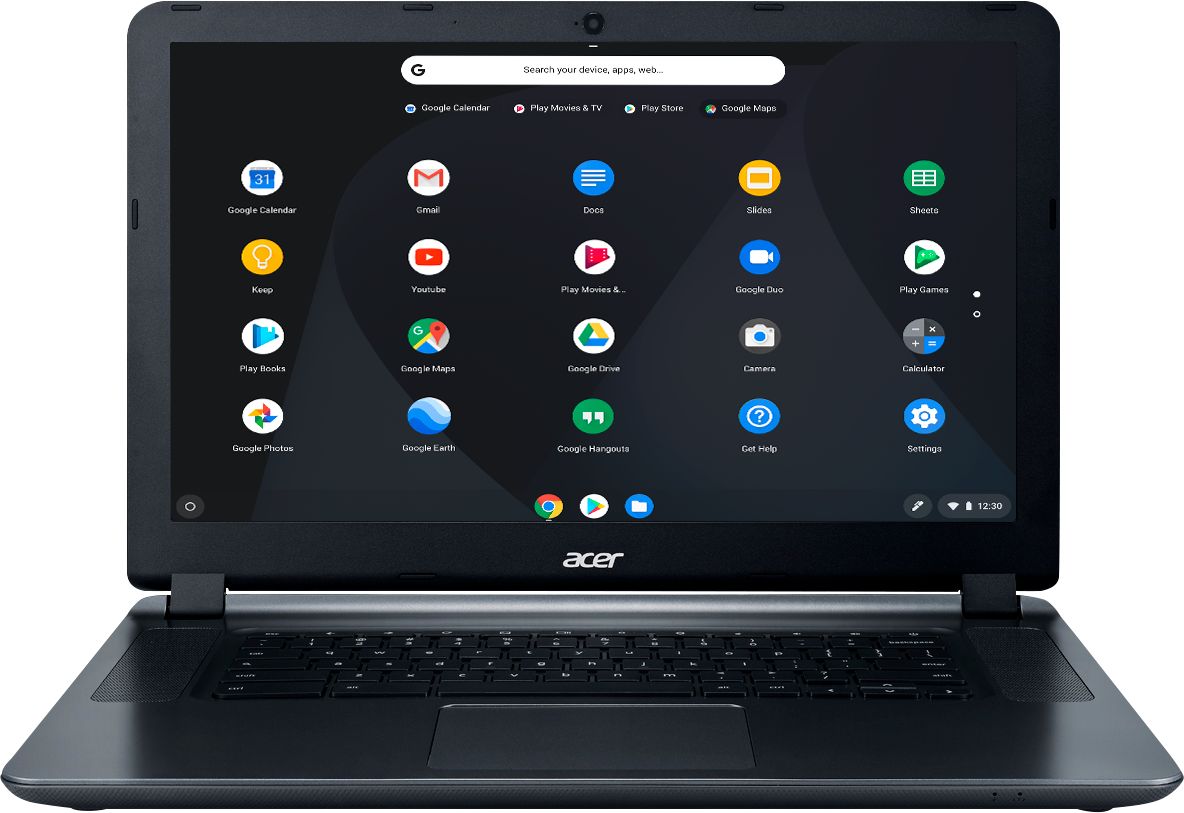
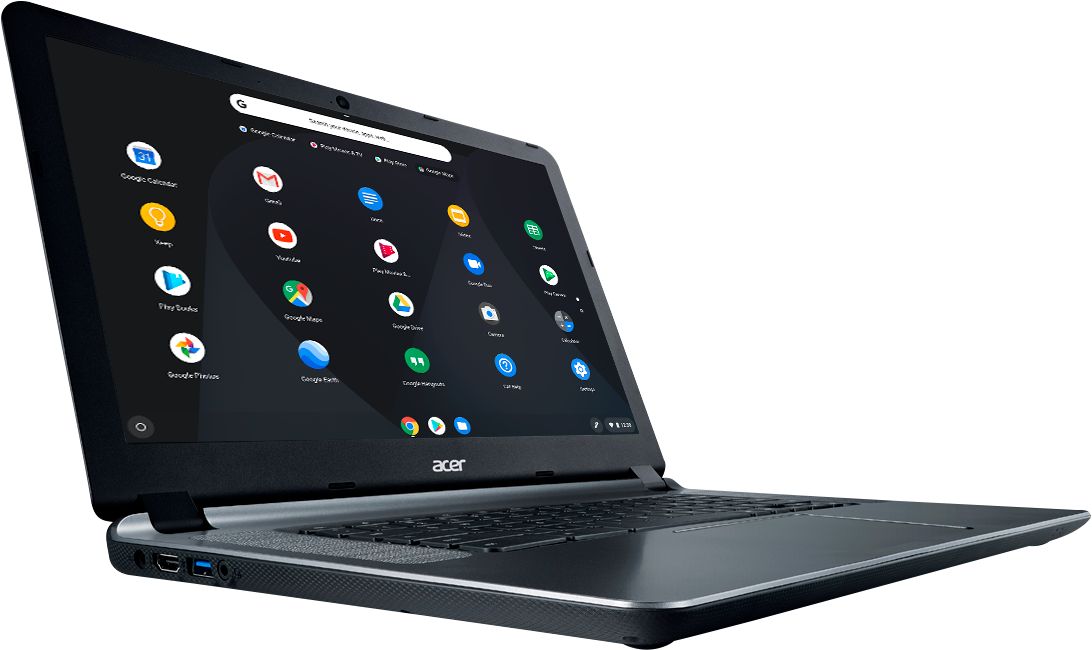
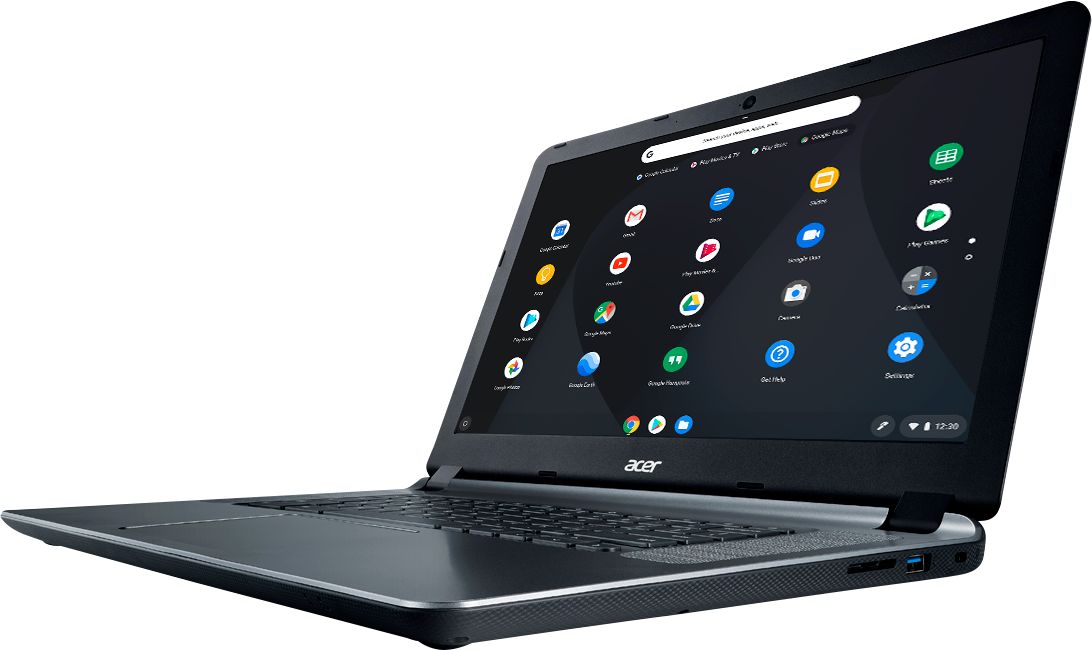
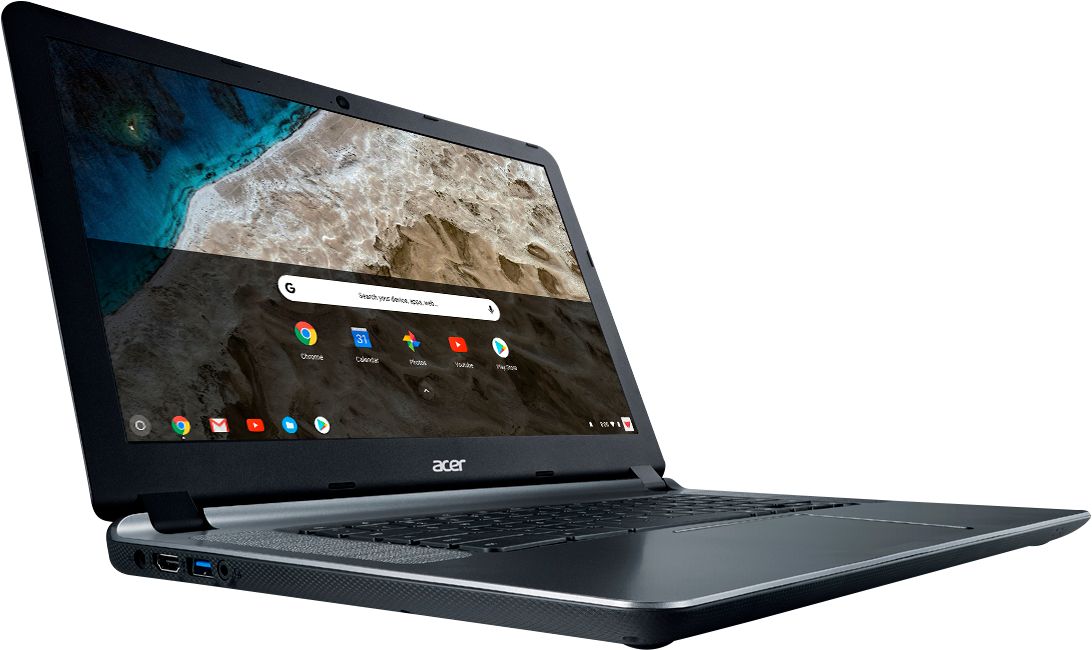
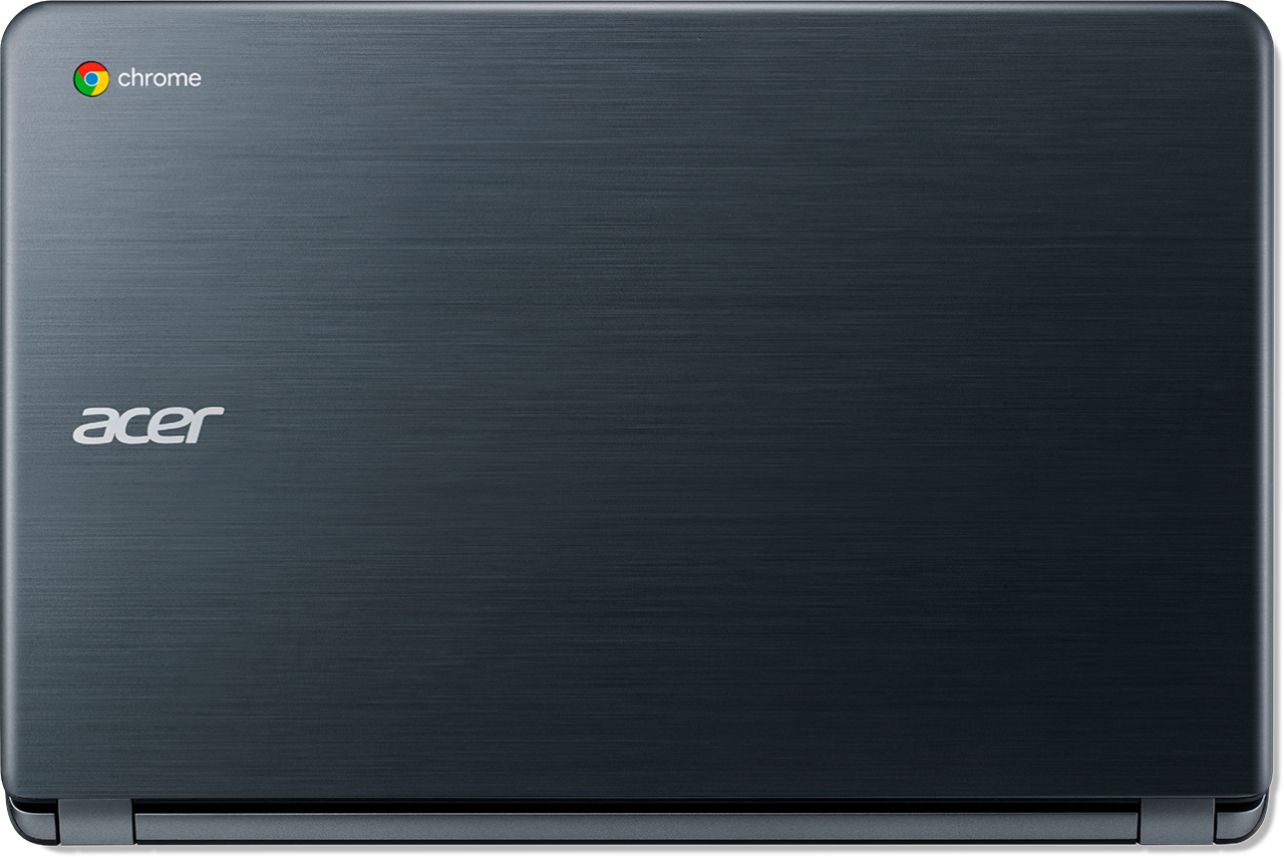




- Model:
- CB3-532-C8DF
- SKU:
- 6170703
Rating by feature
- Value
Rating 4.6 out of 5 stars
- Quality
Rating 4.4 out of 5 stars
- Ease of Use
Rating 4.5 out of 5 stars
Customers are saying
Customers recognize the 15.6" Chromebook as easy to use and having a desirable screen size. Positive feedback also highlights its affordability and acceptable battery life, while some users note limitations in storage capacity. A few customers mention compatibility issues with certain software and the operating system's limitations.
This summary was generated by AI based on customer reviews.
- Pros mentioned:Ease of use
Outstanding Product!
||Posted .This reviewer received promo considerations or sweepstakes entry for writing a review.I was on the fence about switching from a MacBook Pro to a Chromebook & spent several days researching all of the option including PC laptops. I'm so happy I chose this Chromebook. It has everything I could possibly ever need. Most people don't realize how much they use the cloud & the internet to begin with. As for proprietary software, most of it can be found with online versions or there is online software available that is just as good, if not better (sometimes free). You just have to be in the right frame of mind to know what you are going to get when you purchase a Chromebook. This was the best purchase I have ever made. I absolutely recommend this Acer Chromebook. It truly was open the box & get online. I'm able to work with multiple tabs open & running without any issues.
I would recommend this to a friend - Pros mentioned:Ease of use, Speed
Awesome Beginner Computer
||Posted .This reviewer received promo considerations or sweepstakes entry for writing a review.The Acer Chromebook display is beyond great. It is like having a normal pc, but its a Chromebook. The display is clear and the overall Chromebook is easy to use and navigate. The speed is great and everything loads and downloads fairly quickly. Everything about this computer I really do enjoy. I use it every day for my college work and it keeps up with everything I have to do. The only thing it doesn't have is a cd disk drive. But I usually watch movies on Netflix and Prime anyway, so it's not a problem for me. But overall I do recommend this Chromebook for anyone in college. It's a good price and the pc is great.
I would recommend this to a friend - Pros mentioned:Ease of use, Price
I love this laptop!!
||Posted .This reviewer received promo considerations or sweepstakes entry for writing a review.I was very hesitant to purchase a laptop online, but it turned out this is the best thing I ever ordered online. It’s amazingly functional and very easy to use. I just love it. I was always an apple fan, until I got this one. And for the price, It honestly is worth every penny.
I would recommend this to a friend - Pros mentioned:Battery life, Screen sizeCons mentioned:Storage

An affordable option for everyday tasks
|Posted .This reviewer received promo considerations or sweepstakes entry for writing a review.This Acer 15 Chromebook is my first of these types of devices. I love the form factor, it has an decent screen but is not super heavy to carry around. There are a few things I dislike, but let's talk first about what I like. I love the fact that it has a 3950 mAh battery, that specs out at around the 12 hour mark. I did get 11 on my first run down of the system. That is pretty impressive for a 15 inch device. I really appreciate the keyboard's chiclet layout, and the touchpad positioning. I also enjoy the stereo speakers that fire upwards beside the keyboard, they are not of superior quality, but they are great when you are watching Netflix or YouTube. I noticed that it does have an expansion slot for an sd card to provide additional storage if needed down the road. The fact that this unit has the same proprietary chargers as the three of my other Acer devices is convenient. I noticed also that Acer decided to embed a dual band, robust 802.11 AC Wifi radio. Now onto the things I feel could be better, the screen is a little washed out, the processor is not a power house, but delivers for most daily tasks, the charger port as I mentioned above is the same as my other three devices, convenient, but really small and feels very fragile. The sd card slot as noted, is a nice feature, but don't plan on leaving the card in there during transportation, when plugged in, it does not sit flush with the side of the chromebook, it stands out about an inch, just waiting to be damaged. It is missing a USB type C port, with more and more equipment removing ports, but including the type c port, I have slowly been acquiring type C adapters that will not work with this device. With all of those downsides, I do have to remember that with the price of this unit those are things I can live with. This Acer 15 Chromebook is a great unit to get everyday tasks done at an affordable price. I would recommend this unit to family and friends, searching for a budget minded computing solution.
I would recommend this to a friend Great Laptop for the Price
||Posted . Owned for 2 weeks when reviewed.This reviewer received promo considerations or sweepstakes entry for writing a review.I really needed a Simple Laptop for a reasonable price to connect to my new Wireless Scanner, after returning other Brands Laptop. My new Acer came thru and save the day! Not only is it compatible, it also have more features than i expected for the Price. It's definitely worth purchasing and also not a bad investment to Help build my business on financial wealth. I'm able to sign in on my social media and connect to my phone at the same time.
I would recommend this to a friend- Pros mentioned:Ease of use
Great chrome book for student
||Posted .This reviewer received promo considerations or sweepstakes entry for writing a review.Great used by child used every day for home work it was a great choice.
I would recommend this to a friend - Pros mentioned:Battery life, Screen sizeCons mentioned:Storage
Acer Chromebook 15
|Posted .This reviewer received promo considerations or sweepstakes entry for writing a review.A very basic but functional chromebook from Acer. It has a large 15.6 inch HD screen with Intel HD graphics. Enough display space to run a couple of windows in split mode. The 4Gb memory is enough to run lot of basic tasks together without the window freezing. I was able to run chrome and video chat at the same time and did not experience any lag. As in other chromebooks this has a minimal 16GB of storage but most of the documents do reside on a google drive. The wifi adapter is 802.11ac that provides excellent browsing speeds. The HD camera works as expected and video while on a chat is crisp and clear. The battery did last for a while before charging and the weight is just about right. This is an excellent chromebook and delivers as promised.
I would recommend this to a friend Nice basic laptop
||Posted .This reviewer received promo considerations or sweepstakes entry for writing a review.I needed a basic, low priced laptop for school and this one is perfect.
I would recommend this to a friendGreat product for my need !!
||Posted .This reviewer received promo considerations or sweepstakes entry for writing a review.The Acer notebook was a perfect fit for me and my computer needs. Great computer for the price and budget.!!
I would recommend this to a friendScreen has brown spots, less than 30 days old
||Posted . Owned for 3 weeks when reviewed.This reviewer received promo considerations or sweepstakes entry for writing a review.Let me say that I have owned nearly a dozen Acer laptops (mostly Chromebooks) without issue. They have always been great, and many have worked for several years. This laptop was different. The device has translucent "brown" spots all over the screen just 20 days after I purchased it. The device has been in mild office conditions (cool, dry environment), and yet the screen has major issues that are clearly due to defects in the hardware. Do not buy this device unless you want to be stuck with a lemon.
No, I would not recommend this to a friendBrand response from TeamAcer
Posted .We are sorry to hear you are having problems with spots on the display of your Acer Chromebook. We understand this is frustrating for you, and we want to work with you to see how we can help improve this experience and get this resolved. If you are located in the US or Canada, please fill out this form so that we can assist you:
http://csapps.acer.com/prompt/?key=adeb1881eb753a1d3a7aec8a837d40d6c0c3b11e
We appreciate you taking the time to write this review.
Regards,
Acer America
I returned it after a few days
||Posted .This reviewer received promo considerations or sweepstakes entry for writing a review.Would not download DROPBOX app or save browser tabs
I would recommend this to a friendBudget Chromebook with Sacrifices
|Posted .This reviewer received promo considerations or sweepstakes entry for writing a review.I never owned a Chromebook before, but am heavily invested in the Android/Google ecosystem. So it's an easy jump for me. I primarily use a 15 inch Acer Aspire R laptop for work, which runs Windows 10. I have always been intrigued by Chromebooks, I like the idea of having all day battery life (although my Aspire R has pretty good battery life itself) and having a cheap device to surf the web, stream to my Chromecasts, and watch videos on the go. I've also previously owned a Surface Pro, and while they are fascinating and cool, I just need a bigger screen. So my Acer Aspire R is 15 inches and one of the reasons I chose the Acer Chromebook was the 15 inch size. To me the larger size matters, I would rather sacrifice portability for a bigger screen. This Acer Chromebook looks good and has a nice build quality, but it's too big. It's too thick and there's a lot of wasted space due to the bezels surrounding the screen. This is even more apparent when you look at the keyboard, which is centered in the computer with a lot of open space to the left and right. In my aforementioned Acer Aspire, there's enough room for a 9 digit number pad to the right. And when you take into account the features this Chromebook lacks, the poor use of space is even more confounding. The biggest drawbacks in my mind, are the lack of an HD screen (no HD on a bigger than 11 inch screen is noticeable, if this were a smaller screen, you could get away without HD), no backlit keyboard (a shame) and no touch screen. This omissions surely allowed to meet the pricepoint, but to me, it seems like too much given up. 'm so used to touch screens, it's actually weird not having one. And as I said, with a screen this big, and given that Chromebooks are primarily consumption devices, the no HD is a big loss. The size of the Chromebook also makes it less portable. It's not heavy per se, but it's just bulky. My 15 inch Acer Aspire R is a bit smaller and it hits the upper limits in portability. Carrying this Chromebook around is no easy task. The specs for this Chromebook are also on the bottom edge. But that is no issue. Chromebooks are not meant for resource intensive tasks, so if you plan on doing so, you should find a different operating system/machine. The big issue is 16 GB of HDD space, but that's not an issue to me, my photos and music are through Google Music and Photos, so I don't need HDD space. I'm also not managing documents. And if I needed more space, I would use an SD card. This Chromebook as a full size card slot for SD cards, and the best thing is that if you put one in, the entire card fits inside the computer so it's "hidden." Onto Chrome OS. I haven't spent a ton of time with it, but I like it so far. I use the Chromebook to surf the web, watch YouTube, stream Netflix and email. Logging in with your Google Account and having instant access to all of Google's services is great. But I must say, you can get a lot of the same functionality on a Mac or Windows machine if you utilize Chrome Web Browser. So far, I can't find value in Chrome OS that I can't get using Chrome Browser on Windows. I'm not saying the value and difference isn't there, but for what I do, I can accomplish the same tasks on Chromebook as I can Chrome on Windows. I have this Chromebook because I wanted a dedicated machine to use at home to act as a hub for my Chromecasts, Google Home speakers, etc. For what I use it for it's great. This is a good Chromebook, but it's average. If you want a big screen, this could be an option. But if you can spring a few more bucks, I'd look for a model with a better screen that has touch input. And one that has a bit more portability (without sacrificing too much in screen real estate). Assuming you don't have to lug this baby around everyday and it mostly stays in the home, the size and portability shouldn't matter. I do want to caution those who are just looking for a cheap laptop... If you aren't invested in the Google Ecosystem (i.e. don't have Gmail or don't subscribe to their services) and you are just wanting a cheap laptop, I would make sure you do your homework. A Chromebook might not fit your needs.
I would recommend this to a friendGreat value with a limiting screen
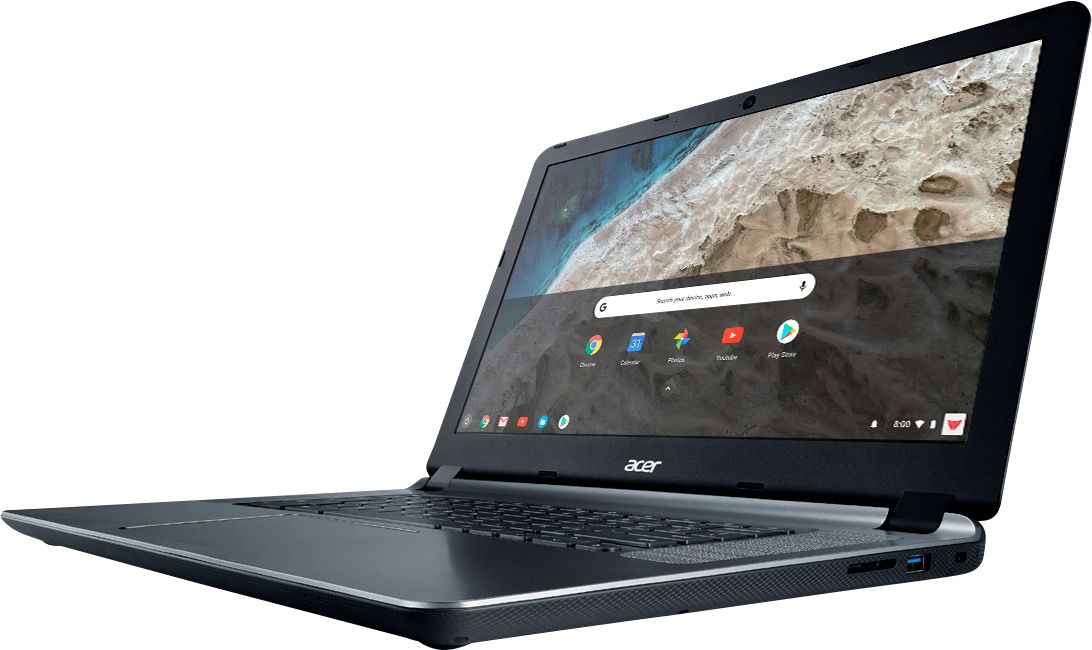
|Posted .This reviewer received promo considerations or sweepstakes entry for writing a review.This is a great value for someone with basic requirements, including students. The 15 in notebook is on a larger side at 15", which means a larger screen than the typical 13"laptops. It has suitable speakers, comes with a headphone jack, two USB 3.0 ports, SD card reader, a full size HDMI connector, Kensington lock slot, supports Bluetooth and has a solid Wi-Fi connection (AC standard, and works very well in the house, even picking up solid signals from neighbors). It also has a Webcam good for video chats. It has an Intel Celeron CPU, 4 GB RAM and 16 GB storage, which is fine for a Chromebook. The keyboard is island keys and recessed like most modern laptops, good for general typing. The trackpad is relatively large and pleasantly effective. The only and major drawback is the screen. The screen is mate, not reflective, which is good for work. The resolution is 1366 x 768, and while not the best for movies, it's OK for general purposes, but the real issue is that is that is that it's a bit washed out and after a while it can get tiring looking at it. Also keep in mind that it's not a touchscreen. The laptop is a bit heavy at around 4.5 pounds, on the bulky side but with a battery that can go all day (Rated up to 12 hours). It's a great student Chromebook, except for a mediocre screen. I still consider it a great value but the screen can be an issue for some. Chrome OS: While it's not for everyone, it's fine for basic uses. Chrome OS is basically a Google Chrome browser with not much else, so for someone that only needs a browser, including the plethora of Chrome extensions, this is fine. It has a bit of storage to save files locally, USB connections, etc., and can print, but only to Google connected printers. It's also ideal for classroom settings. Android applications: After installing the latest Chrome OS, it now opens up the Android Play Store, and can run many of the Android apps like a tablet. The android apps still feel a bit foreign, and it's not quite as integrated but works well for most tasks. It's not a touchscreen, so the android apps work through the keyboard and trackpad.
I would recommend this to a friendOK for basic tasks, but a bit bulky
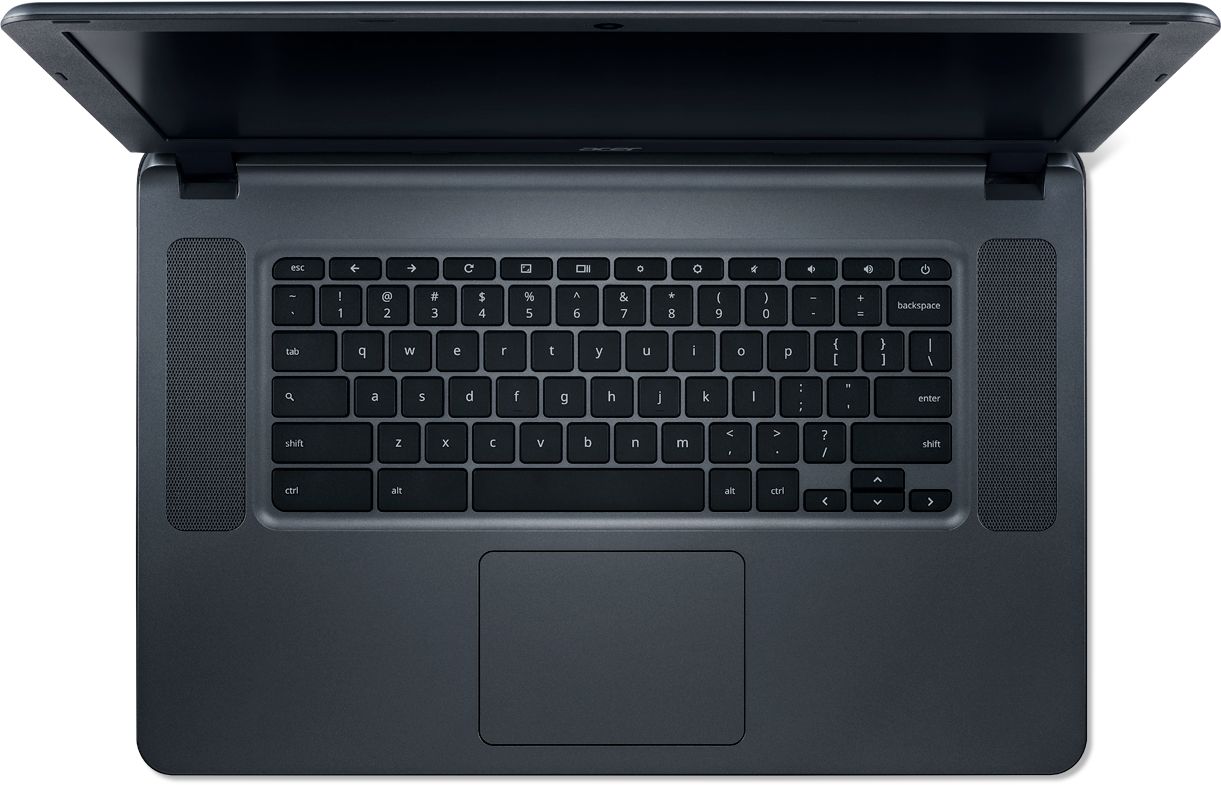
|Posted .This reviewer received promo considerations or sweepstakes entry for writing a review.Performance This version of the Acer Chromebook 15 CB3-532 is not a top-of-the-line performer. If you commonly have a dozen tabs open and are streaming YouTube videos and modifying Google Documents while visiting several other websites at the same time, this probably isn't the Chromebook for you. I noticed performance can stutter even when loading just one ad- and javascript-heavy website. However, if you tend to focus one website at a time or only need to perform basic web browsing and social media tasks, you would be fine with this Chromebook. This Chromebook also has the ability to run Android apps from the Google Play store. I found basic apps like Instagram work fine and even some 3D games like Real Racing look OK. The visuals were a little jaggy and choppy, but still watchable (unfortunately, a lack of a touchscreen makes it unplayable). Display Most Chromebooks come in the 11-inch and 13-inch variety, so I feel like I'm sitting in front of a big screen TV with this Acer Chromebook 15 CB3-532. In this case though, a larger display does not mean a larger resolution. The resolution maxes out at 1536x864, meaning you get bigger text on the screen (rather than being able to fit more stuff on the screen). The screen, although large, is somewhat disappointing. Colors are very dull and the viewing angle is narrow. The display fades out if you view it from an angle or don't have the tilt of the display just right. Netflix and YouTube are still watchable, but pales in comparison to many other laptops. The hinge on the display does not rotate 180 degrees, so you will not be able to fold this Chromebook into "tent mode" nor will you be able to fold the display back and use it as a tablet. It is also not a "touch screen," which makes navigating some Android apps difficult. Design The larger screen size on this Chromebook comes with a larger structure. It reminds me of a laptop from circa-2005, before ultrabooks existed. While not necessarily heavy, the Acer Chromebook 15 is quite large and thick and requires a good bit of room in my laptop bag. It's about the size of an Alienware unit, but with a fraction of the processing power. One advantage of the large size is a full-sized keyboard that does not feel cramped, although it is lacking a numeric keypad. It is very comfortable type out a Google Doc or a long email. The keys are a little "mushy" and don't quite give that satisfying "click" like most laptops. Sadly, the keys on this particular model are not backlit. There are two speakers on either side of the keyboard that provide decent stereo sound quality, but bass is non-existent. There are two USB 3.0 ports on either side of the laptop. The left side is also home to the charging port, HDMI output and headphone jack. Battery Life Battery life is very good and averages about 10 to 12 hours, allowing you to get through a full day without charging. The charger is proprietary (no USB-C), so you'll need to remember to bring the charging brick along with you on your travels. With USB-C becoming the standard, I would have preferred that at least the charging port be USB-C compliant. Summary The Acer Chromebook 15 is big and relatively slow by today's standards. The colors on the display are dull and the screen looks washed out at an angle, so this Chromebook may not be the best for Netflix binging. However, the large display makes text easy to read and the 12-hour battery life will get you through the work day, so this Chromebook is OK for basic web browsing and Google Doc editing.
I would recommend this to a friend- Pros mentioned:Ease of use, Price, Screen sizeCons mentioned:Storage
Very good very suitable
||Posted .This reviewer received promo considerations or sweepstakes entry for writing a review.This is a very good chromebook. Not the best chromebook, not the fastest, but u dont need anything more out of a chromebook. Watch videos, check. Surf the internet well, check. Watch tv, check. Pay bills online (ie: internet surfing)check. Your good. Video games, i dont use a laptop for that, those are ps4 and phone. Unless you are downloadong a bunch of stuff or games, you dont need anything more. It also works as a book reader. If you want something that looks prettier or works for games or downloads you cant or dont want on the cloud ie google drive and dont want to invest in an sd drive, look elsewhere, otherwise this is for u! Overall a good economical, better than no frills chromebook. Another advantage is u dont need to purchase antivirus. Works with microsoft 360 products although google has its on version of word amd excel for free online.
I would recommend this to a friend - Pros mentioned:Battery life, Ease of use, Screen size
I just bought today at FT, Collins, CO
||Posted .This reviewer received promo considerations or sweepstakes entry for writing a review.I did a lot of checking out the internet, and going into Office Depot, Walmart. I check out all the Chrome laptops, I even checked You Tube also and I also Checked Consumer Reports. I even talked to my nephew, So the main reason I was looking for a laptop, because my Apple IPAD crashed. So I as looking for something light weight and something I could use just for checking the web and see what is out there for me to like. I text my nephew, he said just for me , I just surf the web, I would need a CHROME book laptop. So looked and once was at Walmart yesterday, I saw this chrome book, I looked at Samsung, Dell, HP, and others. I liked Acer !5 CHROME BOOK. the size of it and the keypad, I like the way it felt on the outside and it felt really comfortable. So I did go in to Best But last week to look at all the Chrome books they had. I was looking for something a little bit bigger than that STUPID IPAD.. {I dislike Apple products}. So when I looked into the Chrome Books. I was pleasantly surprised. that you can store a lot of stuff in The Cloud. So I looked at the prices, I really liked the price of this Chrome laptop. So I knew right away what I wanted when I walked in to the store today. The price of the laptop was $199.99 + tax. When I got home I charged my Laptop, It was charged up really fast, In about 2 hours, It was so easy to get it started and uploaded with my information. I am very pleased with how easy it is to use.
I would recommend this to a friend - Pros mentioned:Battery life, Ease of use, Screen size
This is a great laptop!
||Posted .This reviewer received promo considerations or sweepstakes entry for writing a review.I'm very happy with this Chromebook! I love the big screen and the speakers facing upward. It's so easy to use. The battery life is really good. I don't have any negative things to say about it. I definitely recommend it!
I would recommend this to a friend - Pros mentioned:Ease of use, Screen size, Speed
Good functionality for the price.
||Posted .This reviewer received promo considerations or sweepstakes entry for writing a review.Bought this to replace a computer and have been pleased with the size and weight as well as the speed. It is great to surf the web with and is easy to set up and use.
I would recommend this to a friend - Pros mentioned:Ease of use, Screen sizeCons mentioned:Memory
Great laptop for price
||Posted .This reviewer received promo considerations or sweepstakes entry for writing a review.Pros: really like this laptop. Fast loading & searching speed, extremely quick & easy setup, user-friendly---intuitive, big screen is plus, good basic laptop for most users. Cons: This device will not run the Yahoo Mail app, not enough memory to play games, not many printers are compatible--check if yours is before you buy,
I would recommend this to a friend - Pros mentioned:Screen size, Speed
A Great Chromebook with a Large Screen!!!
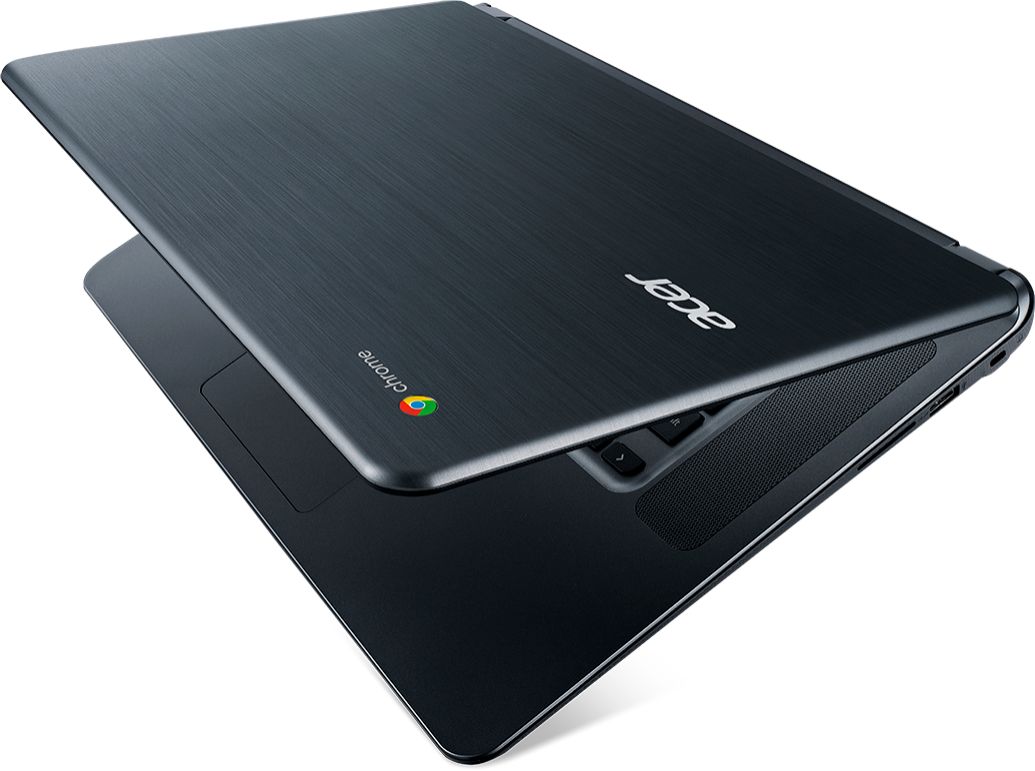
||Posted .This reviewer received promo considerations or sweepstakes entry for writing a review.This is a speedy, Chromebook with a large screen, which is a bonus compared to most Chromebooks. The addition of two large speakers on the left and right sides of the keyboard is also a nice touch. The Chromebook has a pleasant brushed metal exterior. This is a great computer for watching Youtube and checking email. A quick boot up is also a nice change from slow booting Windows machines. For $169 this was a great purchase!!!
I would recommend this to a friend