Customer Ratings & Reviews
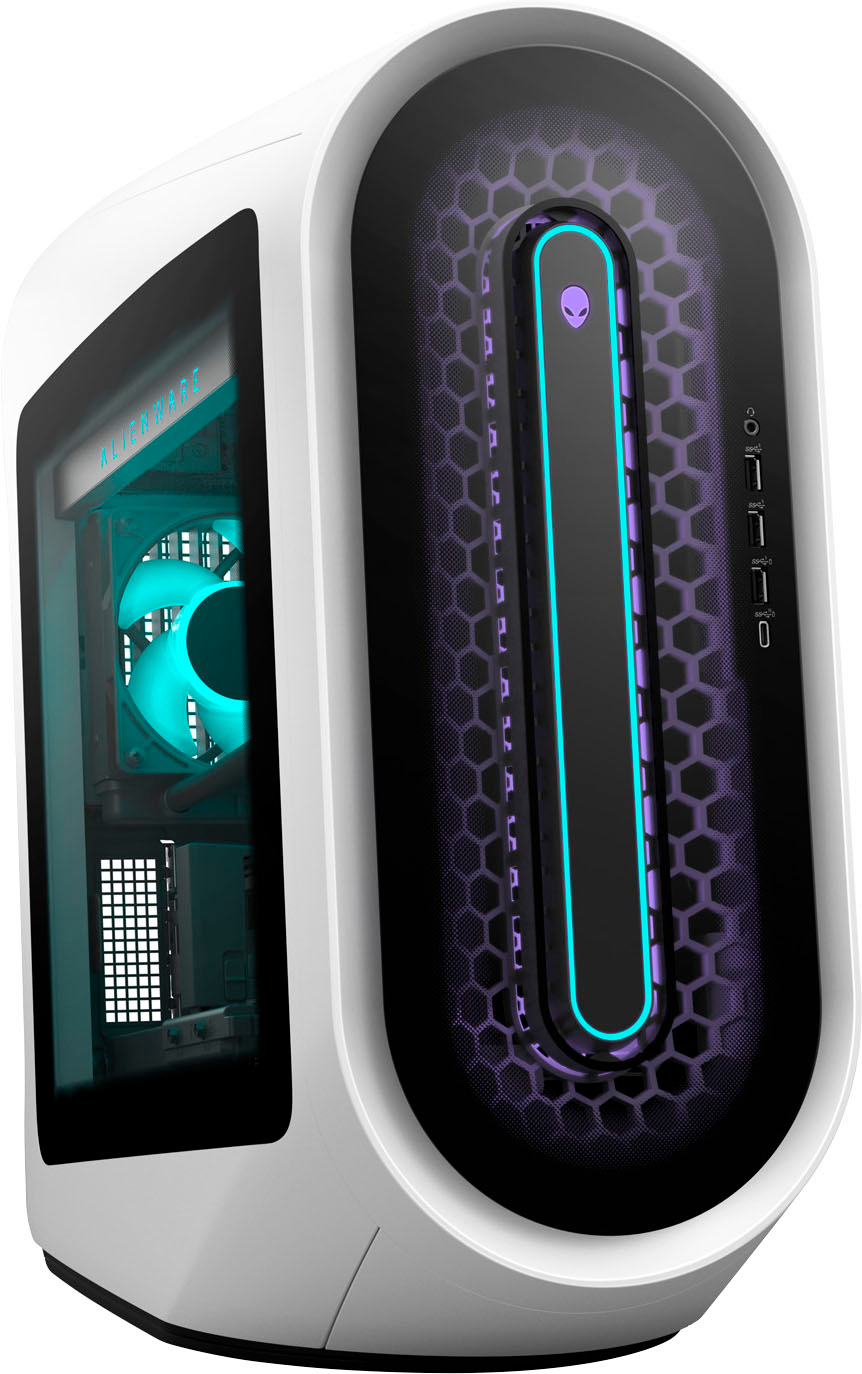
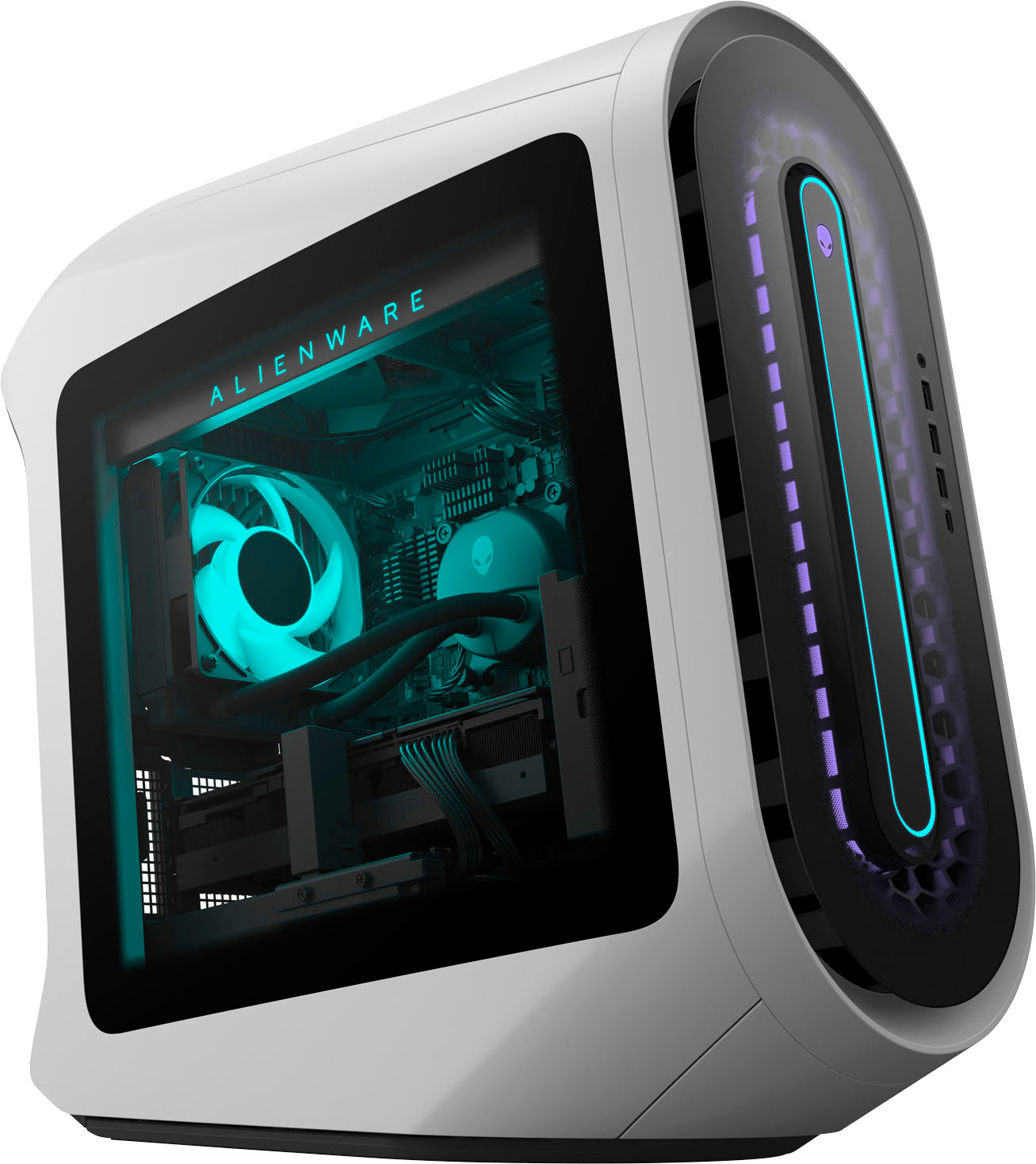
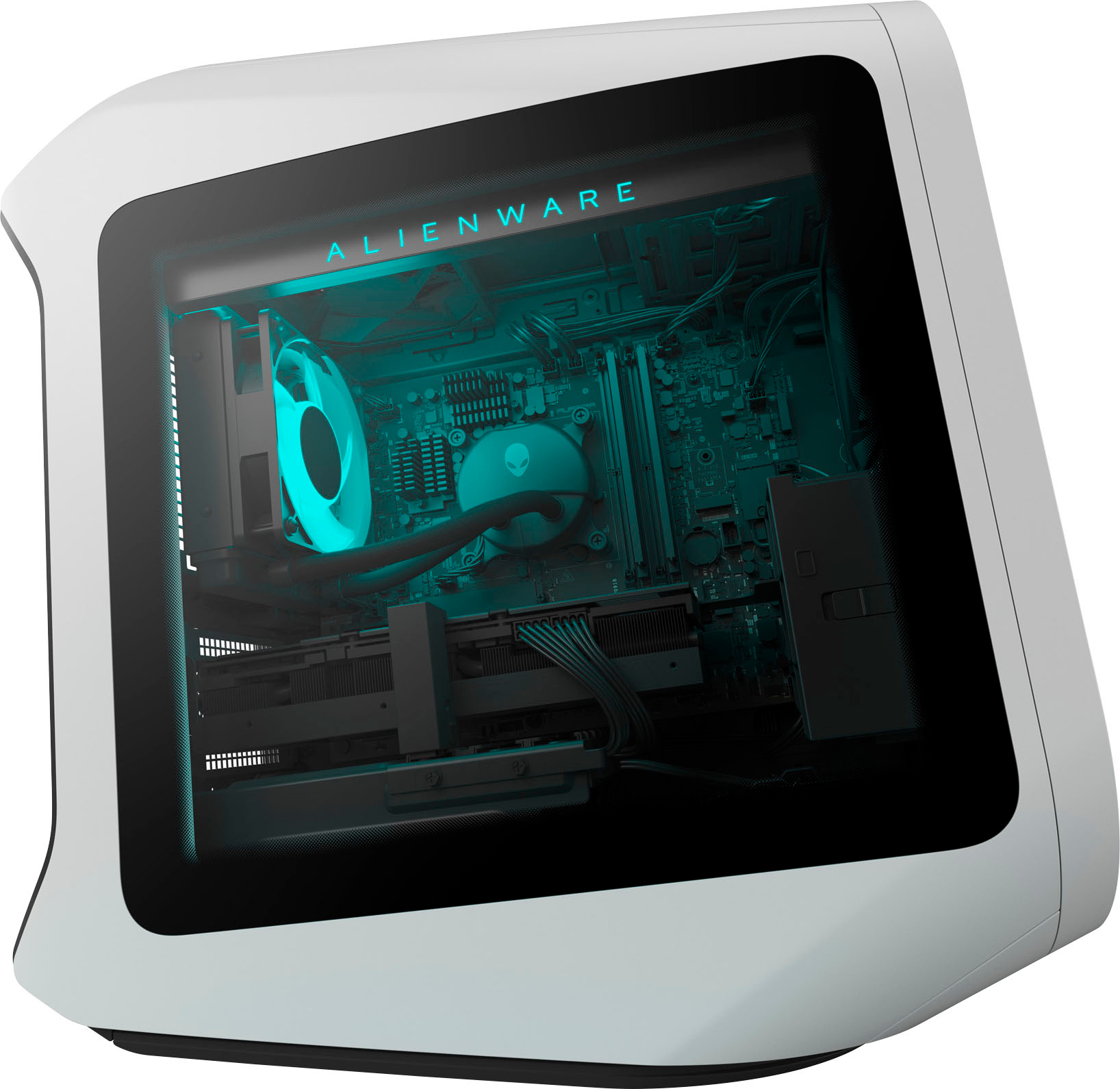




- Model:
- AWAUR13-7417WHT-PUS
- |
- SKU:
- 6516615
Customer reviews
Rating 4.2 out of 5 stars with 57 reviews
(57 customer reviews)Rating by feature
- Value4.0
Rating 4.0 out of 5 stars
- Quality4.2
Rating 4.2 out of 5 stars
- Ease of Use4.4
Rating 4.4 out of 5 stars
Customers are saying
Customers value the Aurora R13's exceptional performance and powerful components, frequently praising its ability to handle demanding tasks and games. While some appreciate the price and build quality, others have noted issues with RAM compatibility and occasional fan noise. The RTX 3080 graphics card received mixed reviews, with some users finding it satisfactory and others reporting slightly elevated temperatures.
This summary was generated by AI based on customer reviews.
- Pros mentioned:Gpu, Performance
Rated 5 out of 5 stars
Great value for VR Games
||Posted . Owned for less than 1 week when reviewed.This reviewer received promo considerations or sweepstakes entry for writing a review.With a little upgrade this system rocks. I added Corsair 32GB DDR5 memory, Samsung 1TB M.2 SSD. Now system is complete. Upgraded fro R11 this feels great. Since I enjoy Steam VR games this was a game changer going from RTX 2070 to RTX 3070. Mostly all games run in Ultra video quality except F1-22 in VR. So I decided to upgrade to RTX 3080 card had very slight notable difference. If you on edge between the two I would say save money and invest on memory & storage. Like to know where to purchase rear cover for wire management. Please share info if anyone knows.
I would recommend this to a friend - Pros mentioned:Performance, Price
Rated 5 out of 5 stars
Alienware Aurora R13 - Simply Awesome!
||Posted . Owned for 1 month when reviewed.This reviewer received promo considerations or sweepstakes entry for writing a review.I was very pleased with my purchase. The Alienware R13 has proven to be a Beast of a gaming machine. I have been able to play all of my desired games on maximum setting with no lag. I am also very pleased with the price considering its components inside.
I would recommend this to a friend - Pros mentioned:Performance
Rated 5 out of 5 stars
Alienware
||Posted . Owned for 1 month when reviewed.This reviewer received promo considerations or sweepstakes entry for writing a review.Alienware desktops are known for their exceptional performance and cutting-edge technology. They are specifically designed for gaming enthusiasts and offer powerful hardware components, such as high-end processors and graphics cards, to deliver an immersive gaming experience. The sleek and futuristic design of Alienware desktops adds to their appeal. Additionally, Alienware provides excellent customer support and has a strong reputation in the gaming community. Overall, if you're looking for a top-notch gaming desktop, Alienware is definitely worth considering!
I would recommend this to a friend - Pros mentioned:Speed
Rated 5 out of 5 stars
AMAZING PC!
||Posted . Owned for 1 year when reviewed.This reviewer received promo considerations or sweepstakes entry for writing a review.This pc is absolutely Amazing! I love how you can customize the colors of the lights. This pc is very fast. I use it for everything from gaming, streaming, editing videos, work and more. Alienware is known for making great gaming computers. I love mine.
I would recommend this to a friend - Cons mentioned:Fan noise
Rated 5 out of 5 stars
Amazing system, pricey
||Posted . Owned for less than 1 week when reviewed.This reviewer received promo considerations or sweepstakes entry for writing a review.Works great, fan is a little noisy and sounds loose out of box, but besides that very happy with this purchase and can finally get my draw on and create
I would recommend this to a friend - Pros mentioned:Price
Rated 5 out of 5 stars
High quality
||Posted . Owned for 3 weeks when reviewed.This reviewer received promo considerations or sweepstakes entry for writing a review.High quality, low price. The graphic card is excellent to be used in almost every game you would like to play.
I would recommend this to a friend - Pros mentioned:Gpu
Rated 5 out of 5 stars
At last
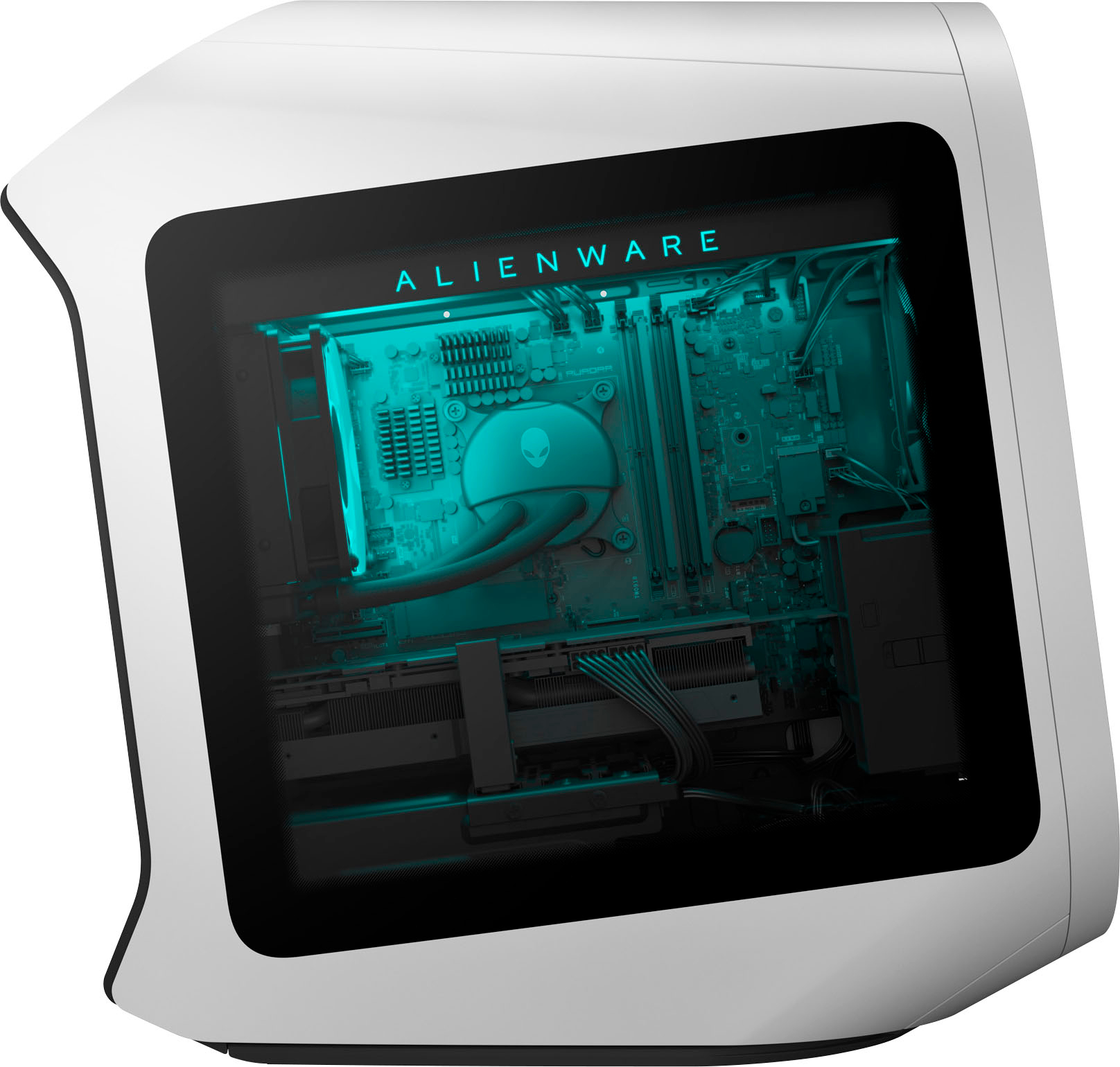
||Posted . Owned for less than 1 week when reviewed.This reviewer received promo considerations or sweepstakes entry for writing a review.A great PC lots of bloatware but fun stuff ddr 5 ram and 3080 rtx liquid cooling can’t be beat
I would recommend this to a friend Rated 5 out of 5 stars
Great value
||Posted . Owned for 1 month when reviewed.This reviewer received promo considerations or sweepstakes entry for writing a review.Purchased as an open box item and got a great deal. My son is very happy with it and has had no issues at all.
I would recommend this to a friendRated 5 out of 5 stars
Excellent machine
||Posted . Owned for 1 week when reviewed.This reviewer received promo considerations or sweepstakes entry for writing a review.Well worth the price, love the futuristic white aesthetic. When you game, you’re really gaming. Fans are as quiet as a mouse.
I would recommend this to a friend- Pros mentioned:Performance
Rated 5 out of 5 stars
Great PC and easy to setup
||Posted . Owned for 1 week when reviewed.This reviewer received promo considerations or sweepstakes entry for writing a review.I plugged it in turned it on went to settings and downloaded any updates it needed. Then i restarted it and set it up for gaming. I’ve been playing need for speed heat and apex legends and it has been performing great!
I would recommend this to a friend - Pros mentioned:Performance
Rated 5 out of 5 stars
Amazing PC!!!
||Posted . Owned for less than 1 week when reviewed.This reviewer received promo considerations or sweepstakes entry for writing a review.This PC is extremely powerful and looks even better. It may be a bit more exoensive than other PCs but if you have the money i highly recommend it! Youre paying for a premium product with a premium name.
I would recommend this to a friend - Pros mentioned:Build qualityCons mentioned:Ram
Rated 4 out of 5 stars
Great equipment, SPECS different than specified
||Posted . Owned for less than 1 week when reviewed.This reviewer received promo considerations or sweepstakes entry for writing a review.Great build, specs different than what is specified in description. Aurora R13 doesn´t support 4800 DDR5 in RAM. It even comes with 2 8GB 4400 RAMS, and if you want to put 4 of those, it goes down to 4000. This I found out unfortunately in the R13 manual. Everything else is top notch, great build, average RGB, GREAT quiet fans.
I would recommend this to a friend - Pros mentioned:Performance
Rated 5 out of 5 stars
Great price for great performance
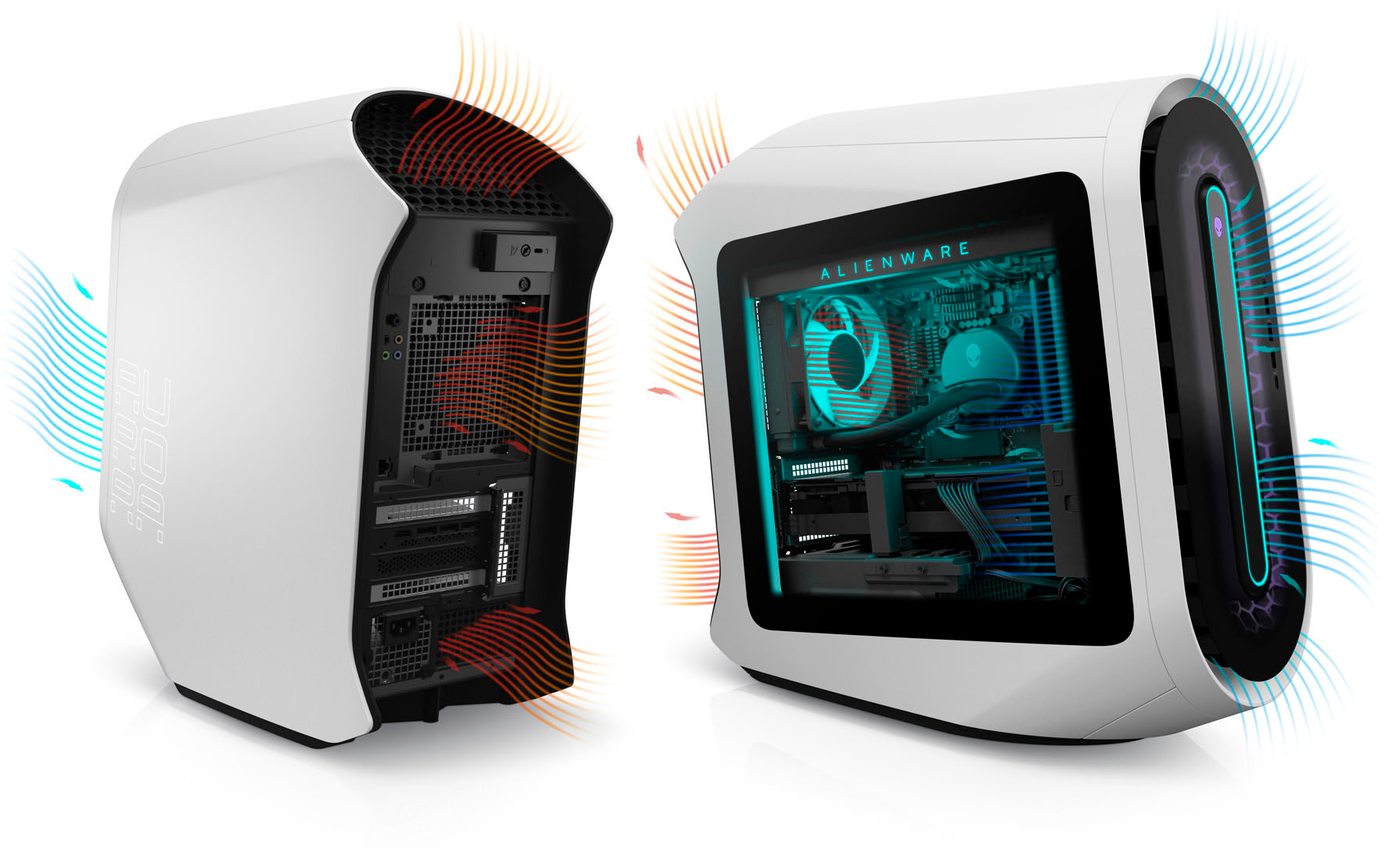
||Posted . Owned for 1 week when reviewed.This reviewer received promo considerations or sweepstakes entry for writing a review.Got an deal on this for less than the cost of a 4070ti. I’m insanely happy with performace to price. I would reccomend swapping case fans for noctua or corsair fans as the case runs a littlw hot
I would recommend this to a friend - Pros mentioned:Gpu, Performance
Rated 5 out of 5 stars
Would highly recommend
||Posted . Owned for 1 week when reviewed.This reviewer received promo considerations or sweepstakes entry for writing a review.Awesome computer I upgraded to 32 gb ram and it is fast amazing picture and can run all the games I play on ultra graphics quality and still maintain high fps call of duty And escape from tarkov run amazing
I would recommend this to a friend - Pros mentioned:PerformanceCons mentioned:Fan noise
Rated 4 out of 5 stars
I Like it.
||Posted . Owned for less than 1 week when reviewed.This reviewer received promo considerations or sweepstakes entry for writing a review.I bought this computer in the spur of the moment. I use it for content creation. It has some noise to it. A high pitched fan sound as well as a subtle hissing sound. I'm guessing the hiss is the water cooler. So it's not dead silent. It's advertised for streamers and content creators. It doesn't seem to get louder under heavy gaming. I use it at 1080P for content creation so I'm not trying to stress its performance. As long as it lasts me like 5 years without much issue I'll be happy with my purchase. I recommend deleting the Alienware bloatware software since it throttled my internet and interfered with my hardware I used with it.
I would recommend this to a friend - Pros mentioned:Price
Rated 5 out of 5 stars
So far, even greater than I expected!
||Posted . Owned for 3 weeks when reviewed.This reviewer received promo considerations or sweepstakes entry for writing a review.I was in the market to replace an older PC with a 6-gen i5 processor and wanted to be sure the next one would last just as long. This one looks great, starts up immediately, downloads quickly, and runs all the productivity apps I need, with room for a little strategy gaming on the side! The open box price was just right for my budget compared to all thethe latest i7 machines I'd been researching. and I'm very confident that it will be future proof!
I would recommend this to a friend - Pros mentioned:Performance
Rated 4 out of 5 stars
Great pc
||Posted . Owned for 1.5 years when reviewed.This reviewer received promo considerations or sweepstakes entry for writing a review.Really great pc, just never use it enough so I feel that’s potential is being compromised
I would recommend this to a friend - Pros mentioned:Performance
Rated 5 out of 5 stars
Epic…truly epic
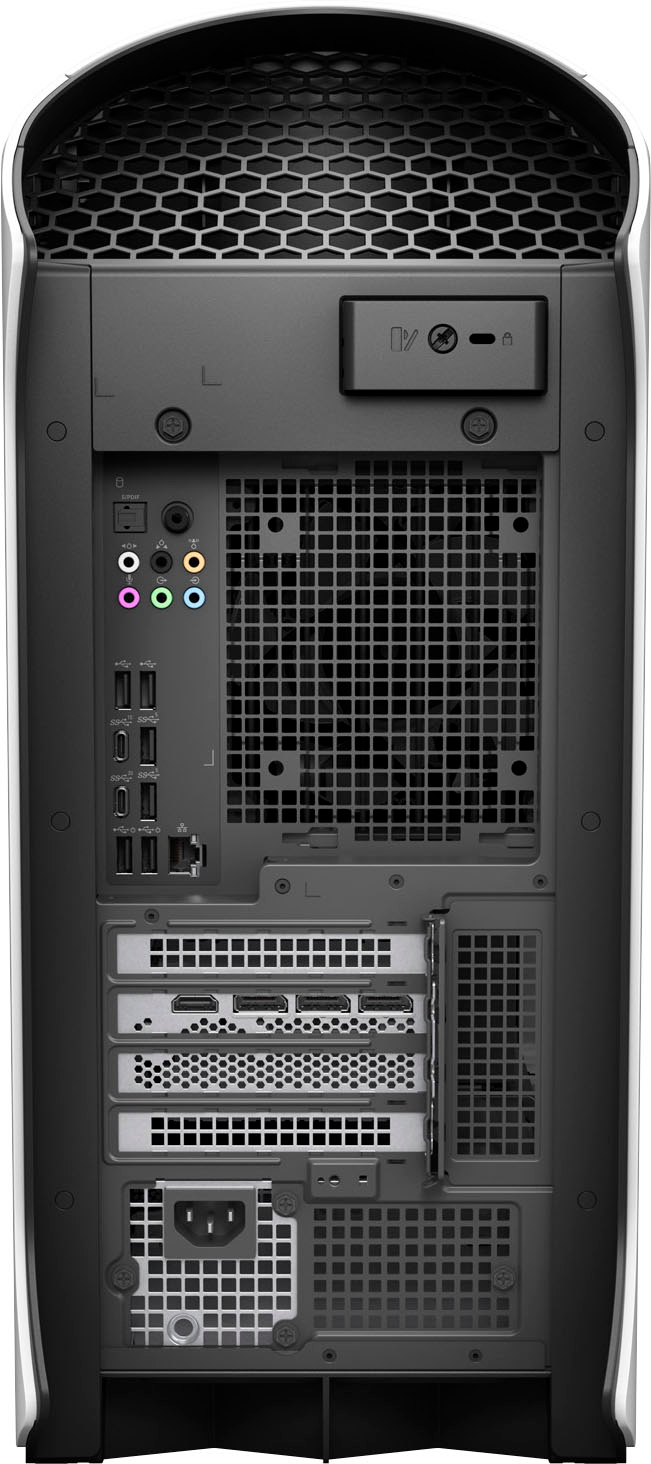
||Posted . Owned for 2 weeks when reviewed.This reviewer received promo considerations or sweepstakes entry for writing a review.This is an epic machine!!! I swear , I don’t want yo be the hype reviewer but it’s got sleek style and substance wrapped in one . From its look to performance, I’ve never been so impressed by a computer that I bought a second for my girlfriend . USB ports galore and in actual useful places. Performance that screens on 1440p curved monitors for gaming or 8k hdmi on my television. It Made convert to Alienware headsets. So yeah, it’s that good .
I would recommend this to a friend - Pros mentioned:Build quality, Performance
Rated 5 out of 5 stars
Great Buy
||Posted . Owned for 3 weeks when reviewed.This reviewer received promo considerations or sweepstakes entry for writing a review.Christmas gift for my son he loves everything about it. Very expensive but well built endless options and very powerful.
I would recommend this to a friend - Pros mentioned:Build quality, Speed
Rated 5 out of 5 stars
Works great
||Posted . Owned for 2 months when reviewed.This reviewer received promo considerations or sweepstakes entry for writing a review.Very fast and looks sharp. It is a well built computer
I would recommend this to a friend
People also viewed
- $2,449.99Your price for this item is $2,449.99
- Presidents' Day Deal$1,399.99Your price for this item is $1,399.99
- $2,449.99Your price for this item is $2,449.99
- $849.99Your price for this item is $849.99
- $1,699.99Your price for this item is $1,699.99
- $579.99Your price for this item is $579.99$599.00The comparable value for this item is $599.00
- $1,879.99Your price for this item is $1,879.99
- $1,799.99Your price for this item is $1,799.99
- $1,299.99Your price for this item is $1,299.99
- $1,399.99Your price for this item is $1,399.99
- $1,299.99Your price for this item is $1,299.99
- Presidents' Day Deal$649.99Your price for this item is $649.99
- Presidents' Day Deal$1,349.99Your price for this item is $1,349.99
- $1,199.99Your price for this item is $1,199.99
- $799.00Your price for this item is $799.00
- Presidents' Day Deal$599.99Your price for this item is $599.99
- $1,879.99Your price for this item is $1,879.99
- $1,979.99Your price for this item is $1,979.99
- $1,199.99Your price for this item is $1,199.99
- $1,499.99Your price for this item is $1,499.99