Customer Ratings & Reviews

- Model:
- AW2725Q
- SKU:
- 6640501
Rating by feature
- Display Quality
Rating 4.9 out of 5 stars
- Ease of Use
Rating 4.8 out of 5 stars
- Features
Rating 4.7 out of 5 stars

If you want it, you want it. Get it.
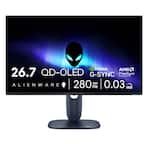
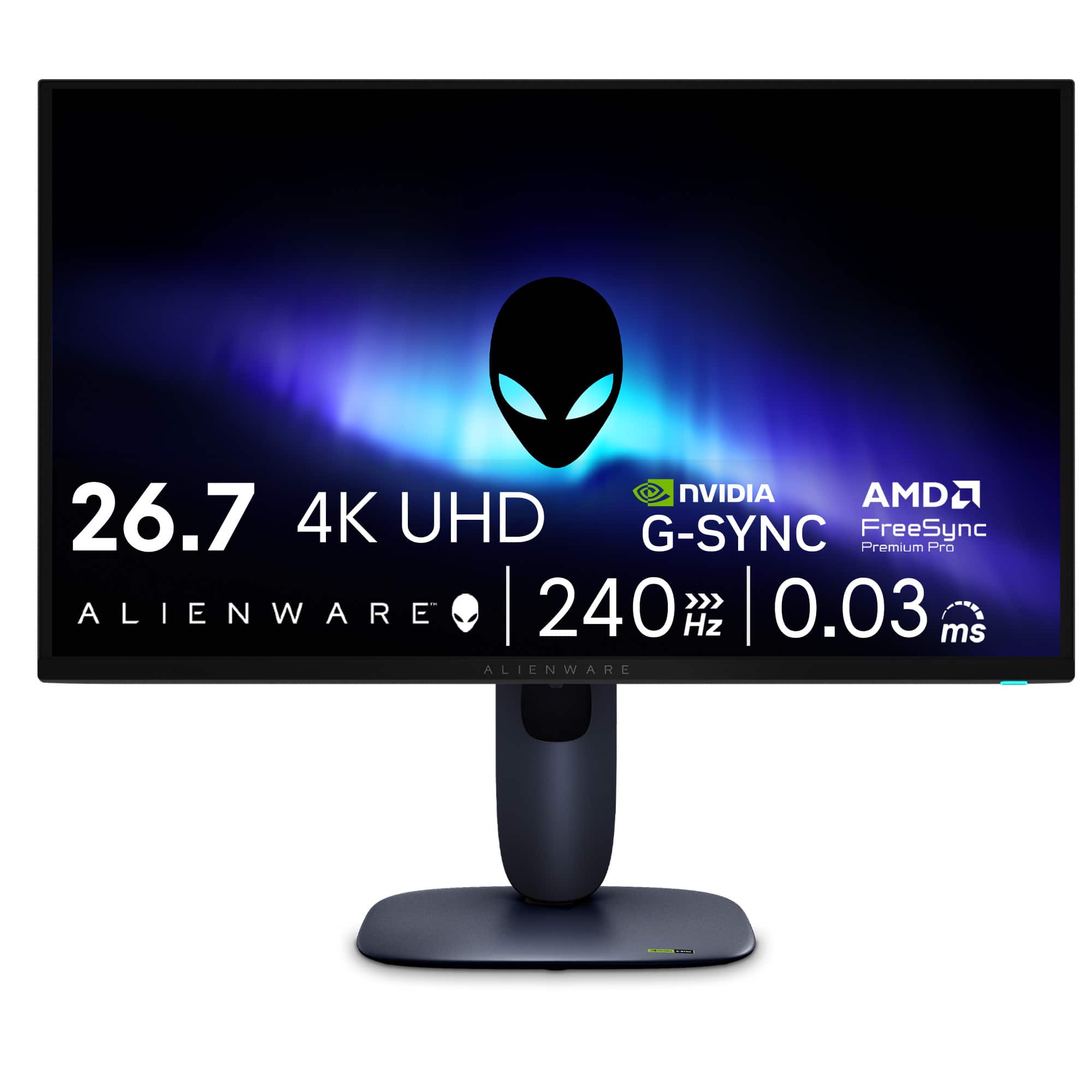
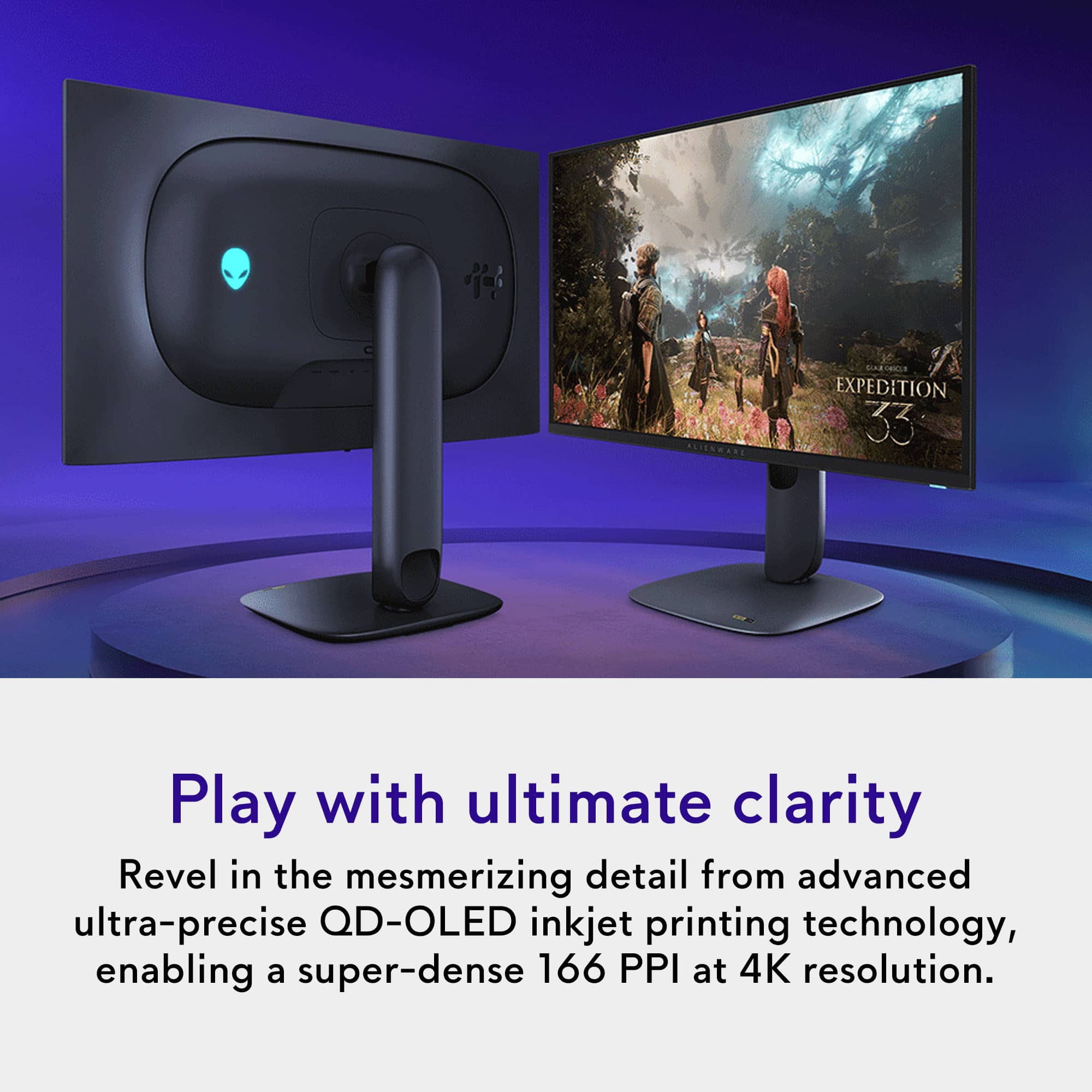
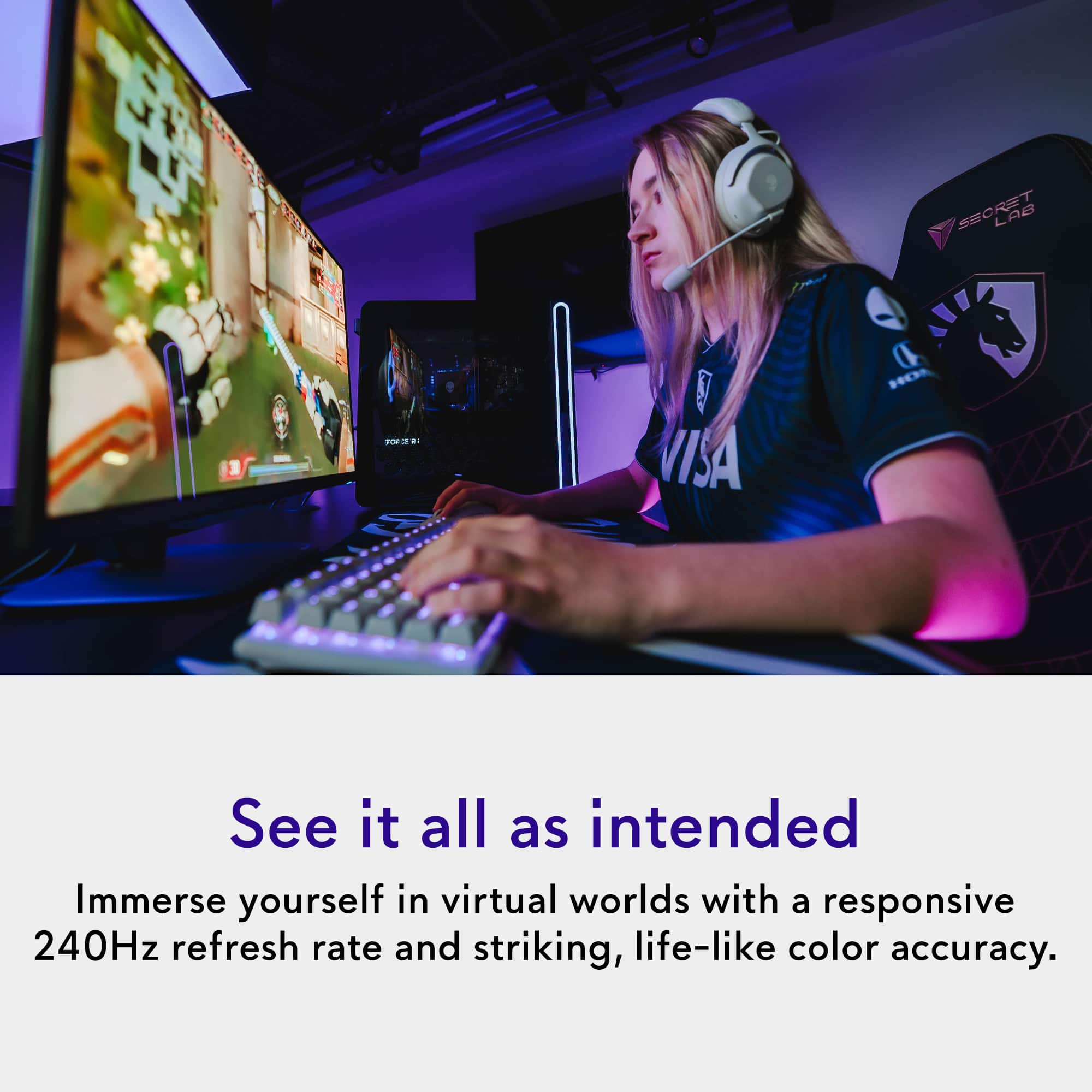
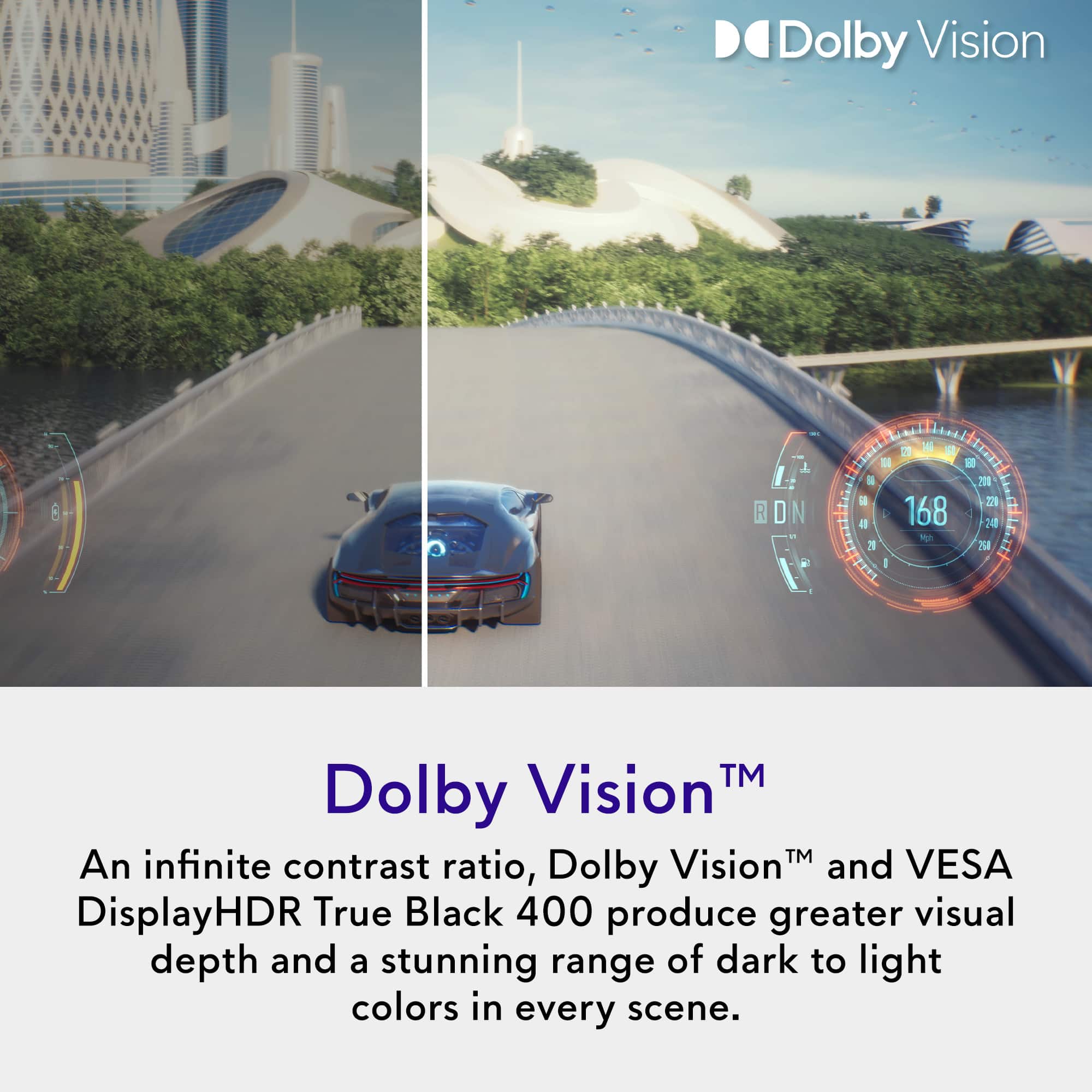
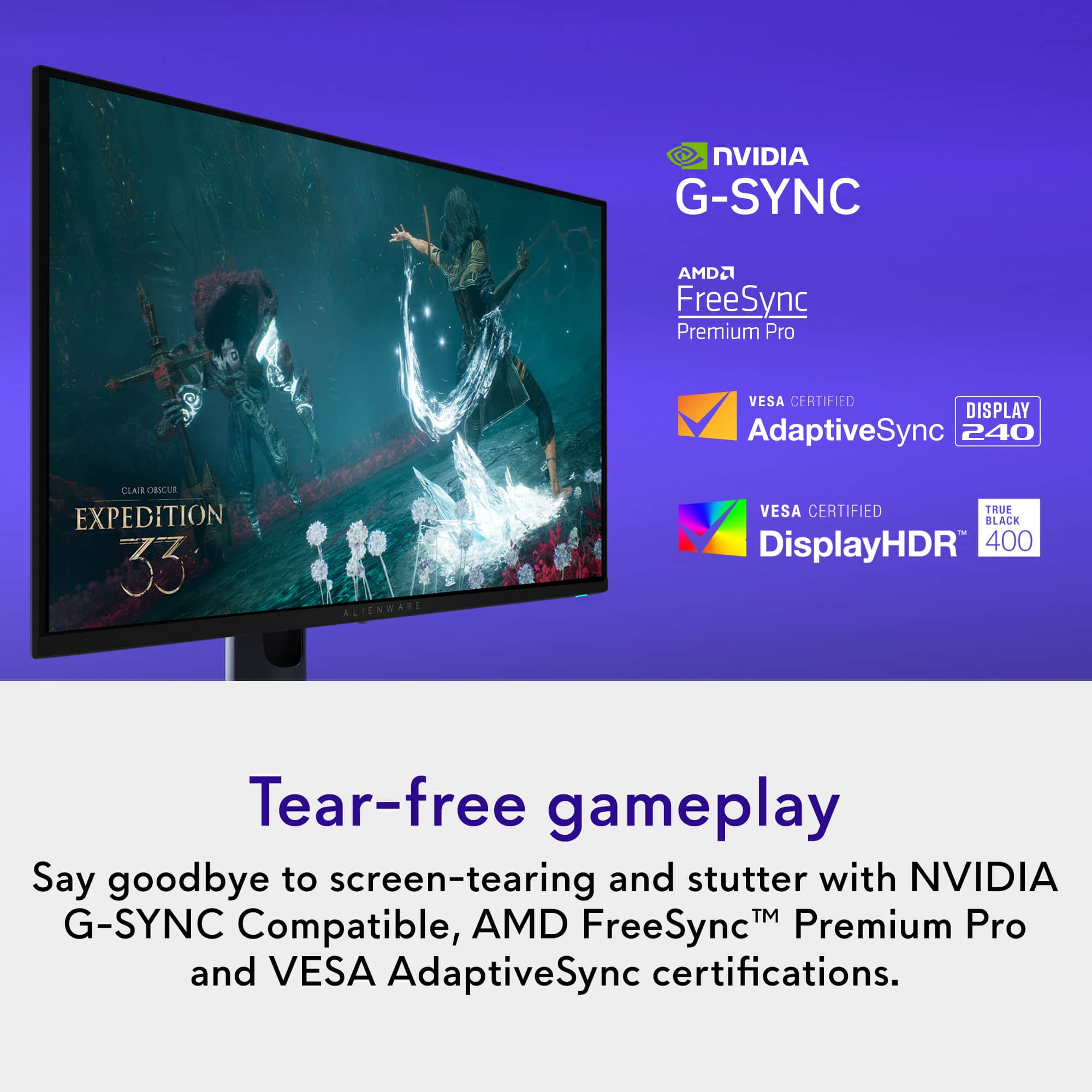
|Posted .This reviewer received promo considerations or sweepstakes entry for writing a review.SUMMARY: If you understand and accept the tradeoffs of a 27 inch 240 hz OLED screen, you won’t go wrong with this one. The good, bad, and the ugly are all in the name, Alienware - AW2725Q 27" QD-OLED 4K UHD 240Hz 0.03-ms FreeSync and G-SYNC Gaming Monitor with HDR (HDMI, DisplayPort) – Black. It’s OLED, so not the best choice for excel sheets (burn in) but the visuals are stunning. It’s 4k so you need a decent graphics card for games (and even that will be pushed, you really want a great card), but wow the detail! It’s fricking fast, buttery smooth, 240 Hz so you are paying for gaming, not work, and it’s 27” while the world seems to be going bigger for business. So, like the name says it’s a GAMING monitor. I know to some I am pointing out the obvious, but a lot of reviews fault it for wanting things it was never designed to be. It’s a GREAT gaming monitor if you want the ULTIMATE in visual appeal. The cost is high, but it performs. The cost would be even higher if it wasn’t so much plastic. But it’s Alienware, so it has more options than most will appreciate, and built more for the folks in the fast lane than the business lane. You know who you are. But, the stunning blacks and rich colors are also great for those that create (once you calibrate it). PROs: - Built for speed, you need 60 hz for excel. 144 hz gets you a buttery smooth gaming experience. This is 240 hz. Speed to spare. - High pixel density, 166 dpi. Creator types might appreciate this even more than gamers. - 4k, great details, sharp text, little to no color fringing (that you find at 1080 p). - Deep blacks and vibrant colors that pop. Ultimate visual appeal. - Price IS high, but you get what you pay for. - G-Sync and AMD FreeSync Premium Pro support. - Two HDMI 2.1 ports and an eARC port to support modern consoles and computers, including support for Dolby Vision. - Sets up easily (mechanically, no tools required). - Doesn’t wobble (very stable). CONs: - A nit-pick, truly, but had to come up with some con, it DOES support VESA mounting, but may require spacers. Shrugs. Otherwise, all is either good or a matter of taste. YMMV. - Another nit-pick is though it has a lot of USB ports, it really isn’t good as a USB hub, it doesn’t support KVM (i.e. you can NOT control multiple devices using a single keyboard, monitor, and mouse) and has a puny 15 watt power supply for anything else (so you are NOT going to be powering your gaming lap top). I am not sure why they bothered except to satisfy spec peepers. A MATTER OF TASTE: - HDR support. Most might list this as a pro, but I find on the AW2725Q it seems to muddy things for me, so I leave it off. Might be I need to figure out the calibration controls more. - Tons of calibration controls, sure that is good if you know what you are doing, not so good if you don’t. I find all the various options to be both important and tedious, especially as the monitor control is of the single button joystick variety. - Decent color accuracy for creators but needs calibration. - If you don’t like plastic, you will be disappointed. Cuts down on price though. - The stand IS sturdy, but not vertically adjustable. It DOES support third party VESA mounts though. - The price borders on being high, I would look for a sale, but they seem to be plentiful. - Glossy screen. Not the best for content creators that seem to prefer matte screens. - Not the brightest (hence glossy) so you won’t want to use this in direct sunlight. - Need a really good graphics card, 8gb ram is maybe passable, but you really want 16 gb ram if possible. You either have one, or you need an excuse to convince your partner to get one. This will be a great excuse. - It’s OLED, so potential burn in is a thing, that’s what the 3-year warrantee is for. But I see no reason to believe if you use it for gaming you will have a problem. I personally wouldn’t use any OLED for long term Excel use. MORE WORDS. If you understand and accept the tradeoffs of a 240hz 4k OLED screen, and want a gaming monitor, you can’t go wrong buying this one. I say that because it has a 3-year warrantee. It is on the bleeding edge so that is your insurance policy. But yes, it will spoil your eyes for lesser screens. I like it even better than my expensive 77-inch LG OLED TV. Curses. I won’t reiterate the tradeoffs, I have them listed above, I will say you need to be sure of what you need. This isn’t the best choice for work which tends to have static screens. May not even be the best choice for a gamer with a so-so graphics card. However, this is the top tier for visuals for gaming. However, you to really take advantage of it, you really do need a great graphics card. I keep saying it. Seeing is believing. The visuals are stunning. If you crave seeing the cold blacks of space, you will be esctatic. Buy it for that, not for any other reason. But do buy it on sale.
I would recommend this to a friendOLED Quality With Alienware Performance
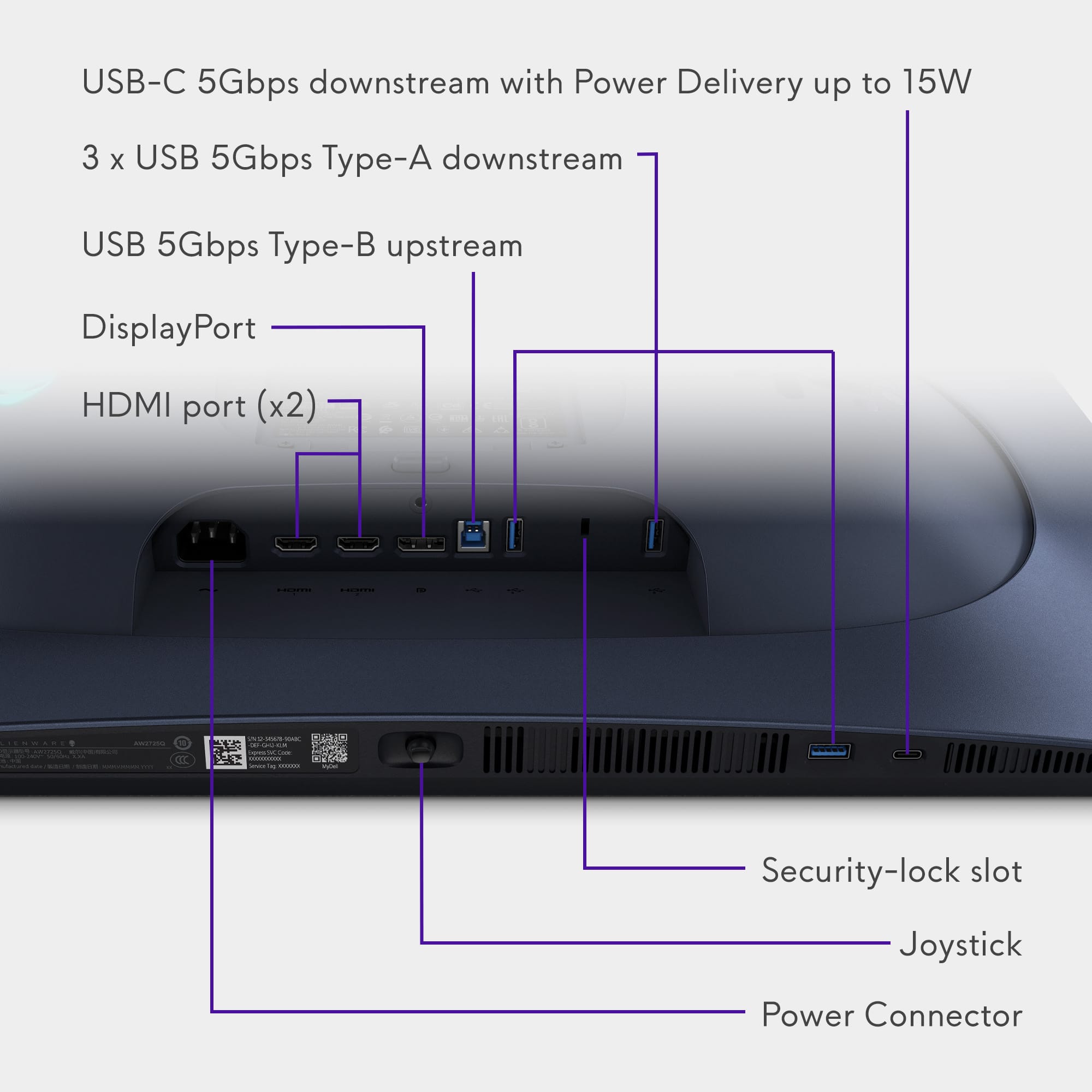
|Posted .This reviewer received promo considerations or sweepstakes entry for writing a review.The Alienware AW2725Q is a brilliant display, with all the benefits of an OLED panel combined with ultra high refresh rates you'd expect out of an Alienware display. I've replaced a 27" 1440p 144hz LCD panel and the upgrade has been nothing short of monumental. I only wish this panel had a few additional features to protect panel health. Gaming performance and picture quality on this panel are absolutely top notch. In recent years, people looking for a gaming panel were usually torn between a lower refresh rate 4k panel and a higher refresh rate 1080p or 1440p panel. This panel gives you the best of both worlds (assuming your PC can push the kinds of frame rates that make this beneficial, but that's another matter). Games look absolutely phenomenal on this screen, as one would totally expect from a QD-OLED panel, with insanely rich colors and infinite blacks that make the content sparkle in HDR. The PPI bump here over 1440p is substantial (166 vs 109), leading to significantly sharper graphics. This is actually most notable on text; besides gaming, I also use mine as an extended monitor for my development setup, and compared to the 1440p monitor this replaced, the jump to 4k makes text look significantly sharper, which helps with eye strain over the course of the work day. Overall, given the tuning out of the box and the sheer quality of this panel, I have zero complaints about this monitor's picture quality. Ports on this monitor are what I'd call adequate. You have two HDMI ports, one of which supports FRL with eARC (giving you Dolby ATMOS passthrough for those looking to utilize this as more than just a gaming display), along with a DisplayPort 1.4 port. All three ports support 4k240hz display input, which is a huge positive for anyone looking to use this for multiple PCs or input devices. In addition to the display inputs, this monitor also includes three 5gbps USB A ports, along with a 5gbs USB C port, allowing you to use this as a USB hub (via the 5gbps USB B upstream port). Overall, this monitor has enough for my needs and I'm glad to see they didn't skimp on high speed HDMI/DP ports. The only thing I'd like to see added to this monitor is a group of settings for panel care. Samsung OLED monitors, as an example, have a number of different settings to help ensure your panel lasts a while through various dimming techniques, pixel shifting, and other settings. This monitor has a setting or two in the maintenance menu for pixel refreshing, which is good to have, but other, more proactive settings would be beneficial to help ensure users won't be dealing with burn in any earlier than necessary. The AW2725Q is a phenomenal monitor. It gives you an insanely high PPI at an insanely high refresh rate, making it a stellar choice for anyone who's looking to game in 4k. It's also great as a productivity monitor, providing accurate colors and deep blacks. My only concern is long term panel health. Overall, I highly recommend this monitor.
I would recommend this to a friend27”, 4K QD-OLED, 240 Hz
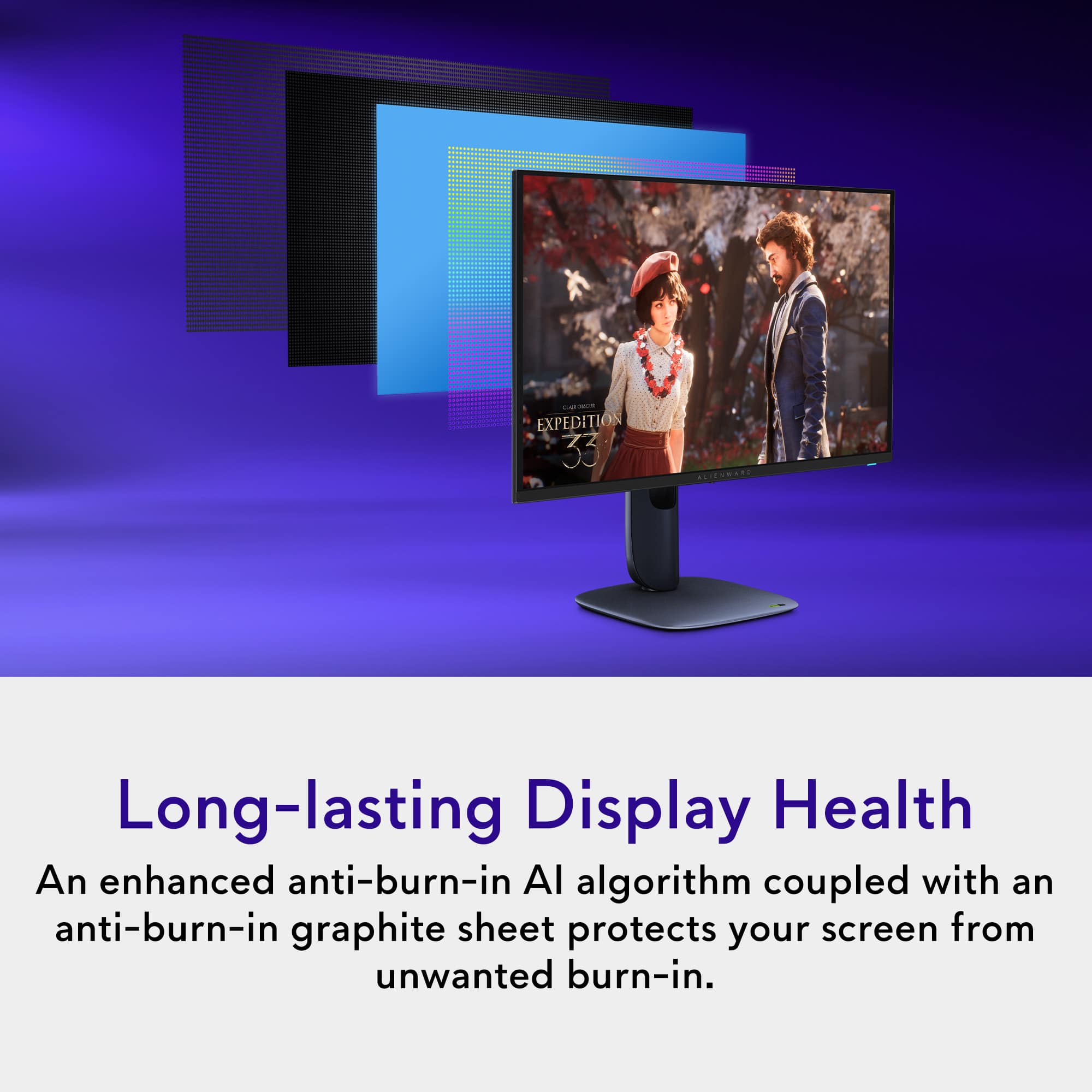
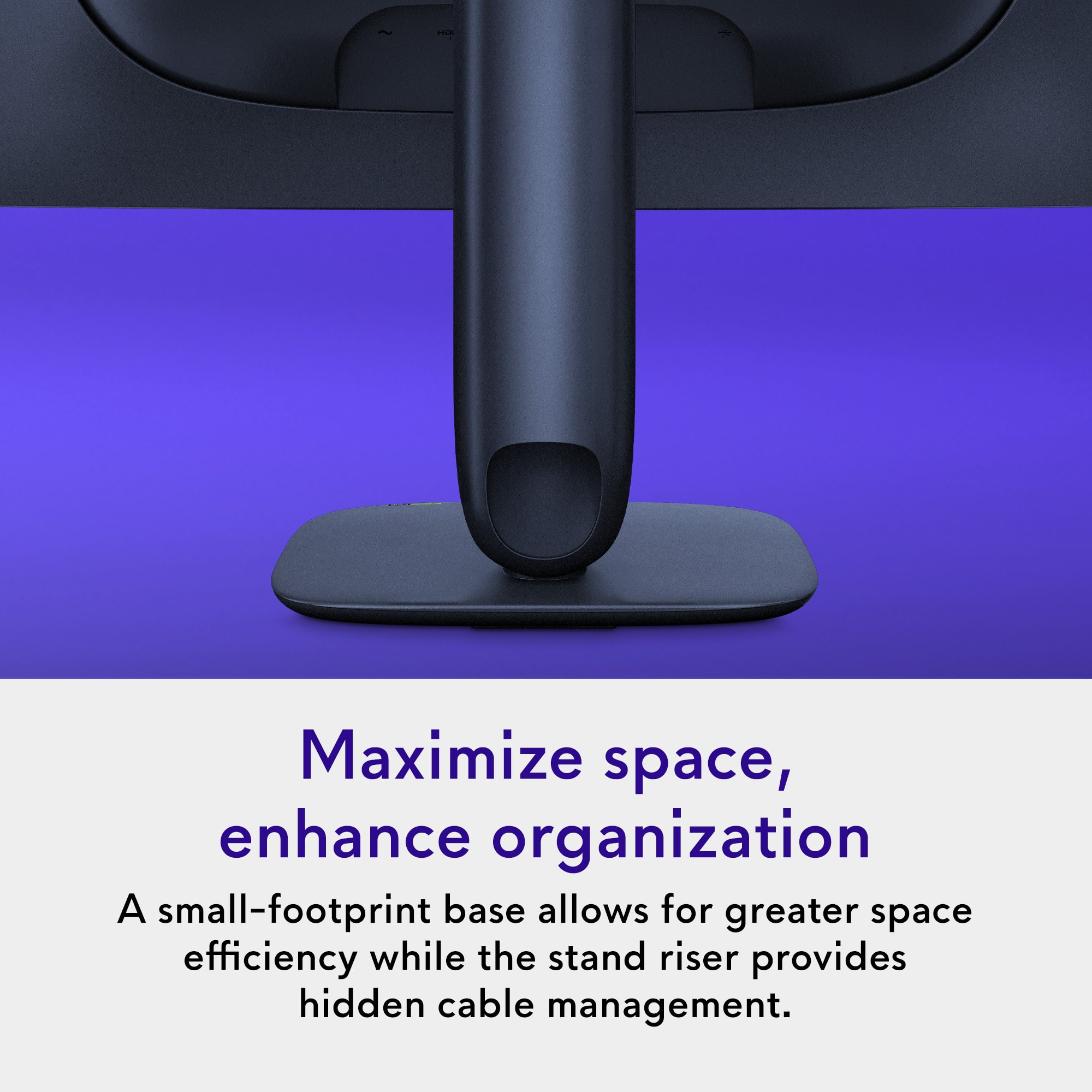
|Posted .This reviewer received promo considerations or sweepstakes entry for writing a review.At 27 inches with a 4K QD-OLED panel, the picture looks ridiculously sharp. The colors pop in a way that makes even older games feel fresh, and the blacks are so deep that dark scenes finally look like they’re supposed to. Running bf6, the 240 Hz refresh rate and 0.03 ms response time are the standard for gaming monitors. In real world use, they meant that I didn’t notice any lag to my eyes while playing unless my ping was high but that’s not a hardware issue. Alienware used an anti-burn in AI with a 3 year burn in warranty given the known risks with any OLED screens. One other potential weakness of OLED screens is fuzzy text, but all the menu text and usual email stuff looked crisp to me. From a practical standpoint, the stand is great. I can adjust it without wrestling it, and it fits cleanly on a normal-size desk. Ports are generous, with HDMI 2.1 and displayports. Nobuilt-in speakers, which is fine for me since I use a headset anyway. But would have been nice given the price point. Overall, this monitor has been a big upgrade for my late-night gaming sessions. It’s sharp, fast, and genuinely fun to look at. As long as you’re aware of the usual OLED quirks, this is a great value for performance.
I would recommend this to a friendGreat picture, bad software, Burn-in concerns
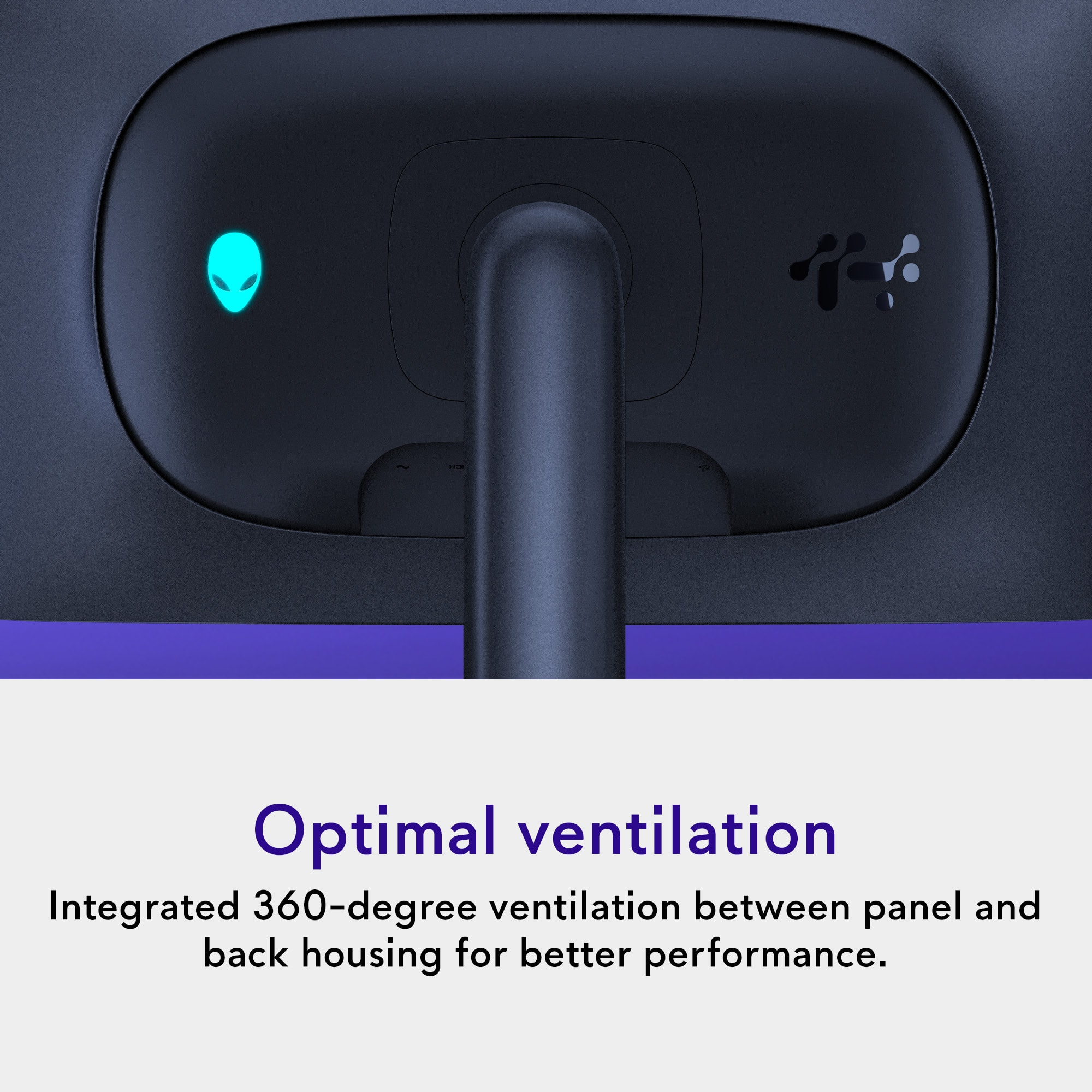
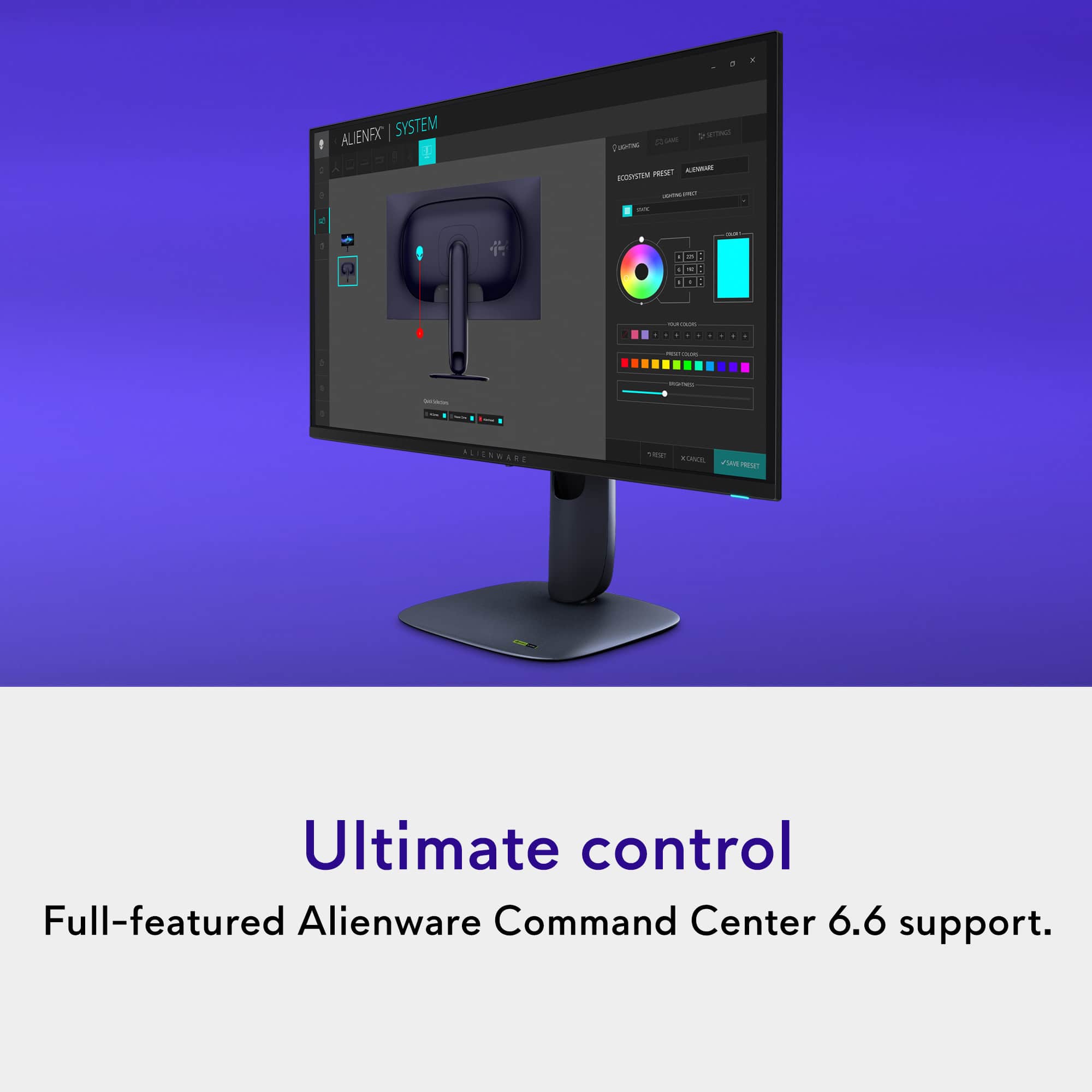
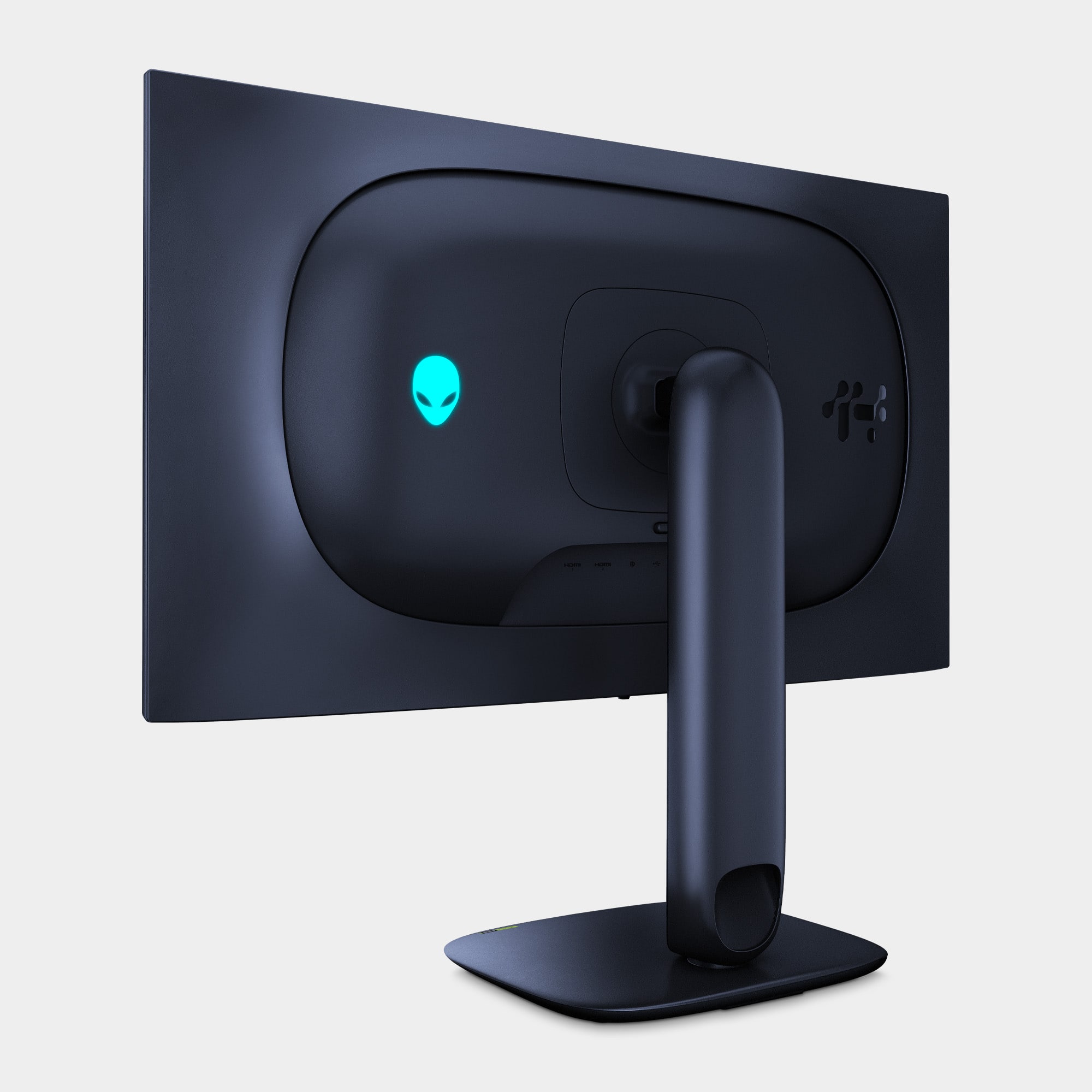
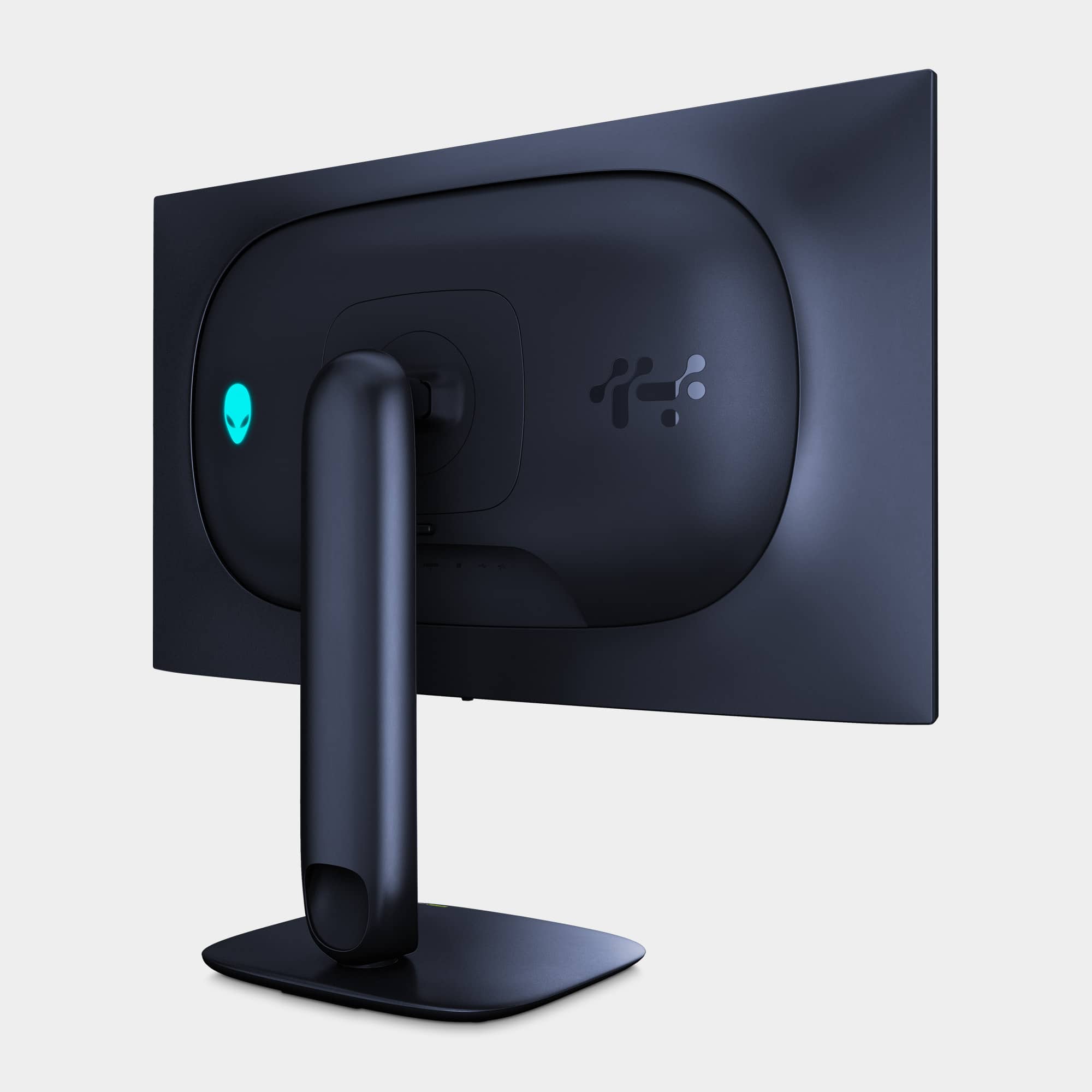
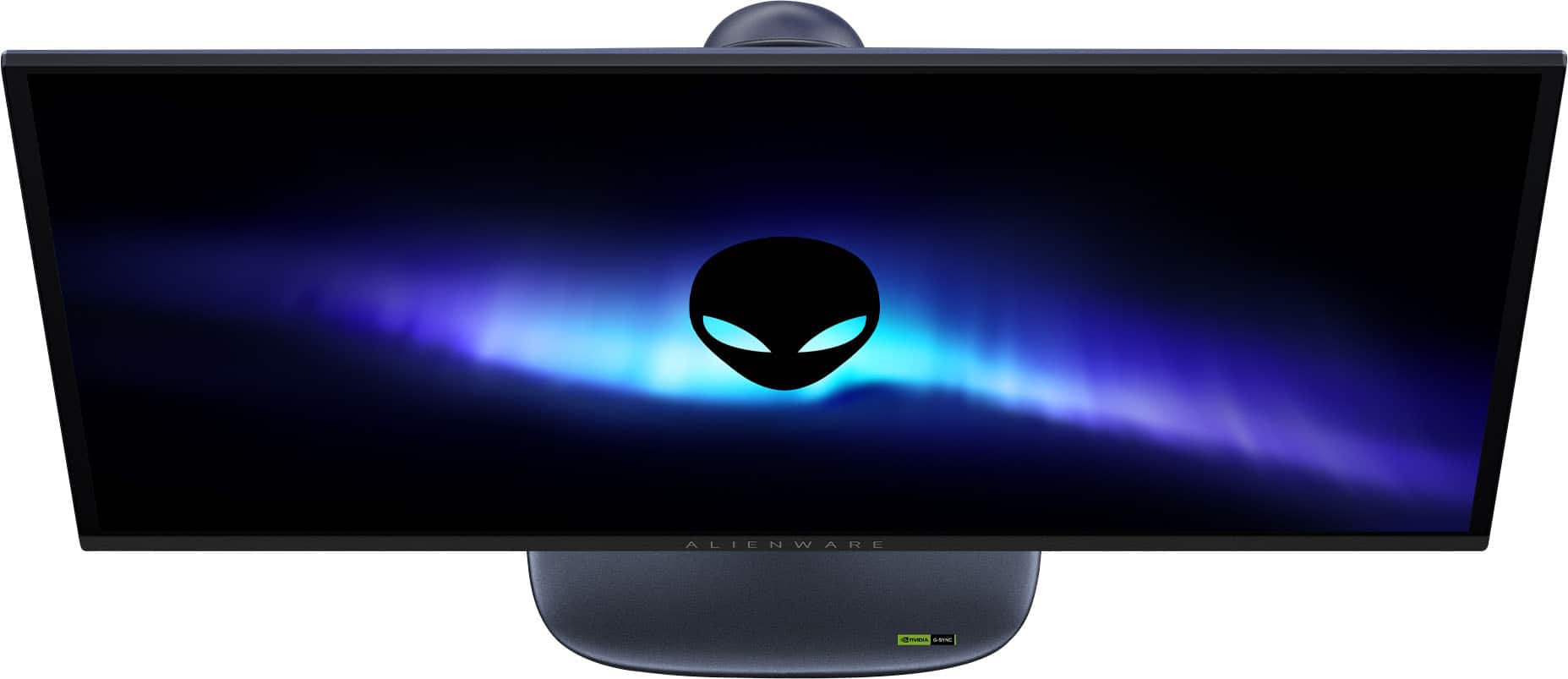
|Posted .This reviewer received promo considerations or sweepstakes entry for writing a review.Coming from using a WOLED monitor as my main monitor, getting used to the Alienware AW2725Q's QD-OLED took a while. I was upset that some colors looked washed out, particularly black, on the AW2725Q. Calibrating the monitor helped a little but I still wasn't satisfied. However, eventually I got used to the way it displays color and colors no longer appeared washed out. Doing a true black test on it makes it look like the monitor is completely off, especially when I turn off the power button and logo's lighting. So just bear that in mind, if you have a similar first impression as I did. The top bezel measures 1/4". The side bezels measure 7/16".The bottom bezel measures a noticeably larger 9/16" with the Alienware branding printed on it. Thankfully for me, the print isn't very assuming. It's in an understated white or silver that doesn't physically or not so much visually stand out of the monitor. But I still do find it distracting, and my visual experience less immersive, in my multimonitor setup, when I have the monitor rotated to portrait. The rest of the monitor itself is in a dark purple color that looks black under most normal lighting. It's something I personally prefer because I like an understated professional looking monitor, even though I game. To each their own. Its stand design, and LED customizable logo (on the back of the monitor) and power button lighting is where Alienware showcases its "gamer" personality. The Alienware print on the bottom bezel on the front of the monitor isn't LED backlit, and is not customizable. I love that it has the traditional dedicated power button instead of integrating the power/on function on the menu joystick like some other monitors do, which is often cumbersome for a function that is frequently used. Navigating the menus with the joystick is easy as the controls are responsive and not finicky. What I didn't like is how changes made to the monitor's settings through the monitor's OSD (on-screen display) menu doesn't sync up with the monitor's configuration software on Windows, Alienware Command Center. For example: I'll turn the logo light off from directly on the monitor itself. But if I go to the logo's light settings on Alienware Command Center, it will override the change I made and turn the logo's light back on again, without me even making a change. I found this very frustrating. Furthermore, while there's an on and off setting for the logo's lights on the monitor's OSD menu, on Alienware Command Center there is no setting to turn the logo's lights on or off. Or rather, it's a lot less obvious. You have to set the logo's light's brightness to 0 to turn it off. I don't understand why there's such a large disconnect between the on-screen controls and the software's controls for the same functions. The display itself is gorgeous after I got used to the more vibrant display of a QD-OLED compared to the WOLED I was using. It gets brighter than my WOLED monitor despite my WOLED having the higher peak brightness, according to Windows. The 27" display really makes stuff on the screen look like they've been painted on thanks to the combination of OLED, and the high pixel density at 4k resolution. The AW2725Q also supports Dolby Vision, which is noticeably superior HDR for content that supports it. On Windows, Dolby Vision content can't be viewed straight out of the box. You'll need to install the Dolby Vision extensions. Installing the Dolby Access app from the Microsoft Store will walk you through the process. The AW 2725Q also supports Dolby Atmos by passing the signal through its HDMI port with eARC. To get Dolby Atmos sound, you'll need Dolby Atmos sound system that connects through HDMI, like a Dolby Atmos soundbar or a Dolby Atmos receiver. The monitor does not have internal speakers. The AW2725Q has 3 video inputs: 1x DisplayPort 1.4, 1 x HDMI 2.1 with eARC, and 1 x HDMI 2.1 *without* eARC. With these inputs the monitor has hardware PBP (Picture-by-Picture) and PIP (Picture-in-Picture). Alienware Command Center, the software used to configure the monitor, as well as update its firmware, is terribly designed. It's almost like it was meant to be run *only* in full screen because nothing in it scales. If you resize the window, everything just gets cropped out. And it has an image of your monitor needlessly taking up almost half of the window. You can still use the app when it's resized smaller, but you'll be forced to scroll, both vertically *and* horizontally to get to the settings that you want to configure. The USB hub with one upstream USB-B and four downstream USB 3.2 Gen 1 (5Gbps) ports (three Type-A, one Type-C). The USB-C port has 15W Power Delivery, so you can charge a phone, earbuds, or other low power rechargeable devices. The monitor gives you the option of allowing you to charge through the port even while the monitor is off, warning you that it will consume more power with that option enabled. QD-OLEDs are known for their glossy screens, which inherently causes them to be reflective, but the antireflective coating does help minimize its impact. You will still absolutely see reflections though, and they can still be obtrusive to you. Nothing beats a matte screen when it comes to dealing with reflections. So if you plan to use the monitor near an open window where there's sun, perhaps WOLED may be your better option. With the monitor's 240Hz refresh rate I didn't experience any screen tearing while gaming. With VRR (variable refresh rate) on I'll experience a little VRR flickering while immediately enabling the monitor setting in Windows but I've never experienced anything else noticeable thereafter. As far as OLED screen burn-in goes, I don't see anything outside of something called "Pixel Refresh" as the monitor's preventative measure. And that's something that's seemingly done manually by the user. Other monitors have OLED screen moving. It appears that the AW2725Q doesn't. I've also read about users experiencing issues with this monitor over time. I've only been able to use the monitor for about 2 weeks and experienced zero hardware issues. But I have no guarantee that that will be the case in the months or 3 years ahead. Because of the uncertainty of burn-in with no clear preventative measures, my frustrating issues with the settings, and the large bottom bezel, I can't personally recommend the monitor. There's better out there. But don't let me stop you from considering it. Apart from that, it's a fabulous monitor. It's just too expensive to take a risk on, or settle.
No, I would not recommend this to a friendNeeds speakers
Posted .This reviewer received promo considerations or sweepstakes entry for writing a review.Seems to do everything we need. Only reason there is not 5 stars has to do with no built in speakers. Really need built in speakers in today’s world of electronics. Other than that - no complaints.
I would recommend this to a friend