Customer Ratings & Reviews
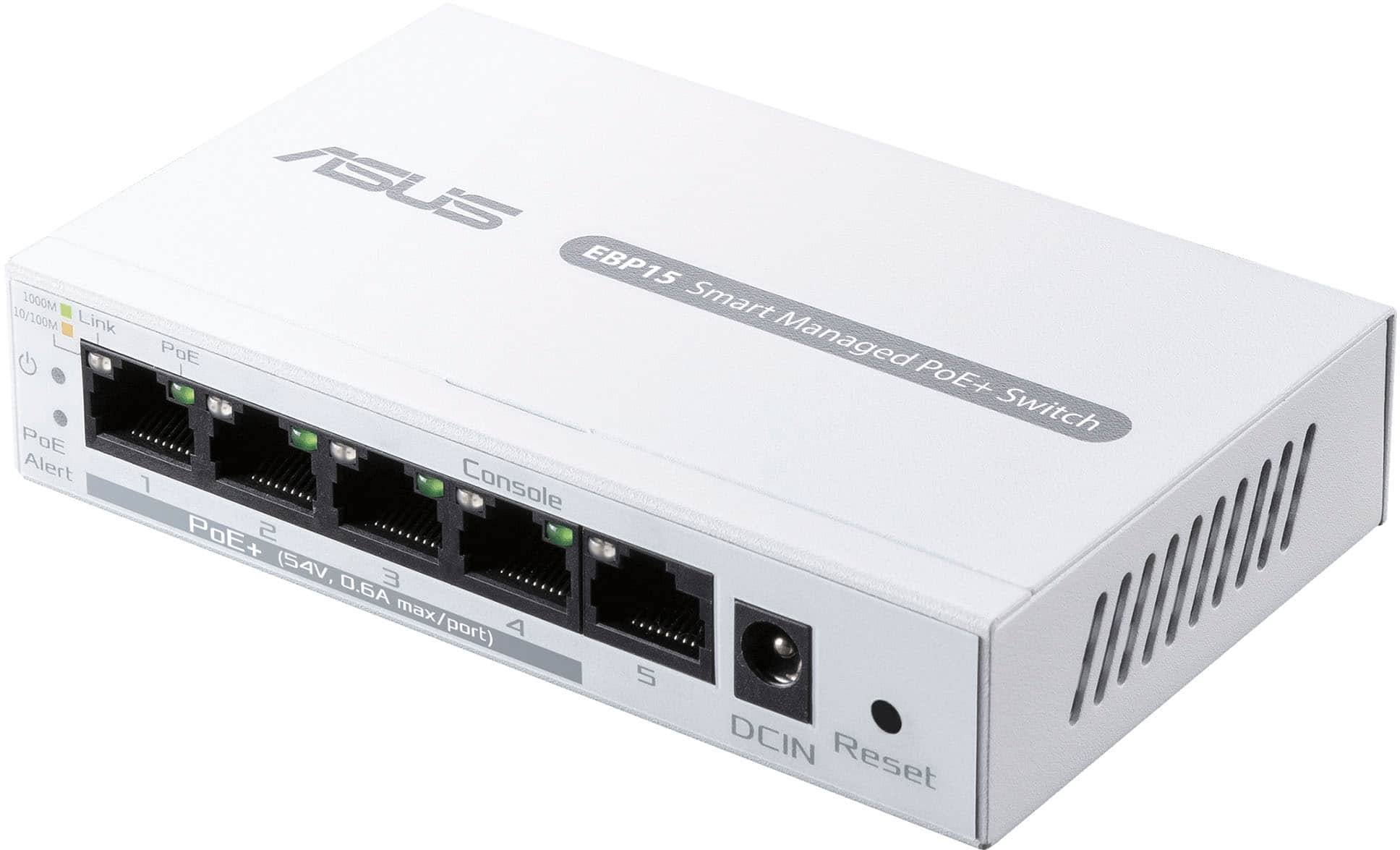
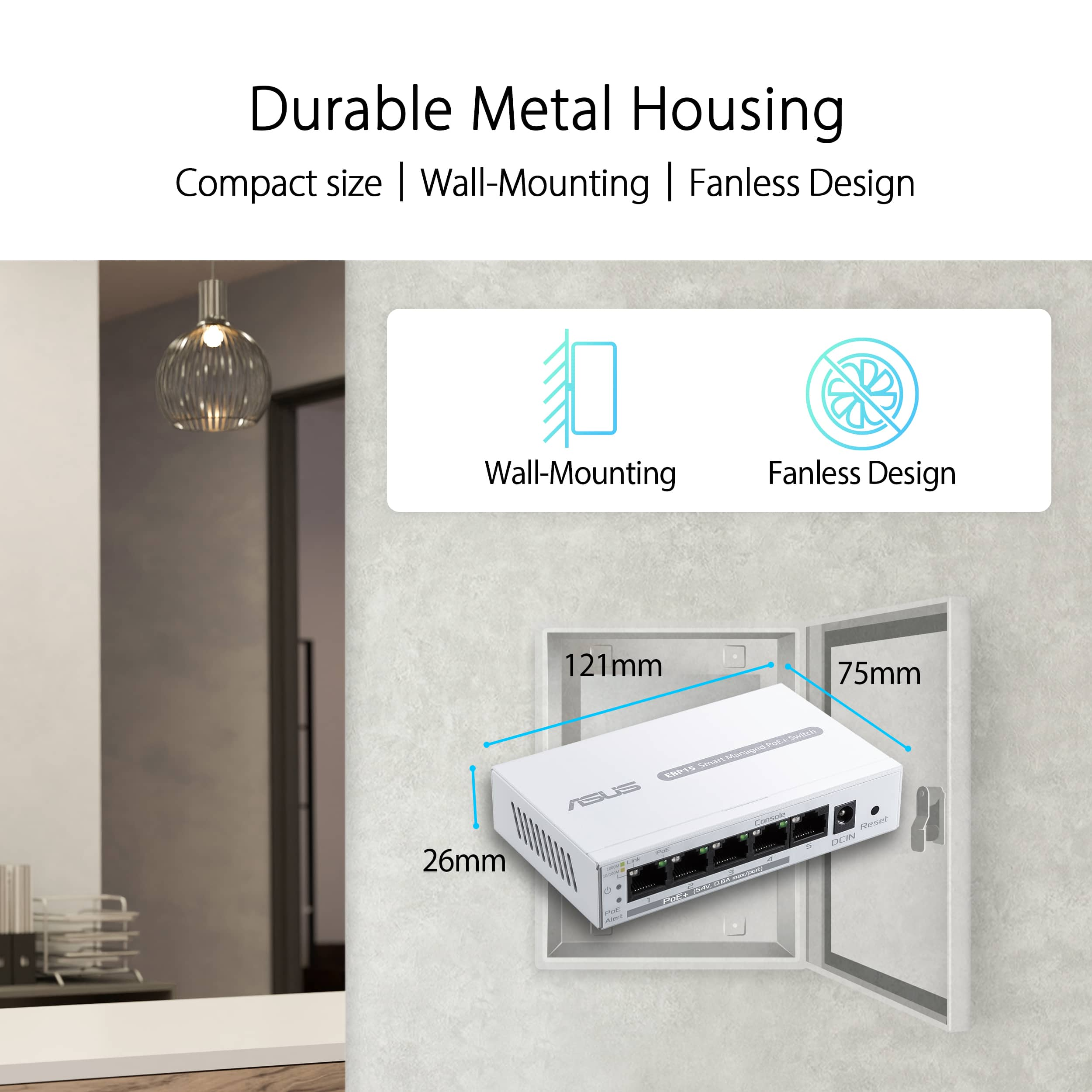


- Model:
- EBP15
- SKU:
- 12304233
Rating by feature
- Value
Rating 4.2 out of 5 stars
- Quality
Rating 4.5 out of 5 stars
- Ease of Use
Rating 4.1 out of 5 stars
Good as unmanaged switch only
||Posted .This reviewer received promo considerations or sweepstakes entry for writing a review.It’s an okay plug and play device . But when configuring clans this system is not a fun device to use. It’s not worth the headache of going back and forth with testing over and over. I rather spend a larger amount of money and configure in command line than use this device.
No, I would not recommend this to a friendBrand response from ASUS Answers
Posted .Dear Techperson,
Thank you for sharing your comments regarding the ASUS ExpertWiFi EBP15. We understand that it didn't meet your full expectations, and we sincerely apologize for that as we do understand your concerns. We are committed to providing our customers with the highest-quality products and we will forward your review to our Product team for review.
We stand behind our products and continuously strive to improve our products and processes to achieve customer service excellence. If you require any further assistance, please email us at [email protected] and include the case number "N2410004880-0002" as a reference. We will do our best to resolve your case quickly. Your feedback is very important to us and enables us to improve our support channels. Thank you for choosing ASUS.
Best Regards,
Chantae
ASUS Customer Loyalty US Support
Works with third-party routers, with a catch
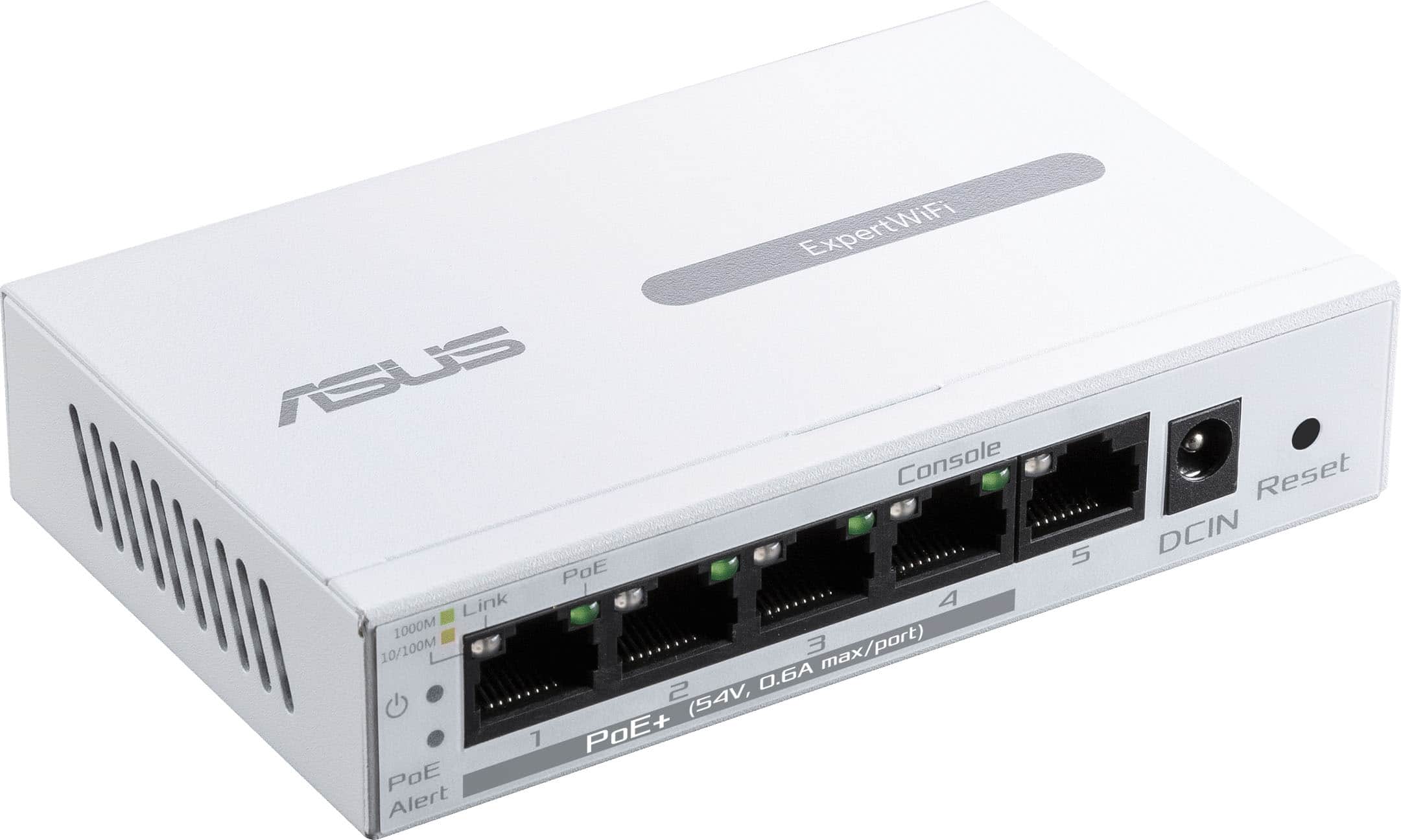
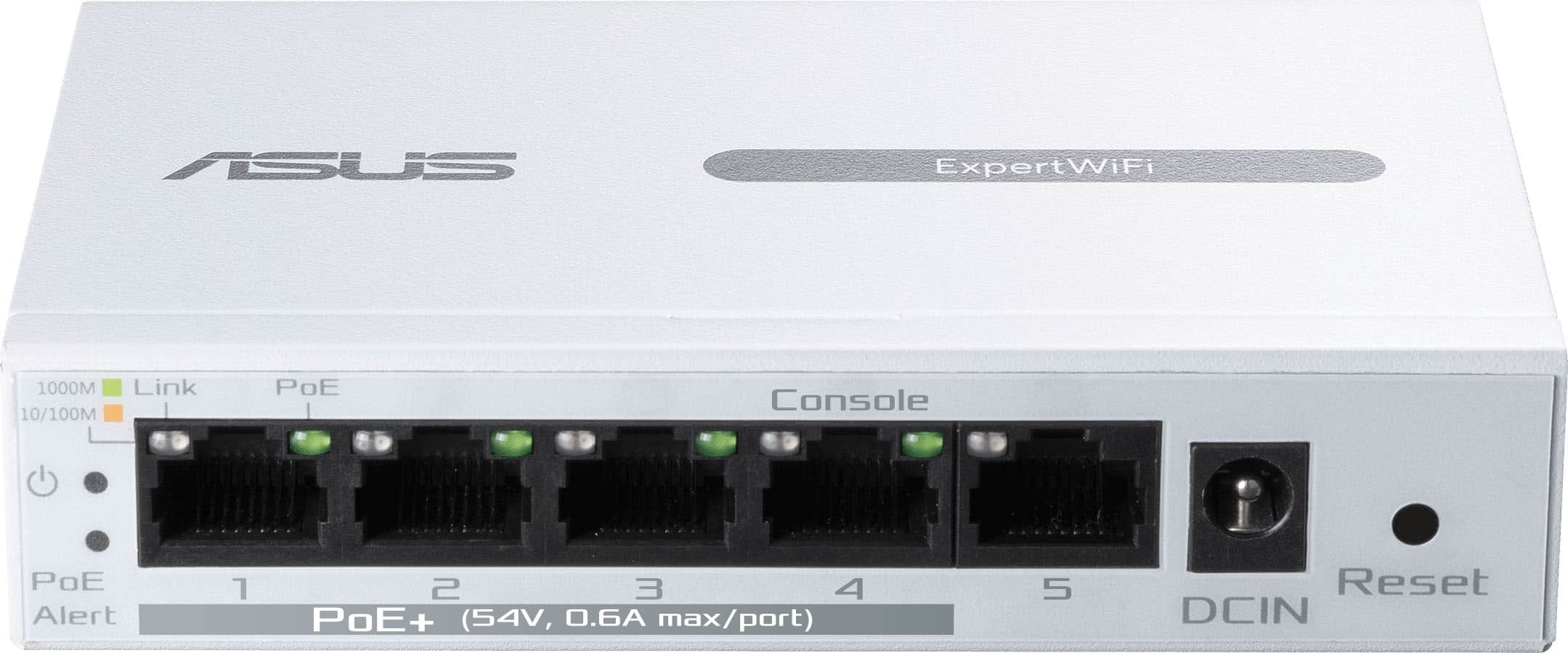
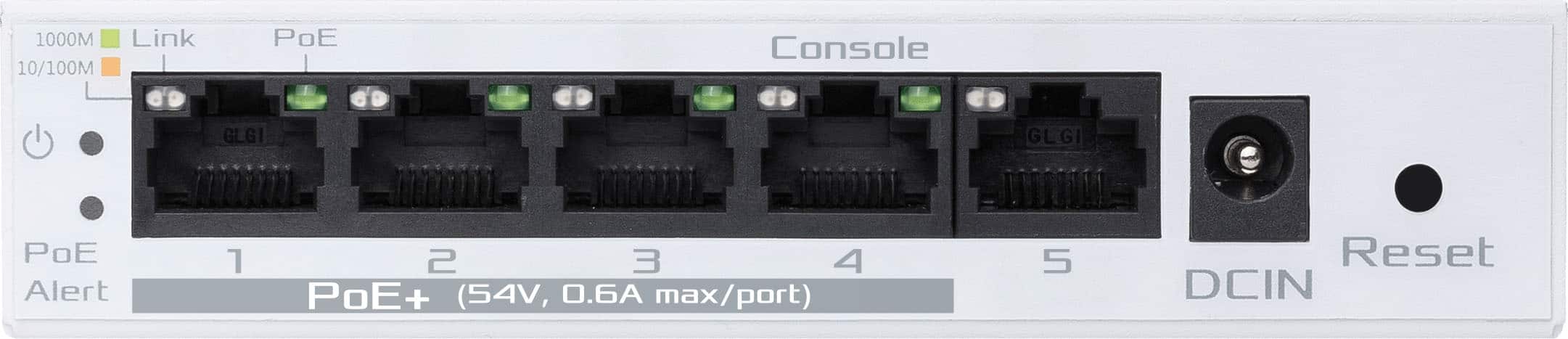
Posted .This reviewer received promo considerations or sweepstakes entry for writing a review.I thought of this product like another reviewer who gave this 1 star. I am giving it 4 because I figured out how to make it work with a network that doesn't incorporate ExpertWiFi. I give it 4 stars because the management interface is only available on the unit itself, through port 4. I'll explain... Basically, in order to use this with VLANs, you need to plug any computer into port 4 and leave all other ports unplugged. Set your computer to a static IP (I used 192.168.1.2). Then you can access the configuration management interface on IP 192.168.1.50. Please note - I don't expose VLAN 1 to the network that this switch is connected to. I assume if you do, then you may want to enable DHCP in this switch's settings. That should assign it an IP that can be used for the management port. Once connected to this device in your browser, after setting up the username and password, in VLANs, set up all your tagged and untagged VLANs, and set the PVIDs for all ports. This seems to be where the other reviewer was lost. If you leave your computer plugged into port 4 and use the static IP on your computer, you will still be able to access this switch on 192.168.1.50 (again, assuming you don't use VLAN 1). However, if you have assigned port 4 to a different VLAN/PVID, then if you set your computer connected to port 4 to use DHCP assigned addresses, it will be assigned an IP from the given VLAN's DHCP server. Once you've configured all your ports for VLANs and other settings, plug in all the devices to the correct ports and they will all work. The inconvenience is having to be physically present at this switch to configure it. Otherwise, it seems to work reasonably well.
No, I would not recommend this to a friend