Customer Ratings & Reviews




- Model:
- PA279CV
- SKU:
- 10999952
Rating by feature
- Display Quality
Rating 4.9 out of 5 stars
- Ease of Use
Rating 4.5 out of 5 stars
- Features
Rating 4.8 out of 5 stars

Solid Performance
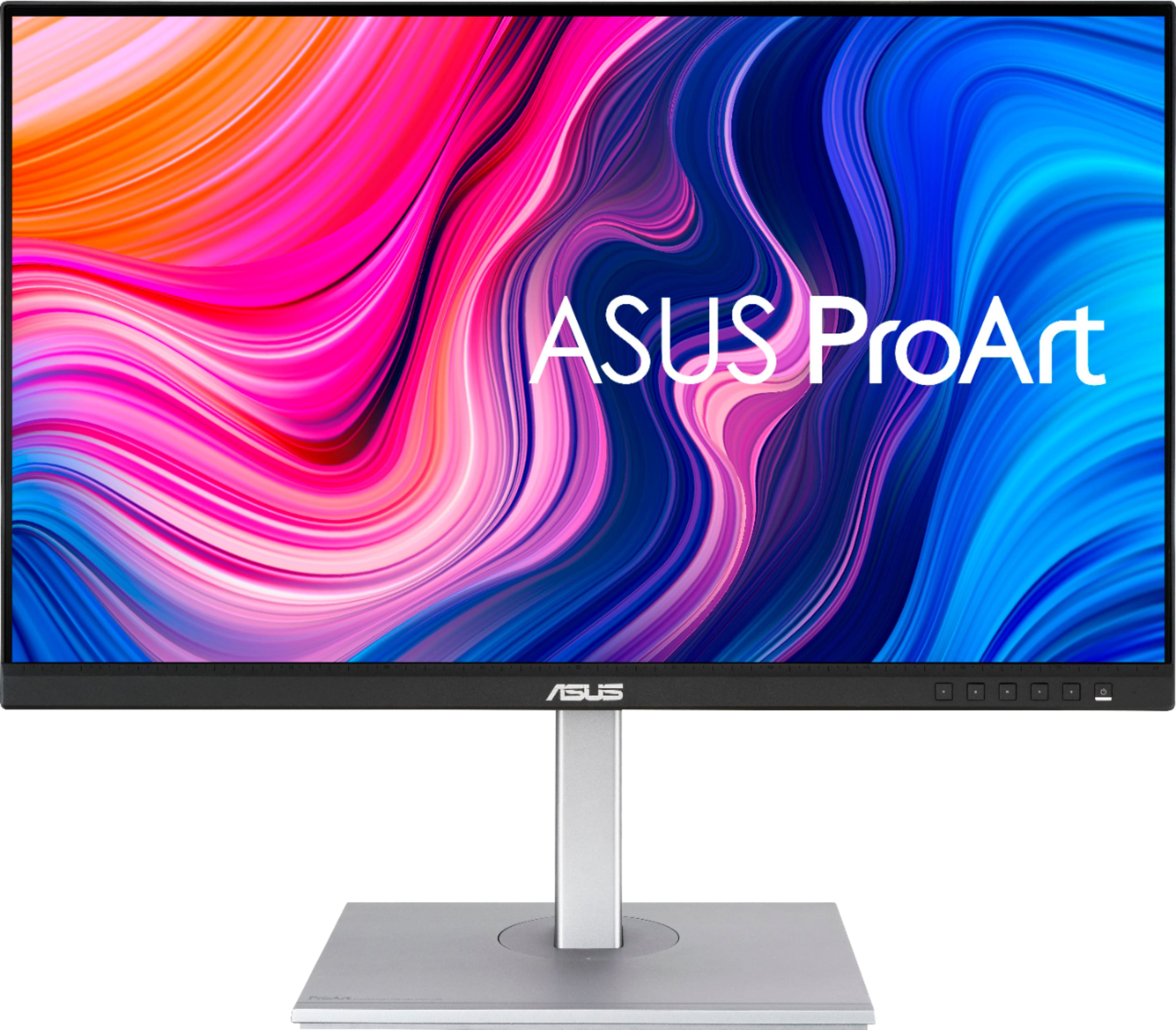
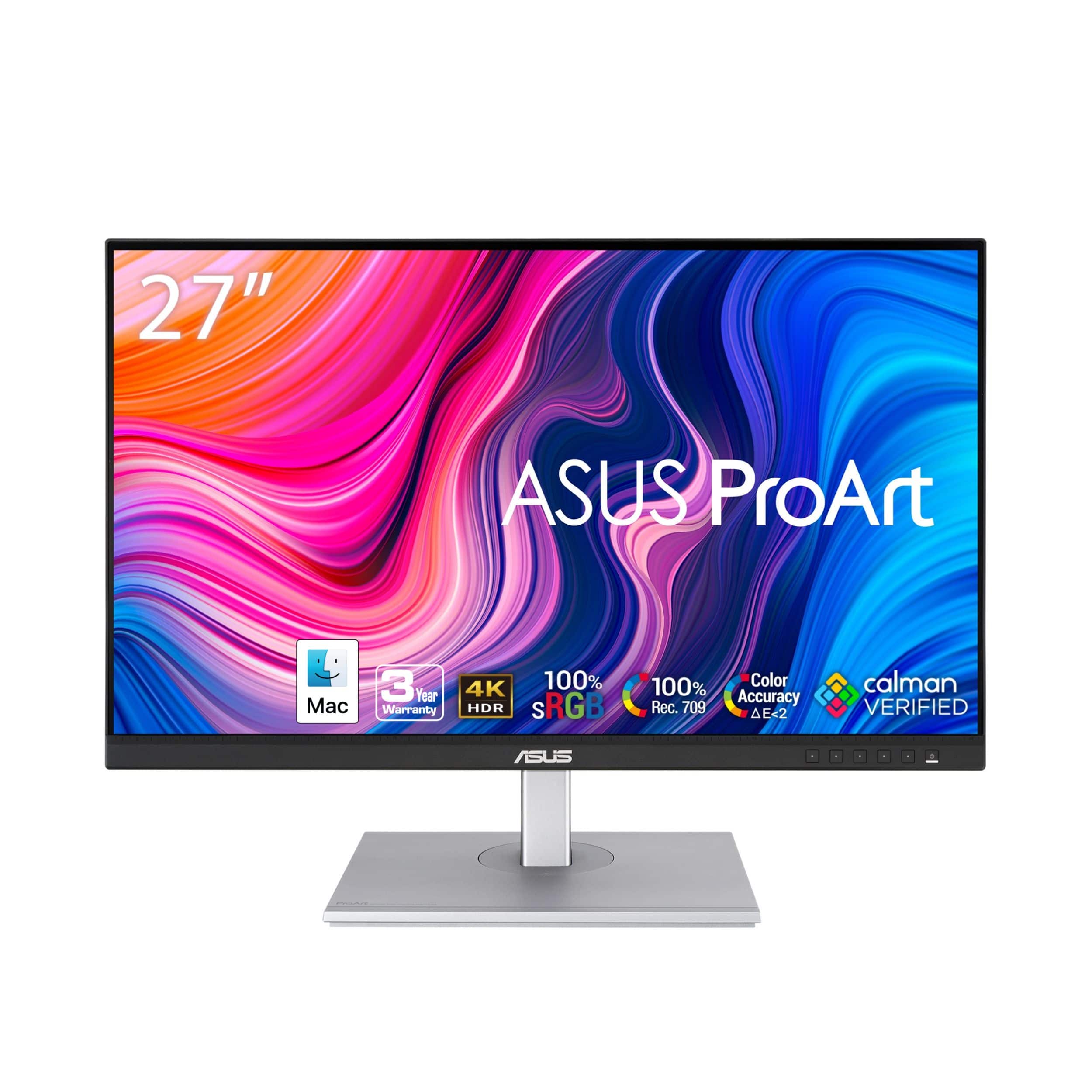
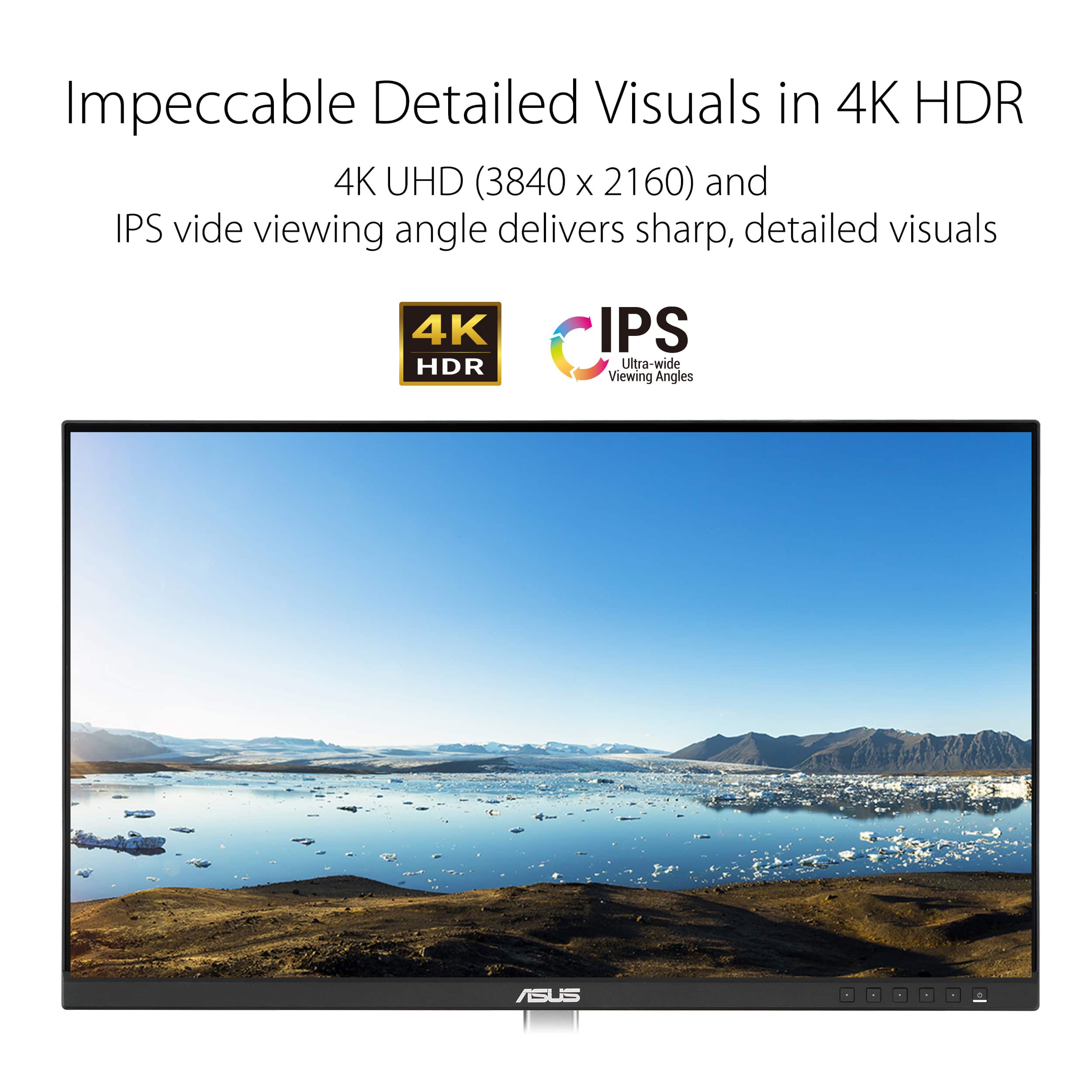
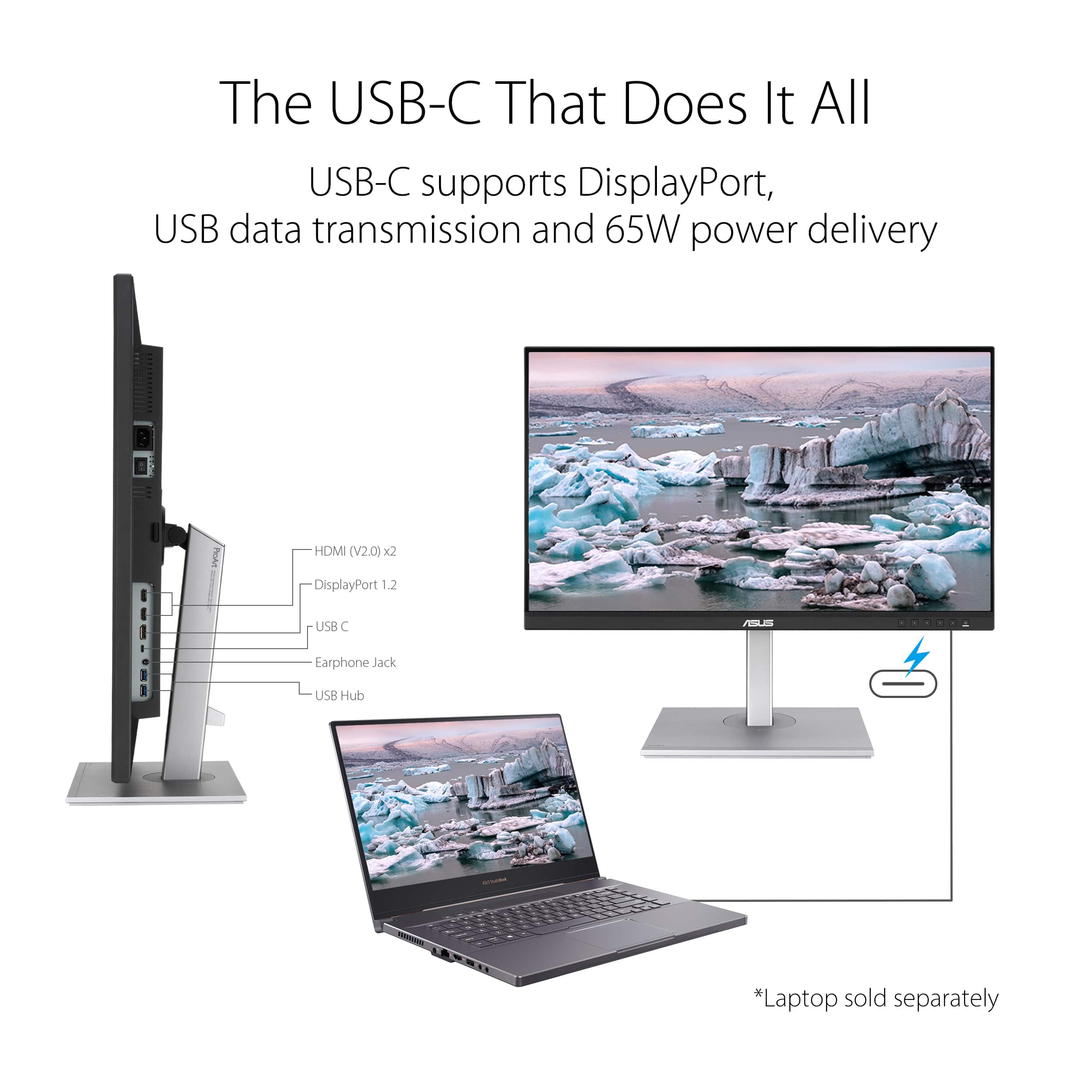
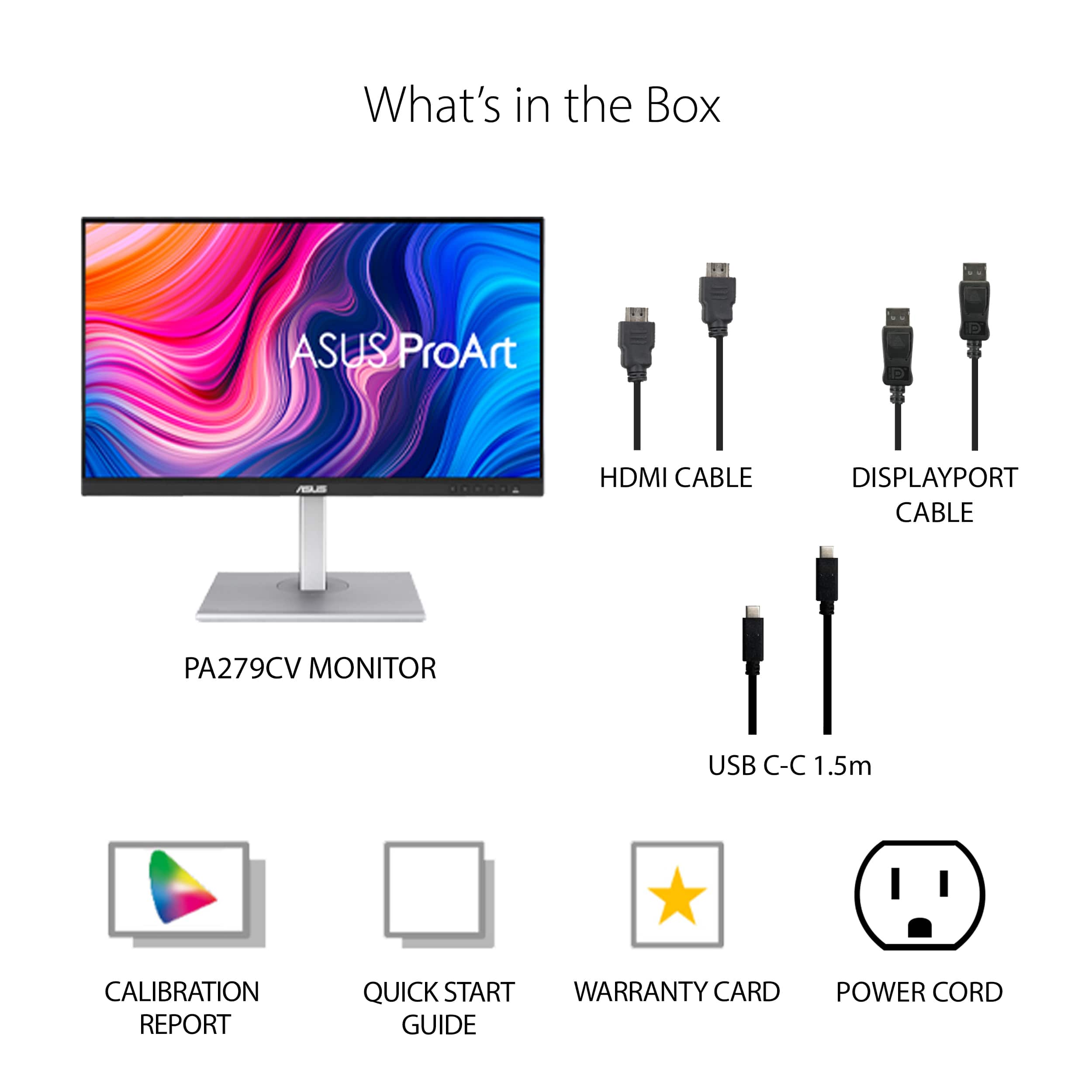
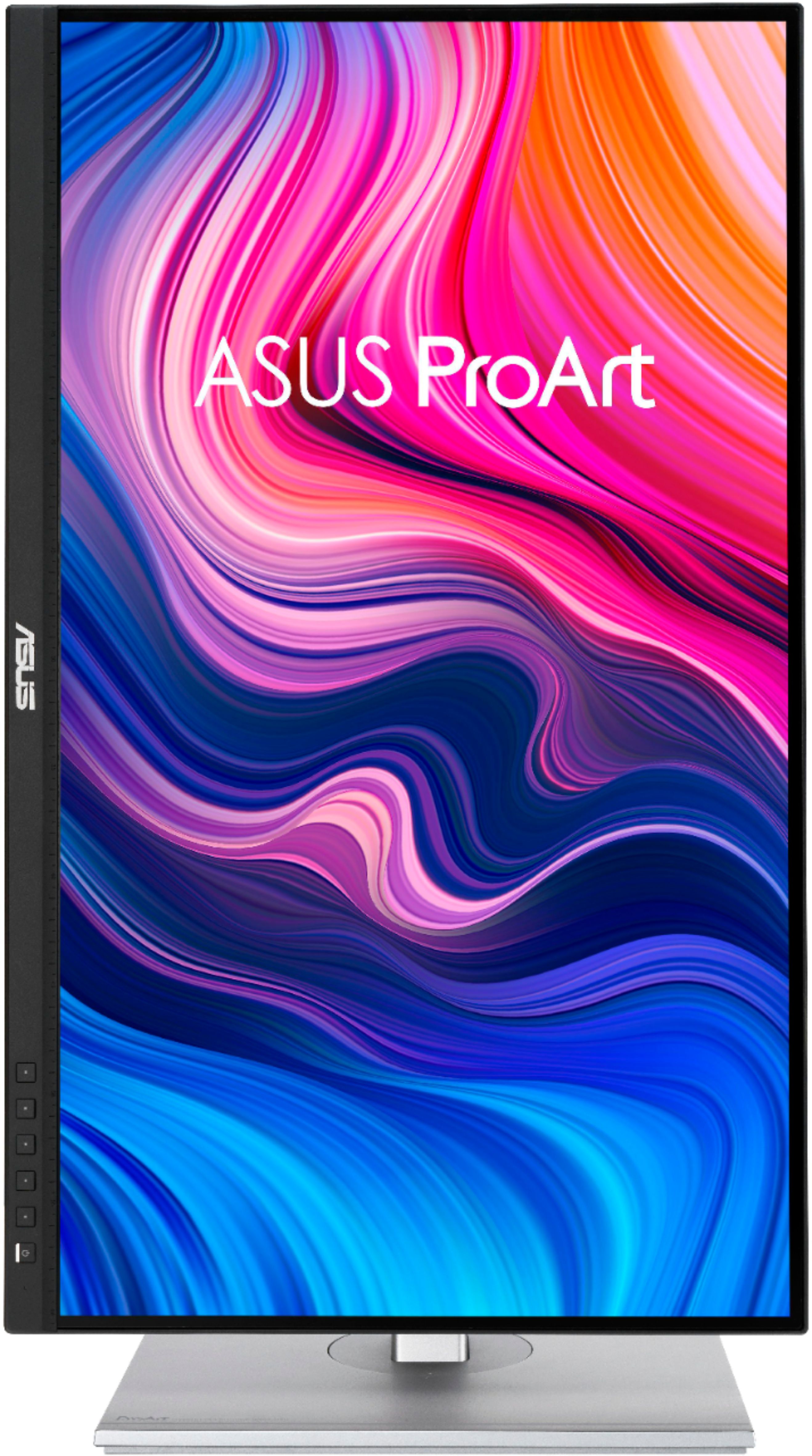
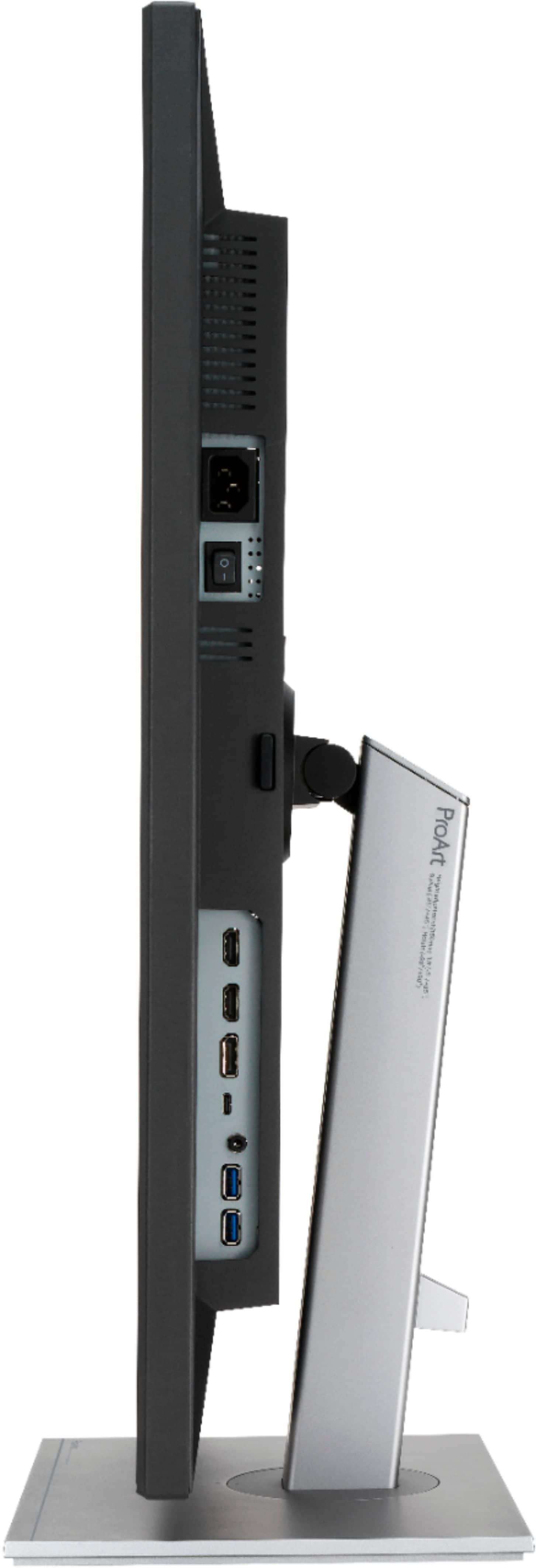
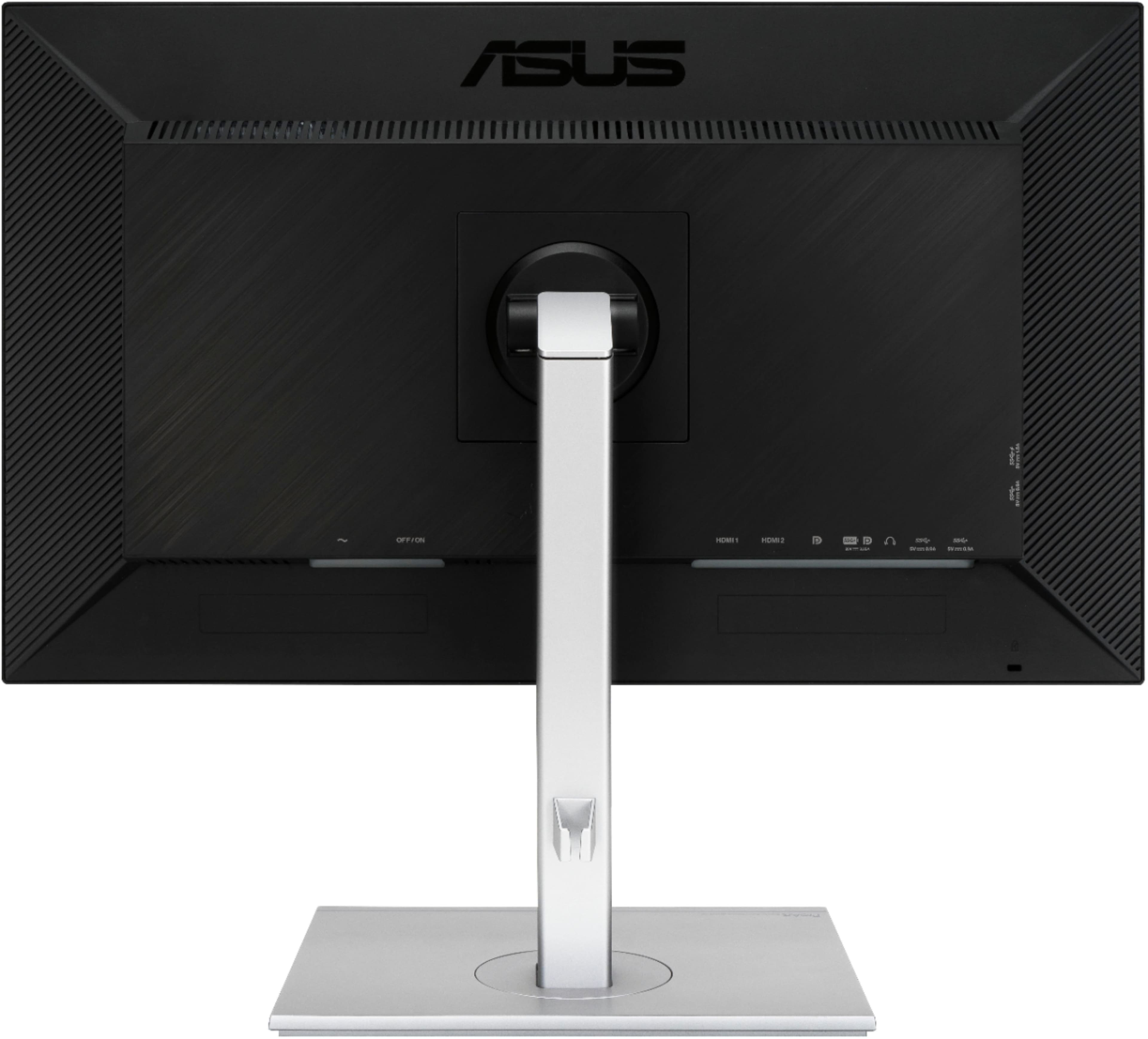
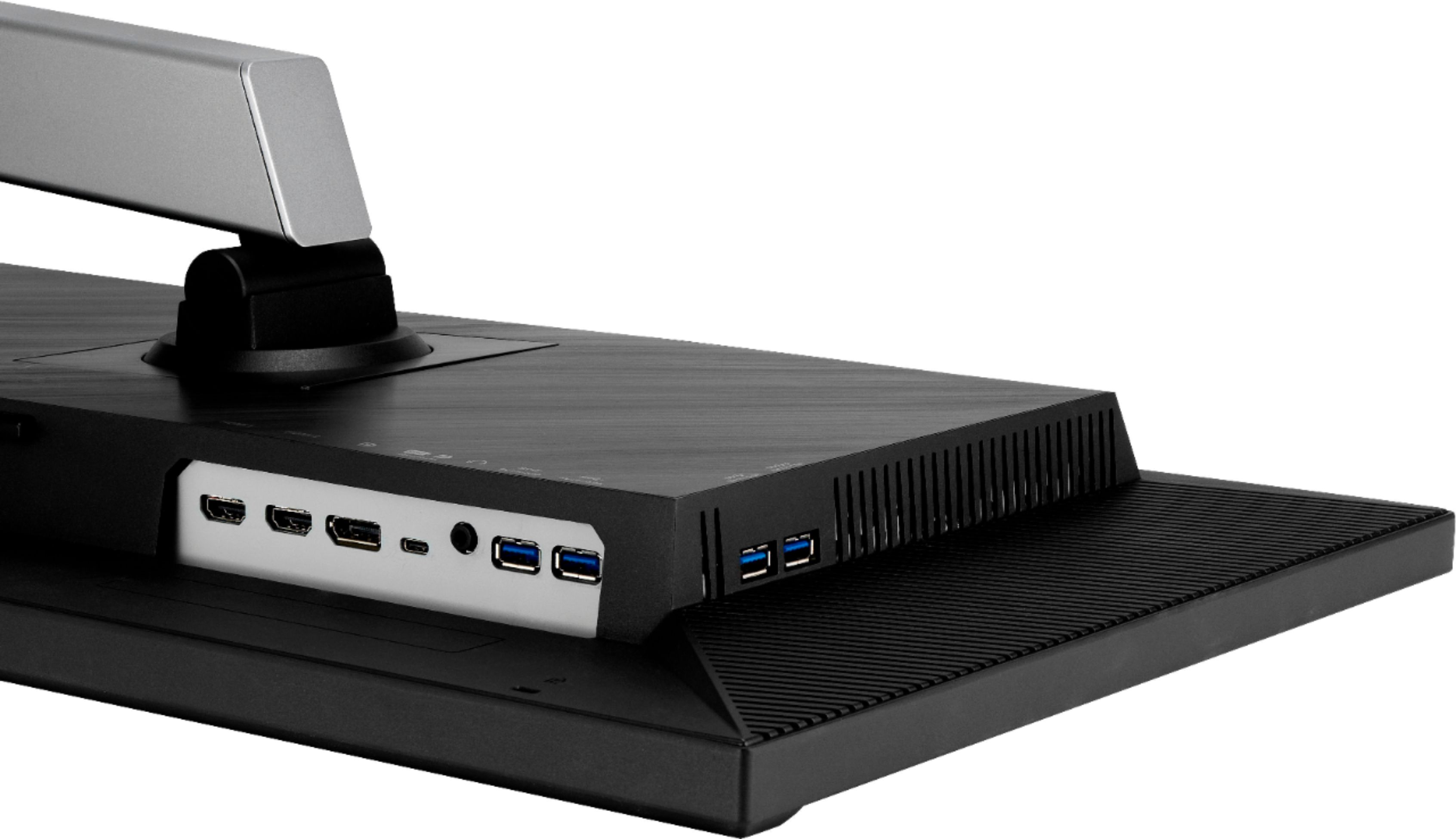
|Posted .This reviewer received promo considerations or sweepstakes entry for writing a review.This is a gorgeous 4K display, calibrated out of the box, and a cinch to set up. The monitor took some adjustment on my part to get accustomed to. The native resolution of 3840 X 2160 is 4K and then some. Scaled to 120 per cent on the desktop as recommended by Windows 10, text is quite crisp and readable, but tiny. That annoyance is easily adjusted. I have this display set up next to a 24-inch monitor which it has supplanted. I am enjoying the extended desktop. My other monitor, adjusted by eye only, had a bluish cast to the whites, and the Asus appeared relatively warmer. I trust the calibrated Asus. The non-reflective screen has been a joy to use. I have the monitors set up at my office desk. Given the way I have been using the Asus so far, its beautiful resolution is overkill. Its video inputs feature two HDMI inputs, a USB-C input, and a Display Port input. The monitor comes with a USB-C cable, tagged to be USB 3.1 compliant, an HDMI cable, and a Display Port cable. My Lenovo ThinkCentre M90n1 with an i5-8265U processor and Intel UHD Graphics 620 was able to output HDR under Windows 10 into the Asus, and it looked fantastic. I had to connect it with the supplied Display Port cable. I was not able to get video to pass through the USB-C cable from the Lenovo into the Asus unless I used a USB-C to HDMI dongle (not supplied), leading me to think the supplied USB-C cable may have been at fault. I had the monitor up and running in less than 15 minutes out of the box. No tools are required to attach the monitor panel to the base, which is replete with the video input options mentioned, all speced to be capable of displaying 4K HDR resolution at 60 fps. In addition, there is a headphone jack (3.5mm) and four USB-A 3.1 ports which operate off the USB-C input, the Asus acting as a hub, also passing along power to connected devices, such as laptops, which need it to recharge batteries. I was startled to hear audio out of the monitor. The Asus does have speakers which are passable, and they are a convenience to have if outboard speakers are not available. This is a fine monitor and will serve my needs for some time to come. I am not a gamer or into production graphics or video. I will use the Asus occasionally to touch up photographs and consume media, in addition to its regular office work.
I would recommend this to a friendIt's pretty awesome, but a little small for 4k
||Posted . Owned for 1 month when reviewed.This reviewer received promo considerations or sweepstakes entry for writing a review.The monitor looks great. Very happy with it, but side by side with the WQHD version it's very, very tough to see the resolution difference. 27 inches just doesn't necessitate 4k unless you are a serious creative. Even as a video editor and colorist, I'm not sure if this was the right choice. On the plus though, I haven't seen such a good monitor at this price point. It's not Flanders scientific levels of excellence, but the issues with quality control I read about before my purchase didn't bother me at all. I looked at Benq's professional monitors in person and was pretty disappointed. Things I don't read much about these monitors: There is some backlight bleed. It's very subtle, and completely unnoticeable unless you're looking at a mostly black screen. The stands are really nice. It feels like a pro quality screen in terms of it's build. I anticipated getting a dual monitor stand, but I liked these enough to keep them. Not sure that I'd spend the extra on the 4k if I did it all over. It might be worth considering a larger screen if you're dead set on 4k. Between the dell, benQ, and proart though, this is a no brained imo.
I would recommend this to a friendWorth the price though a bit slow.
||Posted . Owned for 1 month when reviewed.This reviewer received promo considerations or sweepstakes entry for writing a review.I would give this product 5 stars because of how accurate the color is. I am using a Dell dock switching back and forth with a windows laptop, an Intel Mini PC and an Apple Mini. The monitor is slow to sense changes in input sources. That is about the one thing that give me the most problem. Refresh rate is acceptable though I wish it can perform faster. The thickness of the monitor is alright but the air vent on the back is not pretty. I think QHD is the best resolution for a 27 in. This being a UHD sometime apps just don't scale as well as a QHD. Price wise it is very good pirchase and it is an IPS panel. A similar model from BenQ will cost quite a bit more. This ASUS is a keeper.
I would recommend this to a friendExcellent for video professionals
||Posted . Owned for 1 month when reviewed.This reviewer received promo considerations or sweepstakes entry for writing a review.Great monitor. I use it for animating in After Effects and editing in Premiere. Color accuracy is very good and image is sharp. Excellent build quality. I also like that I can connect my MacBook Pro with a USB-C cable and it can also be charged.
I would recommend this to a friendSo far, very good monitor, upgraded for my needs
||Posted .This reviewer received promo considerations or sweepstakes entry for writing a review.I love this monitor! I'd been using a perfectly fine monitor of the same size but it was not 4K. I wanted to see what 4K would look like. It turns out I decided to scale to 3008x1692 instead of the maximum because the type is too tiny at the maximum. But 3008x1692 is a welcome change over 2560x1440. I researched 27" 4K monitors a lot before opting for this one. I'm not a photographer or creative; I just love the resolution, colors, and adjustability in so many ways, at a good price for these features. I'm using the USB-C cable with a new Mac with M1 chip. Download the firmware update on the Asus site before attempting to use the Thunderbolt port on the new Macs. I read reviews of this Asus to find this tip, and it's crucial if you bought a Mac with M1. Save yourself frustration and don't think you have a lemon; just update the firmware!
I would recommend this to a friendExcellent monitor for creators, poor documentation
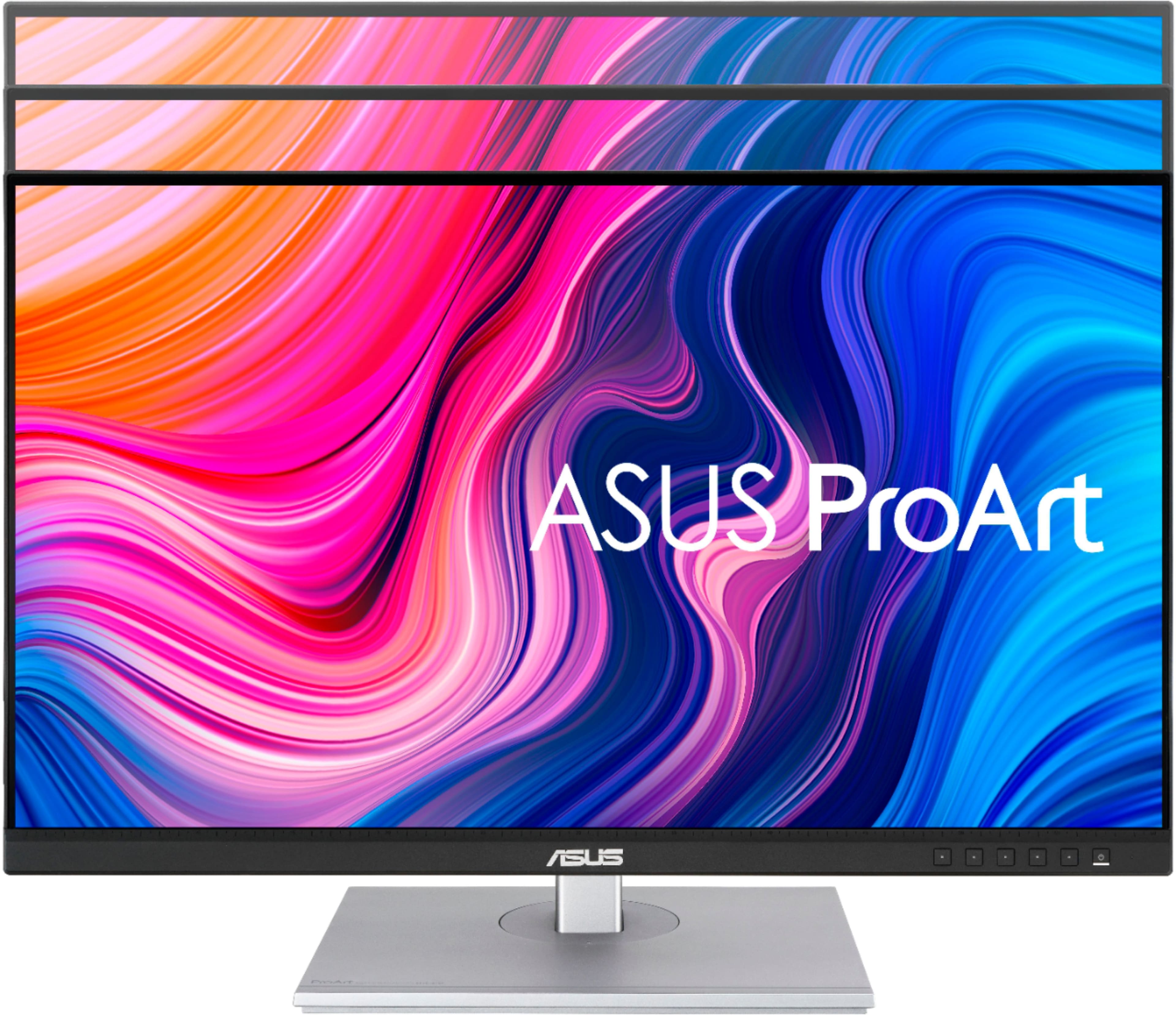
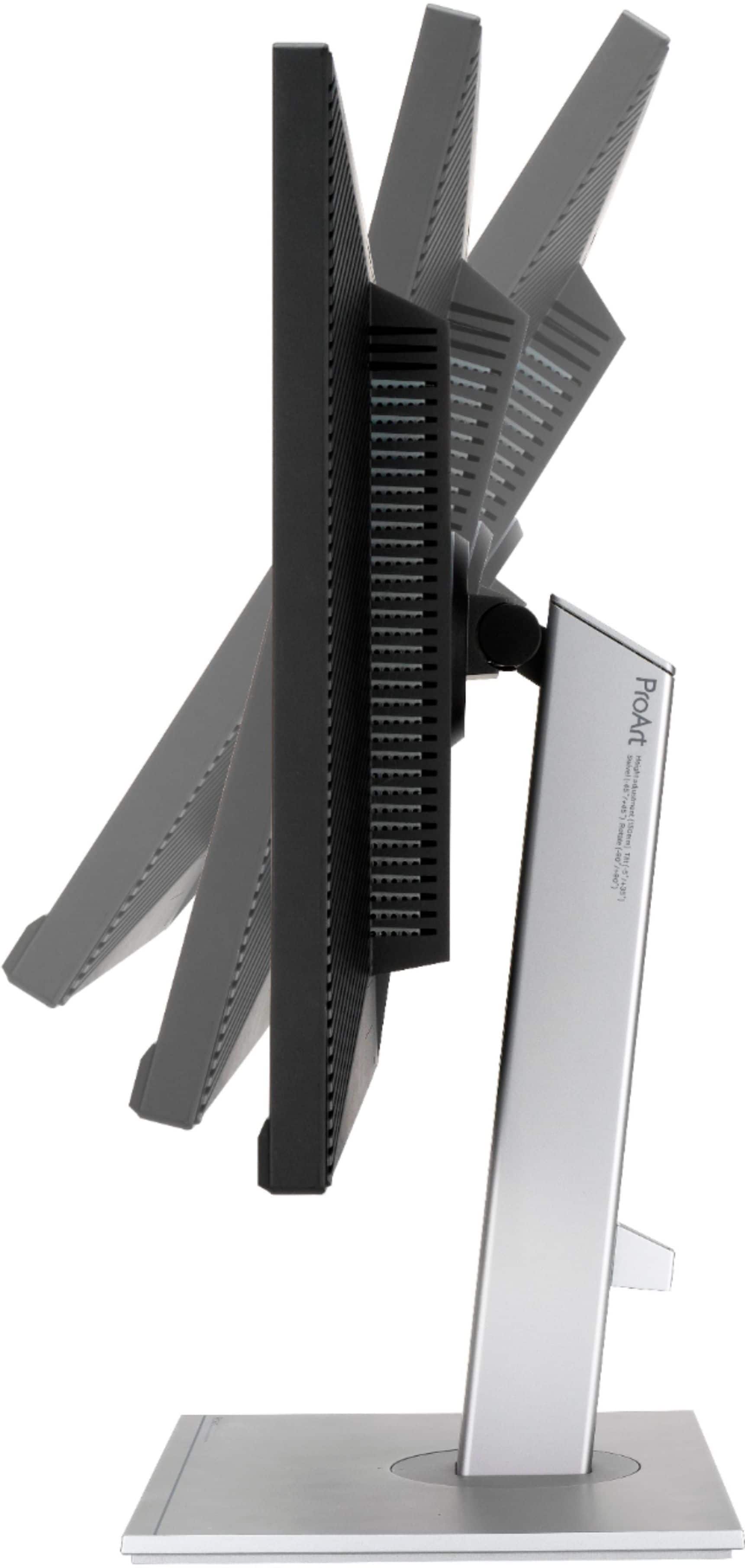
||Posted . Owned for 1 month when reviewed.This reviewer received promo considerations or sweepstakes entry for writing a review.I really like the 27" ProArt, my only reservation is that there is no manual, or even a reference to an online manual. Given that this is a calibrated device, with color space options, there **really** needs to be some explanation and description of the settings. Image quality, color rendition and viewing angle are excellent at the defaults. However it would be nice to be able to increase brightness beyond 50% even temporarily for use in a bright environment. Maybe some of the "custom" settings would allow this, haven't tried it. I have made a large sunshade to cope with this issue. Secondarily, I wasn't expecting a built in speaker, there is one, and it is **terrible**! Better to remove it.
I would recommend this to a friendGreat Monitor for content creators!
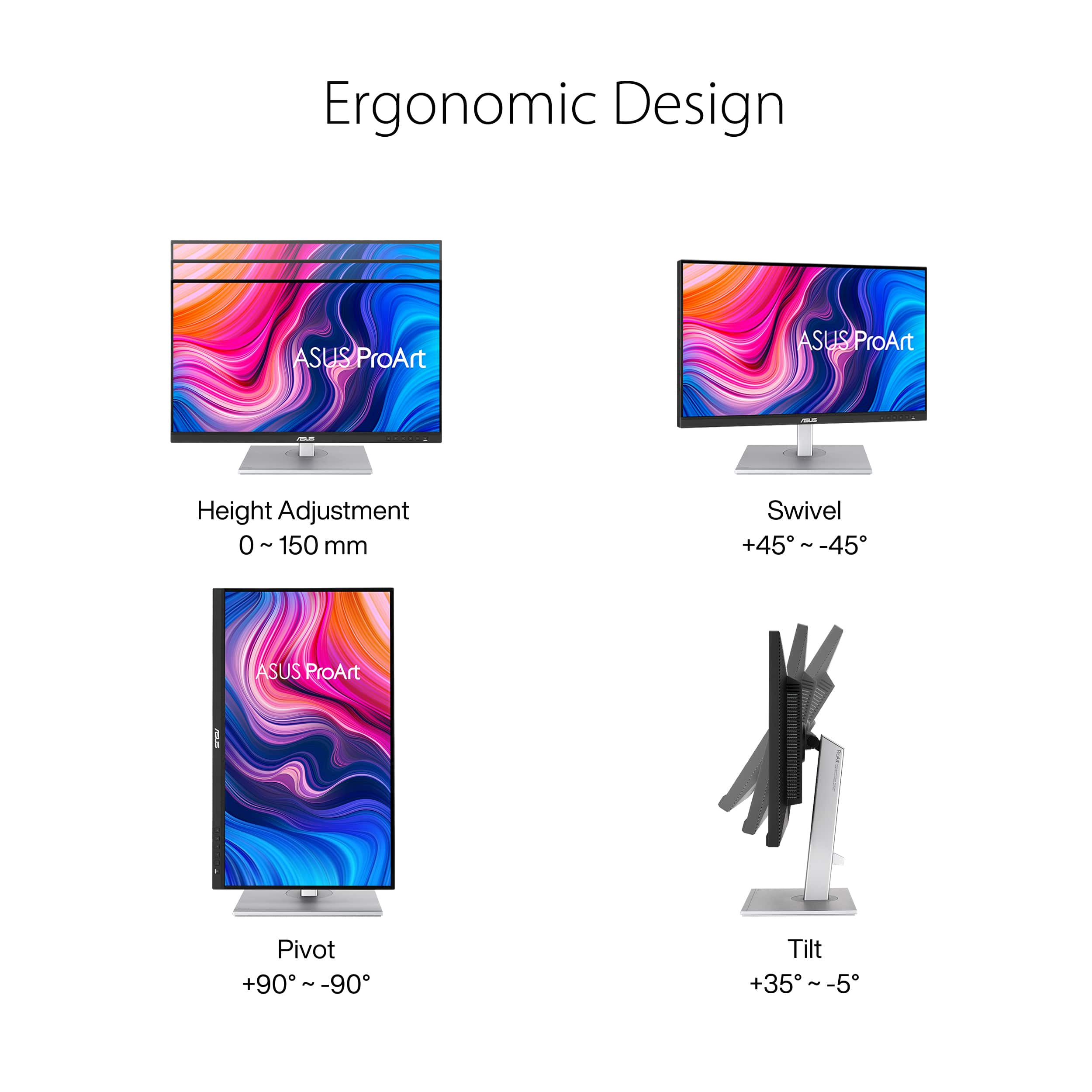
||Posted .This reviewer received promo considerations or sweepstakes entry for writing a review.I've had this display for about a month, and so far so good! The colors are crisp. The unit was easy to set up and it's at just the right height for my needs. I like the swivel feature because it makes it easy to turn the display without having to move the base. So far I am very happy with the purchase. I chose the Asus ProArt monitor because I create book covers and other graphic art projects and color accuracy is important for that.
I would recommend this to a friendNice monitor for the price
||Posted .This reviewer received promo considerations or sweepstakes entry for writing a review.Compared other 4K IPS monitors from top brands. Even with others on sale, this monitor offered a better complete package -- color accuracy, build quality, good brightness, and usb c connectivity. Have had no connectivity issues with my Mac mini M1 and color calibration worked great to dial in the colors. It's not quite as good as an iMac screen, but as close as I could find for a reasonable cost.
I would recommend this to a friendHigh quality 4K monitor with USB C power delivery
||Posted . Owned for 1 year when reviewed.This reviewer received promo considerations or sweepstakes entry for writing a review.One of the best 4K monitor with USB C power delivery. I have been using this monitor for over 1.5 years and I'm highly satisfied. I use it with my Macbook Air M1 and connect using a single USB C cable that came with the monitor for both power and data. The built-in speakers are basic and could have been better.
I would recommend this to a friendGood for photography
||Posted .This reviewer received promo considerations or sweepstakes entry for writing a review.Very good monitor for work with photos. Very convenient to Charge MacBook or laptop. I really enjoy working with this screen
I would recommend this to a friendGood color and calibration
||Posted . Owned for less than 1 week when reviewed.This reviewer received promo considerations or sweepstakes entry for writing a review.Connected this to my Mac-Mini via USB C and it works really well. Have not had issue with the color or connectivity and it's a bright and brilliant display. My iMac 27inch was starting to get screen persistence so instead of getting another iMac I decided to save money by switching to an M1 Mac mini since I wanted to switch to using a mechanical keyboard due to a lot of the typing projects I typically do. I had researched several other monitors before settling on this one. It seems Asus built this monitor to run well with a Mac, including a good USB hub. The only thing I'd complain about are the speakers. I wish they lowered the price and just didn't include them.
I would recommend this to a friend
Pretty Good!!
|Posted .This reviewer received promo considerations or sweepstakes entry for writing a review.I'm quite happy with this monitor. When I first set it up, it made me a little nauseated though, but this went away with time. Having said that, I had come from an Apple display, so the chances of this happening for others is pretty rare, I'd imagine. I have this set up with the color calibration tools included, which worked effectively. I mostly use this monitor for 3D modeling and testing models in games.
I would recommend this to a friendOpen Box Find!
||Posted . Owned for 3 weeks when reviewed.This reviewer received promo considerations or sweepstakes entry for writing a review.I purchased this item as an open box. It was 75% of the original cost. I though, "Well I have two weeks to return it, should something break or it is broken in some manner. Nope! The item is flawless. No scratches or broken LEDs. As of this review, it is still running.
I would recommend this to a friendVery good monitor and great price
||Posted .This reviewer received promo considerations or sweepstakes entry for writing a review.This monitor is a great value for the money. Set up was pretty easy although I did need to search YouTube for how to make some color adjustments. I use it for design work and the resolution is great but color spaces trend towards blue which can probably adjust just haven't figured it out yet.
I would recommend this to a friendGreat Starter Monitor
||Posted .This reviewer received promo considerations or sweepstakes entry for writing a review.I mainly use this for editing video and photos. It does a great job of showing the colors accurately. Monitor does not lag in speed even when using multiple programs at once.
I would recommend this to a friendHigh quality Monitor
||Posted .This reviewer received promo considerations or sweepstakes entry for writing a review.The monitor works really well. It was out of stock locally so I had to have it shipped to home. It was easy to setup on the stand and hook up and it has its own power switch. -Running at 3840x2160 -Full Color Enabled through Nvidia Control Panel for the 4060TI -Running from a Data Cable for HD I get all the colors I ever wanted for photos, video editing, and casual gaming. FYI - (I do not play anything that requires high refresh rate)
I would recommend this to a friendPerfect monitor for me.
||Posted . Owned for 9 months when reviewed.This reviewer received promo considerations or sweepstakes entry for writing a review.This monitor is perfect for me! I use this with a MacBook Pro M1 for photo and video editing and I love that this charges and sends video with one cable. I keep a keyboard and mouse plugged into the monitor all the time so I just have to plug in the laptop and I’ve got an awesome work setup. The color accuracy is also great for the work I do.
I would recommend this to a friendMonitor is amazing, but poor cust. serv. from BB
||Posted . Owned for 1.5 years when reviewed.This reviewer received promo considerations or sweepstakes entry for writing a review.The monitor is Awesome! I use it for photo editing but other than that it works great as a general computer monitor. I, however, received a broken base in this one. I contacted Best Buy and as any large company they wanted me to send this back to have it evaluated and if they did find out that it was true they would send me another one OR I had to drive an hr to the closest store and exchange it. The box wasn't damages so it came from the factory this way or it was just damaged in delivery. Either way this is not customer service. I told them I will ship it back but please send me another one that day so I had it in a 2 days.....they did not do this. So I just bought another one and once they got the broken one they refunded the money. It was 2-3 phone calls and poor customer service. I'm rating the product....NOT the service.
I would recommend this to a friendHigh quality screen with calibration but USBC issu
||Posted . Owned for 5 months when reviewed.This reviewer received promo considerations or sweepstakes entry for writing a review.This is an outstanding monitor with calibrated screens including DICOM which is highly useful to me. I tested the 32 in version of this monitor with PerfectLUM and the factory calibration was right on target on the DICOM curve. Speakers are adequate, better than a similar 27 in 4k monitor I had from LG. Like having 4 inputs as I have multiple sources and 4 usb ports. So why 4 stars? USB-C connection has some issues. One is that in order to get usb 3.1 you have to run the monitor at 30 Hz over the USB-C connection. This is a limitation of DP 1.2 which this monitor uses. If you want to get 60 Hz and usb 3.1, you need to connect to the monitor with HDMI or DP and then use a USB to USB C connector. So instead of 1 cable, you have 2. HDR looks great on this monitor and functions perfectly. But that's not my major gripe. I had an Asus ProArt B550 mother board with Ryzen 5600x connected to this monitor over usb-c. The MB has Thunderbolt 4. Display looks great, but every time the CPU goes to sleep and the screen goes to sleep, if I turn the screen off, then when I turn it back on, the USB-C connection no longer works. To fix it, I have to go into the Factory Menu using the firmware update instructions on Asus web site, then do a factory reset. The regular reset does not work. I believe this issue has something to do with power delivery over usb-c, as if I have my HP laptop connected with usb-c and the HP goes to sleep then i turn the monitor off, when I resum and turn monitor back on again, USB-C is functioning fine. So now with the proart MB I am just connected with HDMI and no longer trying to use usb-c. Reserving USB-C for my laptop and ipad pro. It's not a big deal, but it's a weird flaw so I need to ding Asus for it. I have reached out to their support and asked them to replicate the problem. They have responded but waiting for them to call me. Btw, my monitor shipped with the V19 firmware already installed so anyone buying this now should not have trouble connecting an M1 laptop to the monitor. I considered buying a 14 in Asus Zephyrus gaming laptop but then I read some reviews that having usbc power and barrel plug both delivering power fried the laptop. Someone said Asus uses a faulty TI chip for their USBC. I can believe it given the issue I had with the Asus proart motherboard and this monitor.
I would recommend this to a friendGreat Monitor
||Posted .This reviewer received promo considerations or sweepstakes entry for writing a review.Great color and clarity. Ideal for photo editing.
I would recommend this to a friend