Customer Ratings & Reviews








- Model:
- PA27JCV
- SKU:
- 11527079
Rating by feature
- Display Quality
Rating 4.6 out of 5 stars
- Ease of Use
Rating 4.6 out of 5 stars
- Features
Rating 4.5 out of 5 stars
Great for video editing
||Posted .This reviewer received promo considerations or sweepstakes entry for writing a review.Monitor is absolutely insane. Used this for a Mac Mini instead of Apple's overpriced garbage and it has been a wonderful experience and the colors are unmatched. Just wish it was 90-144hz
I would recommend this to a friendASUS ProArt 27” 5K Monitor: Review 5 Stars!
||Posted .This reviewer received promo considerations or sweepstakes entry for writing a review.ASUS ProArt 27” 5K Monitor: A Perfect Companion to Apple Studio Display I love this monitor. The 5K clarity and higher contrast ratio are superb, and it performs on a par with—if not slightly better than—my Apple Studio Display for pure image quality. It does not have the speaker quality, microphone, or camera that the Apple Studio Display offers, but that was never the point for me. I bought it specifically to sit beside my Apple Studio Display as a second and third monitor, and for that purpose it is absolutely outstanding. If you want a 27-inch 5K monitor that pairs beautifully with an Apple Studio Display for a multi-monitor setup, this is an excellent choice. Don’t buy it for speakers or a camera, because it is not designed for that—but for sharpness, clarity, and overall value, especially at roughly half the cost of Apple’s display, you can’t beat it.
I would recommend this to a friendPerfect Color
||Posted .This reviewer received promo considerations or sweepstakes entry for writing a review.Great purchase! Great color accuracy. I purchased this monitor to get true color when editing in Adobe Premiere Pro; my colors were nice on the imac pro but I needed a lut to export my footage and the colors still didn't match what I saw on my phone or other devices. This monitor solves that!
I would recommend this to a friendfirst 5k monitor and won't go back ...
||Posted .This reviewer received promo considerations or sweepstakes entry for writing a review.I used to have 4K monitor with my Mac, changing it to the 5K made a huge difference. the ratios are exactly same as the laptops built-in monitor but more importantly its easy on eyes, I'm spending at least 5-6 hours a day in front the monitor and I can clearly see the difference.
I would recommend this to a friendFANTASTIC 6K Monitor
||Posted .This reviewer received promo considerations or sweepstakes entry for writing a review.This is a perfect monitor for a Mac. I have in setup in portrait-mode, which isn't something you can do with the LG 5K that has been available for years nor the Apple 5K. The only think I wish is that it had a built-in camera. That said, it is easy enough to add one and plug it into the built-in hub.
I would recommend this to a friendGreat alternative to Apple Studio Display
||Posted .This reviewer received promo considerations or sweepstakes entry for writing a review.I bought two. I wanted 5k for my Mac, due to the scaling issue within MacOS, but didn't want to spend the money on two Apple Studio Displays. The test is very sharp and not as tiring on my eyes when staring at it all day. This fits the bill. Stand feel premium compared to other monitors I've had. I am using this for productivity, not for gaming and not for video/photo editing.
I would recommend this to a friendVery pleased
||Posted . Owned for 2 months when reviewed.This reviewer received promo considerations or sweepstakes entry for writing a review.This monitor is excellent. Incredibly sharp and crisp, and plenty bright. I am very happy with my purchase of it, and even more thrilled by the savings compared to the Apple equivalent monitor.
I would recommend this to a friendAsus PRO ART 5K
||Posted . Owned for 1 week when reviewed.This reviewer received promo considerations or sweepstakes entry for writing a review.very good monitor, but speak is bad, rest the colors are excellent.
I would recommend this to a friendSatisfied but no more
||Posted .This reviewer received promo considerations or sweepstakes entry for writing a review.I have always used Mac but never before a Mac mini. This means I’ve never put any thought at all into screens and just took them for granted. I was very disappointed with my 22 inch generic monitor. There was glare from a nearby window and funky looking text. It was bad enough that I started to do research and this monitor is what I came up with. The text is sharp and looks like I’d expect on Mac and the glare from the window is gone. Visually I’m completely happy. The mediocre rating is because of issues with the USB ports. It seems only one of them works and supplies power. The Internet says there are settings that will solve this problem but when I tried those settings, they made no difference. Because the monitor really has substandard internal speakers, I needed to add an external speaker that charges with USB. There is basically one port to do the job which means the monitor has to connect to the computer via HDMI. I have a functioning screen with an adequate external speaker and am satisfied but feel Asus could’ve done a much better job.
I would recommend this to a friendBrand response from ASUS Answers
Posted .Dear Jonathan C,
Thank you for sharing your comments regarding the ASUS ProArt Display 5K PA27JCV Professional Monitor. We understand that it didn't meet your full expectations, and we sincerely apologize for that as we do understand your concerns. We are committed to providing our customers with the highest-quality products and we will forward your review to our Product team for review.
To further investigate the problem you're experiencing with the USB port, we recommend contacting our support team at https://www.asus.com/us/support/CallUs.
We stand behind our products and continuously strive to improve our products and processes to achieve customer service excellence. For more information, email us at [email protected] and include the case number "N2505002964-0001" as a reference. We will do our best to resolve your case quickly. Your feedback is very important to us and enables us to improve our support channels. Thank you for choosing ASUS.
Best Regards,
Chantae
ASUS Customer Loyalty US Support
Nice 5K monitor - Love it
||Posted .This reviewer received promo considerations or sweepstakes entry for writing a review.I really love how much it was in terms of display, quality and viewing angle.
I would recommend this to a friendASUS - ProArt 27" 5K IPS LED Professional Monitor
||Posted .This reviewer received promo considerations or sweepstakes entry for writing a review.Great value for the money. Monitor is crisp and clear and has great color control.
I would recommend this to a friendWorks great
||Posted . Owned for 1 month when reviewed.This reviewer received promo considerations or sweepstakes entry for writing a review.This screen works well. The color palatte is excellent. The colors are not quite as vibrant as our old iMac, but more than serves our purposes.
I would recommend this to a friendWorth the price.
||Posted .This reviewer received promo considerations or sweepstakes entry for writing a review.Works well with macbook air. the usb hub is very helpful in keeping workspace organized. Very well priced.
I would recommend this to a friendPro Art Display
||Posted .This reviewer received promo considerations or sweepstakes entry for writing a review.Very good looking monitor, brightness is excellent
I would recommend this to a friendHappy customer
||Posted . Owned for 1 week when reviewed.This reviewer received promo considerations or sweepstakes entry for writing a review.It gives Apple a run for their money at half the price.happy us
I would recommend this to a friend
Quality with Crispness!
|Posted . Owned for 2 weeks when reviewed.This reviewer received promo considerations or sweepstakes entry for writing a review.Absolutely stunning 5K clarity—every pixel pops. Perfect for photo editing with true-to-life detail!
I would recommend this to a friendScreem
||Posted . Owned for 3 weeks when reviewed.This reviewer received promo considerations or sweepstakes entry for writing a review.Its very good,fast,quality graphics,take anywhere you want to go for any reason
I would recommend this to a friendExcellent monitor
||Posted . Owned for 1 month when reviewed.This reviewer received promo considerations or sweepstakes entry for writing a review.Excellent monitor; no problems; I had a Samsung before and nothing but problems, now I am good
I would recommend this to a friendGreat Color
||Posted .This reviewer received promo considerations or sweepstakes entry for writing a review.Excellent color balance for professional application
I would recommend this to a friend
Great Choice for Features, Performance & Price
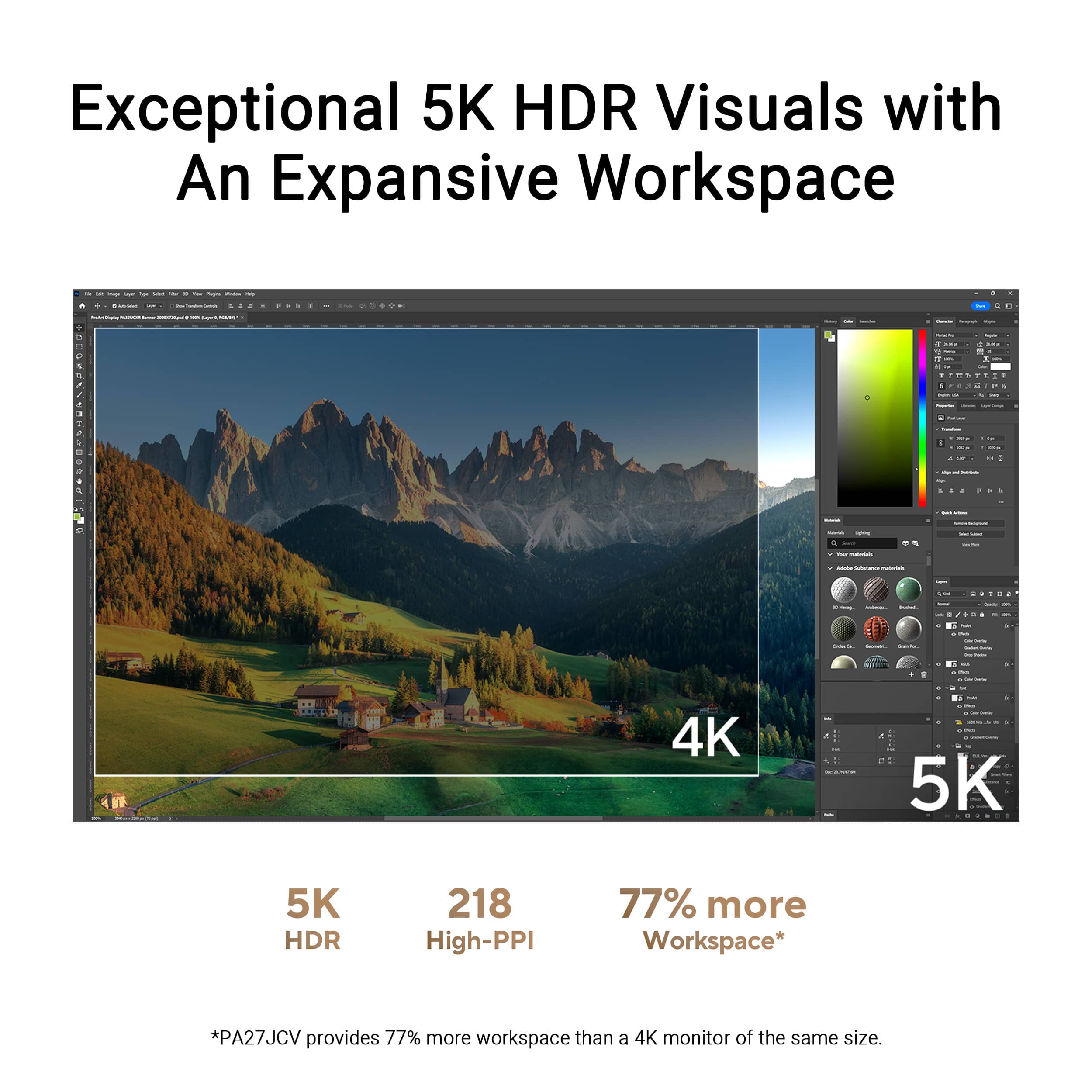
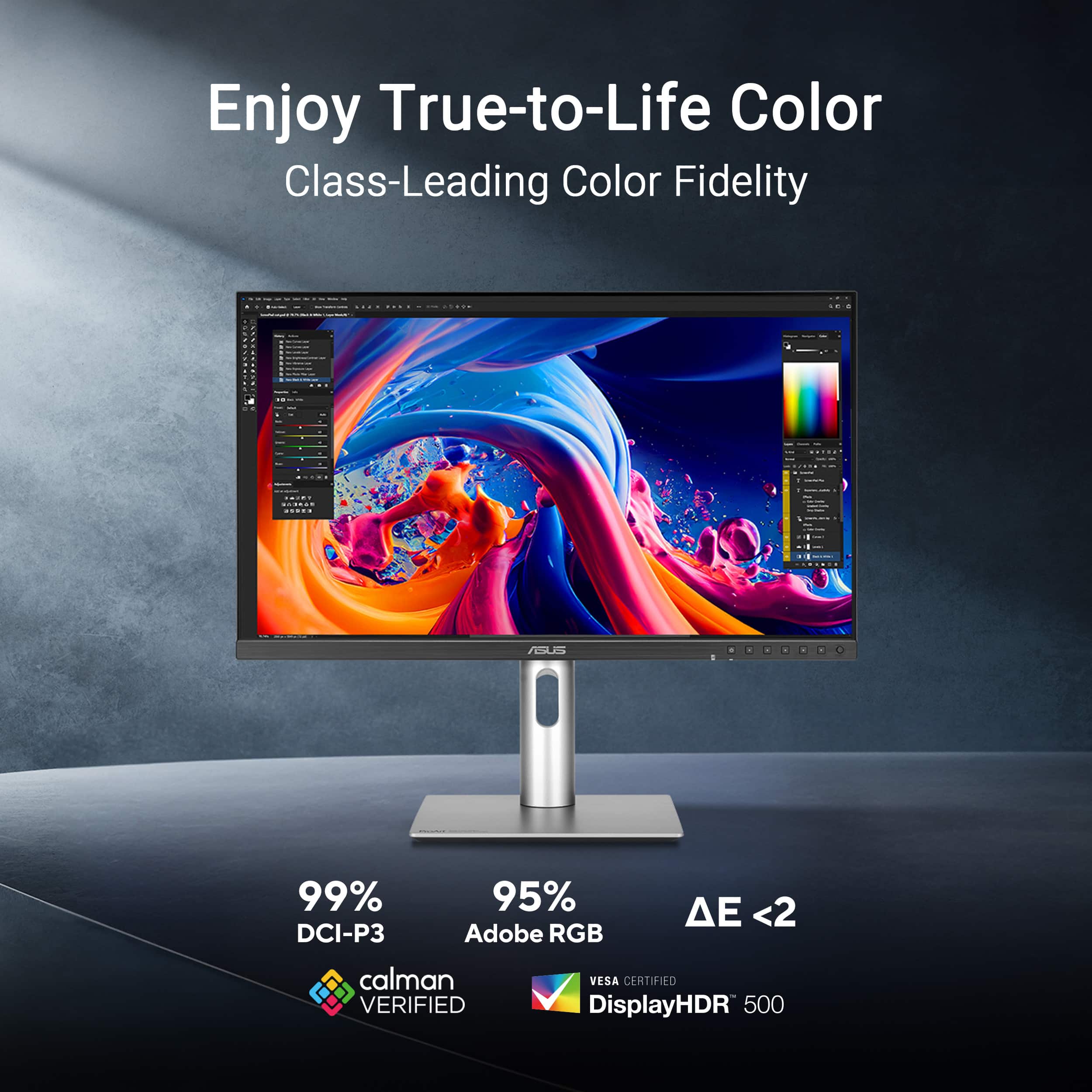
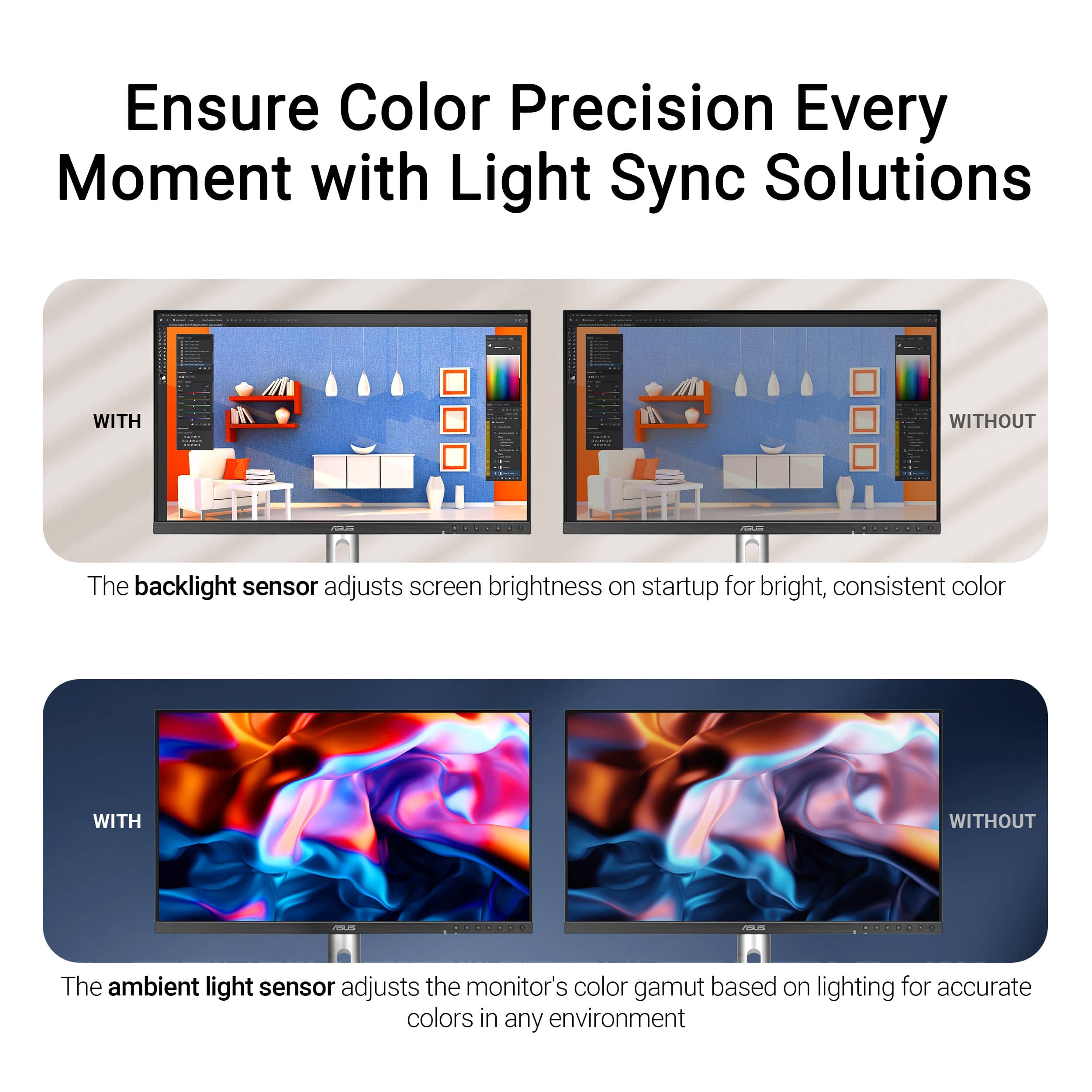
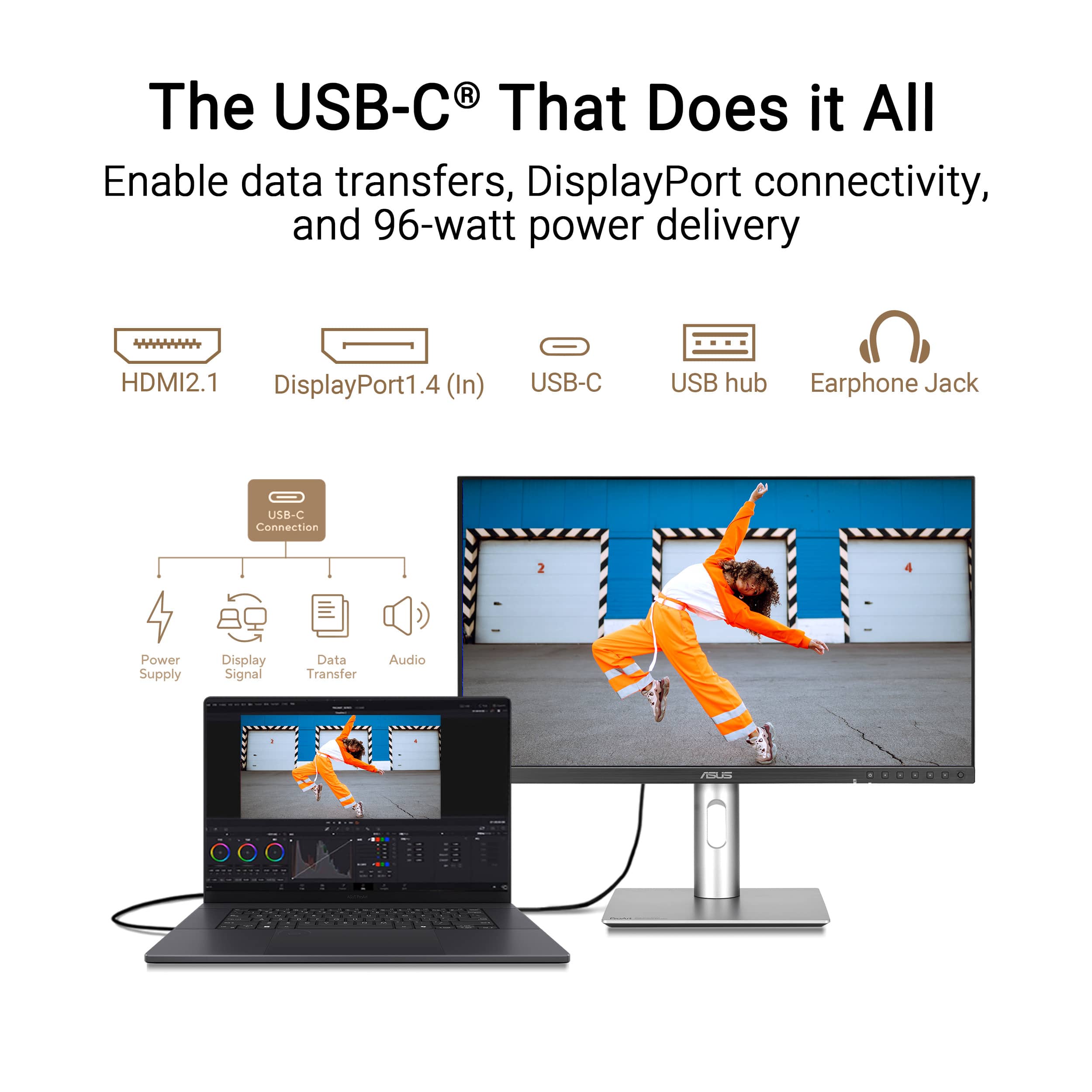
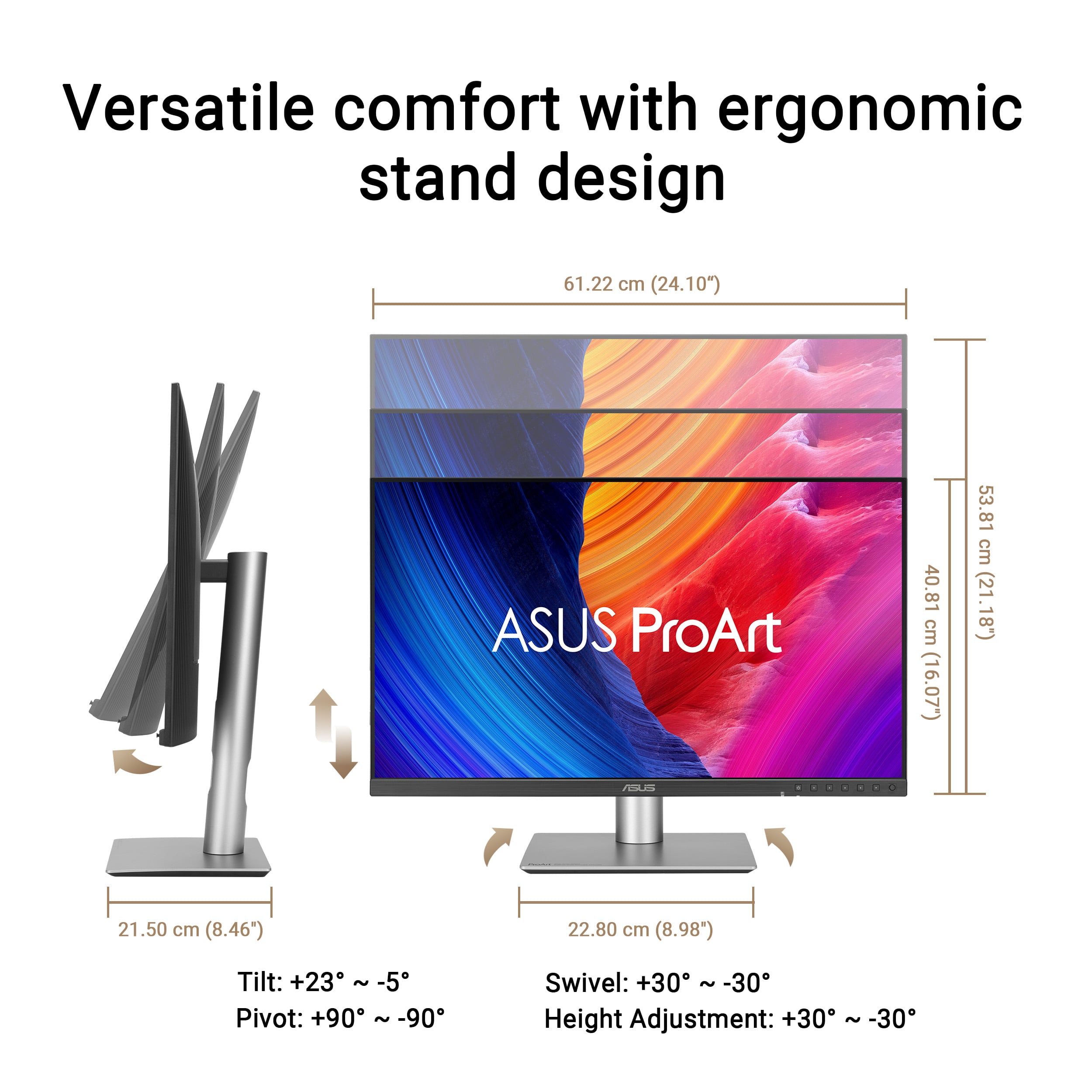
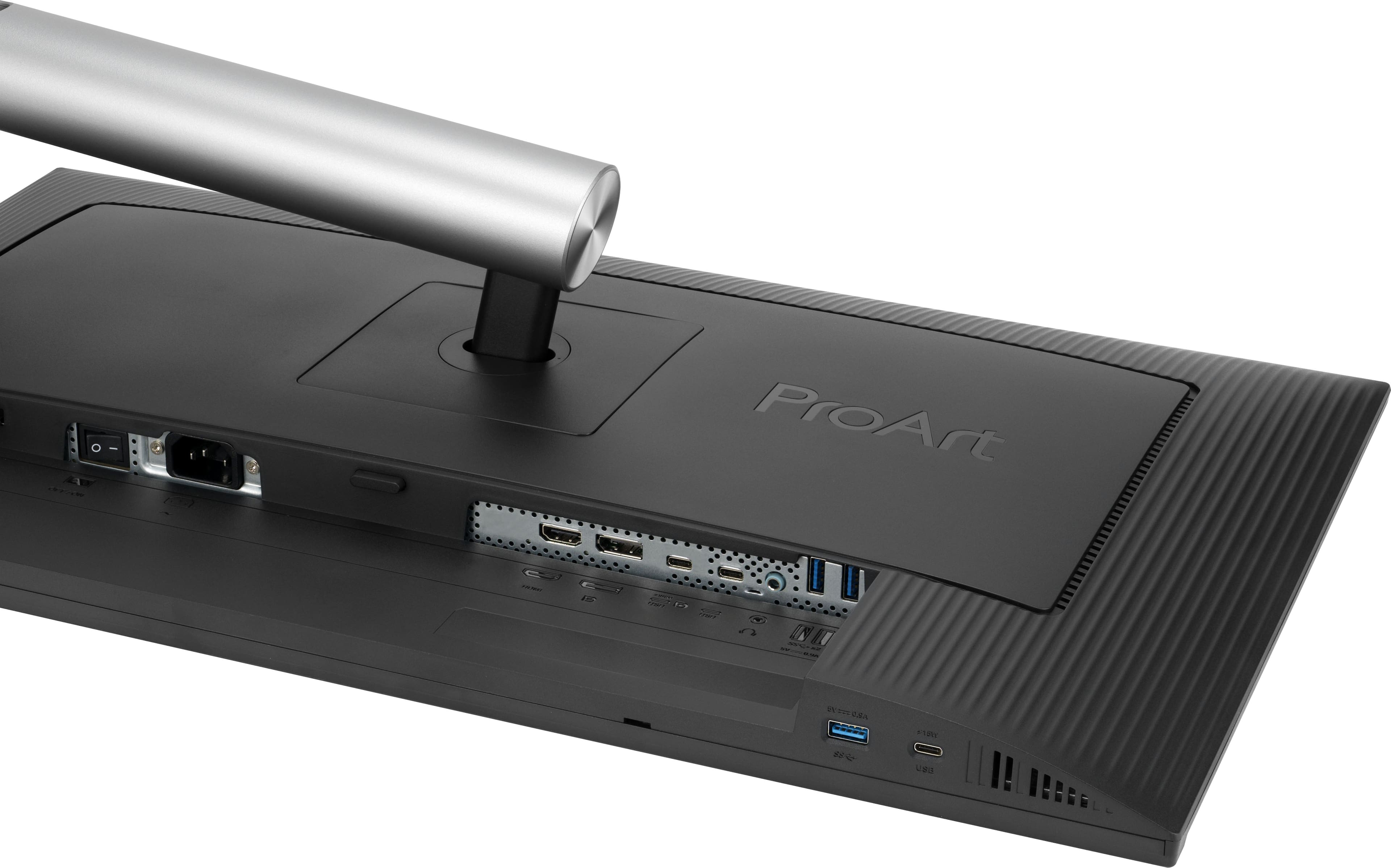
|Posted .This reviewer received promo considerations or sweepstakes entry for writing a review.Choosing the right monitor can be overwhelming, especially if you're like me and upgrading from a 10-year-old Dell Ultrasharp. The ASUS ProArt 27", however, ended up being an impressive choice - especially at its price point. DESIGN Design-wise, it looks like an average run-of-the-mill monitor. While reasonable, I feel that the bezels could be a little thinner, like what Dell does with some of their high-end monitors. The chin makes this somewhat less attractive, with the ASUS branding and all of the control buttons on the front side. Again, I feel that this could have been mitigated with touch-capacitive buttons or, even better, a button knob on the back side with an on-screen menu display. This would have helped eliminate the large chin and buttons on the front side. I'm nitpicking, but after all, it is something we have to look at day after day. The cable management slot is quite low, making it less effective for hiding cables, which is a priority for me. CONNECTIVITY You can connect your computer to the ProArt 27 in multiple ways, including HDMI, DP, or USB-C. If you're using USB-C, it also supports 96-watt power delivery, which should support most laptops. Note that I have a Surface Laptop Studio 3, and while it does power it slowly, it requires 120W for optimal performance. If you have one with a dedicated GPU, you'll want the Surface Connect power cable as well. Side note, I do appreciate the easy-access USB-A and USB-C ports at the bottom of the chin on the left-center of the screen for easily connecting peripherals. There's also a headphone jack and integrated speakers. Don't get too excited, though; the speakers aren't much to write about. In fact, they're more of a courtesy than anything. Your phone will sound better than the speakers in this monitor. You will definitely want to get an external speaker setup, which is a shame because I feel that for a few bucks more, they could have gotten better quality speakers and really made this monitor a standout product. SCREEN/RESOLUTION/PERFORMANCE This is where you are really spending your money. The screen has a perfectly matted surface that deflects the light effectively. Contrast comes at a cost, so if you like super glossy screens, this is not for you. If that’s the case, you may want to overcompensate via the soft settings. With a max resolution of 5120x2880, this is a standout 5K monitor boasting 218 PPI, which I believe is the same density as the Apple Studio Display. While the ProArt only reaches 500 nits peak brightness, it's more than adequate for typical indoor settings. Speaking of settings, if you're truly a designer and/or worried about color calibrations, one feature this monitor boasts is an ambient light sensor that automatically adjusts the monitor's colors and brightness. This is something I highly recommend turning off in the monitor's hardware settings via the OSD. Color-wise, this is almost on par with the Apple Studio Display, but one gripe I have is the light bleed from the LEDs along the outer sides of the panel. It creates a slight blooming effect on dark backgrounds. With that said, dark backgrounds simply will not be as rich on this monitor as on some other higher-end LED monitors and certainly not any OLEDs. At a 60Hz refresh rate, it's perfect for productivity and graphic design work but not ideal for gaming. For that, you'll want something with a high refresh rate, like 120Hz or faster. OVERALL Considering the stunning 5K resolution at this price point, the ASUS ProArt 27" is hard to beat when compared to something like the Apple Studio Display. Oh, and the built-in KVM is also a bonus in my book if you have a desktop and laptop setup (or simply two computers in general). Are there better options on the market? Sure, but those typically come with a higher price tag. In terms of value per dollar, this is hard to beat. Coming from an 11-year-old Dell UltraSharp monitor, the ProArt is quite an upgrade in every way imaginable, and I am so happy I get to use this as my daily driver. I'm sure you'll be happy with it as well.
I would recommend this to a friend