Customer Ratings & Reviews



- Model:
- GU603VI-G16.I74070
- |
- SKU:
- 6572582
Customer reviews
Rating 4.5 out of 5 stars with 397 reviews
(397 customer reviews)Rating by feature
- Battery Life4.2
Rating 4.2 out of 5 stars
- Speed4.7
Rating 4.7 out of 5 stars
- Display4.6
Rating 4.6 out of 5 stars
Customers are saying
Customers are enthusiastic about the ROG Zephyrus G16's overall performance, battery life, and portability, with many appreciating its lightweight design and fast refresh rate. While the laptop generally receives positive feedback, some users have expressed concerns regarding fan noise and heat. A few others feel that the storage capacity could be improved and have mentioned issues with connectivity.
This summary was generated by AI based on customer reviews.
- Pros mentioned:Ram
Rated 5 out of 5 stars
Amazin Notebook! Robust for all games!
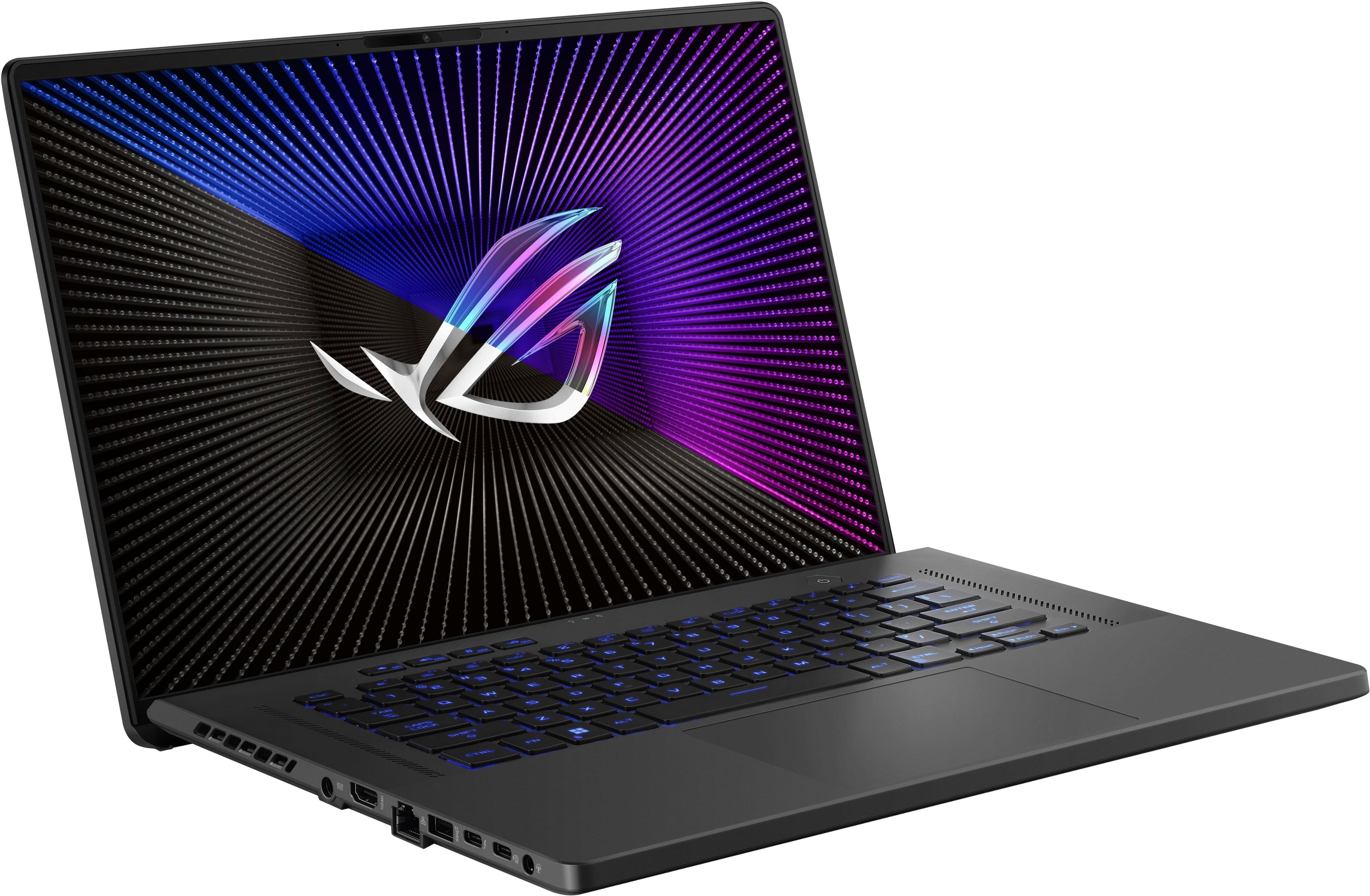
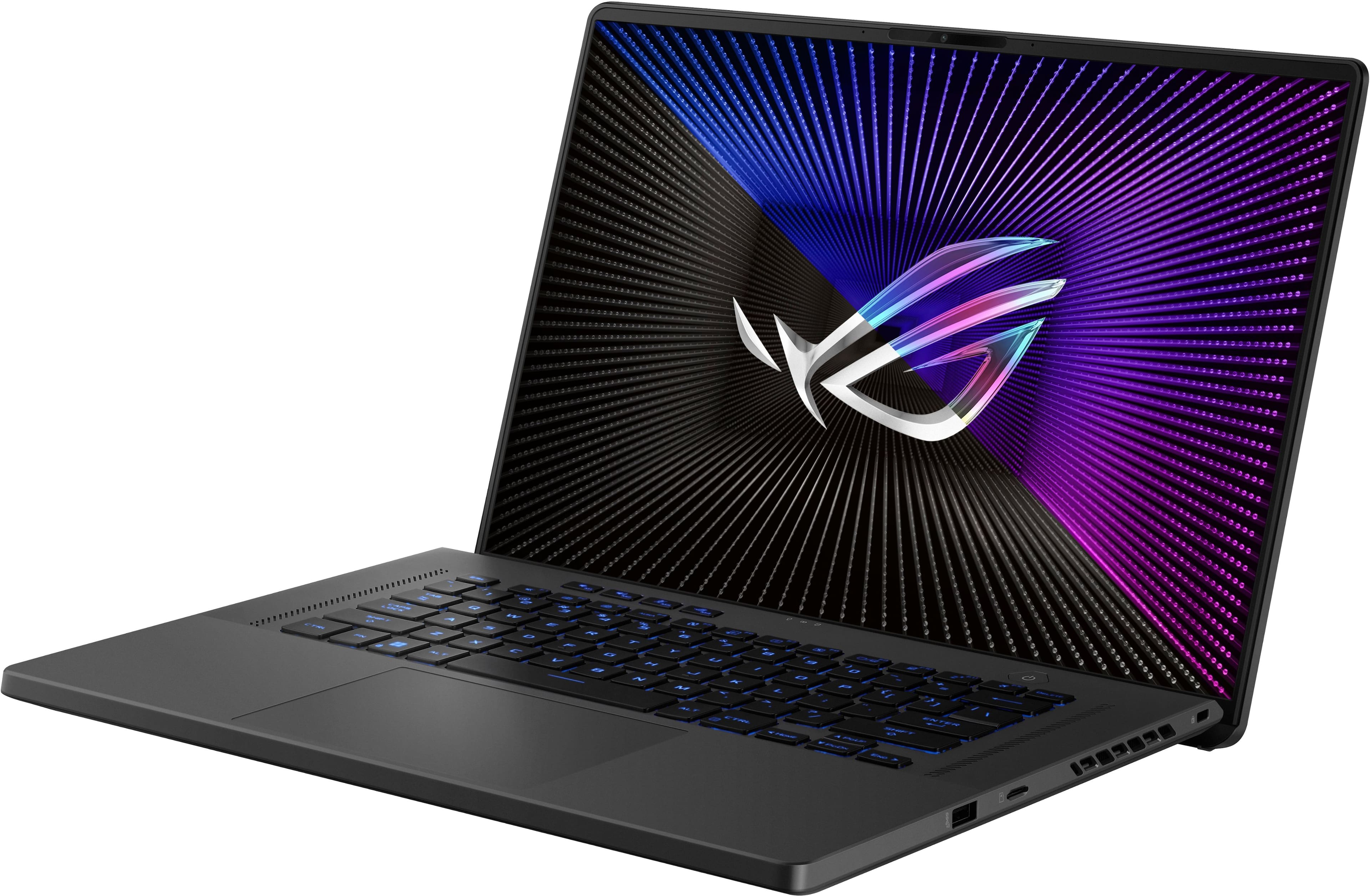
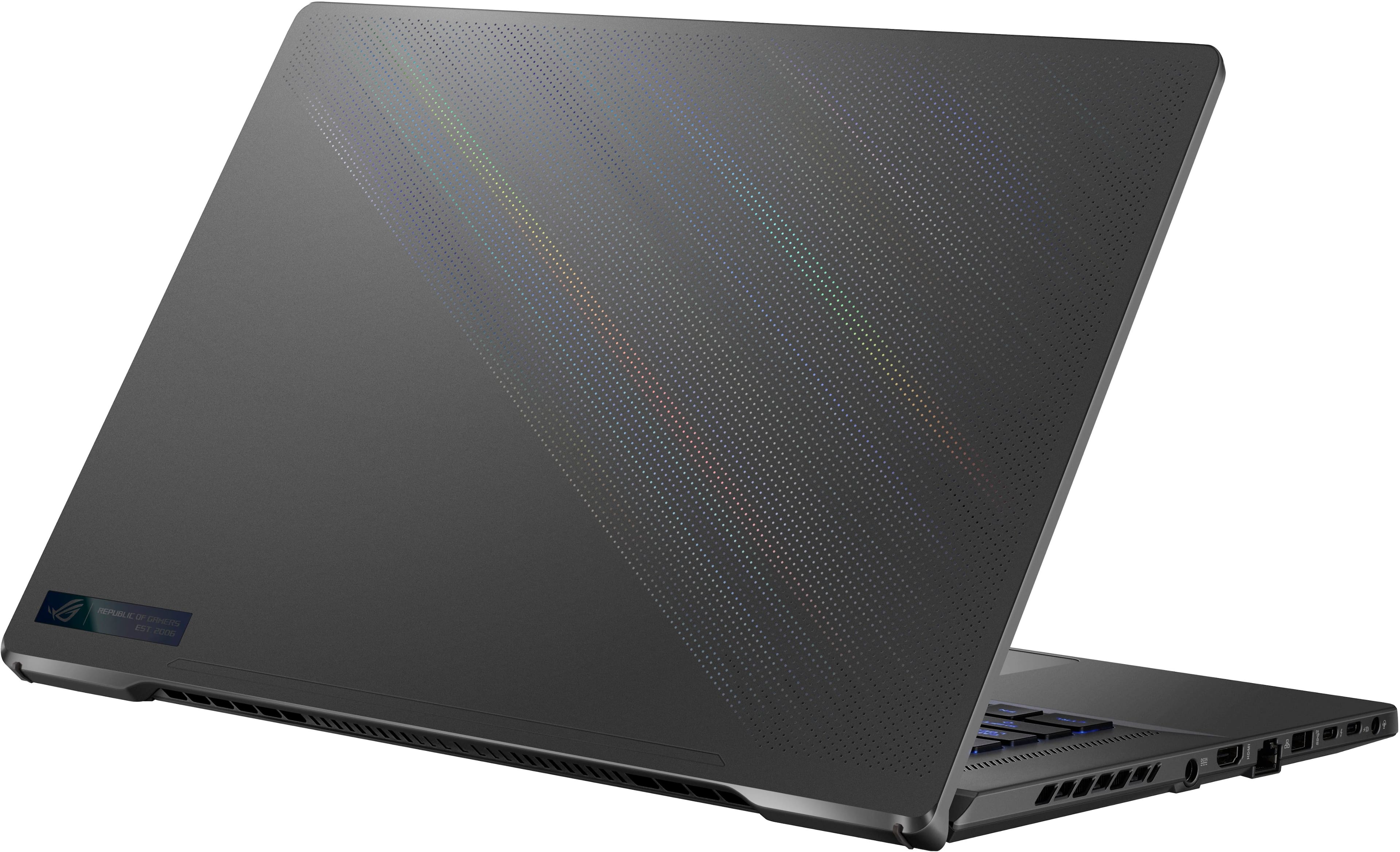
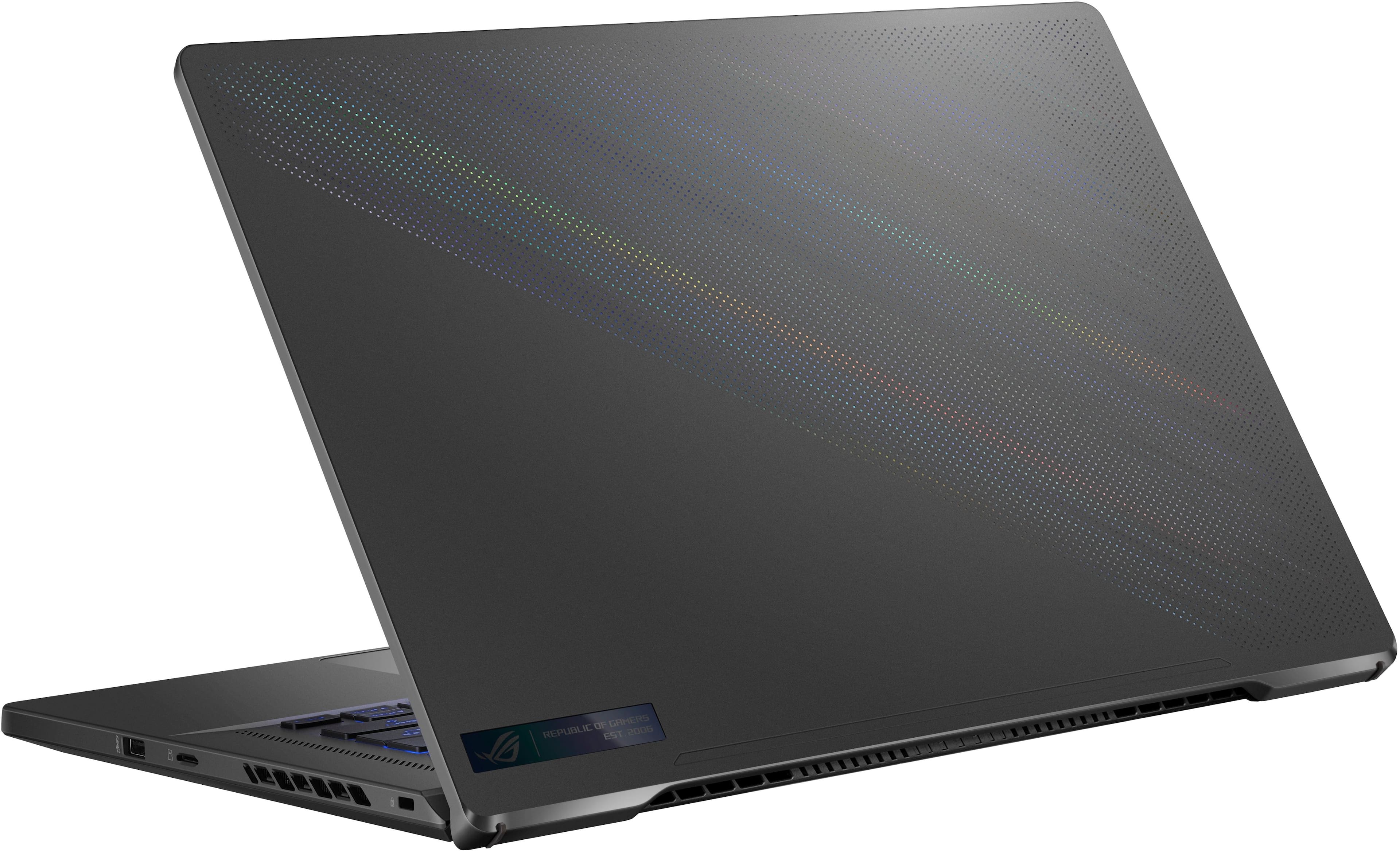
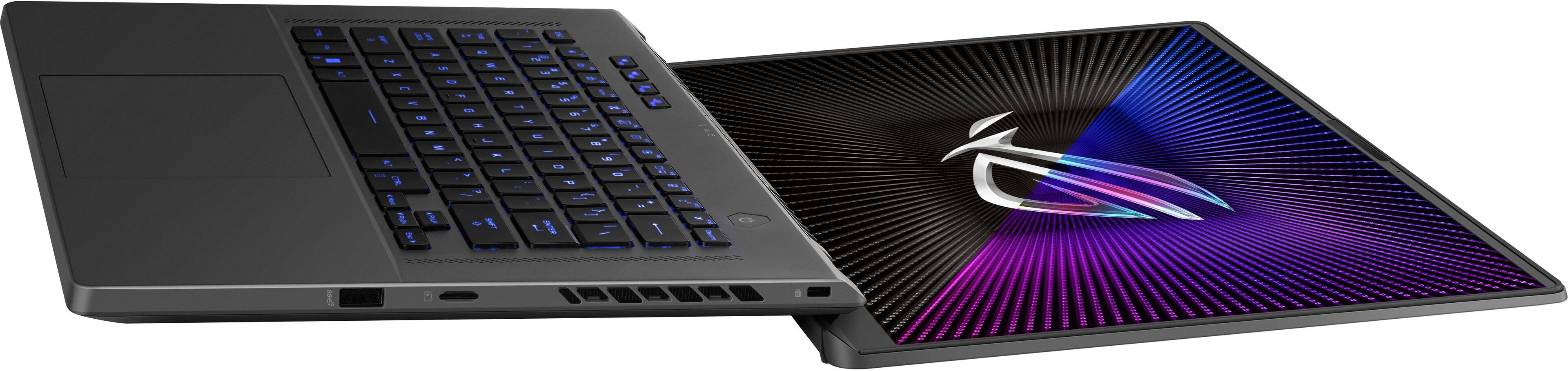
||Posted . Owned for 1 week when reviewed.This reviewer received promo considerations or sweepstakes entry for writing a review.The ASUS ROG Zephyrus G16 offers a solid combination of performance and visuals for gamers. With its 16-inch FHD display boasting a 165Hz refresh rate, it ensures smooth and vibrant visuals, essential for an immersive gaming experience. Under the hood, the laptop is powered by the Intel 13th Gen Core i7 processor, providing robust processing power for demanding tasks and multitasking. Paired with 16GB of memory, it ensures efficient performance and quick load times. The inclusion of the NVIDIA GeForce RTX 4070 graphics card enhances the gaming experience, delivering excellent graphics capabilities for both current and upcoming game titles. With ray tracing and AI technologies, games come to life with more realistic lighting and shadows. Storage is well-catered with a 512GB SSD, offering fast boot times and quick access to your files and games. One of the highlights is its design and build quality, marked by the Eclipse Gray color that brings a sleek, modern aesthetic. This laptop is not just about gaming prowess; it's also about delivering a refined look that fits into both gaming setups and professional environments. Overall, the ASUS ROG Zephyrus G16 is a well-rounded gaming laptop ideal for those seeking powerful performance, high-quality graphics, and a portable yet visually appealing design.
I would recommend this to a friend - Pros mentioned:Battery life, Portability, Weight
Rated 5 out of 5 stars
A keeper
||Posted .This reviewer received promo considerations or sweepstakes entry for writing a review.Excellent laptop all around for a slim gaming PC. This laptop has 16gb soldered ram and 512gb SSD already installed. I waited for prices to drop and when they did I seized the opportunity quick on one of these devices. I also upgraded the ram with an additional 32gb Crucial stick in the empty ram slot ($90 from $140) and an additional 4TB Crucial P310 NVMe M.2 PCIe Gen 4x4 SSD in the empty SSD slot ($200 from $250) since deals were plenty. I bought this laptop as an open box excellent clearance sale for a total of around $1100. I plan on upgrading the original SSD and swapping it out for another crucial 2TB SSD when that goes on sale for about $100. After all the upgrades the total cost should be just under $1500. For $1500 I believe this is the best value slim gaming laptop on the market for its year due to its upgrade ability with the additional ram and SSD slots. Great screen and all around specs for gaming and light creative work. Speakers are on par with MacBooks. Fits in most regular sized backpacks. Feels about a light 7lbs with the charger in backpack. Holds performance with USB-C charging. Battery life and performance is great for about 2+ hrs continuous gaming with no charge, depending on the game. Doesn’t get too hot. If you play over 3+ hours nonstop I suggest a laptop fan cooler stand. I also recommend to set the charging capabilities to 80% to extend the life of the battery since this laptop is a keeper for the FHD resolution gamers alike. Lastly, my open box excellent device only had a small indentation on the top right of the screen side back plate but does not cause any issue with the screen itself.
I would recommend this to a friend - Pros mentioned:Battery life, RamCons mentioned:Fan noise
Rated 5 out of 5 stars
2023 asus rog zephyrus g16 fhd 165hz
||Posted . Owned for 2 weeks when reviewed.This reviewer received promo considerations or sweepstakes entry for writing a review.Great laptop highly recommend, i take this to work all the time and its a beast. Gaming drains the battery fast while, doing basic stuff like homework it can remain on upwards to 8 hrs +without charging. Got no complaints with the fhd. I will say the fan can be a little loud and 512 gb is a little small. But upgrading the ram and ssd is surprisingly pretty cheap. Highly recommend.
I would recommend this to a friend - Pros mentioned:Battery life, Ram
Rated 5 out of 5 stars
Very nice laptop
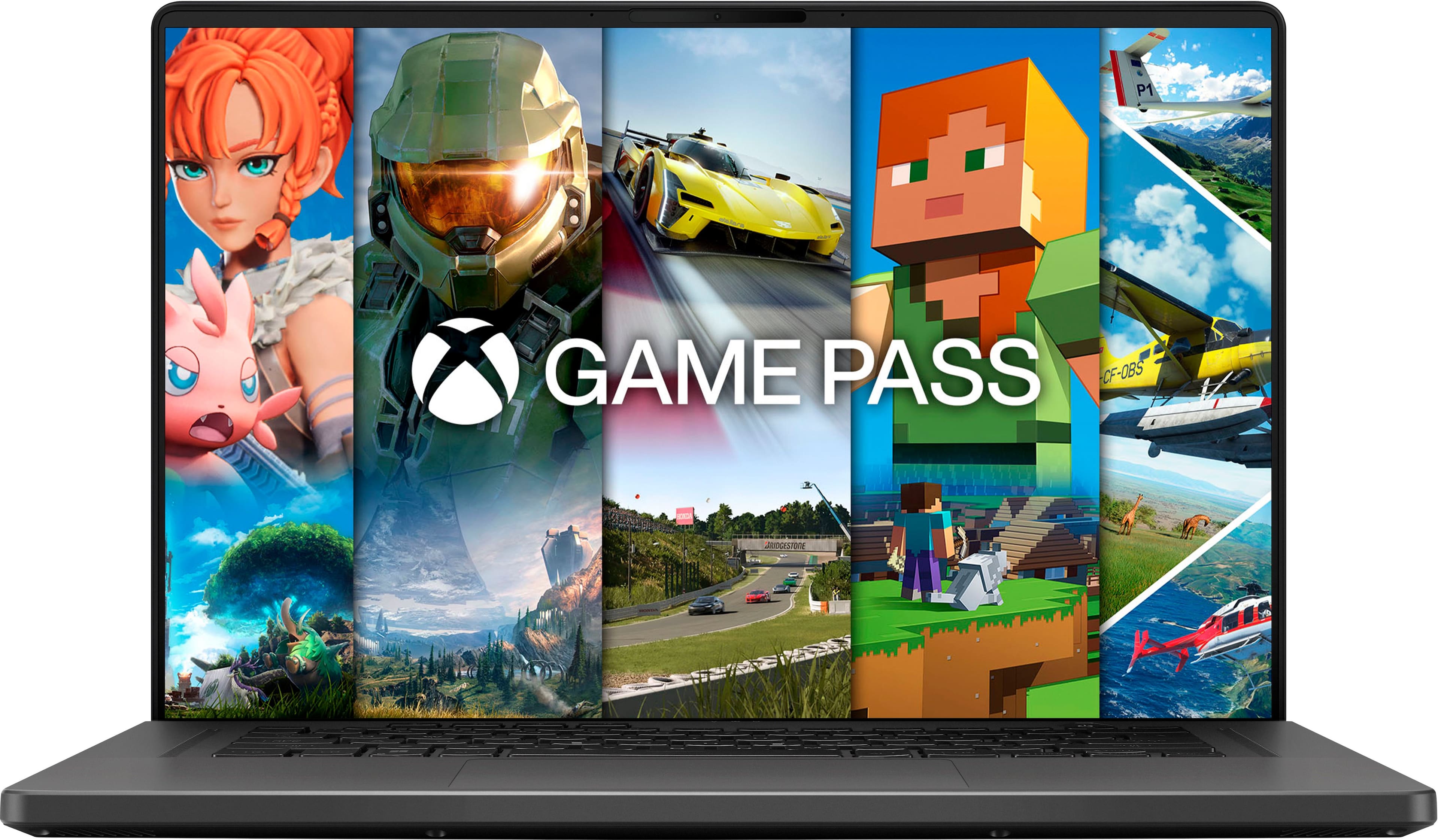
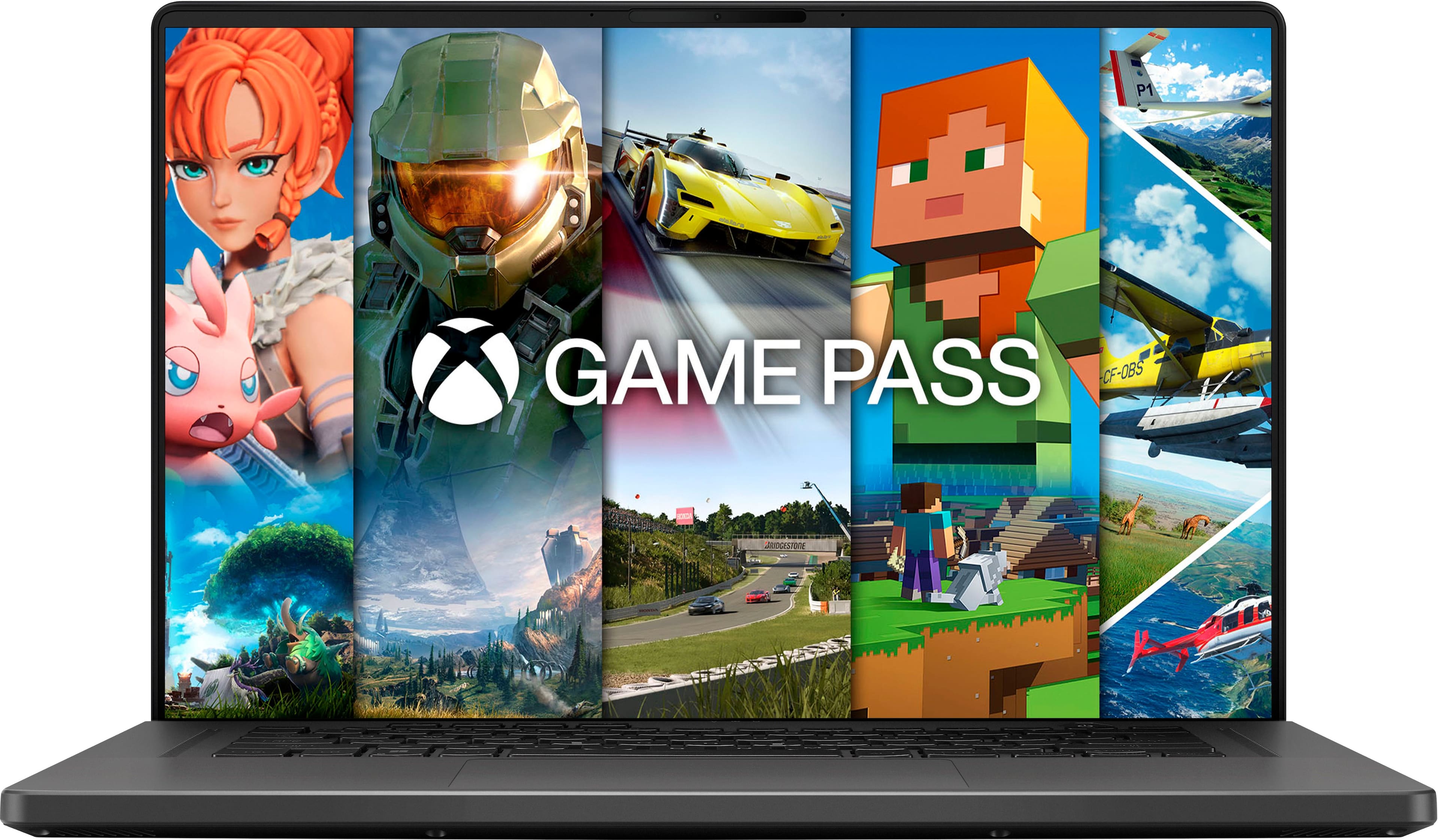
||Posted . Owned for 1 month when reviewed.This reviewer received promo considerations or sweepstakes entry for writing a review.Amazing laptop. Open box with Excellent condition. Everything works. 1-2 day delivery. Very good sound system. Has good sound stage. Aluminium body. Silent Eco mode is good. Battery would last 10 hours that way. Still very powerful cpu. I get 16.2K score from cinebench r23 on turbo mode. Rtx 4070 and mux switch. Battery bypass works on barrel charger. Nice. Screen colors are actually good. 165hz ips gsync. I couldn't get hdmi only to make gsync work on external display yet. 2kg. 13620H cpu. Very fast actually.. Touch pad and keyboard are nice 500gb ssd and 16gb ram. 3 months xbox ultimate game pass works too.
I would recommend this to a friend - Pros mentioned:Battery life, Ram
Rated 5 out of 5 stars
Beautifull and amazing. Great battery life.
||Posted . Owned for 3 months when reviewed.This reviewer received promo considerations or sweepstakes entry for writing a review.This is great laptop for gamers. I play latest AAA games they all looked beautiful and are smooth. Had no issues at all. The build quality is great. The screen is FHD but still great. The sound is the best compared to many laptops out there. The keyboard is great as well. The battery was great for casual stuff browsing and vedios atleast 6hrs. If you are gaming you have to plug and play. That is the best way. There is no laptop that will give you more battery life while gaming not even this one. The RAM is expandable. There one 16gb soldered and one additional slot. I added another 32gb DDR4 RAM it worked amazing. There also another slot for SSD as well.
I would recommend this to a friend - Pros mentioned:Overall performance
Rated 5 out of 5 stars
Blazing Fast Performance & Stunning Display – A Ga
||Posted .This reviewer received promo considerations or sweepstakes entry for writing a review.I recently picked up the ASUS ROG Zephyrus G16, and I couldn’t be happier with my purchase. The 13th Gen Intel Core i7 paired with the RTX 4070 delivers outstanding performance—whether I’m gaming, editing videos, or multitasking, everything runs smooth and lightning fast. The 16” FHD display with 165Hz refresh rate is crisp and incredibly fluid, making games look absolutely stunning. Build quality is top-notch, and the Eclipse Gray design gives it a sleek, professional look. The 512GB SSD ensures rapid load times and quick boot-up, and the 16GB RAM handles all my tasks without a hitch. Picked up at the Arlington Outlet with no hassle. Great customer service and smooth pickup experience. If you’re looking for a powerful, reliable gaming laptop, this one is a beast. Highly recommended!
I would recommend this to a friend Rated 5 out of 5 stars
Highly recommended!
||Posted .This reviewer received promo considerations or sweepstakes entry for writing a review.I recently got the ASUS ROG Zephyrus G16, and it's an incredible gaming laptop. The display is stunning, offering vibrant colors and smooth gameplay with minimal tearing—perfect for fast-paced games. NVIDIA GeForce RTX 4070 GPU make this laptop a powerhouse for both gaming and productivity, handling multitasking and demanding applications with ease. The design is sleek and premium, with a sturdy aluminum chassis in Eclipse Gray. It’s slim yet powerful, striking a good balance between portability and performance. The cooling system keeps things surprisingly cool under load, with only minor fan noise. Battery life is decent for general use, but it drains faster during intense gaming. The keyboard is comfortable, and the customizable RGB backlighting is a nice touch. Audio quality is clear but not exceptional, so headphones are a better option for gaming. Overall, the ASUS ROG Zephyrus G16 is a fantastic all-around laptop for gaming, work, and entertainment, offering top-tier performance in a stylish and portable package. Highly recommended!
I would recommend this to a friend- Pros mentioned:Overall performance
Rated 5 out of 5 stars
It's an impostor with the specs!
||Posted . Owned for 3 weeks when reviewed.This reviewer received promo considerations or sweepstakes entry for writing a review.First i wanna say if I could give this a 4.5 stars i would! Only because it's an impostor with the specs! I bought this for my husband a month ago. He noticed the specs didn't match the website, Best buy has it listed as 1920x1080p! When he opened the box he learned that it's actually an 1920x1200 display (Better in his opinion.) he did some digging to find out why BB had it listed at 1080p, when the laptop says 1920x1200 out the box! After having trouble on google he finally found the right version on Asus. He learned that they off the same exact one that did come with a 1080p fhd display, but also that the main version of the gu603vi-g16.i74070 comes with the oled 240hz rtx4070, and that you can replace the panel with the 1920x1200 fhd! (You can't replace the fhd screen with an oled tho, which is dumb!) Thought we'd share that knowledge we found out! He recently got into pc/laptop gaming. He upgraded from an RTX3050 TO THE RTX4070 & ABSOLUTELY LOVES IT! IT CAN RUN ANY GAME ON HIGH/ULTRA NO LIE! It's worth picking up on sale, only because there's newer 2024, 2025 models of the G16 with better displays, that come equipped with bigger hard drives, and more ram! If you pick this one up make sure you grabb an extra stick of 16 or 32gb of ram (max is 42 or 48? Can't remember.) We got it while listed at $1,100 after taxes! (Originally 1,500!) Posted a pic of AC SHADOWS running everything on ultra! As well as pics of the correct specs
I would recommend this to a friend - Pros mentioned:Battery life
Rated 5 out of 5 stars
Great laptop.
||Posted .This reviewer received promo considerations or sweepstakes entry for writing a review.Well I couldn’t be more happy with it! I got it a V10 llano cooler (had to cut off some of the foam so the hot air can flow) and it’s amazing! I also turned off cpu bust and also temps dropped a lot! My previous zephyrus s RTX 2070 died after 5 years so had to get other one. I was playing overwatch with 80-90C before And with cpu boost off got 65-70C CPU boost off+ cooler was playing at 48-50C The Witcher 3, max res 1080x1200 Before it was 85C even 90C or more Boost off - 75C Cooler + boost off - 58-62C Battlefield 6 was great was getting 145 FPS ALLday temps was not even hitting over 80c I was afraid of turning it off because I’m not sure when it’s necessary but for the games I play it’s better for me I mostly use it connected but battery is pretty good as well, in eco mode + silent last longer, for YouTube, streaming apps and navigating. Mine it’s 16gb and upgraded 1 more 16gb ram to make it 32gb and it’s more than enough for me.
I would recommend this to a friend - Cons mentioned:Heat, Storage
Rated 5 out of 5 stars
5 Stars
||Posted . Owned for 1 month when reviewed.This reviewer received promo considerations or sweepstakes entry for writing a review.This is a really great laptop overall! The only downside is the storage 512GB of SSD isn’t quite enough if you’re planning to game, especially with something like Call of Duty. I ended up upgrading the storage myself, which solved the issue. Also, the charger does get pretty hot during use while gaming, so that’s something to keep in mind. Other than that, I’m really happy with the purchase!
I would recommend this to a friend - Pros mentioned:Overall performance, Weight
Rated 5 out of 5 stars
Great Laptop for the price. On sale or not.
||Posted . Owned for 1 month when reviewed.This reviewer received promo considerations or sweepstakes entry for writing a review.Absolute unit for the price. Especially when on sale. Laptop runs modern games on highest settings. Even can do 4K at ok frame rates on certain games. Adding a nvme m.2 and extra stick of ram was super easy. Laptop looks dope, isn't crazy heavy, and fans are surprisingly tolerable when wide open. Would recommend.
I would recommend this to a friend - Pros mentioned:Weight
Rated 5 out of 5 stars
Great laptop
||Posted . Owned for less than 1 week when reviewed.This reviewer received promo considerations or sweepstakes entry for writing a review.Great and quality laptop, upgradable and good screen. Runs hot but a minor tweak can resolve those issues. Sleek design and not to heavy.
I would recommend this to a friend - Pros mentioned:Weight
Rated 5 out of 5 stars
Exactly what I need
||Posted . Owned for 3 weeks when reviewed.This reviewer received promo considerations or sweepstakes entry for writing a review.After doing lots of research, I landed on the ASUS ROG Zephyrus for a balanced combo of gaming/work/creativity/entertainment. In the store, the G16 looked unnecessarily large compared to the G14, so I chose the G14. I returned it after a few weeks because it got SUPER hot way too fast. Since I don't need to prioritize portability and read that the OLED display contributes to temperature issues, I switched to the G16. It's much heavier than the G14 but for a gaming computer it's very sleek. This laptop is not OLED... OLED is absolutely stunning, but for me it's not necessary, especially since I usually connect my laptop to my TV via HDMI and don't need a perfect display to write or work on my laptop. I've had the same refurbished Mac for the past decade, so this was a big leap for me (including reorienting myself to Windows). If you can, check them out in store and see what works best for you
I would recommend this to a friend - Pros mentioned:Battery life, Portability
Rated 5 out of 5 stars
Excellent Computer.
||Posted . Owned for 1 month when reviewed.This reviewer received promo considerations or sweepstakes entry for writing a review.This is the best laptop that I have owned. The performance that can give you on battery life is quite excellent. The aluminum body excels on a robust looks and it's almost lightweight. So you can actually bring it anywhere you want. So far its been an amazing month gaming and working on it.
I would recommend this to a friend Rated 5 out of 5 stars
Elevating Gaming with the ASUS ROG Zephyrus G16.
||Posted . Owned for 2 months when reviewed.This reviewer received promo considerations or sweepstakes entry for writing a review.ASUS ROG Zephyrus G16: A Gaming Powerhouse with Stunning OLED Display I’ve been using the ASUS ROG Zephyrus G16 for the past couple of months, and I have to say, it’s exceeded my expectations in every way. Powered by the latest Intel 13th Gen Core i7 and equipped with the NVIDIA GeForce RTX 4070, this laptop delivers exceptional performance, whether I’m diving into high-end gaming or multitasking with demanding apps. The standout feature for me is the OLED display. Playing Ghost of Tsushima on this screen is nothing short of breathtaking. The rich contrast, vibrant colors, and deep blacks make every detail pop, offering an immersive experience that’s hard to match on a standard display. The 165Hz refresh rate ensures smooth and fluid gameplay, especially during intense combat sequences. The build quality is also top-notch, with a sleek CNC aluminum body that feels premium and durable without being too heavy. The laptop is also surprisingly well-ventilated, keeping temperatures under control during long gaming sessions. In short, the ROG Zephyrus G16 is a fantastic choice for gamers who want a balance of power, portability, and premium design. If you’re looking for a machine that brings games to life with stunning visuals and smooth performance, this laptop is definitely worth considering.
I would recommend this to a friend- Pros mentioned:Ram
Rated 4 out of 5 stars
Surprisingly excellent budget gaming laptop
||Posted . Owned for 1 month when reviewed.This reviewer received promo considerations or sweepstakes entry for writing a review.I needed a laptop to use for work and for gaming so I decided to go with this budget laptop. Although it is an I7, and a FHD laptop, it does a superior job at running AAA games at High- Ultra graphics. The only downside is that I had to buy another 1TB ssd drive. I bought a 32gb sodimm ram stick to increase the speed as well.
I would recommend this to a friend - Pros mentioned:Overall performance
Rated 5 out of 5 stars
Good enough that I bought two
||Posted . Owned for 1 month when reviewed.This reviewer received promo considerations or sweepstakes entry for writing a review.Pros Functions well Has decent storage Not loud! No fan going brrrr constantly. Graphics and quality is good. Cons Sometimes the updates dont work properly and your computer gets stuck on the update screen. Sometimes certain games like valorant or marvel rivals doesnt boot up so you have to become your own it support snd try the figure out why the heck your computer wont boot up the game. All in all good computer, good graphics and a good time.
I would recommend this to a friend - Pros mentioned:Overall performance
Rated 5 out of 5 stars
Thin & Powerful
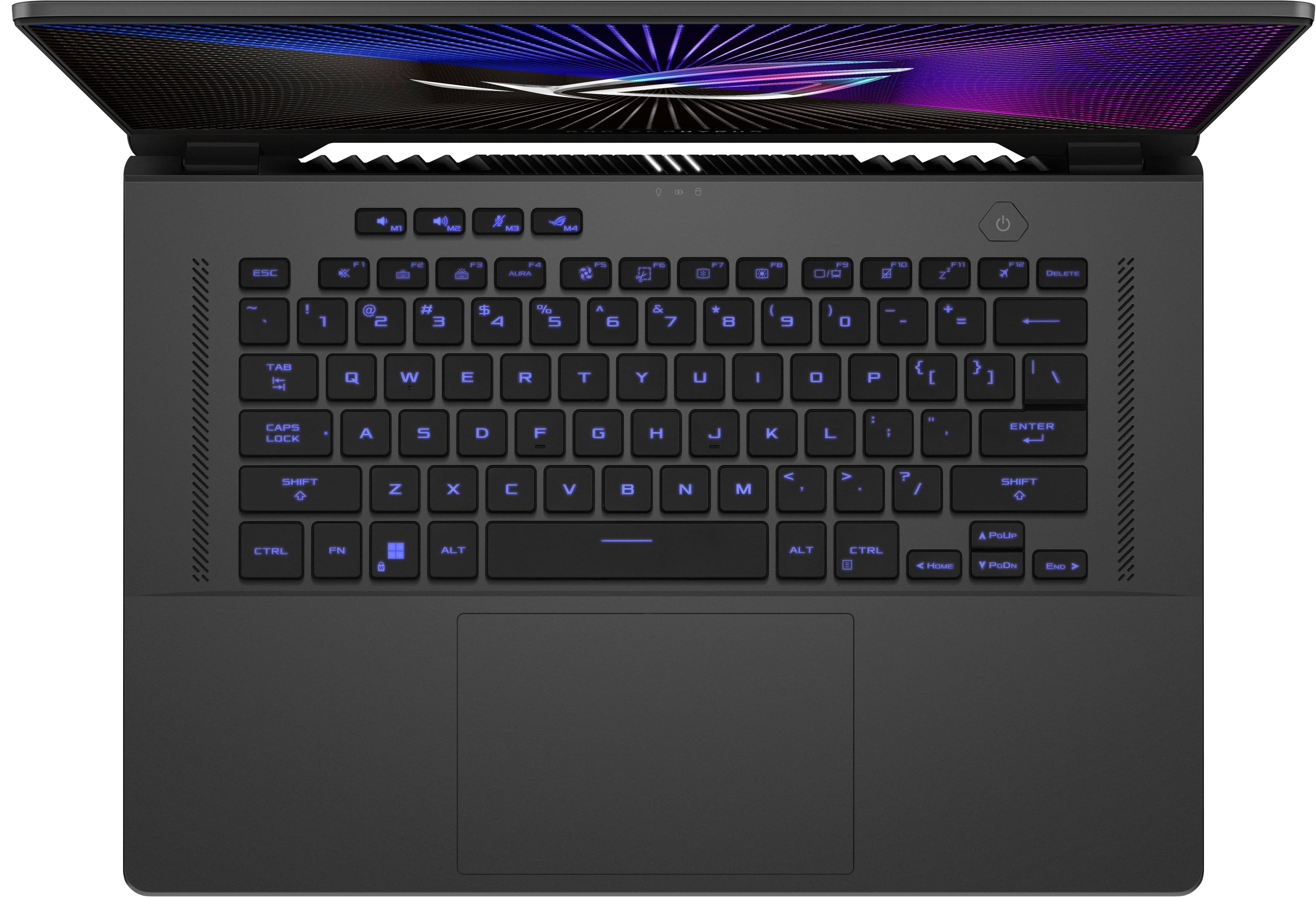
||Posted . Owned for 3 weeks when reviewed.This reviewer received promo considerations or sweepstakes entry for writing a review.I can say that it was pretty much what I was looking for, for the type of computer I was searching for (Architecture Design Software) It runs everything very smooth, I have upgraded it with a 2TB SSD and another 16GB Ram. The unique minus for this laptop is the keyboard which pretty much a 14" laptop keyboard, there is lost space, is not a big deal but pretty much very thin (not that light but acceptable) Deginetely recommended.
I would recommend this to a friend - Cons mentioned:Heat
Rated 5 out of 5 stars
The Zephyrus G16 is a tank
||Posted .This reviewer received promo considerations or sweepstakes entry for writing a review.I was going to wait for a 50 series nvidia laptop but i couldn't pass on this laptop for 1k! Rtx 4070 with the intel cpu is a powerhouse for the price!!! I threw in another 2tb ssd and 16gb ram. I play my games maxxed setting at native resolution and get amazing FPS. In Cyberpunk i get over 140 FPS for reference. The screen is beautiful and the keyboard feels nice as well. Only downside i can think of is the temps but its a gaming laptop so its going to run hot. VERY happy i didnt wait for a 5070
I would recommend this to a friend - Pros mentioned:Overall performance
Rated 5 out of 5 stars
Awsome would reccemend!
||Posted . Owned for 7 months when reviewed.This reviewer received promo considerations or sweepstakes entry for writing a review.very well rounded computer I purchased the 16 gb ram with i7 13th generation and an rtx 4070 model.i tested it with fortnite,rocket league,pubg and roblox in wich fortnite on 1v1 lowest settings in a 1v1 map it got around 550 frames pubg max settings ran amazingly smooth at 130 frames while roblox it got 200 in rivals.Very impressive for the price.The screen is amazing runs at 4k again very impressive compared to other options around the price (that I also looked at)would reccemend I haven't had any issues at all.
I would recommend this to a friend