Customer Ratings & Reviews
- Model:
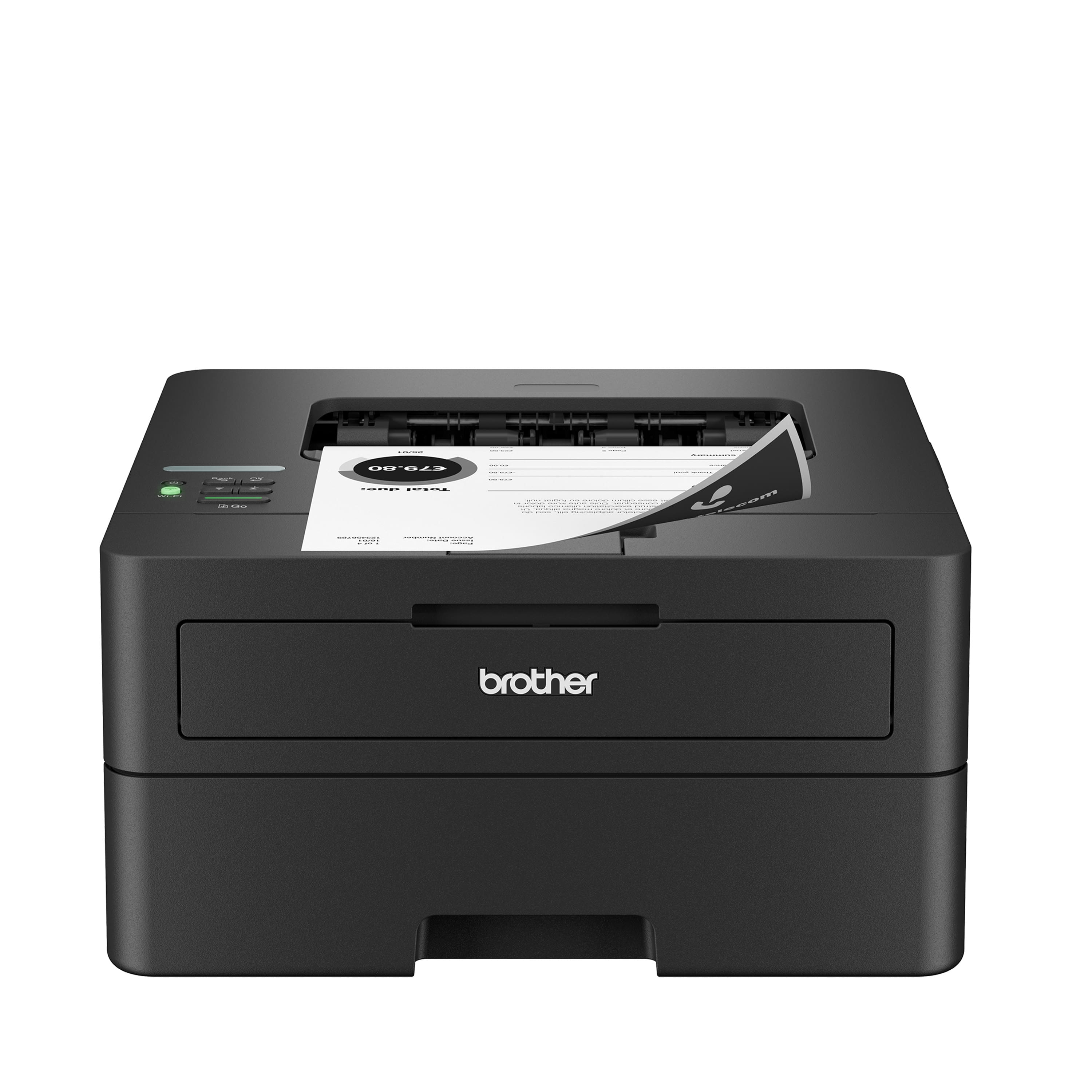
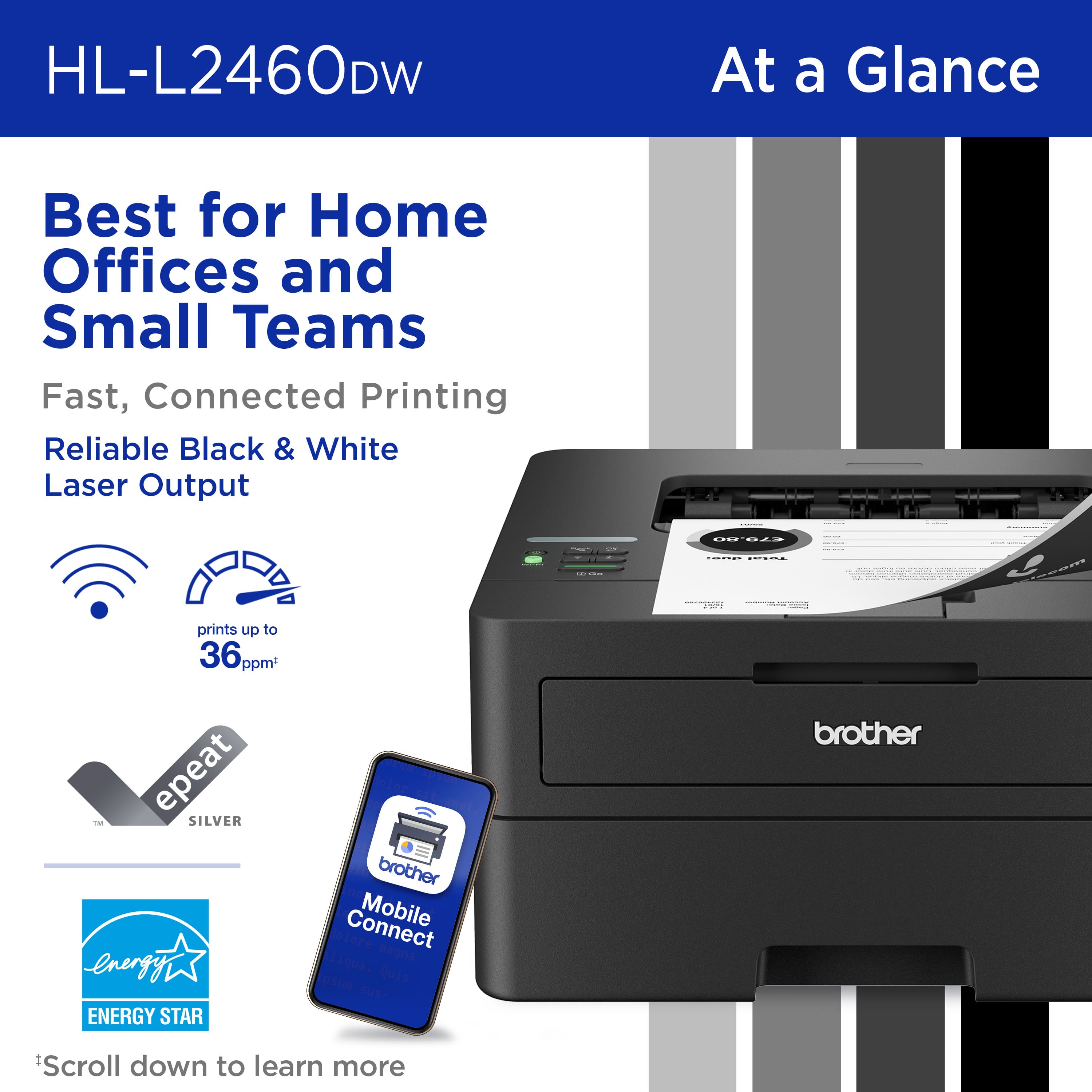
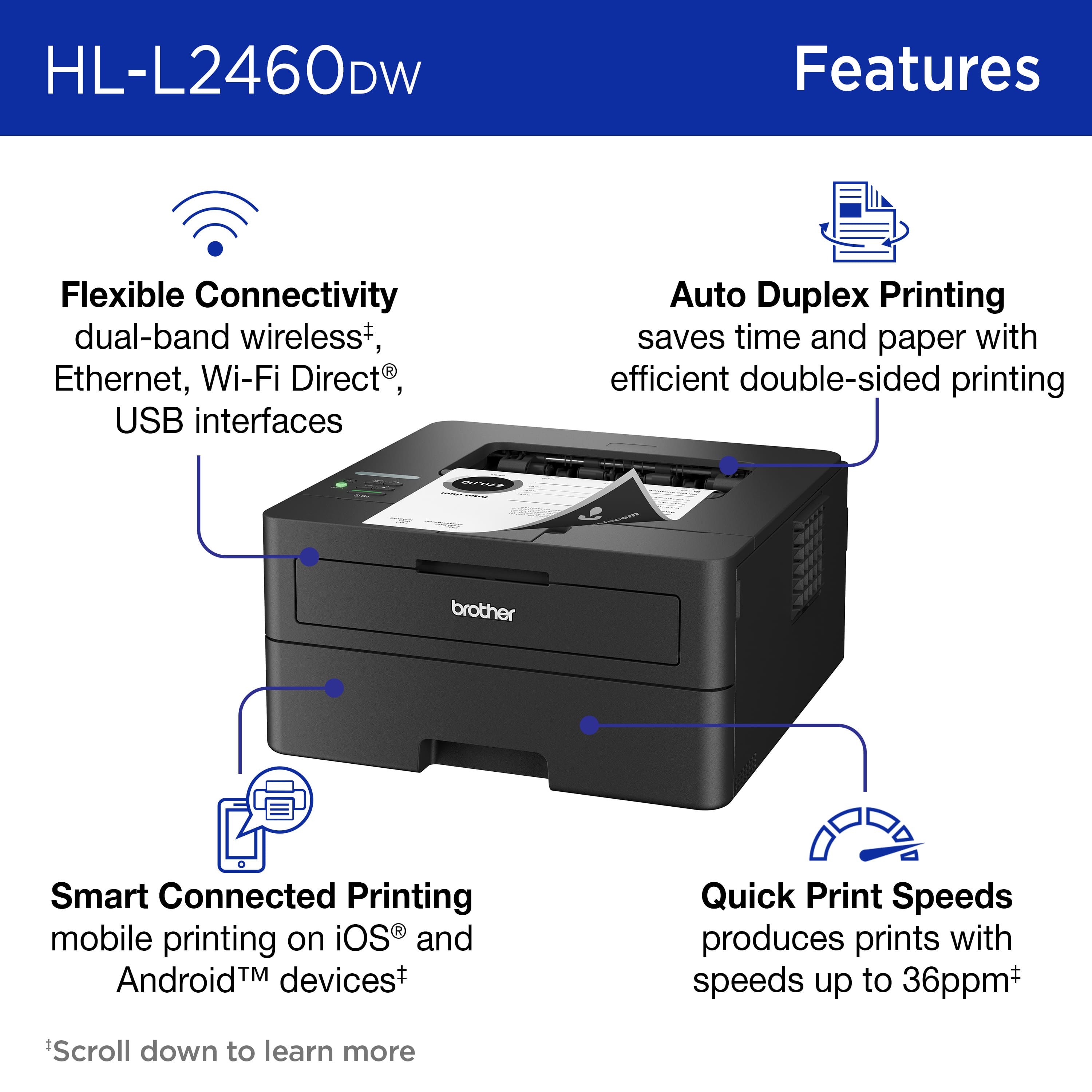
- HL-L2460DW
- SKU:
- 12303217
Rating by feature
- Value
Rating 4.5 out of 5 stars
- Quality
Rating 4.5 out of 5 stars
- Ease of Use
Rating 4.4 out of 5 stars
Only two modes - sleep and deep sleep
||Posted .This reviewer received promo considerations or sweepstakes entry for writing a review.I needed to do a lot of printing and my inkjet printer was getting old. I decided to get this one as it was on sale. Set up was a bit tedious. Printer has the capability to be connected with cables to a computer. However, no cables are included, and the only reasonable option is to use wireless connection and router. There is a small very dark screen. Printer found the network, and I had to input the password using up and down buttons to select letters and numbers. At the end it worked out, and the printer was connected to the network. My laptop recognized the printer and I thought I was set. I tried to print immediately and found that the printer was "offline." I tried some troubleshooting, and it did not work. Printer was in "sleep" mode. Then after about 10 seconds or less it went into "deep sleep" mode. I tried pressing buttons on it, but it only cycled "sleep," "deep sleep," and "set up" modes. There does not seem to be an option to get the printer "ready." The only times it got "ready" was when I unplugged it and plugged it back. It was "ready" for about 2 seconds but, before my laptop was able to start printing, it went into "sleep" and then "deep sleep" mode. After trying for about an hour, I searched online for help and found that this is a common problem with Brother printers and that some even go into sleep mode between printing jobs. I decided to return it for a refund. I don't know what the business model Brother has, but keeping a defective model(s) on the market is not a way to get and keep customers. Years ago, I purchased two Lexmark printers and they both had problems feeding paper, which was apparently a common problem with their printer due to defective roller. After that, I never considered purchasing another Lexmark printer. Now I am going to add Brother to the list of printers never to purchase in the future.
No, I would not recommend this to a friendBrand response from Brother
Posted .Thanks for taking the time to review your experience with the Brother HLL2460DW. We appreciate your feedback. I’m sorry to hear that you are having some issues with the Brother HLL2460DW. I sincerely apologize for any inconvenience this issue may have caused you. We’d like an opportunity to help. Please contact us directly at:
https://www.brother-usa.com/support/HLL2460DW
Great option for a home monochrome laser printer
||Posted . Owned for 3 weeks when reviewed.This reviewer received promo considerations or sweepstakes entry for writing a review.The printer was easy to setup, including adding it to our home network. I would definitely recommend this to anyone needing a home printer!
I would recommend this to a friendTravel agent
||Posted . Owned for 2 weeks when reviewed.This reviewer received promo considerations or sweepstakes entry for writing a review.Homeoffice very flash and stable you are good choice
I would recommend this to a friendDecent Printer
||Posted .This reviewer received promo considerations or sweepstakes entry for writing a review.Decent B/W Printer. Makes my lights flicker. Ink doesn't dry out on laser which is why we got it. Like the Duplex printing.
I would recommend this to a friendEasy to use - basic printer
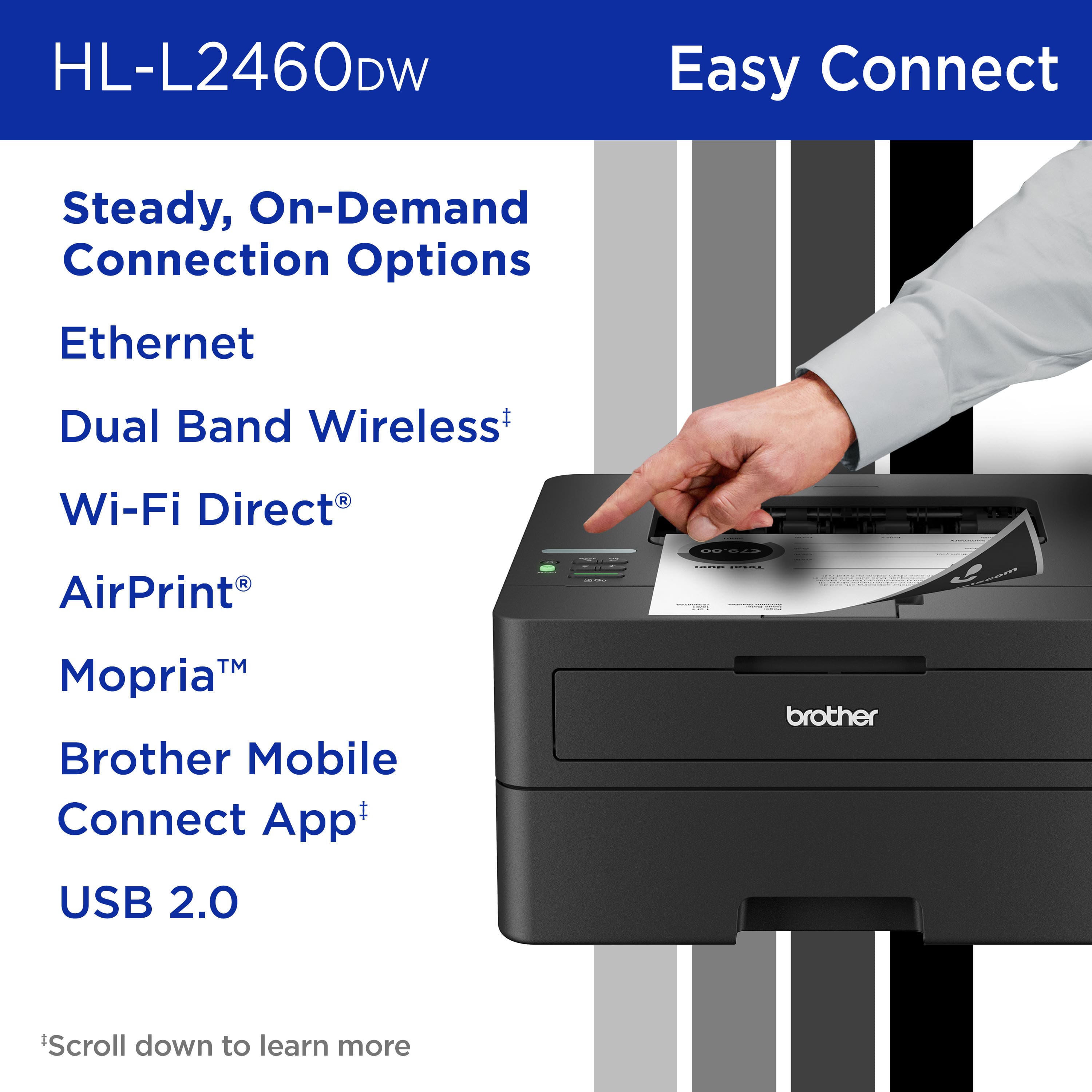
||Posted . Owned for 3 weeks when reviewed.This reviewer received promo considerations or sweepstakes entry for writing a review.Great price and easy set up. We had no issue setting up this printer to our home WiFi and now we use AirPrint from iPhones and laptops. Brother was the brand recommended to us repeatedly. Our Samsung printer lasted about ) years until we couldn’t update the driver. I only wish it came in the lighter color but that’s aesthetics. Have been using this for almost a month and no issues so far. Best Buy price matched it to a competitor even after it was purchased! Even better value.
I would recommend this to a friendGood!
||Posted . Owned for 1 month when reviewed.This reviewer received promo considerations or sweepstakes entry for writing a review.The printer is easy to use and it does the job for my needs.
I would recommend this to a friendGreat value!
||Posted . Owned for 11 months when reviewed.This reviewer received promo considerations or sweepstakes entry for writing a review.Great value for price! Got this for my student and we use it all the time multiple thousand prints and still cooking!
I would recommend this to a friendYou Can't Go Wrong With This One
||Posted . Owned for 3 weeks when reviewed.This reviewer received promo considerations or sweepstakes entry for writing a review.So happy with this purchase. Not only was this printer set up and running in under 10 minutes, but it prints seamlessly from both my phone and my laptop. I went laserjet to save on ink long-term
I would recommend this to a friendSolid laser printer
||Posted . Owned for 3 weeks when reviewed.This reviewer received promo considerations or sweepstakes entry for writing a review.Simple no frill laser printer, handles 2 sided printing, haven't had one paper jam yet. Genuine Brother replacement toner is not cheap, but all printers/manufacturers are like that.
I would recommend this to a friendBrother Printer
||Posted . Owned for 3 weeks when reviewed.This reviewer received promo considerations or sweepstakes entry for writing a review.Still new, but all working well. Getting used to double sided printing & saving on paper. Good clean print for our home based business
I would recommend this to a friendA move up
||Posted . Owned for 1 month when reviewed.This reviewer received promo considerations or sweepstakes entry for writing a review.A doddering old man, i successfully set this up in five minutes. It does a lovely job far more cheaply than its predecessors where I seemingly had to replace ink cartridges every five minutes
I would recommend this to a friendSmall and Efficient
||Posted . Owned for 1 month when reviewed.This reviewer received promo considerations or sweepstakes entry for writing a review.I like the small footprint of this printer; it is a good value for a small office or personal use.
I would recommend this to a friendThe system worked great
||Posted .This reviewer received promo considerations or sweepstakes entry for writing a review.This was the first time that we ordered on line for pick up at the local Best Buy. The whole system worked great!
I would recommend this to a friendGood laser printer for a teacher
||Posted . Owned for 2 months when reviewed.This reviewer received promo considerations or sweepstakes entry for writing a review.I bought this printer to be able to print my students’ work. The installation and quality, good; the only difficult thing is the accessibility of getting the toner.
I would recommend this to a friendHome office
||Posted . Owned for 1 month when reviewed.This reviewer received promo considerations or sweepstakes entry for writing a review.Low cost printer but good quality print for home applications. Relatively easy hook up!
I would recommend this to a friendSupports duplex, app printing and wired Eth
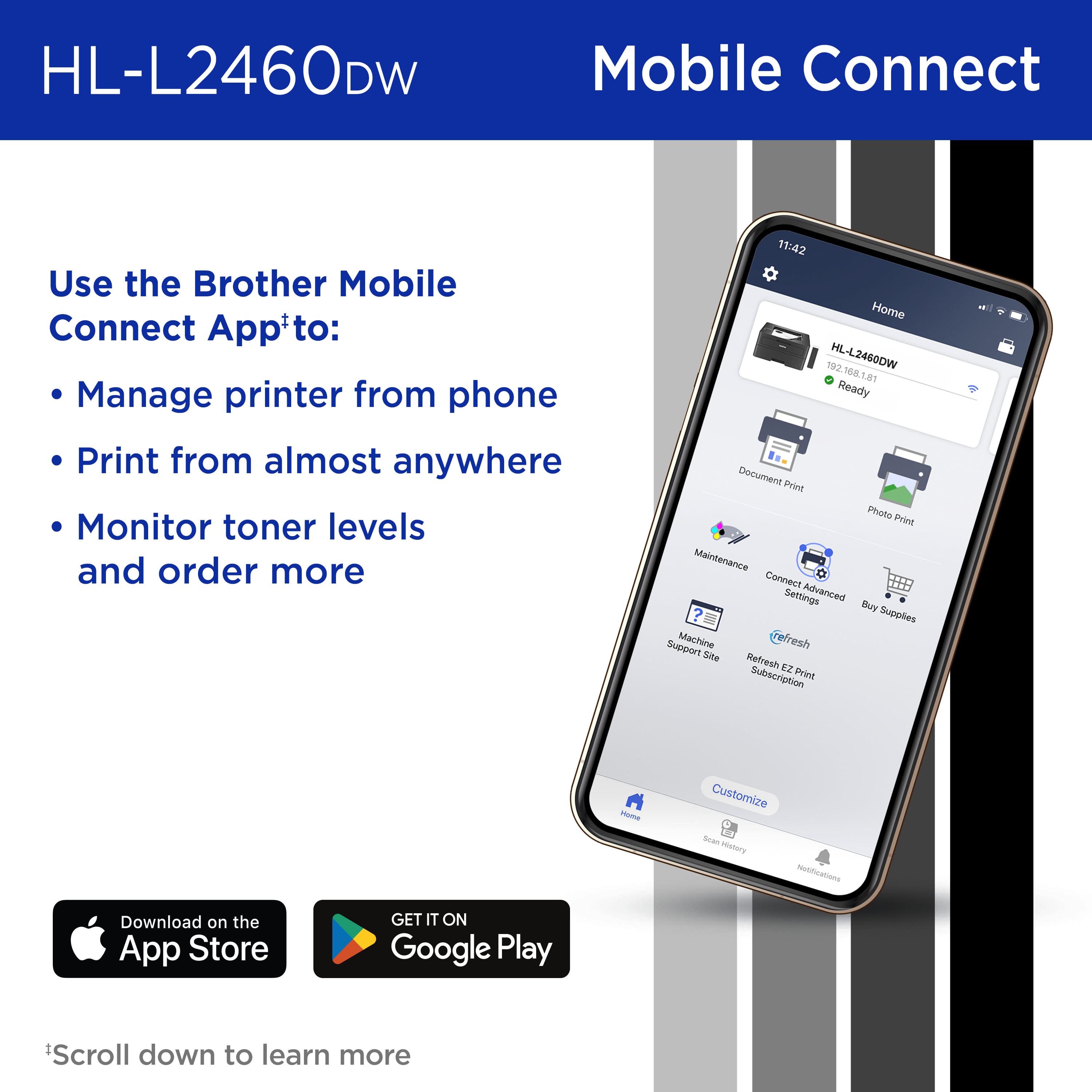
||Posted . Owned for 1 month when reviewed.This reviewer received promo considerations or sweepstakes entry for writing a review.I was not happy when my other laser printer broke. But I like the fact it supports duplex printing and I can print via my phone with their app. And I prefer a wired Ethernet connection as printer is shared via a print server VM. Very happy.
I would recommend this to a friendGood, simple printer
||Posted .This reviewer received promo considerations or sweepstakes entry for writing a review.Good value. Works great. Appreciate the value and quality of brother.
I would recommend this to a friend
Great standard printer
|Posted . Owned for 1 month when reviewed.This reviewer received promo considerations or sweepstakes entry for writing a review.Can never go wrong with Brother printers. Set it and forget it always works once on the Wi-Fi
I would recommend this to a friendBest Printer
||Posted . Owned for 3 weeks when reviewed.This reviewer received promo considerations or sweepstakes entry for writing a review.The best printer made. It is a workhorse. Whether you work from home, or just need a printer for misc. uses.
I would recommend this to a friendTitle
||Posted . Owned for 3 weeks when reviewed.This reviewer received promo considerations or sweepstakes entry for writing a review.works great had no issues getting it up and printing
I would recommend this to a friend