Customer Ratings & Reviews



- Model:
- MFCJ1205W
- SKU:
- 11136778
Rating by feature
- Value
Rating 4.4 out of 5 stars
- Quality
Rating 4.3 out of 5 stars
- Ease of Use
Rating 4.3 out of 5 stars
Not what we expected.
||Posted . Owned for 3 weeks when reviewed.This reviewer received promo considerations or sweepstakes entry for writing a review.Don't like this printer at all. It is very noisy and makes a clunking sound when it prints. I would not ever buy this printer again.
No, I would not recommend this to a friendBrand response from Brother
Posted .We are sorry that you are experiencing noise issues with your Brother MFCJ1205W machine and we understand your disappointment. Our Brother Customer Support Team is on stand-by to provide quality products and service to our customers via online, email or live chat: www.brother-usa.com/brother-support

Excellent printer.
||Posted . Owned for 8 months when reviewed.This reviewer received promo considerations or sweepstakes entry for writing a review.Excellent printer!! Easy to use. I enjoy the wireless abilities. We use it often and are still on the original ink. I would recommend!
I would recommend this to a friendWouldn't connect wifi...
||Posted . Owned for less than 1 week when reviewed.This reviewer received promo considerations or sweepstakes entry for writing a review.My Brother Printers have always performed well for me...when my last one quit working, after reading reviews I decided on this one. I couldn't even get this one set set up. Returned it the next day. Opted for a Epson Eco Tank ET-4800... Set up was simple and intuitive. Evidently something brother needs to work on.
No, I would not recommend this to a friendBuyer beware
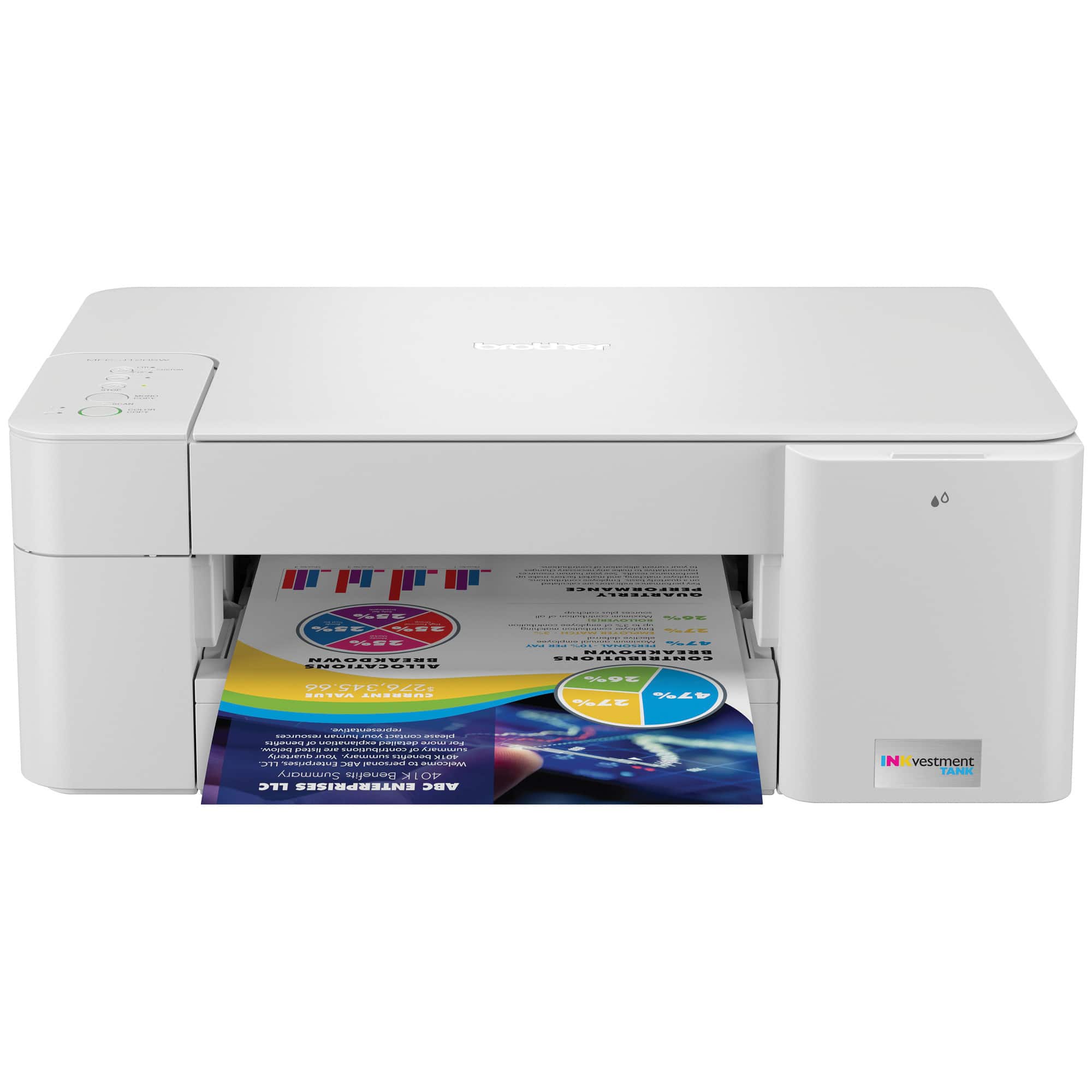
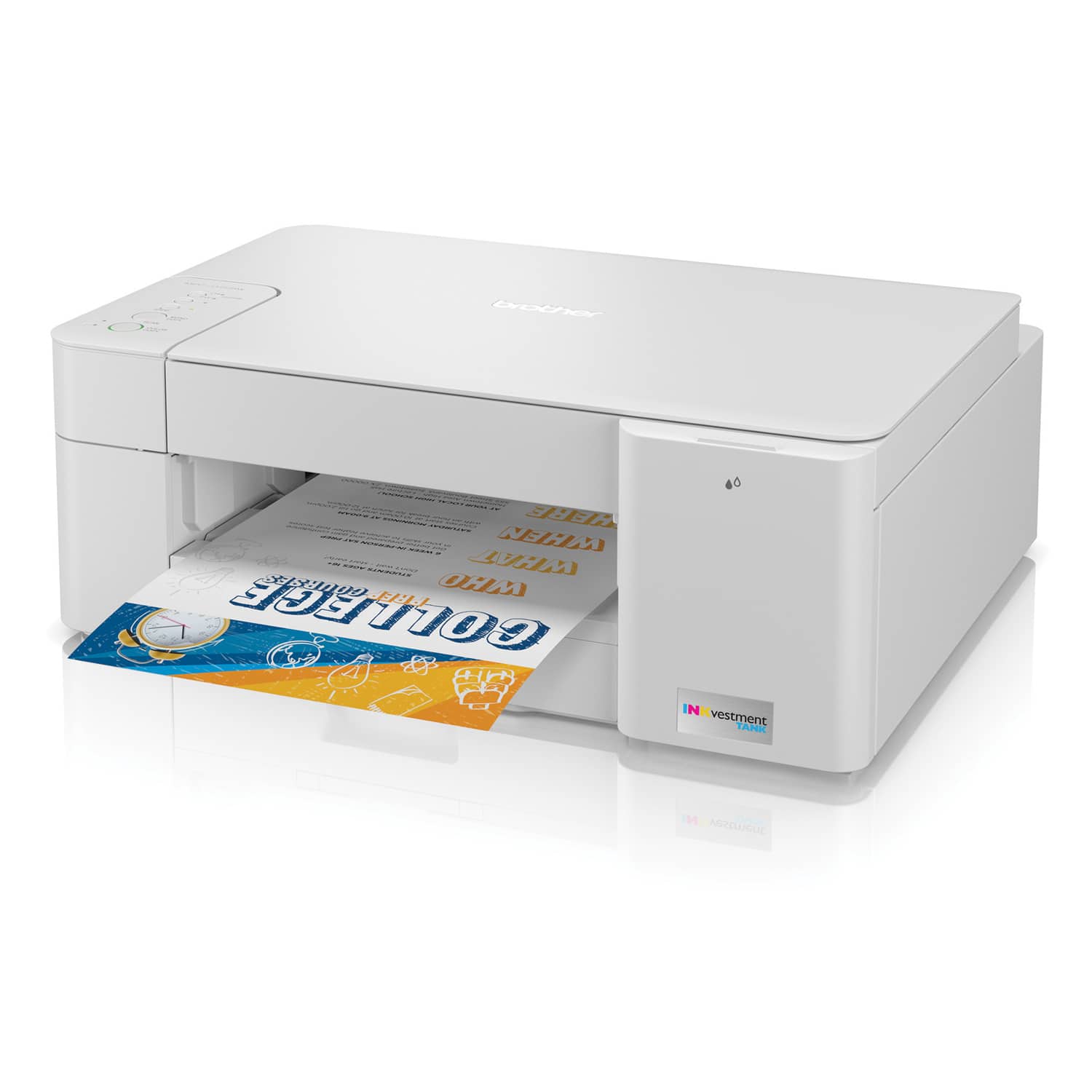
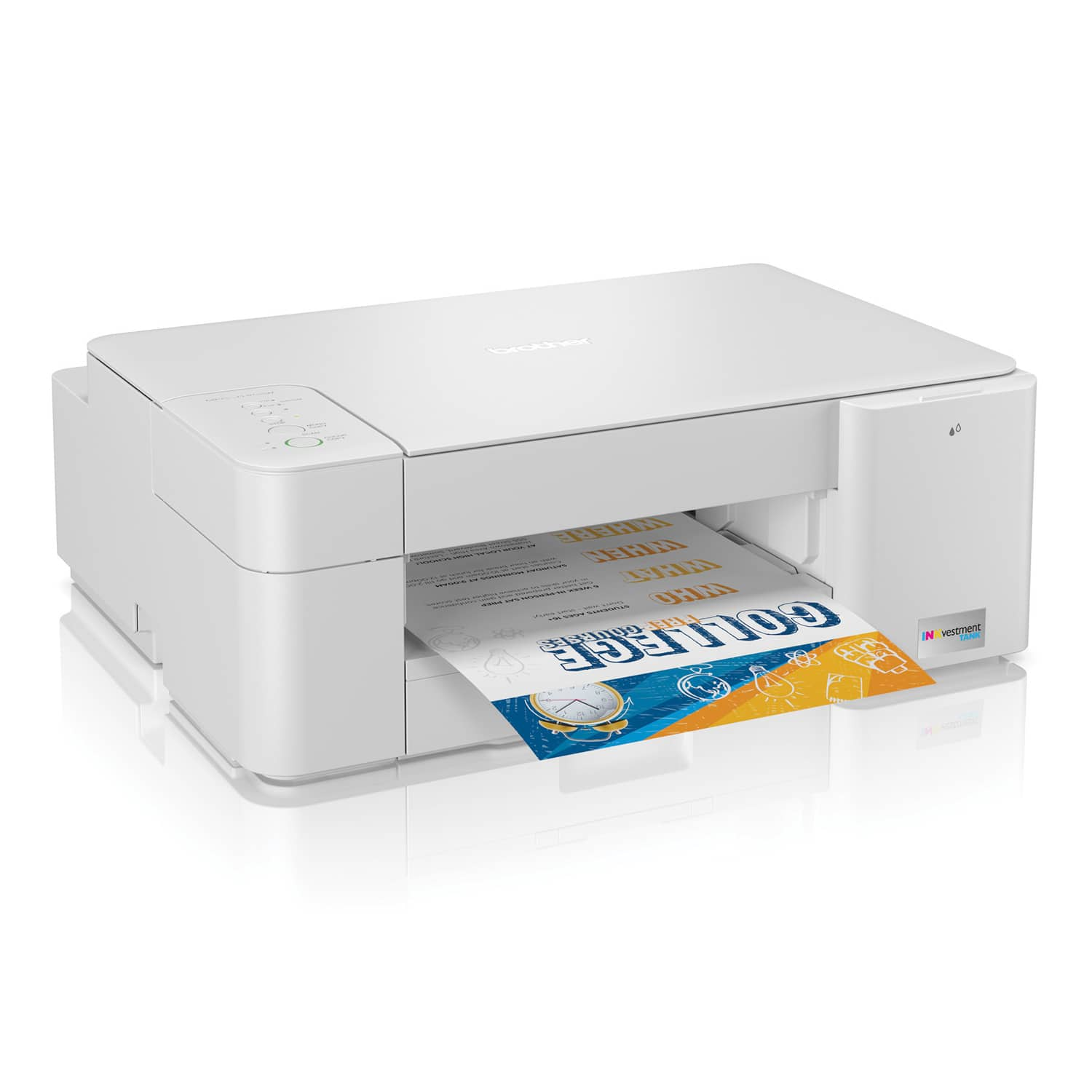
||Posted . Owned for 2 weeks when reviewed.This reviewer received promo considerations or sweepstakes entry for writing a review.I was shocked when I went to print two sided and found that I had to do it manually with this printer ! Also , this printer's programing is not recognized on some sites that I have regualrly printer off of for years. It takes a little effort and several more clicks to print off of them! The picture is even deceptive, it looks like a paper is coming out just printed, but does not have the the paper feed sticking up in back that would raise question to realize that this does not print double sided automatically. I had an Epson that lasted for years for me, that cost half the price and is a much better machine, although it had a few quirks. I will NEVER buy an Epson again! I feel so cheated with this purchase!
No, I would not recommend this to a friendBrand response from Brother
Posted .Unfortunately the Brother MFCJ1205W machine is not able to automated duplex print. Our models that are able to duplex print has the letter D in the suffix. We are sorry to hear that you are having printing issues. Our Brother Customer Support Team is on stand-by to provide quality products and service to our customers via online, email or live chat: www.brother-usa.com/brother-support
Not really double sided
||Posted . Owned for 1 month when reviewed.This reviewer received promo considerations or sweepstakes entry for writing a review.Works well, but doesn't actually do two sided printing. Salesman lied.
I would recommend this to a friendGood buy for the money
||Posted . Owned for 3 weeks when reviewed.This reviewer received promo considerations or sweepstakes entry for writing a review.It works but it makes a lot of noise and spits the copies on the floor lol
I would recommend this to a friendBrand response from Brother
Posted .We understand you are experiencing issues with your Brother MFCJ1205W machine. We'd like to help. The machine has a paper support flap on the paper tray that can be extended to prevent the paper from falling. The machine has a setting that can reduce printing noise. Below is an FAQ link that will guide you on changing the printing noise settings:
https://support.brother.com/g/b/faqend.aspx?c=us&lang=en&prod=mfcj1205w_us&faqid=faq00002927_526
If you continue to have issues, our Brother Customer Support Team is available to assist you direct: www.brother-usa.com/brother-support
Bad Choice
||Posted . Owned for 3 weeks when reviewed.This reviewer received promo considerations or sweepstakes entry for writing a review.This is a piece of junk! It was difficult to connect and I still can't get it to scan images to my computer. I wish I had returned it when I had issues with it but I got side-tracked and figured I would be able to figure it out later. WRONG!
No, I would not recommend this to a friendBrand response from Brother
Posted .We understand you're experiencing scanning issues with your Brother MFCJ1205W machine. We'd like to help. Below is a FAQ that may help you with this issue:
https://help.brother-usa.com/app/answers/detail/a_id/173892
If you continue to have issues, our Brother Customer Support Team is available to assist you direct: www.brother-usa.com/brother-support
Brother Printer
||Posted . Owned for 3 weeks when reviewed.This reviewer received promo considerations or sweepstakes entry for writing a review.Set up was easy. Easy to use app. Easy to set up ink cartridges. Test print and was done in an hour
I would recommend this to a friendBrother MFC J 1205W
||Posted . Owned for 3 weeks when reviewed.This reviewer received promo considerations or sweepstakes entry for writing a review.Easy to set up, print quality very good for the price point. Overall very happy with purchase.
I would recommend this to a friendWon't connect via WPS
||Posted . Owned for 2 weeks when reviewed.This reviewer received promo considerations or sweepstakes entry for writing a review.Bought this for work. Normally I love Brother and prefer it over the other brands. This model, however, would not connect to my wifi. I didn't try swapping it for another of the same model. I went straight to the next model up. The problem I had was connecting the printer to the wifi. The manual had one set of instructions, I went online and found a slightly different set of instructions. Both instructions I felt could have been written better. Neither set of instructions worked. Not too surprised, I've had problems with WPS setup in the past. Took it to the Geek Squad to see if they could get it to work and they couldn't figure it out. That's when I returned it and spent the extra $40 to get a printer with an LCD screen.
No, I would not recommend this to a friendBrand response from Brother
Posted .We would like to take this opportunity to thank you for your feedback. We are sorry to hear that you are not satisfied with the Brother MFCJ1205W. At Brother, customer satisfaction is something we take seriously. Your feedback is important to us and will be reviewed to help us improve our future products.
You are a valued customer to us. Please know that we will be here, should you need to contact us in the future. Our Brother customer support team is available to assist you at www.brother-usa.com/brother-support
Never Buy a Brother Product
||Posted . Owned for 4 months when reviewed.This reviewer received promo considerations or sweepstakes entry for writing a review.Please do NOT buy a Brother product of any kind. It was an absolutely royal pain to install initially. Then it worked fine for months. Scans, prints, copies. And now starting today, it only prints blank sheets. It acts and sounds exactly like it's printing, but only blank sheets come out. Plenty of ink left. Removed and reinstalled all four ink cartridges. Updated to the latest drivers and firmware. Uninstalled and reinstalled all the drivers and software. Rebooted laptop. Still only prints blank sheets. Please do NOT buy a #Brother printer. Ever!
No, I would not recommend this to a friendBrand response from Brother
Posted .We are sorry that you are experiencing blank printing issues with your Brother MFCJ1205W and we understand your frustration. We'll be happy to help you. Our Brother Customer Support Team is on stand-by to provide quality products and service to our customers via online, email or live chat: www.brother-usa.com/brother-support.
New Brother printer
||Posted . Owned for 1 month when reviewed.This reviewer received promo considerations or sweepstakes entry for writing a review.After many calls to Brother I almost have the new laptop and printer married.
No, I would not recommend this to a friendBrand response from Brother
Posted .We are sorry that you are experiencing installation issues with your Brother MFCJ1205W machine and we understand your disappointment. If you continue to have issues, our Brother Customer Support Team is available to assist you direct: www.brother-usa.com/brother-support
Not that happy or unhappy
||Posted .This reviewer received promo considerations or sweepstakes entry for writing a review.Not very intuitive especially for someone who isn't technologically astute.
I would recommend this to a friendBrand response from Brother
Posted .We are sorry that you are experiencing setting up issues with your Brother MFCJ1205W machine and we understand your disappointment. If you continue to have issues, our Brother Customer Support Team is available to assist you direct: www.brother-usa.com/brother-support
Meh
||Posted . Owned for 3 weeks when reviewed.This reviewer received promo considerations or sweepstakes entry for writing a review.Not bad for the money, difficult setup, slow printer.
No, I would not recommend this to a friendBrand response from Brother
Posted .We understand you're experiencing setup and slow printing issues with your Brother MFCJ1205W machine machine. We'd like to help. Below is a FAQ that may help you with this issue:
https://help.brother-usa.com/app/answers/detail/a_id/182441
If you continue to have issues, our Brother Customer Support Team is available to assist you direct: www.brother-usa.com/brother-support
Kind of Cheap
||Posted . Owned for 1.5 years when reviewed.This reviewer received promo considerations or sweepstakes entry for writing a review.It is cheaply made. Does the job but it's slow. It didn't cost much. You get what you pay for. Also, the last ink I bought only lasted for 20 pages. That was upsetting.
No, I would not recommend this to a friendBrand response from Brother
Posted .We would like to take this opportunity to thank you for your feedback. We are sorry to hear that you are not satisfied with your Brother MFCJ1205W. At Brother, customer satisfaction is something we take seriously. Your feedback is important to us and will be reviewed to help us improve our future products.
We would like to hear more details to be able to better assist you. Our Brother customer support team is available to assist you directly at www.brother-usa.com/brother-support.
No frills solid printer
||Posted . Owned for less than 1 week when reviewed.This reviewer received promo considerations or sweepstakes entry for writing a review.Great budget printer for the money. Would definitely recommend.
I would recommend this to a friendRun away
||Posted . Owned for 3 weeks when reviewed.This reviewer received promo considerations or sweepstakes entry for writing a review.It prints slow. We can’t get it to connect to computers. Only the one it got set up to. Don’t waste your money onit
No, I would not recommend this to a friendBrand response from Brother
Posted .We would like to take this opportunity to thank you for your feedback. We are sorry to hear that you are not satisfied with your Brother MFCJ1205W. At Brother, customer satisfaction is something we take seriously. Your feedback is important to us and will be reviewed to help us improve our future products.
We would like to hear more details to be able to better assist you. Our customer service team is available to assist you at www.brother-usa.com/brother-support
Disappointing
||Posted . Owned for 1 month when reviewed.This reviewer received promo considerations or sweepstakes entry for writing a review.I bought this printer after owning a Brother for many years with minimum problems. This model is very cheaply made, noisy when printing, print is not sharp and printer does not turn off automatically when print job is finished, Would not recommend.
No, I would not recommend this to a friendBrand response from Brother
Posted .We are sorry that you are experiencing print quality issues with your Brother MFCJ1205W machine and we understand your disappointment. If you continue to have issues, our Brother Customer Support Team is available to assist you direct: www.brother-usa.com/brother-support
Great for the price
||Posted . Owned for 1 month when reviewed.This reviewer received promo considerations or sweepstakes entry for writing a review.I like this printer it prints really fast no complaints
I would recommend this to a friendWorks as intended
||Posted .This reviewer received promo considerations or sweepstakes entry for writing a review.No issues thus far after a couple of months using it
I would recommend this to a friend