Customer Ratings & Reviews
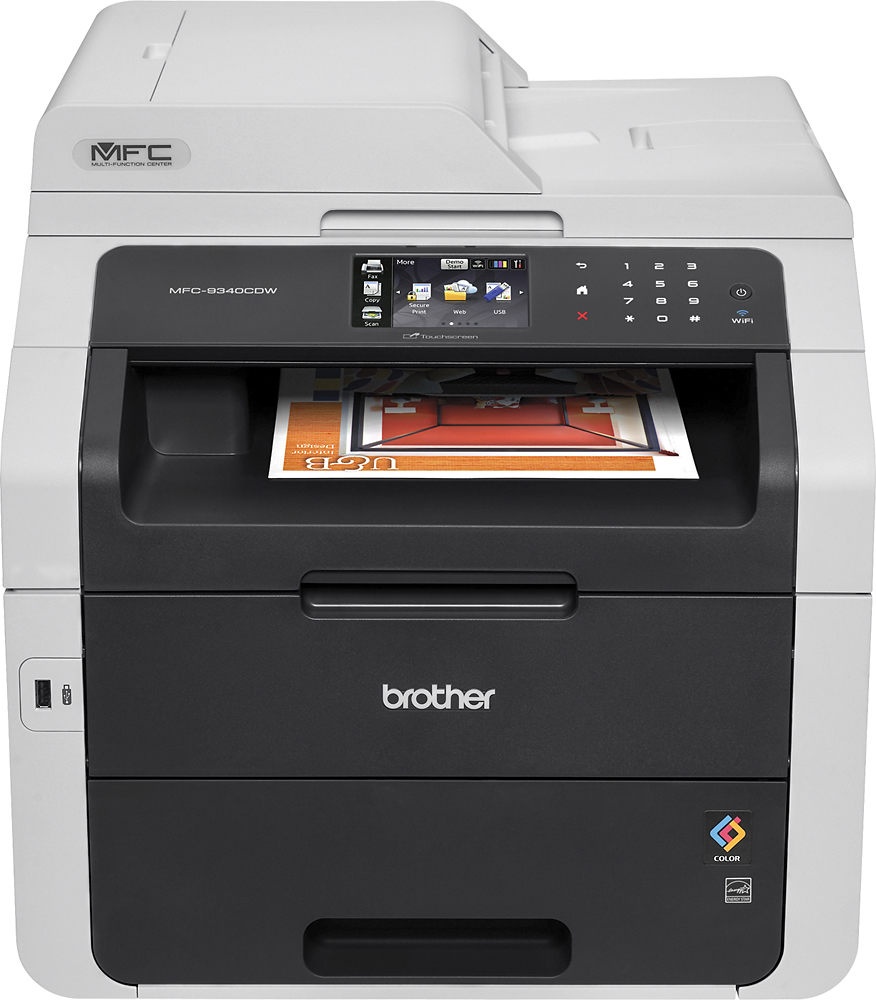
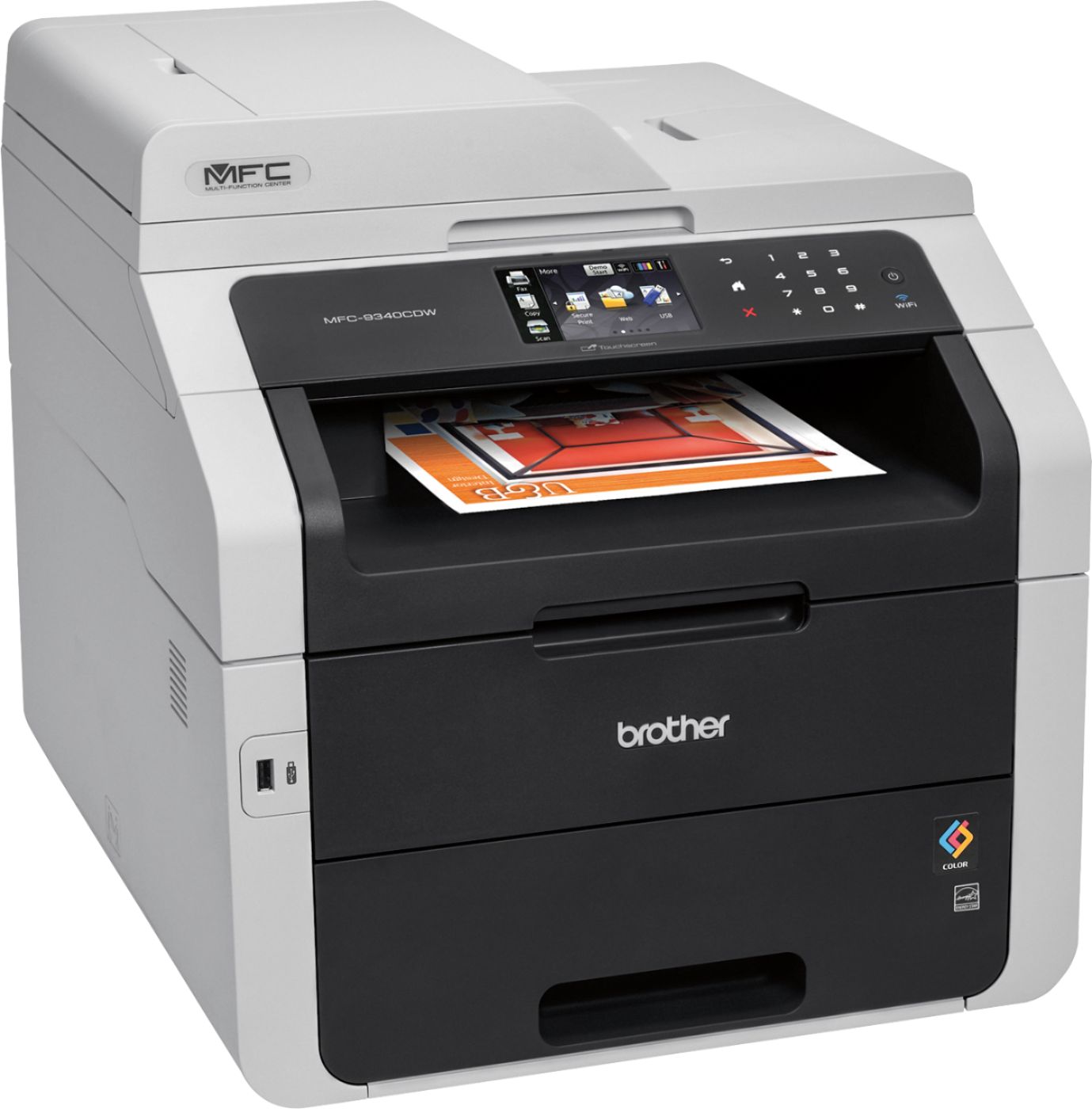
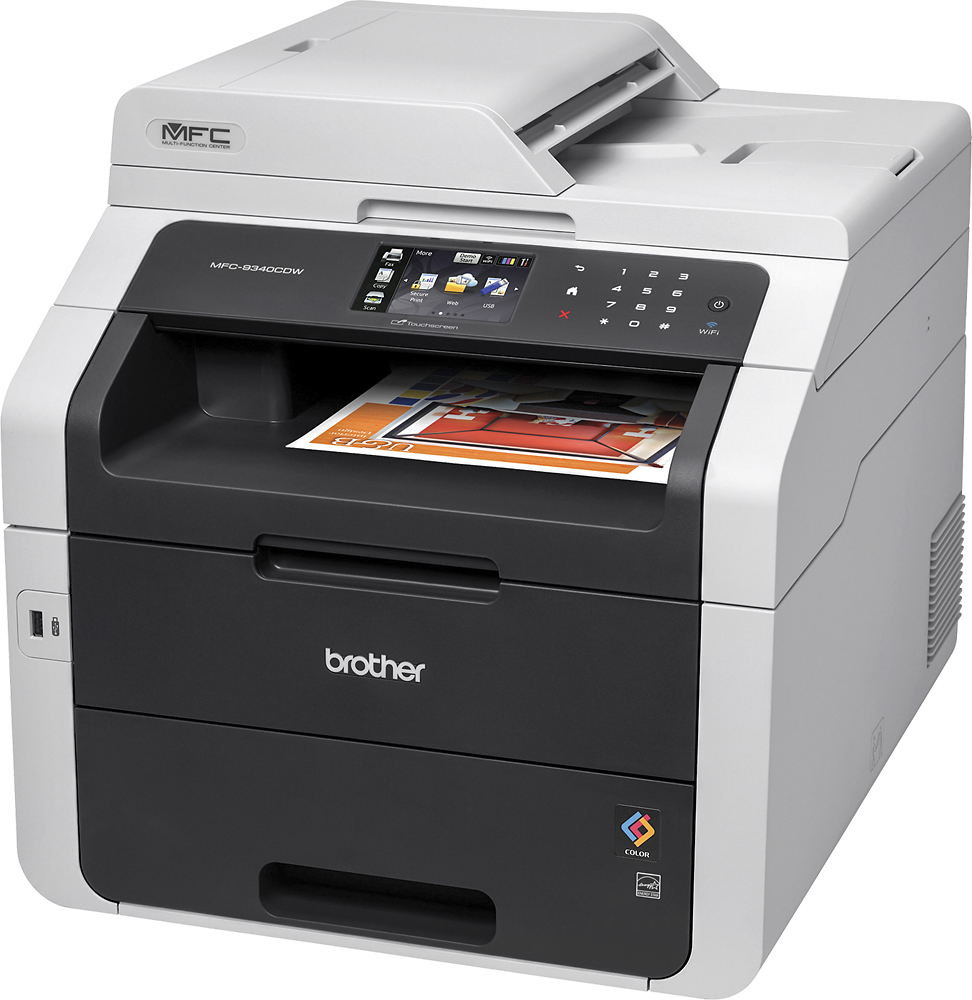
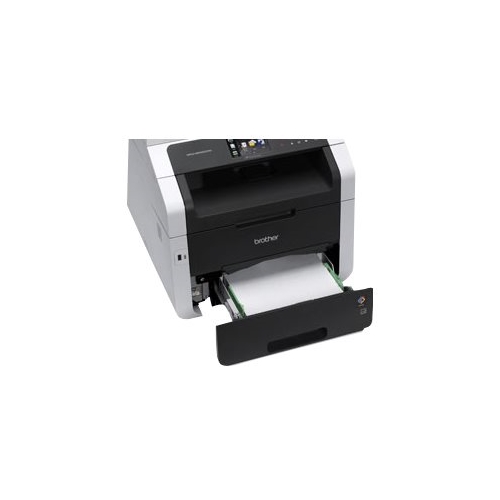
- Model:
- MFC-9340CDW-US
- |
- SKU:
- 5101000
Customer reviews
Rating 4.5 out of 5 stars with 263 reviews
(263 customer reviews)Rating by feature
- Value4.3
Rating 4.3 out of 5 stars
- Quality4.4
Rating 4.4 out of 5 stars
- Ease of Use4.3
Rating 4.3 out of 5 stars
Customers are saying
Customers enjoy the MFC-9340CDW Wireless Color All In One Printer for its excellent print quality, easy setup, and wireless connectivity. They appreciate the reliability and color printing capabilities of the printer. While some users find the toner to be pricey, they acknowledge that each toner lasts for a considerable number of copies.
This summary was generated by AI based on customer reviews.
Rated 1 out of 5 stars
Waste of money
||Posted .This reviewer received promo considerations or sweepstakes entry for writing a review.I thought I was upgrading from an ink jet to a laser but this color laser is useless for color printing. Files that I have used for the last year on my ink jet will not print correctly on this printer. If printed from my PC, the color bleeds. If I print the same file from my MAC, the color is ok (although not as crisp and vibrant as my ink jet) but the lines are fuzzy and uneven. Additionally, if you need to print on special paper, like business card paper, you have to feed it through by hand, one at a time and even then it still jams. I have printed 1000s of business cards on my ink jet with no problem. I can't seem to complete more than a few sheets in the last two weeks on this printer. The only thing I have been able to use this for is black and white on plain paper with no graphics. I should have gone back to my HP ink jets.
No, I would not recommend this to a friendRated 1 out of 5 stars
Piece of JUNK!
||Posted . Owned for more than 2 years when reviewed.This reviewer received promo considerations or sweepstakes entry for writing a review.After 1 1/2 years of use, this printer would continually state that the toner cartridges were not recognized or the 'green tab' needed to be slid on the cartridges. We then changed the drums, did the drum reset, and it still tells us we have to slide the green tab or it doesn't recognize the toner cartridges. We have been working on this thing for 6 months now having to slide the green tabs after 1 or 2 copies and/or remove/replace the toner cartridges. We have paid a total of $1,080 for this printer, extra drums, and 2 sets of toner (toner currently full in printer). Waste of $ for 1 1/2 years use.
No, I would not recommend this to a friendRated 1 out of 5 stars
Slow processing & Poor color print Returned
||Posted .This reviewer received promo considerations or sweepstakes entry for writing a review.This was my first color laser printer purchase and I've had a black and white Brother printer in the past. I printed from my iPhone a photo and it had a gray tint to it. The other issue was how long it took for the printer to process the print from the time it showed it had received the print. The old Brother b/w laser I had had the same issue. Must be something wrong with Brother. I decided to return the printer for another brand I knew from college and work to be reliable.
No, I would not recommend this to a friendRated 1 out of 5 stars
Did I get a lemon? Problems from the beginning.
||Posted .This reviewer received promo considerations or sweepstakes entry for writing a review.Thank goodness, that after a year - my extended warranty for this Brother printer was still in effect. That was my saving grace. This montrosity continued to breakdown. Expensive ink refills; paper tangles, tempermental in actual functioning - sometimes prints, sometimes not.
No, I would not recommend this to a friendRated 2 out of 5 stars
Not bad
||Posted . Owned for 1.5 years when reviewed.This reviewer received promo considerations or sweepstakes entry for writing a review.There are some lines os small white dots when printing. On black color more noticeable
No, I would not recommend this to a friendRated 2 out of 5 stars
No wireless peinting
||Posted .This reviewer received promo considerations or sweepstakes entry for writing a review.Big let down in small office environment. Brother will not work wirelessly. Good when wired.
No, I would not recommend this to a friendRated 1 out of 5 stars
Printer
||Posted .This reviewer received promo considerations or sweepstakes entry for writing a review.Had it less then a week and it already has problems. Two vertical lines on everything i print. I spent two hours on the phone with tech support that I can never get back. I would not recomend this product.
No, I would not recommend this to a friendRated 1 out of 5 stars
Connection issues
||Posted .This reviewer received promo considerations or sweepstakes entry for writing a review.Spent 4 hours with Brother and Kaspersky to connect to brand new laptop. Two weeks later unit goes "Offline". Two plus more hours with Brother only to have them say they are not sure what to do. Returned the unit and purchased HP. No problem.
No, I would not recommend this to a friendRated 1 out of 5 stars
ink guzler
||Posted .This reviewer received promo considerations or sweepstakes entry for writing a review.ive had this printer for a three months and I've had several issues with the ink consumption and quality of printing. do not recommend for home office that needs to print graphs and photos in monochrome or color.
No, I would not recommend this to a friendRated 1 out of 5 stars
Not Good
||Posted .This reviewer received promo considerations or sweepstakes entry for writing a review.Although good brand this printer has issue in adjusting cartridge instead of all try never work for me
No, I would not recommend this to a friendRated 1 out of 5 stars
get disconnected all the time
||Posted .This reviewer received promo considerations or sweepstakes entry for writing a review.the machine is constantly in sleep mode and have to turn off and on to wake up the machine. It is useless.
No, I would not recommend this to a friendRated 1 out of 5 stars
Good all-around machine
||Posted .This reviewer received promo considerations or sweepstakes entry for writing a review.This is a good all-around copier and the price is reasonable for all that it does.
I would recommend this to a friend- Pros mentioned:Print quality
Rated 4 out of 5 stars
Great overall
Posted .This reviewer received promo considerations or sweepstakes entry for writing a review.This is an excellent printer with no noticeable faults. I use the printer for personal/home use and not small office use. With that said, it does everything I need an all-in-one printer to do and then some. The speed is fast and the b/w & color printouts are all very good. A previous reviewer faulted Brother and the printer because they weren't aware the printer lacks dual band 5GHz wireless capabilities. I won't spend my time verifying this claim, but I will say I have the printer setup on my 2.4GHz band and it's plenty fast. I've never run into issues using a printer on a 2.4GHz band even when I previously lived in a wifi congested apartment complex.
I would recommend this to a friend - Pros mentioned:Print quality
Rated 5 out of 5 stars
Pleased with the Brother MFC-9340CDW
Posted .This reviewer received promo considerations or sweepstakes entry for writing a review.I needed to replace an older version Brother MFC printer and found this one on sale for less money than what I paid for the older Brother MFC model. I was having issues with the power supply on the older printer and since it was 4 years old and needed a new black toner cartridge I decided to spend the money on a new printer. The newer model has duplex printing (which I have not used). It was easy to set up and use right away. I don't do a heavy volume of printing but when I have needed to use it there have been no problems.
I would recommend this to a friend Rated 5 out of 5 stars
Nice Machine and Tips to Share
Posted .This reviewer received promo considerations or sweepstakes entry for writing a review.Overall a nice machine. We have it connected to the network through ethernet. A few tips: 1. Use the CUPS driver when connecting to a Mac (I don't have a windows machine). The Apple drivers are horrible and it didn't even work over Wifi with the Apple drivers. 2. Before replacing your toner cartridges, watch this https://www.youtube.com/watch?v=MlSLy0UbNy8 The machine only guesses how much toner you have left based off of how many pages you've printed. If it THINKS you're out of toner, it refuses to print. This video shows you how to reset the page count and use any remaining toner, which can be significant (I just reset mine for the 3rd time on the same set or cartridges). **I have no interest in this video except for sharing a very good and useful piece of information.
I would recommend this to a friend- Pros mentioned:Print quality
Rated 5 out of 5 stars
Great printer!
Posted .This reviewer received promo considerations or sweepstakes entry for writing a review.Works great, prints fast and has all the bells and whistles that my client needed. Love Brother's software package, clean and simple to use.
I would recommend this to a friend Rated 5 out of 5 stars
Great Buy
Posted .This reviewer received promo considerations or sweepstakes entry for writing a review.I'm very pleased with this printer. It's a very affordable auto duplexing color laser printer. Even replacement toner cartridges are affordable. Loving it so far.
I would recommend this to a friend- Pros mentioned:Print quality
Rated 1 out of 5 stars
Negative stars for all the aggrevation it causes
Posted .This reviewer received promo considerations or sweepstakes entry for writing a review.I bought this printer over a year ago anticipating the need to print multi-page presentation decks on a regular bases. Its specs seemed to fit the bill on the print quality and speed. The problem is that printing is NEVER a seemless experience. It constantly runs out of memory, spools for ridiculous amounts of times, and sometimes just doesn't print. I am constantly resetting and reprogramming it or getting on the phone with Brother. They troubleshoot for that day but never have a long term solve. Even using the USB direct print doesn't work every time. Not to mention, the latest versions of office are unrecognizable file formats for it. Oh, and did I mention that it won't even connect to my computer for the updates? If I hadn't just spent a bundle on ink, I would junk this thing and move on to something else.
No, I would not recommend this to a friend Rated 5 out of 5 stars
Great printer
Posted .This reviewer received promo considerations or sweepstakes entry for writing a review.Right all in one printer that does everything I ask it to!
I would recommend this to a friendRated 5 out of 5 stars
Good printer but now having problems
Posted .This reviewer received promo considerations or sweepstakes entry for writing a review.Worked for like 3 years. Now it’s giving us problems
I would recommend this to a friend



















