Customer Ratings & Reviews
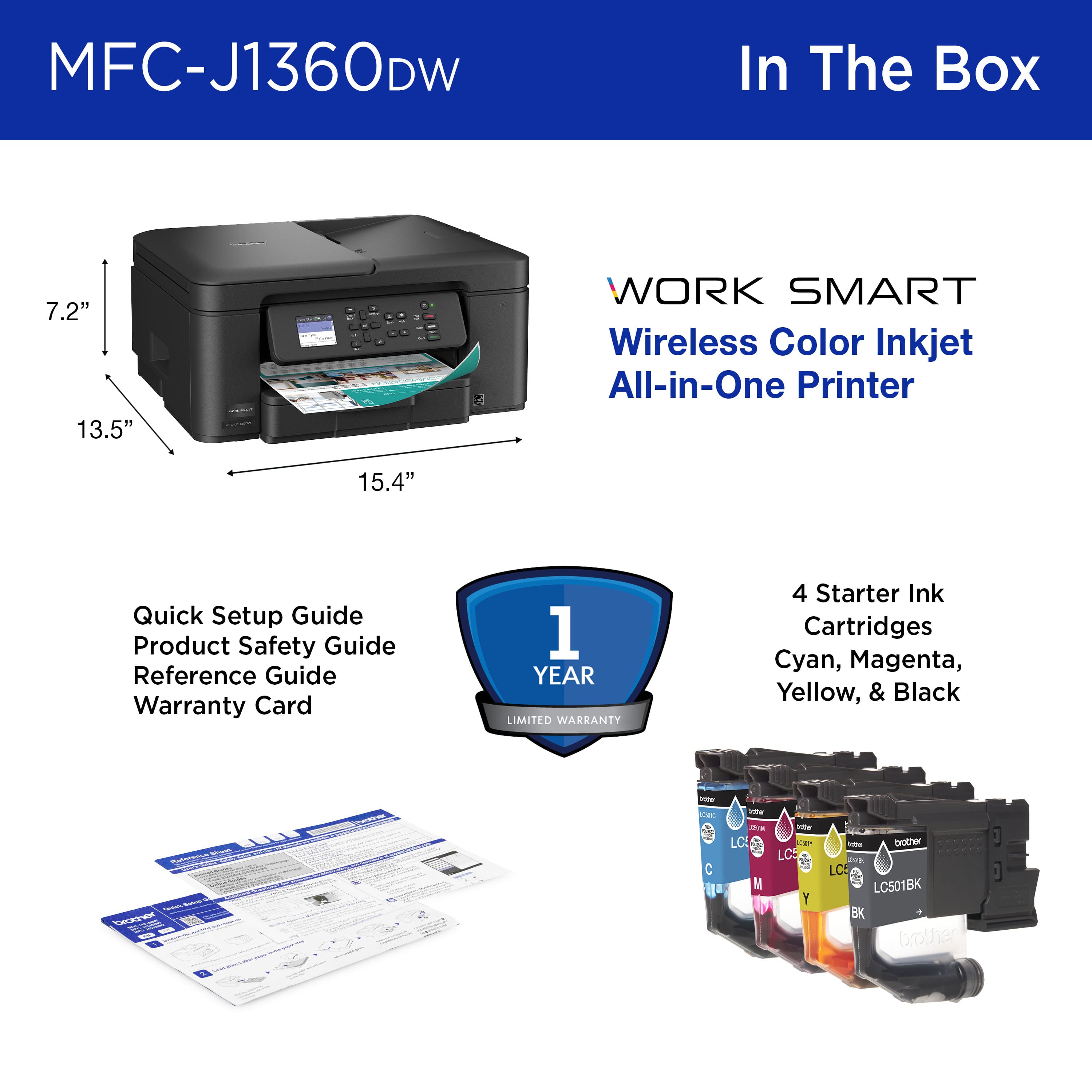
- Model:
- MFCJ1360DW
- SKU:
- 11295786
Rating by feature
- Value
Rating 4.5 out of 5 stars
- Quality
Rating 4.4 out of 5 stars
- Ease of Use
Rating 4.2 out of 5 stars
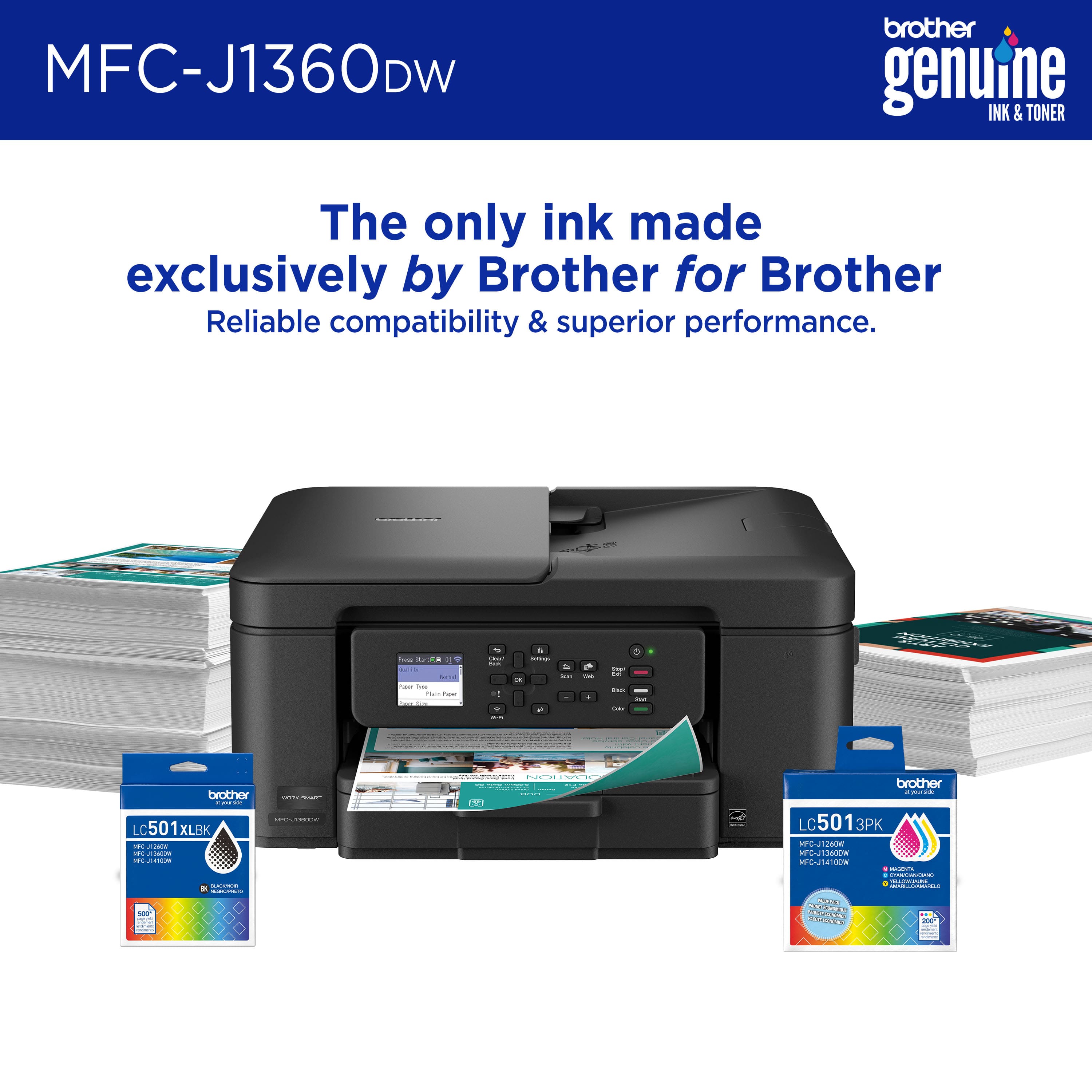
Brother Work Smart 1360 Wireless All-in-One
||Posted . Owned for 2 weeks when reviewed.This reviewer received promo considerations or sweepstakes entry for writing a review.Easy setup and very fast wireless communication between PC and printer
I would recommend this to a friendPrinter
||Posted . Owned for 3 weeks when reviewed.This reviewer received promo considerations or sweepstakes entry for writing a review.Exactly what I needed and great to have!! Works great and absolutely comes in handy.
I would recommend this to a friendFirst purchase
||Posted .This reviewer received promo considerations or sweepstakes entry for writing a review.I'm happy with the printer, I haven't had any problems
I would recommend this to a friendGreat Chioce in Printers
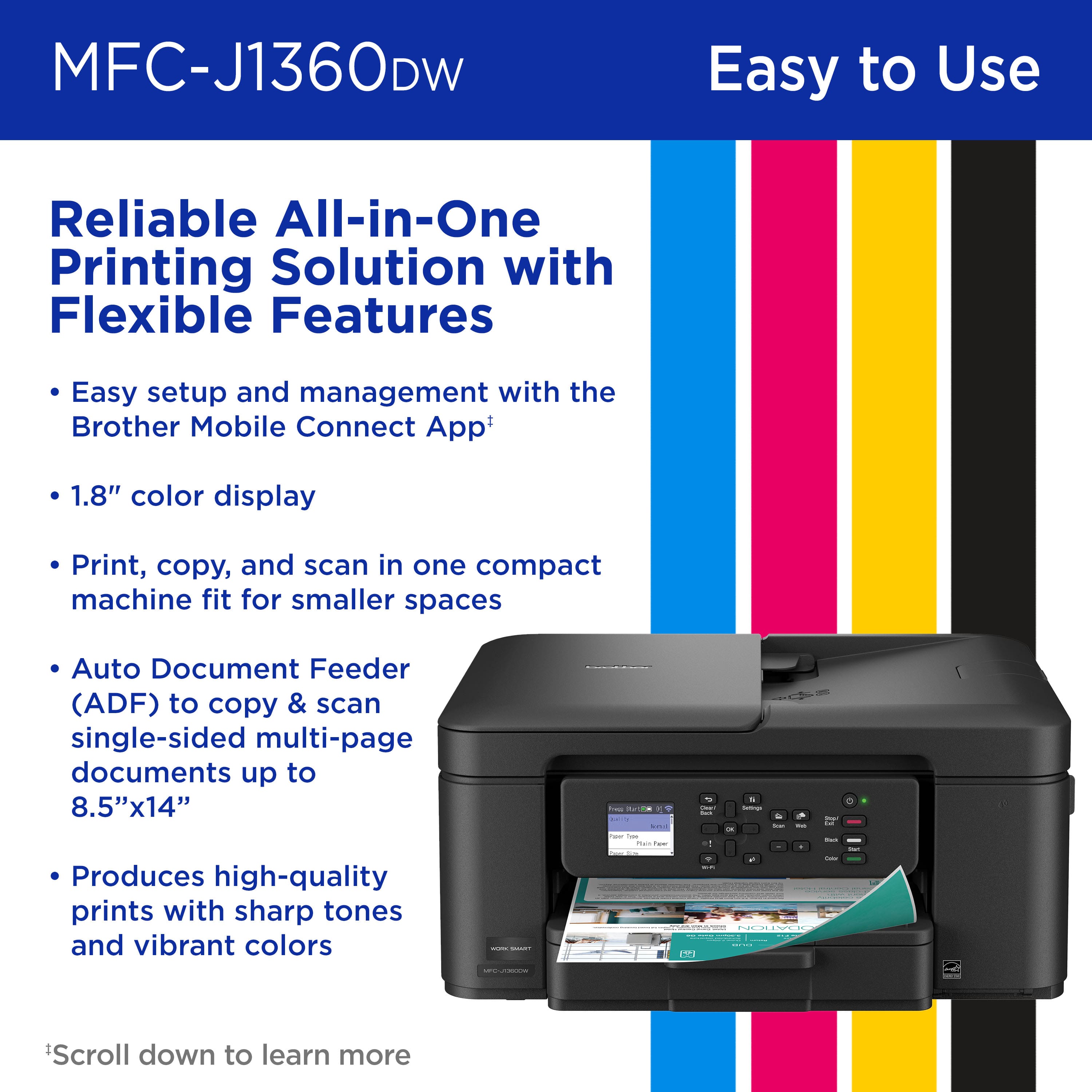
||Posted . Owned for 2 weeks when reviewed.This reviewer received promo considerations or sweepstakes entry for writing a review.I purchased this printer for my son for his home office and it is a space saver and excellent choice! A very reliable brand and great price point.
I would recommend this to a friendNo longer turns on after only 4 months!?!?
||Posted . Owned for 4 months when reviewed.This reviewer received promo considerations or sweepstakes entry for writing a review.Worked great when it did, recently it just stopped turning on. No light or sign of any other problem just no longer powers up. We are not heavy users either.
No, I would not recommend this to a friendBrand response from Brother
Posted .Thanks for taking the time to review your experience with the Brother MFCJ1360DW. We appreciate your feedback. I’m sorry to hear that you are having no power issues with the Brother MFCJ1360DW. I sincerely apologize for any inconvenience this issue may have caused you. We can help with that. I have included a link to the FAQ answer that should assist you. Please follow all the steps listed in the following link:
Answer Link: https://help.brother-usa.com/AgentWeb/api/contextmanager/v.32511070003/workspaceContext/workspace/processedPrint/Answer/188830
If you still have difficulties, please contact Brother Customer Service at:
https://www.brother-usa.com/support/MFCJ1360DW
brothers 3 in 1
||Posted . Owned for 3 weeks when reviewed.This reviewer received promo considerations or sweepstakes entry for writing a review.easy to install, easy to use, attractive purchase price. good value
I would recommend this to a friendGood printer
||Posted . Owned for 1 month when reviewed.This reviewer received promo considerations or sweepstakes entry for writing a review.Good printer for my home office. Enjoy the regular screen instead of touch screen.
I would recommend this to a friendThanks for Helping
||Posted . Owned for 3 weeks when reviewed.This reviewer received promo considerations or sweepstakes entry for writing a review.Once I got it set up, it is an excellent printer. There is minimal setup guidance, and zero explanation of the "control panel", but with the help of my Best Buy Total representative, I finally got it set up, and it makes great copies.
I would recommend this to a friendwifi problems
||Posted . Owned for 1 month when reviewed.This reviewer received promo considerations or sweepstakes entry for writing a review.having trouble getting wifi connection to my computer to work called the helpline it took me 3 hours to get help got disconnected in the middle of the call they never called back using the usb cable to my computer still no wifi setting up is a real pain in the a%%
No, I would not recommend this to a friendBrand response from Brother
Posted .I’m sorry to hear your experience with setting up your Brother MFC-J1360DW was not great. Here is an FAQ that may help:
https://help.brother-usa.com/app/answers/detail/a_id/189037
Your customer service experience is very important to us. If you’ll give us another chance, we’d like to make things right.
Please contact Brother Customer Service at:
https://www.brother-usa.com/support
I like it
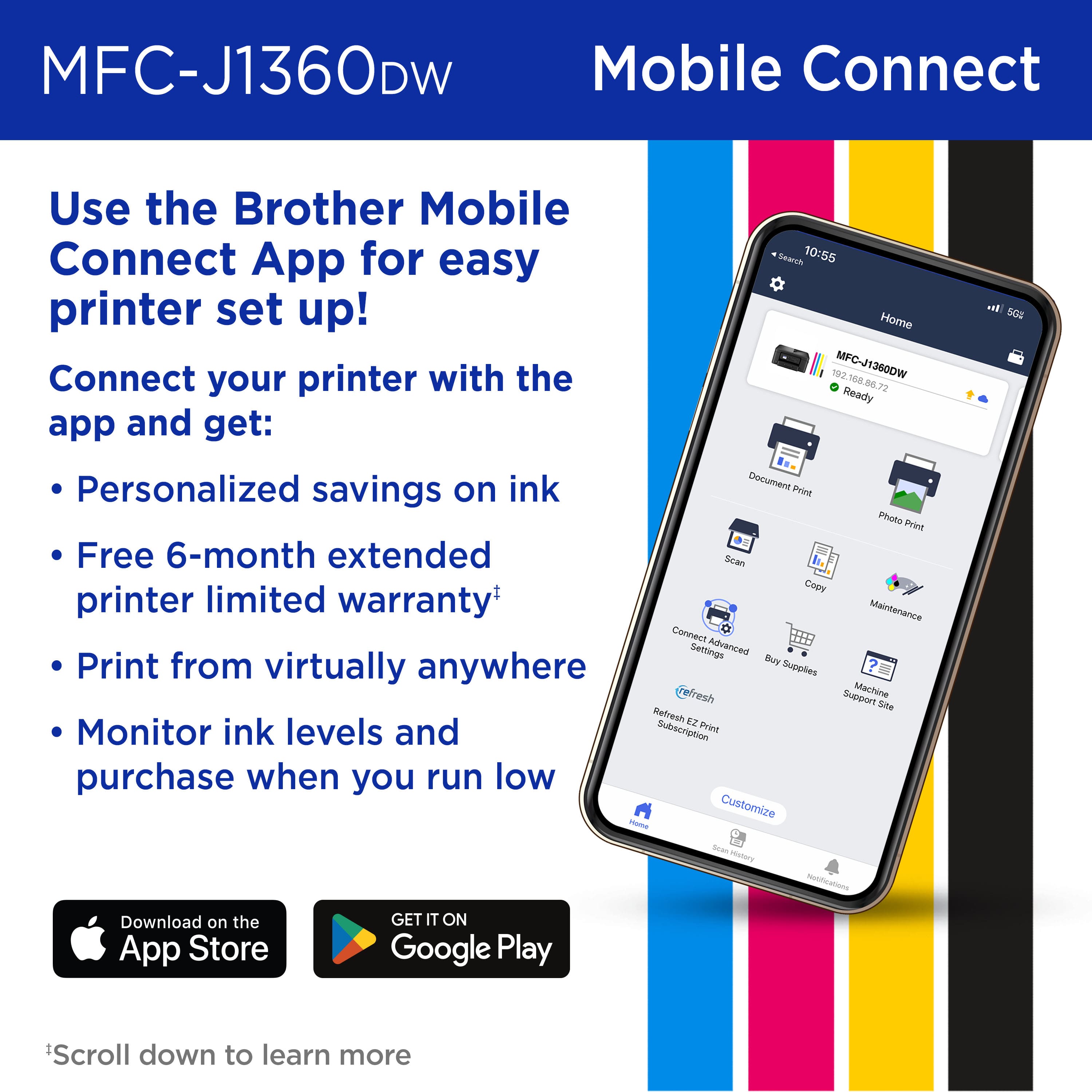
||Posted .This reviewer received promo considerations or sweepstakes entry for writing a review.So far, so good. Easy to set up, connects to wifi with ease.
I would recommend this to a friendWonderful new printer.
||Posted . Owned for 1 month when reviewed.This reviewer received promo considerations or sweepstakes entry for writing a review.Runs great and the print is consistent. It’s small and compact but does a great job!
I would recommend this to a friendWireless ?????
||Posted . Owned for 1 week when reviewed.This reviewer received promo considerations or sweepstakes entry for writing a review.NEVER could get wirelesss connection with either of our computers, Needed to buy cord to connect to one computer to the other one. So, ALL printing must go thru one compurter. that has been conected via cable to printer. Too much work
No, I would not recommend this to a friendBrand response from Brother
Posted .I see you’re having difficulty with setting up the Brother MFC-J1360DW. Here is a FAQ that may help.
https://help.brother-usa.com/app/answers/detail/a_id/179196
If you need additional assistance please contact Brother Customer Service at:
https://www.brother-usa.com/support
Quality prints
||Posted .This reviewer received promo considerations or sweepstakes entry for writing a review.Easy to install and operate. Makes quality prints.
I would recommend this to a friendGreat selection
||Posted . Owned for 1 week when reviewed.This reviewer received promo considerations or sweepstakes entry for writing a review.Perfect size for our office Good quality and amazing price
I would recommend this to a friendGood color printer with double sided printing
||Posted . Owned for 2 weeks when reviewed.This reviewer received promo considerations or sweepstakes entry for writing a review.Good choice for color printer which also include double sided printing.
I would recommend this to a friendOh, Brother!
||Posted . Owned for 3 weeks when reviewed.This reviewer received promo considerations or sweepstakes entry for writing a review.Great value! Fast printing! Great customer service from staff!
I would recommend this to a friendA challenging machine to set up
||Posted . Owned for 1 week when reviewed.This reviewer received promo considerations or sweepstakes entry for writing a review.This Epson is sadly inadequate. It has no capability to copy from iPads and iPhones, no ability to print PDF documents.however the worst thing is the tiny view screen for setting up the printer.But worse than that, you have to hit the keys numerous times to get it to type in data . Finally there is no guide to help maneuver which arrow you press to assist your entry which leads to lots of entry mistakes. Then if you hit the wrong arrow to cancel and fix the entry error, you lose all of your data. This is not a joke, I must have redone my network set up at least 10 times. But worst of all any support is totally useless. I spent probably spent at least 6 hours on the phone repeating “ I did not understand a word you said” . And never mind asking for another person, they are all the same. One of the most miserable tasks I have ever undertaken.
No, I would not recommend this to a friendBrother printer
||Posted .This reviewer received promo considerations or sweepstakes entry for writing a review.Good printer, but not as good as my previous Brother printer MFC-J870DW, which had more options. One advantage over the previous printer is that it can handle legal size paper.
I would recommend this to a friendBrother
||Posted . Owned for 1 week when reviewed.This reviewer received promo considerations or sweepstakes entry for writing a review.Functioning well. Better than the Hewlett Packard I had
I would recommend this to a friendGood Value
||Posted . Owned for 3 weeks when reviewed.This reviewer received promo considerations or sweepstakes entry for writing a review.Priced right but could use an instruction booklet.
I would recommend this to a friend