Customer Ratings & Reviews
- Model:
- MFCJ1360DW
- SKU:
- 11532749
Rating by feature
- Value
Rating 4.5 out of 5 stars
- Quality
Rating 4.4 out of 5 stars
- Ease of Use
Rating 4.2 out of 5 stars

Decent printer with shortcomings
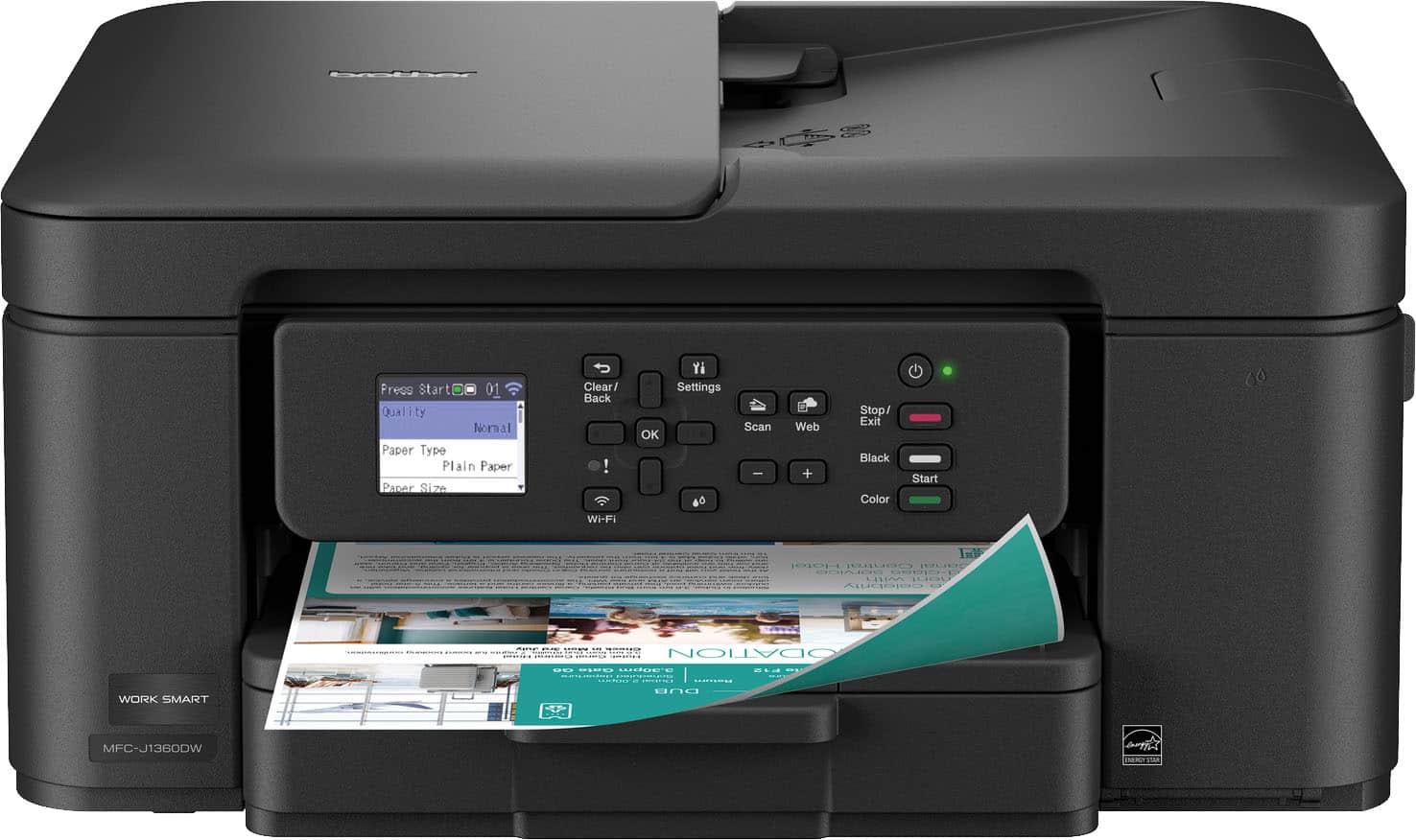
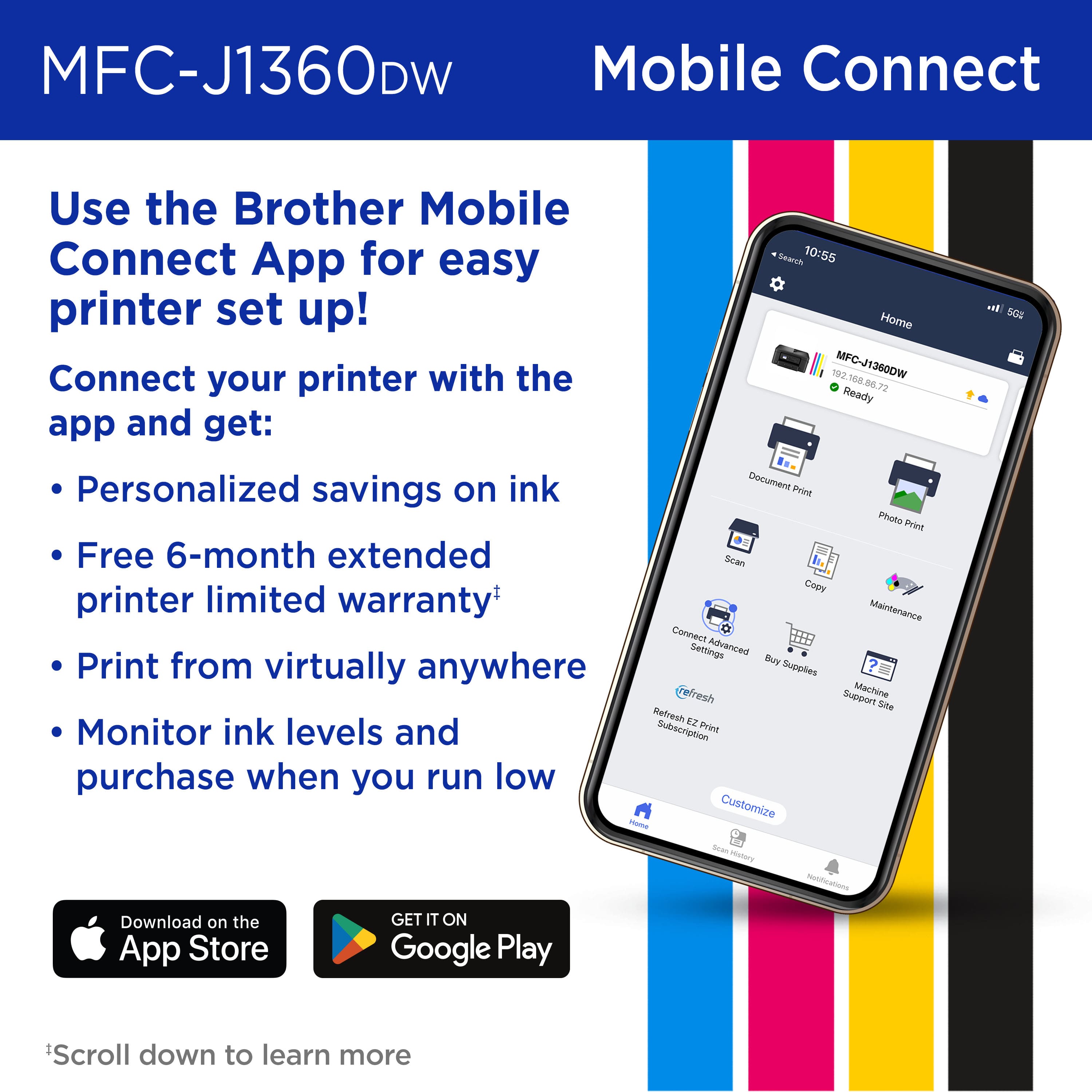
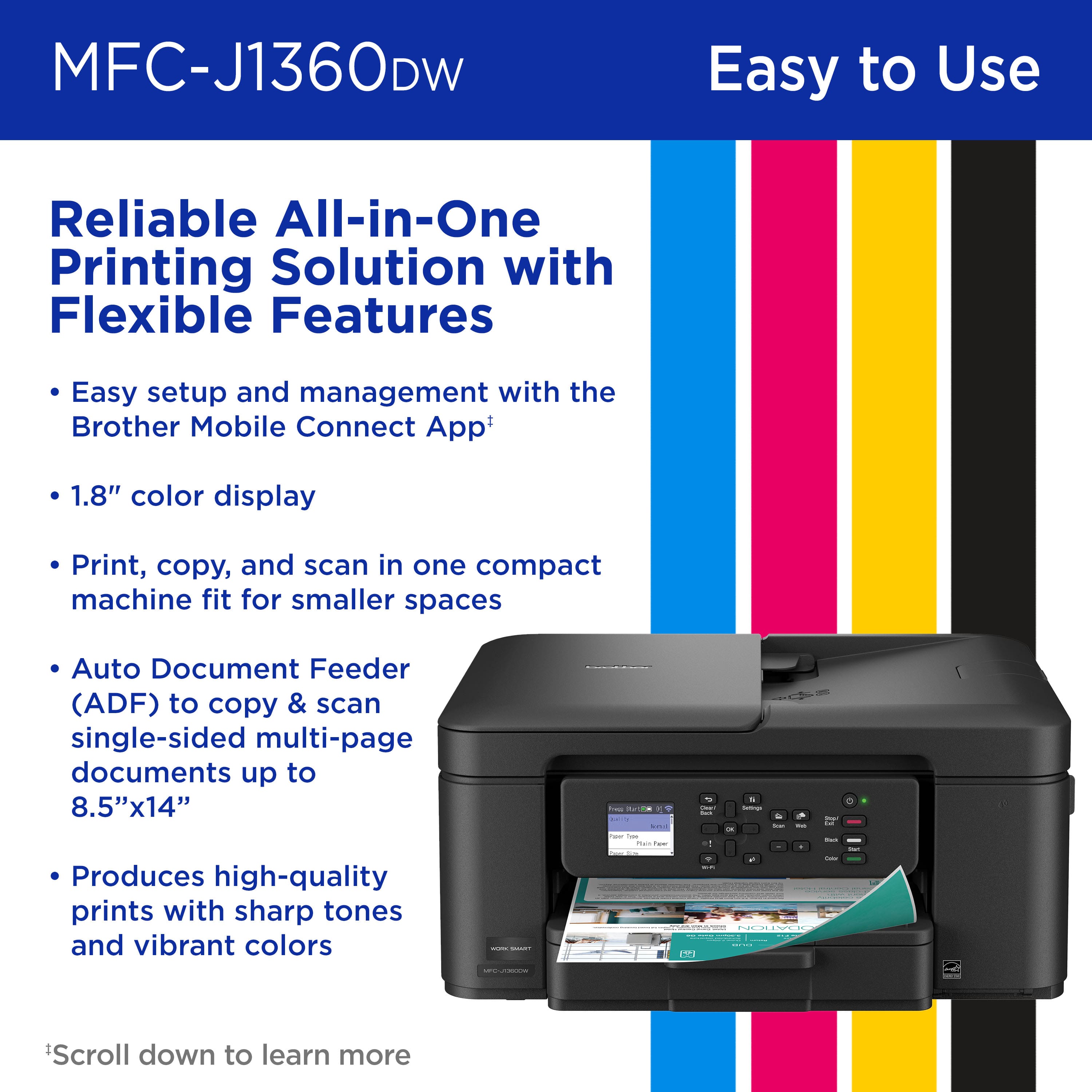
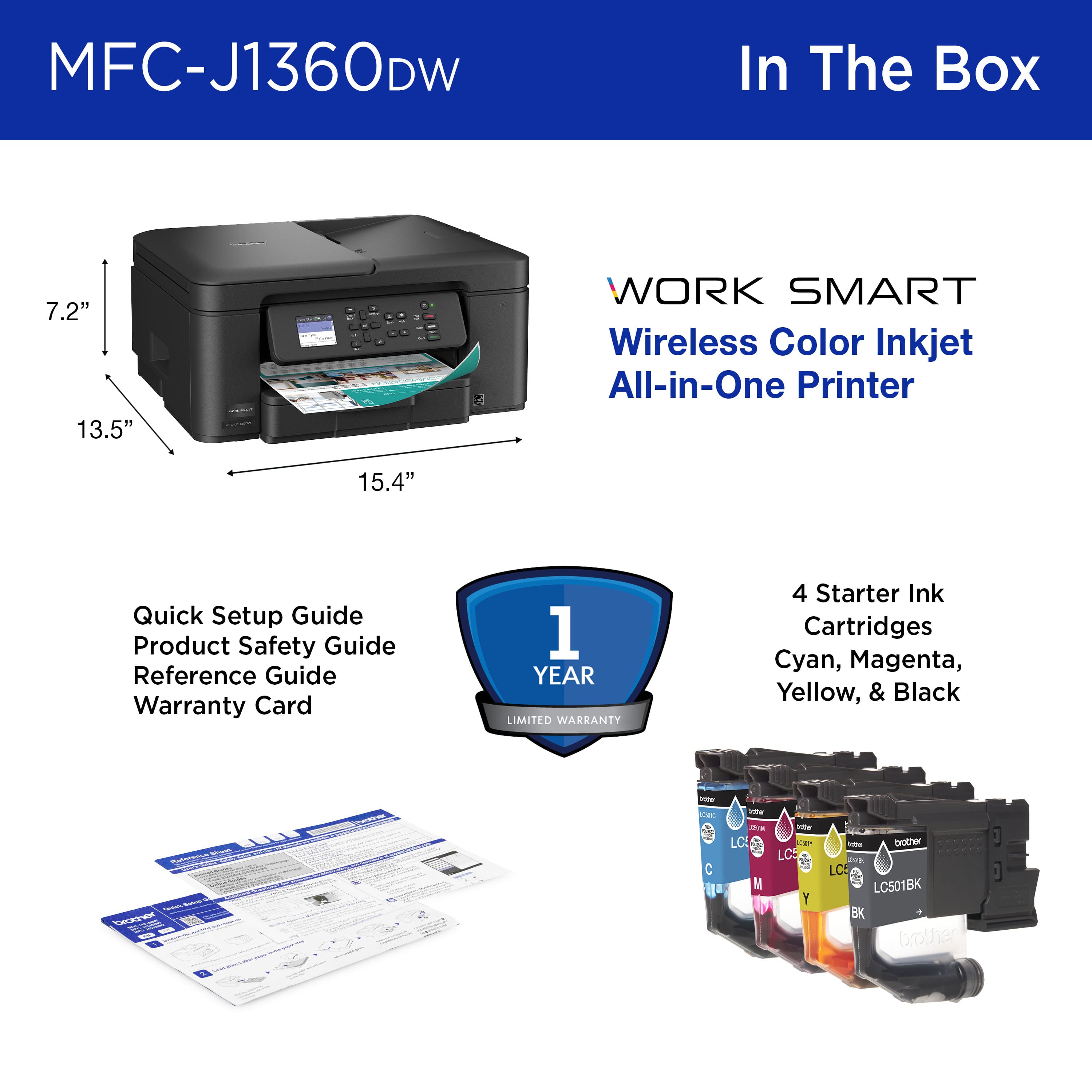
|Posted .This reviewer received promo considerations or sweepstakes entry for writing a review.The Brother Work Smart 1360 Wireless Color Inkjet All-in-One is a decent printer. It allows you to print in black & white, as well as in color. If offers Automatic Duplex Printing for front and back copies. The printer has a control panel that can be tilted. This allows you to tilt it at an angle that works best for you while viewing the buttons and display. The display has a backlit panel. However, it is not a touchscreen display, so you will have to use the buttons on the right side of the display to navigate. The print quality is decent, as well as the scan quality and speed. Unfortunately, the worst part of this printer in my experience was the setup process. I’ve owned quite a few Brother printers in the past that were easy to setup. However, this one was by far the worst. It requires you to use the Brother Mobile Connect app for setup. I have a Brother account I’ve used before, but the app during the setup process kept telling me that my email address was not in the system. When I tried creating a new account, it kept giving me errors and failed attempts. I ended up setting the printer up in manual mode using the display screen and buttons. Using this method eventually allowed me to complete setup, but it was a very tedious process. Based on my experience I can’t really recommend this printer. Perhaps you will have better luck than me during setup.
No, I would not recommend this to a friendGood printer
Posted .This reviewer received promo considerations or sweepstakes entry for writing a review.Works very well printing from cellphones and tablets
I would recommend this to a friendEasy to Use
Posted .This reviewer received promo considerations or sweepstakes entry for writing a review.I was very impressed as to how easy it was to connect to phone.
I would recommend this to a friendFirst Brother and happy with it!
Posted .This reviewer received promo considerations or sweepstakes entry for writing a review.I’m really enjoying the Brother printer. I like the intuitive interface and easy to use operation. I returned the HP I purchased because it didn’t have a paper feeder, just glass. I mistakingly didn’t get one of their all in ones. However, I made a great choice going with Brother instead!
I would recommend this to a friendGreat small printer/scanner
Posted .This reviewer received promo considerations or sweepstakes entry for writing a review.Easy to set up! Compact sizing. Slightly heavy but good weight. Ink was easy to install as well
I would recommend this to a friendBrother MFC-J1360Dw
Posted .This reviewer received promo considerations or sweepstakes entry for writing a review.Exactly as advertised. Connect was relatively easy and we have printed wirelessly with no issues.
I would recommend this to a friendBrother 1360
Posted .This reviewer received promo considerations or sweepstakes entry for writing a review.Works well for reasonable priced printer. Would buy it again.
I would recommend this to a friendBetter one with a tank
Posted .This reviewer received promo considerations or sweepstakes entry for writing a review.I enjoyed using the printer, but it consumes a significant amount of ink, making it less cost-effective to purchase cartridges frequently. Instead, I opted for a printer that allows for ink refilling, which may incur a higher initial expense but proves to be the most economical choice in the long run.
No, I would not recommend this to a friendBrand response from Brother
Posted .Thanks for taking the time to review your experience with the Brother MFCJ1360DW. We appreciate your feedback. I’m sorry to hear that you are having Ink issues with the Brother MFCJ1360DW. I sincerely apologize for any inconvenience this issue may have caused you. We would love to hear from you with more details to be able to better assist you. Our Brother Customer Support Team is available to assist you direct: www.brother-usa.com/brother-support/MFCJ1360DW

Worst Printer
Posted .This reviewer received promo considerations or sweepstakes entry for writing a review.The worst printer I have ever had! I had to go on You Tube to try and get help. Did not tell me how to change the "resting" mode. When it finally printed, then I could not shut it off! If I didn't have to get taxes done....I would have junked it.
No, I would not recommend this to a friend