Customer Ratings & Reviews
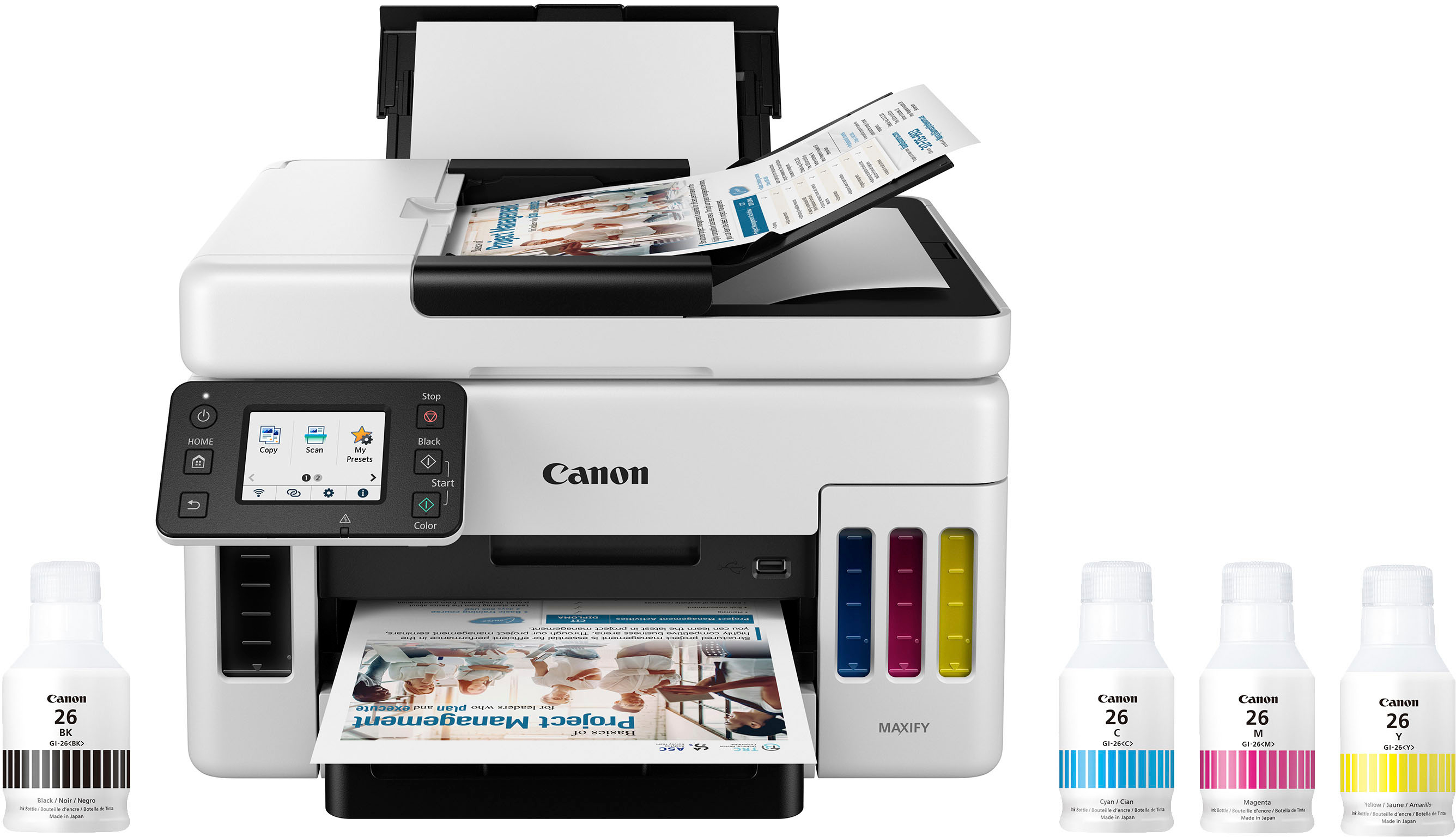
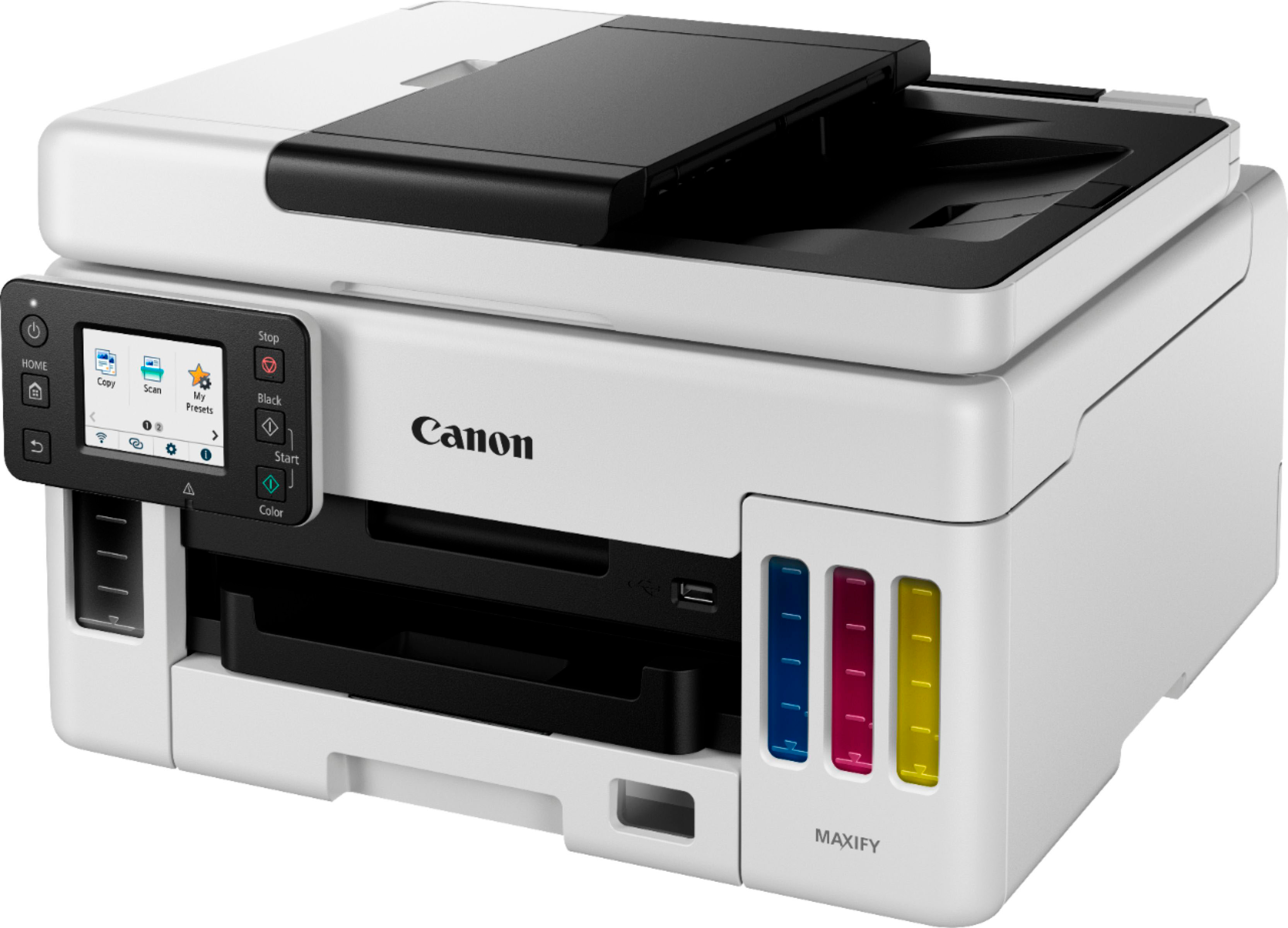
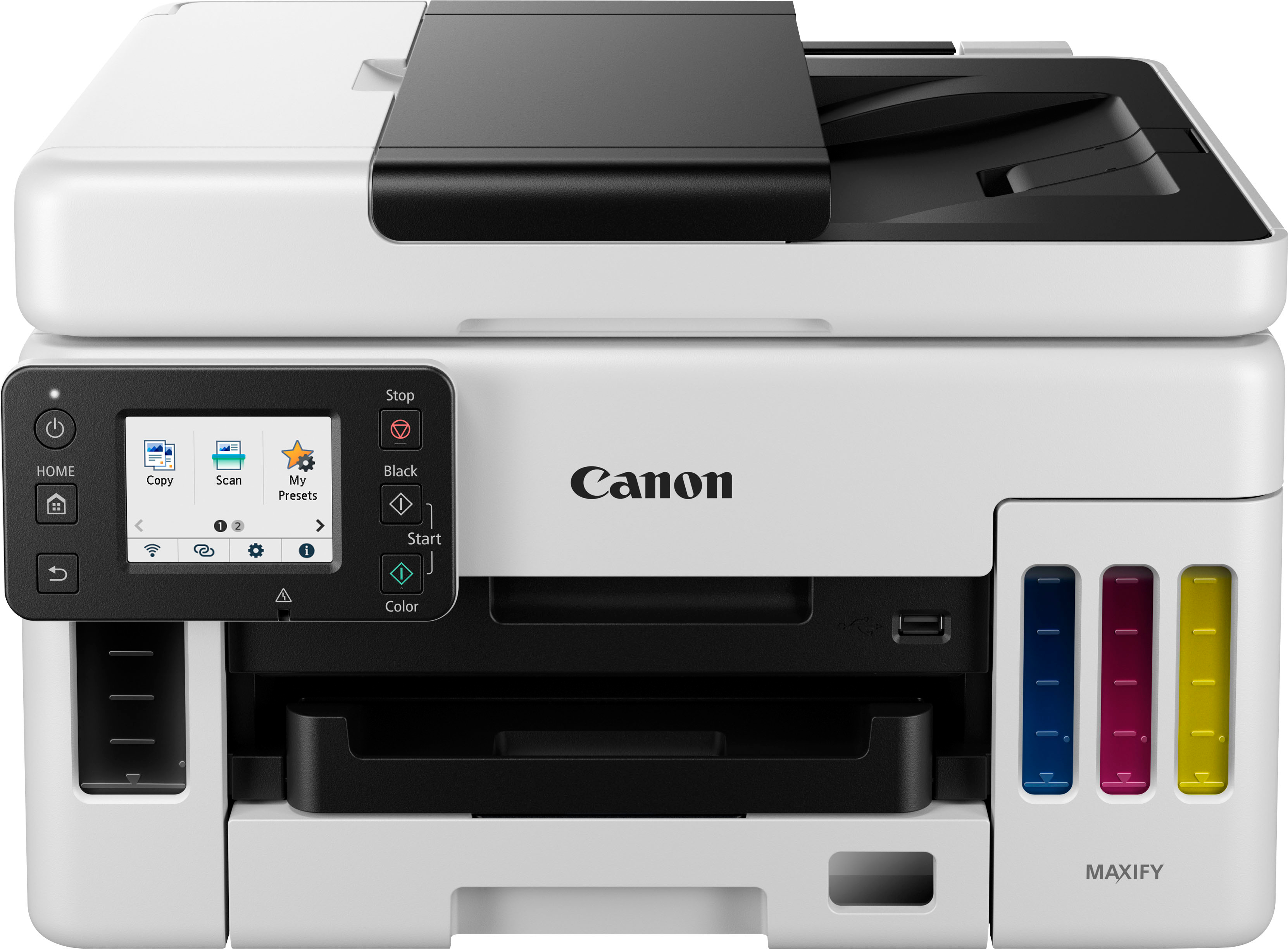
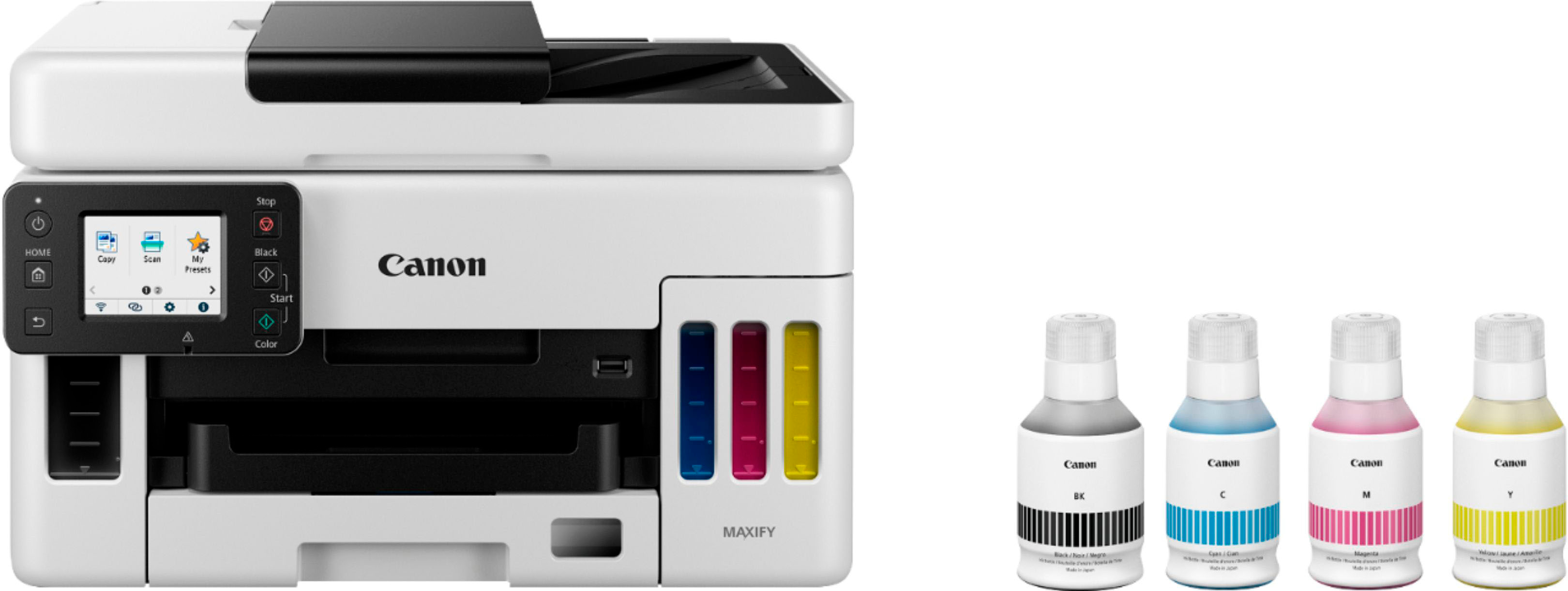



- Model:
- 4470C037
- SKU:
- 6502900
Rating by feature
- Value
Rating 4.4 out of 5 stars
- Quality
Rating 4.5 out of 5 stars
- Ease of Use
Rating 4.5 out of 5 stars
Customers are saying
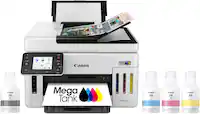
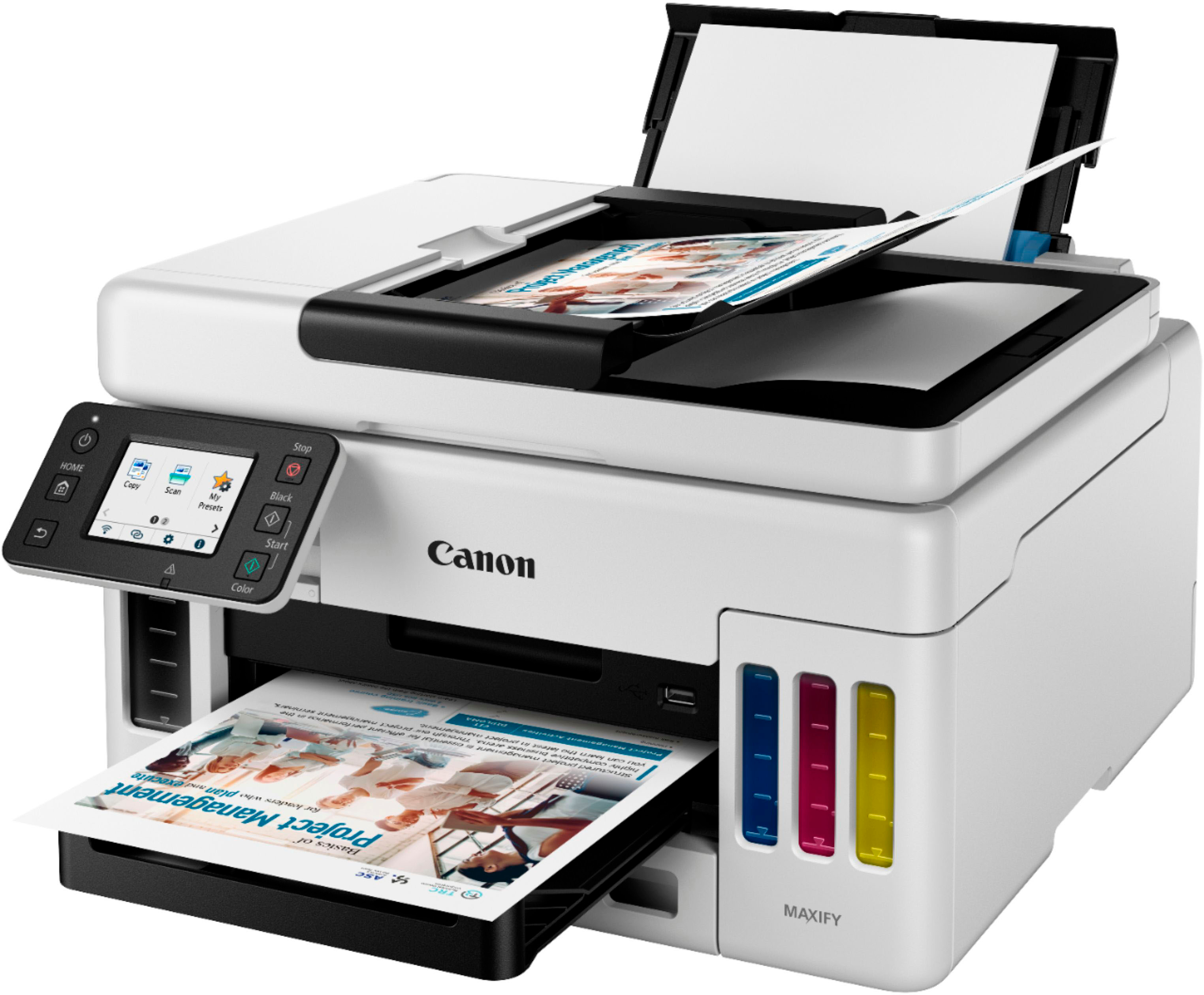
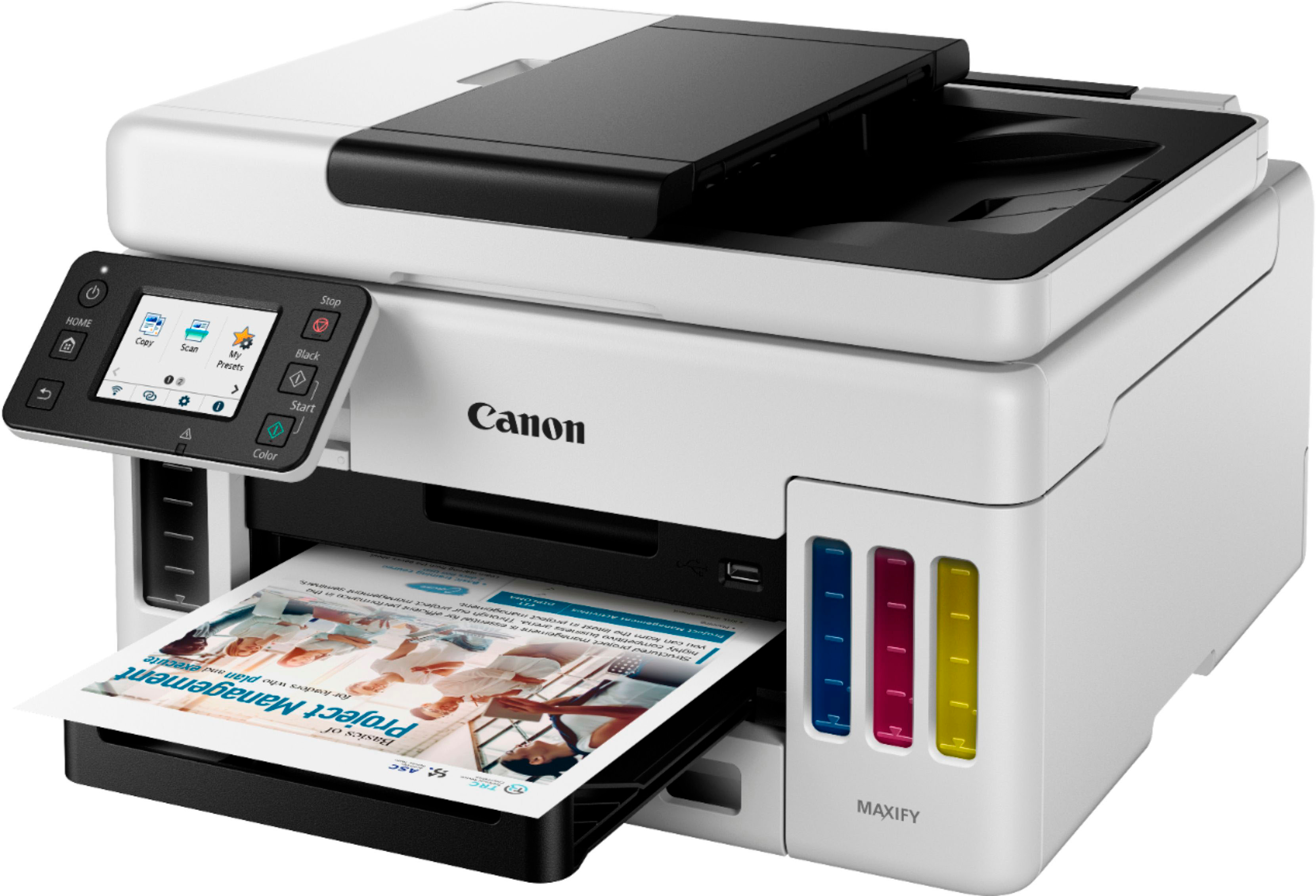
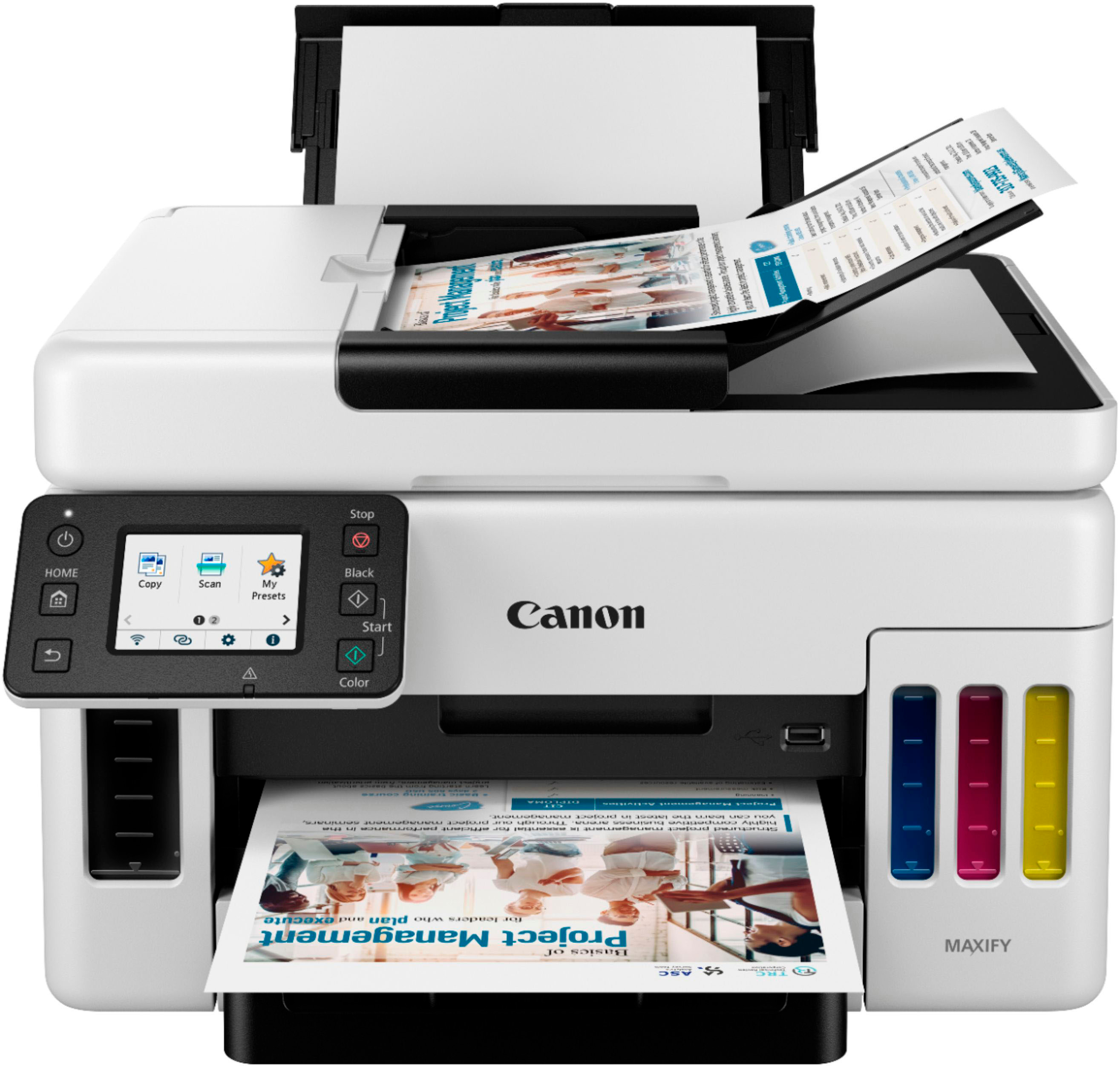
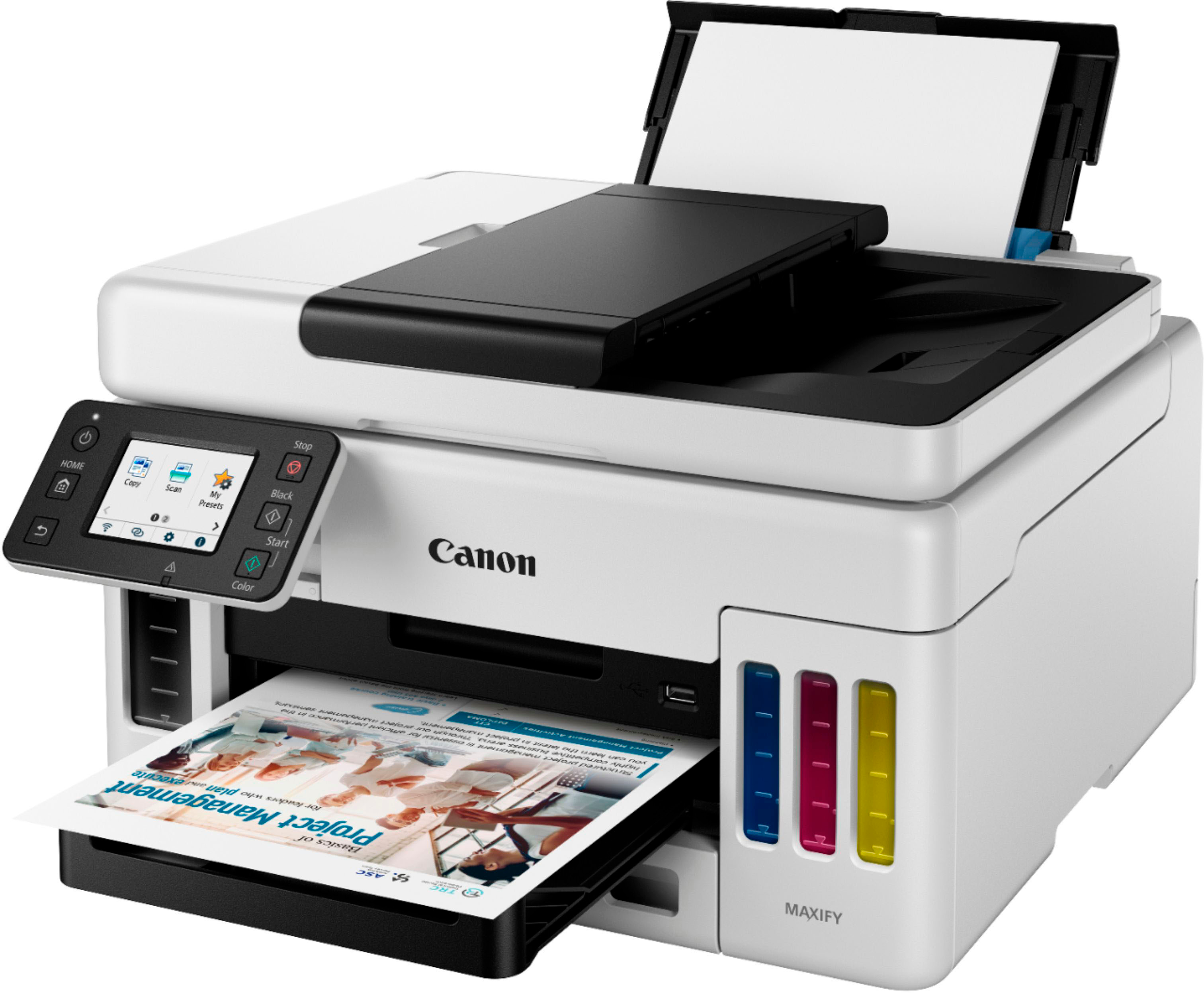
Customers recognize the Canon MAXIFY MegaTank GX6021 as having excellent print quality, praising its sharpness and suitability for both documents and photos. The printer's ease of setup and quiet operation are also frequently highlighted as positive aspects. Its compact size makes it a space-saving option for smaller offices or homes.
This summary was generated by AI based on customer reviews.
- Pros mentioned:Print quality

Newest Technology and Superb Printer
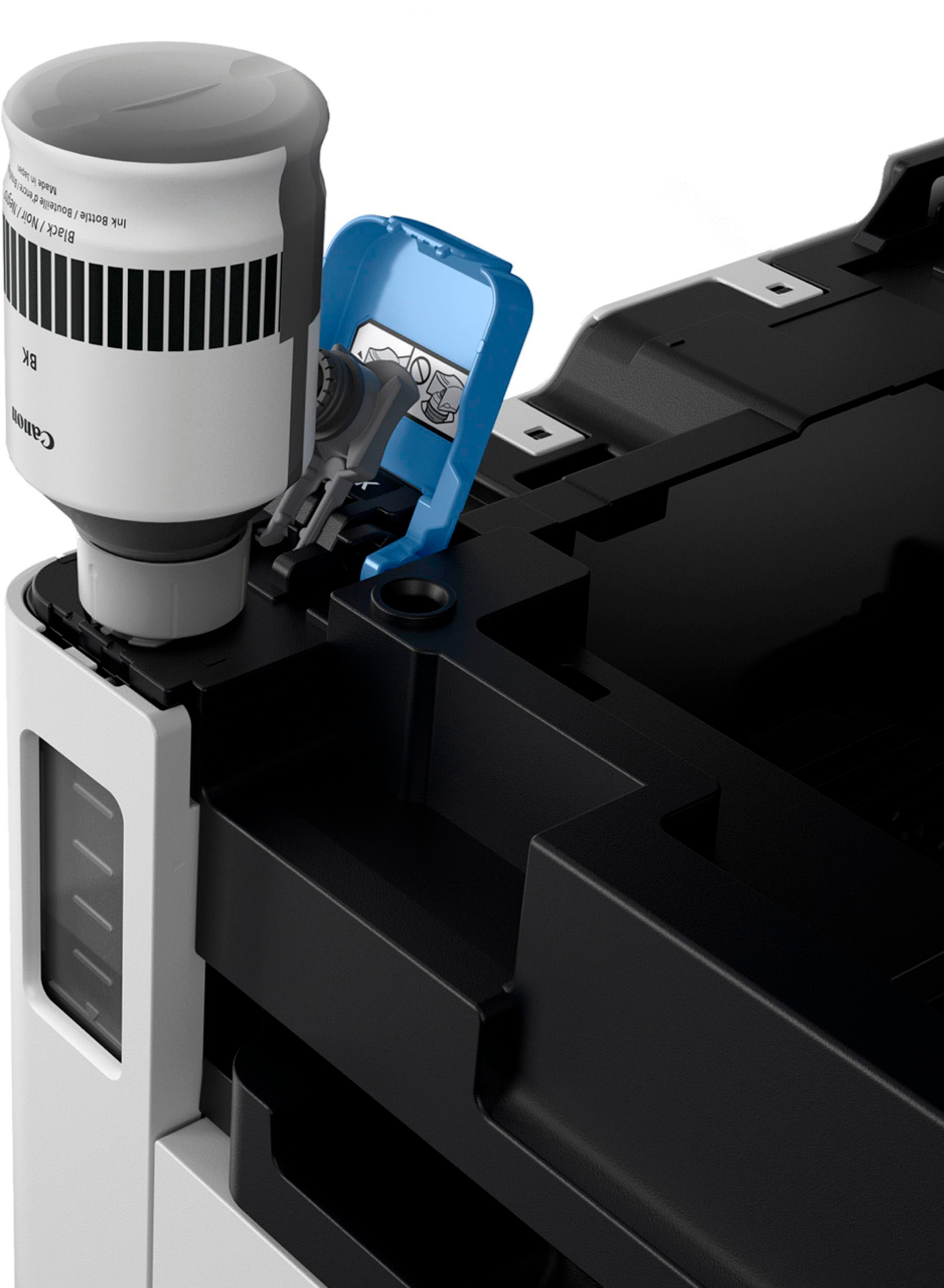
|Posted .This reviewer received promo considerations or sweepstakes entry for writing a review.This printer was easy to setup with a very well written ‘Startup’ guide. All functions tested correctly when I ran it through its many options. The ink tanks are very large. I was careful to follow the instruction closely so no ink spilled. I could see that the ink bottle and ink tank are designed to help ensure you don’t spill any ink i.e. it is a very smooth and easy operation to fill the tanks. Color and grey reproduction was excellent – I could not see any difference between material that was copied and the original. Wireless connectivity was flawless. Canon gives you an option to use their ink auto-supply process, which will save you money if you print a lot of material. However I didn’t choose that option. There is an ink valve shutoff for when you move the printer a great distance, so don’t forget to use it. I had not seen this on other ink tank printers, but with ink tanks it is a valuable function. Be aware that when you lift open the printer to put in more ink, the larger-lid stays in place. You need to first move it slightly higher and then it will let you close this larger-lid. Don’t confuse this when you are just opening thinner upper lid of the printer to reveal the scanning glass. This portion just moves up down without the additional upward pull. The ‘Print Directly from USB Flash Drive’ function needs some updating. If you have a PDF type file it may not print because when using a USB flash drive, this printer will only print if the file was created from the Canon software or the operational panel of the printer i.e. scanned to the flash drive. Point is this severely limits the usefulness of this function. Although you cannot fax with it, this printer does provide a lower cost ink option with the ink tanks and the four color ‘pigment-based’ ink system does provide very crisp and vibrant print outs. The very nice 2.7 inch adjustable LCD touchscreen is the newest technology for your interface to the machine. It also has a great 3-year limited warranty. Printers are becoming much easier to configure and use, this printer is a great example of the newest technology – tip of the cap to the Canon engineers. All in all a super quality product that impressed me with its array of optional printing functions, scanning and copying (double or single sided output). I highly recommend this printer.
I would recommend this to a friend - Pros mentioned:Ease of use, Print quality
Great Printer for Home/Small Office Use
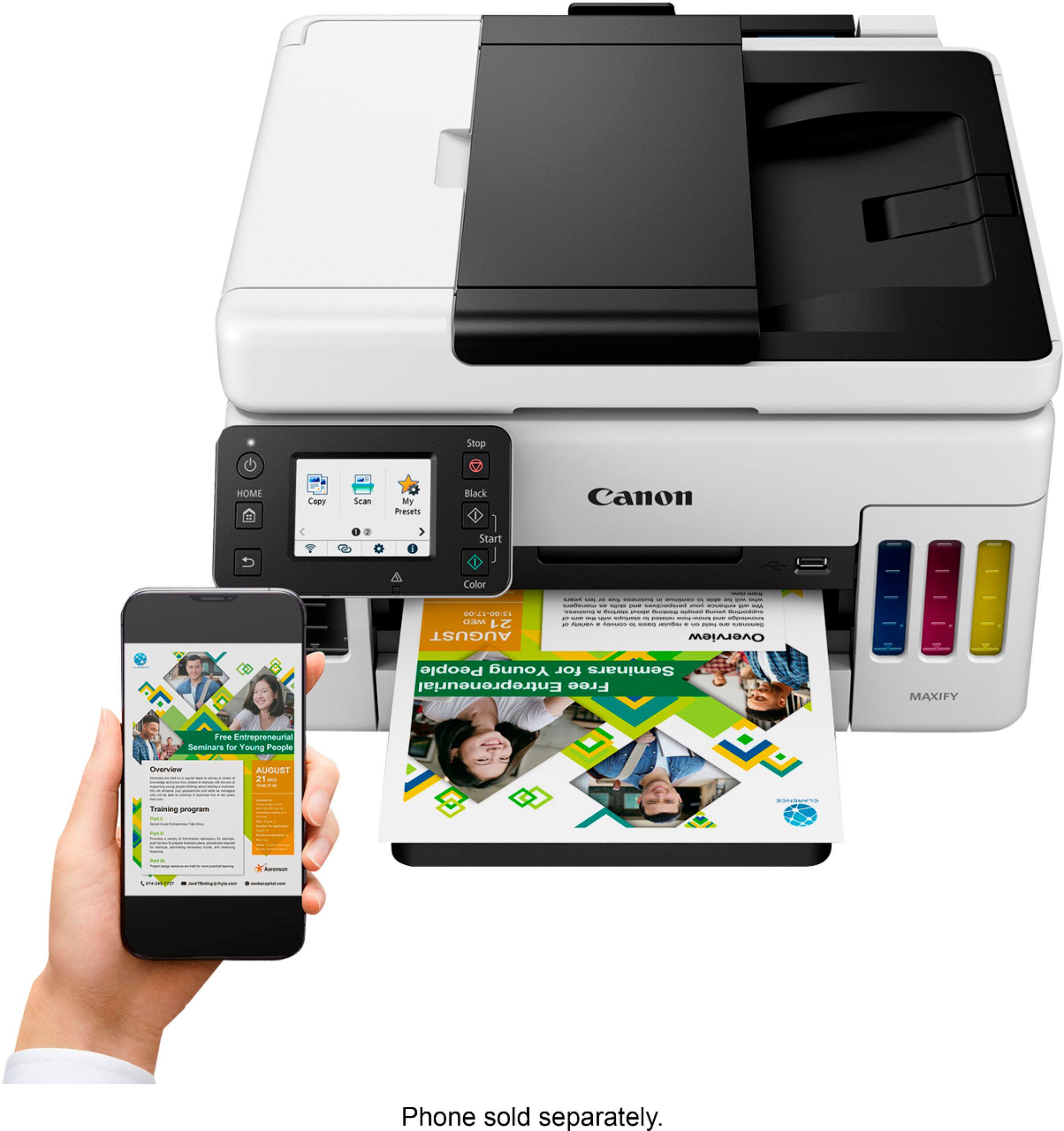
|Posted .This reviewer received promo considerations or sweepstakes entry for writing a review.Right out of the box, I was impressed with this printer. Not only were all three colored inks and a black ink included, but there was enough left over for a partial fill for a later date. The physical set up of the printer was straight forward. I love that this is truly a wireless printer. I was not forced to put it in our home office due to USB and network cable constraints, although I may hook it up via USB to my guest PC. This thing has some size/weight to it so make sure you have a open and sturdy flat space to store it. Filling the ink reservoirs was simple and oddly satisfying. Setting up the printer on my network proved to be extremely easy. After getting it on the network I was able to print from every PC, Mac and phone/tablet that we own. Probably the fastest home printer I've ever had. It spits out sheets so fast that I feel like I'm at the office. Color quality is spot on. Had to print a copy of a MS PowerPoint presentation and it was just as bright and vibrant as it looked on the monitor. The copying and scanning functions work flawlessly as well. My only complaint is with the screen on the printer. I would of liked a bigger screen, but that is more of a preference thing and does not take away from the functionality of this unit. I found the included software and the mobile app to be more than what I need for regular daily use, but they do have some very nice features that I may use in the future. Canon has really helped me step up my home printing capabilities.
I would recommend this to a friend - Pros mentioned:Noise level, Print quality
This is a Compact Super Printer!
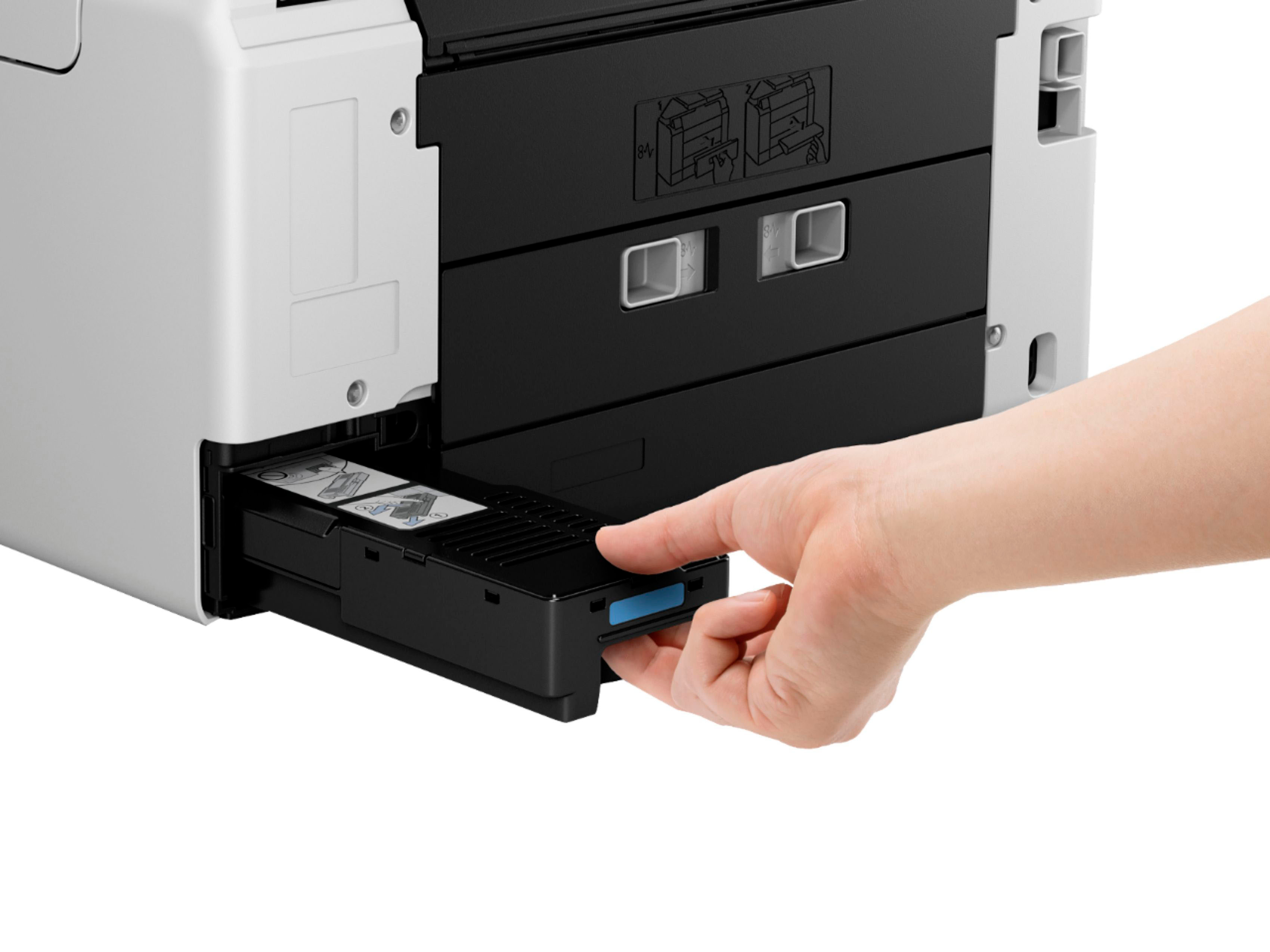
|Posted .This reviewer received promo considerations or sweepstakes entry for writing a review.The Canon MAXIFY GX6021 wireless AIO (All In One) Inkjet Printer is a workhorse printer for both home and small office. This Canon MegaTank inkjet printer is designed for low maintenance - a big plus today. Included in the well designed box you will find - Canon MAXIFY GX6021 printer Power cord Generously sized supply of CMYK pigmented (not organic) ink in keyed bottles Ink that does not bleed when highlighted Getting Started pamphlet and access to online documents The printer is easy to unpack and has handles on the protective shipping bag along with assistive documentation and illustrations to make unpacking easy. You can print up to 6,000 Black and White or 14,000 Color pages on a single set of the 4 CMYK inks. Other maintenance includes a replaceable Maintenance Cartridge and replaceable Print Heads. You can do automatic duplex printing and scanning from the printer using a computer or mobile device. Connectivity can be Wi-Fi, direct USB or Ethernet on the LAN etc.. The front-loading paper tray can hold up to 250 sheets of 8-1/2 x 11 paper. A rear tray holds up to 100 sheets of papers great for photographic and other heavy weight papers. They do not list it as a photo printer probably because of ink drop size and that it only uses four CMYK inks, but I have been using it for photographs and have had nice results that are banding and other artifact free. It has a nice sized color LCD touch screen display that provides the touch interface for settings while mobile printing can be done using the Canon printing app or Apple AirPrint. Linux can also be used as a printing platform. It is reasonably fast for this type of an inkjet printer while also quiet. You can also print from a USB stick. The printer works with Amazon Alexa and Google Assistant for voice control. Very nice, solid inkjet printer!
I would recommend this to a friend - Pros mentioned:Print quality, Size
Great all-in-one for a small business
|Posted .This reviewer received promo considerations or sweepstakes entry for writing a review.The Canon - MAXIFY MegaTank GX6021 is a great option for small businesses and for home office as well. Best of all, Canon's all-in-one printer is pretty compact and does not take up much space. It was just what I needed for my at-home notary business. Although my old printer was still going, I needed something that had higher printing speeds and had the ability to print legal sized documents. I knew I did not want an old archaic printer with ink cartridges, so the Canon - MAXIFY MegaTank GX6021 was the perfect solution for me. For setup, just to get it going was not bad. I downloaded the Canon printer app and followed the provided instructions. Where it did get a bit tricky was trying to link cloud/web based services to the printer. It was a bit more of an involved process than with my other printers I've had. The task was not so bad, but it did get confusing at times. Canon should maybe find a solution to simplify this option. Aside from that, I really love the ink tank size. They are great and I can see the ink lasting a really long time. The printing speeds are incredible with the Canon - MAXIFY MegaTank GX6021, especially if you are doing black and white printing. But even with color prints, the speed is great and the quality of the images are also great. Just like I expected from a Canon printer. Although I have not tried printing on photo paper, I have no doubt in my mind that they quality will be great. The printer has a USB port built into it, so if you are looking to print directly from a USB, no issues there. Another thing that I like about the Canon - MAXIFY MegaTank GX6021 is the display size. The display is large enough to facilitate navigating through and get things done without forcing you to squint your eyes. It is also touchscreen, and no issues with my fat fingers. Overall, the Canon - MAXIFY MegaTank GX6021 is great. Canon should just work on facilitating the cloud/web based setup a bit more. Still, I would highly recommend the Canon - MAXIFY MegaTank GX6021 to anyone.
I would recommend this to a friend - Pros mentioned:Print quality, Setup
Great MegaTank all-in-one inkjet printer!
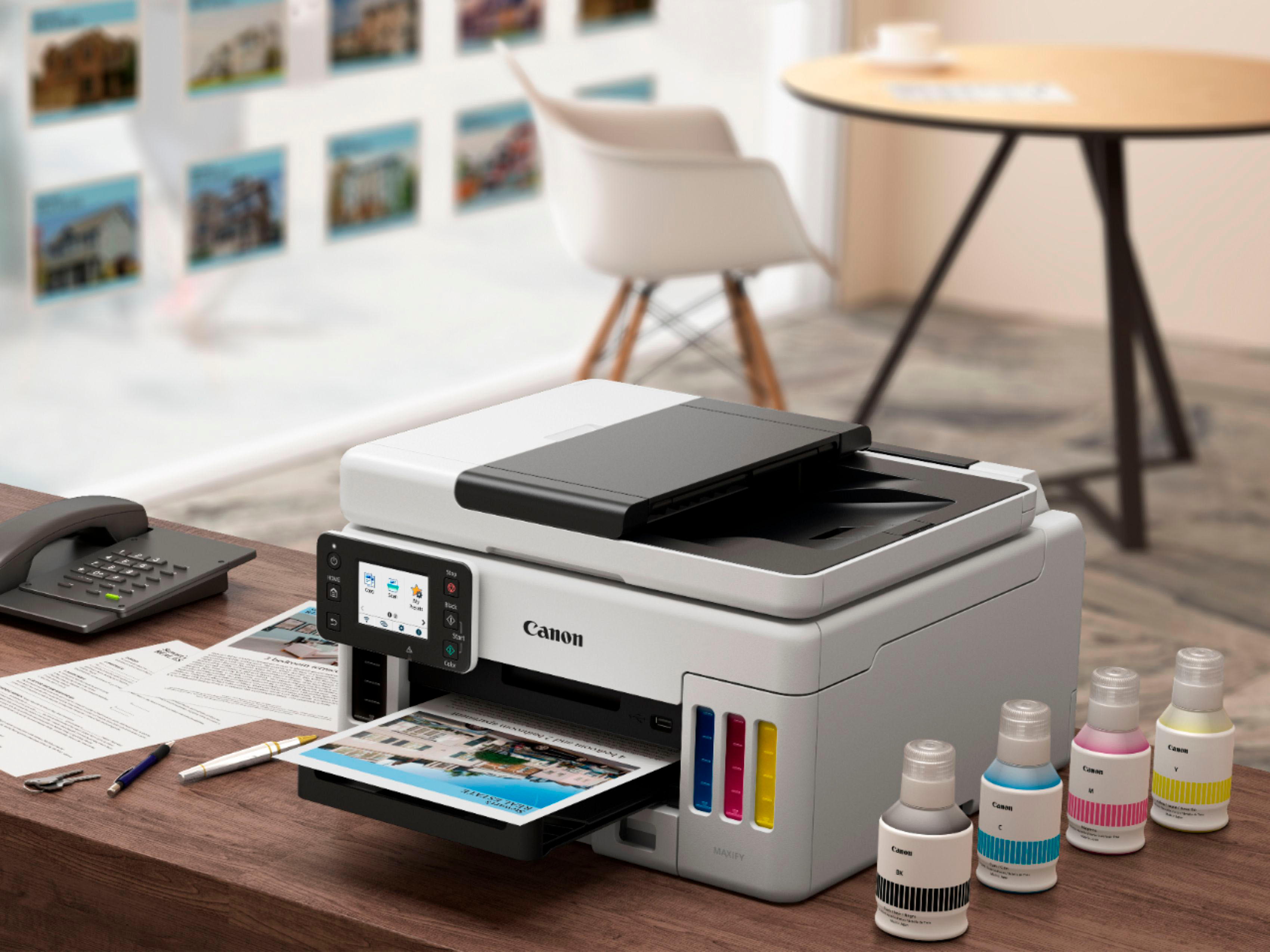
|Posted .This reviewer received promo considerations or sweepstakes entry for writing a review.I have owned more than a few Canon all-in-one inkjet printers because of the quality. This is my first printer that uses actual ink bottles instead of the cartridges. I will not purchase cartridge printers anymore after using this printer. Out of the box this printer was very easy to setup. Pouring the ink into the tanks was very easy and I really like that you can visibly see the ink levels from the outside. What is inside of the box is the printer, ink bottles - 5 different colors including the black, and power cord. The old days you always had to go purchase a printer cord but with this unit as wireless it is really nice to not have to go to the store and purchase the cord. Setting it up on the wireless network was very easy and connection worked very fast. The copying is very easy and the printer is faster than I had thought it would have been. I have apple computers as well as pc and they both see the printer on the wireless network and prints fast as well. The printer tray holds quite a bit of paper which is nice. I also printed from our phones which is always a nice feature. I do know that you will have to purchase a new printer head but I hope that won't be for a while. I haven't found any cons yet so very happy with this printer.
I would recommend this to a friend - Pros mentioned:Print quality, Size
Excellent home office or high volume printer
|Posted .This reviewer received promo considerations or sweepstakes entry for writing a review.Excellent home office or high volume printer This printer is an excellent choice if high volume print jobs are your forte along with the need to scan documents. Faxing is not available in this model. It comes with all the ink you need plus a couple of bonus black ink bottles which I think is excellent on the behalf of Canon! The supply of ink with all the extra black ink is very encouraging, knowing that we won’t run out for a long time. Setting up the printer was easy, as most of them are nowadays. I like to use Air print with my apple devices, and I ran a USB connection to my desktop PC just for ease of simplicity. The printer practically spits out all black pages and is very reasonable with colored pages as well. The figures advertised are up to 24.0 ISO ipm in black, up to 15.5 ISO ipm in color. I have been very happy with the performance here. If your home office needs do not involve the faxing of documents, than I think that this printer should be one easily selected by anyone looking for excellent economy out of a printer that is overall not that large and space consuming. Thanks for reading and good luck with you purchase decision!
I would recommend this to a friend - Pros mentioned:Ease of use, Print quality
A Super Printer 14K Color Prints
|Posted .This reviewer received promo considerations or sweepstakes entry for writing a review.Never had such an easy experience setting up a printer. It was so effortless and every step was so well planned. Kudos to Canon. First, you can’t spill the ink in the cartridges. They are only designed to release the ink once a connection is made and that connection seals the ink so it can be poured into the color tanks. Now, get ready to print over a whopping 14,000 pages in color before you need to replace the ink. The printer prints full color photos faster than any printer I’ve ever had and I’ve had a few. Having the color tanks is a game changer to me. I love having an all-in-one printer in the house. The scanner works perfectly on my laptop and Windows 11 finds and installs the necessary drivers in seconds. The copier is also included in that install and works as it should. Build quality is better than a lower budget printer as it should be. Plastics seem denser and the printer is much heavier than most so be aware of that. There is an app of course that allows you to print from your phone and the app offers a lot of features to feed your creativity. The is easily the best printer that I’ve used to date.
I would recommend this to a friend - Pros mentioned:Print quality
Excellent Canon Printer!
|Posted .This reviewer received promo considerations or sweepstakes entry for writing a review.This is the second Canon printer that I have used and owned. I've had my other Canon printer for years and have never experienced a single paper-jam or problem, so I'm expecting my new printer to be trouble free and stellar. So far this Canon printer is great! The Maxify printer is a pretty decent all-in-one printer. My printer is being exclusively being utilized for home printing. It has a pretty large paper capacity (250 sheets), offers super quick printing in both black/white and in color. It can be used in both home and office setting. It will print up to 24 pages per minute in the black and white mode and it also has double sided copies. The Maxify has large ink reservoirs, and the manufacturer boasts 6000-9000 B/W copies and 14,000-21,000 color copies. The printer is pretty stylish and has a touch screen, and it also has a pretty small footprint. The functions are pretty easy to use and scroll to. What I love the most is the wireless printing. Setup was flawless with my Microsoft Surface Windows based desktop computer, my Asus laptop, as well as use with my iPhone 13 Pro. I had to download the printer drivers before I could utilize the product. All you do is just follow some easy instructions and you are ready to print wirelessly. You also have scanning copying and faxing capabilities. I printed wirelessly and output results and quality were awesome. Clean prints and color charts were vibrant. The printer is relatively quiet during a print routine. Pros: ****All-in one printer which copies, scans, prints and can fax. ****Fast and easy set up. ****Nice quality color and black and white prints. ****No compatibility problems with my Windows 10 and 11 operating system, and my IPhone 13 Pro. ****WIFI capable. Cons: **** None Overall, I'm very happy with the printer. It's pretty quiet and handled all of my personal printing jobs with ease. This is an awesome printer for both home and office use. The Maxify performed very well in my test usage. I didn't experience any paper-jams during my daily use. The output quality of this printer is great, with crisp clean prints being the norm. I definitely recommend this printer for your everyday print jobs. I was quite pleased with this product, and you should be also!
I would recommend this to a friend - Pros mentioned:Print quality
Fire the Canon!
|Posted .This reviewer received promo considerations or sweepstakes entry for writing a review.This is the second large capacity ink printer I have owned. The first was from another brand that I ran into issues with before I ran out of ink. The other printer would not print in b/w and would not print any red ink out even though the reservoirs were more than 70% full. Obviously I can not speak for how this printer will work 6 months down the road, but I can speak to the quality of the printer itself. The ink bottles have notches in them so you fill the correct reservoir, a very nice touch. The other vendors printer did not have this. I like that detail. The bladder/reservoir filled very quickly with no mess. A big improvement over the other brand. My desk still has a ink mark from that one. We will call that color Horrible Purple (hint). The print quality is quite nice as one would expect from Canon. I have not tried on photo paper yet, but based on copy paper, this will do an outstanding job with photo prints. Black and white prints are fast and accurate. Color prints have excellent color reproduction with excellent speed for a color printer. The scanner does what most scanners do. Scans and does multiple sheets if needed. My one gripe on the printer, I had to move it to another network and the reprogramming of the printer was not exactly straight forward. Most will never run into this issue, but I play with stuff way too much. The configuration failed on my first install also. So I had to play around a bit the first time as well. Overall Canon has put forth another solid AIO printer. I have not had a chance to play with the fax on it, but I don't recall the last time I had to fax something. Just print it and tie it to a dinosaur already. Anyhow, this printer seems like it will last a long time. In the past I have had better experience cleaning Canon ink jets than other manufacturers. I don't need to print a lot, but when color printouts are needed it is great having one you can rely on.
I would recommend this to a friend - Pros mentioned:Print quality
Inkjet Excellence!
|Posted .This reviewer received promo considerations or sweepstakes entry for writing a review.There are so many things I love about my Canon MAXIFY printer that I honestly don't even know where to start! I can say I am so glad that I never have to buy ink cartridges ever again! It makes so much more sense to buy large tanks of ink, they last SO MUCH LONGER! I will save hundreds a year with this printer, but on top of the ink savings this printer just works well. The wifi connection is solid, and I can wirelessly print from my phone, tablets, and PC's all throughout the house. I have had other printers with poor connections that are plagued with connectivity issues but this Canon does not have that problem at all! I have printed documents, pictures, all in color and grayscale and there have been zero issues through hundreds of pages! I also love the wireless scanning functionality, I can upload all of my documents and scan old photos right to my PC, all over the wifi! Prints come out pretty dry and it prints super fast as well. If you are looking for an all in one solution for all of your printing and scanning needs this is definitely the device for you!
I would recommend this to a friend MAXIFY Your Potential!
|Posted .This reviewer received promo considerations or sweepstakes entry for writing a review.The Canon - MAXIFY MegaTank GX6021 Wireless All-In-One Inkjet Printer is another in an extensive line of printers from companies that realized printer ink cartridges were very 2010! I must reveal that I have had the pleasure of using other similar printers in the past, but never thought I'd someday own such an elite device as the Canon - MAXIFY MegaTank GX6021 Wireless All-In-One Inkjet Printer. What makes the Canon - MAXIFY MegaTank GX6021 Wireless All-In-One Inkjet Printer different from all the rest? Is it worth the hefty price tag? What exactly is a megatank anyway? Let's dive in! To answer the last question first, a MegaTank is something those of us with a small business could only dream about less than a decade prior. If you wanted to go the way of an inkjet printer, with all their "pros", their one and only "con" was the piddly amount of ink that even the "extra ink" variety cartridges would offer. You would have to rig up a bottle system that was prone to fail and would void your warranty! In comes the Canon - MAXIFY MegaTank GX6021 Wireless All-In-One Inkjet Printer to the rescue! Instead of cartridges, this baby guzzles the ink into its (FOUR) reservoirs. So ok, you are asking yourself "now I can see how much ink is left on the front of the machine, big deal!". No, my friend. No. Just no! Compared to the carts, this baby can chug out six thousand black and white pages, and 14,000 color pages on a single set of ink bottles! And yes, your first set of bottles of pigment ink to "charge" its reservoirs are included! What does that mean for you, the small to medium business owner? The Canon - MAXIFY MegaTank GX6021 Wireless All-In-One Inkjet Printer will save you, on average 80% if you were to use a laser printer instead. Did you hear that? This thing is cheaper to operate than a laser printer! How cheap? About $0.02 a page (yes!) two cents! If the above alone hasn't sold you on the value of the Canon - MAXIFY MegaTank GX6021 Wireless All-In-One Inkjet Printer, then let's look at what else it can do for you and your small to medium-sized business! Even though this baby is packed with features, its footprint is ridiculously small. I have it sitting on top of my home office's mini fridge (aww hush!) for reference. Loading the inks (again there are four, and they are pigment inks) is simple and painless. I bet you thought you would be spilling the inks all over the place when loading up? Canon thought of those of us that are less.......than graceful. The bottles load ink into the tank in such a way that spillage is virtually impossible! I have mentioned pigment inks a couple times in this review for good reason. Pigment inks are the best inks when it comes to small to medium sized business needs. There are no smears, and pigment inks are very resistant to UV light fading. So that "Welcome Back Bob!" banner you made, can remain in your window with no worries of fading until Bob gets his behind back to work! Will Bob ever return? I digress.... All loaded up and ready to print? No longer do you have to install software on every computer in your house JUST TO PRINT. The Canon - MAXIFY MegaTank GX6021 Wireless All-In-One connects to your Wi-Fi, and you connect to it wirelessly! It's that simple. If you like to fiddle with settings (like I do) Canon does not disappoint either with its LCD touchscreen! Even in a VERY BRIGHT room, seeing every detail was no issue. The prints are crisp and bright and can handle HUGE print jobs as long as 47"! It handled every weight of card stock I could throw at it as well as glossy paper. There was absolutely no issue at any point with jamming. Smooth as silk! It wouldn't be an "all-in-one" if it didn't have a scanner. And what an awesome scanner it does have with a 50-sheet auto doc feed up top too. Scans are crystal clear and copies and pictures (and text!) are perfect! Don't like visiting the stock room? (Dumb question, I know!) Canon again has you covered with a 250-sheet plain paper capacity bottom cassette and the ability to have an ADDITIONAL 100 sheets up top! Talk about MAXIFY! Any other times I *tried* to utilize other brands' "large-capacity paper trays", I inevitably ended up in tears. But again, this baby has not had a single jam. And I am not a light printer by any means. While it may seem like a high price to pay for a printer, it truly is worth it when it comes down to the Canon - MAXIFY MegaTank GX6021 Wireless All-In-One. You are essentially assured that you have problem-free prints for years to come. Before I stop rambling, Canon also has you covered with a Three-year/EIGHTY-THOUSAND-page limited warranty! I know the last time I had something go wrong with a printer from "the other guys", even though it was in warranty - they scoffed and acted like I was the problem when it turned out to be a major defect that I was one of the first (of MANY) to discover. I get the feeling that customer support from Canon will be as rock-solid as the Canon - MAXIFY MegaTank GX6021 Wireless All-In-One has been for me so far. That is if I ever have to contact them! How can one ramble on and-on-and gush about an all-in-one printer, as I have if it weren't COMPLETELY AWESOME, and in one word: PERFECT? The answer is simple, I wouldn't! If you want to know 100% that you will have an awesome experience, and will not run into any problems, then the Canon - MAXIFY MegaTank GX6021 Wireless All-In-One printer is for you! And in my humble opinion, it would still be worth it even if it were double in price! Stop messing around with the little "toy" printers that take carts. Move on up to the major league with the Canon - MAXIFY MegaTank GX6021 Wireless All-In-One printer today! It is worth every single penny!
I would recommend this to a friend- Pros mentioned:Print quality
Great all around ink tank printer
|Posted .This reviewer received promo considerations or sweepstakes entry for writing a review.Excellent print quality for both graphics and text. Photos print nicely as well and I have been impressed how good it print photos even on plain paper. Print speed is fast for the quality you get. Draft print for everyday use looks great. Ink tanks are large and look like I could print for over a year without refill since I am only using for personal printing needs for my family plus some for work. I have been highly impressed with this ink tank printer so much more than my previous one of a different brand. The touch screen works well. The copy function works well and is fast. There is no fax feature but I wouldn’t rarely use it anyway. This printer is larger than my previous ink tank printer but still fits well in the small space I have. The duplex unit on my previous printer jammed occasionally but this one has yet to jam when printing two sided prints. The color printing is also better on this printer. I would highly recommend this printer even for small business use since it does everything so well.
I would recommend this to a friend - Pros mentioned:Print quality
Great add for soho/home/personal use!
|Posted .This reviewer received promo considerations or sweepstakes entry for writing a review.A welcome upgrade from my previous Canon MFP! The auto-doc feeder makes scanning things like bills, receipts, and other important documents a complete breeze with speed and quality without sacrificing the ability to use the flatbed for other non-standard size documents/materials. Print quality is excellent and the wifi capabilities have not disappointed. It quickly & easily connected my to my home mesh wifi network - just be sure you have your 2.4GHz band enabled! This is a common source of issues for wireless printer owners. The printer itself is *fully* disconnected so you can put it anywhere you have power and just connect it to wireless for full capabilities, including scanning. The speed of printing is also impressive! Full color documents spit out in seconds, often before I can even walk to the printer. The amount of ink that comes in-box is similar to previous Megatank printers from Canon and I expect it to last my family for years based on our previous experiences with these printers.
I would recommend this to a friend Tough Yet Compact Desk Printer
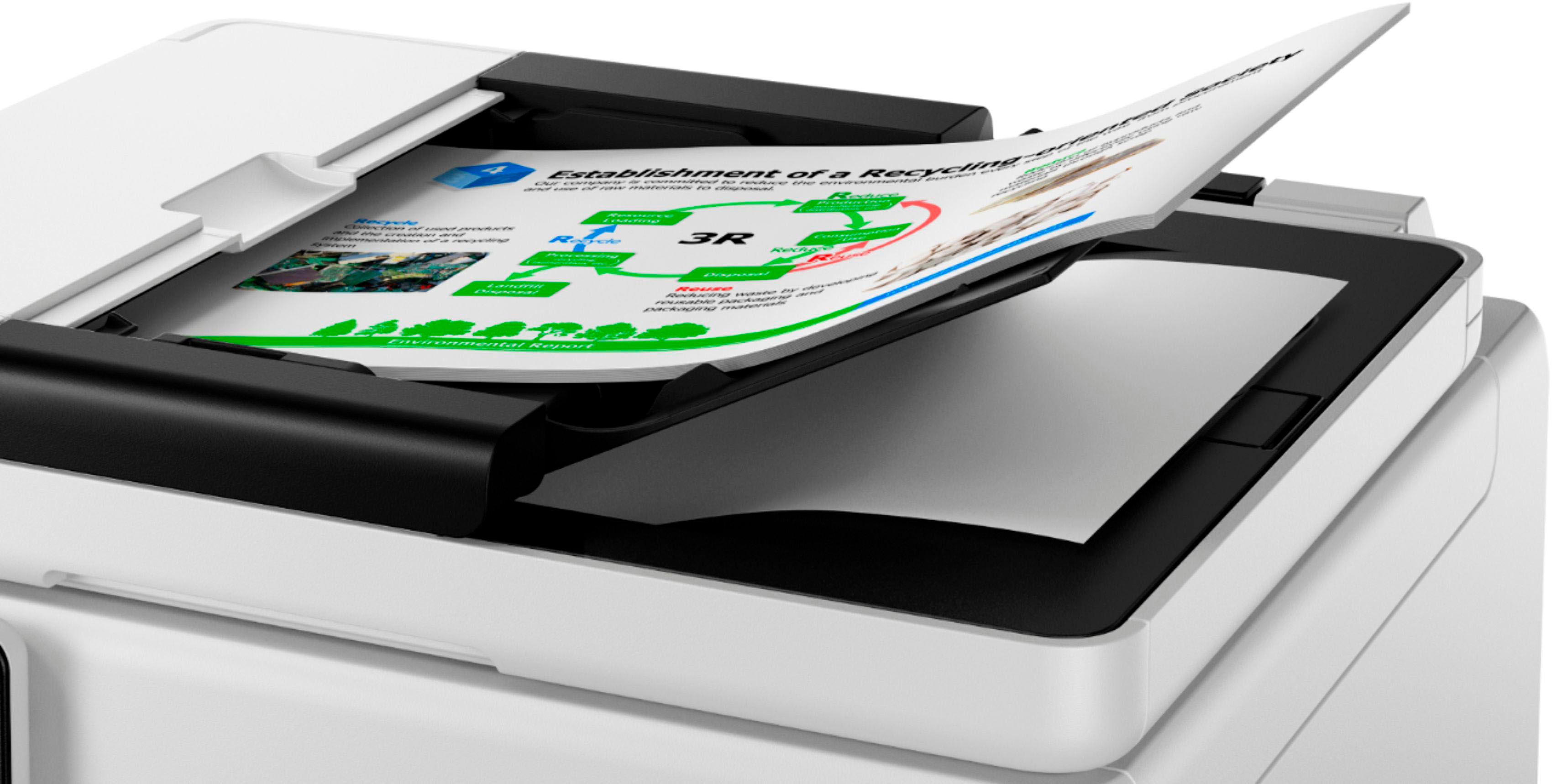
|Posted .This reviewer received promo considerations or sweepstakes entry for writing a review.Simple yet well packaged. Set up was easy, instructions are clear and stress free. A simple plug in and follow the directions. Canon boasts “outstanding wireless connectivity”, and they are not exaggerating. I added the Canon GX6021 wireless to my laptops, tablets, and mobile phone, in a just a few minutes, it is that easy. Mobile printing has never been so quick and simple. The printer comes with 4 bottles of ink, Black, Cyan, Magenta, and Yellow. Adding the ink from the bottles to the printer tanks is quick and easy, being able to see how much ink you have remaining, just by looking at the front of the printer, is a great advantage. When adding ink, each color of ink has a matching bottle top design that will only fit with the corresponding ink tank, you cannot add ink into the wrong tank. Adding paper to either the back paper feeder or the paper tray is quick and easy. The Canon MAXIFY GX6021 appear to be well designed and functional, relatively small footprint and compact. The main paper tray window, for viewing the quantity of paper remaining in the tray, is non-essential, for me. I have good light in my home office however I could not see the amount of letter size paper in the main tray without a flashlight. I found it was easy just to remove the main paper tray to see how much paper was remaining. Coping and scanning are quick and simple. Scanning/copying can be accomplished by using the scanning bed or the ADF (Auto Document Feeder) and you can save your scans to your device or print. With the ADF you can scan multiple documents at one time, and you can scan one-sided or two-sided. Printing, I assumed that printing from the rear paper feeder would have been automatic when paper was loaded however you must change to the rear paper feeder in the print screen of the device you are using to print from. Printing on envelopes from the rear paper feeder was automatic when loaded into the rear paper feeder. I find the rear paper feeder handy for special printing needs such as different paper weight, photo paper printing, envelope labeling, etc. By utilizing the rear paper feeder, you don’t have to remove the paper from the main paper tray and change to different paper or envelope, just utilize the rear paper feeder. Printing from a USB device is simple, it is a plug and print process. Printing black and white or color, has good saturation however I found the quality of the photo saturation to be slightly darker that the original photo. Slight waste of photo paper when you must print a photo, adjust your light to a computer photo (don’t save the computer adjustment if you like the original), and then print your final photo. I had to do this for both glossy and matte finish photos. If you are remotely printing you will need to set the printer so it will not automatically shut down, otherwise your documents sent to the printer will not print until you physically turn the printer on. If you have the printer set to the auto off feature you will need to manual turn off the printer when you are not planning to use it, such as night time. I realize I have used the word simple many times in this review, that is because the Canon MAXIFY GX6021 is one of the simplest printers, to set up and use.
I would recommend this to a friend- Pros mentioned:Ease of use, Print quality
Excellent printer
Posted .This reviewer received promo considerations or sweepstakes entry for writing a review.Best printer, easy to setup, easy to use, quality printer
I would recommend this to a friend Powerhouse Printer
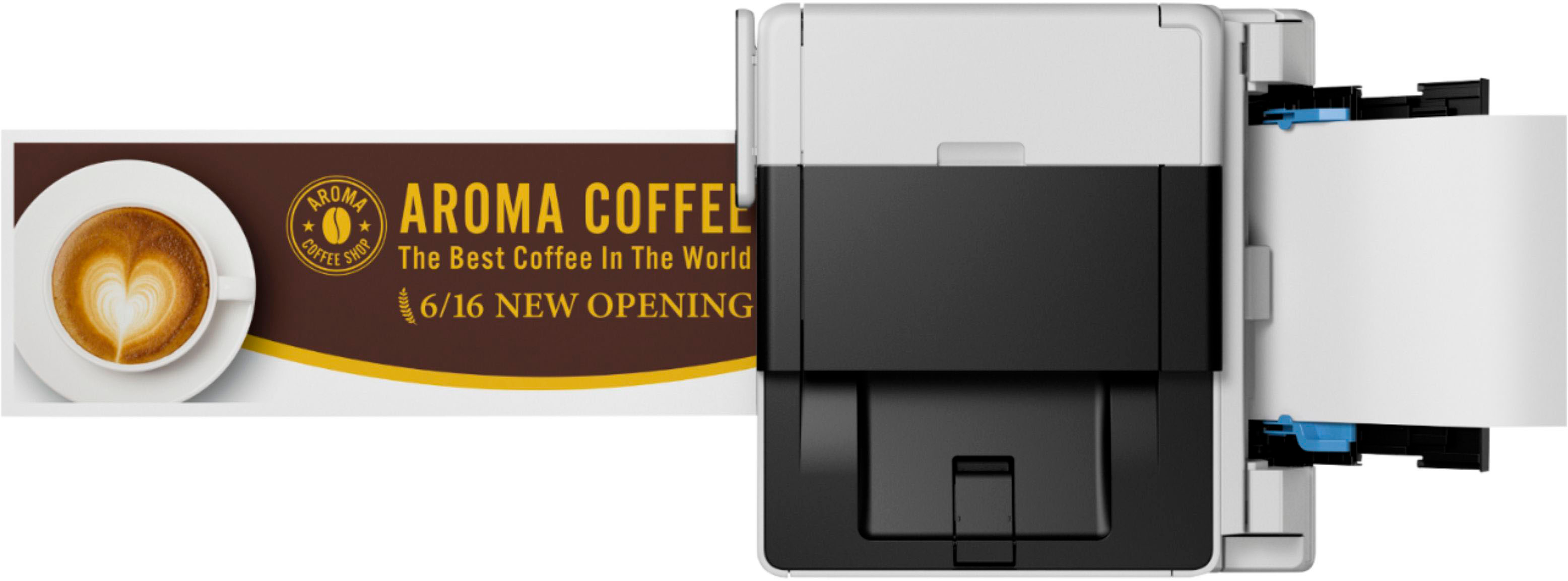
|Posted .This reviewer received promo considerations or sweepstakes entry for writing a review.Needing a new printer? The Canon - MAXIFY MegaTank GX6021 Wireless All-In-One Inkjet Printer is one to consider for all your needs! This printer is rather large and has everything you could want from a printer. I used this for a the home office and it fit the bill. You may be asking well what's it like! Style: The Printer has a pleasing aesthetic look and modern design that accents any office or area. Setup: It was very simple once box was opened and removed all packaging from the device. It was rather heavy at 25 lbs but its small so wont be a big footprint on desk or side table. The actual setup and connection to computer took all of maybe 5 minutes then a couple minutes of putting in the inkjet bottles. Quality: This is where this printer shines! The print quality for documents and forms were superb and fast! The tray held just around 350 sheets of paper and I have gone through 500 sheets so far and prints perfect. Pictures come out crisp and no bleeding seen or left paper soaked from over inking. Features: One unique thing I found is this printer actual can do small banners up to 47" long!!! The touch screen is highly responsive and is 2.7" of high clarity that's easy to see and use. You also can print from anywhere using the wifi feature. I print from my phone and it prints perfect every time. The manual stated it will print up to 6k black ink pages and around 14k pages of color printing. One last feature I enjoyed was the document feeder, as this is a much needed feature for my office. It allowed me to scan up to 50 sheets at once! Overall this is a powerful printer that any home or user will enjoy!
I would recommend this to a friend- Pros mentioned:Setup
Happy Maxify Megatank GX6021 owner
Posted .This reviewer received promo considerations or sweepstakes entry for writing a review.I am very happy with my decision to purchase a printer with making ink/toner cartridges the thing of yesteryear. The printer was easy to set up, easy to print from phone, easy to scan to printer (wirelessly). Even better that the printer was on sale.
I would recommend this to a friend Great Option
|Posted .This reviewer received promo considerations or sweepstakes entry for writing a review.I have been used to and extremely happy using a printer from another brand so I didn't think I would be too impressed with this one considering I felt like my current printer was pretty amazing. I was pleasantly surprised by how much this one really impressed me. The colors are vibrant when I print, the time it takes to print is on par with what I am used to. When it comes to ink...it's always a concern when you have a need to print in high quantities. I love that the tank for this printer holds so much...a bit more than my previous printer which absolutely cuts down on costs. It is relatively quiet and more importantly it has a small imprint, leaving more space in the area that I have it set up in which is always a plus. It was important that setup and use was as seamless and easy as my previous printer and thankfully it definitely was. The app is simple to use and I was able to still do what I needed to regardless of what device I needed to work from. Both the scan and copy features work as expected. If you are looking for an amazing all-in-one printer for your small office or home printing needs I would definitely recommend you checking this one out.
I would recommend this to a friendAn versatile printer with great print quality
|Posted .This reviewer received promo considerations or sweepstakes entry for writing a review.I found the printer extremely easy to unpack and setup, between the color display on the printer and my Pixel 6, I was able to get the printer up and running quickly out of the box. It supports a wide variety of paper sizes and types, from 8.5”x11” plain paper, 4”x6” glossy paper for photo printing, to banner printing (via the rear loading paper tray). The front tray can hold 250 sheets, while the rear can hold another 100. It effortlessly printed several hundred page color duplex print jobs in less than 15 minutes each. I have also printed a couple of eBooks (the irony) to have a tangible copy of them to mark up as well as test the print speed of the GX6021. The ink was easy to put in the printer. Ink bottles had notches on the top and inside the printer, to help avoid putting the wrong ink in the wrong reservoir. It appeared that 99.8% of the ink completely emptied out of each bottle into the printer reservoir for each of them. Just for fun, I printed a few of my digital photography images from a number of Canon DSLRs I have had over the years, and was completely stunned how they looked, even on plain paper.
I would recommend this to a friend- Pros mentioned:Print quality
GREAT CHOICE
Posted .This reviewer received promo considerations or sweepstakes entry for writing a review.Super happy with this purchase. It prints really nicely. I was really worried but would make this purchase again in a heartbeat!
I would recommend this to a friend