Customer Ratings & Reviews
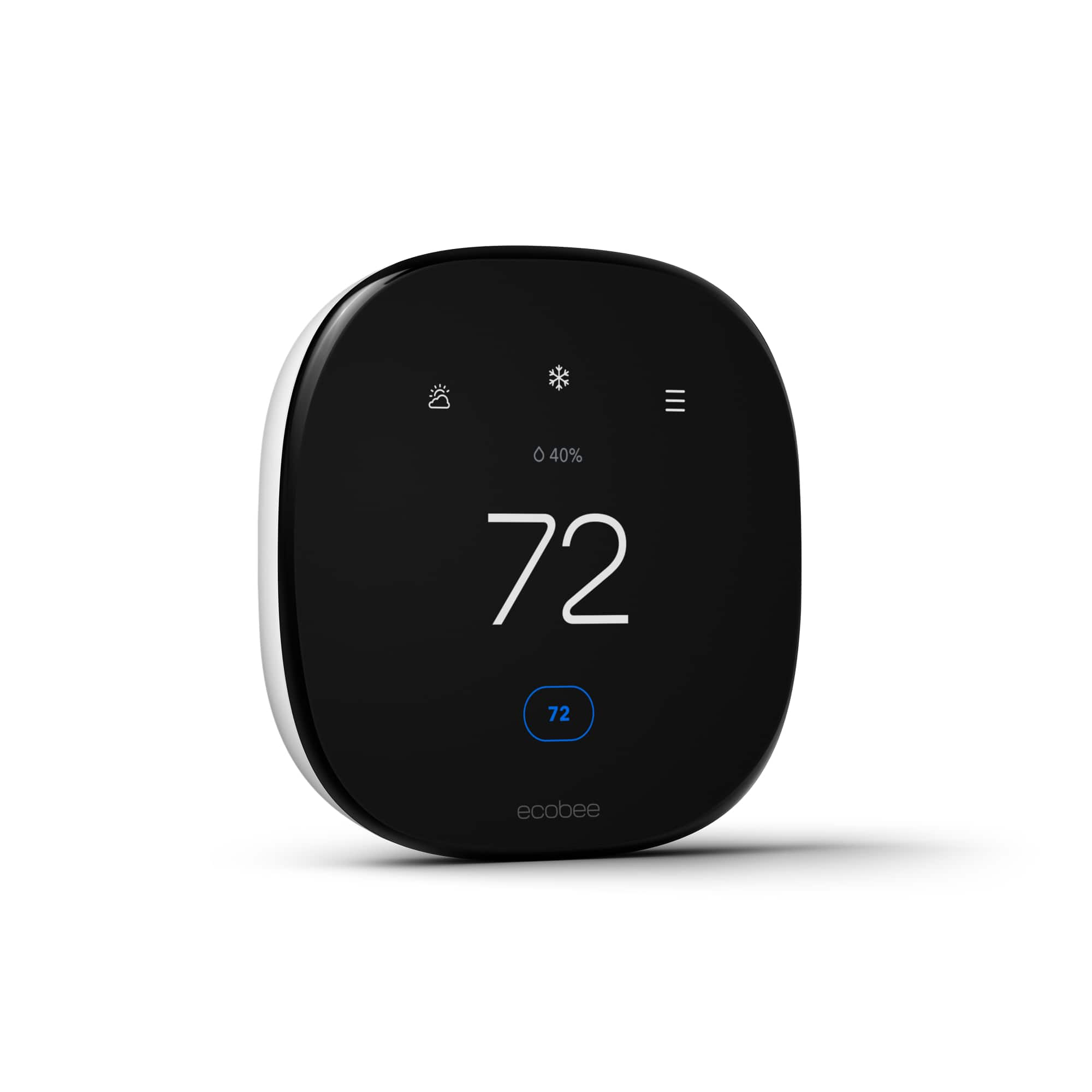


- Model:
- EB-STATE6L-01
- SKU:
- 10117098
Rating by feature
- Value
Rating 4.6 out of 5 stars
- Quality
Rating 4.8 out of 5 stars
- Ease of Use
Rating 4.7 out of 5 stars
Great Buy
||Posted . Owned for 3 weeks when reviewed.This reviewer received promo considerations or sweepstakes entry for writing a review.Works great. We have a three story townhome and we no longer have to walk from floor to floor to adjust the theromstats!
I would recommend this to a friendEcobee Thermostst
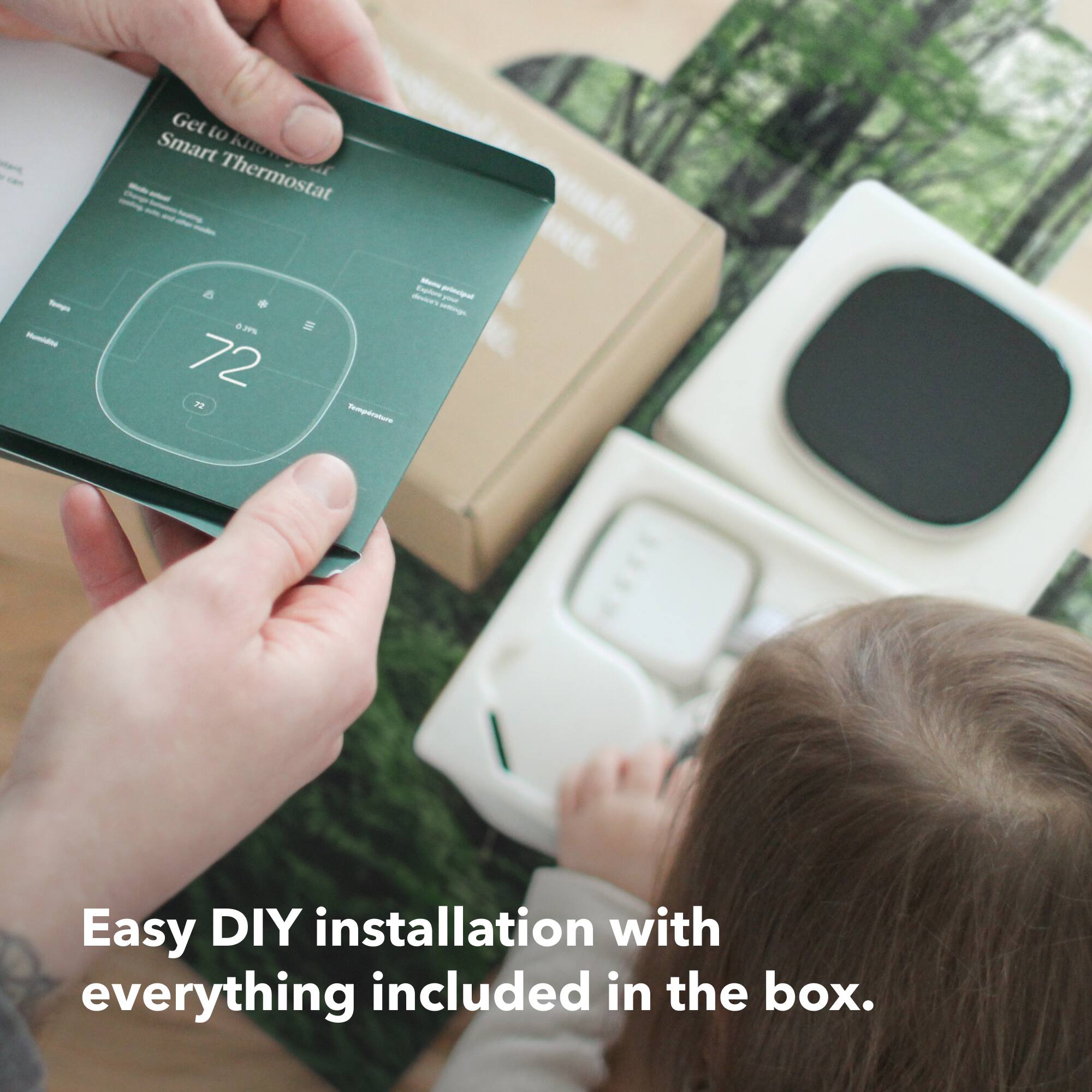
||Posted . Owned for 1 week when reviewed.This reviewer received promo considerations or sweepstakes entry for writing a review.Super easy to install and controls are much easier to use than the Nest I owned previously. I have this one and the basic Ecobee as well.
I would recommend this to a friendPretty good
||Posted . Owned for 3 weeks when reviewed.This reviewer received promo considerations or sweepstakes entry for writing a review.Works as expected. Works well for a retrofit solution
I would recommend this to a friendGreat item
||Posted . Owned for 4 months when reviewed.This reviewer received promo considerations or sweepstakes entry for writing a review.Took a little bit to get it to the correct settings for heat i thought it was faulty but after setting it correctly it works great
I would recommend this to a friendgreat upgrade from older honeywell unit
||Posted . Owned for 5 months when reviewed.This reviewer received promo considerations or sweepstakes entry for writing a review.I replaced a color Wi-Fi Honeywell thermostat with this unit and it's been great. There's a little learning curve, and it works much differently, but still a very effective solution.
I would recommend this to a friendNice Device
||Posted . Owned for 3 weeks when reviewed.This reviewer received promo considerations or sweepstakes entry for writing a review.Fantastic product. Easy to use and very effective. Simple install as well.
I would recommend this to a friendA very expensive nightlight.
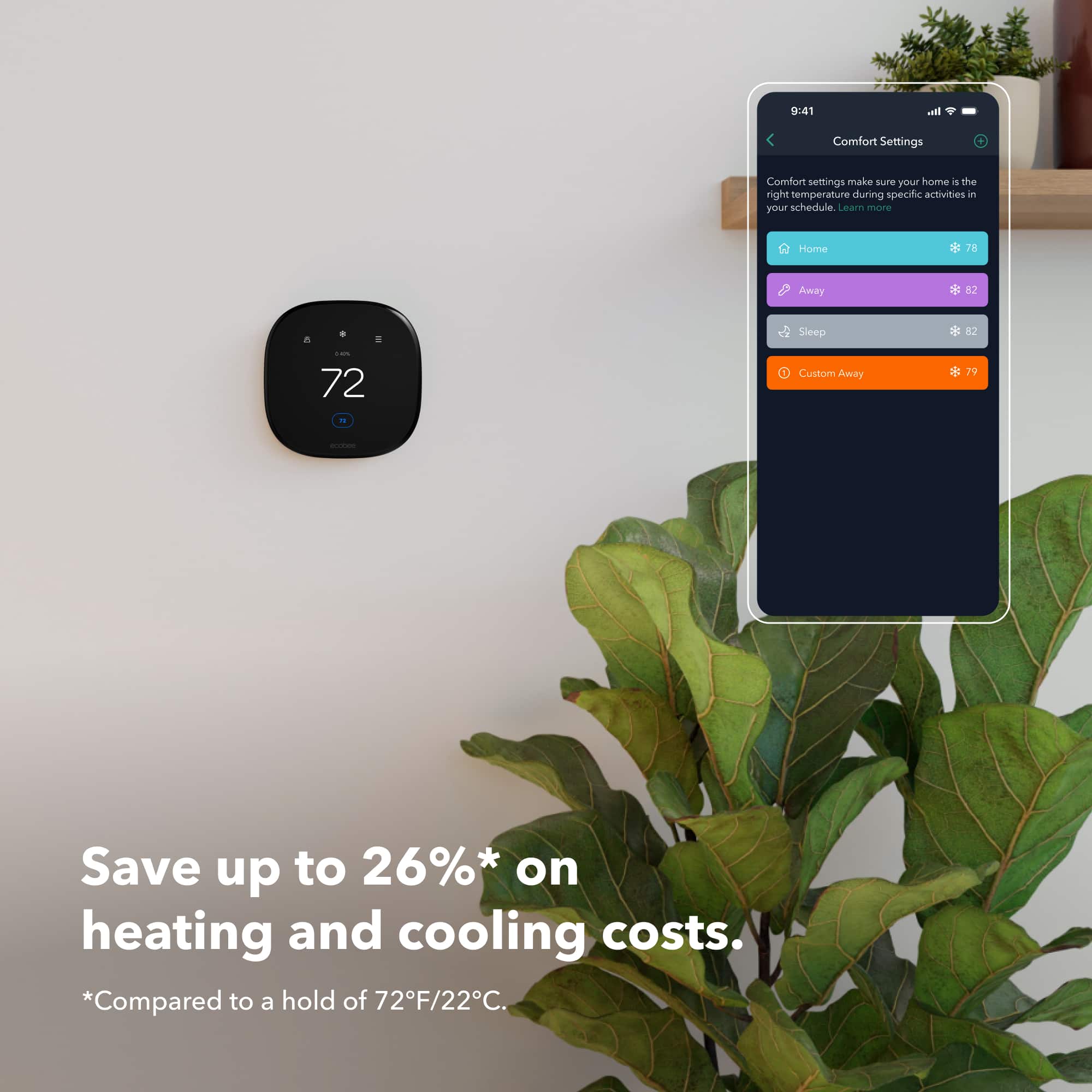
||Posted . Owned for 1 month when reviewed.This reviewer received promo considerations or sweepstakes entry for writing a review.As a thermostat it's inoffensive. It's easy to use and the build-quality is good. Setting it up was not as easy as it should have been, but not bad. Making ad hoc temperature adjustments is easy. The built-in proximity sensor is very good at detecting when you approach. HOWEVER... As a SMART thermostat, it doesn't do any of the things that are actually helpful for a smart device to do. My main pet-peeve is that you can't set your Heat point and Cool point within 5 degrees of each other. So on cool days it's a little too cool, and on warm days its a little too warm. I don't want it to be 72 on cold days and 77 on hot days... I want it to be 75 all the time. What all smart thermostats SHOULD do is target a SINGLE indoor temperature. Then poll the local weather to get the current temp. If it's COOLER than the set point, then only use the Heat mode; if it's WARMER than the set point, the only use the Cool mode. Not only does ecobee not do this out of the box, but it also does not connect to any outdoor thermometers that it might use for such a thing. ecobee also can't tell Alexa what the current setpoint is (to be compared to outdoor temp for an Alexa routine). IFTTT has some automations for ecobee, but it cannot change the Heat/Cool mode. When all else fails, I'm a software developer, so I COULD write a program that finds out the temperature and then uses ecobee's developer tools to set the A/C mode the way I want it. ...except that ecobee recently discontinued their developer program, so I can't even do it myself. Additional demerits are: LED screen cannot be turned off except for the single built in "sleep" schedule. If the thermostat is in your bedroom, and you have more than one schedule running while you sleep, one of those schedules will leave the LED screen on. For custom schedules, you can set the screen to dim, but not off. And the dimmest setting is not dim enough. The scheduling paradigm is unnecessarily cumbersome. Each heat/cool temperature pair you want to have requires its own "activity." Then you schedule an activity to have a start time and an end time. You can reuse "activities," but if you want to change only the cool point, or only the heat point, it requires that you create and schedule a whole new activity. You cannot delete custom activities in the web interface, only on the phone app. I replaced an old Nest thermostat with this ecobee, and although the Nest thermostat had been able to control my A/C and furnace without any additional equipment, the ecobee required that install the (provided) device on the air handler in the attic, before it could operate it correctly. In the end, it results in a very conventional thermostat with a fancy touch screen on it. I wish that I had realized all this 2 weeks ago, when I could still return them.
No, I would not recommend this to a friendBrand response from ecobee
Posted .Thank you for sharing your detailed feedback, Matthew. We’re sorry to hear that the thermostat didn’t meet your expectations as a smart device. We understand your frustration, especially with features like the temperature control limitations and the LED screen. We appreciate your input on the scheduling and automation experience, as it helps us identify areas for improvement. If you ever have any further questions or need support, feel free to reach out. We’re always here to help

Best on the market
||Posted .This reviewer received promo considerations or sweepstakes entry for writing a review.My nest was running all day, not operating properly. Google was zero help, so I switched. So happy i did, such a better product. If you see this, believe me and just purchase it.
I would recommend this to a friendEasy to use and install
||Posted . Owned for 3 weeks when reviewed.This reviewer received promo considerations or sweepstakes entry for writing a review.Simple and intuitive design. Easy setup with clear and visual instructions. Very happy with this thermostat and features.
I would recommend this to a friendDecent thermostat
||Posted .This reviewer received promo considerations or sweepstakes entry for writing a review.Nice thermostat you are able to change more setting then other thermostats. Sometimes wifi connection not great to just change the temperature.
I would recommend this to a friendExcellent…2nd One!
||Posted . Owned for 3 weeks when reviewed.This reviewer received promo considerations or sweepstakes entry for writing a review.Great thermostat. Love that I can adjust everything remotely from anywhere in the world
I would recommend this to a friendecobee
||Posted . Owned for 2 months when reviewed.This reviewer received promo considerations or sweepstakes entry for writing a review.Easy to use easy to install. Nice thermostat Would recommend
I would recommend this to a friendAwesome Smart Thermostat
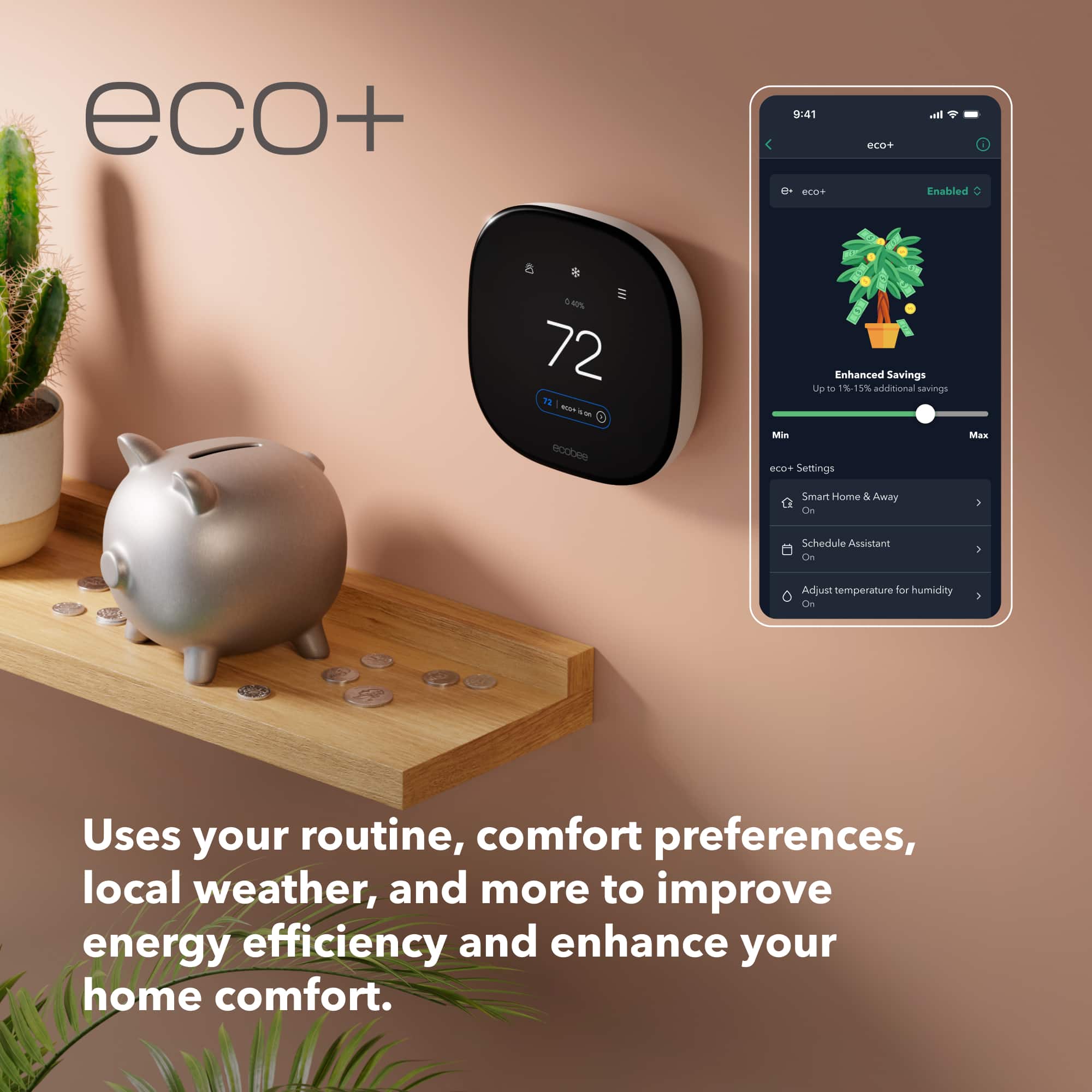
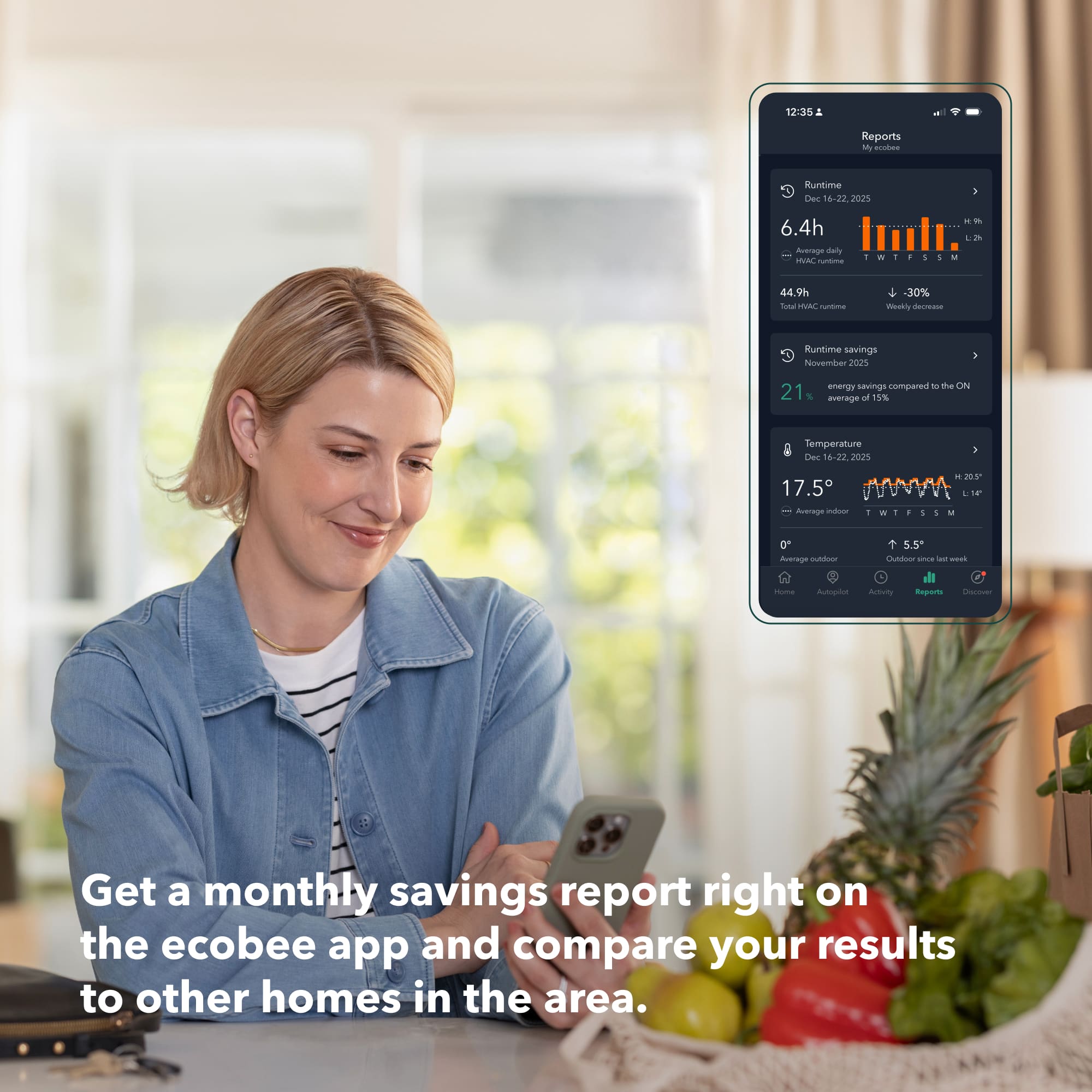
||Posted . Owned for 1.5 years when reviewed.This reviewer received promo considerations or sweepstakes entry for writing a review.What a great smart thermostat. this unit was easy to install and has saved on average $23 per month. Couldn't be more pleasedd
I would recommend this to a friendEcobee annnoy me
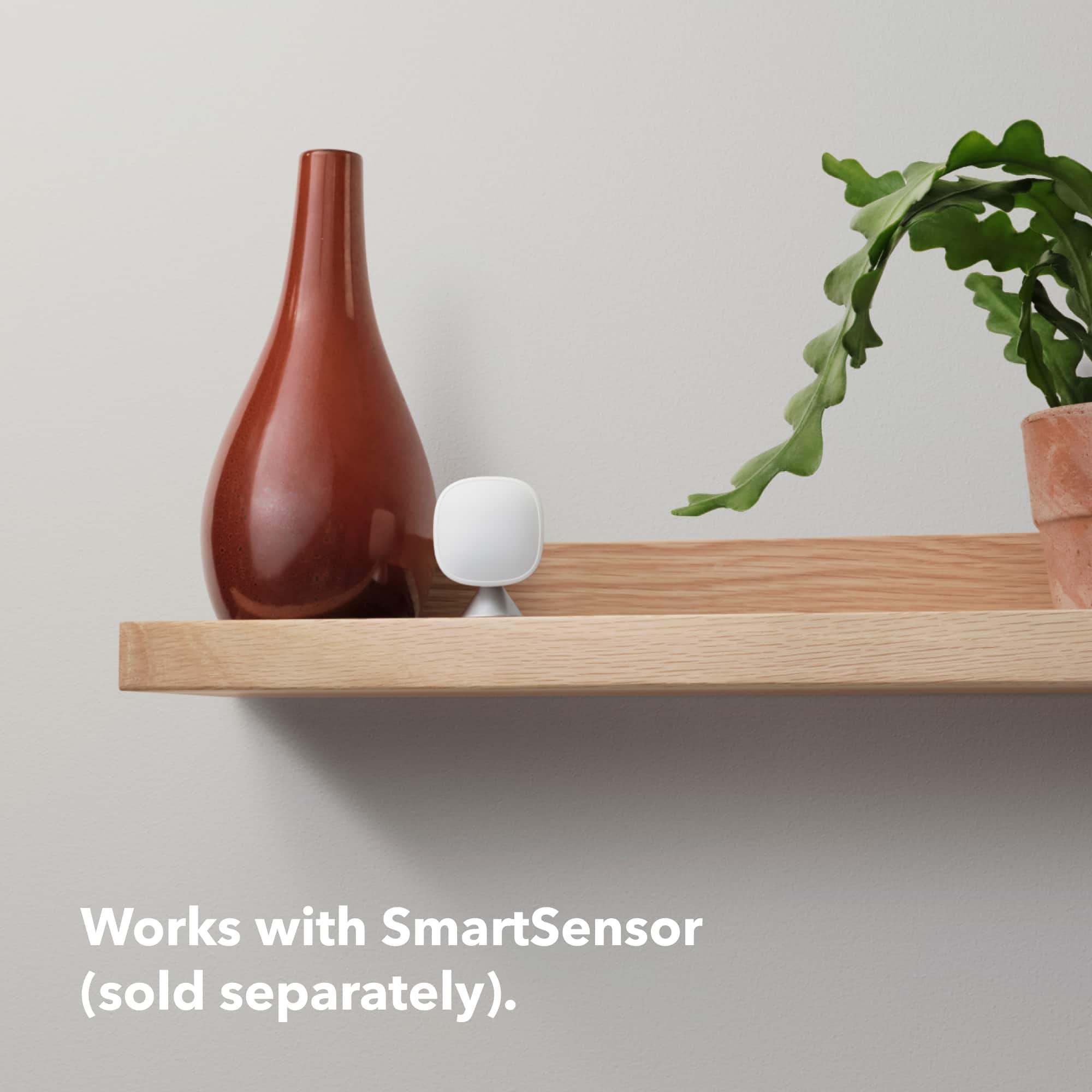
||Posted . Owned for 2 months when reviewed.This reviewer received promo considerations or sweepstakes entry for writing a review.Works good. Easy to set up. Have issues with the connected sensors. I’m told they are in and out of range constantly with no way to turn that alert off.
I would recommend this to a friendGreat one
||Posted . Owned for 2 months when reviewed.This reviewer received promo considerations or sweepstakes entry for writing a review.I replaced it on love it. Smart and connect to all app easy
I would recommend this to a friendGreat Product!
||Posted . Owned for 1 month when reviewed.This reviewer received promo considerations or sweepstakes entry for writing a review.Very intuititive and easy to use. Great Product! Enjoy the ability to voice control!
I would recommend this to a friendhome
||Posted . Owned for 3 weeks when reviewed.This reviewer received promo considerations or sweepstakes entry for writing a review.Easy to set up and use. Like that it is Wi-Fi and easy to program.
I would recommend this to a friend
Modern
|Posted . Owned for 2 months when reviewed.This reviewer received promo considerations or sweepstakes entry for writing a review.Great looking thermostat. Very easy to set up and use.
I would recommend this to a friendI LOVE THIS ECOBEE THERMOSTAT!
||Posted . Owned for 3 weeks when reviewed.This reviewer received promo considerations or sweepstakes entry for writing a review.Ecobee - Enhanced Smart Programmable Touch-Screen Wi-Fi Thermostat I LOVE THIS THERMOSTAT! You can adjust it anywhere in your house or even when you are not home. It has a lot of great features. The face provides a lot of information and you don't even have to touch the screen. It is very user-friendly. I highly recommend this thermostat.
I would recommend this to a friendUpgrade
||Posted . Owned for 1 month when reviewed.This reviewer received promo considerations or sweepstakes entry for writing a review.Had an earlier model that was not working correctly, new model works great, especially the app works great.
I would recommend this to a friend