Customer Ratings & Reviews



- Model:
- 10GBR9901
- SKU:
- 12061427
Rating by feature
- Value
Rating 4.7 out of 5 stars
- Quality
Rating 4.8 out of 5 stars
- Ease of Use
Rating 4.7 out of 5 stars
Easy and Reliable
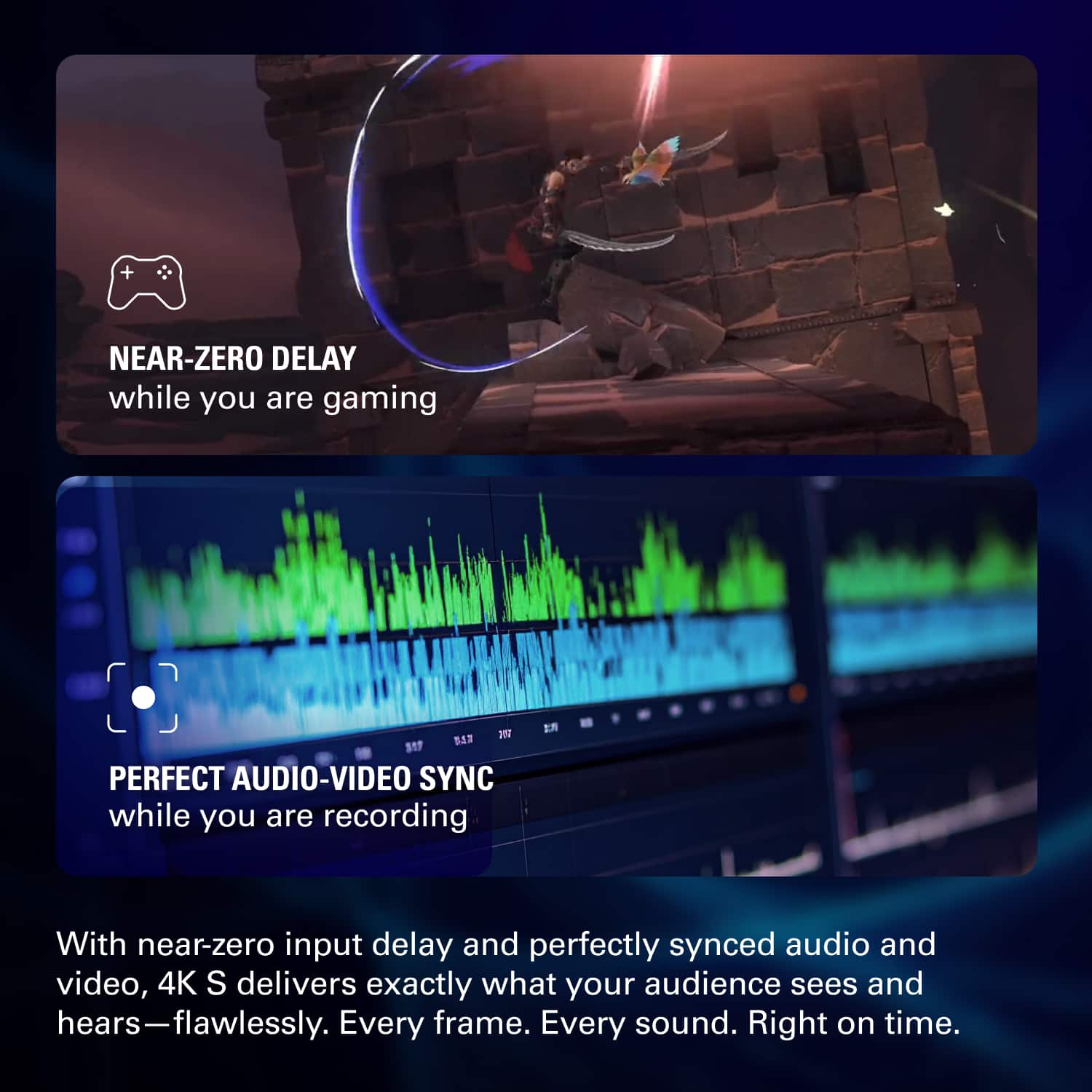
||Posted .This reviewer received promo considerations or sweepstakes entry for writing a review.Quick and easy setup, everything looks amazing on stream and recording.
I would recommend this to a friendElgato 4k s
||Posted .This reviewer received promo considerations or sweepstakes entry for writing a review.works great for capturing game consoles although id recommend having three monitors for more seamless input transitions
I would recommend this to a friend
Very useful!
|Posted .This reviewer received promo considerations or sweepstakes entry for writing a review.This was very helpful in converting analog videos to digital videos!
I would recommend this to a friendPretty Solid
||Posted . Owned for 1 week when reviewed.This reviewer received promo considerations or sweepstakes entry for writing a review.Got this one on sale and I am using it for my camera. It's the only option they had available but would still choose this anyway over the Camlink 4K just incase I ever need another Cap Card in the future.
I would recommend this to a friendElgato 4ks
||Posted .This reviewer received promo considerations or sweepstakes entry for writing a review.It was a great experience , but turns out I needed the onesie this one!
I would recommend this to a friendEasy set up
||Posted .This reviewer received promo considerations or sweepstakes entry for writing a review.Easy set up and straight forward for beginners looking for a capture card
I would recommend this to a friendGet this one instead of the usb Gato!
||Posted . Owned for 1 week when reviewed.This reviewer received promo considerations or sweepstakes entry for writing a review.Better than I expected, quality was amazing. Very easy to set up.
I would recommend this to a friendSimple to use, love Elgato!
||Posted .This reviewer received promo considerations or sweepstakes entry for writing a review.Works just as expected. Very simple instructions. Would highly recommend!
I would recommend this to a friendEasy set up for gamers
||Posted .This reviewer received promo considerations or sweepstakes entry for writing a review.Easy to set up. Great quality. Was able to use captured video for Tiktok
I would recommend this to a friendGreat Product
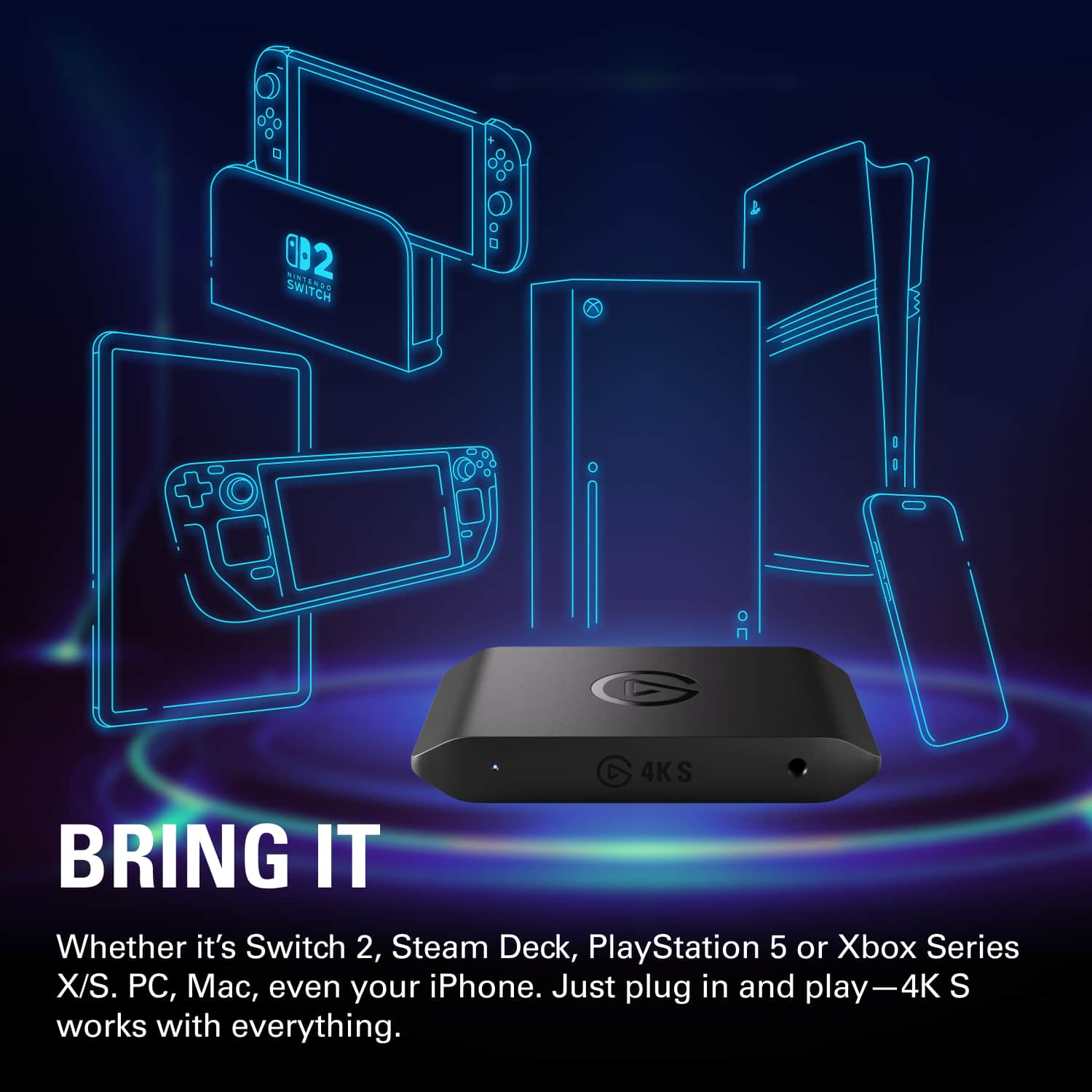
||Posted . Owned for 1 month when reviewed.This reviewer received promo considerations or sweepstakes entry for writing a review.Very good product the use with the Switch 2 if you wanna record gameplay to a pc
I would recommend this to a friendthe goat
||Posted .This reviewer received promo considerations or sweepstakes entry for writing a review.the best, the D.O.G, ELgato GG, full MVP, 2025 GOALS
I would recommend this to a friendGreat budget camcorder
|Posted .This reviewer received promo considerations or sweepstakes entry for writing a review.Great for good quality streaming if you are on a budget
I would recommend this to a friendVery Good
||Posted . Owned for 2 weeks when reviewed.This reviewer received promo considerations or sweepstakes entry for writing a review.It helps me record videos for my business.Very useful
I would recommend this to a friendGood but look for cheaper options.
|Posted .This reviewer received promo considerations or sweepstakes entry for writing a review.Nothing note worthy about this product. It gets the job done but def not worth the price tag. You’re purely paying for the brand that has not been contested for years.
No, I would not recommend this to a friend
The capture card for most people
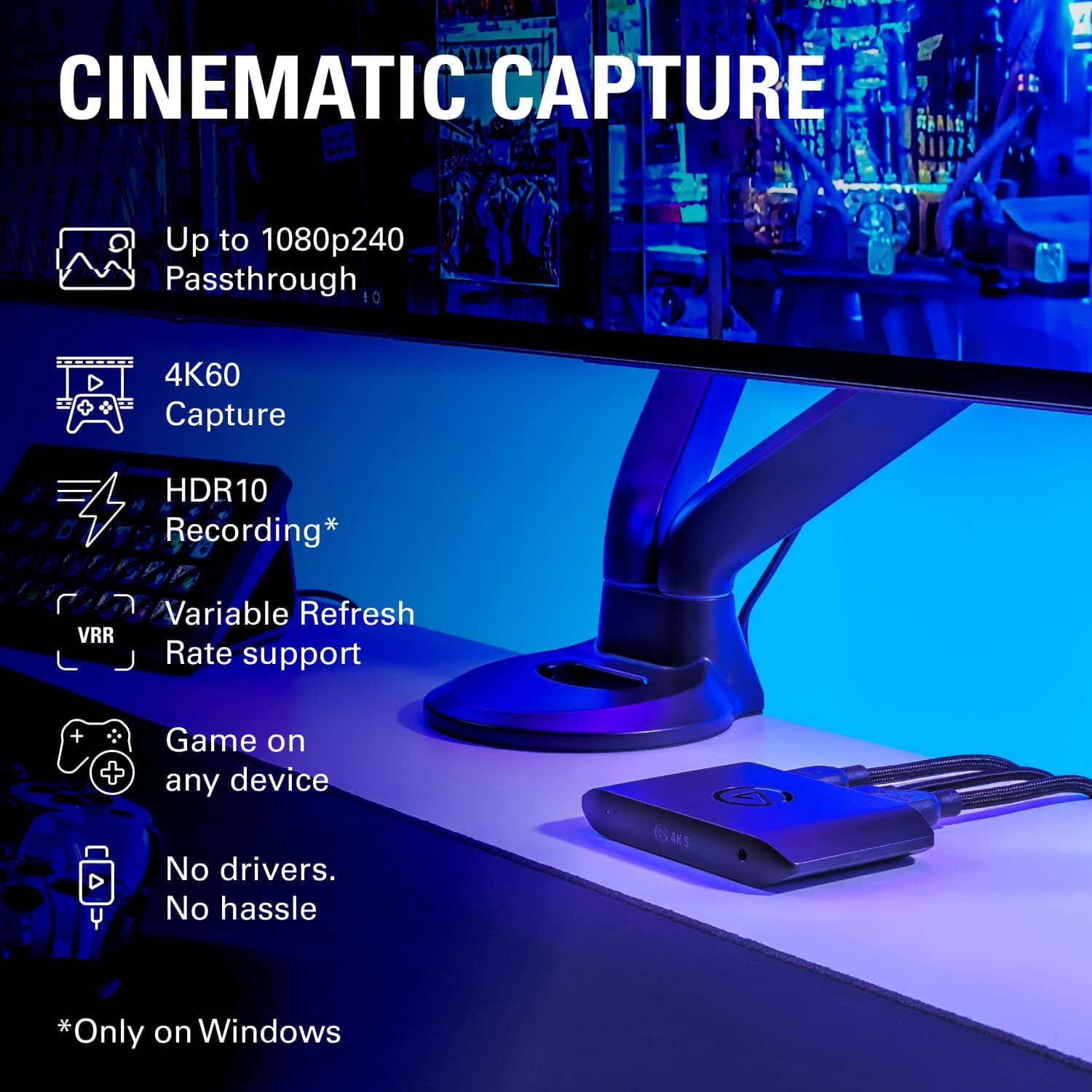
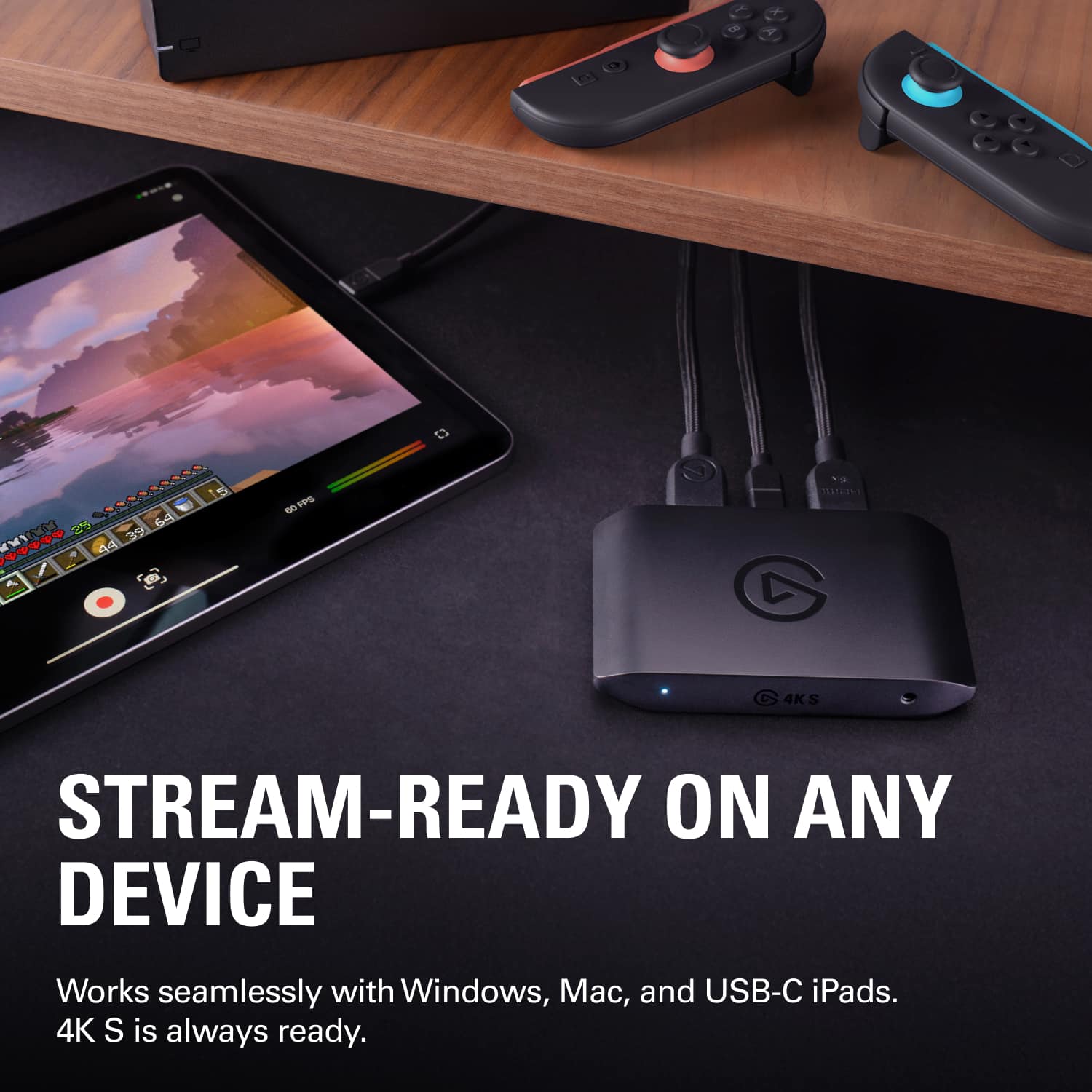
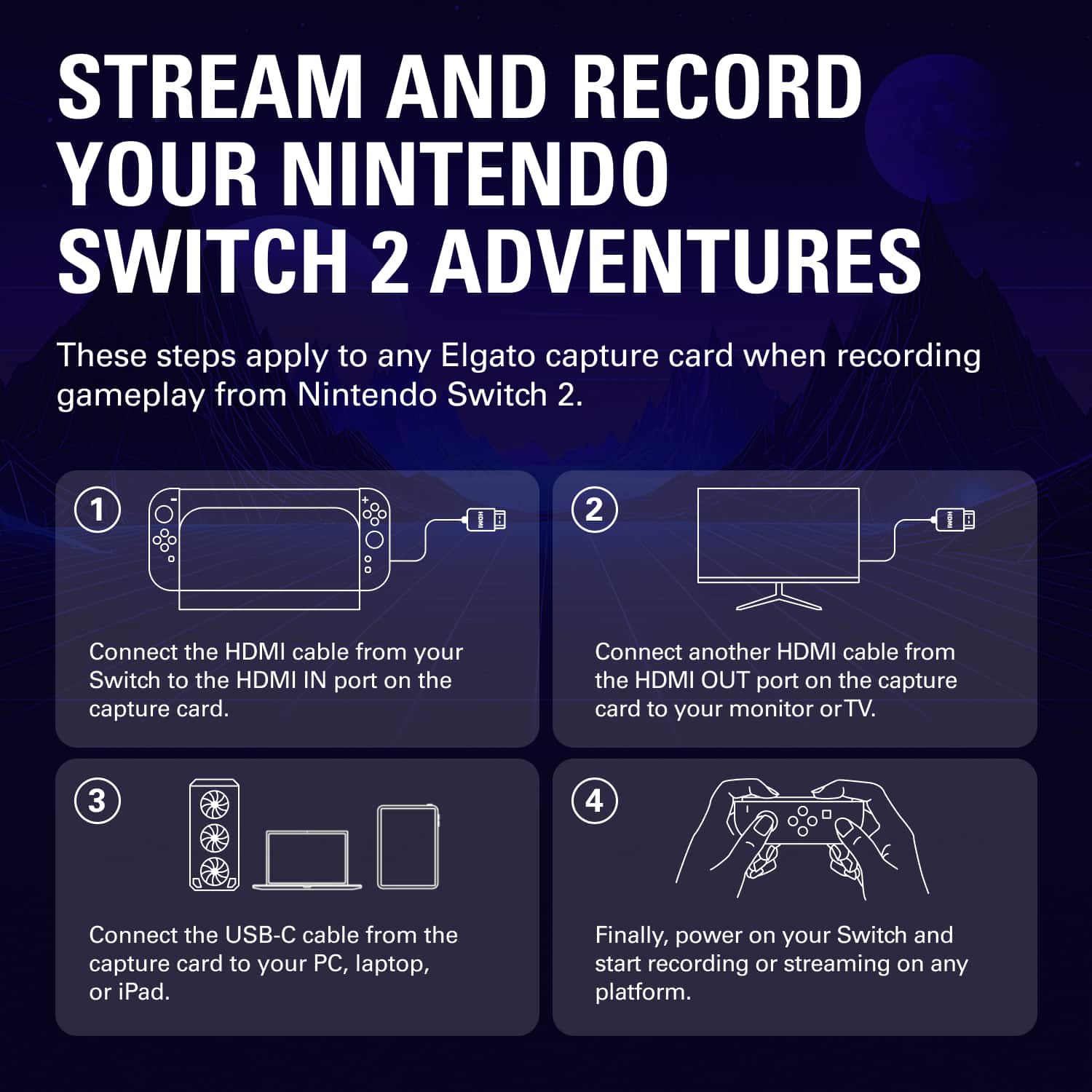
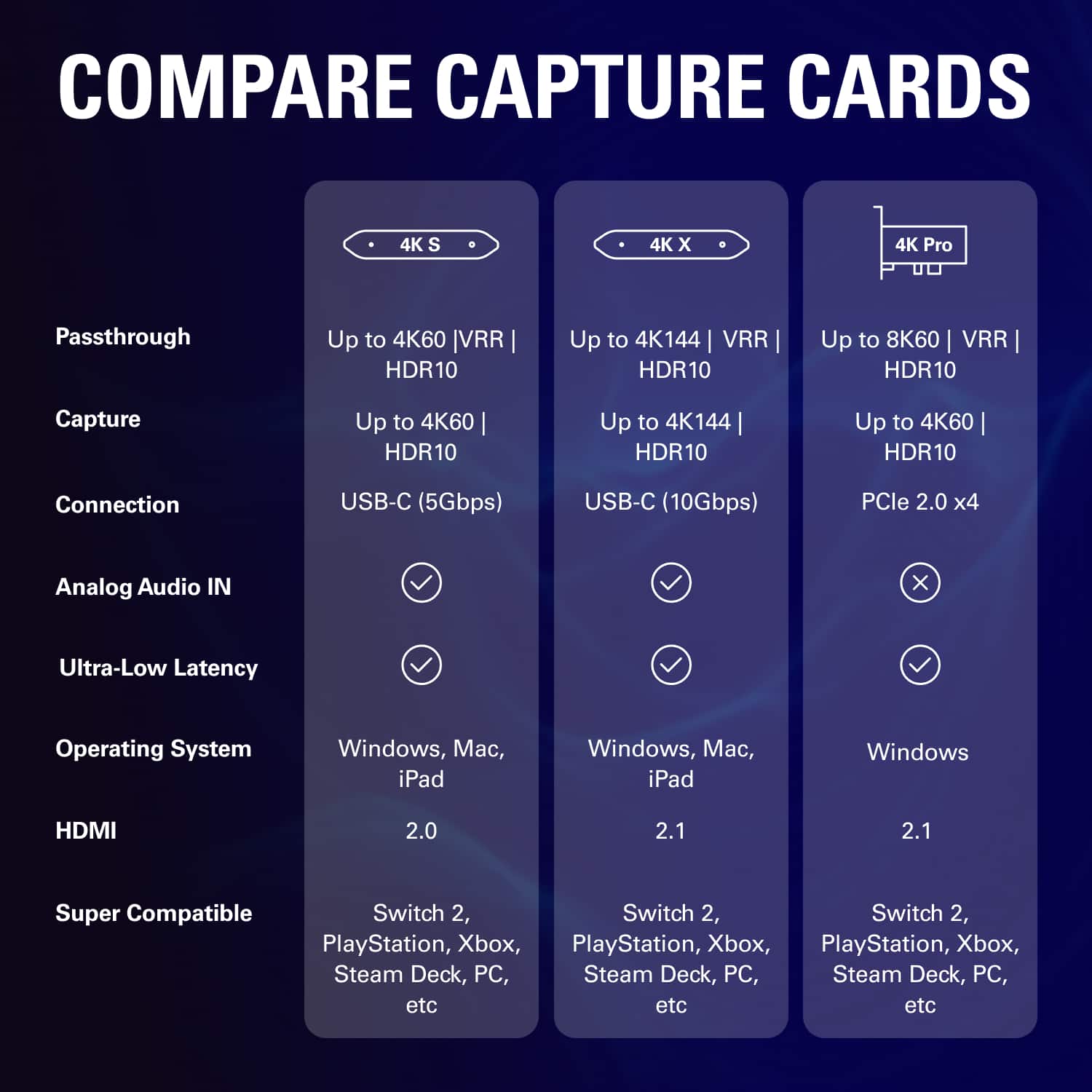
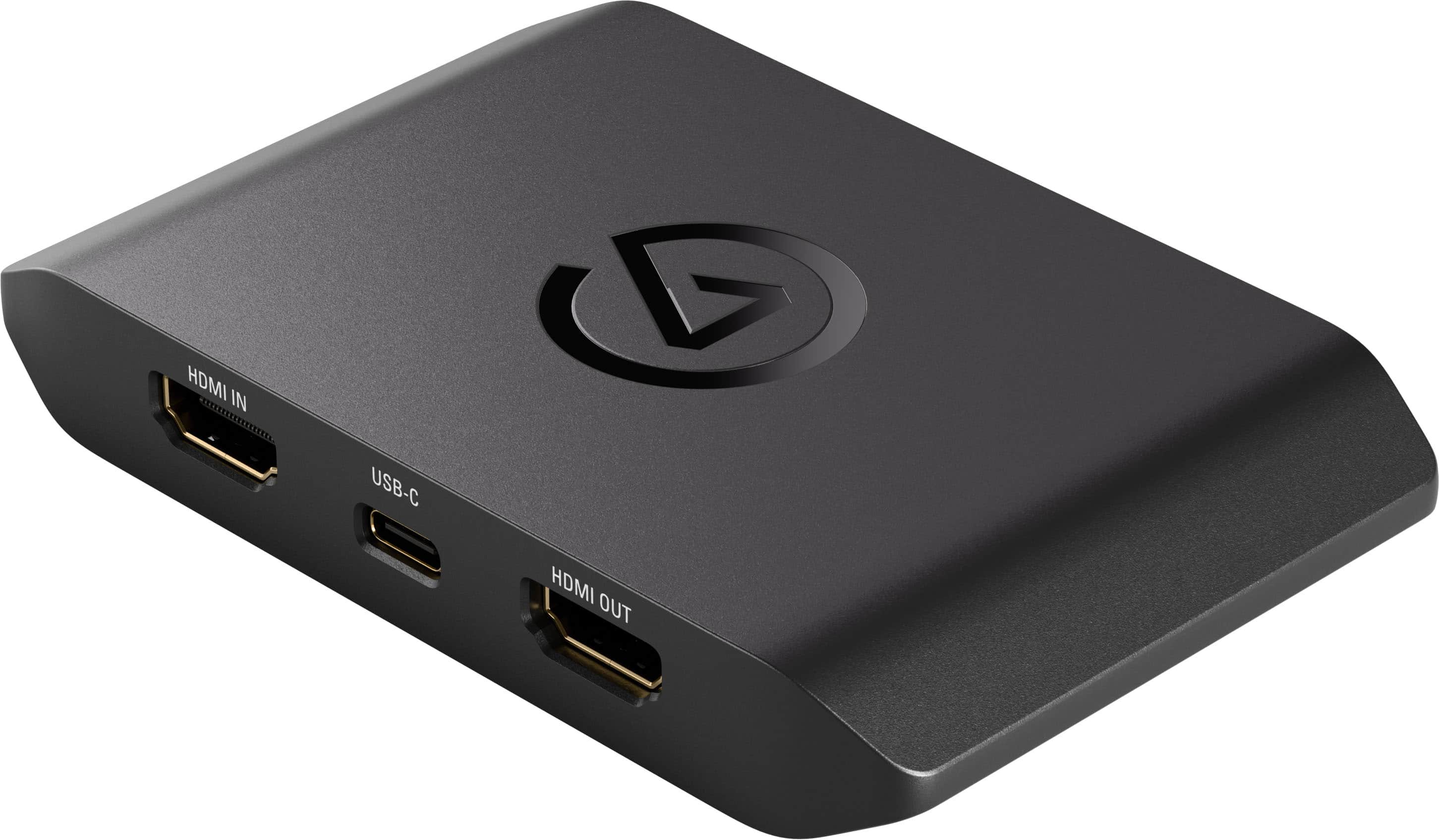
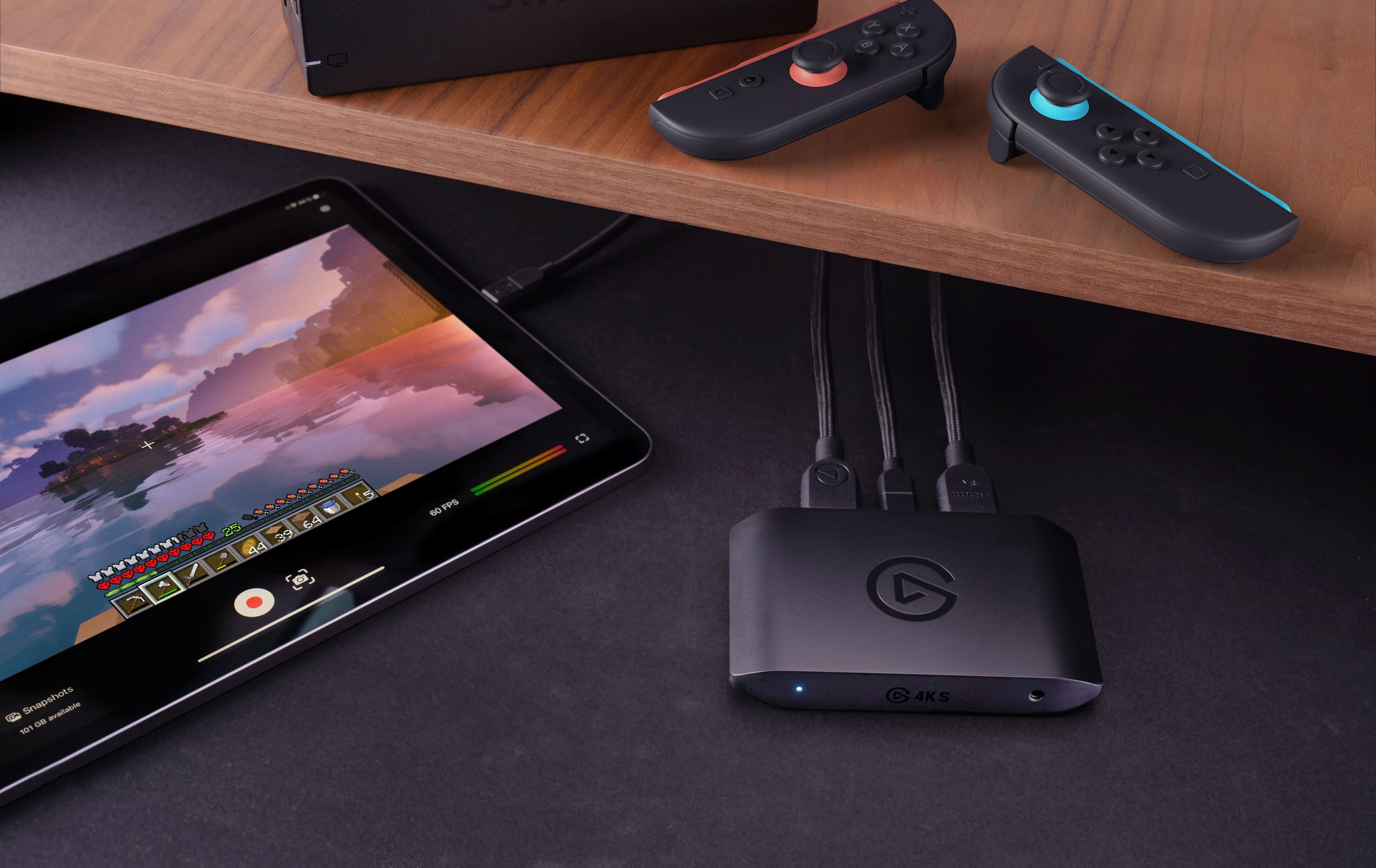
|Posted .This reviewer received promo considerations or sweepstakes entry for writing a review.I’ve had the chance to use the Elgato 4K S capture card for a little while now and I can say I’m very impressed, but that isn’t a surprise because Elgato is a known name in content creation. I’m not a content creator, but my friends and I love to send each other clips of our gameplay, so I was excited to try something more robust than just some baked-in console feature. Pros: - It’s easy to set up. Plug your console’s HDMI into the box, and plug the box into your computer. Then download Elgato’s software (it’s both Windows, Mac, and iPad compatible), and you’ll be up and running ready to capture game footage. You can also capture in-game chat with the built-in 3.5mm audio input. - The latency on this box is great, and virtually unnoticeable. - You can capture up to 4K HDR10 quality footage. - This thing is just so easy to use in general. - While you can record and capture content with this dongle, you can also just use it to play on nearly whatever screen you have with you. Cons: - It only supports up to 60fps in 4K (in capture and passthrough), which is fine for most folks but may not be great for everyone. - HDMI is limited to HDMI 2.0 vs 2.1 found on the more premium Elgato 4K X capture card. - Because this only supports up to HDR10, you’ll need to make sure the settings on the device you’re capturing are configured for that. Meaning, for example, if your console has Dolby Vision enabled, you’ll need to disable it because the 4K S won’t support that signal. All in all, this device works exactly as you’d expect and is a worthy buy for anyone looking for a great 4K capture card and who doesn’t need the premium features the upgraded 4K S has to offer.
I would recommend this to a friendWhen it works it’s good
|Posted . Owned for 2 months when reviewed.This reviewer received promo considerations or sweepstakes entry for writing a review.Great price and when it works it works but recently it keeps not picking up signal with my ps5 until I unplug and replug. Annoying but when it works it’s great!
I would recommend this to a friendFull of trail and error
||Posted . Owned for 1 month when reviewed.This reviewer received promo considerations or sweepstakes entry for writing a review.Was constantly having issues if it was not one thing it was another. Screen flicker, compatibility recognition, no volume. Just one after the other. Id pass and look at a different brand
No, I would not recommend this to a friendBrand response from Customer Care
Posted .Dear Dean, we're sorry to hear that! Could you please open a ticket at help.elgato.com so we can assist?
Pretty perfect at it's job
|Posted .This reviewer received promo considerations or sweepstakes entry for writing a review.I’ll get what didn’t go perfect first. The HDMI audio didn’t work at first, unplugging the USB C cord and plugging it back in fixed the issue. I also found that getting the HDMI part up and running first makes it so the issue isn’t a problem at all, so order of operations matters which actually does make sense but isn’t stated anywhere. The second issue is where the settings are for the video and audio, I think it took me a good 5 min to find the settings. It is right next to the settings icon in the upper right corner, but it is a split screen looking icon so I just didn’t click on it for quite some time because I kept clicking on the settings tab which would make way more sense as an icon. However, once I realized that the weird split screen icon was the video and audio settings area everything went smoothly. That is it, the only two bad things aren’t really bad. Once I got over those hiccups everything just went smoothly. I can record anything I want, gaming, old family VHS and DVDs that I have been procrastinating on converting. The software has an ARM version if you are wanting to just set up a streaming/recording device and don’t mind playing with different recording software’s such as the experimental version of OBS Studio. I love the idea of just using my ARM laptop as the streaming device and then the Xbox or a gaming computer without the extra setup of recording software on the same gaming laptop. This is also helpful as my oldest kid has the Xbox for gaming and wants to do some game recording uploads (I’m not ready to let him live stream yet) but I don’t have a dedicated gaming laptop for him yet and setting this up and giving him an ARM laptop just seems like a better path. The audio is perfectly in sync though the aux quality will depend on you having a decent Aux cord, the first aux cord I grabbed ended up going in the garbage as I realized it wasn’t the hardware but the cord that made the quality terrible. After fixing the cord Aux sound worked perfectly. If you record 4k on a 1080p screen device and the program you open it in doesn’t have the ability to downscale the quality the video seems extremely slow. Put it on a proper device and it works amazing… Just figured I’d say that as my kid thought it was broken at first. This has definitely become one of my favorite toys and has enabled my kid to bring his dreams of being a streaming closer to reality in a relatively easy manner. If you need to a simple to use screen recorder for recording or live streaming this definitely fits the bill
I would recommend this to a friendSolid!
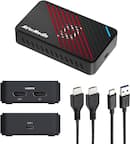
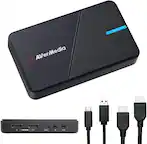
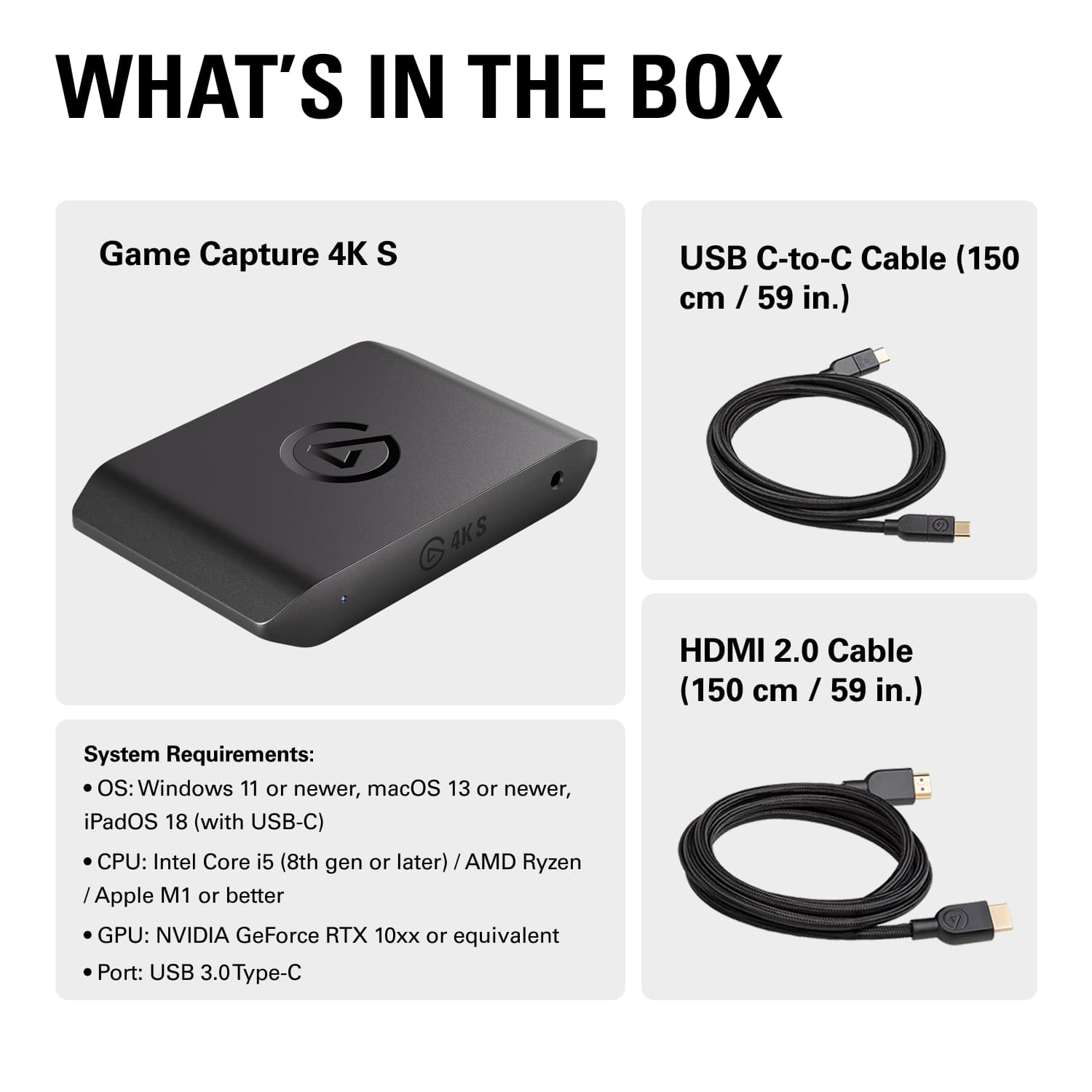
|Posted .This reviewer received promo considerations or sweepstakes entry for writing a review.As a creator who uses a mirrorless camera, the Elgato 4KS capture card was an amazing upgrade. You don't need any drivers or downloads to run the capture card. It's a simple plug-and-play. The setup is easy and simple. Inside the box, you get the 4KS, USB-C Cord, and HDMI Cord—everything you need to capture video. So with the plug-and-play design, you get to attach any HDMI outlet to your computer. So you can bring in your PS5, Xbox, Mirrorless Camera, etc., into OBS on your device. So in a way, you can connect both devices. You don't get any lag or stutter while doing so. I also didn't get any audio desyncing inside of OBS. Some benefits of the 4KS Capture Card *Plug-in-play *No downloads required *Simple setup *No Lag, desync, or screen tearing *Price that won't break the bank Another benefit with the capture card is it uses USB-C. So this freed up some space in the back of my Device. Also, I had another Elgato capture card that I was using for my mirrorless camera. It worked great but it did overheat. The 4KS has yet to even get warm. This is a solid pick!
I would recommend this to a friendGood but hard to use
|Posted .This reviewer received promo considerations or sweepstakes entry for writing a review.Hard to use didn’t even explain on the box or nothing
I would recommend this to a friend