Customer Ratings & Reviews



- Model:
- 10GBR9901
- SKU:
- 6638981
Rating by feature
- Value
Rating 4.7 out of 5 stars
- Quality
Rating 4.8 out of 5 stars
- Ease of Use
Rating 4.7 out of 5 stars
Customers are saying
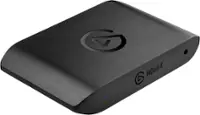
Customers consistently note the 4K S – Ext Capture's overall performance, portability, and video quality as significant advantages. Users appreciate the low latency and compatibility with various devices like cameras. The device's ability to record in 4K resolution is also a valued feature. There were no cons mentioned for this product.
This summary was generated by AI based on customer reviews.
- Pros mentioned:Overall performance
Great capture card
||Posted . Owned for 1 month when reviewed.This reviewer received promo considerations or sweepstakes entry for writing a review.Works great with ps5 and any dsl camera that has the output
I would recommend this to a friend - Pros mentioned:Latency

Great External CapCard
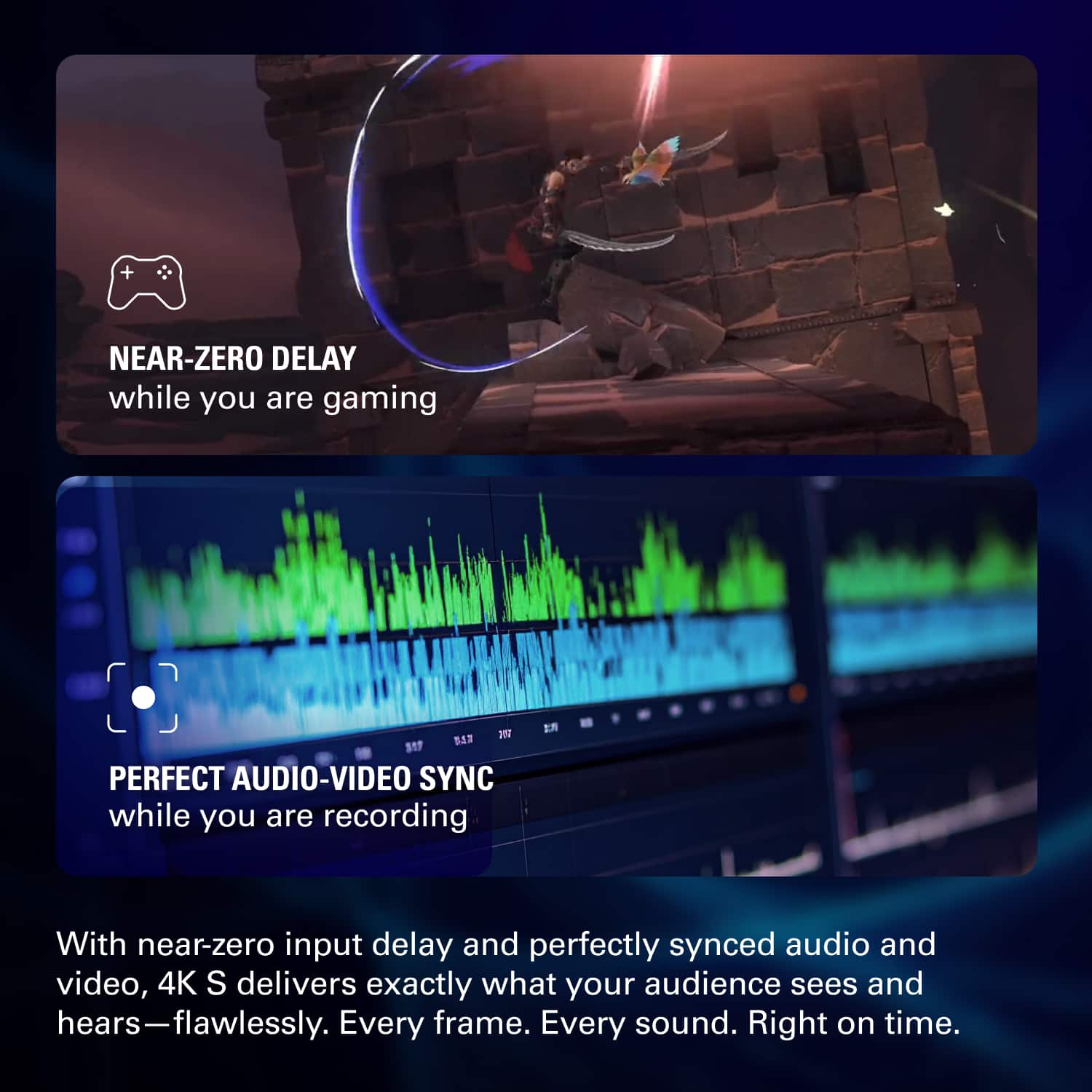
|Posted . Owned for 1 month when reviewed.This reviewer received promo considerations or sweepstakes entry for writing a review.Easy to use and even better if you download elgato capture card software to update it out the box. Latency is great and has great picture out the box.
I would recommend this to a friend - Pros mentioned:Overall performance
Great capture device
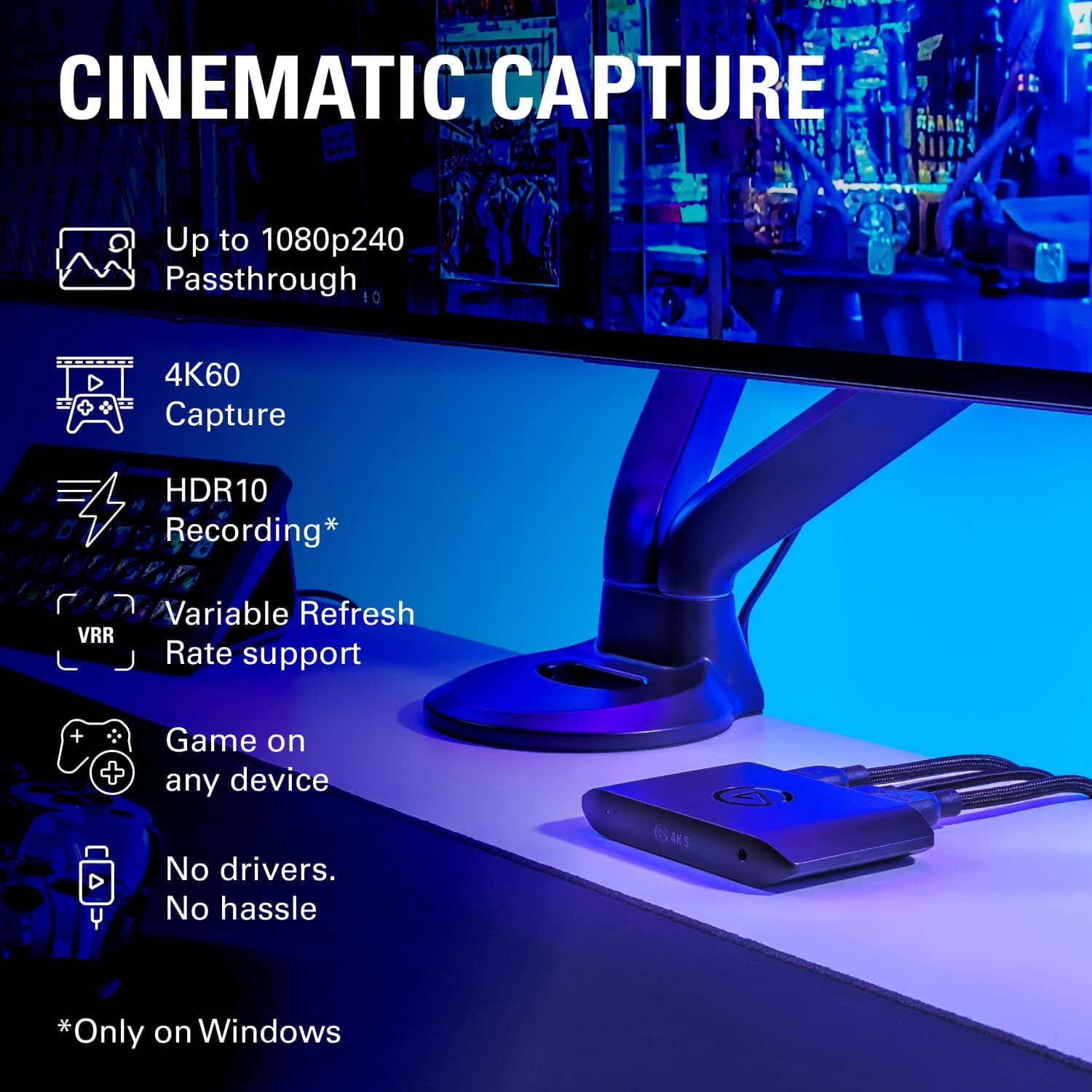
||Posted . Owned for 2 months when reviewed.This reviewer received promo considerations or sweepstakes entry for writing a review.Its perfect. I capture 1080p at 240hz and it works flawlessly
I would recommend this to a friend - Pros mentioned:Overall performance
Best product
||Posted . Owned for 1 week when reviewed.This reviewer received promo considerations or sweepstakes entry for writing a review.Amazing product especially for streaming will come in handy when streaming from a console to pc
I would recommend this to a friend - Pros mentioned:Overall performance
Amazing
||Posted .This reviewer received promo considerations or sweepstakes entry for writing a review.Works great, with no complaints. I would refer this to anyone that’s wanting to stream through console.
I would recommend this to a friend - Pros mentioned:Overall performance
elgato
||Posted . Owned for less than 1 week when reviewed.This reviewer received promo considerations or sweepstakes entry for writing a review.good stuff with this one right here and I am really enjoying it
I would recommend this to a friend - Pros mentioned:Overall performance
Amazing capture card
||Posted .This reviewer received promo considerations or sweepstakes entry for writing a review.Amazing with my Xbox Series X! Setup was simple and easy. I am able to record all my gameplay.
I would recommend this to a friend - Pros mentioned:Video quality
Reliable!
||Posted .This reviewer received promo considerations or sweepstakes entry for writing a review.Amazing quality. Would recommend. Easy to set up!!
I would recommend this to a friend - Pros mentioned:Video quality
Solid upgrade
|Posted . Owned for 2 weeks when reviewed.This reviewer received promo considerations or sweepstakes entry for writing a review.Smoother video and better quality than any capture card i used before
I would recommend this to a friend - Pros mentioned:Overall performance
Get this one instead of the usb Gato!
||Posted . Owned for 1 week when reviewed.This reviewer received promo considerations or sweepstakes entry for writing a review.Better than I expected, quality was amazing. Very easy to set up.
I would recommend this to a friend - Pros mentioned:Overall performance
Very good stream deck
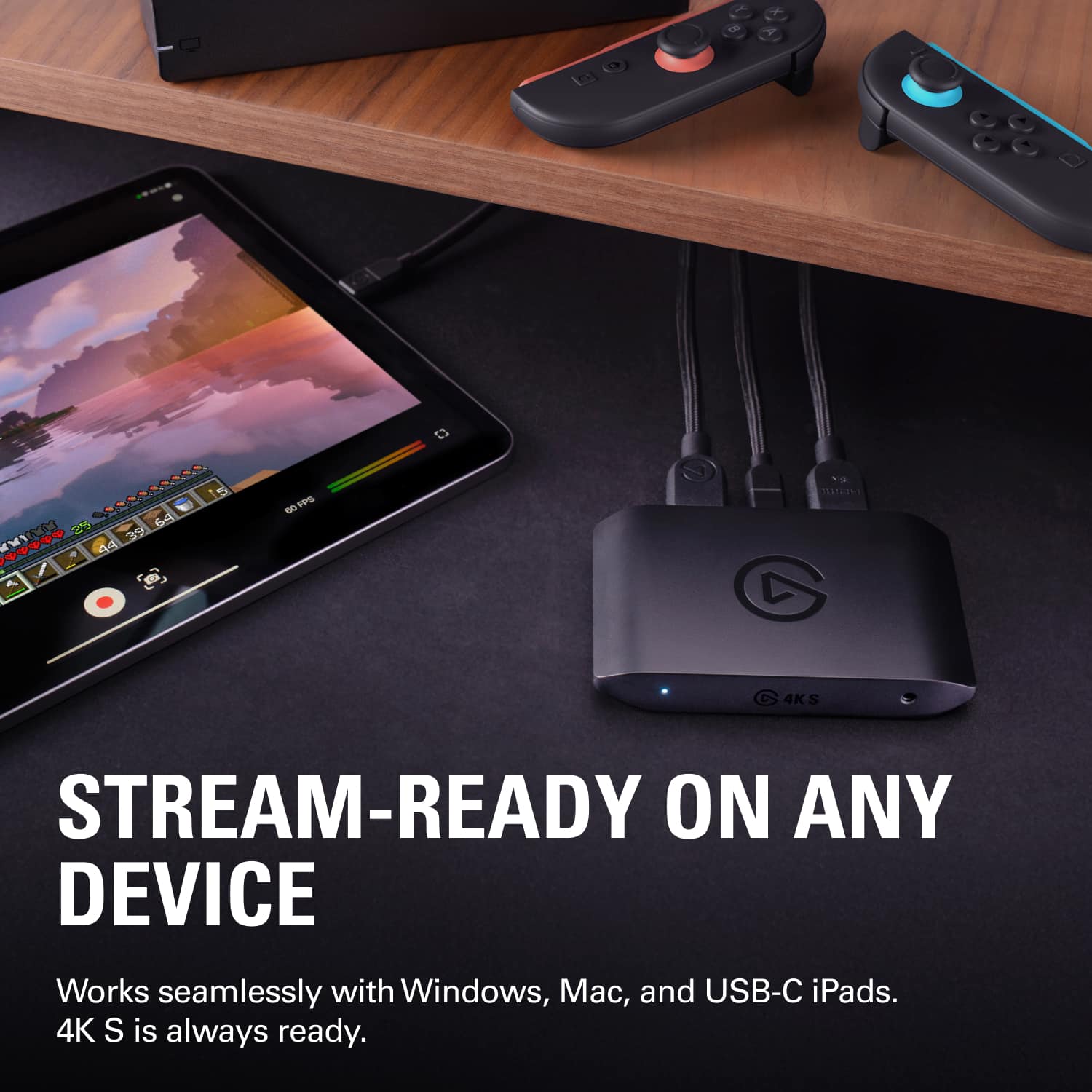
||Posted . Owned for 1 week when reviewed.This reviewer received promo considerations or sweepstakes entry for writing a review.Works greats for my Switch 2. Goes from my projector to a dock from Best Buy as well and works great.
I would recommend this to a friend - Pros mentioned:Overall performance
Great! No complaints
||Posted .This reviewer received promo considerations or sweepstakes entry for writing a review.Works great, very happy with purchase, very durable
I would recommend this to a friend - Pros mentioned:Overall performance
Easy set up for gamers
||Posted .This reviewer received promo considerations or sweepstakes entry for writing a review.Easy to set up. Great quality. Was able to use captured video for Tiktok
I would recommend this to a friend - Pros mentioned:Overall performance
Needed it for Switch 2 Gameplay Sharing
||Posted . Owned for 1 month when reviewed.This reviewer received promo considerations or sweepstakes entry for writing a review.Works great, really easy instructions.. I would just say when looking for the software just look it up instead of using their instructions because it wasn't the correct one...
I would recommend this to a friend - Pros mentioned:Overall performance
best capture card
||Posted .This reviewer received promo considerations or sweepstakes entry for writing a review.absolutely worth it, been looking for a elgato to stream.
I would recommend this to a friend - Pros mentioned:Overall performance
Gamer
||Posted . Owned for 1 week when reviewed.This reviewer received promo considerations or sweepstakes entry for writing a review.Being new to streaming, I wanted a good capture card and this has been golden since purchase.
I would recommend this to a friend - Pros mentioned:Overall performance
good capture card
|Posted .This reviewer received promo considerations or sweepstakes entry for writing a review.Works well with my pc! Able to connect any of my other systems to this and stream it to my pc.
I would recommend this to a friend - Pros mentioned:Overall performance
Great
||Posted . Owned for 1 week when reviewed.This reviewer received promo considerations or sweepstakes entry for writing a review.Handles everything I needed it to do up to Switch 2
I would recommend this to a friend A Worthy Successor to the HD60 Pro.
||Posted . Owned for 1 month when reviewed.This reviewer received promo considerations or sweepstakes entry for writing a review.I purchased this when my HD60 Pro finally went kaput after about 10 years. I love that it's external, and so far, haven't had any issues like my old one had even before it went bad.
I would recommend this to a friend- Pros mentioned:Overall performance
Nintendo Switch Compatible Capture card
||Posted .This reviewer received promo considerations or sweepstakes entry for writing a review.Great for streaming!! Have already had success streaming with it!!
I would recommend this to a friend