Customer Ratings & Reviews

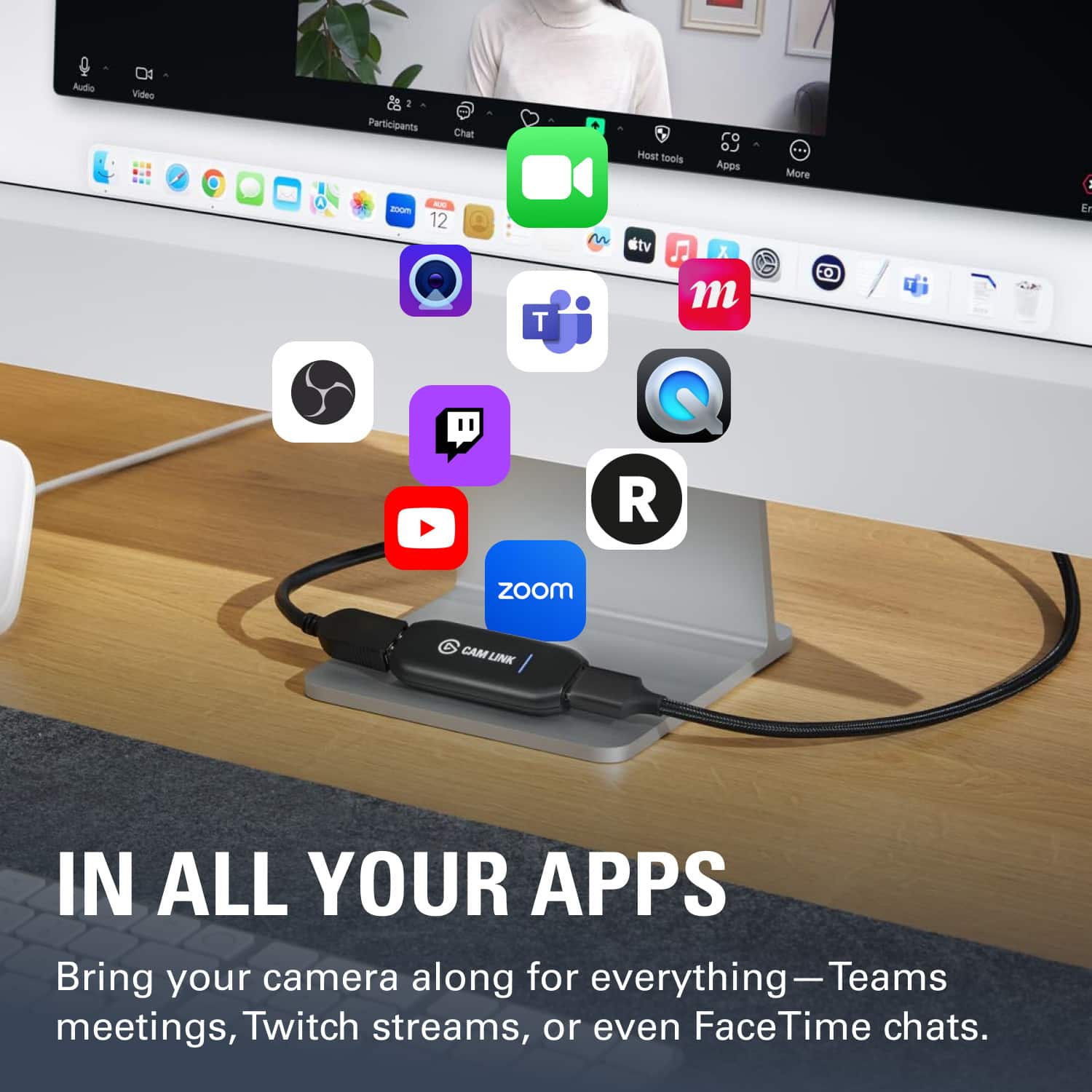
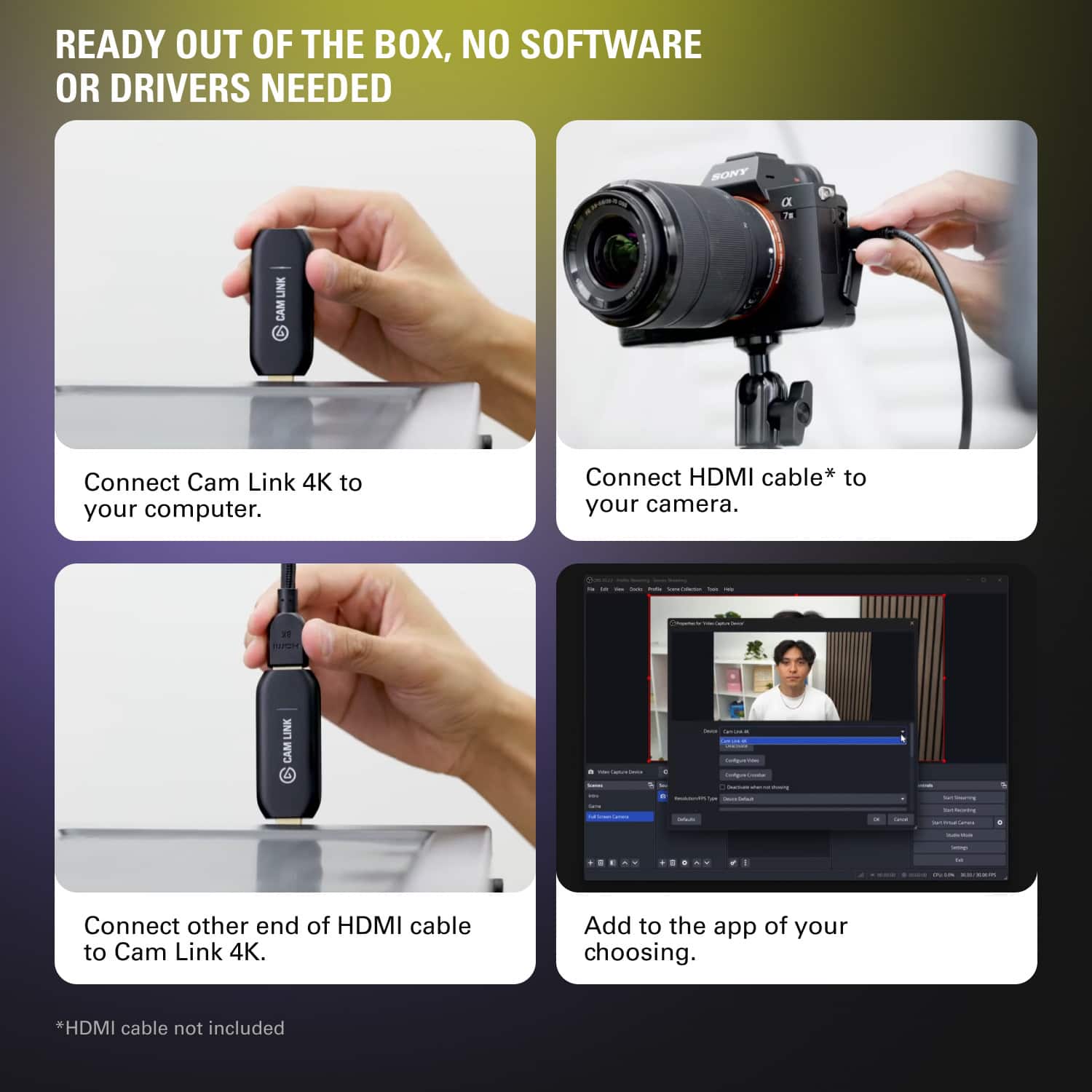
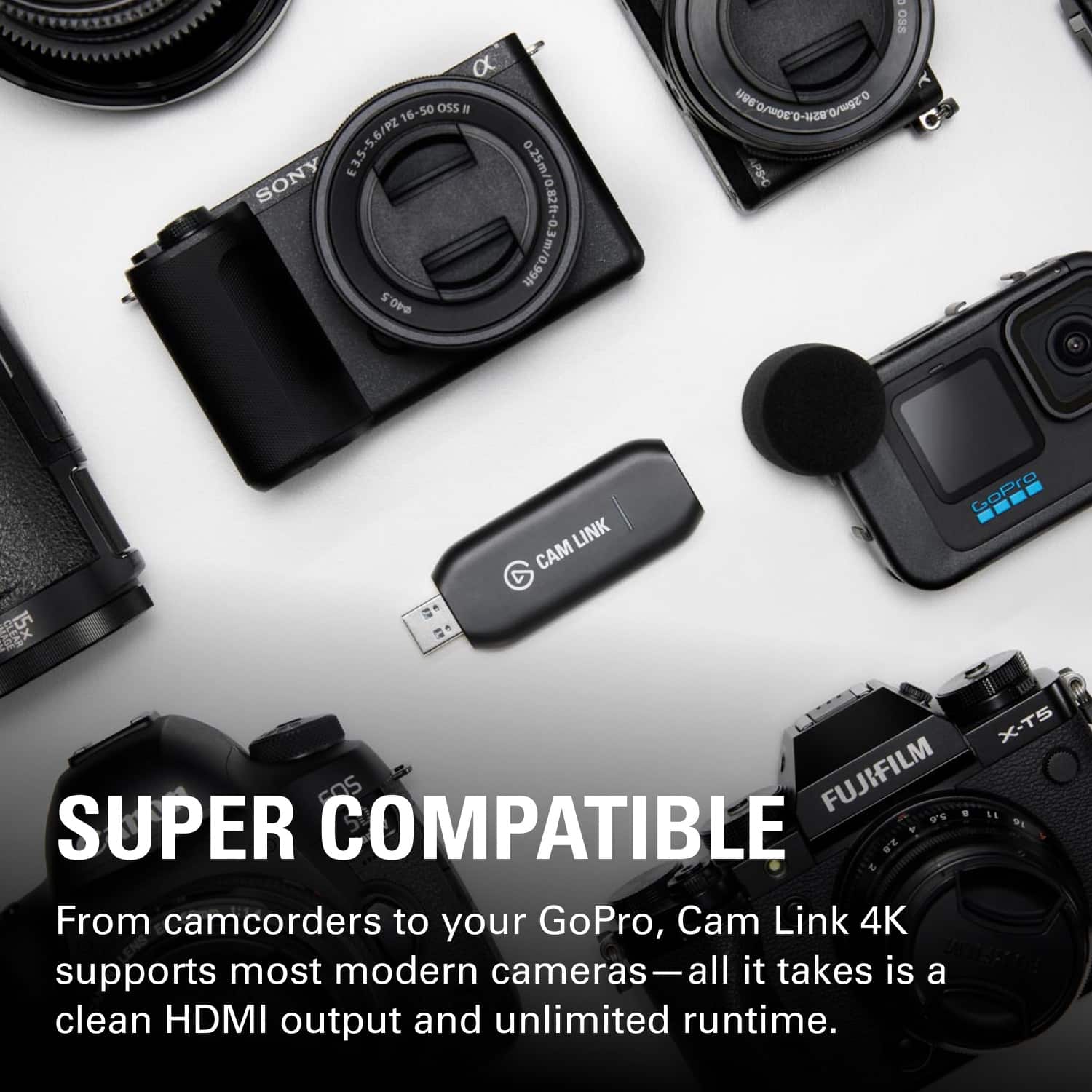
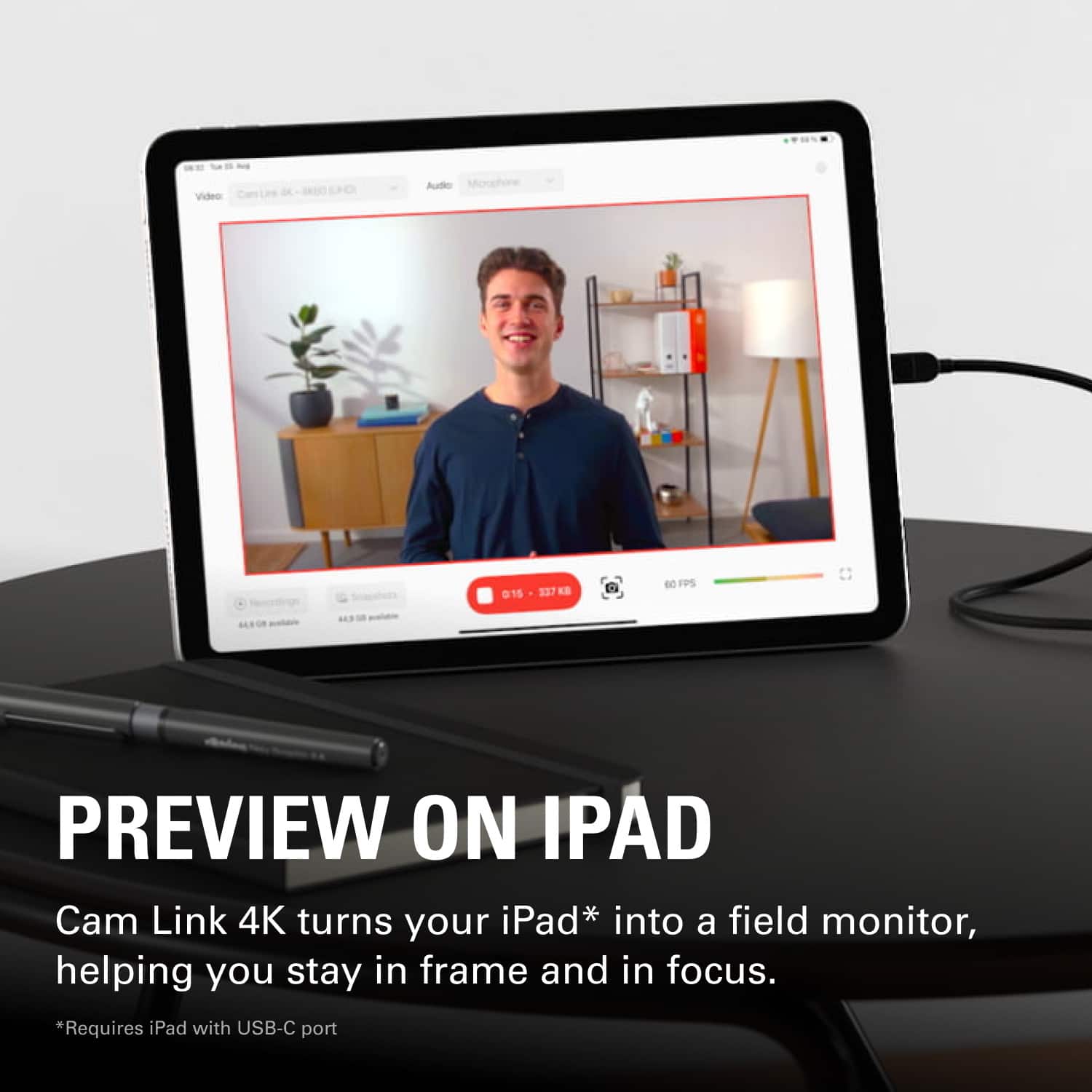
- Model:
- 10GAM9901
- |
- SKU:
- 11003774
Customer reviews
Rating 4.7 out of 5 stars with 1212 reviews
(1,212 customer reviews)Rating by feature
- Value4.5
Rating 4.5 out of 5 stars
- Quality4.7
Rating 4.7 out of 5 stars
- Ease of Use4.7
Rating 4.7 out of 5 stars
Rated 5 out of 5 stars
Great option to stream from your own camera
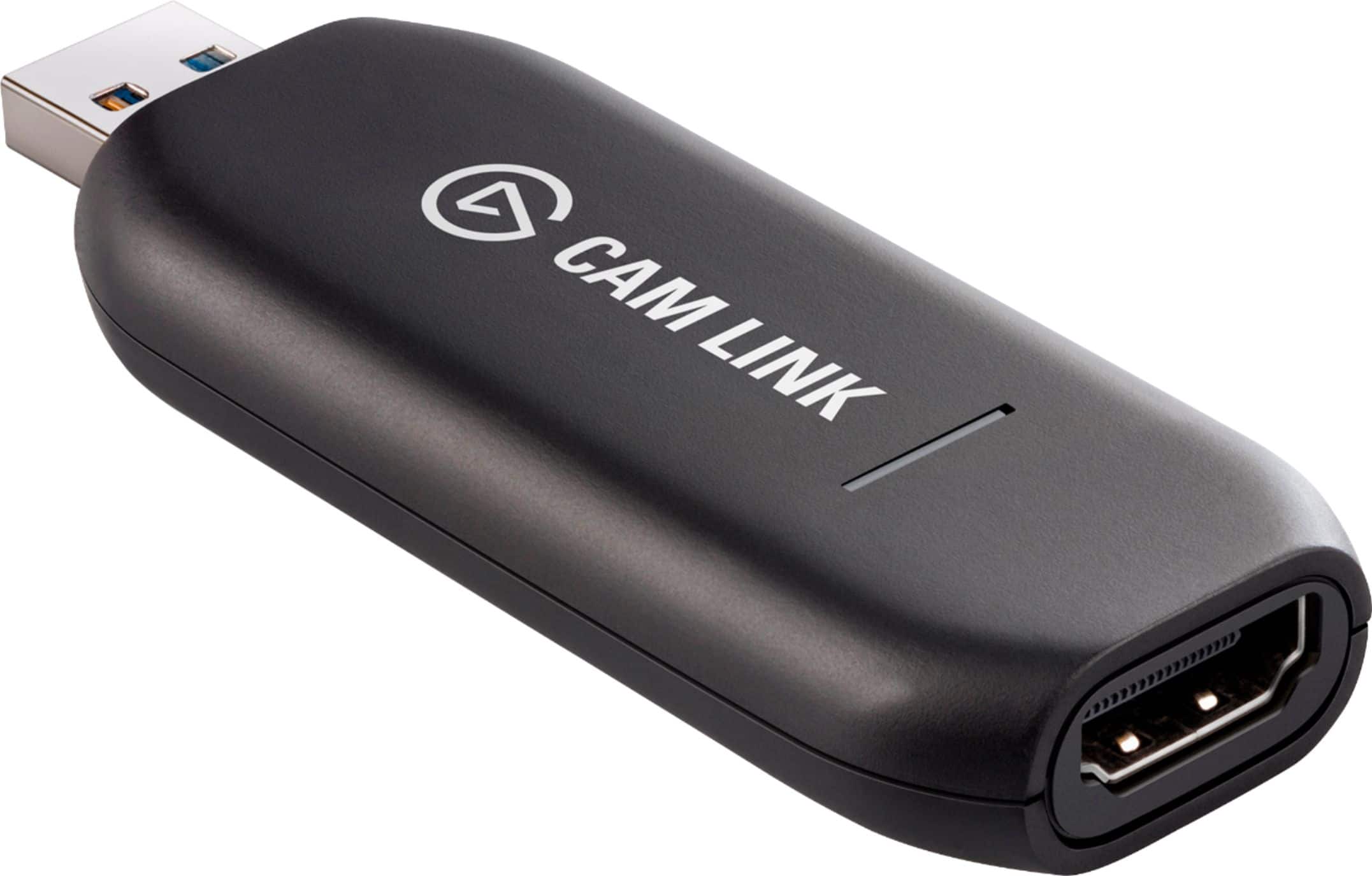
||Posted . Owned for less than 1 week when reviewed.This reviewer received promo considerations or sweepstakes entry for writing a review.This 4K resolution is incredible and would totally recommend for anyone looking into streaming with quality. Very easy setup with the hdmi cable and the usb3.0 stick
This review is from Elgato - Cam Link 4K - Black
I would recommend this to a friendRated 5 out of 5 stars
Nice capture card
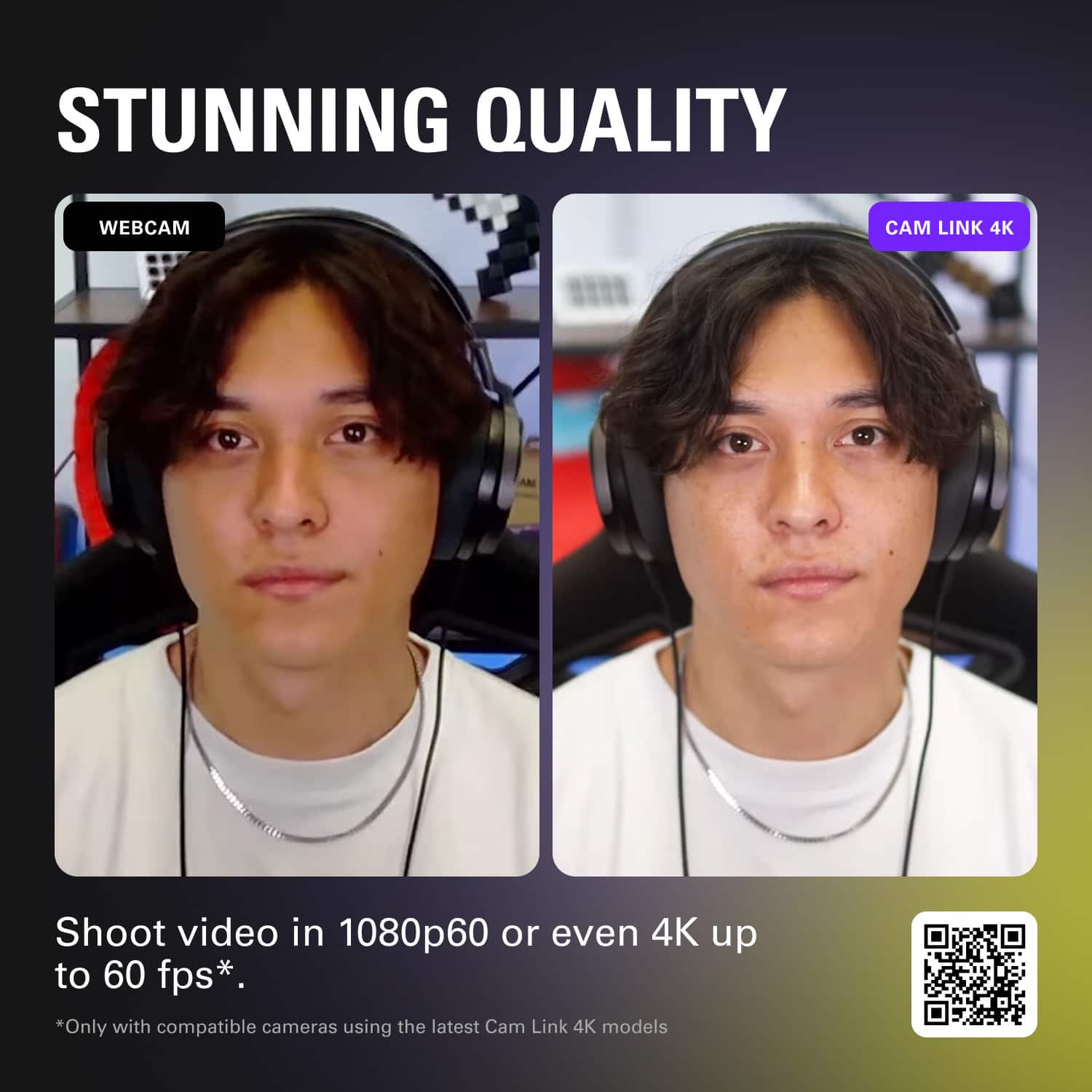
||Posted . Owned for 4 months when reviewed.This reviewer received promo considerations or sweepstakes entry for writing a review.Works great! Captures in the full 4K 30fps without any special configuration.
This review is from Elgato - Cam Link 4K - Black
I would recommend this to a friendRated 5 out of 5 stars
Worked out of the box
||Posted . Owned for 1 week when reviewed.This reviewer received promo considerations or sweepstakes entry for writing a review.This was very easy to plug in to my computer and stream both audio and video over Zoom. I've used it with multiple Nikon DSLR cameras, and it worked well.
This review is from Elgato - Cam Link 4K - Black
I would recommend this to a friendRated 5 out of 5 stars
Excellent product highly recommend it
||Posted . Owned for less than 1 week when reviewed.This reviewer received promo considerations or sweepstakes entry for writing a review.Excellent product for video gaming streaming using a camera I highly recommend it
This review is from Elgato - Cam Link 4K - Black
I would recommend this to a friendRated 5 out of 5 stars
Cam Link is a great device!
||Posted . Owned for 6 months when reviewed.This reviewer received promo considerations or sweepstakes entry for writing a review.Very easy to use item. I love the Cam Link when I am live streaming and using OBS Studio. Never had an issue with dropouts on my Sony A6000 camera.
This review is from Elgato - Cam Link 4K - Black
I would recommend this to a friendRated 4 out of 5 stars
Great for camcorder to Mac HDMI livestream setup
||Posted . Owned for 2 weeks when reviewed.This reviewer received promo considerations or sweepstakes entry for writing a review.Works seamlessly with my MacBook Air. Suggested streaming software download totally unnecessary for YouTube livestreaming, just use the webcam feature on YouTube studio for instant streaming if you don't need a lot of bells and whistles.
This review is from Elgato - Cam Link 4K - Black
I would recommend this to a friendRated 5 out of 5 stars
Great buy
||Posted .This reviewer received promo considerations or sweepstakes entry for writing a review.You have to go to the website and download the software. There seems to be a few different things that can be done, sending video of your broadcast is just one. Just download all of the available software. I did have problems when I used it on a laptop that did not have a camera. Also there seems to be an edge given to Canon video cameras but my Sony A7iii worked just fine. You have to go through the setup. Different types of broadcast software. Give YouTube a try if you are unsure. Click video upload button but then chose stream. Worked good. Kept the file of the stream too. Just one way to use it. Check out others online.
This review is from Elgato - Cam Link 4K - Black
I would recommend this to a friendRated 5 out of 5 stars
Excellent asset for streaming
||Posted . Owned for 1 month when reviewed.This reviewer received promo considerations or sweepstakes entry for writing a review.The CAMLINK took my streaming from ordinary to extraordinary in a simple click. The vibrance of color, seamless audio capabilities and interface is laudable!
This review is from Elgato - Cam Link 4K - Black
I would recommend this to a friendRated 4 out of 5 stars
Easy to use and great quality
||Posted . Owned for 3 weeks when reviewed.This reviewer received promo considerations or sweepstakes entry for writing a review.This worked great with my I Mac but not so well with my pc laptop Its easy to use and the quality is great I would say don't use real cheap cords other that that its pretty flawless
This review is from Elgato - Cam Link 4K - Black
I would recommend this to a friendRated 5 out of 5 stars
Works Great but be sure to check camera compatibil
||Posted . Owned for 1 month when reviewed.This reviewer received promo considerations or sweepstakes entry for writing a review.When I bought this it did not occur to me to check if my camera was compatible with this device. After I got it I checked their site and did not see my camera (Nikon D600) listed as compatible. I hooked it up anyway and It works great. Had to make some adjustments to my Nikon but everything works perfectly. I primarily use it for video conferencing and haven’t had any issues so far. Be sure your camera has a clean HDMI out before buying. I got lucky.
This review is from Elgato - Cam Link 4K - Black
I would recommend this to a friendRated 5 out of 5 stars
Must Buy if recording on a Computer
||Posted . Owned for 1 week when reviewed.This reviewer received promo considerations or sweepstakes entry for writing a review.I wasn’t sure I would need this product since I could already record using my camera. I was very wrong, after seeing the sharp increase in quality for recording videos I see this as being a Must whenever recording using any type of computer, I should’ve bought this way sooner!!
This review is from Elgato - Cam Link 4K - Black
I would recommend this to a friendRated 5 out of 5 stars
Great video quality
||Posted . Owned for 3 weeks when reviewed.This reviewer received promo considerations or sweepstakes entry for writing a review.Very easy to use. Once you install the software, you're good to go! Lets you use any camera you want for streaming, as long as it has an HDMI out port.
This review is from Elgato - Cam Link 4K - Black
I would recommend this to a friendRated 5 out of 5 stars
Great for Mirrorless cameras and works on MacOS
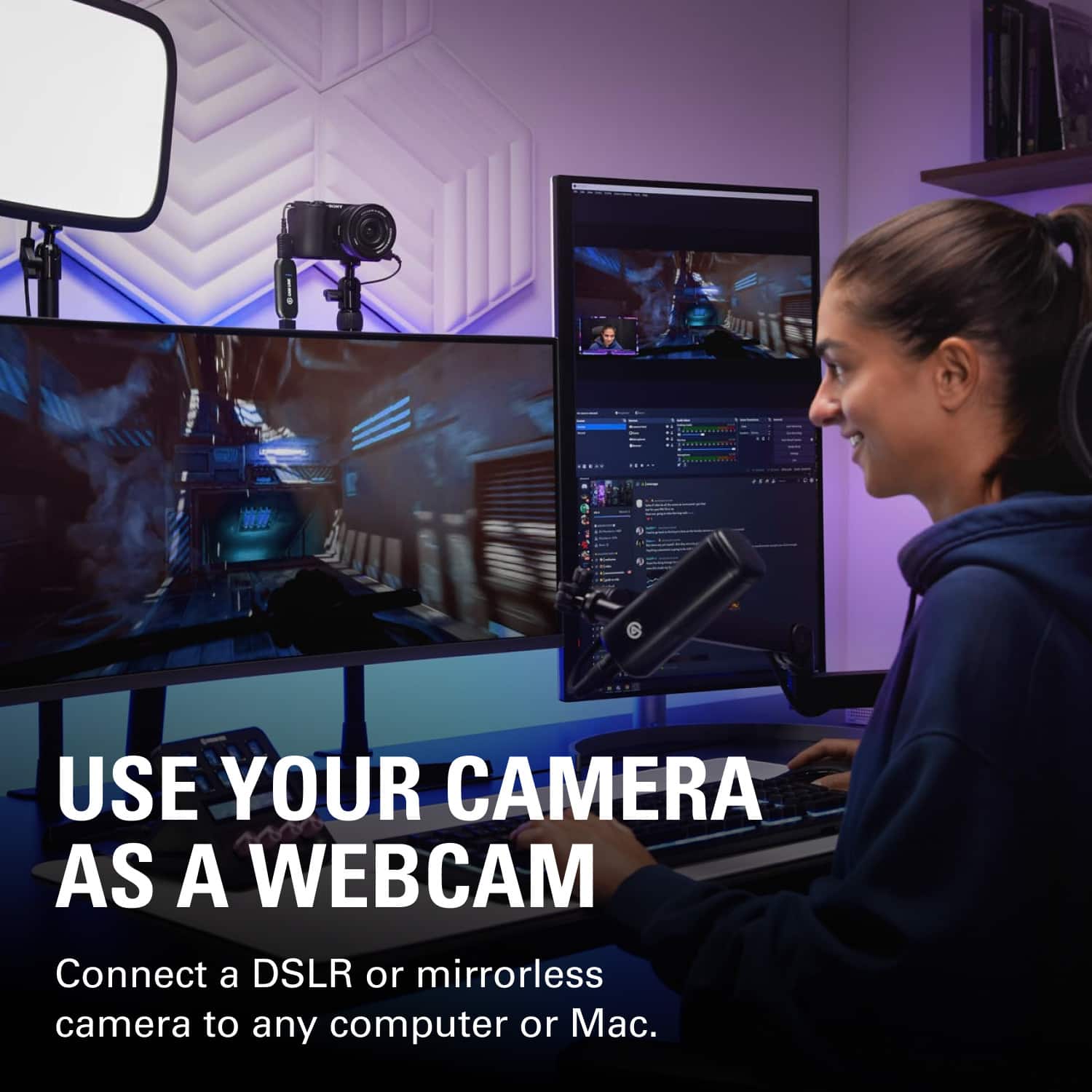
||Posted . Owned for 3 weeks when reviewed.This reviewer received promo considerations or sweepstakes entry for writing a review.Easy to install and use. It allows for use with mirrorless cameras and DSLR's with HDMI. The best part is that it works flawlessly with MacOS.
This review is from Elgato - Cam Link 4K - Black
I would recommend this to a friendRated 5 out of 5 stars
Great product.
||Posted . Owned for 1 month when reviewed.This reviewer received promo considerations or sweepstakes entry for writing a review.Excellent converter. I used four of these to interface four cameras with OBS. Easy to use. Plug and play. Great resolution from the cameras.
This review is from Elgato - Cam Link 4K - Black
I would recommend this to a friendRated 5 out of 5 stars
Elgato Cam Link honest review.
||Posted . Owned for 1 week when reviewed.This reviewer received promo considerations or sweepstakes entry for writing a review.Good solid product from a reliable company. Works exactly as described. Much easier to setup than my capture card was for sure.
This review is from Elgato - Cam Link 4K - Black
I would recommend this to a friendRated 3 out of 5 stars
Its pretty cool for what it is.
||Posted . Owned for 1 week when reviewed.This reviewer received promo considerations or sweepstakes entry for writing a review.So ive had this for about 2 weeks and im debating returning it because it works but it has alot of connection issues. Ive been having to disconnect the Cam Link 2 to 3 times from my PC in order to get video footage to show up on my PC weather i use the Cam Link Software or, Zoom, Microsoft Teams or my Video editing software. Im using a Sony ZV-E10 with a smallrig micro HDMI to full size HDMI adapter with a cage and it works 100% with my tv and even with my Yolobox Pro so its definitely bot the adapter or cable. I have the resolution set to 4K 30Fps and looks wonderful when you convert that to 1080P 60fps under Zoom and Microsoft Teams as that is the highest resolution you can get on those two platforms for meetings. Thankfully i still have the box so i may just return it and get El Gato's 4K 60fps Webcam instead since the frame rate will look smother in my meetings and video recordings from 4k 60fps down scaled to 1080P 60fps. So if you are ok with having to keep reconnecting your cam link to your USB Port then go for it but for me as i type this review, im leaning towards returning it and spending $200.00 more on the 4K60FPS webcam they have to offer.
This review is from Elgato - Cam Link 4K - Black
I would recommend this to a friendRated 5 out of 5 stars
Great performance
||Posted . Owned for 3 weeks when reviewed.This reviewer received promo considerations or sweepstakes entry for writing a review.Good product, easy to use. I was able to easy switch from a standard webcam to my DSLR for calls and streaming. Great performance.
This review is from Elgato - Cam Link 4K - Black
I would recommend this to a friendRated 5 out of 5 stars
A device that functions as intended
||Posted . Owned for 1 week when reviewed.This reviewer received promo considerations or sweepstakes entry for writing a review.My camlink does exactly what the box says. Takes my camera's hdmi output and converts it to a signal i can use for a cleaner visual experience instead of the traditionally low res webcam or built in solutions. I can easily make my Sony a6000 or my Canon M50 MK2 my video source for livestreams or podcasts. Doesnt work with Windows hello tho
This review is from Elgato - Cam Link 4K - Black
I would recommend this to a friendRated 5 out of 5 stars
Great way to use your DSLR as a streaming camera
||Posted . Owned for 1 month when reviewed.This reviewer received promo considerations or sweepstakes entry for writing a review.I use this to live stream and record video from my Sony A6500. Any camera that has a clean HDMI output can be captured at 4k. Works like a charm!
This review is from Elgato - Cam Link 4K - Black
I would recommend this to a friendRated 5 out of 5 stars
Perfect capture device
||Posted . Owned for 1 month when reviewed.This reviewer received promo considerations or sweepstakes entry for writing a review.I picked up this adapter so I could use my Sony camera with OBS at better resolution then with just the USB cable and WebCam mode. Works perfectly. Image quality is great
This review is from Elgato - Cam Link 4K - Black
I would recommend this to a friend
People also viewed
- Tech Fest Deal$154.99