Customer Ratings & Reviews

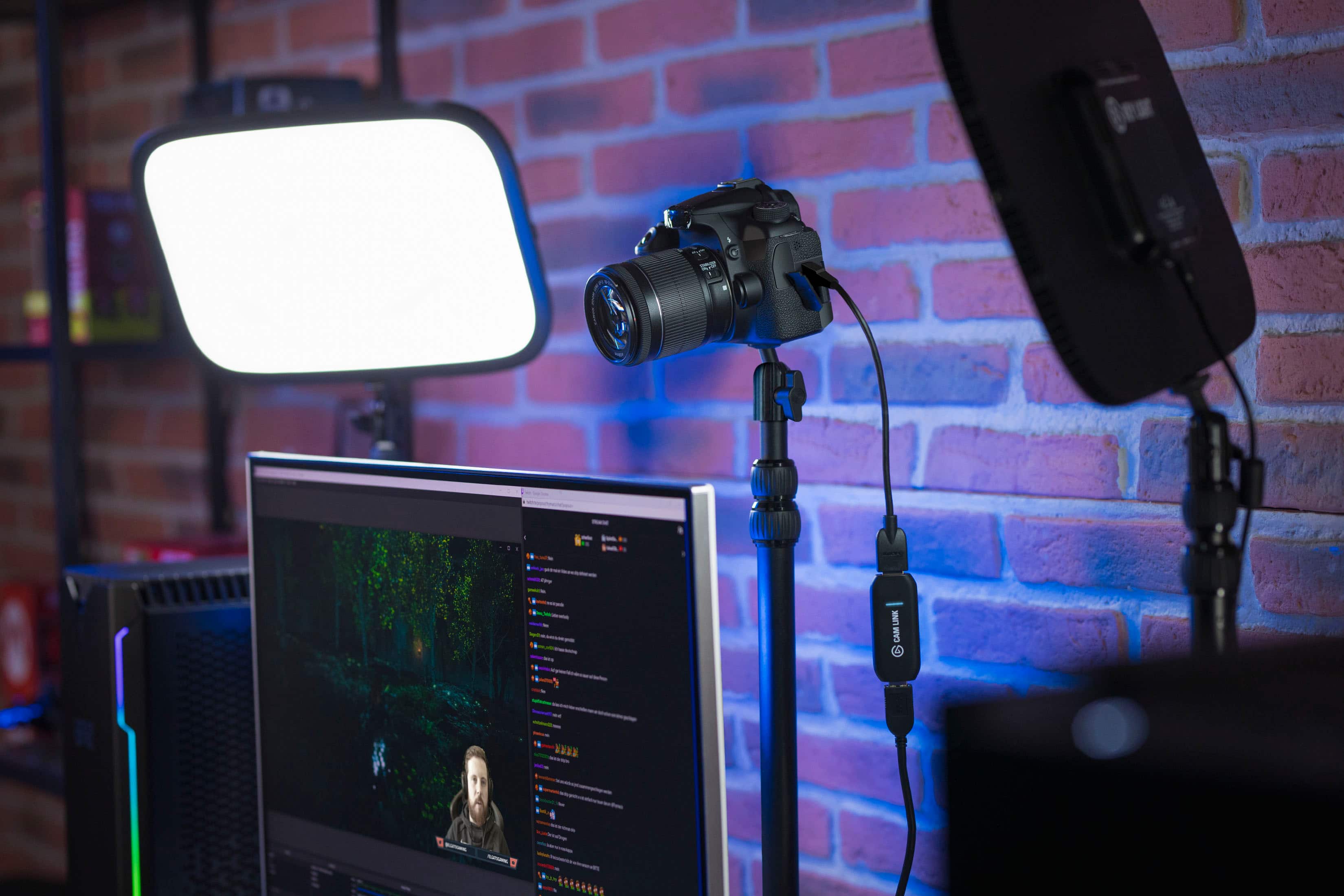
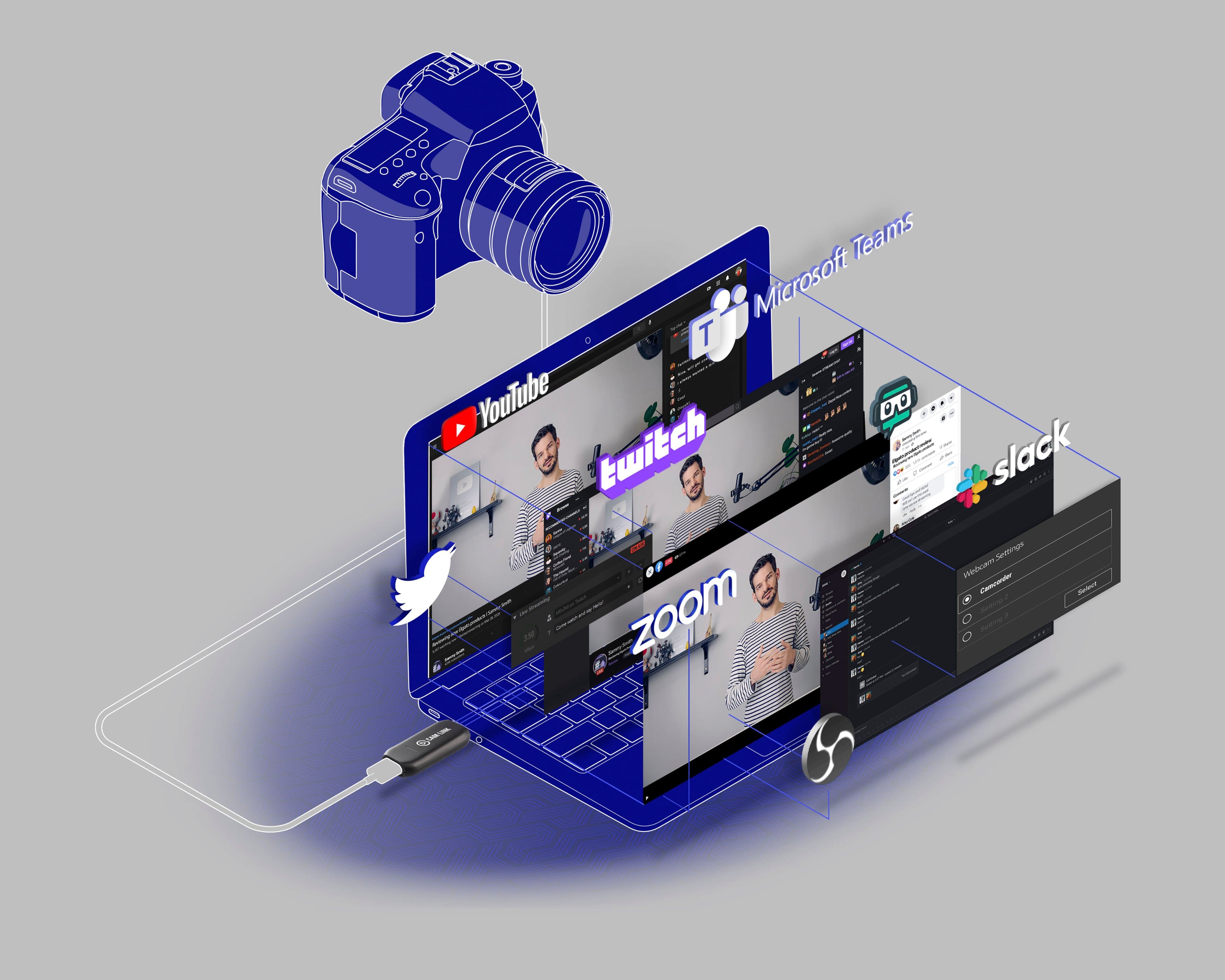
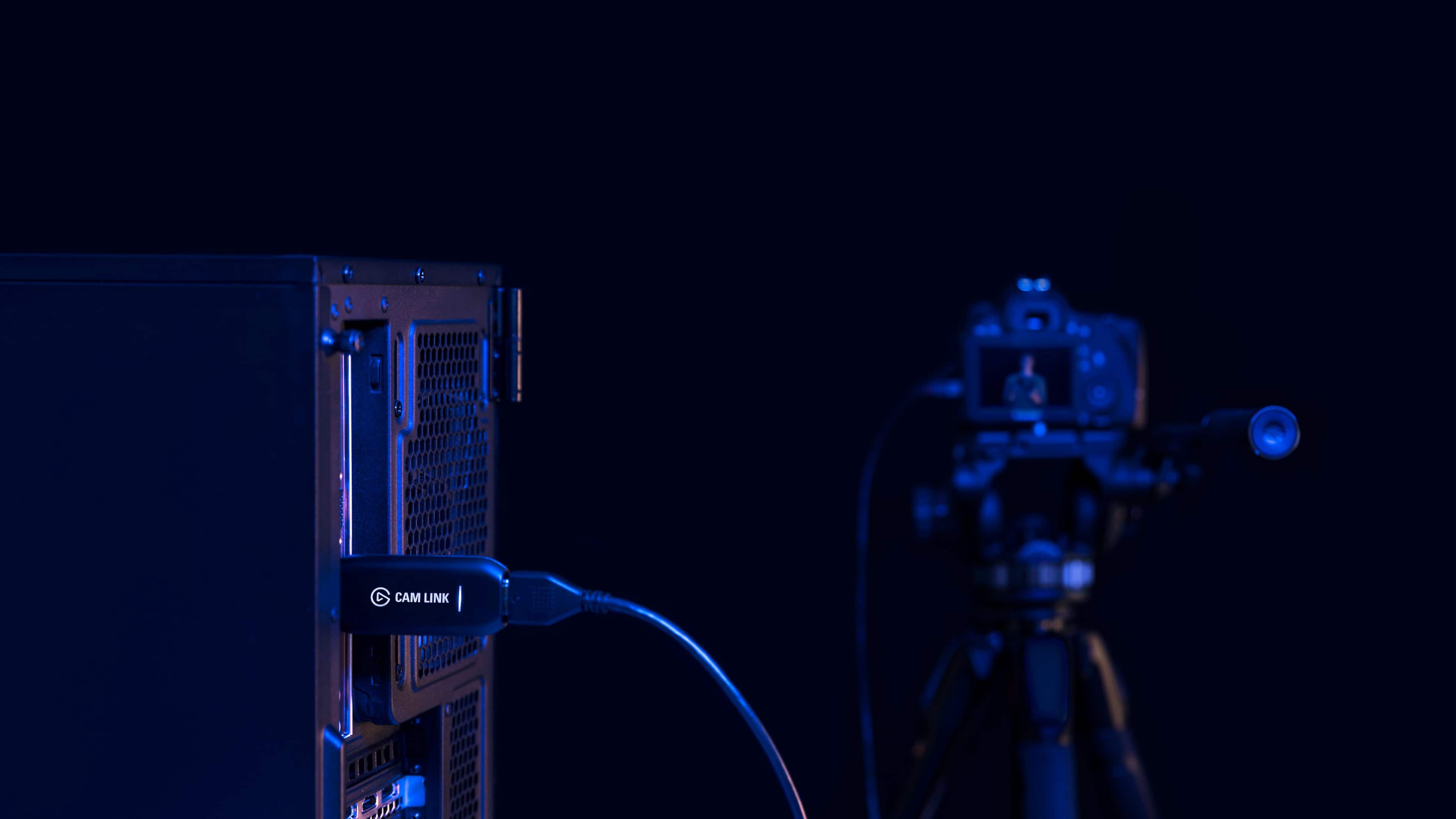
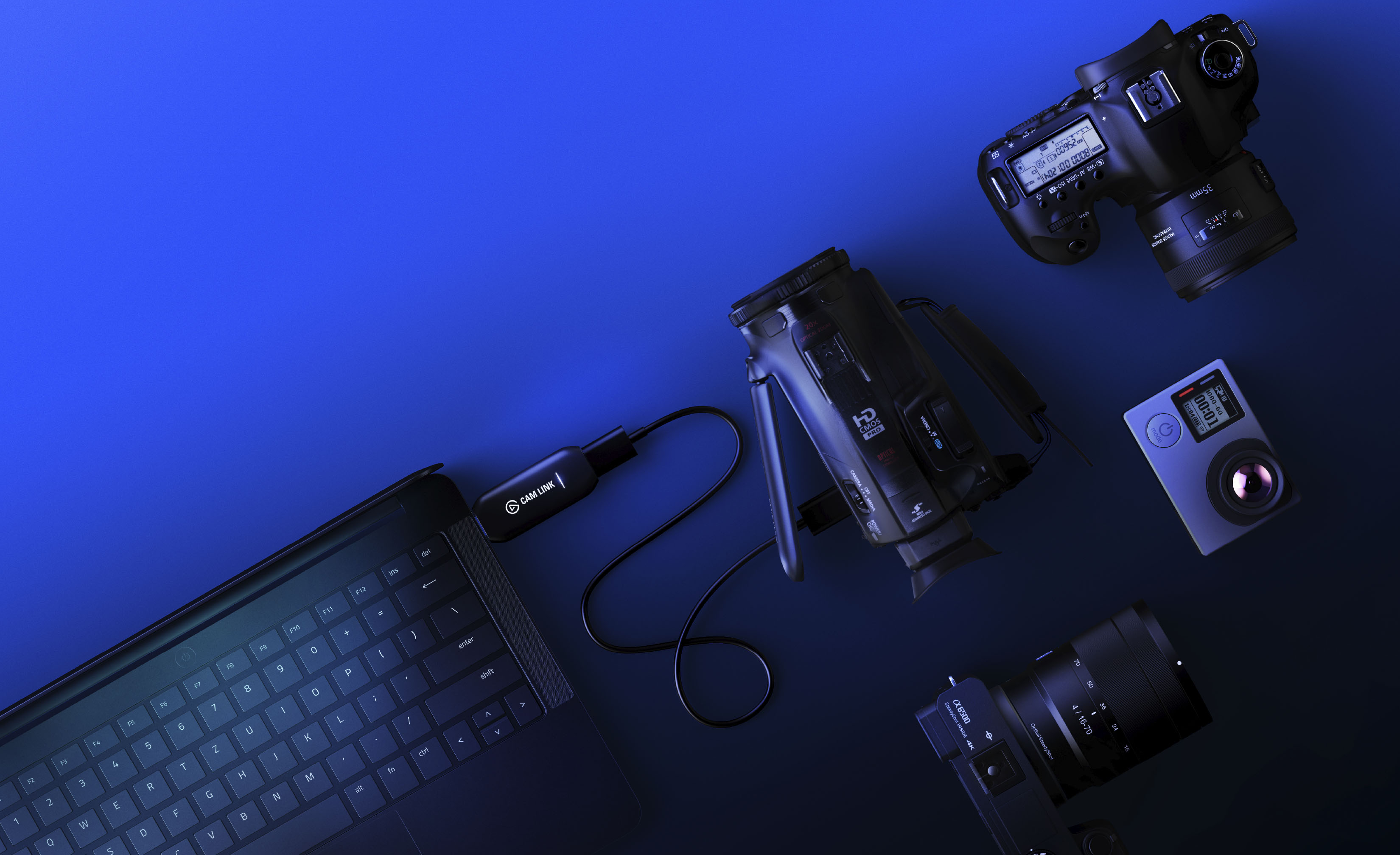
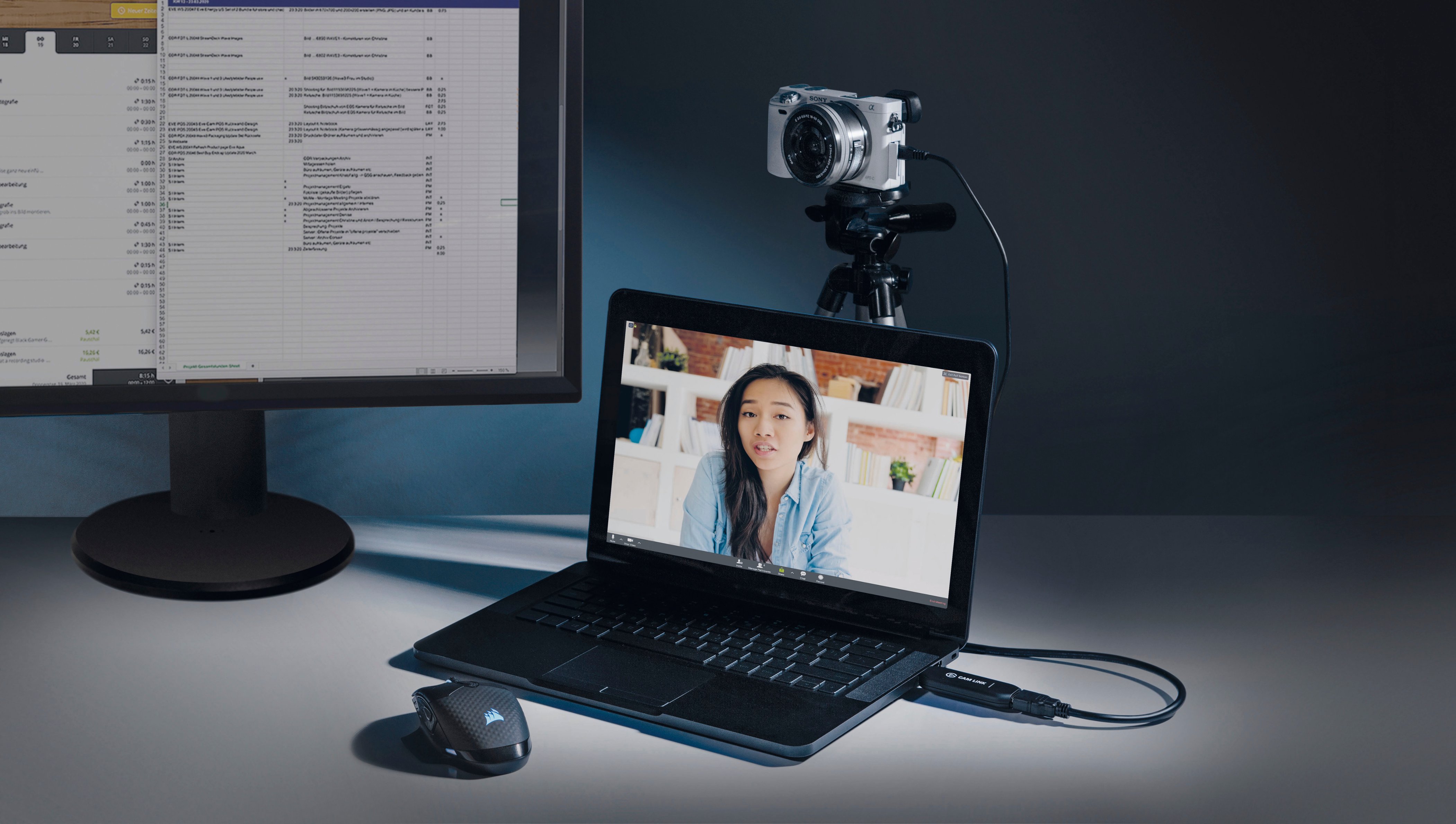
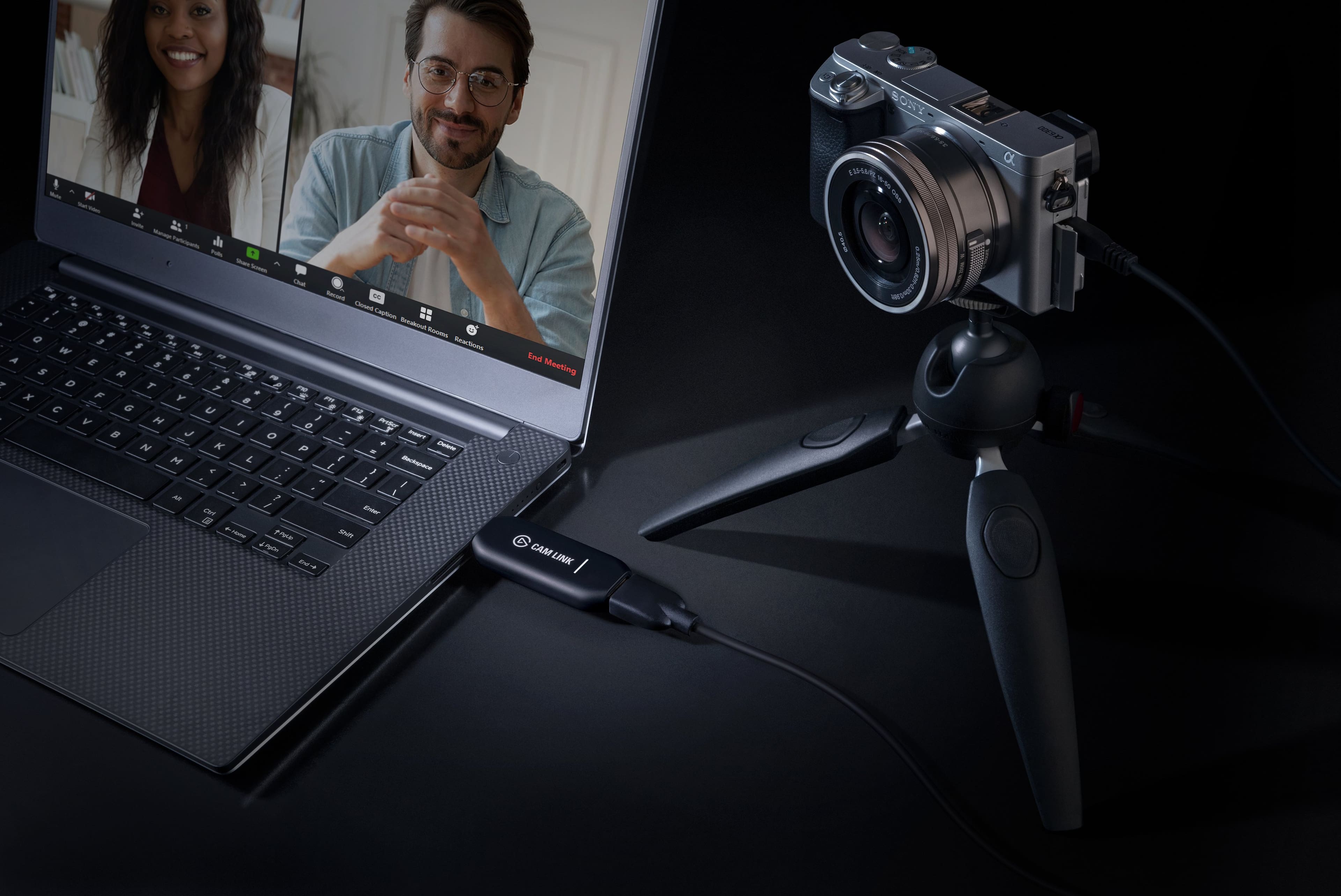
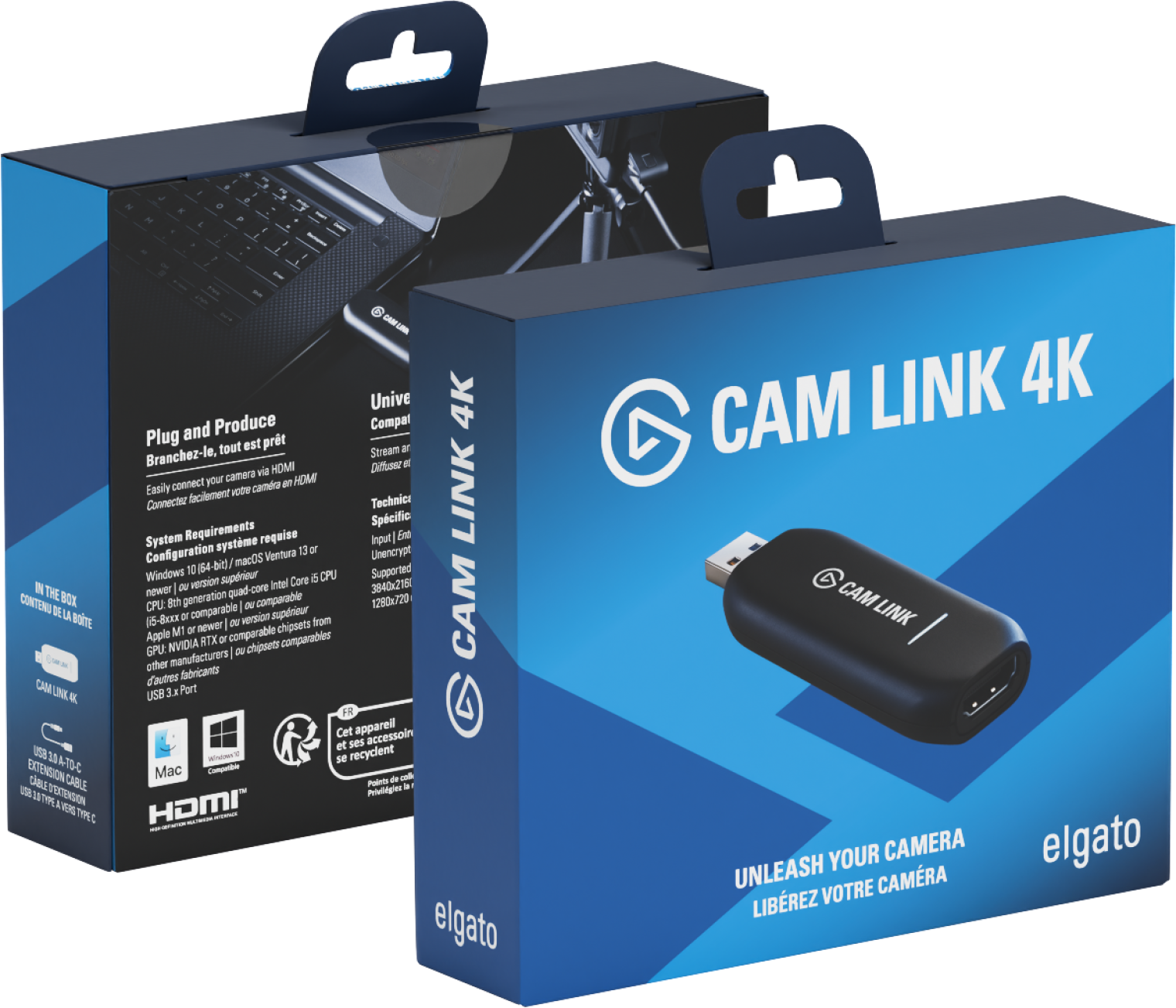
- Model:
- 10GAM9901
- |
- SKU:
- 11124118
Customer reviews
Rating 4.7 out of 5 stars with 1213 reviews
(1,213 customer reviews)Rating by feature
- Value4.5
Rating 4.5 out of 5 stars
- Quality4.7
Rating 4.7 out of 5 stars
- Ease of Use4.7
Rating 4.7 out of 5 stars
Rated 4 out of 5 stars
Simple and easy to use
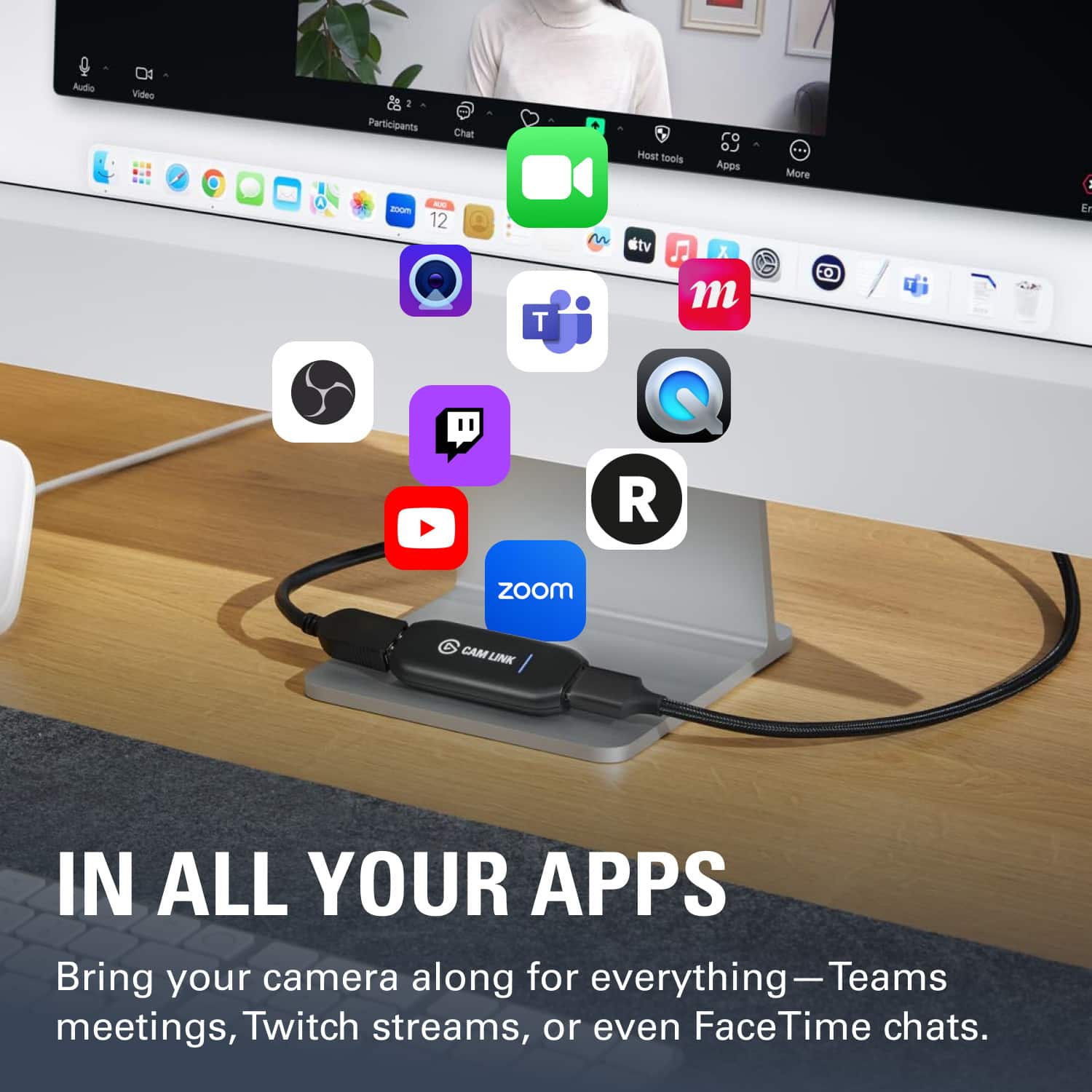
||Posted . Owned for 9 months when reviewed.This reviewer received promo considerations or sweepstakes entry for writing a review.Works really well for streaming to zoom/Skype/youtube (note it does seem to get warm after extended use) but was easy and simple to use and get working.
This review is from Elgato - Cam Link 4K - Black
I would recommend this to a friendRated 5 out of 5 stars
Perfect for a simple Livestream setup
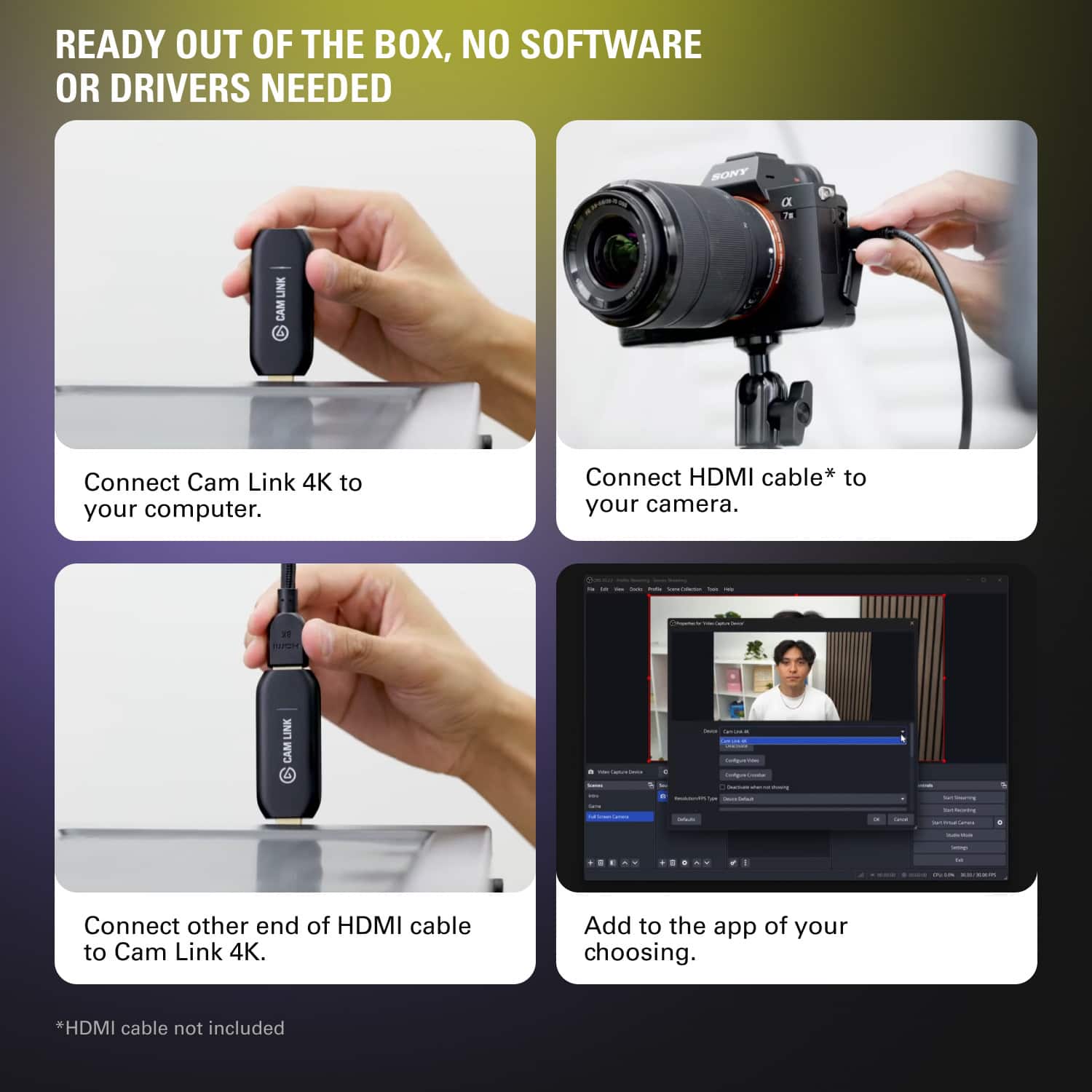
||Posted . Owned for 3 weeks when reviewed.This reviewer received promo considerations or sweepstakes entry for writing a review.Worked get for Live streaming and was a simple plug and play installation for a Windows 10 laptop!
This review is from Elgato - Cam Link 4K - Black
I would recommend this to a friendRated 5 out of 5 stars
Use a DSLR or other HDMI source for streaming
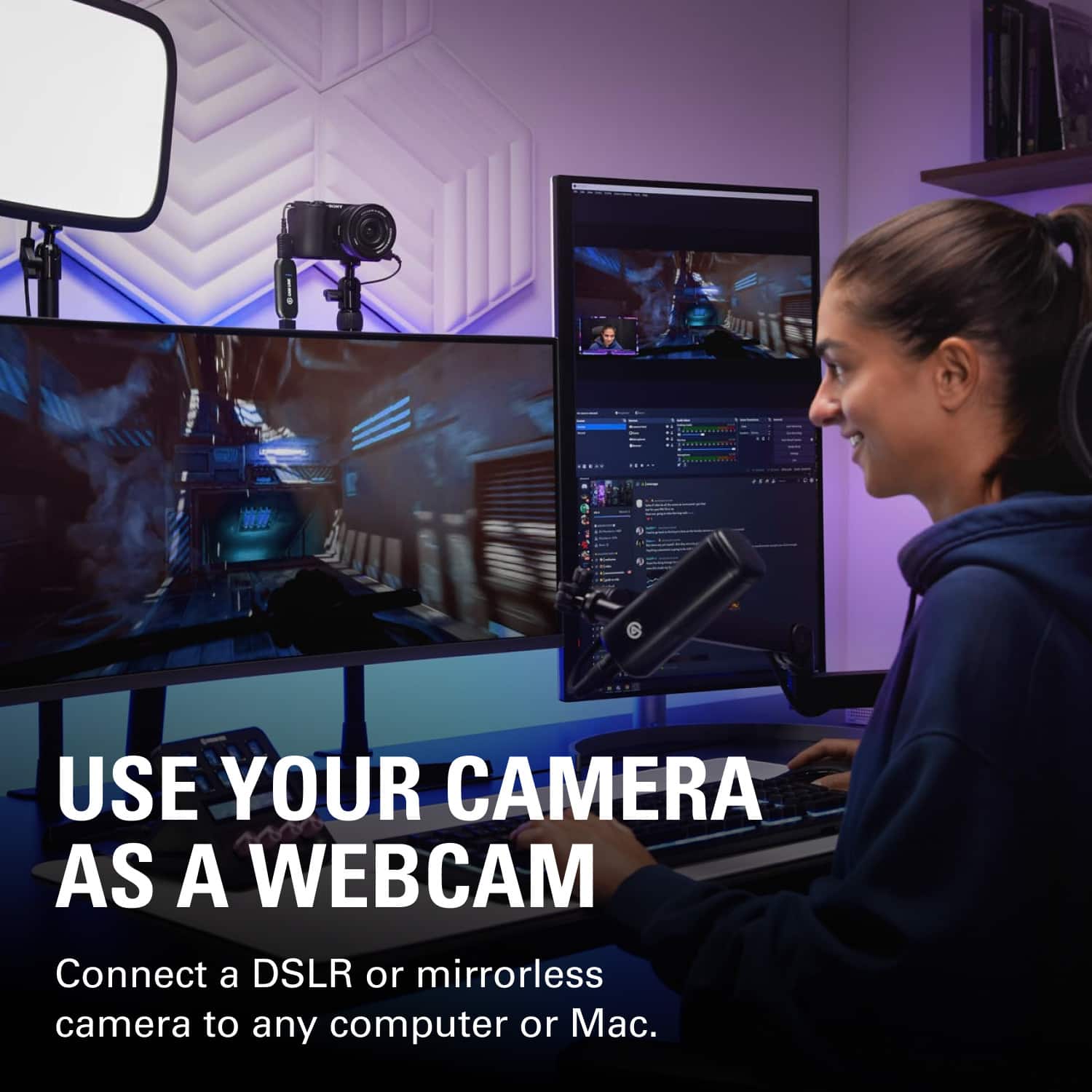
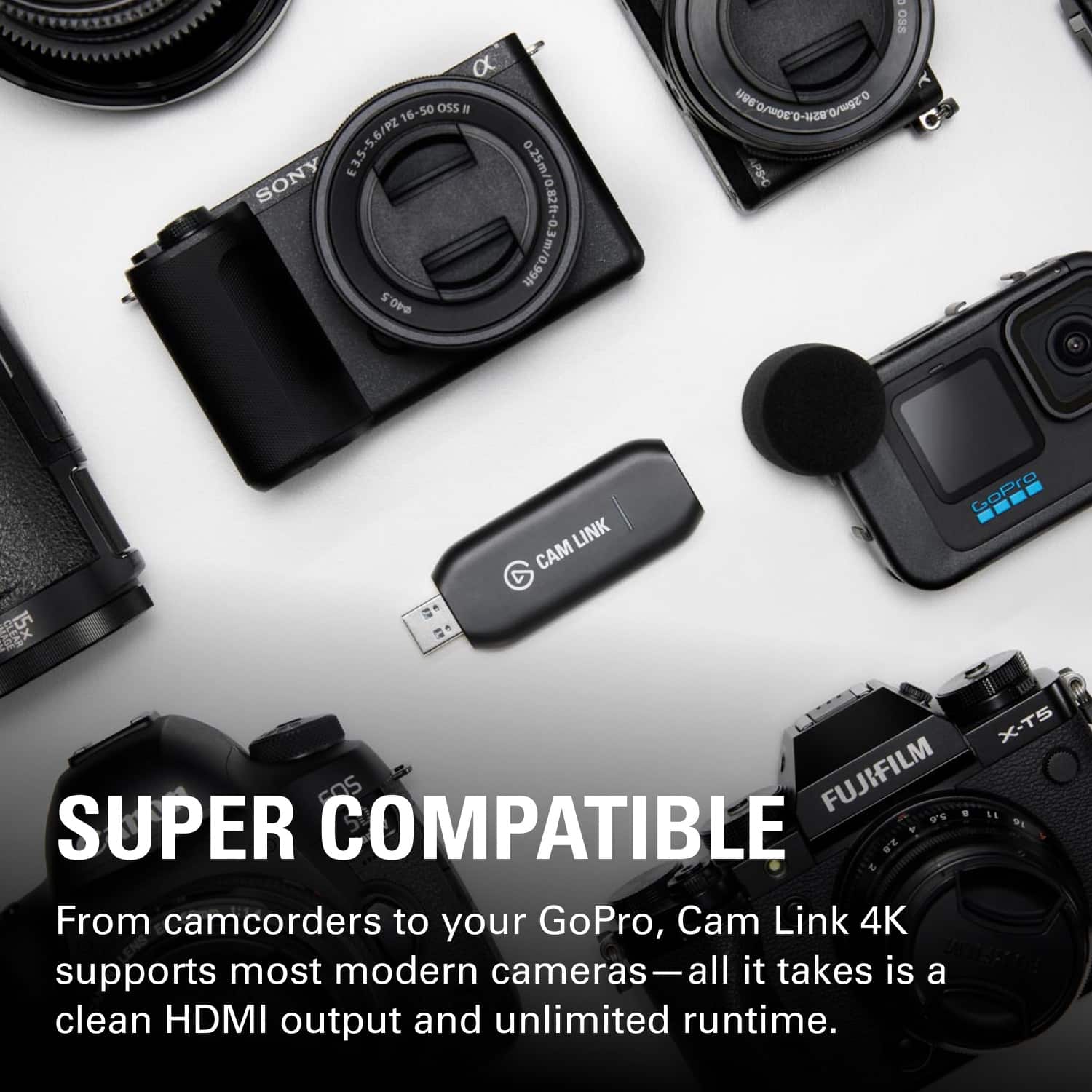
||Posted . Owned for 1 week when reviewed.This reviewer received promo considerations or sweepstakes entry for writing a review.Works great, lets me use my DSLR as a webcam or for streaming in 4k.
This review is from Elgato - Cam Link 4K - Black
I would recommend this to a friendRated 5 out of 5 stars
works as described
||Posted . Owned for 1 month when reviewed.This reviewer received promo considerations or sweepstakes entry for writing a review.The device worked as described. It took very little time to connect and have working on my system.
This review is from Elgato - Cam Link 4K - Black
I would recommend this to a friendRated 5 out of 5 stars
Great buy decision
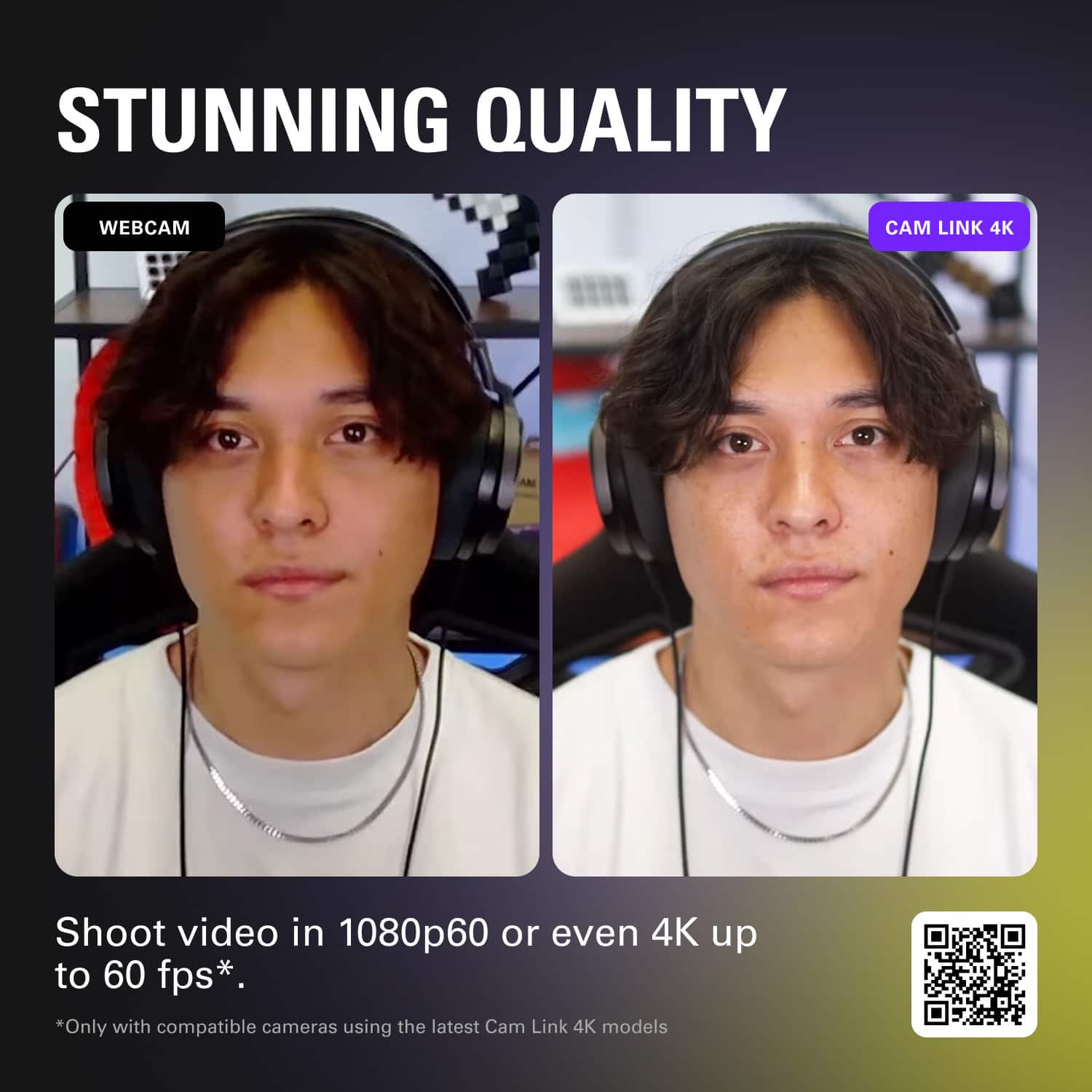
||Posted . Owned for 3 weeks when reviewed.This reviewer received promo considerations or sweepstakes entry for writing a review.I bought an aftermarket video capture and it worked fine but the video quality kept giving trouble which froze the video on some occasions. I decided to buy this El gato capture cam, and immediately on the first use I see the difference in video quality and no glitches or freezes. The automatic focus issue on my video recording went away completely. The answer to weather this is worth buying is an absolute yes!!!
This review is from Elgato - Cam Link 4K - Black
I would recommend this to a friendRated 5 out of 5 stars
Great Livestram Tool
||Posted .This reviewer received promo considerations or sweepstakes entry for writing a review.Easy plug and play. Works great with OBS. Good, reasonably priced option for live-streaming.
This review is from Elgato - Cam Link 4K - Black
I would recommend this to a friendRated 5 out of 5 stars
Boost the video feed for online conferences
||Posted .This reviewer received promo considerations or sweepstakes entry for writing a review.In planning an online conference, stepping up the video presentation from a computer camera to a video or 35mm camera was important. The Elgato Cam Link 4K was the simplest, most effective way to do this. With an HDMI-mini to HDMI cable attached to the camera and the Cam Link, which plugged into a USB port on the computer, the image quality was immediately available and substantially improved. It couldn't be easier to use!
This review is from Elgato - Cam Link 4K - Black
I would recommend this to a friendRated 5 out of 5 stars
Works great
||Posted . Owned for 1 week when reviewed.This reviewer received promo considerations or sweepstakes entry for writing a review.It is fast and quality recorder/streaming device. It works in 4k. Definately worth the price.
This review is from Elgato - Cam Link 4K - Black
I would recommend this to a friendRated 5 out of 5 stars
As advertised!
||Posted . Owned for 1 week when reviewed.This reviewer received promo considerations or sweepstakes entry for writing a review.Works perfectly for exactly what I needed it for!!
This review is from Elgato - Cam Link 4K - Black
I would recommend this to a friendRated 5 out of 5 stars
Works very well
||Posted .This reviewer received promo considerations or sweepstakes entry for writing a review.It works very well for using my GoPro for videochat/streaming. I like that it has a small dongle to let it hang from the computer so you don't have to worry about too much physical stress being put on the USB connection. Be aware it does have minimum computer requirements. My computer runs noticeably slower while using it, but it also is below the minimum requirements so I can't fault the Cam Link.
This review is from Elgato - Cam Link 4K - Black
I would recommend this to a friendRated 5 out of 5 stars
The definition of Plug and Play
||Posted .This reviewer received promo considerations or sweepstakes entry for writing a review.Not much else to say about this device. You plug it in and you're good to go! MS Teams has some issues picking it up by default every now and then, so I recommend using OBS with a virtual camera plug in (or something like CamTwist if you're on a Mac). Though this issue could be with the Teams conflicting with OBS itself. I highly recommend this device to anyone who wants to connect a mirrorless camera as a webcam.
This review is from Elgato - Cam Link 4K - Black
I would recommend this to a friendRated 5 out of 5 stars
4k
||Posted . Owned for less than 1 week when reviewed.This reviewer received promo considerations or sweepstakes entry for writing a review.Awesome device if considering in buying one. 100% It is worth it..
This review is from Elgato - Cam Link 4K - Black
I would recommend this to a friendRated 5 out of 5 stars
Works great! Easy to setup on my Mac.
||Posted . Owned for 1 month when reviewed.This reviewer received promo considerations or sweepstakes entry for writing a review.Works great! Easy to setup on my Mac. Love the quality of video. A total no brainer.
This review is from Elgato - Cam Link 4K - Black
I would recommend this to a friendRated 5 out of 5 stars
works well and even on a 5+ year old hp laptop
||Posted . Owned for 3 weeks when reviewed.This reviewer received promo considerations or sweepstakes entry for writing a review.was able to do a test stream for 2.5 hours and it never crashed and that was with a hp laptop that was made many years ago and we bought at fred meyers for like 250$ 3 years ago. So dont pay too much attention to the minimum requirements especially the usb 3.0 cuz it works fine on usb2.0. oh and that was recording in full hd and on battery power only.
This review is from Elgato - Cam Link 4K - Black
I would recommend this to a friendRated 5 out of 5 stars
Compact, Yet Great
||Posted .This reviewer received promo considerations or sweepstakes entry for writing a review.I already use the Cam Link 4K for sports streaming, and it's a great way for me to plug in a camcorder as a video output.
This review is from Elgato - Cam Link 4K - Black
I would recommend this to a friendRated 5 out of 5 stars
Works
||Posted . Owned for 9 months when reviewed.This reviewer received promo considerations or sweepstakes entry for writing a review.Works great and very easy to figure out. Never cheap out on cam link devices!
This review is from Elgato - Cam Link 4K - Black
I would recommend this to a friendRated 4 out of 5 stars
Works great but has few things could be better
||Posted . Owned for 7 months when reviewed.This reviewer received promo considerations or sweepstakes entry for writing a review.Works great. Simply plugin and it works. However, the design could be better. It sticks out too much when you plug it into the pc directly. And gets quite hot.
This review is from Elgato - Cam Link 4K - Black
I would recommend this to a friendRated 5 out of 5 stars
10/10 recommend
||Posted . Owned for 2 weeks when reviewed.This reviewer received promo considerations or sweepstakes entry for writing a review.Very easy to set up and use. Very decent price for such good quality video.
This review is from Elgato - Cam Link 4K - Black
I would recommend this to a friendRated 5 out of 5 stars
consumer
||Posted . Owned for 3 months when reviewed.This reviewer received promo considerations or sweepstakes entry for writing a review.You can never go wrong with Elgato. Incredible quality and ease of use.
This review is from Elgato - Cam Link 4K - Black
I would recommend this to a friendRated 4 out of 5 stars
Laggy but good image
||Posted . Owned for 1 month when reviewed.This reviewer received promo considerations or sweepstakes entry for writing a review.Good build quality, only frustration is that I'm getting a little bit of lag with this. But it's not horrible, and video quality is really good.
This review is from Elgato - Cam Link 4K - Black
I would recommend this to a friend