Customer Ratings & Reviews

- Model:
- 10GAM9901
- |
- SKU:
- 6316580
Customer reviews
Rating 4.7 out of 5 stars with 1210 reviews
(1,210 customer reviews)Rating by feature
- Value4.5
Rating 4.5 out of 5 stars
- Quality4.7
Rating 4.7 out of 5 stars
- Ease of Use4.7
Rating 4.7 out of 5 stars
Customers are saying
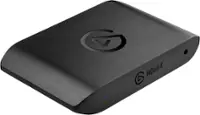
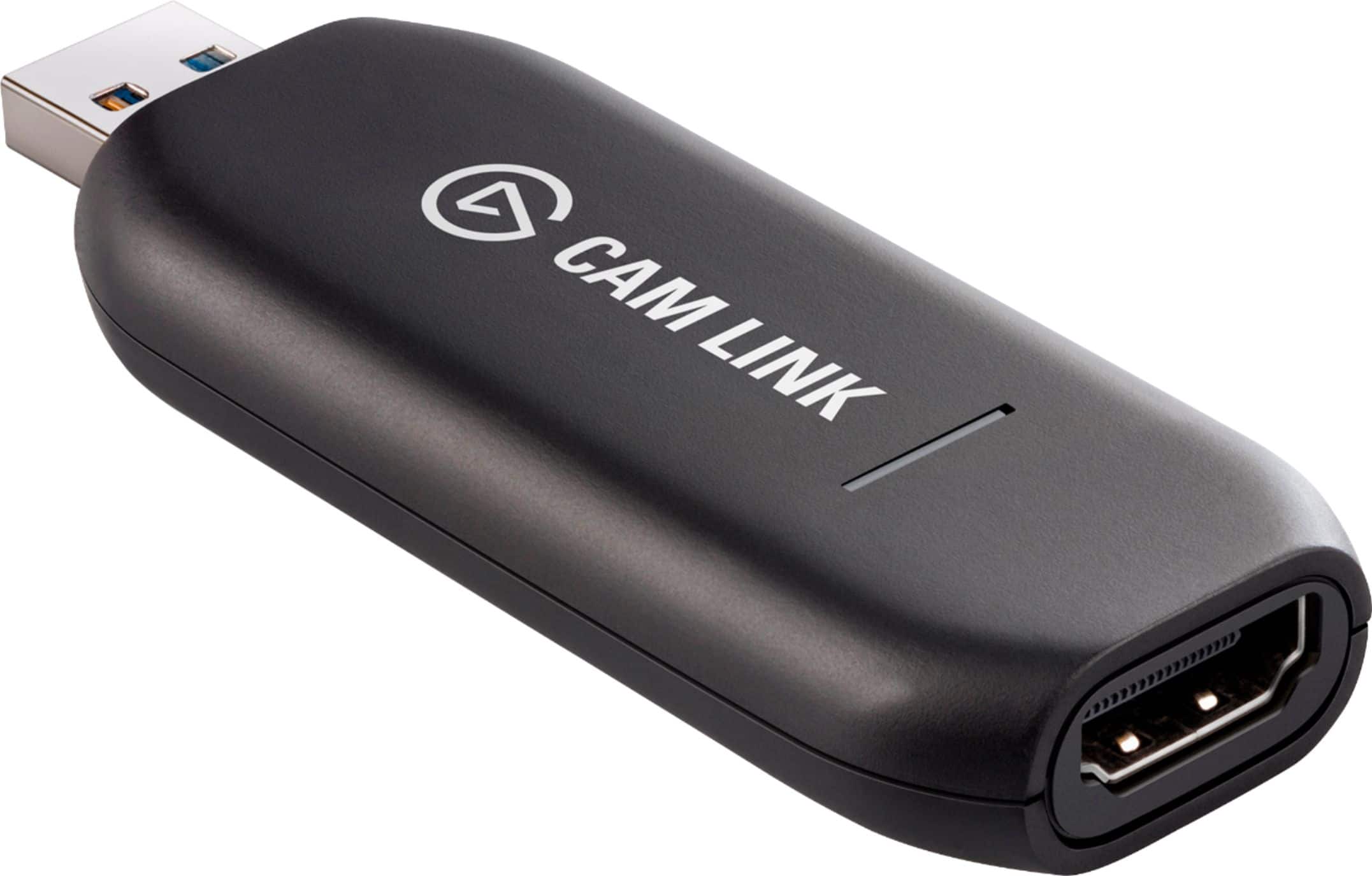
Customers express satisfaction with the Cam Link 4K's ease of use and high video quality. Many users find the overall performance satisfactory and appreciate its broad compatibility with HDMI devices and high resolution output. However, some customers have concerns regarding the product's price and heat generation. A few users also reported experiencing latency and connection issues.
This summary was generated by AI based on customer reviews.
- Pros mentioned:Hdmi, Video quality
Rated 5 out of 5 stars
Worth The Purchase
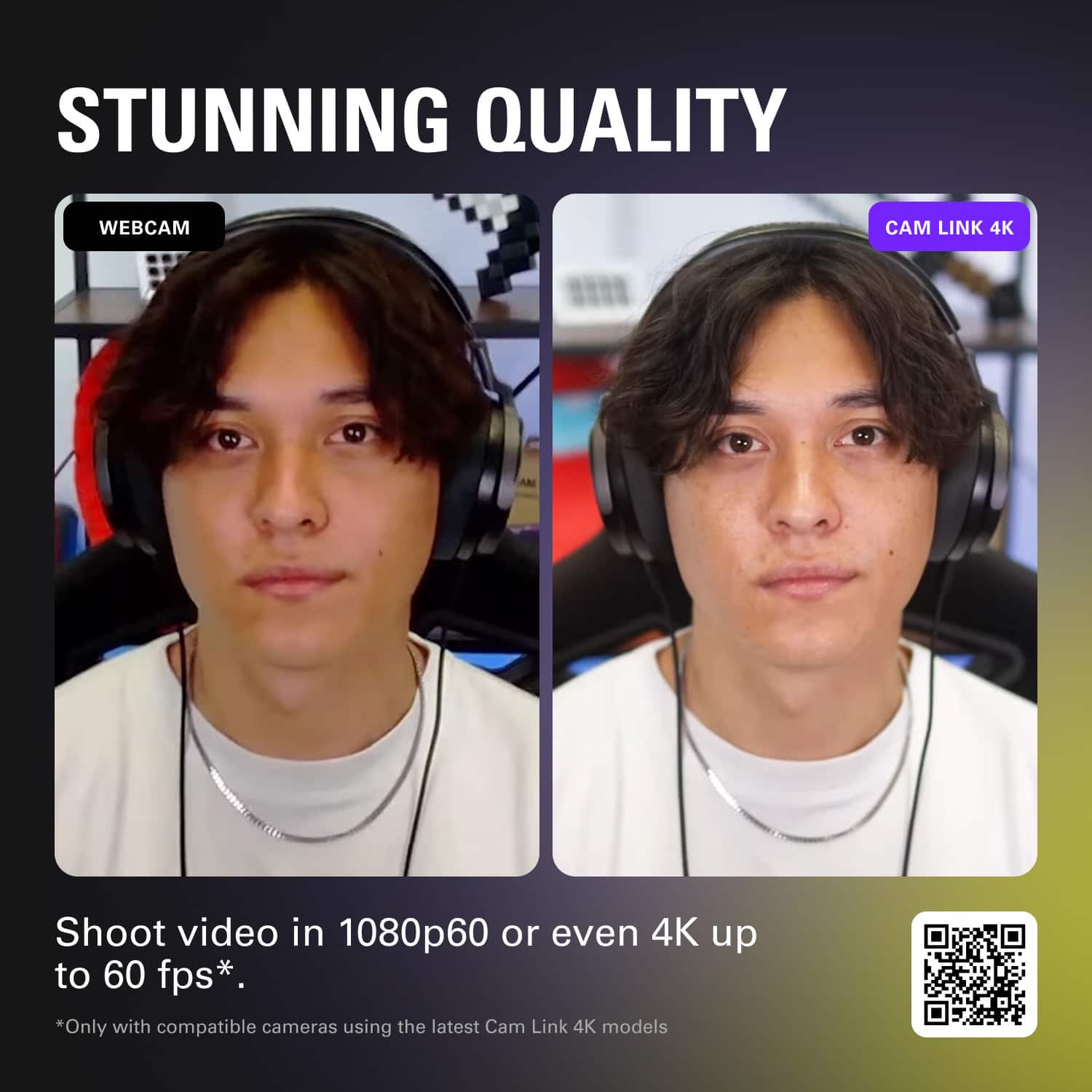
||Posted . Owned for less than 1 week when reviewed.This reviewer received promo considerations or sweepstakes entry for writing a review.This CamLink is perfect for what I need to do. Pairing it with my Sony Cam helps provide a clean, professional video feed for those who are viewing my dad’s church services on-line. I simply plugged it in to my computer’s USB port and it was immediately recognized. I can tell the difference between utilizing a standard $20 HD capture card and the CamLink, which makes the $125 price tag worth the purchase. I would highly recommend buying this product.
I would recommend this to a friend - Pros mentioned:Hdmi, Video quality
Rated 5 out of 5 stars
Saturday Night Manager didn't know his own stock
||Posted . Owned for 2 weeks when reviewed.This reviewer received promo considerations or sweepstakes entry for writing a review.I went to the Best Buy in Manchester CT and the manager of the computer section told me that it was impossible to connect HDMI to USB and I must be thinking of the other way around I got home and went to bestbuy.com and found this. The only store in the area with it in stock was Manchester CT. So I ordered it on line. It does a great job. The video from whatever source it is connected to looks great. It does exactly what I need.
I would recommend this to a friend - Pros mentioned:Hdmi, Video quality
Rated 5 out of 5 stars
Easy-Peasy HDMI Conversion
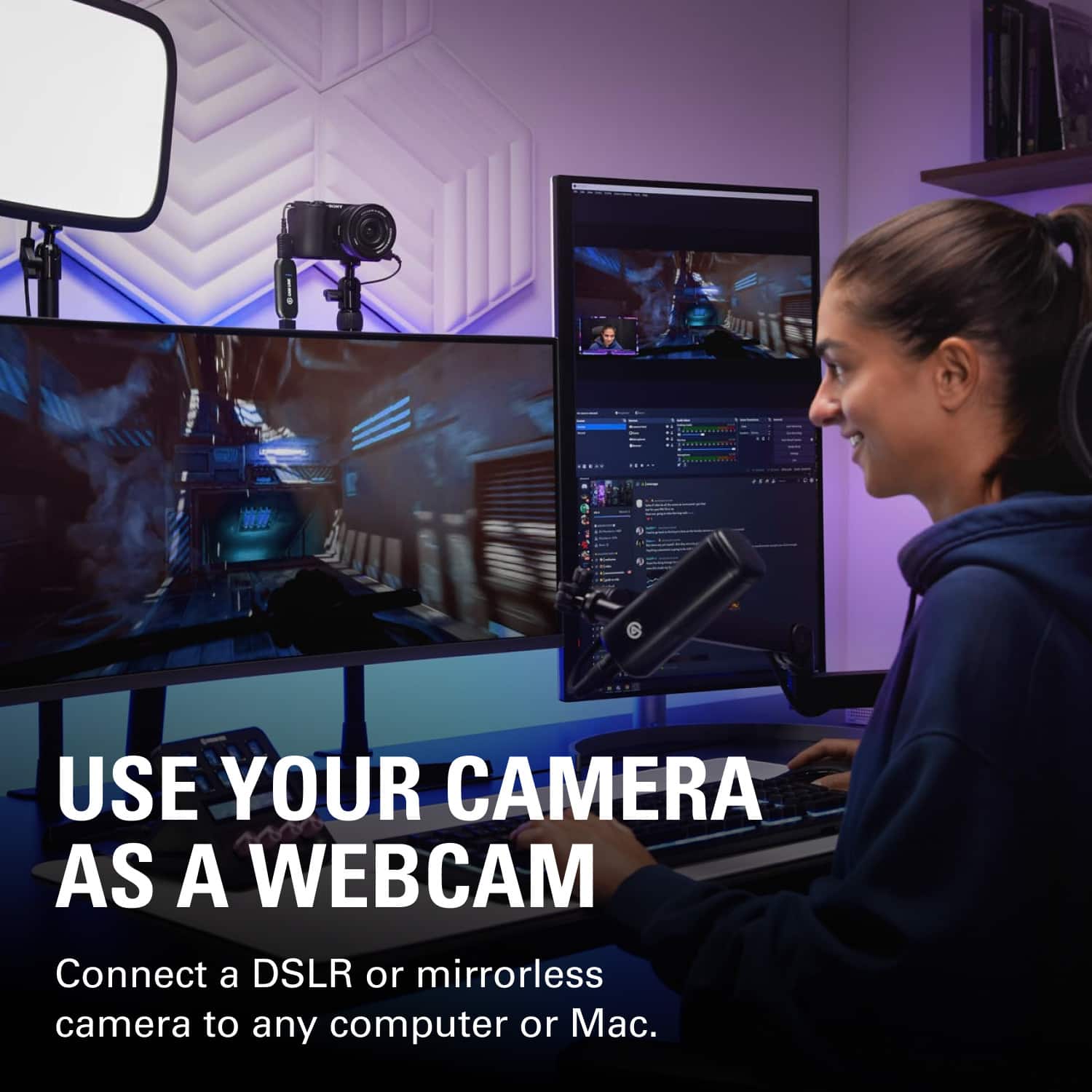
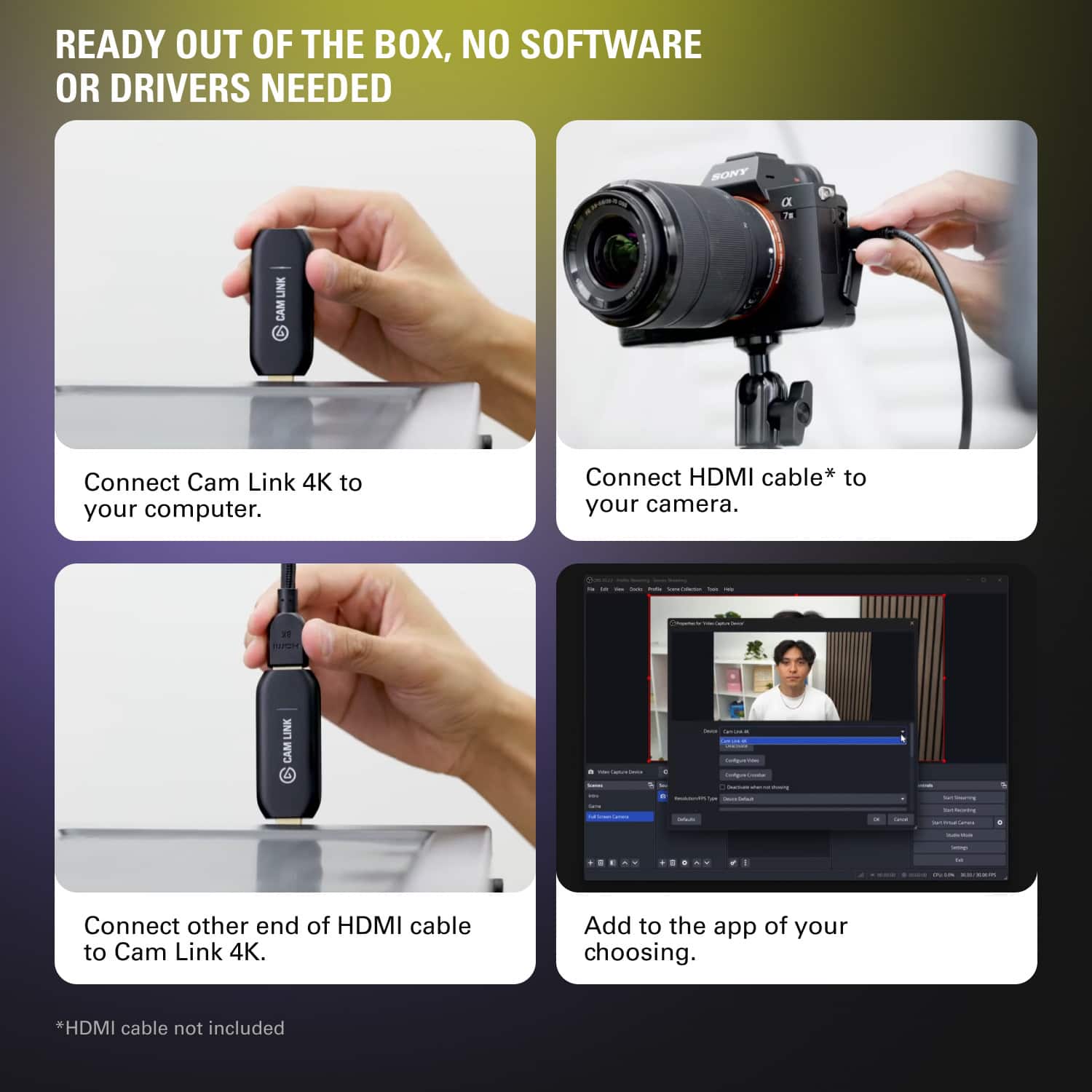
||Posted . Owned for 1 week when reviewed.This reviewer received promo considerations or sweepstakes entry for writing a review.Cam Link 4K is the perfect tech tool. You plug it in, then forget about it. It converts an HDMI signal, say from a camera, into USB for the computer. I use this for live streaming a DSLR camera. It requires no drivers for Mac or Windows, connects in a heartbeat, glows with a soft white bar when in use and you never think about it again. Supports up to a 4K image, I'm using it for 1920 x 1080 / 30 fps.
I would recommend this to a friend - Cons mentioned:Latency
Rated 5 out of 5 stars
You Can Now See Every Flaw On My Face In HD!
||Posted . Owned for 1 month when reviewed.This reviewer received promo considerations or sweepstakes entry for writing a review.I should probably start with saying that I stream on Twitch, and I wanted to make use of my Nikon D5200 DSLR camera since it’s been sitting sadly in a corner collecting dust. I do not use this for Zoom/Skype meetings, however I have used it for a single Discord video call. I will also list my PC specs at the end of this review for reference. The reason I chose the CamLink is because a couple friends I have who stream also use this device, so I figured this would be the best option since they know way more than I do about what the best hardware is specifically for streaming. It’s genuinely just plug and play. I had no issues with making it work with my Nikon. HOWEVER, I’ve flashed custom firmware onto my Nikon D5200 that bypasses the auto shutoff timer. If you’re not comfortable with modding your camera (assuming there’s modded firmware that can bypass your camera’s auto shutoff feature), I would find a different camera that natively has the option to disable auto shutoff if cost isn’t an issue. Integration with SLOBS (StreamLabs OBS) is fantastic. I can use the CamLink 4K alongside my Elgato 4k60 PRO with zero issues. I can also switch between PC and console game scenes and the CamLink is not affected and doesn’t lag. All in all, I have zero complaints about the Elgato CamLink 4k, and I would recommend this product to a friend. PC SPECS: MOBO - Asus ROG Strix Z390-F Gaming LGA 1151 (300 Series) GPU - Asus ROG Strix 1080 CPU - Intel Core i9 9900K RAM - Corsair 32GB DDR4
I would recommend this to a friend - Pros mentioned:Overall performance, Video quality
Rated 5 out of 5 stars
Finally got my hands on this device!
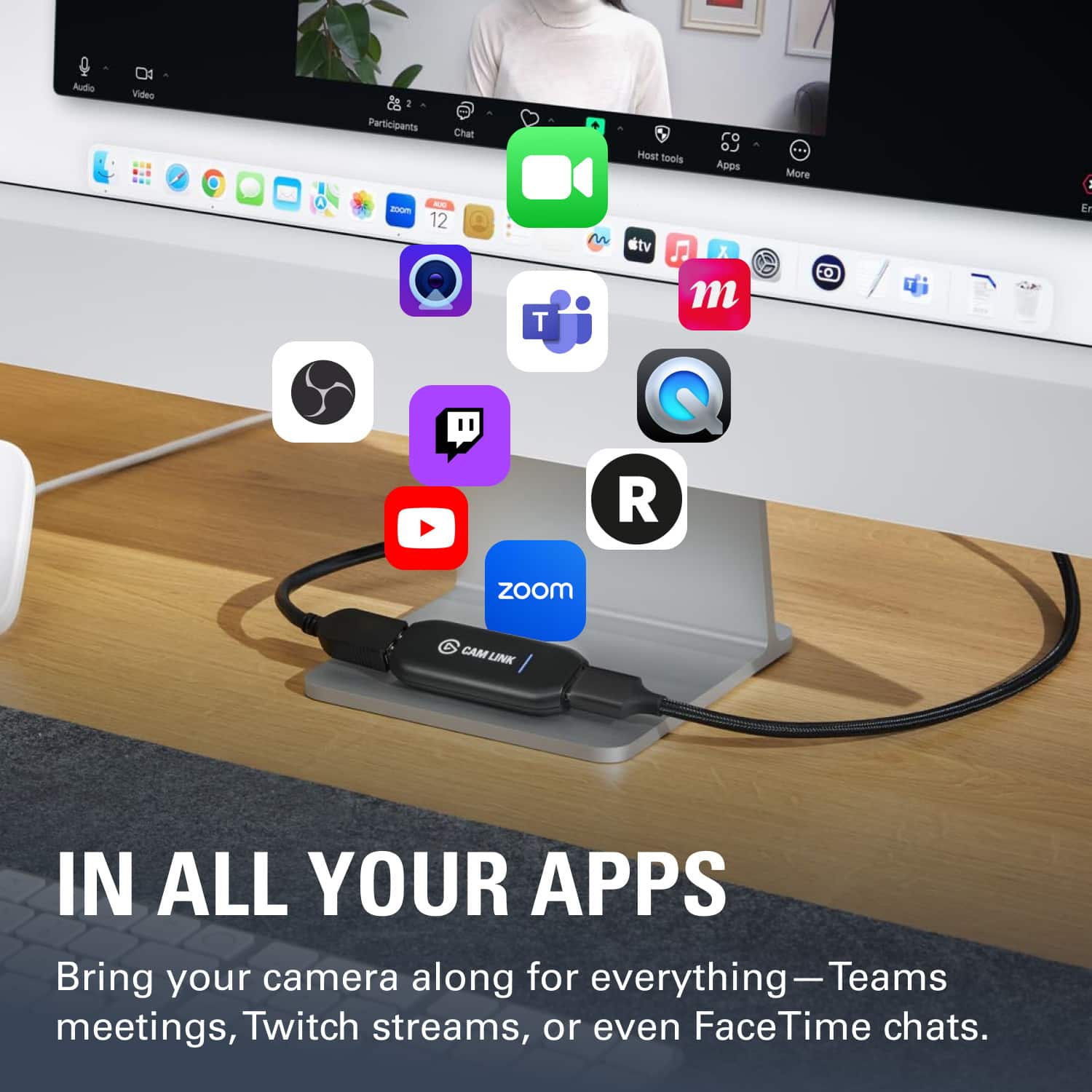
||Posted . Owned for 1 month when reviewed.This reviewer received promo considerations or sweepstakes entry for writing a review.I have been trying to buy this device since the pandemic started. It was sold out and backordered everywhere. I placed several orders and then cancel them as this one got confirmed. This is ideal for turning everyday HDMI output cameras into a nice clean webcam video feed for any application that requires one. Video Conference tools such as Skype or Zoom and other tools such as OBS for streaming. Can't complain works as advertised and better than the competition.
I would recommend this to a friend - Pros mentioned:Overall performance
Rated 5 out of 5 stars
perfect capture device
||Posted . Owned for 1 month when reviewed.This reviewer received promo considerations or sweepstakes entry for writing a review.Perfect capture device is you want to use your DSLR as a webcam or for OBS. Plug and play and really compact.
I would recommend this to a friend - Pros mentioned:Ease of use, Video quality
Rated 5 out of 5 stars
A must have for streaming
||Posted . Owned for 3 weeks when reviewed.This reviewer received promo considerations or sweepstakes entry for writing a review.It's pretty awesome for streamers or anyone wanting to up their cam quality. Super easy to use, turns your camera into a top-notch webcam, and the video quality is fantastic. A bit pricey, but totally worth it for the quality boost.
I would recommend this to a friend - Pros mentioned:Overall performance
Rated 5 out of 5 stars
5 star
||Posted .This reviewer received promo considerations or sweepstakes entry for writing a review.Works perfectly with my streaming setup and Sony cam.
I would recommend this to a friend - Pros mentioned:Video qualityCons mentioned:Heat
Rated 5 out of 5 stars
Authentic product with high-quality output
||Posted . Owned for 1 week when reviewed.This reviewer received promo considerations or sweepstakes entry for writing a review.Yes, this little dongle is both pricey and rare to find, but I can tell you that it's absolutely worth the money. My Cam Link 4K pumps out video from my DSLR like a champ, and I have high hopes that it'll last me at least a decade, if not longer. My only criticisms are (1) that the device can get pretty hot, and (2) the housing feels a little cheap and plastic-y. Still, these are secondary issues, and my overall satisfaction with this product is very high.
I would recommend this to a friend - Pros mentioned:Overall performance
Rated 5 out of 5 stars
Best (only) option out there.
||Posted . Owned for 2 weeks when reviewed.This reviewer received promo considerations or sweepstakes entry for writing a review.Super easy to use. Great product. No one else does something this plug and play.
I would recommend this to a friend - Pros mentioned:Ease of useCons mentioned:Price, Software
Rated 4 out of 5 stars
Useful, easy, compact
||Posted . Owned for 1 month when reviewed.This reviewer received promo considerations or sweepstakes entry for writing a review.Easy to use, and compact. Elgato software is generally very mediocre and disappointing, but you don't have to use it. Overall a useful little gadget. Kinda pricey for what it does.
I would recommend this to a friend Rated 5 out of 5 stars
Best Webcam Capture Card
||Posted .This reviewer received promo considerations or sweepstakes entry for writing a review.Seamlessly and efficiently makes capturing my Sony EV10, to my pc, an option. 100/100, would recommend for anyone looking to do the same or similar.
I would recommend this to a friend- Cons mentioned:Latency
Rated 5 out of 5 stars
Works better than the generic alternatives
||Posted . Owned for 5 months when reviewed.This reviewer received promo considerations or sweepstakes entry for writing a review.Like everyone else, I tried to get one of these at the beginning of the pandemic to use with a DSLR for a higher quality webcam setup. And like everyone else, I couldn't because it was sold out everywhere and I didn't want to pay inflated prices to scalpers for one. Fast forward a couple of months and many marketplaces were flooded with cheap FHD 1080p USB 2.0 capture cards. I bought 3 of them because they were that cheap (you could buy 10 of them for the price of the Cam Link 4K). For most people, the cheap capture cards could work just fine. For my setup, they had a huge flaw - latency. My video feed was going through the capture card, but my audio was going directly to my computer via a higher quality microphone. Due to the additional latency added by the processing of the video stream, I had the dreaded lip sync problem. This Cam Link 4K has a nearly imperceptible latency impact to the video stream. If video and audio synchronization matters for your use case and you don't want to spend outrageous $$$s for a more professional system, then the Cam Link should be near the top of your list.
I would recommend this to a friend - Pros mentioned:Video qualityCons mentioned:Price
Rated 5 out of 5 stars
Works great for streaming
||Posted . Owned for 5 months when reviewed.This reviewer received promo considerations or sweepstakes entry for writing a review.This worked great for what I needed it to do. I needed a way to transmit from my camera's HMDI-Out to my laptop so I could stream my wedding ceremony through YouTube. It worked flawlessly. The stream didn't drop at any point and there were no quality issues. I used OBS software to stream the video to YouTube. It is a little pricey for what it does, but I can't deny how well it worked.
I would recommend this to a friend - Pros mentioned:Ease of use, Video quality
Rated 5 out of 5 stars
Another great elgato product
||Posted . Owned for 2 months when reviewed.This reviewer received promo considerations or sweepstakes entry for writing a review.Another elgato product that does not disappoint. I hooked this up with the cable that DOES not come included if you don’t have it depending on your camera..I have a A7 IV so yeah. This is perfect. Crystal clear picture especially on OBS and easy to use.
I would recommend this to a friend - Pros mentioned:Video quality
Rated 5 out of 5 stars
Cam link is a great tool for streaming and video
||Posted . Owned for more than 2 years when reviewed.This reviewer received promo considerations or sweepstakes entry for writing a review.I have been streaming for almost 4 years now and this little guy has made all the difference in cam quality. I have not had issues with the cam it’s almost completely plug and play. This little thing is worth the price.
I would recommend this to a friend - Pros mentioned:Overall performance
Rated 5 out of 5 stars
excellent for beginners
||Posted .This reviewer received promo considerations or sweepstakes entry for writing a review.works well, does exactly what i need to do. i did upgrade after a few months but this is perfect for beginners.
I would recommend this to a friend - Pros mentioned:Overall performance, Video quality
Rated 5 out of 5 stars
4k/30 works great!
||Posted . Owned for 1 week when reviewed.This reviewer received promo considerations or sweepstakes entry for writing a review.I purchased several of these for a livestream -- all worked beautifully. We were filming and saving in 4k/30 and streaming at 1080p. These kept up just fine and worked as expected.
I would recommend this to a friend - Pros mentioned:Video quality
Rated 5 out of 5 stars
Best thing for a gopro 7 and under or a Dslr cam!
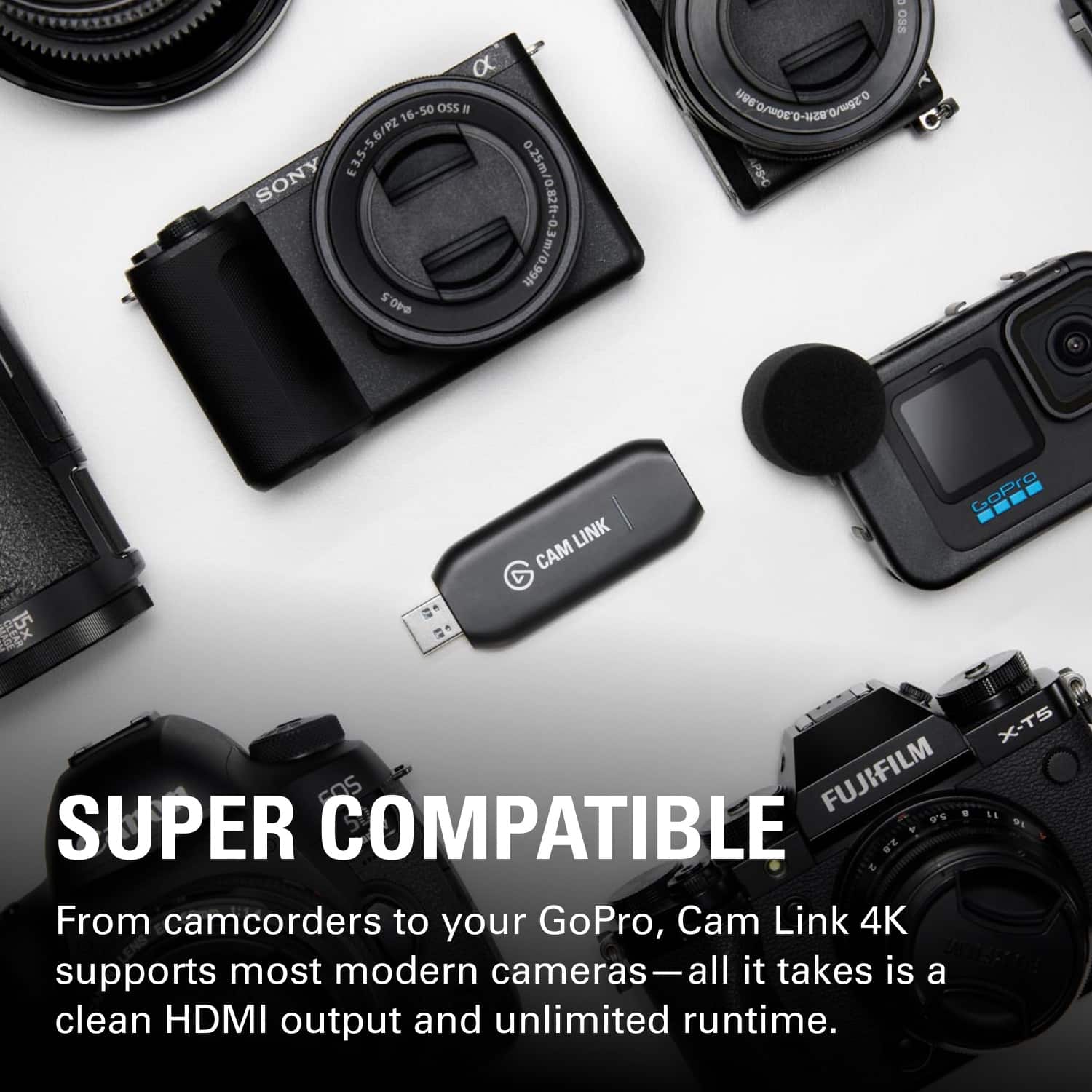
||Posted . Owned for 1 week when reviewed.This reviewer received promo considerations or sweepstakes entry for writing a review.This has a lot to do with the law of diminishing returns. A 50$ but now 100$ is ok and usable. The next step is a 200$ web cam and the quality is shot up by 35%. The next step is this cam link with an old gopro for about 2-300$ with the link and you get 100% improvement. The cam link is great because it is plug and play. You can get some gopros to work with paid and free software but its unintuitive, clunky and requires setup every time. You can use your phone but then your phone is tied up as the webcam and they its back to being on dial up internet lol. The cam link also lets you use DSLR and other high end cameras. This is where it falls off though. DSLR are about 500 to start then you need the lens for another 3-500. The quality bump is about 10-15% for 800-1000 dollars. Is the 700$ worth the 10% gain? If you already own a dslr or better camera, or can get one on the cheap this is a no brainer just buy the Cam Link. So really the cam link is the sweet spot for the most bang for the buck when paired with a gopro, plug and play, and no IT experience required.
I would recommend this to a friend - Pros mentioned:Ease of use, Video quality
Rated 5 out of 5 stars
Livestreaming with Sony A7IV to Macbook (eCamm)
||Posted . Owned for 1 week when reviewed.This reviewer received promo considerations or sweepstakes entry for writing a review.it works perfectly for me - connected it to the Sony A7IV to my Macbook Pro M2 and received 4K30 for video capture on ecamm - no problems yet! Plug and play, the mac found it easily enough and ecamm recognized it for quick streaming.
I would recommend this to a friend