Customer Ratings & Reviews

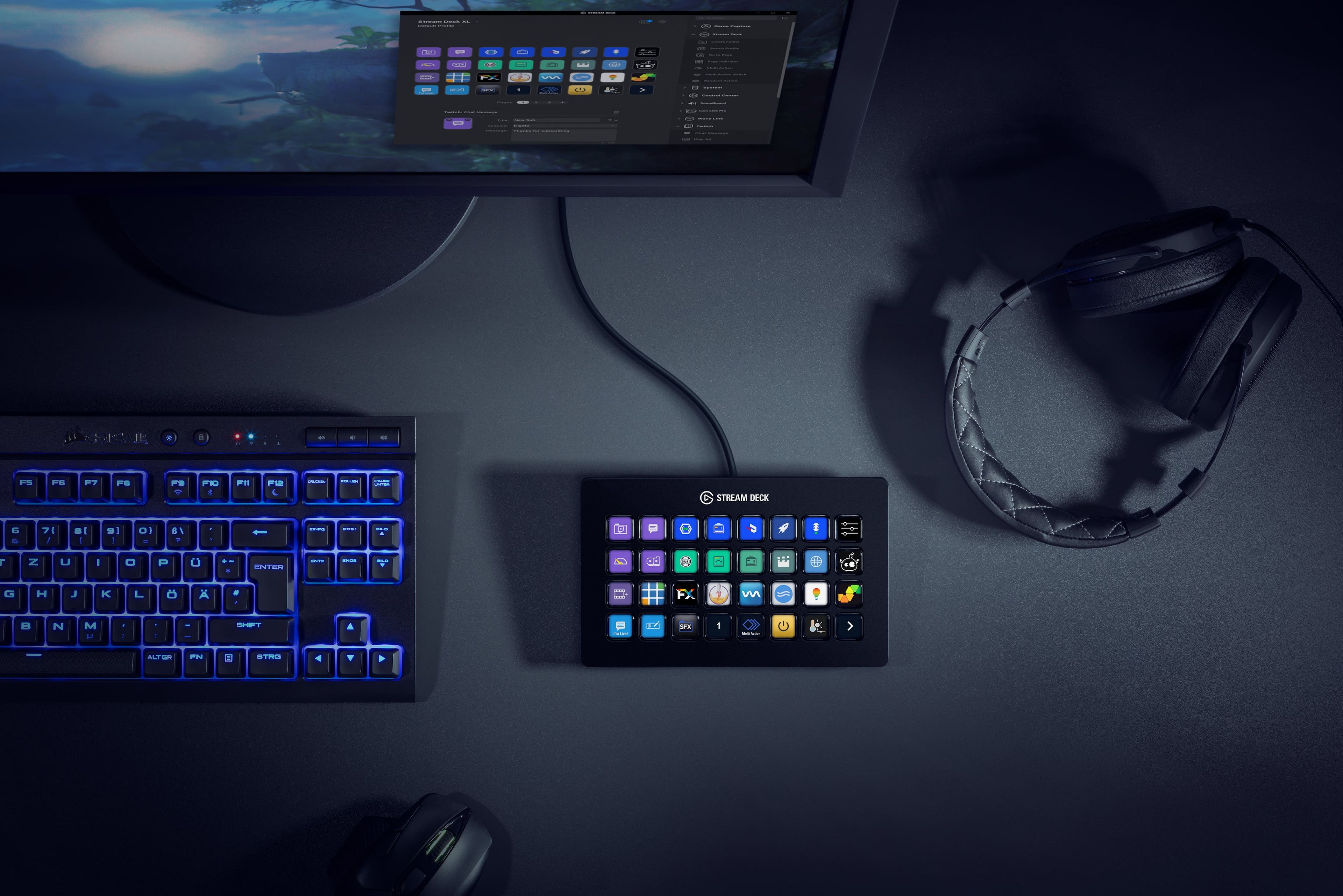
- Model:
- 10GAT9901
- |
- SKU:
- 11121810
Customer reviews
Rating 4.9 out of 5 stars with 772 reviews
(772 customer reviews)Rating by feature
- Value4.6
Rating 4.6 out of 5 stars
- Quality4.9
Rating 4.9 out of 5 stars
- Ease of Use4.7
Rating 4.7 out of 5 stars
Rated 5 out of 5 stars
Very good Product!
||Posted . Owned for 1 month when reviewed.This reviewer received promo considerations or sweepstakes entry for writing a review.This Stream Deck is very nice! One click of a button and Bang! Well recommended , little pricey but Good for streamers
This review is from Elgato - Stream Deck XL Wired Keypad with Back Lighting - Black
I would recommend this to a friendRated 5 out of 5 stars
Incredibly useful... maybe even overkill.
||Posted . Owned for 3 weeks when reviewed.This reviewer received promo considerations or sweepstakes entry for writing a review.Useful for more then just streaming... can be used with macros, IFTTT, and home automation. My only notes for new users... 1) It allows nested folders of tasks... making this great for those with lots of tasks but makes the XL complete overkill if your not filling all the icons to start with. (Maybe consider the smaller sizes) 2) I had 2 different decks with noticeable stuck/dead pixels. (It happens... just warning for those that look for those kind of thing)
This review is from Elgato - Stream Deck XL Wired Keypad with Back Lighting - Black
I would recommend this to a friendRated 5 out of 5 stars
Best gear in my bag!!!
||Posted . Owned for 5 months when reviewed.This reviewer received promo considerations or sweepstakes entry for writing a review.I was using the smaller 15 button model and was tired of switching pages. The XL works with so many high end videos production switchers as well as a lot of other equipment. This is a must for engineering or graphics ops with lots of buttons and options.
This review is from Elgato - Stream Deck XL Wired Keypad with Back Lighting - Black
I would recommend this to a friendRated 5 out of 5 stars
Best gadget for your pc/stream needs!
||Posted . Owned for 1 week when reviewed.This reviewer received promo considerations or sweepstakes entry for writing a review.Best purchase I have made for any macros I have set up! Still getting used to the settings, but the interface is seamless and self explanatory. Plus, it was on sale, and hardly ever see this go on sale, so had to go for it! No regrets
This review is from Elgato - Stream Deck XL Wired Keypad with Back Lighting - Black
I would recommend this to a friendRated 5 out of 5 stars
Simple and so fun to use!
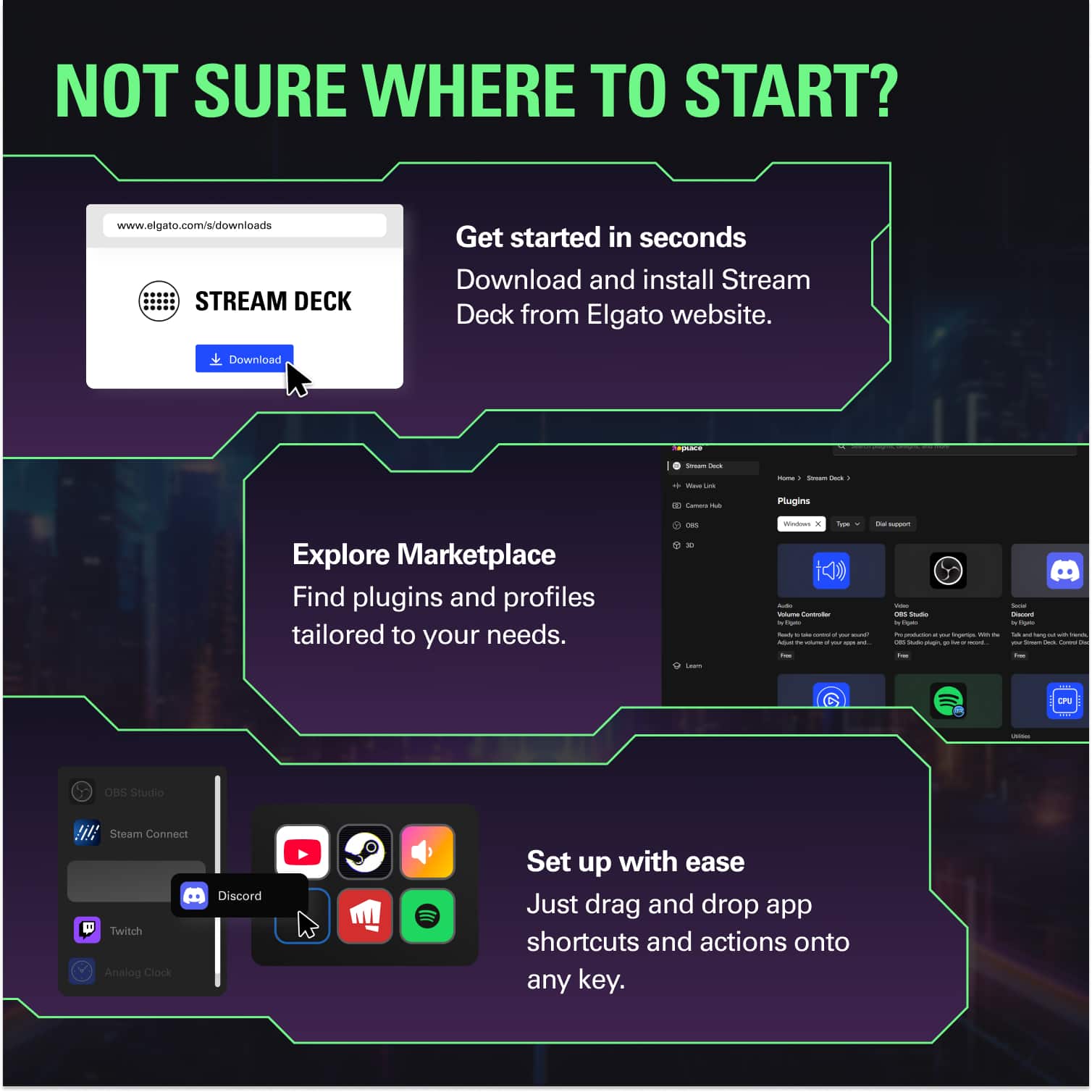
||Posted . Owned for 1 week when reviewed.This reviewer received promo considerations or sweepstakes entry for writing a review.Elgato did a great job by making the Streamdeck incredibly easy to setup and use! SO many features that I haven't even scratched the surface. I loved it so much I bought my best friend one as well!
This review is from Elgato - Stream Deck XL Wired Keypad with Back Lighting - Black
I would recommend this to a friendRated 5 out of 5 stars
perfect for macros for streaming
||Posted . Owned for 1 month when reviewed.This reviewer received promo considerations or sweepstakes entry for writing a review.i got two from best buy at 50 dollars off the original price and couldn't be happier with the purchase. does everything it says.
This review is from Elgato - Stream Deck XL Wired Keypad with Back Lighting - Black
I would recommend this to a friendRated 5 out of 5 stars
Great product with lots of integrations
||Posted . Owned for 2 weeks when reviewed.This reviewer received promo considerations or sweepstakes entry for writing a review.This is typically used by gamers and streamers but i have this setup in my office to control automations, scripts, lights, thermostat, car, etc across my smart home and relevant devices. It’s very customizable and sleek. Highly recommended for tech gurus
This review is from Elgato - Stream Deck XL Wired Keypad with Back Lighting - Black
I would recommend this to a friendRated 5 out of 5 stars
Great for multifunctional
||Posted . Owned for 3 weeks when reviewed.This reviewer received promo considerations or sweepstakes entry for writing a review.Love the space for all the short cuts and information. I am not a streamer but use it to make my life easier with short cuts to common app, display of temp for cpu/gpu, and control of Roku.
This review is from Elgato - Stream Deck XL Wired Keypad with Back Lighting - Black
I would recommend this to a friendRated 5 out of 5 stars
Great for video editing
||Posted . Owned for less than 1 week when reviewed.This reviewer received promo considerations or sweepstakes entry for writing a review.This thing is incredible. It allows me to take various computer functions (launching apps, using hotkeys, pasting preset text) and use them with a simple press of a button. This saves me tons of time with video editing.
This review is from Elgato - Stream Deck XL Wired Keypad with Back Lighting - Black
I would recommend this to a friendRated 5 out of 5 stars
Must have for streamers!
||Posted . Owned for 11 months when reviewed.This reviewer received promo considerations or sweepstakes entry for writing a review.Must have for gamers who stream! You can control darn near everything about your streaming experience with one of these. And you can control some things on your computer as well if you have corsair components. I've had mine about a year now and absolutely love it! Worth every penny, nothing compares to it.
This review is from Elgato - Stream Deck XL Wired Keypad with Back Lighting - Black
I would recommend this to a friendRated 4 out of 5 stars
good product
||Posted . Owned for 11 months when reviewed.This reviewer received promo considerations or sweepstakes entry for writing a review.great product, very versatile and easy to setup...
This review is from Elgato - Stream Deck XL Wired Keypad with Back Lighting - Black
I would recommend this to a friendRated 5 out of 5 stars
A necessity for streamers!
||Posted . Owned for 1 month when reviewed.This reviewer received promo considerations or sweepstakes entry for writing a review.If you are a streamer you should own this device. Its loaded with features that will definitely improve your stream. I also love using it with some games like flight simulator 2020. it makes it so easy to get to where you want to go while streaming, Works Great with OBS especially streamlabs. Bottom line if you are thinking about getting this then just buy dont hesitate its worth the money.
This review is from Elgato - Stream Deck XL Wired Keypad with Back Lighting - Black
I would recommend this to a friendRated 5 out of 5 stars
Great
||Posted . Owned for 3 months when reviewed.This reviewer received promo considerations or sweepstakes entry for writing a review.Great for trader/ gamer The software is easy The functionality of the product is amazing
This review is from Elgato - Stream Deck XL Wired Keypad with Back Lighting - Black
I would recommend this to a friendRated 5 out of 5 stars
Simple to use, fun to master
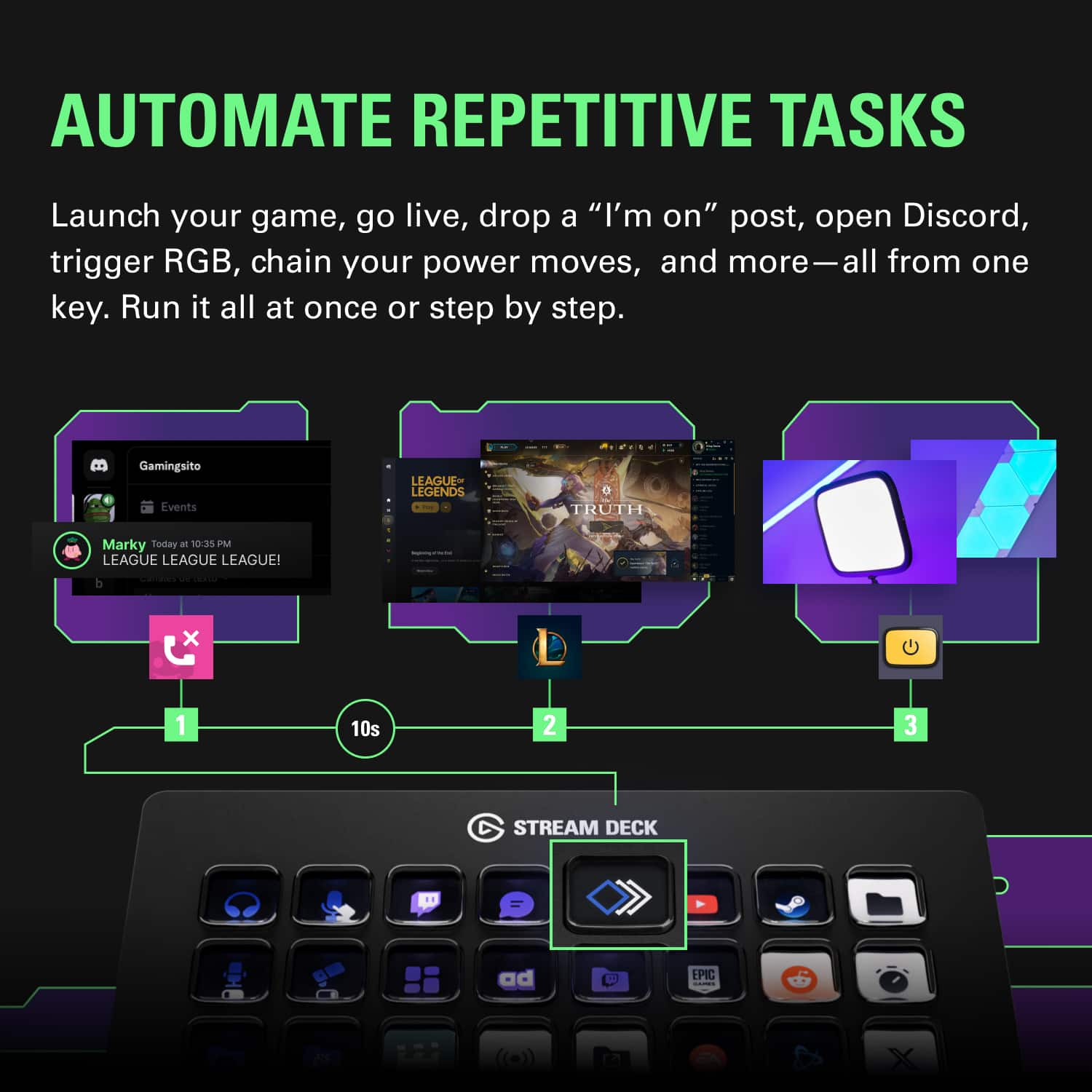
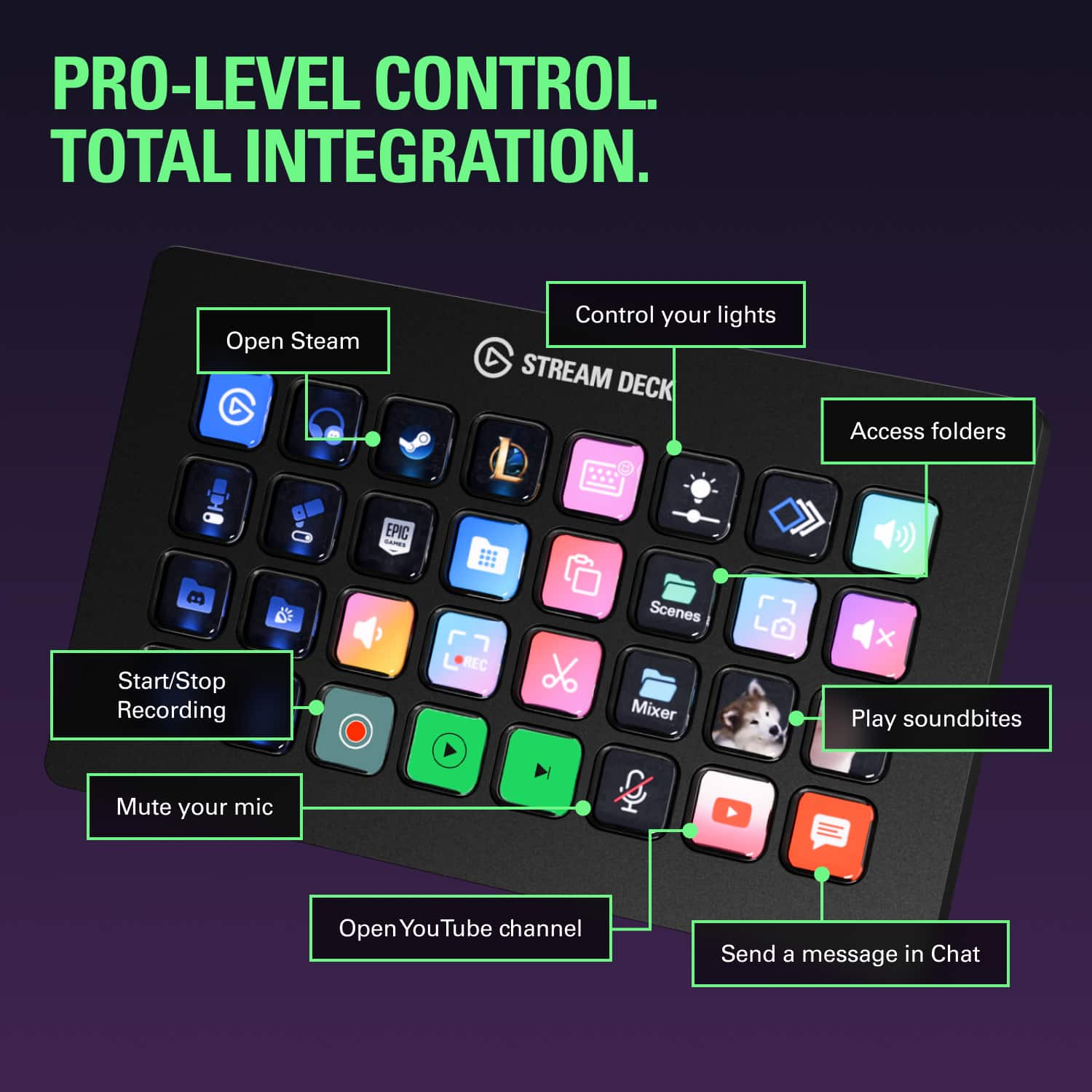
||Posted . Owned for 1 week when reviewed.This reviewer received promo considerations or sweepstakes entry for writing a review.Streamlines the process of every task I could ask for. For my streams I use: media control buttons, source buttons (webcam or mic on/off), animated stream and record buttons so I know my status just by glancing, etc. This allows me to skip alt-tabbing or reaching for my keyboard while I mess with my streaming software. All of this and I've barely scratched the surface of creativity. I recommend this product.
This review is from Elgato - Stream Deck XL Wired Keypad with Back Lighting - Black
I would recommend this to a friendRated 5 out of 5 stars
Fast, Easy to Use, and Looks Great!
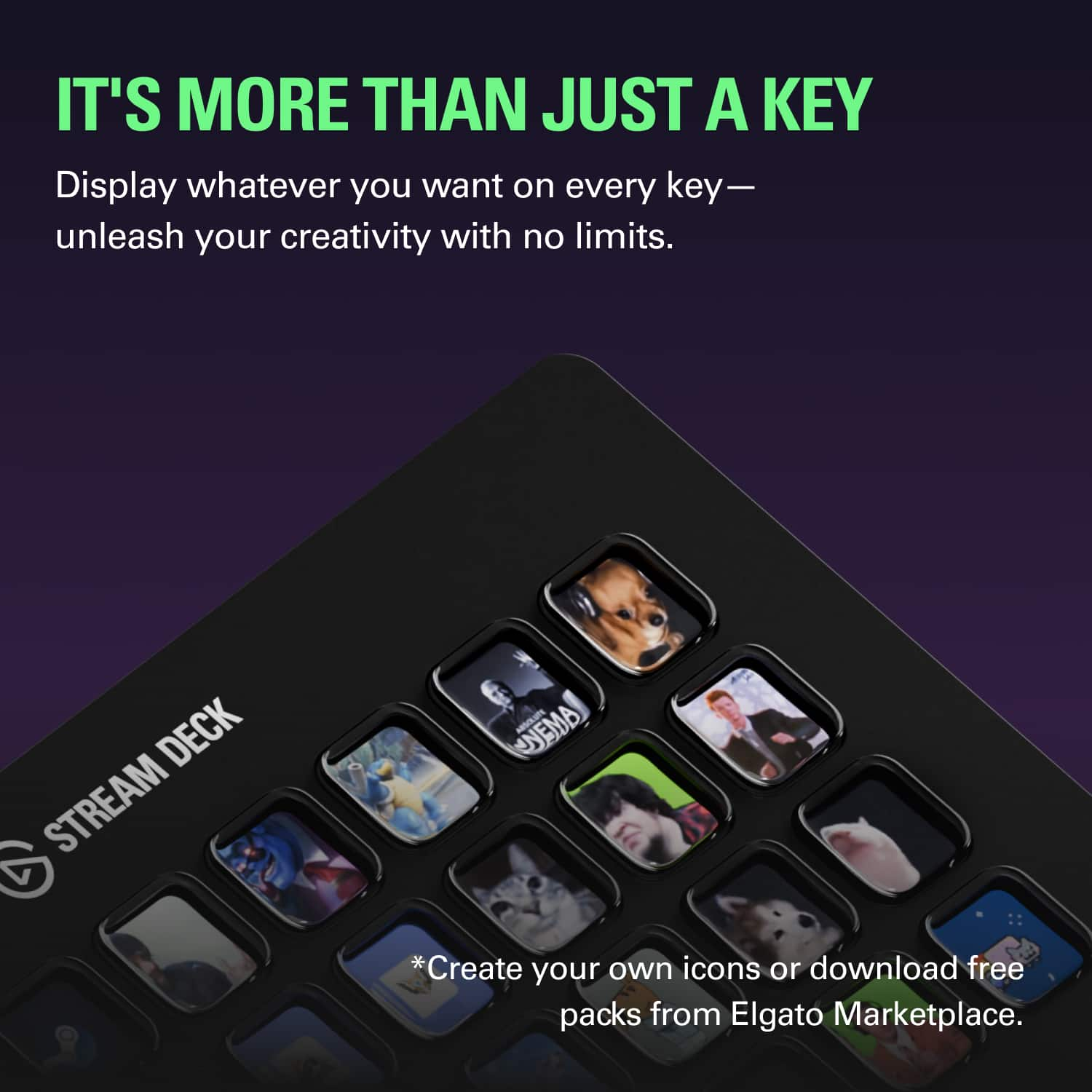
||Posted .This reviewer received promo considerations or sweepstakes entry for writing a review.The Stream Deck XL is a simple tool that is intuitive and easy to use. The graphics are incredible, especially when using custom art. The multi-level programming is simple to learn and use, including the addition of microsecond delays to avoid glitches. The tool looks sleek and the button action feels great. The best part is how fast it is to wipe away redundant tasks and build shortcuts into any program.
This review is from Elgato - Stream Deck XL Wired Keypad with Back Lighting - Black
I would recommend this to a friendRated 5 out of 5 stars
Perfect Gift For Streamer
||Posted . Owned for 1 month when reviewed.This reviewer received promo considerations or sweepstakes entry for writing a review.I bought this for my wife for Christmas and she absolutely loves it! She has programmed about 8 different pages of stuff so far and keeps finding more things she is able to do with it! Highly recommend!
This review is from Elgato - Stream Deck XL Wired Keypad with Back Lighting - Black
I would recommend this to a friendRated 5 out of 5 stars
Makes my streams easier
||Posted . Owned for 1 month when reviewed.This reviewer received promo considerations or sweepstakes entry for writing a review.Really helps my navigation of my PC way easier whether i am streaming or doing regular work. Plenty of buttons that i can really have a good variety of options and easy to change. Straight forward setup as well.
This review is from Elgato - Stream Deck XL Wired Keypad with Back Lighting - Black
I would recommend this to a friendRated 5 out of 5 stars
HIGHLY RECOMMEND
||Posted . Owned for less than 1 week when reviewed.This reviewer received promo considerations or sweepstakes entry for writing a review.I’ve been using streamdecks for awhile and i’ve had them all, i really like having all the keys for streaming, opening up programs/files/websites, or even forcing posts to social media with the press of a signle button, the options are ENDLESS.
This review is from Elgato - Stream Deck XL Wired Keypad with Back Lighting - Black
I would recommend this to a friendRated 5 out of 5 stars
32 Keys all the way
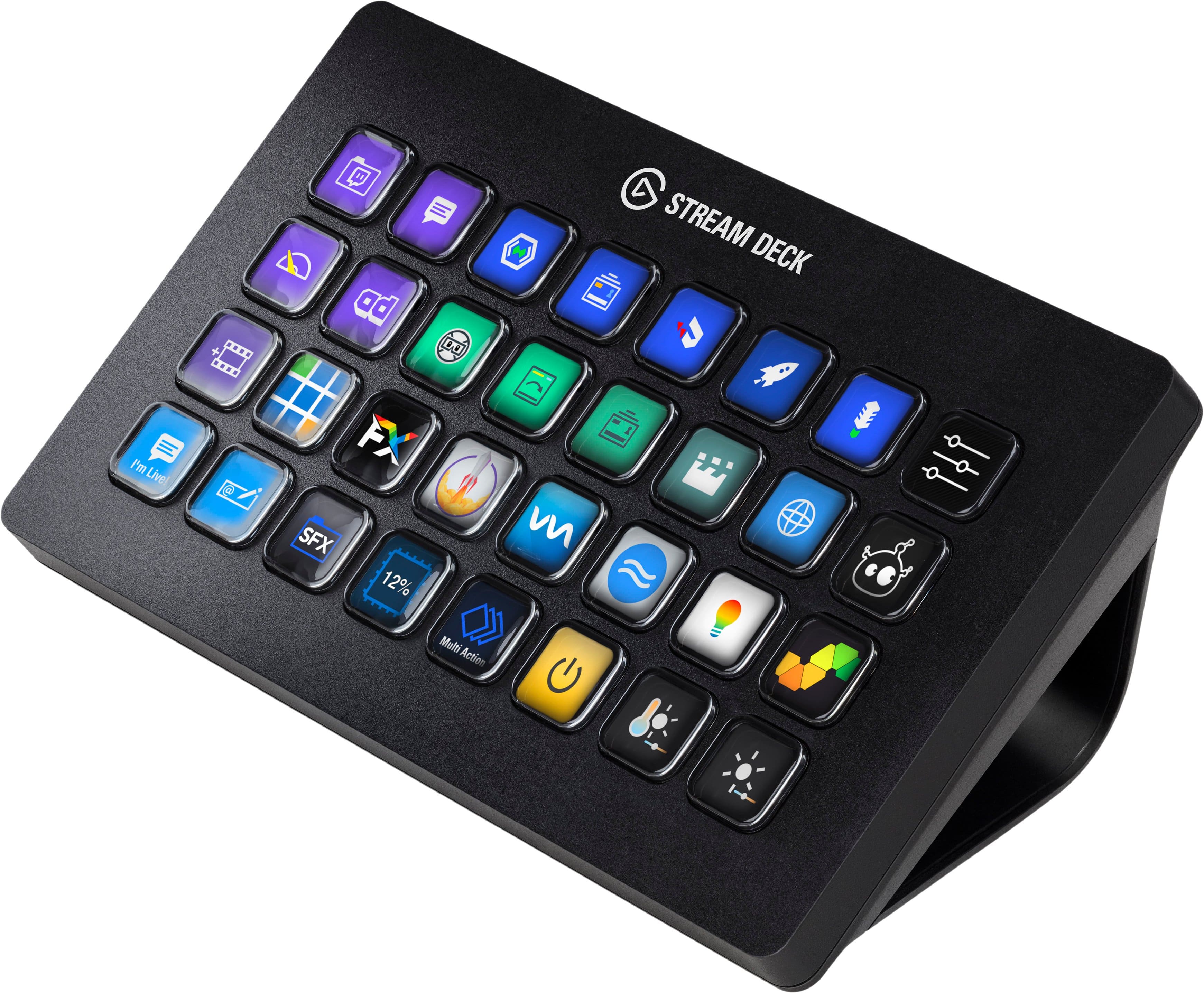
||Posted . Owned for 3 weeks when reviewed.This reviewer received promo considerations or sweepstakes entry for writing a review.I would recommend the 32 key stream deck over the 15. I did not think that I would be able to fill up all 32 keys. I would recommend the 32 key over the 15 any day because you will fill all 32 keys. Plus, if you get 2 of the 15 key stream decks, you still do not have enough buttons plus 2 of the smaller ones is more expensive than the 32 key deck.
This review is from Elgato - Stream Deck XL Wired Keypad with Back Lighting - Black
I would recommend this to a friendRated 5 out of 5 stars
Amazing product!
||Posted . Owned for 1 month when reviewed.This reviewer received promo considerations or sweepstakes entry for writing a review.New streamer here. Setup for this is flawless and limitations endless! Putting animated gifs on different buttons, playing sound, this makes streaming so much easier!
This review is from Elgato - Stream Deck XL Wired Keypad with Back Lighting - Black
I would recommend this to a friend