Customer Ratings & Reviews


- Model:
- GA05169-US
- SKU:
- 11087808
Rating by feature
- Value
Rating 4.4 out of 5 stars
- Quality
Rating 4.8 out of 5 stars
- Ease of Use
Rating 4.7 out of 5 stars
Stick to Gen 3 or older.
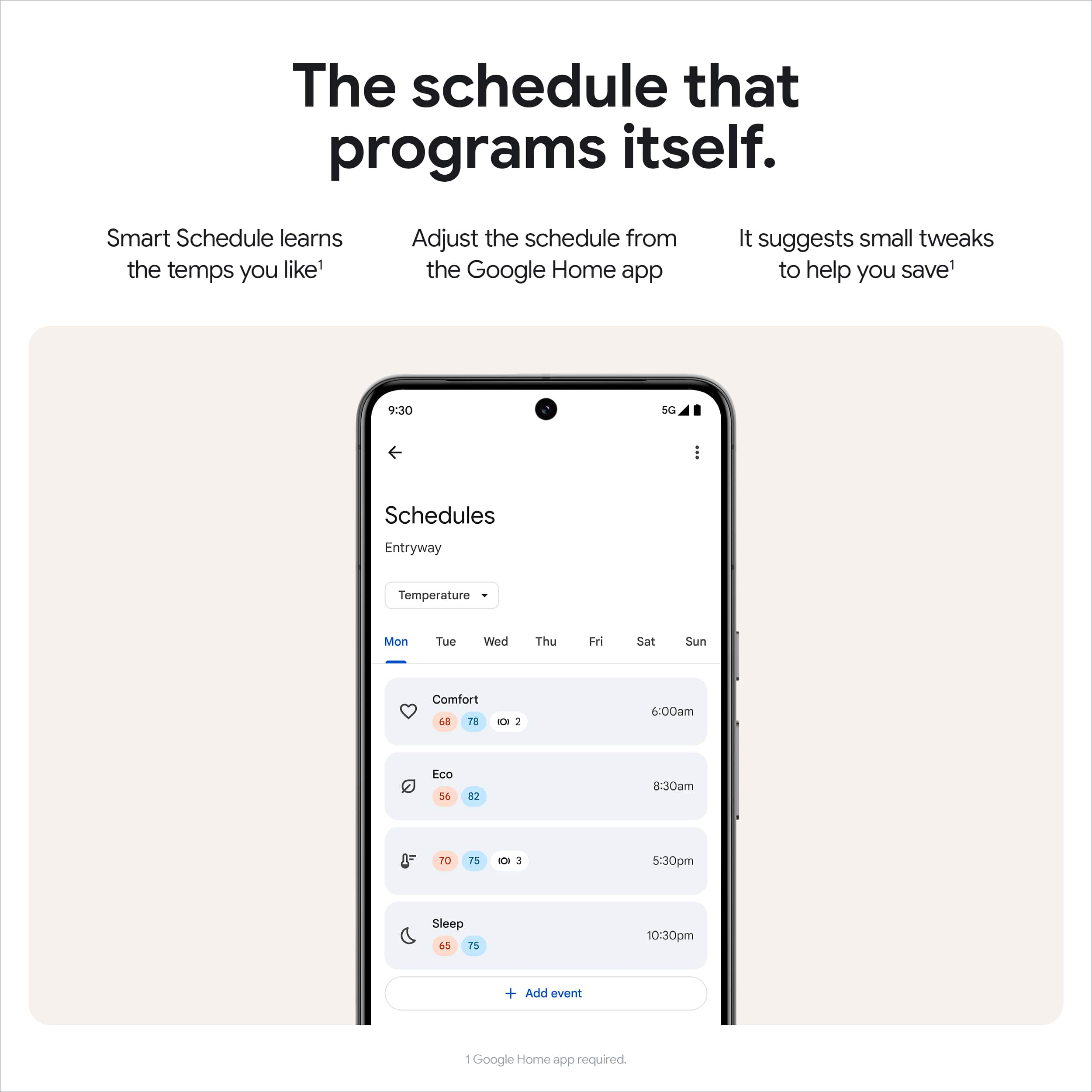
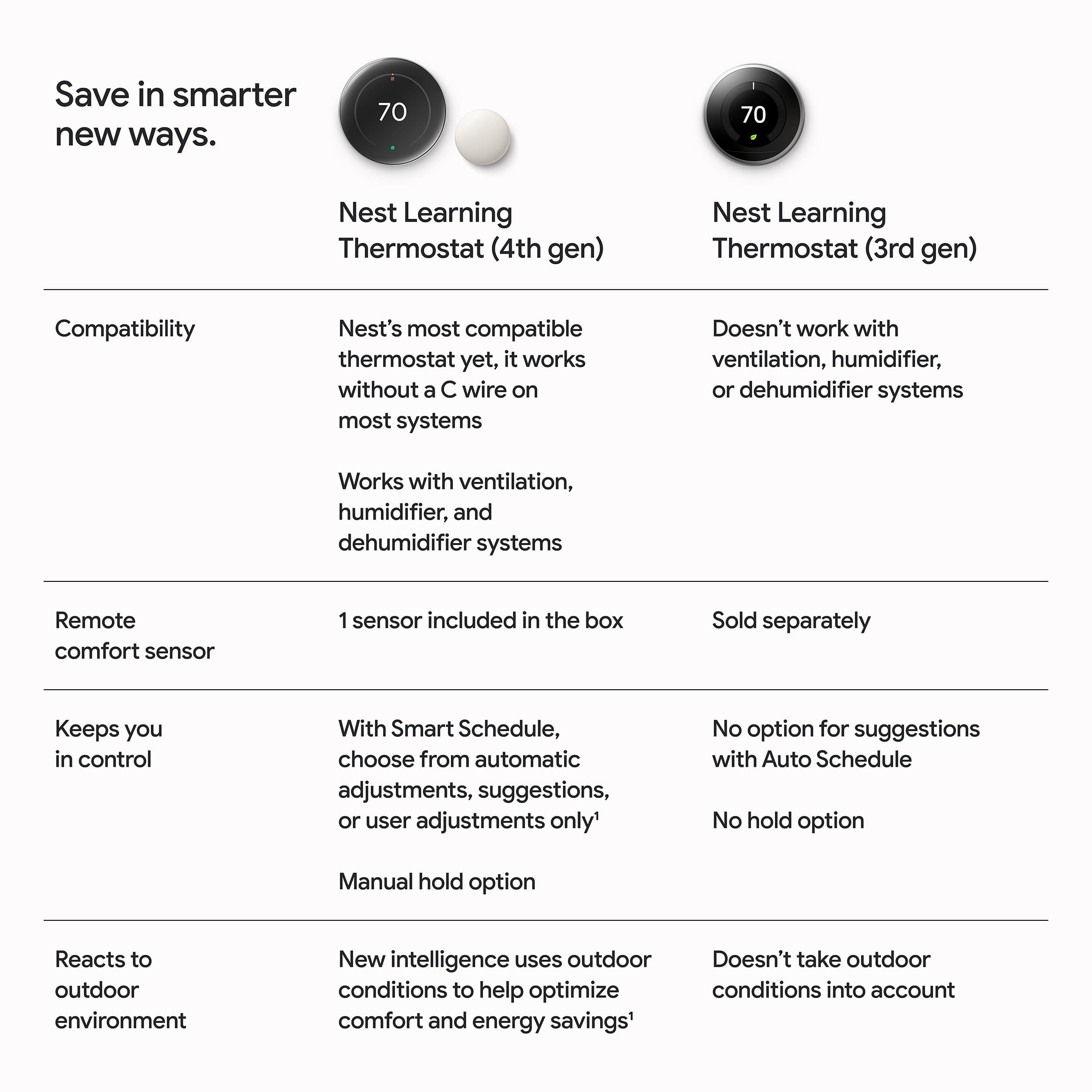
||Posted . Owned for 3 weeks when reviewed.This reviewer received promo considerations or sweepstakes entry for writing a review.Google really screwed the pooch with this one. On previous version the nest app was all you needed. Everything was simple. Set it and forget it. Schedules were easy. Now with gen 4 the nest app will not work you mist use google home where easy becomes over engineered into overly complicated. You can only set start times. So if you forget to set an additional start time your temp setting never ends and so on and so on. I originally purchased my 1st nest 8 yrs ago. It was super easy. The nest app was great. It learned my habits and my energy bills decreased. The appeal of the 4th gen was the added nodes that can be placed in different room to better measure the temp if the entire app. Sounds good. In reality my system now runs longer and in the 1st month if use my electric bill has gone up to almost mid summer levels. Nest 1st, 2nd ir even 3rd gen with the nest app are great. Stuck with one if these. DO NOT BUY Nest gen 4. Thank you google for ruining a good thing.
No, I would not recommend this to a friendBrand response from Google Nest Support
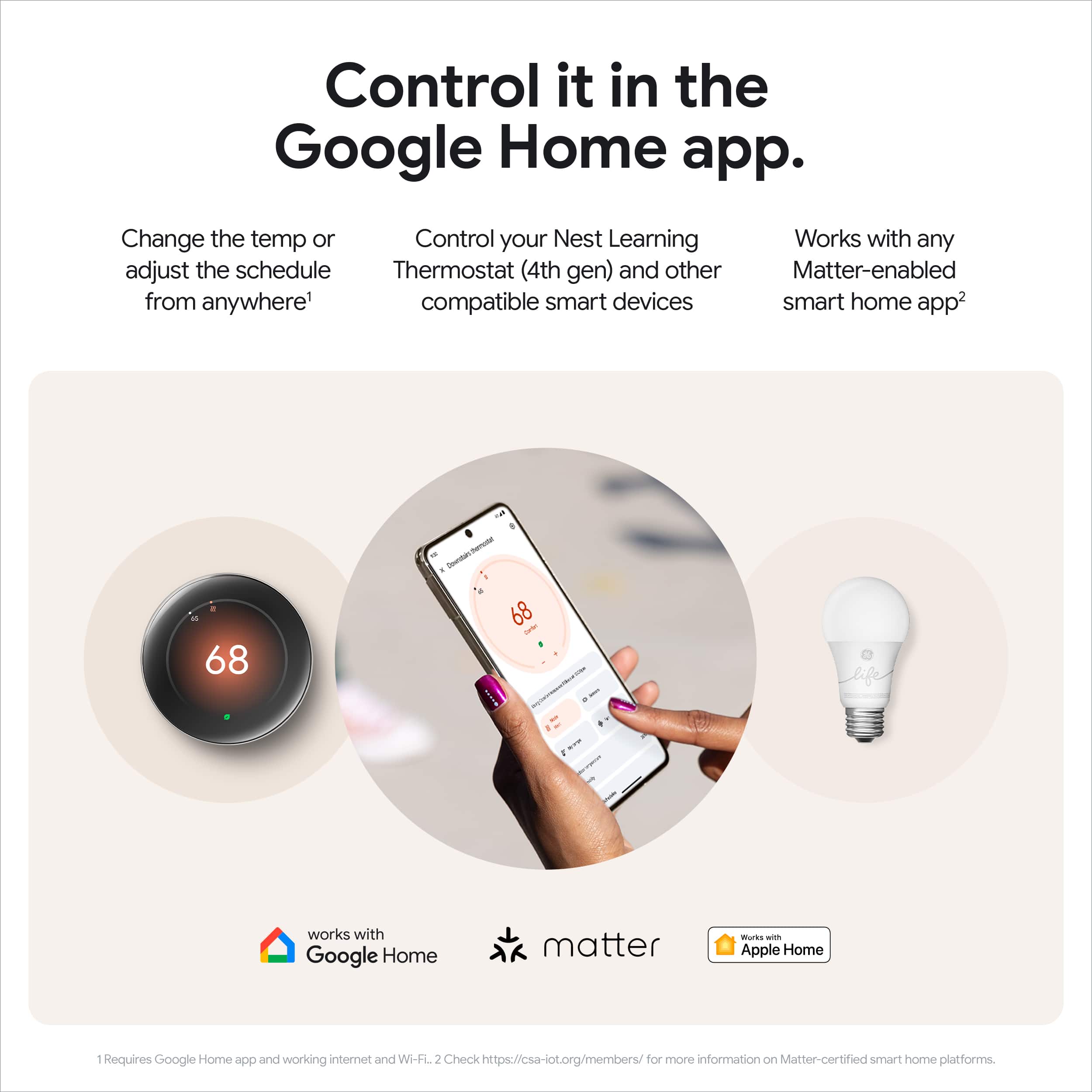
Posted .Hey there, J266. We’re sorry your experience with the Nest Thermostat Gen 4 hasn’t been the best. We understand that there may be a learning curve with the transition from the Nest app to the Google Home app, but we are here to help make that transition as smooth as possible. With the Google Home app you’re able to connect with a wide variety of speakers, cameras, thermostats, lights, and a range of other products, all from one place.
Check out this article for more information on setting up and discover more features: https://support.google.com/googlenest/answer/9893532?hl=en
We’d be happy to investigate any problems you may have, reach out to us here: https://support.google.com/googlenest/gethelp?sjid=1168929876280557452-NC&visit_id=638674861917928406-808865731&rd=1
Good product
||Posted . Owned for 2 months when reviewed.This reviewer received promo considerations or sweepstakes entry for writing a review.Looks and works great, it does what is made to do.
I would recommend this to a friendBrand response from Google Team
Posted .hanks for the two thumbs up, Mine!

Love it
||Posted . Owned for 1 month when reviewed.This reviewer received promo considerations or sweepstakes entry for writing a review.Love it but it is a little complicated to learn all the features etc.
I would recommend this to a friendBrand response from Google Nest Support
Posted .Hey there, Lousy. We're glad you're loving your new Nest Thermostat Gen 4! Here's a link to a guide to help you learn all the new features: https://support.google.com/googlenest/answer/9248184
If you need any extra help, reach out to us anytime here: https://support.google.com/googlenest/gethelp?
Large screen is awesome
||Posted . Owned for 1 week when reviewed.This reviewer received promo considerations or sweepstakes entry for writing a review.Sleek looks. Same great app interface as original nest thermostats.
I would recommend this to a friendGreat product
||Posted . Owned for 1 week when reviewed.This reviewer received promo considerations or sweepstakes entry for writing a review.10/10 recommend! Easy setup, came very quickly in the mail
I would recommend this to a friendBrand response from Google Nest Support
Posted .Hi Daphne, we're so glad to hear that you had a positive experience with your Nest Thermostat purchase! We strive to provide a seamless buying and setup process. Thanks for your recommendation!
Great product
||Posted . Owned for 1 week when reviewed.This reviewer received promo considerations or sweepstakes entry for writing a review.Great product. Highly recommend. Excellent value for money.
I would recommend this to a friendNew nest thermostat
||Posted . Owned for 1 week when reviewed.This reviewer received promo considerations or sweepstakes entry for writing a review.I love the gold color it looks great it’s easy to use
I would recommend this to a friendSide view unacceptable
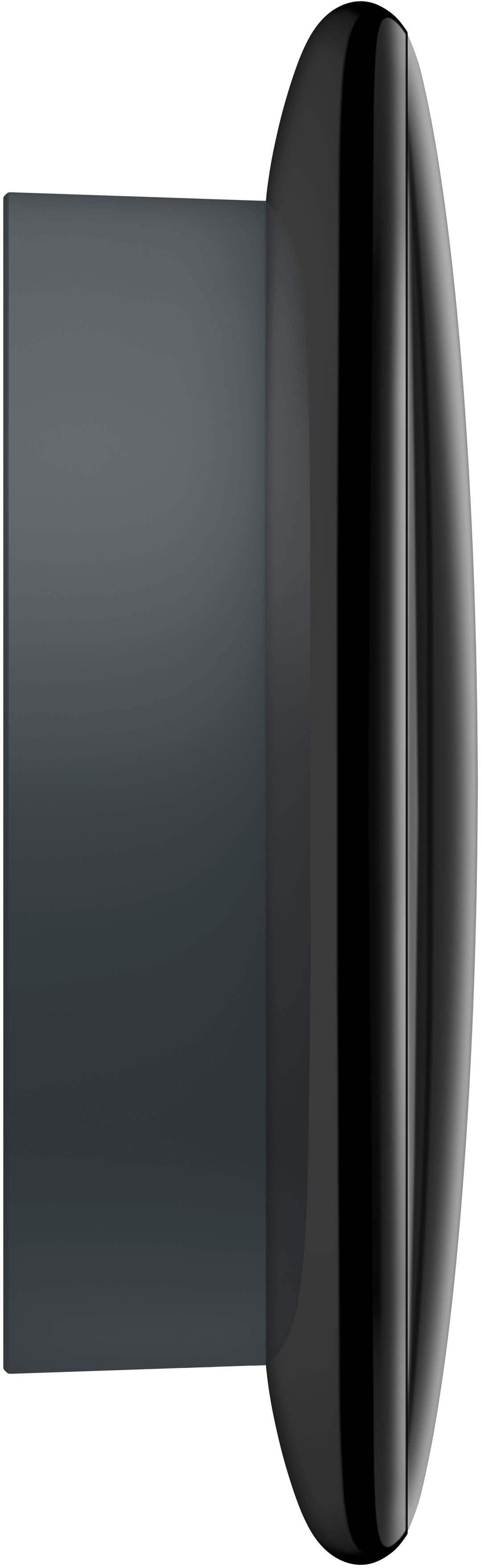
||Posted . Owned for 1 week when reviewed.This reviewer received promo considerations or sweepstakes entry for writing a review.It’s great but it sticks out from the wall in an obvious way.
I would recommend this to a friendBrand response from Google Team
Posted .Thanks for sharing your thoughts with us, TyG1!
Would not purchase again, forces google home app
||Posted . Owned for less than 1 week when reviewed.This reviewer received promo considerations or sweepstakes entry for writing a review.NOt worth the cost for this thermostat. Forces you to use google home app, which is far more complicated than the Nest App. Visually its nicer, and the install is easy. But if you're thinking of spending the money just for a few looks, don't do it. Gen 3 is the way to go
No, I would not recommend this to a friendBrand response from Google Team
Posted .Hey there, we appreciate users who share their experiences with us. To get more details about your opinion regarding your Nest Learning Thermostat (4th gen), please share your feedback here: https://google.qualtrics.com/jfe/form/SV_2aStd8wsbcLGvwG
Try Another
Posted .This reviewer received promo considerations or sweepstakes entry for writing a review.Bad purchase and try another device. It’s very inconvenient and not easy to use. The device resets itself and it’s a constant back and forth
No, I would not recommend this to a friendBrand response from Google Team
Posted .Hey there, PaulS. We hear your frustrations, and we're here to get you back on track. A device resetting could be due to multiple reasons, so we'd like to investigate more. Please reach out to us at your earliest convenience: https://support.google.com/googlenest/?hl=en&sjid=1168929876280557452-NC
I'd avoid this
||Posted . Owned for 5 months when reviewed.This reviewer received promo considerations or sweepstakes entry for writing a review.I've had it for about 8 months. The user interface to get to the settings is absolutely ridiculous. The shiny screen is annoying and hard to see. The device is incredibly fragile and breaks easily. Google home randomly drops the device from its list and you have to set everything up again.
No, I would not recommend this to a friendBrand response from Google Team
Posted .Hi there, Willm9001. We’re sorry to see your time with the Nest Thermostat Gen 4 hasn’t been the best. We’d be happy to investigate any concerns you may have and get you a resolution — when you’re available, reach out to us here: https://support.google.com/googlenest/gethelp?
never again
||Posted . Owned for 1 month when reviewed.This reviewer received promo considerations or sweepstakes entry for writing a review.Terrible. Nothing like the original. Doesn’t stay on the setting that you pick.
No, I would not recommend this to a friendBrand response from Google Nest Support
Posted .Hi there, StephanieF. We're sorry you're having trouble getting the perfect temperature with the Nest Thermostat Gen 4. Here are some troubleshooting steps to help resolve the issue:
1. Disable learning for the temperature schedule: When Auto-Schedule or Smart Schedule is turned on, it learns from the adjustments you make to optimize your schedule. You can manually edit the existing schedule, create an entirely new one, or turn off these learning features.
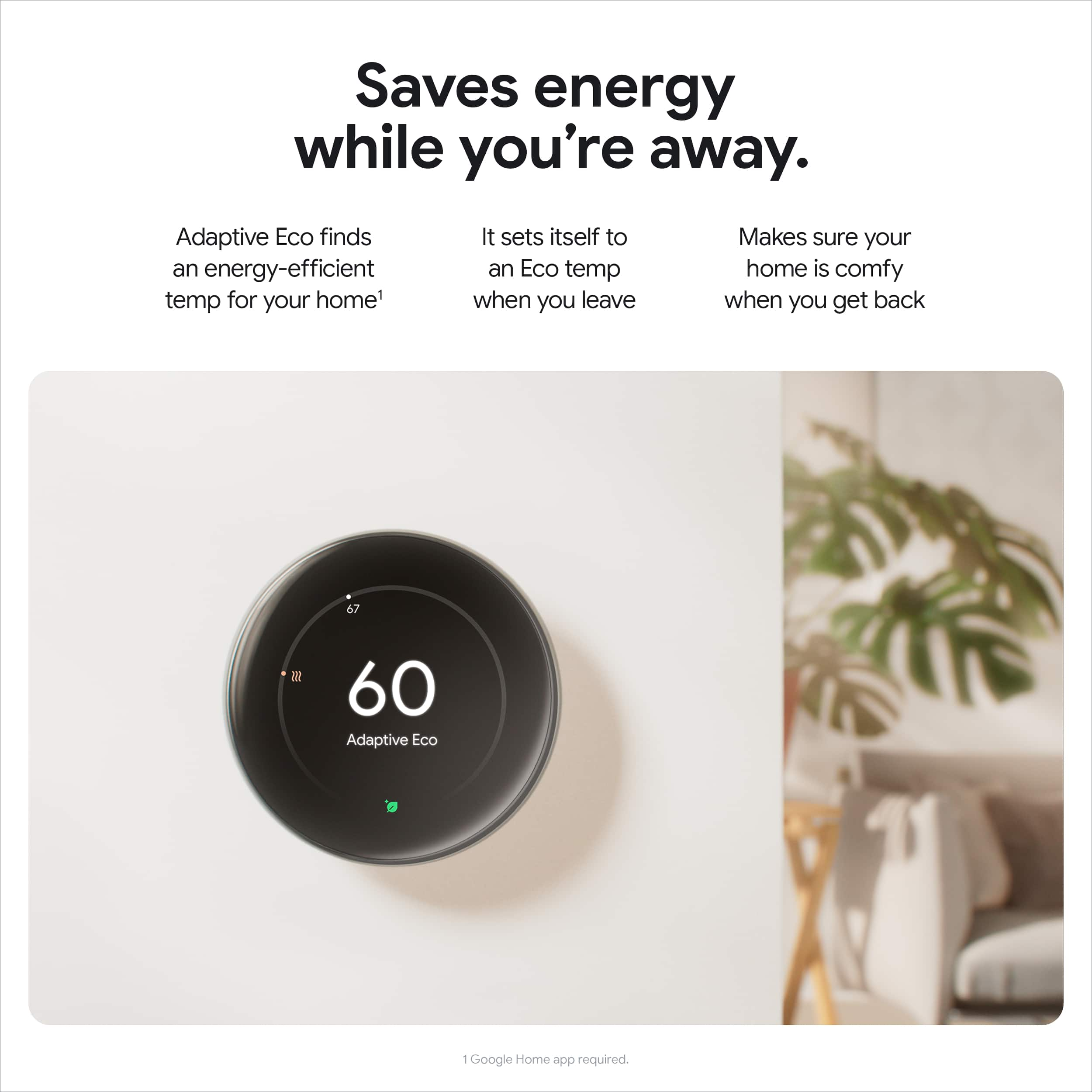
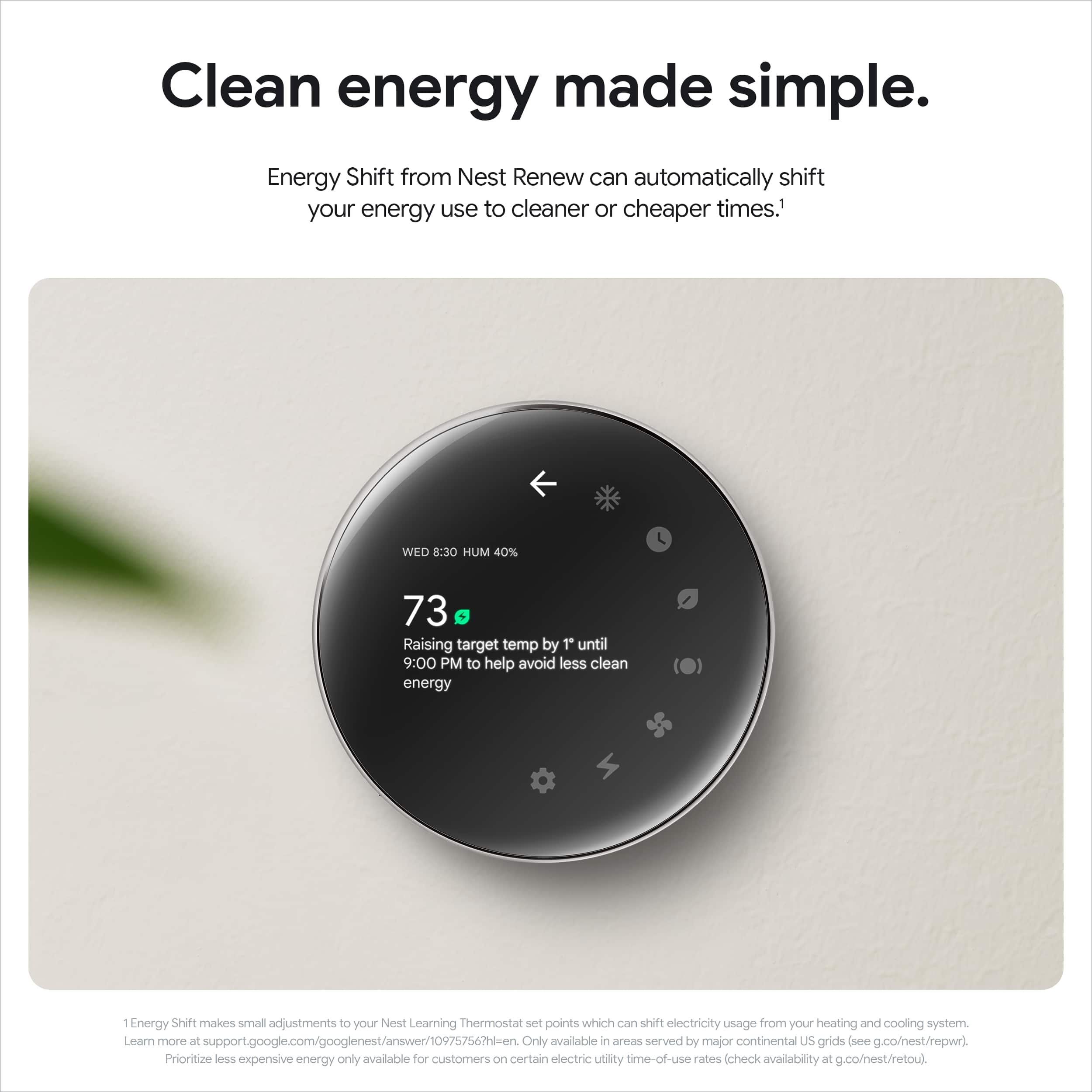
2. Turn off or adjust Eco Temperature: Your Nest thermostat gives you a temperature range you can select from when you set an Eco Temperature. The Eco Temperature ranges you can choose from are: 40-70°F (4-21°C) for heating mode and 76-90°F (24-32°C) for cooling mode.
We’re just a click away anytime you need us: https://support.google.com/googlenest/gethelp
Home Nest thermostat with installation
||Posted . Owned for 1 month when reviewed.This reviewer received promo considerations or sweepstakes entry for writing a review.I\nPaid for the nest and attending installation of my home thermostat The Best Buy workers were unable to install the service stat in my home, so I returned the service stat and also requested my money back for that I paid for installation. It was a very unpleasant experience.
No, I would not recommend this to a friendBrand response from Google Team
Posted .Hey there, PeterG. We’re sorry the Nest Thermostat Gen 4 may not have been the best fit for you. We understand you’ve returned the device but we’d like to learn more about your experience — when you get a second, share more here: https://google.qualtrics.com/jfe/form/SV_2aStd8wsbcLGvwG
will not stay connected to phone
||Posted . Owned for 1 week when reviewed.This reviewer received promo considerations or sweepstakes entry for writing a review.The nest 4th gen thermostat stopped communicating with my smartphone and will not reconnect with my phone even though the phone is able to connect with all other devices in my home.
No, I would not recommend this to a friendBrand response from Google Team
Posted .Hi there! Thanks for sharing your experience with us, we're sorry to hear that you're having connectivity issues with your Nest Learning Thermostat 4th Gen. Here's a helpful article that might be able to assist you: https://support.google.com/googlenest/answer/9249211?hl=en
Nest thermostat
||Posted . Owned for less than 1 week when reviewed.This reviewer received promo considerations or sweepstakes entry for writing a review.Works ok, but doesn't hold the schedule very well.
No, I would not recommend this to a friendBrand response from Google Nest Support
Posted .Thank you for taking the time to give us feedback, thedash. It can be frustrating when the scheduling feature doesn't get it just right. Here is a guide to get your temperature to exactly where you want it, when you want it: https://support.google.com/googlenest/answer/9243487?hl=en#zippy=;
It wasn’t meant to be
||Posted . Owned for 3 weeks when reviewed.This reviewer received promo considerations or sweepstakes entry for writing a review.This did not work for our home. It’s a new build followed the instructions and wired it properly. Never worked though.
No, I would not recommend this to a friendBrand response from Google Team
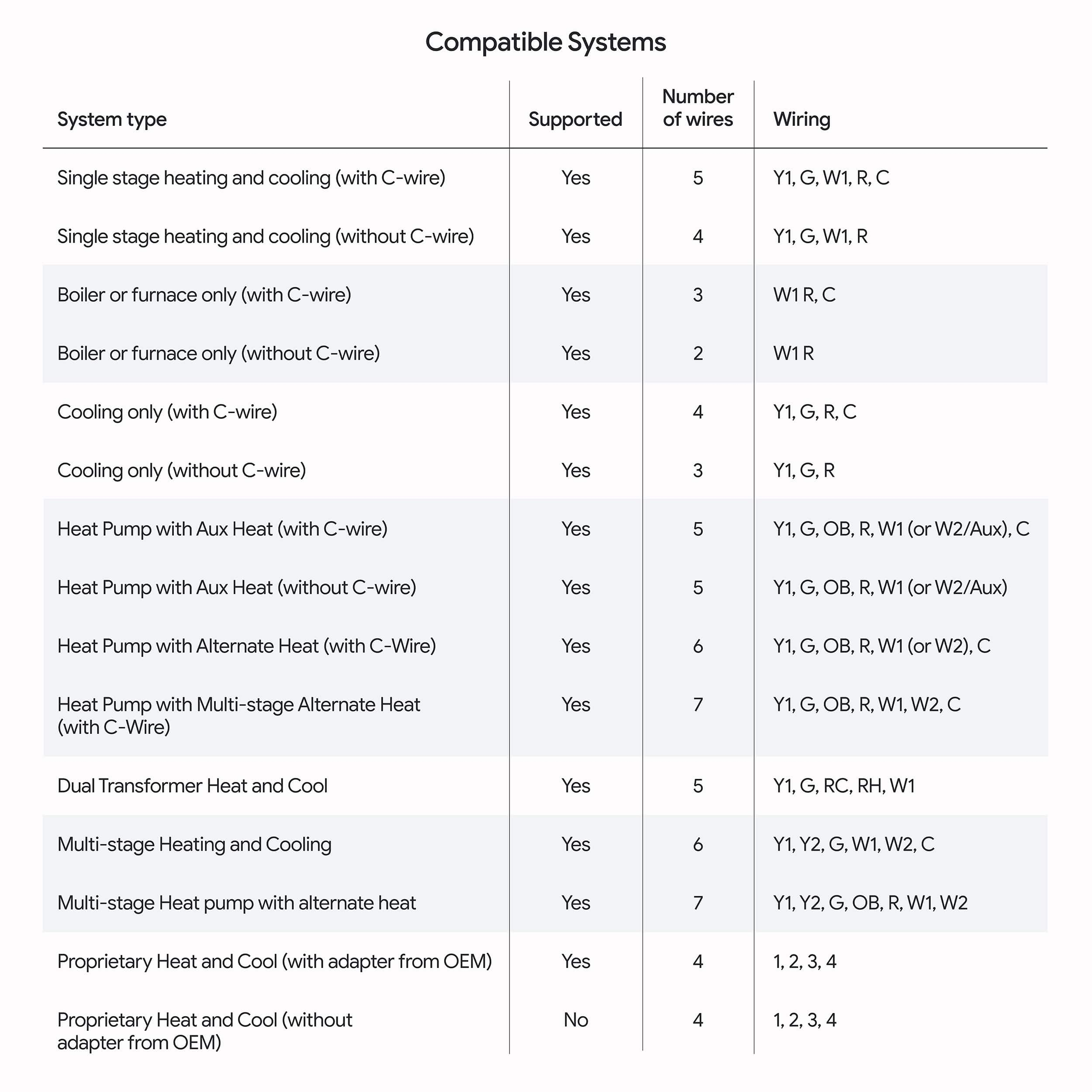
Posted .Hi there, Lovely. Sorry to the Nest Thermostat Gen 4 may not have been the best fit for you. To double check the compatibility of the thermostat, here’s a link to make sure it fits with your system: https://store.google.com/intl/en/widget/compatibility/thermostat/
If you need an extra hand, reach out to us here: https://support.google.com/googlenest/gethelp?
Best buy. Bye bye
||Posted . Owned for 3 weeks when reviewed.This reviewer received promo considerations or sweepstakes entry for writing a review.Broke after 1 year best buy made me pay to have a new one put in was not covered under ther protection plan cost me a vacation day and money. Cost them a customer no wonder they are going out of business.
No, I would not recommend this to a friendBrand response from Google Nest Support
Posted .Hey there, Adam. We’re sorry to hear you didn’t have the best experience. If you have any questions or concerns with your Nest Thermostat Gen 4, don’t hesitate to reach out to us here: https://support.google.com/googlenest/gethelp?
Failed Installation - Poor Service
||Posted . Owned for 1 week when reviewed.This reviewer received promo considerations or sweepstakes entry for writing a review.Purchased the Google Nest Learning Thermostat, after a few days of waiting for my installation date, it was installed. Problem is the installers did a shotty job on the installation.. to heat my residence I have to set it to Cool... and to cool I have to set it to heat. My HVAC system has not turned off since the installation, and when I turn off the device my HVAC still runs. And the soonest they can come back out is 2 weeks later...!!!
No, I would not recommend this to a friend
Great Smart Thermostat!
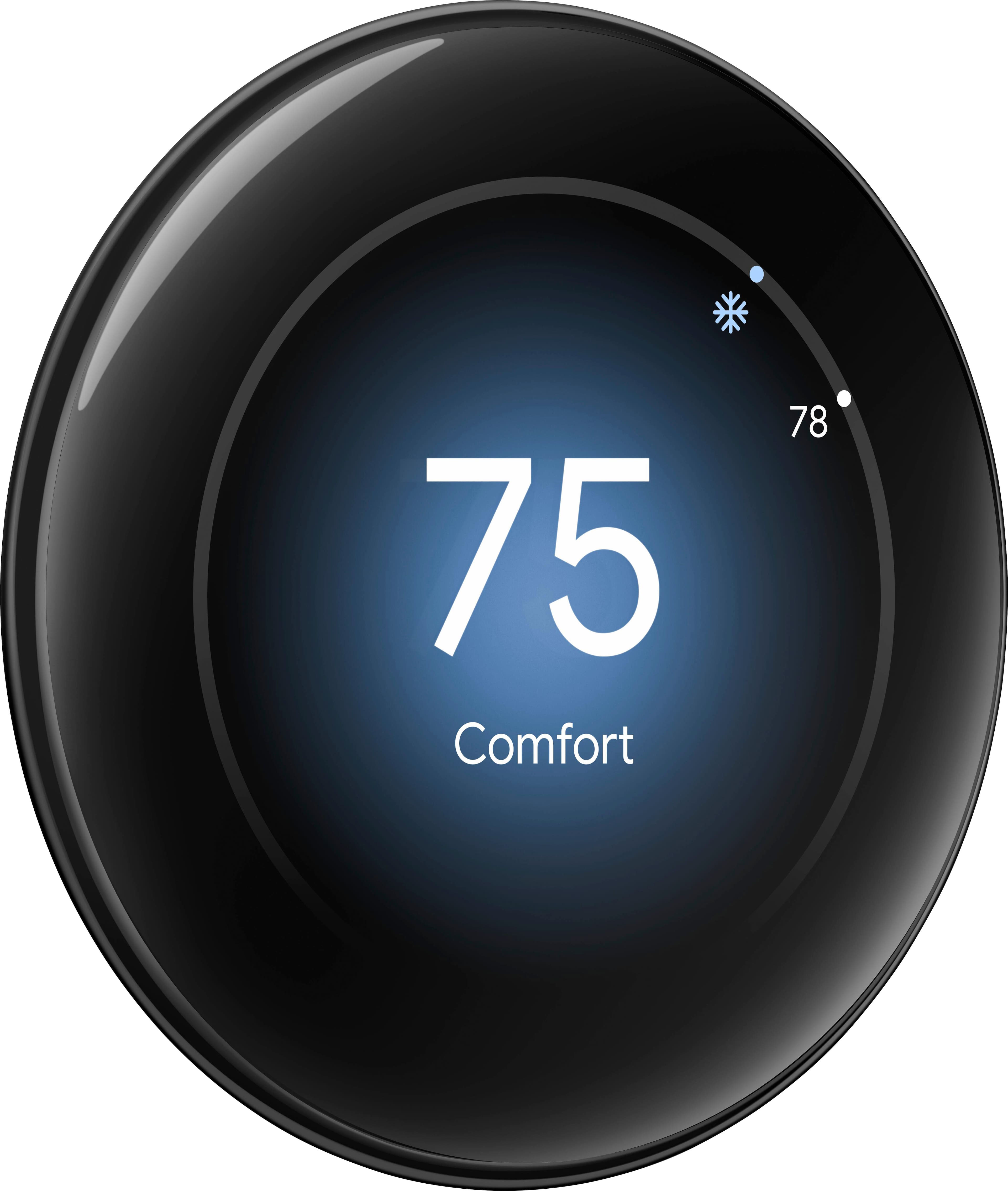
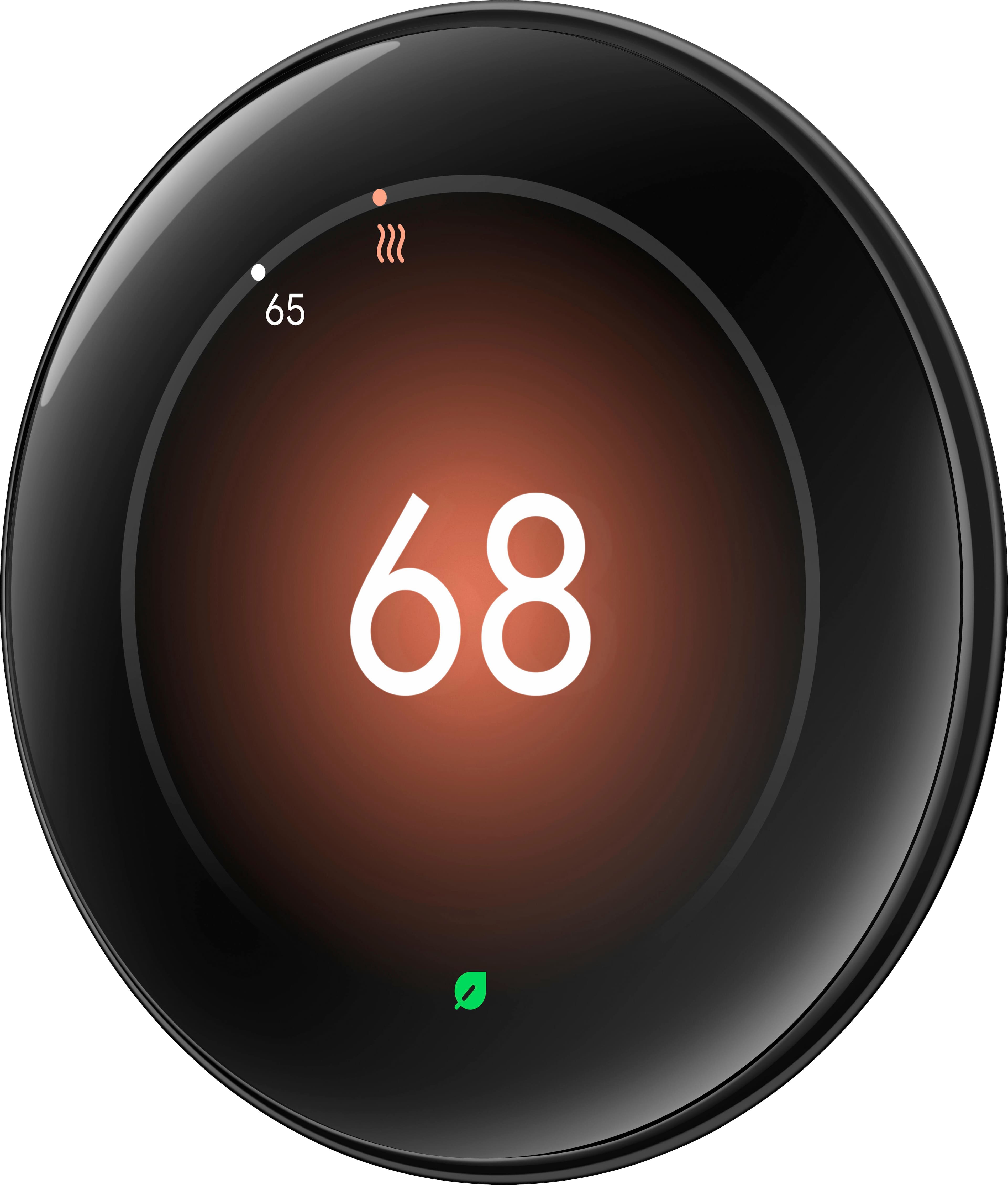
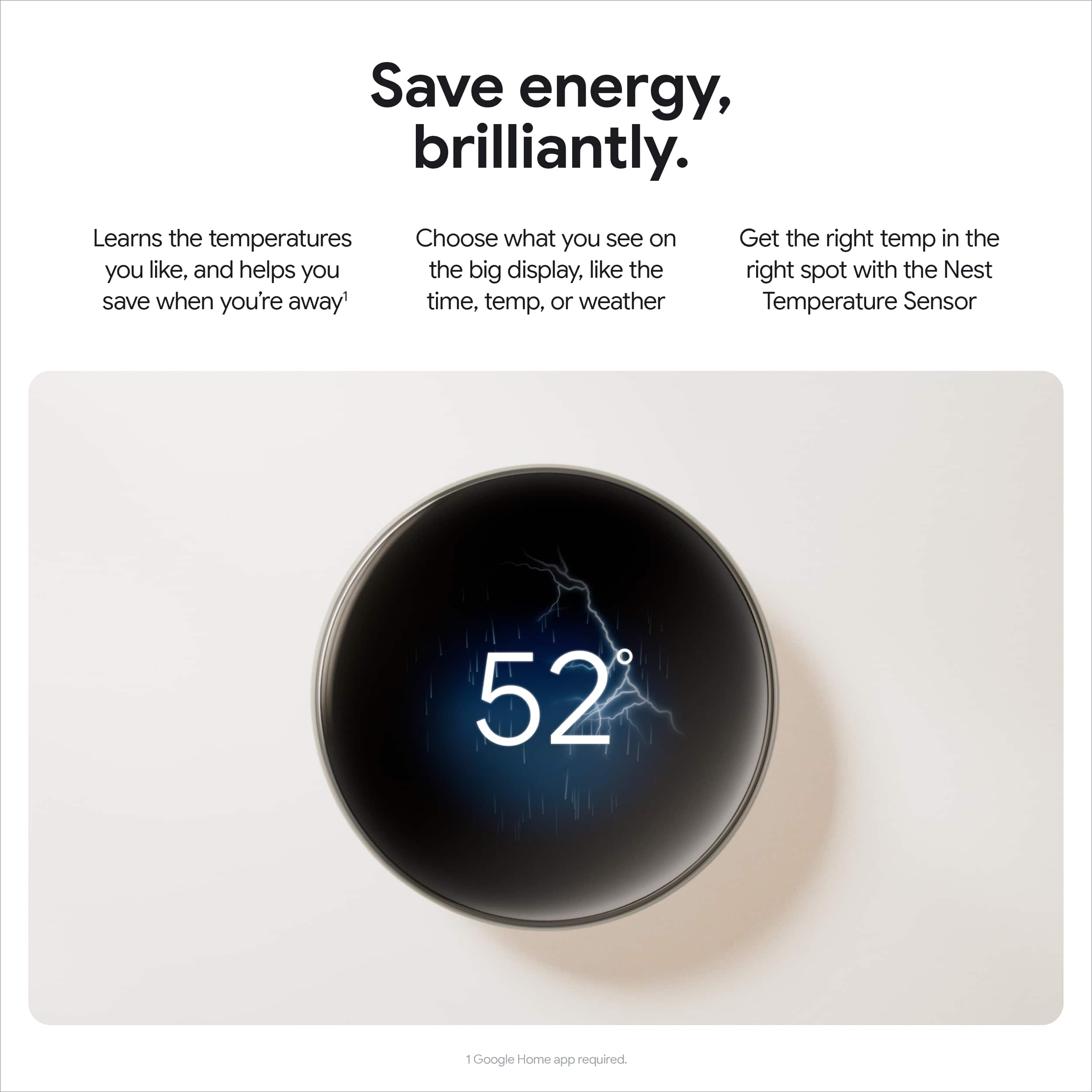
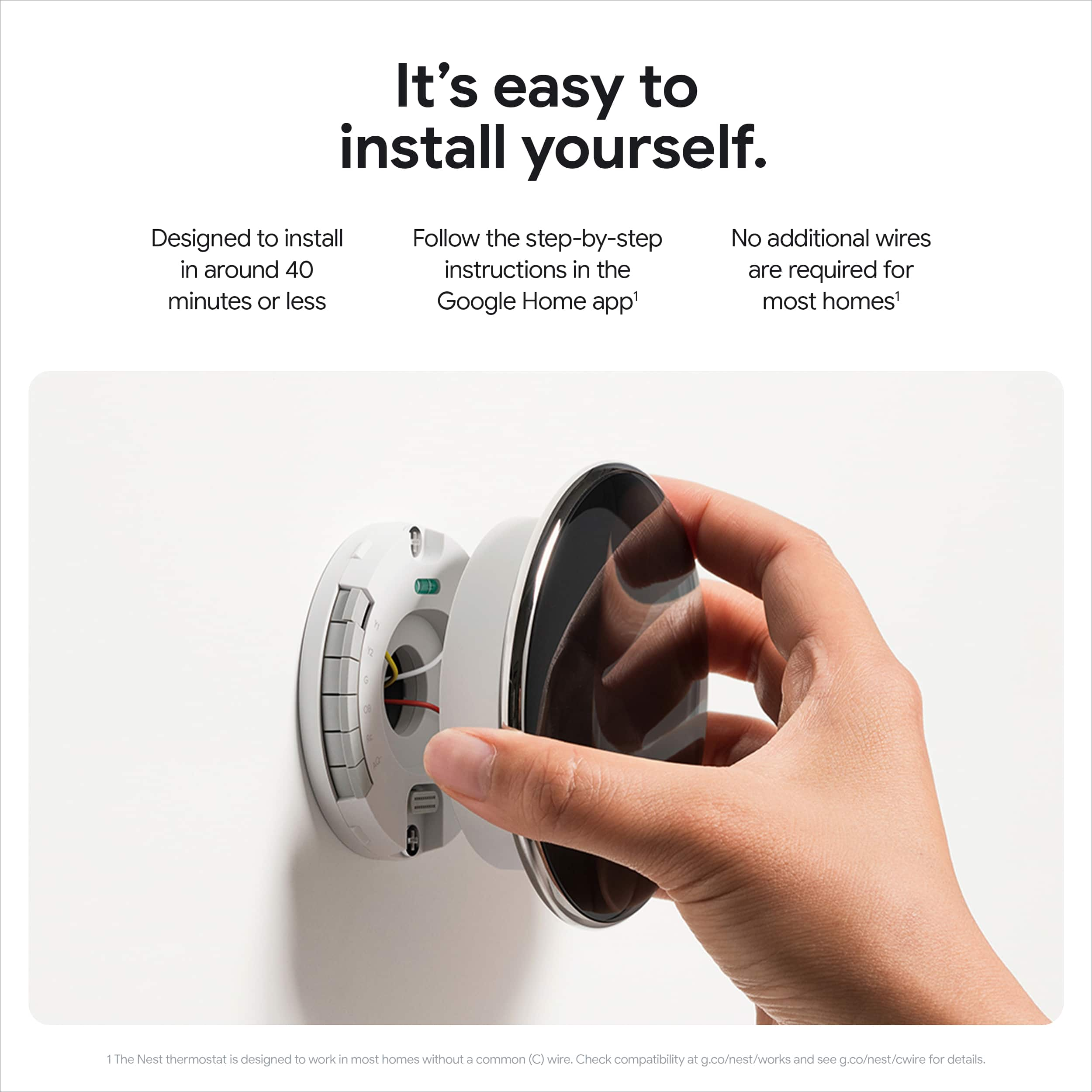
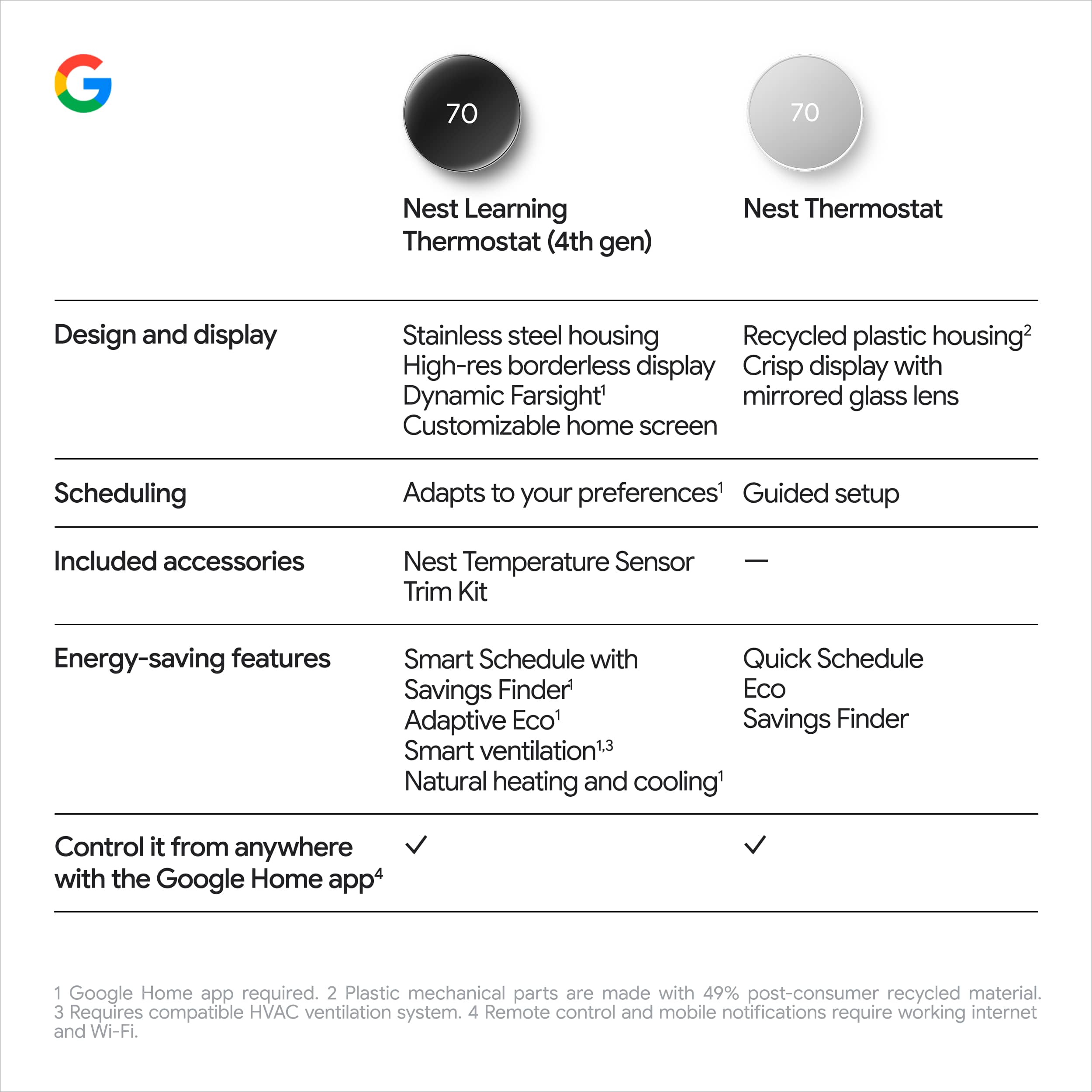
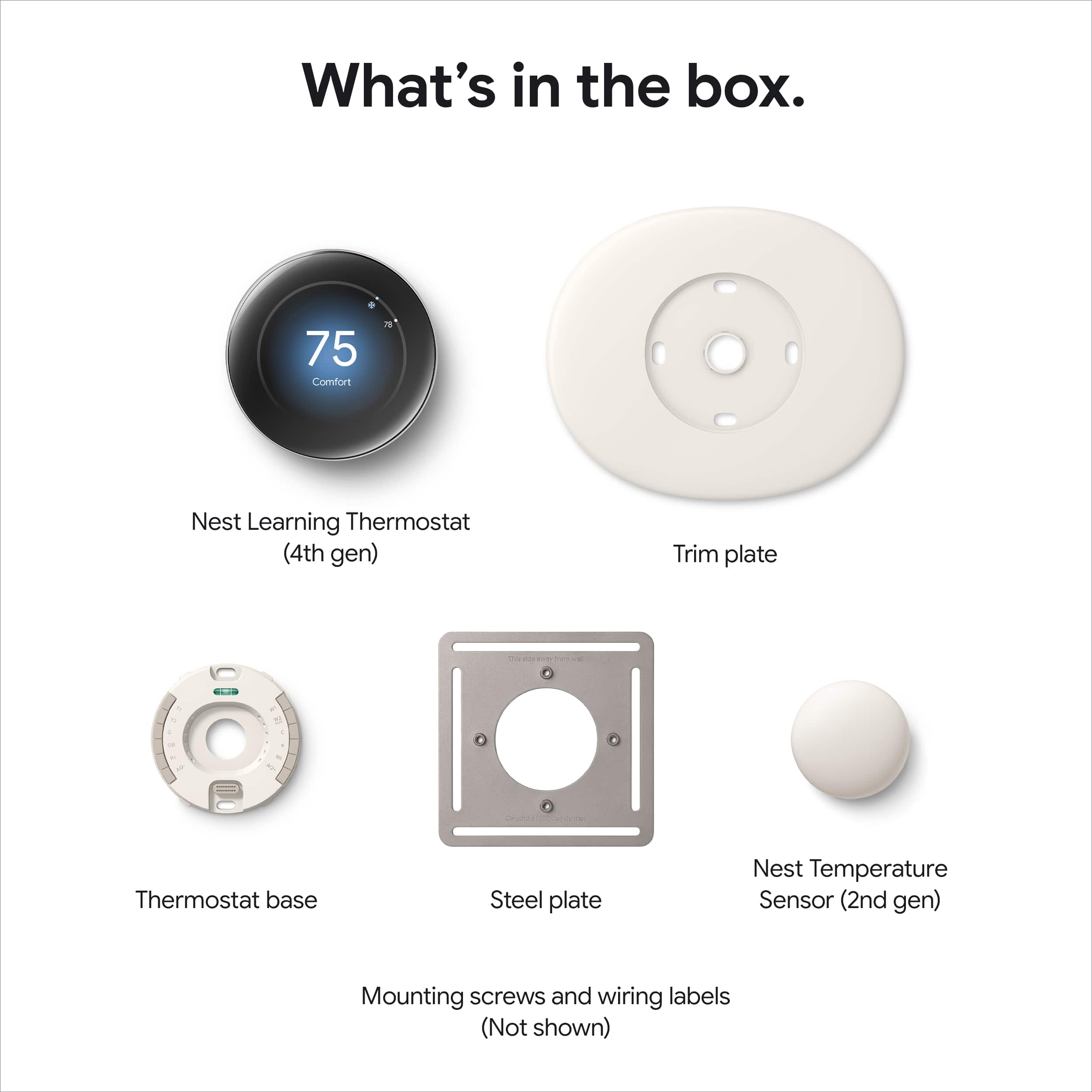
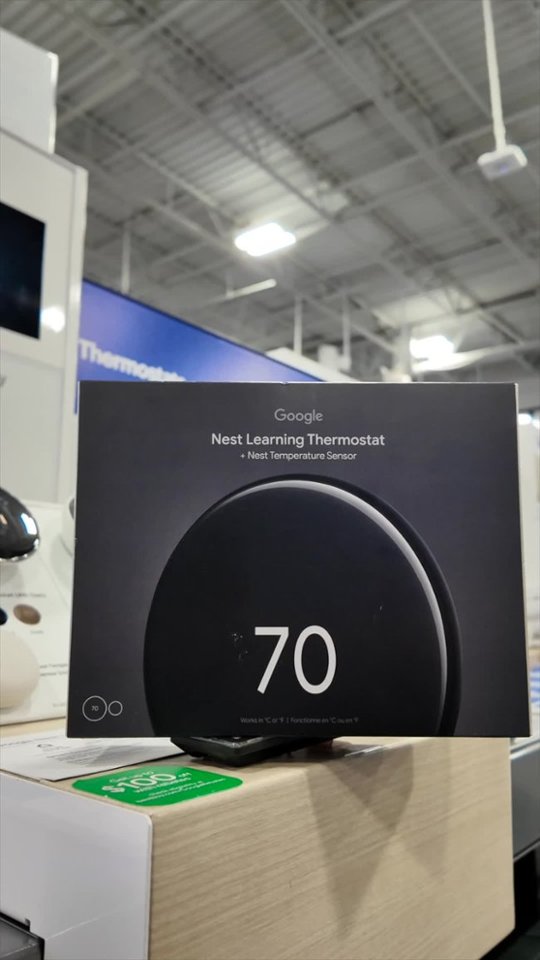
|Posted .This reviewer received promo considerations or sweepstakes entry for writing a review.I was replacing a Nest 2nd Generation thermostat with this new 4th generation and it is a stunning upgrade! There wasn't enough difference in the 3rd gen to justify an upgrade, but if you have an older model, or a different brand, I highly recommend checking out the Nest 4th gen. I don't think there's another product on the market that looks as sleek or modern as the Nest. This new generation ups the ante with a larger screen and almost no edges. But if you're used to Nest, don't worry, the outside edge still physically turns to change the temp or navigate the menu, and it still uses the "push to click" method. Nothing new to learn for seasoned Nest owners! Installation was extremely easy coming from another Nest. I took a quick picture of which wires went where, but they still had the tape tag from the last install (yes those are included here as well). The base was slightly different from the old one, but the screws went in the exact same location, saving some time and holes in the wall. Overall, I was up and running within 10-15min, including uninstalling the old one. Very simple and intuitive setup process for most. The great thing about this new model is the ability to choose what you want to see when approaching the unit. There are several "faces" that include temperature, weather, time, or an analog clock face. No doubt Google will introduce other faces over time, but I would love to see holiday themes (If you're listening Google). I went with the weather app because it's beautiful to look at as you approach and still provides all the information, just with a nice background. The new model has advanced learning and is fully integrated into the Home app. The 2nd gen I'm replacing still needed the old Nest app for full functionality. It learns over time and should save you some money by eliminating un-necessary heating or cooling when you're not home. Personally, I prefer to control the temp but having been in the smart thermostat ecosystem for over 10 years, I have experience with what works for our home. Overall, I love this thermostat as an upgrade or as a replacement for another system. It is well thought out, easy to install and easy to use. Highly recommend!
I would recommend this to a friendCan you call a thermostat beautiful?
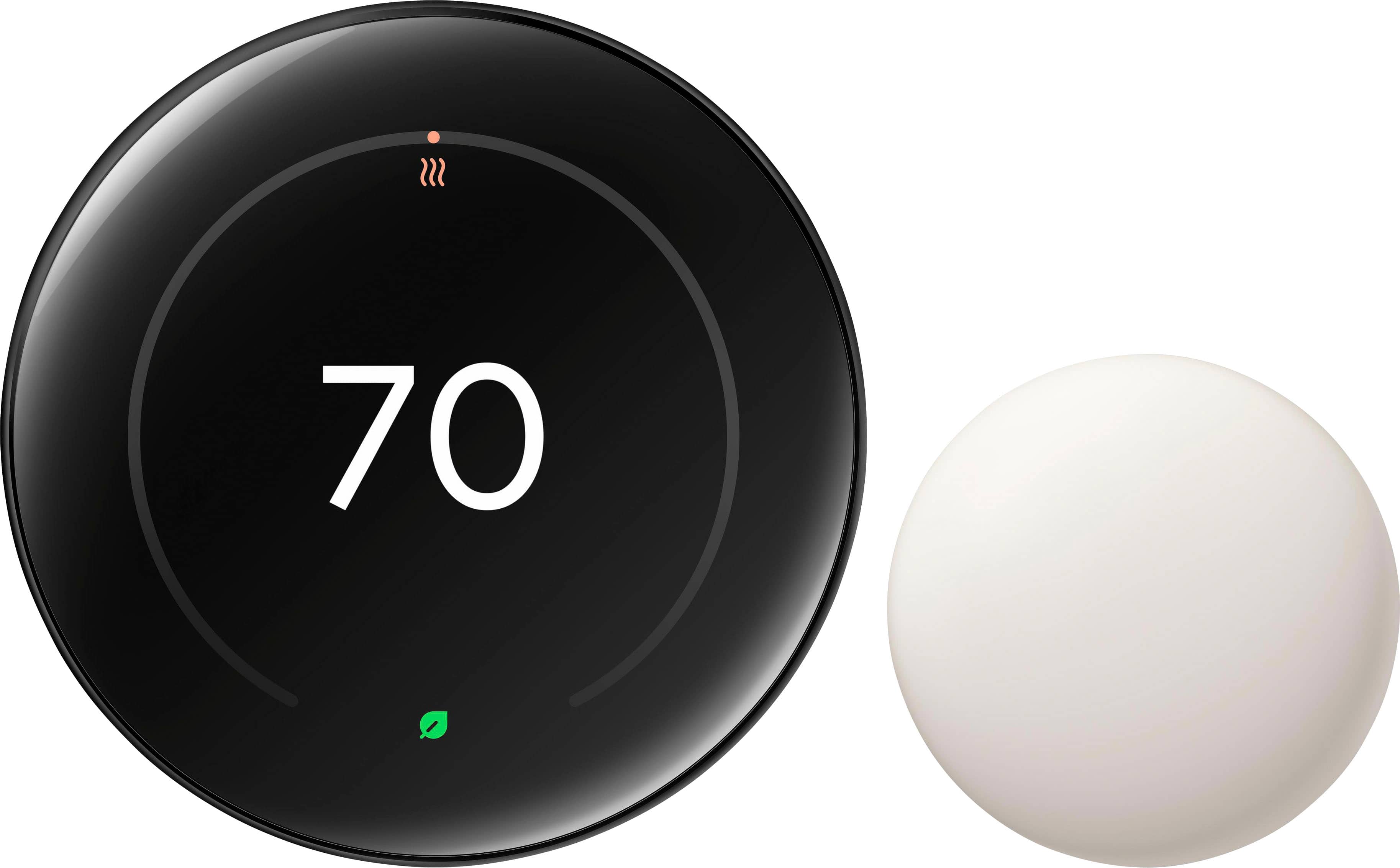
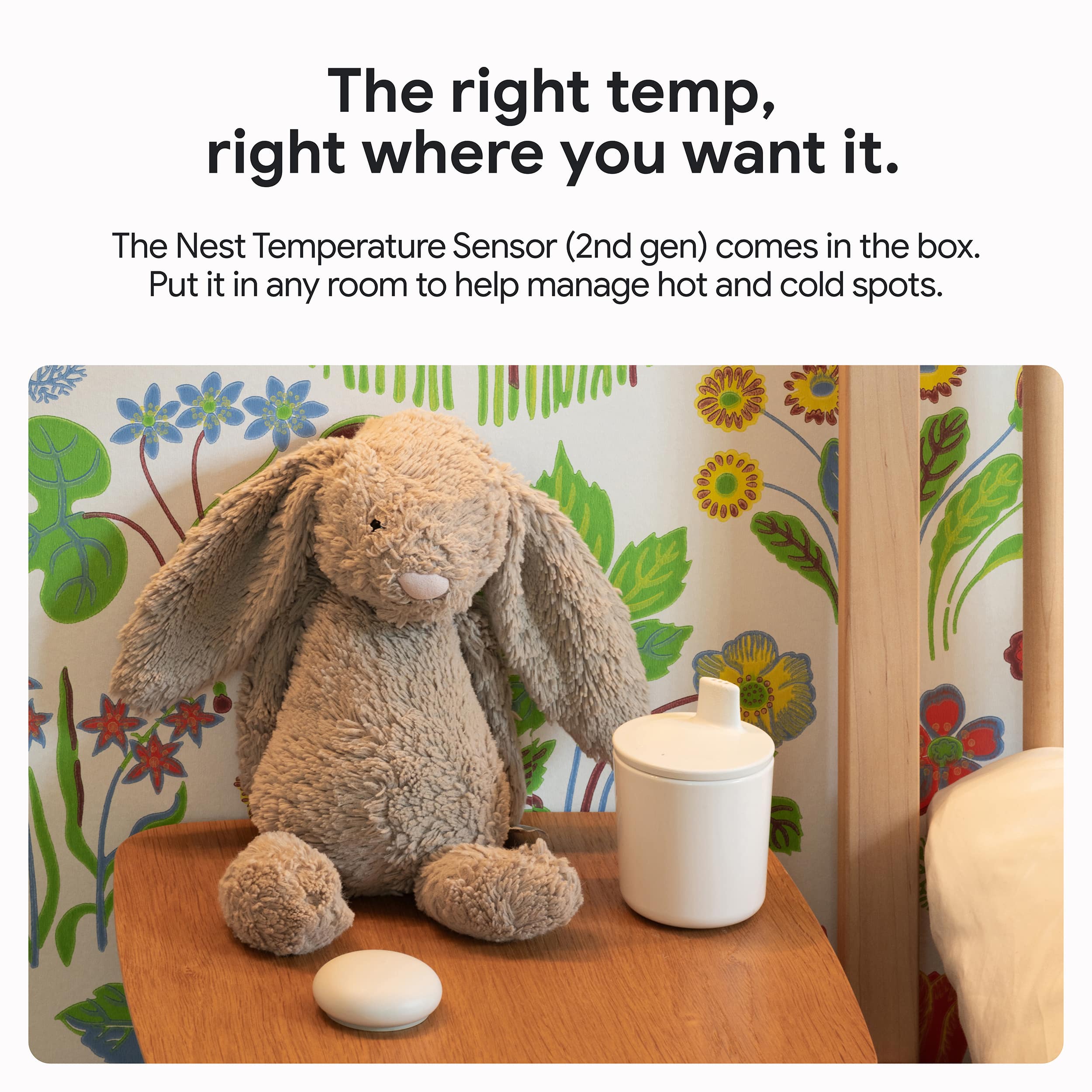
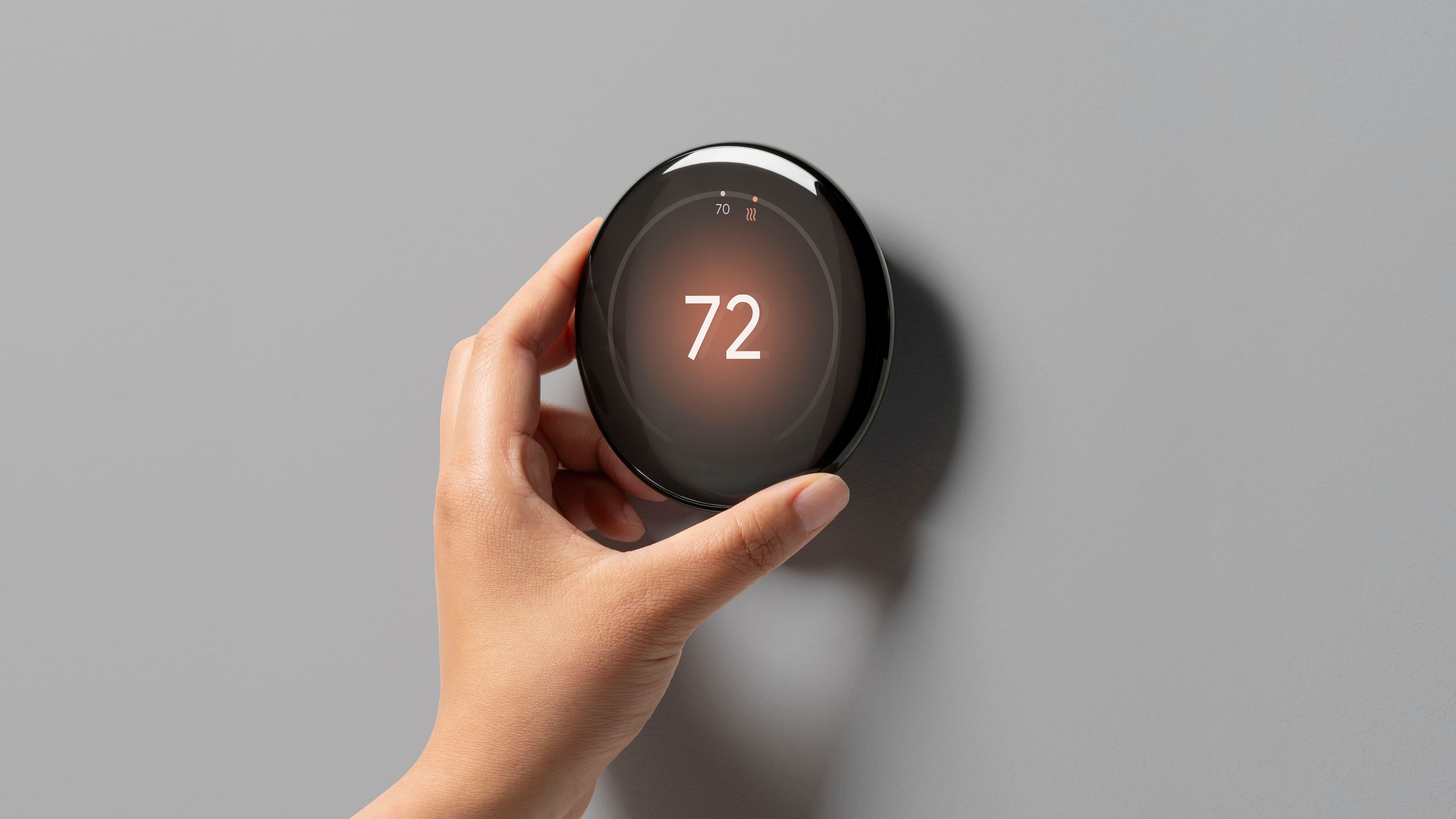
|Posted .This reviewer received promo considerations or sweepstakes entry for writing a review.The new fourth generation Nest thermostat is the first big redesign from the original iteration that spanned the entire first three generations. It's a subtle but substantial change, the dial has a much thinner profile and looks much sleeker on the wall than my first-generation Nest. Installation was manageable with good straight forward instructions through the Google Home app. Includes everything you need for installation for the most part however, it is lacking drywall anchors in the hardware pack which is surprising. Those same digital instructions will get it connected to wifi and added to your home group on Google home, the whole process is very streamlined. From there I was immediately able to adjust the temperature target using the app or my voice with google assistant. I think the majority of people will be able to complete this installation themselves, it took me roughly 45min to do in total. This generation also includes a separate temperature sensor that you can place in another room or area of your home and then have it make adjustments based on either the t-stat itself or the extra sensor. Sounds useless, but it's actually quite nice. I put it in the most frequently used room in the house so now when everyone's electronics are going and there is a bunch of extra heat getting pumped out into the room it will still keep things cool. Can set a schedule manually or let it "learn" your habits and do its own thing. I tried to let it learn and I don't think it realized how much I love my a/c, so I just use a manual schedule and unfortunately don't seem to earn many "Eco leafs" for energy efficient choices. Can also let it learn or set home/away routines so you can run it less while you're at work or wherever and then have it kick into comfort mode when your home. Overall, I think this is about as good as smart thermostats get and would definitely recommend checking it out if you're looking to update.
I would recommend this to a friend