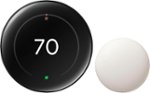
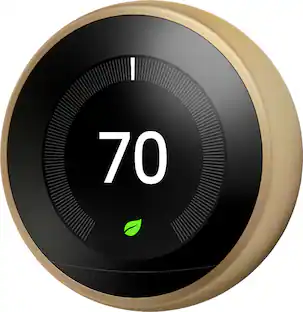
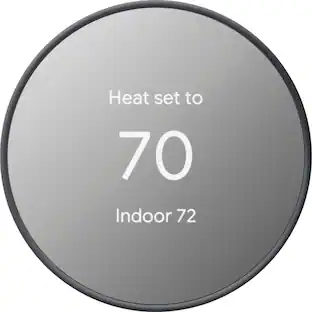
Google - Nest Learning Thermostat (4th gen) with Nest Temperature Sensor (2nd gen) - Polished Obsidian
Customers are saying
Customers admire the new Nest Thermostat for its exceptional overall performance, intuitive ease of use, and sleek, modern design. Users frequently highlight the effectiveness of the automatic temperature control and the straightforward installation process. While the device is highly regarded, some customers have noted minor frustrations regarding connectivity limitations, system compatibility, and the functionality of the companion app.
Color
Polished ObsidianFeatures
Improved compatibility.
It works with most 24V systems, including gas, electric, oil, forced air, heat pump, and radiant, and no C wire is required for installation in most homes.³
Better visibility into adjustments.
Smart Schedule learns the temps you like, and when you like them. It asks for permission to make schedule changes to help you save energy. You'll receive notifications in the Google Home app, and you can view and accept changes with a tap.¹
Beautiful design.
With a 60% larger display⁴ and Dynamic Farsight, you can see info from across the room.¹ Choose the design – a clock, the temp, weather, and more. It automatically adjusts brightness for the best readability or you can adjust manually.
Easy control in the Google Home app.
Adjust the temperature on your phone from anywhere¹ or by using your voice.⁵ It’s easy to install yourself³ and it’s Matter compatible for simple integration into your smart home.⁶
Manage hot and cold spots.
The Nest Learning Thermostat (4th gen) comes with a Nest Temperature Sensor (2nd gen) and works with any Nest Temperature Sensor. Put a sensor in any room and use the Google Home app to set the temp it should reach at a certain time of day.
Savings you can count on.
Nest thermostats can help save up to 31% on heating and cooling bills.⁷,⁸
New natural heating and cooling.
Your thermostat learns how the temperature outside affects the temperature inside (for example, when the sun coming through the windows will heat the house naturally) and pauses your system to help you save.¹
New Adaptive Eco.
It uses the temperature outside to help find an energy-saving temperature when you’re away and returns to a comfortable temperature within an hour of your return.¹
Looks out for your heating and cooling system.
System Health Monitor helps catch many issues early. And if something needs attention, it can send an alert.⁹
Your HVAC heads-up.
When it’s time to change your air filter, you’ll get an alert based on actual use.⁹ And you’ll get seasonal maintenance reminders.
Smart is in the air.
To save energy, smart ventilation brings in fresh air when outdoor air quality is healthy and most efficient, like when temps are mildest.¹,¹⁰
Clean energy made simple.
Energy Shift from Nest Renew can automatically shift your energy use to cleaner or cheaper times.¹¹
Specifications
- App CompatibleYesCompatible with 24V CoolingYesCompatible with 24V HeatingYesWorks WithGoogle Home, Amazon Alexa, Apple HomeVoice Assistant Built-inNoTouch ScreenNo
Reviews
Rating 4.7 out of 5 stars with 610 reviews
- Overall Performance (177)
- Ease of Use (155)
- Design (113)
- Temperature Control (94)
- Installation (52)
- Connectivity (11)
- Compatibility (6)
- App Compatibility (3)
Customer Images
The vast majority of our reviews come from verified purchases. Reviews from customers may include My Best Buy members, employees, and Tech Insider Network members (as tagged). Select reviewers may receive discounted products, promotional considerations or entries into drawings for honest, helpful reviews.


Compare similar products

The Nest Learning Thermostat (4th gen) is Google’s smartest, most advanced thermostat yet. It’s a brilliant way to save energy and keep your home comfortable. It learns the temperatures you like, when you like them, even as your routine changes.¹ It gets to know how outdoor temps naturally heat and cool your home to save energy.¹ And it helps make sure your heating and cooling systems run smoothly.²
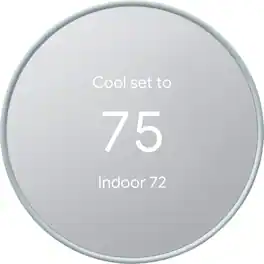
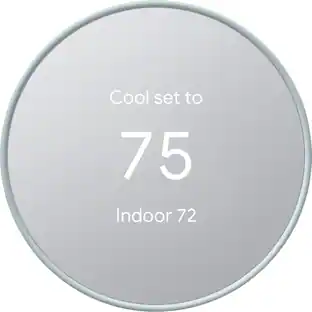
Meet the Nest Thermostat, the smart thermostat with a cozy price. It can turn itself down to save energy when you leave the house. You can control it from anywhere with the Google Home app. It looks after your heating and cooling system. And it’s easy to install yourself, usually in 30 minutes or less.
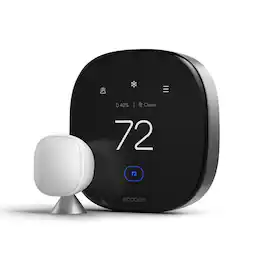
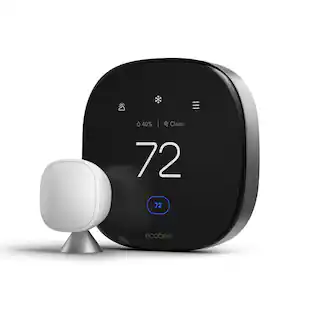
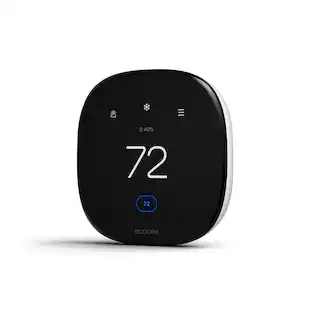
ecobee Smart Thermostat Premium — Smarter Comfort, Cleaner Air, Safer Home. The ecobee Smart Thermostat Premium is built to do more than change the temperature. It learns how you actually use your home and adjusts comfort, air quality, and security in the background, so you don't have to think about it. At the core is whole-home comfort. The included SmartSensor detects which rooms you're actually in and adjusts temperature accordingly, instead of relying on a single reading from one spot in the house. Energy-saving intelligence works quietly behind the scenes, helping lower heating and cooling costs year-round while staying ENERGY STAR certified. Breathe easier with a built-in air quality monitor. It tracks pollutants and humidity in real time, alerts you when air quality drops, offers simple steps to improve it, and reminds you when your furnace filter needs changing, so indoor air quality is never something you have to guess about. Security is built in, not bolted on. A radar-based occupancy sensor helps the thermostat understand when your home is active or empty, supporting both smarter comfort adjustments and home security features. Pair it with an ecobee Smart Doorbell Camera (wired) to stream a live view of your front door and talk to visitors two-way, right from the thermostat display. Control it your way. With a built-in smart speaker and your choice of Siri or Alexa, you can manage your home hands-free and stream Spotify playlists or podcasts through the thermostat's speaker. (Apple home hub required to enable Siri.) Installation is designed to be simple. The Power Extender Kit (PEK) and Trim Kit are included in the box, along with everything needed for an easy DIY setup, even in homes without a C-wire. The thermostat works with most 24VAC HVAC systems, including furnaces, air conditioners, heat pumps, boilers, PTACs, and fan coil units. Use ecobee's Compatibility Checker at ecobee.com/compatibility/thermostat to confirm your system before you buy. From daily comfort to indoor air quality to home security, the ecobee Smart Thermostat Premium brings it all together in one connected device.
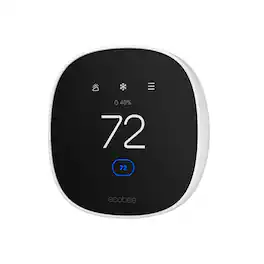
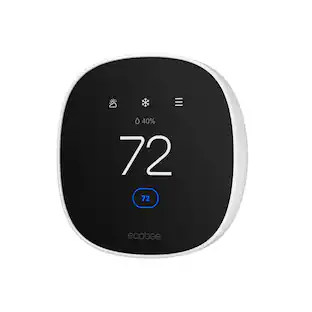
Join the millions who love and trust ecobee products with our most affordable thermostat yet: Smart Thermostat Essential. It saves you up to 23%* on your energy bills and is so efficient that it pays for itself in just six months. You'll love how easy it is to use and control, and with effortless installation, you can set it and forget it. *Compared to a hold of 72°F/22°C. Check your system’s compatibility on the ecobee support page. ecobee.com/compatibility/thermostat
| Pros for Google - Nest Learning Thermostat (4th gen) with Nest Temperature Sensor (2nd gen) - Polished Obsidian | |||
|---|---|---|---|
| Overall Performance, Ease of Use, Design, Installation, Temperature Control | Ease of Use, Overall Performance, Installation, Design, Remote Control | Overall Performance, Ease of Use, Installation, Design, Air Quality Monitoring | Ease of Use, Overall Performance, Installation, Design, App Usability |
| Cons for Google - Nest Learning Thermostat (4th gen) with Nest Temperature Sensor (2nd gen) - Polished Obsidian | |||
| Connectivity, Compatibility, App Compatibility | Connectivity, Compatibility, Battery Life, User Interface | Compatibility, App Usability | Screen Size |
Specs
Customers often buy these together
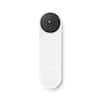
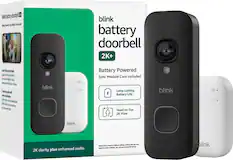
Smart Doorbell





Security Camera




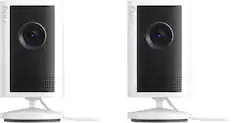
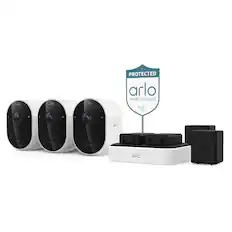
More recommended items
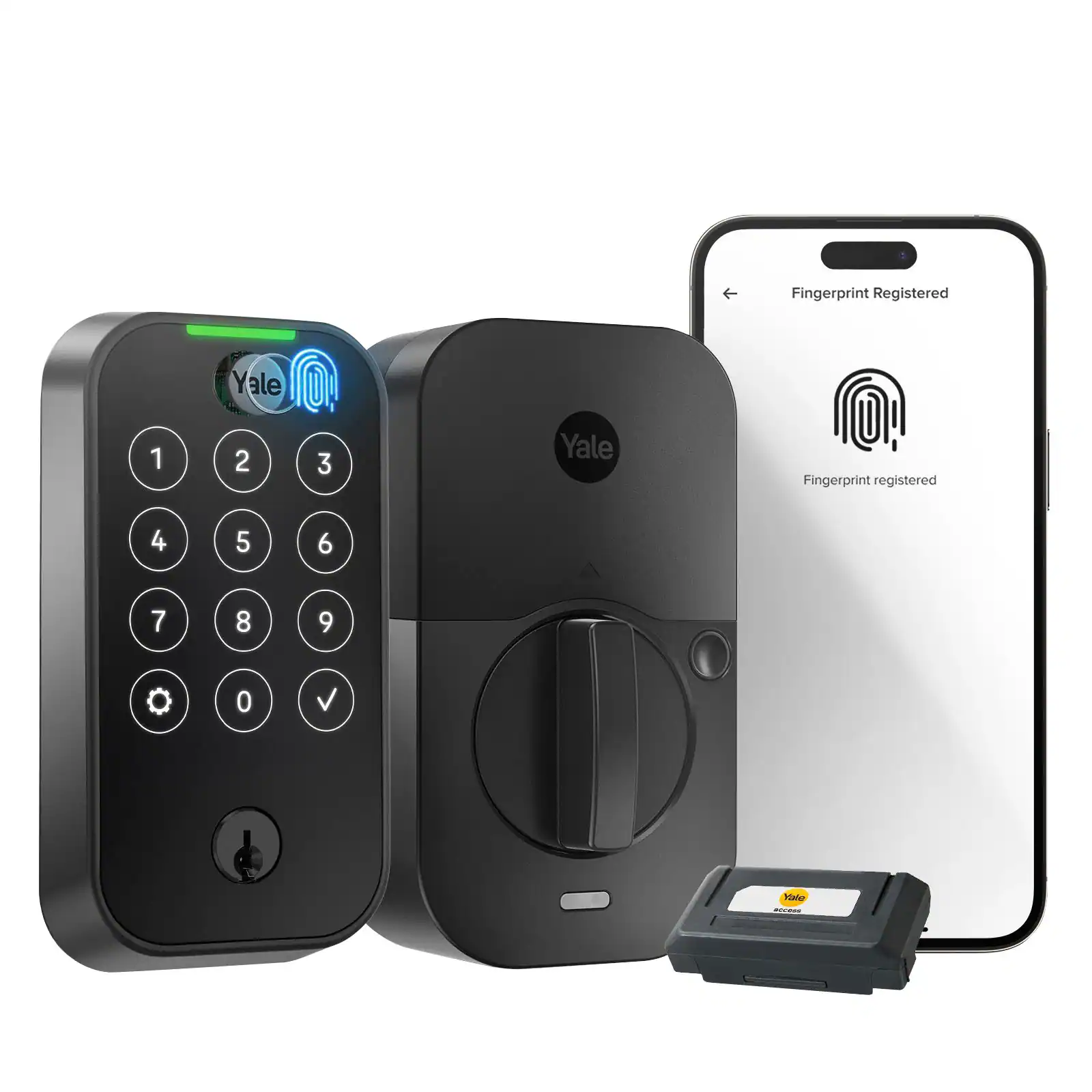 Home Security System
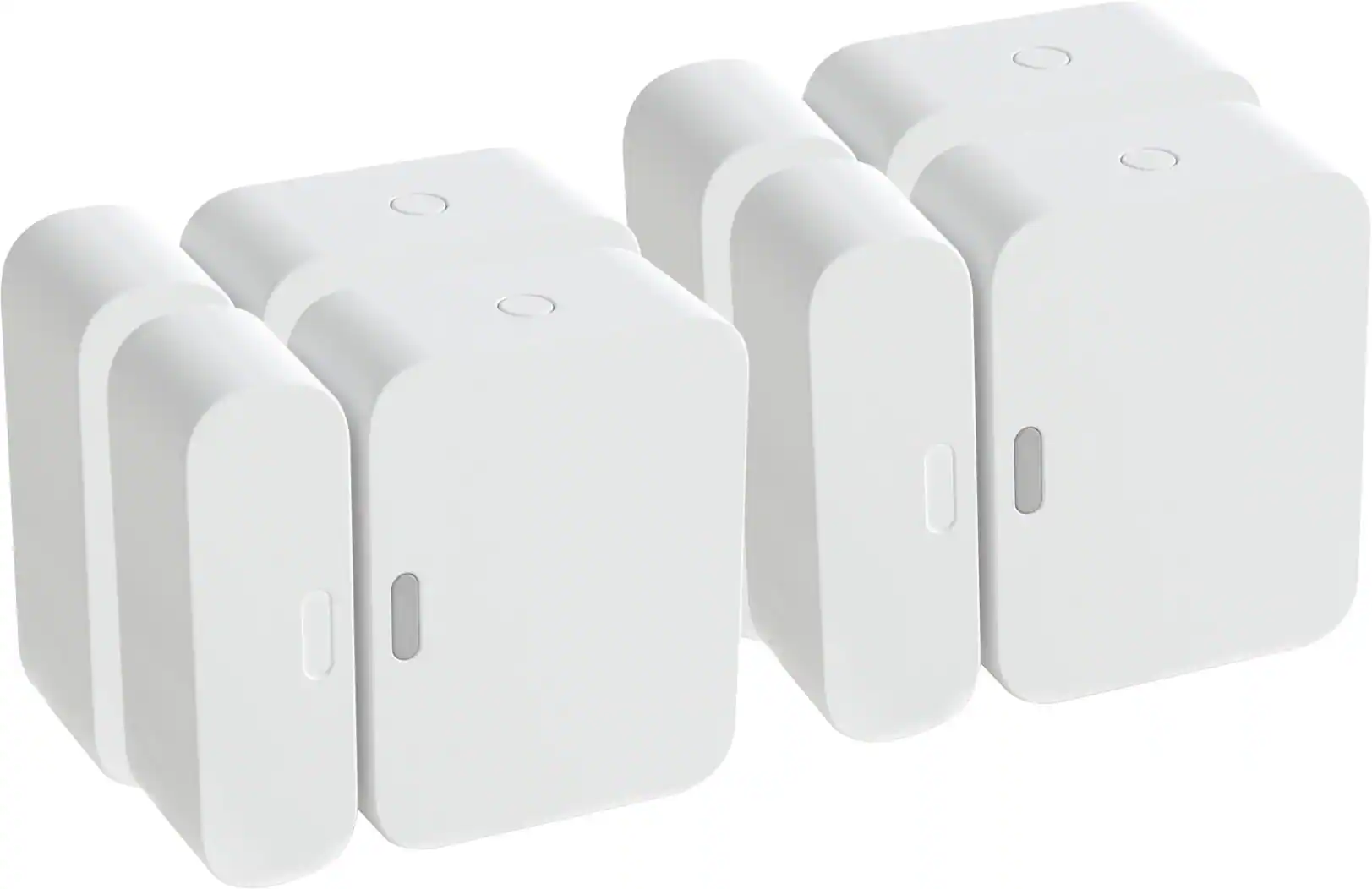 Sensors and Detectors
 Smart Speakers and Displays
More to consider
 $396.99The price was $399.99
 $128.00The price was $139.99

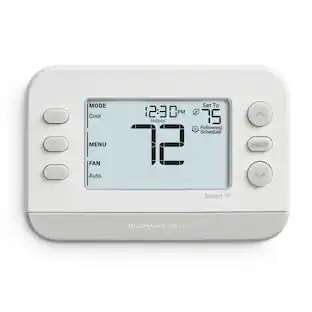
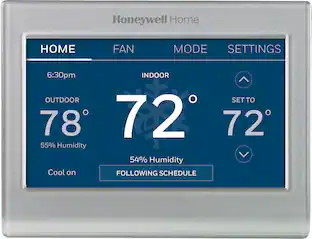
Control, Comfort, Convenience Sponsored

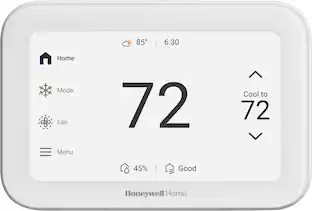
Discover related products
 $129.99The price was $169.99




Keep exploring
- $396.99The price was $399.99
 $74.21The price was $76.04