Customer Ratings & Reviews
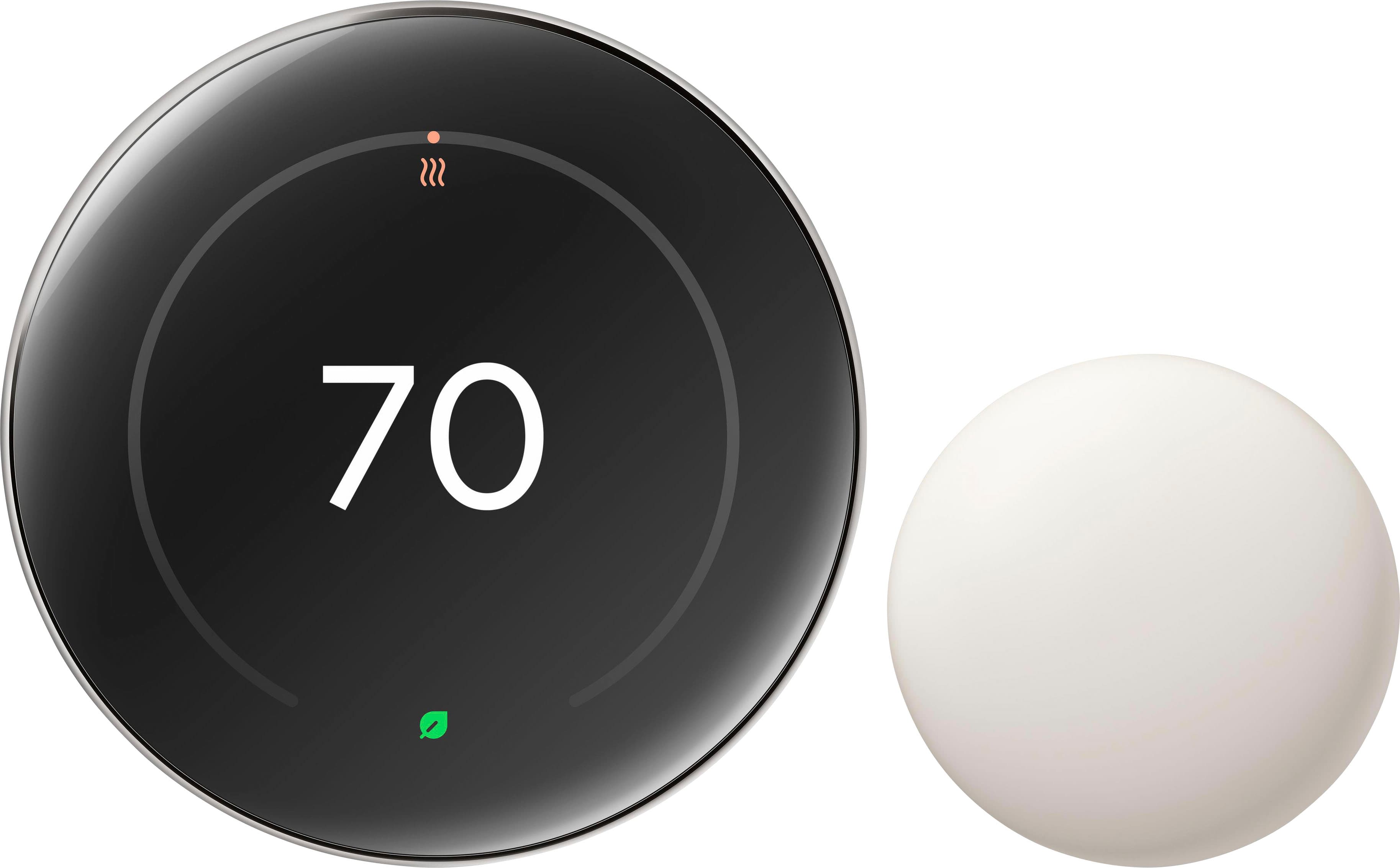


- Model:
- GA05551-US
- SKU:
- 11087802
Rating by feature
- Value
Rating 4.4 out of 5 stars
- Quality
Rating 4.8 out of 5 stars
- Ease of Use
Rating 4.7 out of 5 stars
recommend
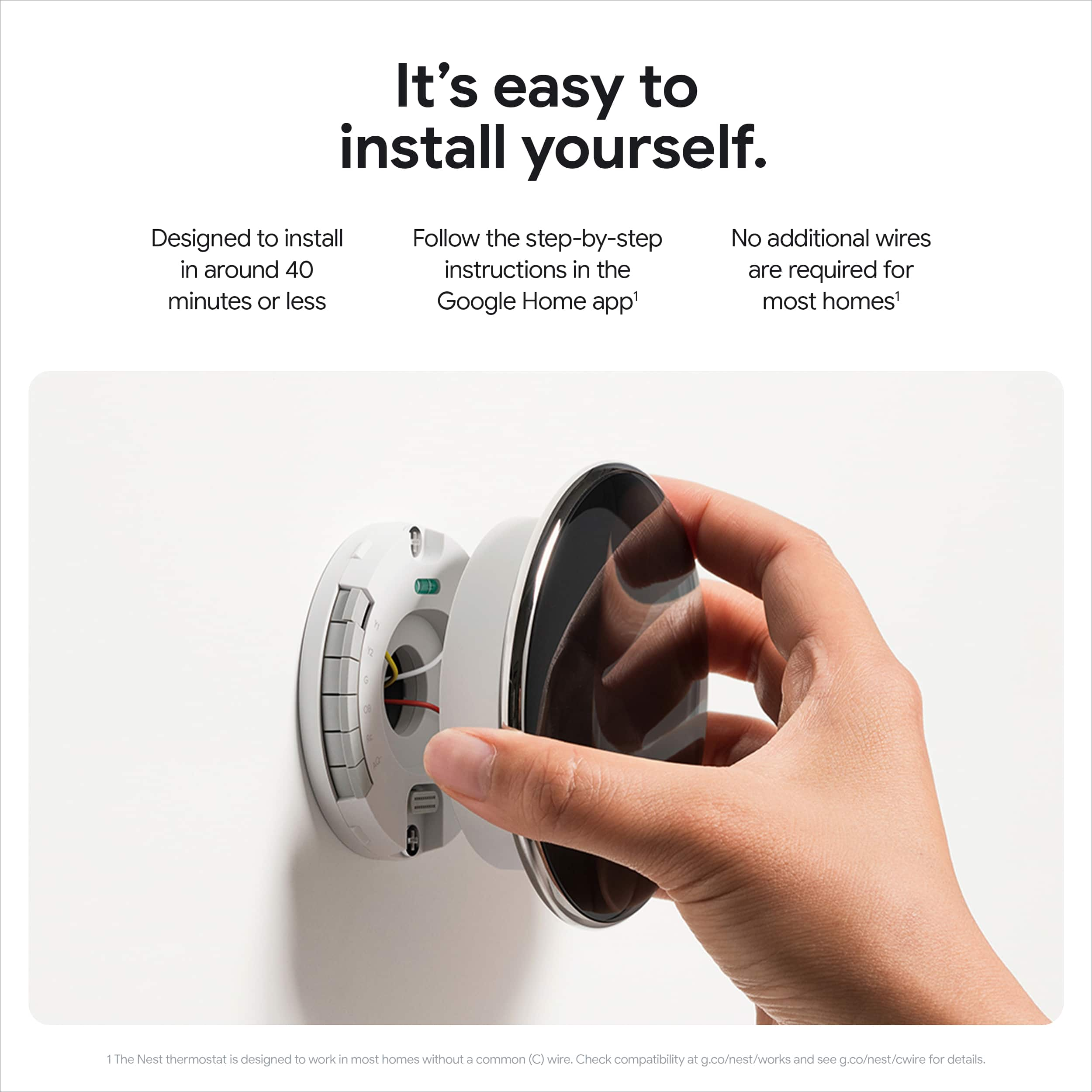
||Posted . Owned for 2 weeks when reviewed.This reviewer received promo considerations or sweepstakes entry for writing a review.easy to install, comes with a lot of features and I liked the additional sensor...
I would recommend this to a friendEasy to use
||Posted . Owned for 3 weeks when reviewed.This reviewer received promo considerations or sweepstakes entry for writing a review.Very easy to install. Love the color of the product.
I would recommend this to a friendBrand response from Google Team
Posted .Got to keep things stylish, HBBB. Thanks for the kind words!

Works Great, Nice Smart Home Upgrade
||Posted . Owned for 3 weeks when reviewed.This reviewer received promo considerations or sweepstakes entry for writing a review.Works great, nice features, but the design upgrade is a big meh for me. Really liked the old Nest design better.
I would recommend this to a friendBrand response from Google Team
Posted .We appreciate you sharing your thoughts with us, Kspradley.
Nest 4th Generation
||Posted . Owned for 2 weeks when reviewed.This reviewer received promo considerations or sweepstakes entry for writing a review.My second nest. I just upgraded to 4th generation!
I would recommend this to a friendBrand response from Google Team
Posted .Thanks for being a part of our Nest family, JohnnyL. Happy the Nest Thermostat Gen 4 was what you were looking for!
Highly recommend
||Posted . Owned for 1 week when reviewed.This reviewer received promo considerations or sweepstakes entry for writing a review.Beautiful, functional, intelligent, seamless. Easy upgrade and stunning to look at.
I would recommend this to a friendInvest in Nest !!!
||Posted . Owned for 1 month when reviewed.This reviewer received promo considerations or sweepstakes entry for writing a review.Amazing Product !!!!!! My Nest Thermostat 4th Generation has been installed for two winter months and the savings of my energy bills are pleasant surprise!!!! Nest program engineers has done an outstanding job developing this product My energy savings per month outstanding!!!!
I would recommend this to a friendBrand response from Google Nest Support
Posted .Glad you found your new co-pilot, Kenn. Here's to a home that just gets you!

Can be improved. Relly nice design!
||Posted . Owned for 4 months when reviewed.This reviewer received promo considerations or sweepstakes entry for writing a review.Bad app and to slow to manage settings! The design is pretty amazing.
I would recommend this to a friendBrand response from Google Nest Support
Posted .Hey there, Nacaok. We’re so glad you’re enjoying the design of the Nest Thermostat Gen 4. That said, we hear your concerns on the Google Home app. We are here to help make your experience as smooth as possible. With the Google Home app you’re able to connect with a wide variety of speakers, cameras, thermostats, lights, and a range of other products, all from one place.
Check out this article for more information on setting up and discover more features: https://support.google.com/googlenest/answer/9893532?hl=en
If you need an extra hand, don't hesitate to reach out to us here: https://support.google.com/googlenest/gethelp
Thermostat
||Posted . Owned for 3 weeks when reviewed.This reviewer received promo considerations or sweepstakes entry for writing a review.Its the best purchase ive made. Love buying at est buy the have the best items
I would recommend this to a friendBrand response from Google Team
Posted .Hi Danbueno, we're so glad to hear that you're loving your new Nest Thermostat! It's exciting when you find the perfect device to enhance your home.
Google thermostat
||Posted .This reviewer received promo considerations or sweepstakes entry for writing a review.Easy to hookup, setup was simple, different things to display on the face works great
I would recommend this to a friendBrand response from Google Team
Posted .Thanks for the five star review, Bluebear44!
Really nice upgrade
||Posted . Owned for 1 week when reviewed.This reviewer received promo considerations or sweepstakes entry for writing a review.It really helps to control the temperature in your house from anywhere and simple
I would recommend this to a friendThe best thermostat
||Posted . Owned for 1 week when reviewed.This reviewer received promo considerations or sweepstakes entry for writing a review.I replaced my 3rd gen. It absolutely has better look and functionality.
I would recommend this to a friendLove it
||Posted . Owned for less than 1 week when reviewed.This reviewer received promo considerations or sweepstakes entry for writing a review.So far, we love it. The connectivity is great, and it looks very modern.
I would recommend this to a friendBrand response from Google Team
Posted .Hey Leslie, we're so glad you're enjoying your Nest Thermostat. Thanks for the review!
Temperature
||Posted . Owned for 2 weeks when reviewed.This reviewer received promo considerations or sweepstakes entry for writing a review.Working well helping cut electric by setting temperature when I'm not home
I would recommend this to a friendNest Thermostat
||Posted . Owned for 3 weeks when reviewed.This reviewer received promo considerations or sweepstakes entry for writing a review.The product is very helpful and conserves energy. The only downfall is the app. Does not give you everything the thermostat does.
I would recommend this to a friendBrand response from Google Team
Posted .We appreciate your feedback on the Nest Thermostat Gen 4, Rusty. We're always just a click away if you need any assistance: https://support.google.com/googlenest/gethelp?
Love the new 4th gen!
||Posted . Owned for 1 week when reviewed.This reviewer received promo considerations or sweepstakes entry for writing a review.The new Thermostats interface is extremely beautiful. I like how it shows more information on the screen alone. The sensor is something i need to get used to but i have it in a part of my place that has no vent near it but still is apart of the place a a whole. Come to find out, may need to increase the temperatures a little bit to help accommodate the difference in areas.
I would recommend this to a friendOverall decent.
||Posted . Owned for less than 1 week when reviewed.This reviewer received promo considerations or sweepstakes entry for writing a review.Overall it is a decent purchase. I'm a bit wary if the auto eco and learning capabilities though. We're troubleshooting my A/C to determine if it's the AC or the thermostat, but the auto eco wasn't even trying to run the AC with the house 6 degrees above desired temp. I had to disable it and turn the AC on.
I would recommend this to a friendBrand response from Google Nest Support
Posted .Thanks for sharing your thoughts on the Nest Thermostat Gen 4, billydabutcha. While we’re happy you’re enjoying the device, we hear your concerns regarding Eco Temperature not turning on when it should be. Here’s some troubleshooting steps to get it working smoothly:
1. Make sure automatic switching to Away is set to switch to Eco Temperature: Check that switching to Eco Temperature is enabled with the app or on the thermostat.
2. Check that Routines aren't adjusting the thermostat: Occasionally, Google Home or Assistant Routines can prevent your thermostat from switching to Eco Temperature. If you suspect a Routine is adjusting the thermostat, check its recent activity and change the settings of a Routine:
3. Reset Auto-Away learning: Normally, thermostat learning needs a reset only after habit changes or relocation. Once reset, the thermostat will relearn your preferences. Automatic Eco Temperatures will resume within a few days.
Here’s a link with more tips: https://support.google.com/googlenest/answer/9263345?hl=en
If you’re still having trouble, we’re just a click away with help: https://support.google.com/googlenest/gethelp?
Awesome upgrade from gen 1
||Posted . Owned for 1 week when reviewed.This reviewer received promo considerations or sweepstakes entry for writing a review.Very cool thermostat and simple to use, Very happy with my purchase
I would recommend this to a friendBrand response from Google Nest Support
Posted .Hi Timothy, we're delighted to hear that you're enjoying your new Nest Thermostat! It's designed to be user-friendly and provide a comfortable home environment. Thanks for choosing Nest!
Nice upgrade
||Posted . Owned for 1 week when reviewed.This reviewer received promo considerations or sweepstakes entry for writing a review.Works well, nice big display. Easily replaced the old generation nest.
I would recommend this to a friendGreat option!
||Posted .This reviewer received promo considerations or sweepstakes entry for writing a review.It’s great! A little bit out of the budget but it’s fine
I would recommend this to a friendBrand response from Google Team
Posted .We appreciate you sharing with us, RicardoC!
Great Product
||Posted . Owned for 1 week when reviewed.This reviewer received promo considerations or sweepstakes entry for writing a review.Love it!! Great new design and functionality. Would recommend.
I would recommend this to a friendBrand response from Google Nest Support
Posted .Thanks for the review, Robert. We're glad you're enjoying your Nest Thermostat!