Customer Ratings & Reviews


- Model:
- GA05551-US
- SKU:
- 12375442
Rating by feature
- Value
Rating 4.5 out of 5 stars
- Quality
Rating 4.8 out of 5 stars
- Ease of Use
Rating 4.7 out of 5 stars

Nice thermostat with lots of functions
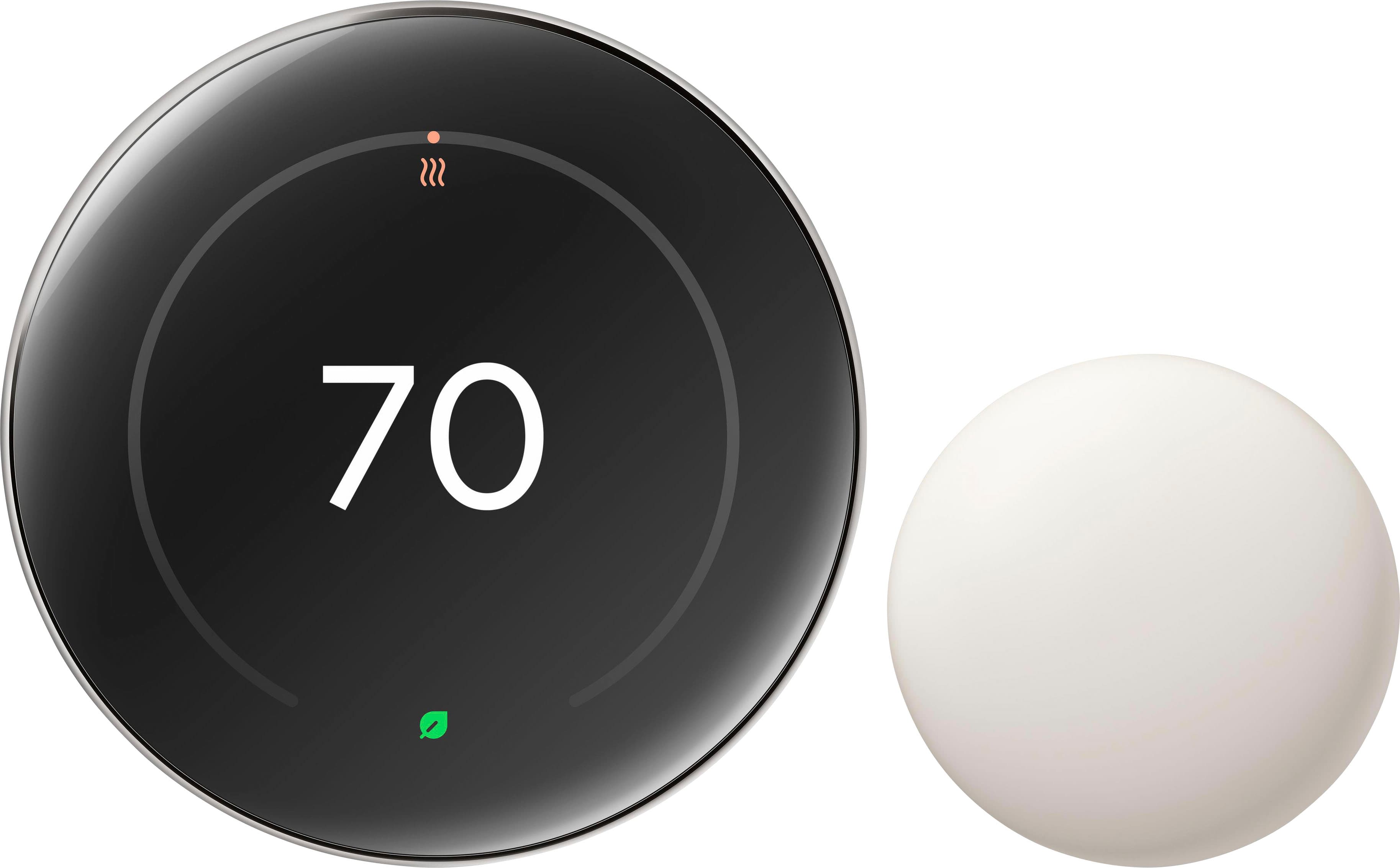
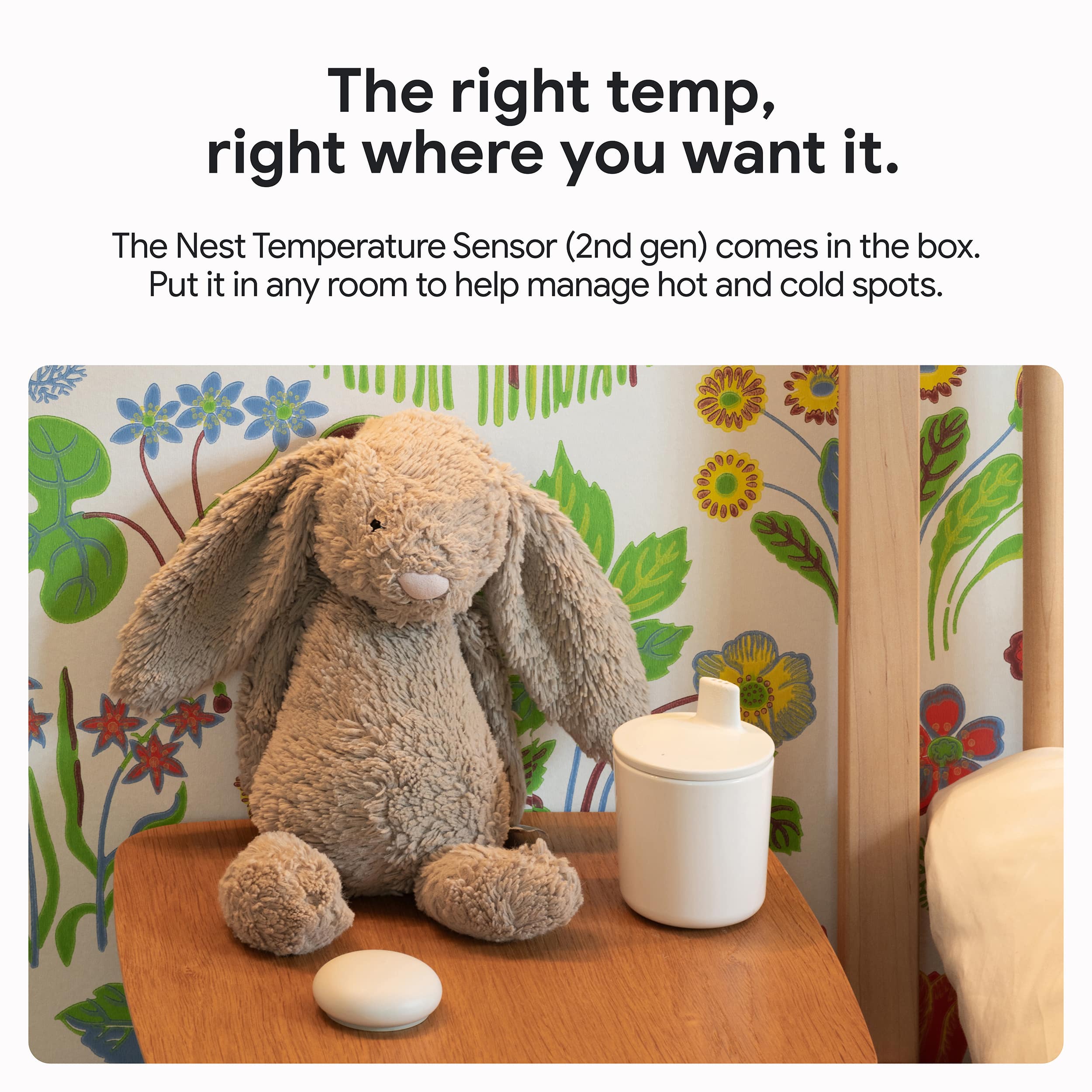
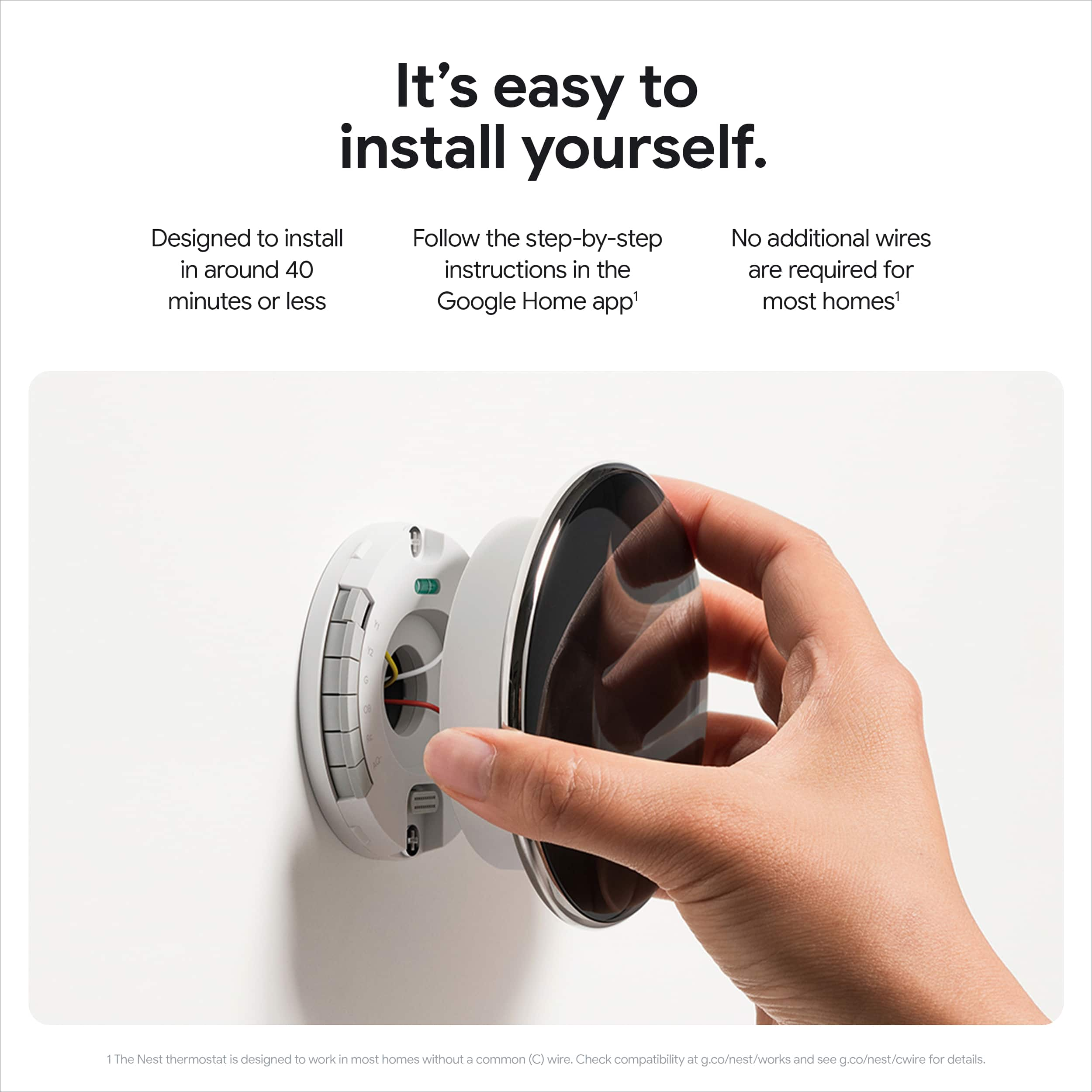
|Posted .This reviewer received promo considerations or sweepstakes entry for writing a review.With the busy lives that we lead it's nice to have a smart thermostat that can adjust to your schedule. This one not only looks cool but so far seems to function well. If you're an Android user this will integrate well into your Google home ecosystem. One thing about it is that you can control everything from your phone from schedules to geofence so that it cools your house when you want it to or when it senses you are close. With a geofence enabled it's nice from a cost savings perspective if you're going to be away from home it will adjust the settings to raise the temperature so you're not cooling the home while you are not in it. It also has a motion sensor so it notices when you walk by or when you make adjustments it learns your patterns. Total time for installation and configuration was probably for me about 30 minutes. Having said that the installation was not as simple or as easy as I anticipated. Out of the box the instructions were very vague and I wish it had come with a bit more information in the quick setup manual. Knowing what I know now I would have done the following instead of the way I did set it up. - Plug in the thermostat via USB-C to power it on - Open Google home to begin the setup process by adding the device - Scan the QR code on the back of the device to enable it and then walk through the configuration via the Google home app - Then mount it to the wall I made the mistake of actually installing it and attaching it to the wall before I had written down the six-digit code on the back or taking a picture of the QR code. If you do that first then you can plug it in to power it on and complete the configuration. After a week's worth of use I do like the aesthetics of the thermostat as well as the ability to make any adjustments via the Google home app. The cost savings aren't know just yet but I know that there are various eco modes that will reduce usage to save money and it will provide feedback via the app. I also like that it does come with the additional sensor which I have placed in one of the rooms in my home that tends to get the warmest so that it will regulate temperatures based off of the additional sensor.
I would recommend this to a friendDoes an incredible Job…But an eyesore on the wall.
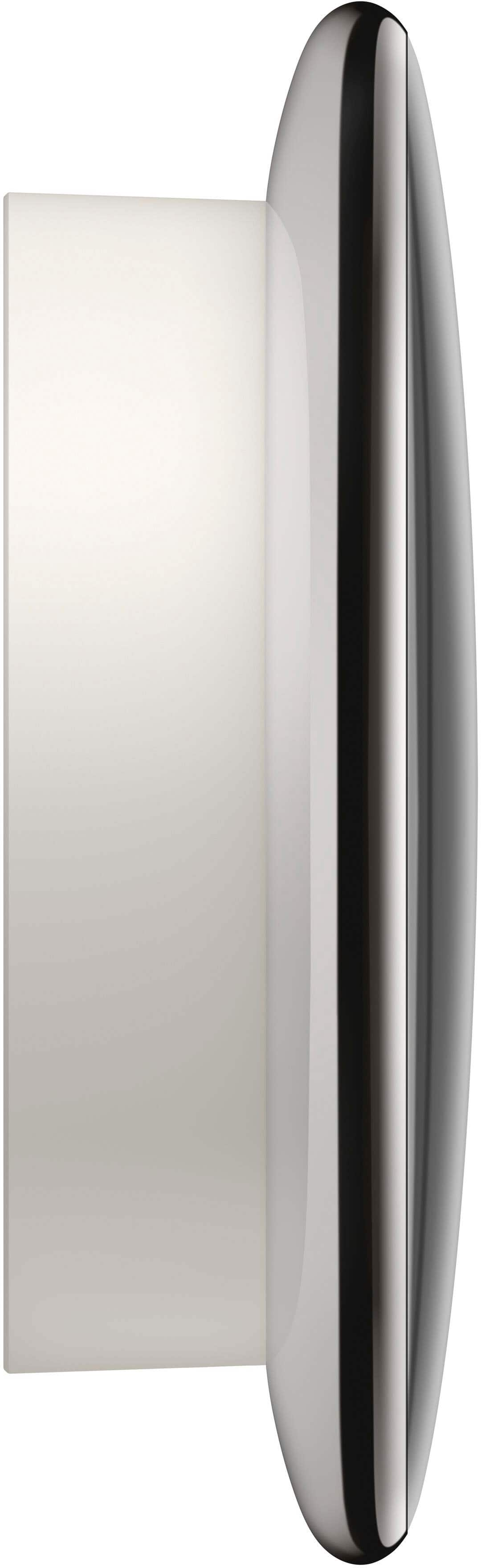
|Posted .This reviewer received promo considerations or sweepstakes entry for writing a review.I had a Nest Gen 3 that I loved, It looked great and worked like a champ. BUT, I love new tech and I saw that the Nest Gen 4 came with a temp sensor which I was already wanting for the hot spots and cold spots in my house. So after a little debate, Nest Gen 4…Here I come. I got it and was pretty excited. The marketing looks so sleek and cool. I opened it up and the screen in a lot bigger! It kinda of has a toadstool look to it it the small base and the oversized head. Hum…. Got it out and looked over the parts. The first thing that struck me was the huge screen of the Nest, the second was how cheap and ugly the base trim was. It’s a flat off-white almost chalk colored. I had to use the trim plate because the homebuilder out in a cheap dumb AC box and damaged the wall with screw holes that I did not need when I got my Gen 3 a couple years ago. Anyway, I thought maybe it will look better on my wall….No. More on that in a sec. So I was looking for a “scan me first” QR code or something. It came with a basic 1.2.3 step of install, download the app ect. I was still kinda of lost. It is true, I don’t read instructions very often but how hard can it be to install this. I did the Gen 3 already. Turns out it is not hard especially if you have a previous version and know where all the wires plug in. The PROBLEM is google does not do a great job with the starting point. A simple scan me first on the outside of the box would be awesome. That way you could do it at the store even to see what if anything you might need for the install. I had mine installed when I scanned the QR code on the back of the Nest 4th gen and saw the step by step. I should have done that first, but I got side tracked by the lame attempt at a step 1.2.3. generic step by step. They took what should have been a pretty easy setup and made it confusing by not giving a “dummy” version of “START HERE.” I will take some blame. Maybe It’s just me….But I will tell you I have a lot of complicated tech and I run through all of it just fine. I would have been better at not looking at any of the stuff they said and just did what I did with my Gen 3. Once I got it all installed (which again was easy once I gave up on their instructions) It synced right up and hit the wifi and BOOM done. It is very smart. I didn’t have to re-enter my wifi password ect. It was just online in seconds. LOVE THAT. Then I stepped back…and just could not believe how ugly it looked on my wall… I mean I kept trying to trick myself with how much I love Google stuff (my whole house is googled up) and that it will grow on me and that it’s just new and different…lies. With the base trim plate, It is ugly. The base is so dull and not flush against the wall and out of place. No fengshui, no flow…just ugly. I stared at the screen…maybe that big old screen can make it look better…no. The problem with the screen is it has an iridescent tint to it. It reflects every bit of light it can and that makes it hard to read. To be fair I have a bright hallway which doesn’t help. I also miss the bright red and bright blue when it heats and cools. The marketing shows this on the Gen 4 but it is barely noticeable compared to the gen 3. I absolutely hated the way it looked on the wall. I was at a crossroads where I almost took it off and put back my gen 3. My partner said to give it time to see how it worked before going nuke. I went to the app…Guess what…The old beautiful and simple stand-alone NEST app…done. The gen 4 completely integrates into the google Home app. That’s fine and I am well versed in the google home app but like I said I have a million things in the google home app. It gets lost in the cacophony of cameras and lights. I favorited it in the home page but I still have to go to my Google folder on my phone, then to my google home app then I can change the setting or look at stats. It was so much easier and functional to have a stand a lone app for it. I understand why Google wants it all incorporated into home. But as the customer…It’s about WHAT I WANT…not what google wants me to have! Like all tech changes…I will just get used to it. Plus with the convenience of just telling google assistant to turn down the air it’s not a big deal. And to be fair, with the smart learning, now that I think about it…I really never opened the app that much. So maybe Google does know better… So it was all set up, I can customize the display a little in the home app…you can make the face a clock or show the weather…Kinda of cool. I also like that the display shows the humidity and outside temp.. that’s nice. I still think it’s ugly though. Now what to do with the sensor? That was the main reason for the upgrade in the first place. Set up was a little tricky. You have to do it through the home app…add a sensor…then scan it. I had to do that three times before it actually worked. A lot of back end stuff has to happen on google home side and it felt buggy but worked. IF you scan the unit first (as I should have done) at the end it will help you set up the sensor, so you don’t have to go through the home app according to the tutorial that I did not watch cause I was unsure where to start. Got the sensor working and then you have to select the sensor in the home app to send and adjust temp based on the sensor. It takes the average temp and helps even out the hot and cold rooms. You can add up to 6 sensors and prioritize a room for the right temp when you sleep ect. Pretty cool and useful. So what to do with the ugly plate trim. I pulled it all off and fixed the drywall holes form the original thermos stat box and painted it let it dry and then reinstalled the Gen 4 directly onto the wall with no plate. It looks a lot better. I still think it is ugly and harder to read the face but it doesn’t scream cheap and hideous as loud now. In fact it’s growing on me a little. I would say if you have a gen 3, I would keep it…If you have a gen 3 you know that google is for sure phasing out the old nest app. It has not worked great for a couple of years now so maybe hang on till the nest gen 5 is out…maybe it will look better? Who knows. If you have no choice and it’s time to buy a new thermostat…NEST is the only game in town. It is truly amazing tech overall. I absolutely love how well it keeps my house cool and keeps me informed about what’s going on with my HVAC zero complaints about what it does…It’s the aesthetics, app integration and install ambiguity that diminished this experience. So how and what to rate it? Initially I was going to give it a 3, but feel like that is unfair because it does it job like a rock star and maybe you think it looks gorgeous….I can’t stomach a 5 though…That ugly ugly base trim plate and the drywall repair to get rid of it…Gonna settle with a 4 which feels a bit high but a 3 is for sure to low.
I would recommend this to a friendBrand response from Google Team
Posted .Thanks for this feedback. We hear that some of you are having challenges with brightness in certain lighting. To give you a little more control we're working quickly on a setting to adjust brightness. In the meantime, you can contact our support team so we can take a closer look at what's going on: https://support.google.com/googlenest/gethelp

Beautiful display, Simple install
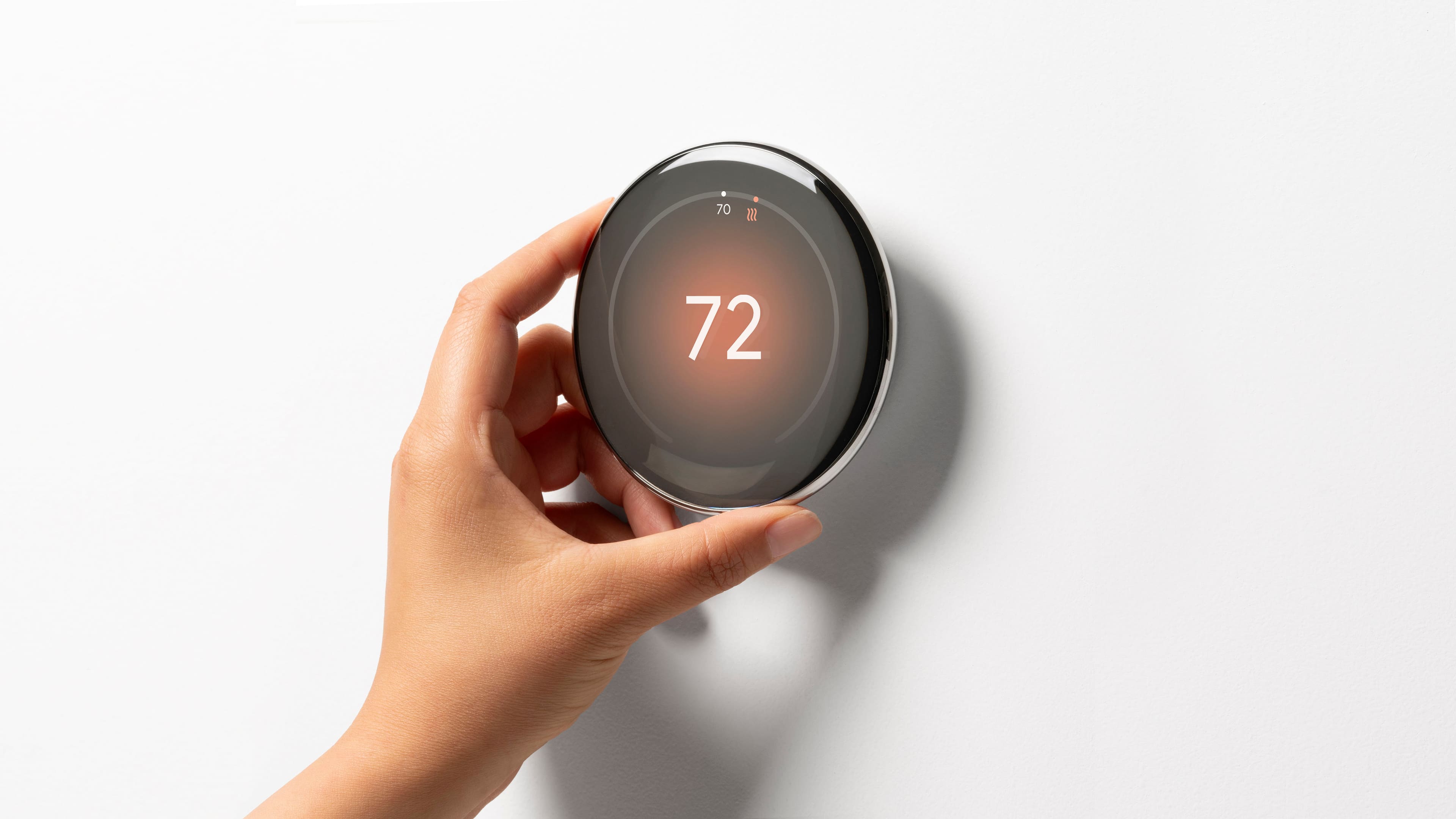
||Posted .This reviewer received promo considerations or sweepstakes entry for writing a review.This is the sleekest looking nest yet. Super easy to install and set up (especially if replacing a previous generation Nest thermostat). The onscreen display and customizable options are both, gorgeous and informative. Highly recommend the upgrade to this model.
I would recommend this to a friendBrand response from Google Team
Posted .Smart and good looks are a winning combo! Thanks for the five stars, RyanH.
Nest thermostat
||Posted .This reviewer received promo considerations or sweepstakes entry for writing a review.Works greats. Easy to control from home or the phone. 2 stage heating works just need to mess with setting. Easy installing
I would recommend this to a friendBrand response from Google Team
Posted .Thanks for the five stars, AdamF!
Google Nest 4th Gen
||Posted .This reviewer received promo considerations or sweepstakes entry for writing a review.Very easy to install! Works very well and a lot better than the previous thermostat I had! Highly Recommend!
I would recommend this to a friendBrand response from Google Team
Posted .Thanks for sharing with us, NOLATRAD!
Good looking Gen 4 Thermostat that performs
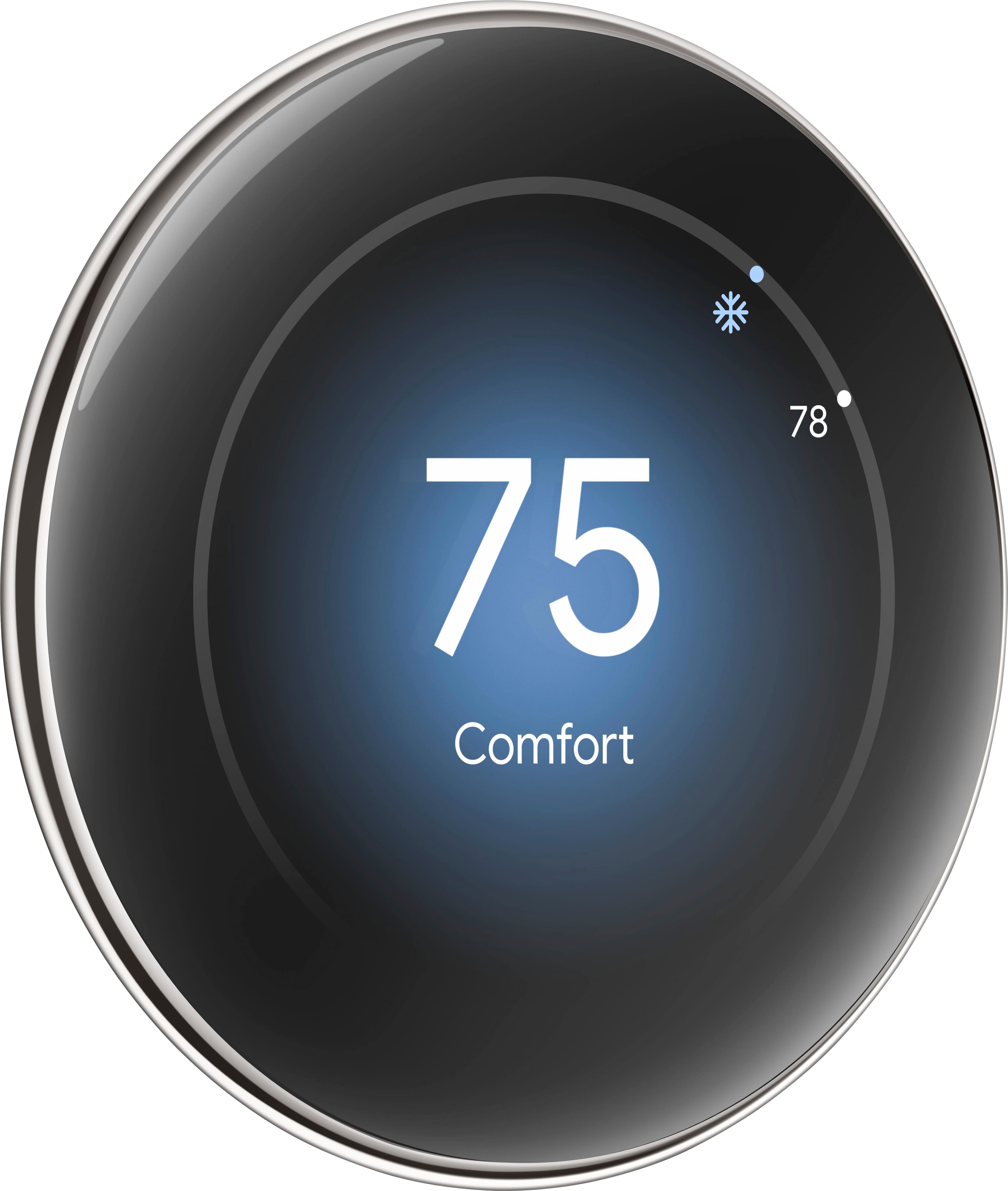
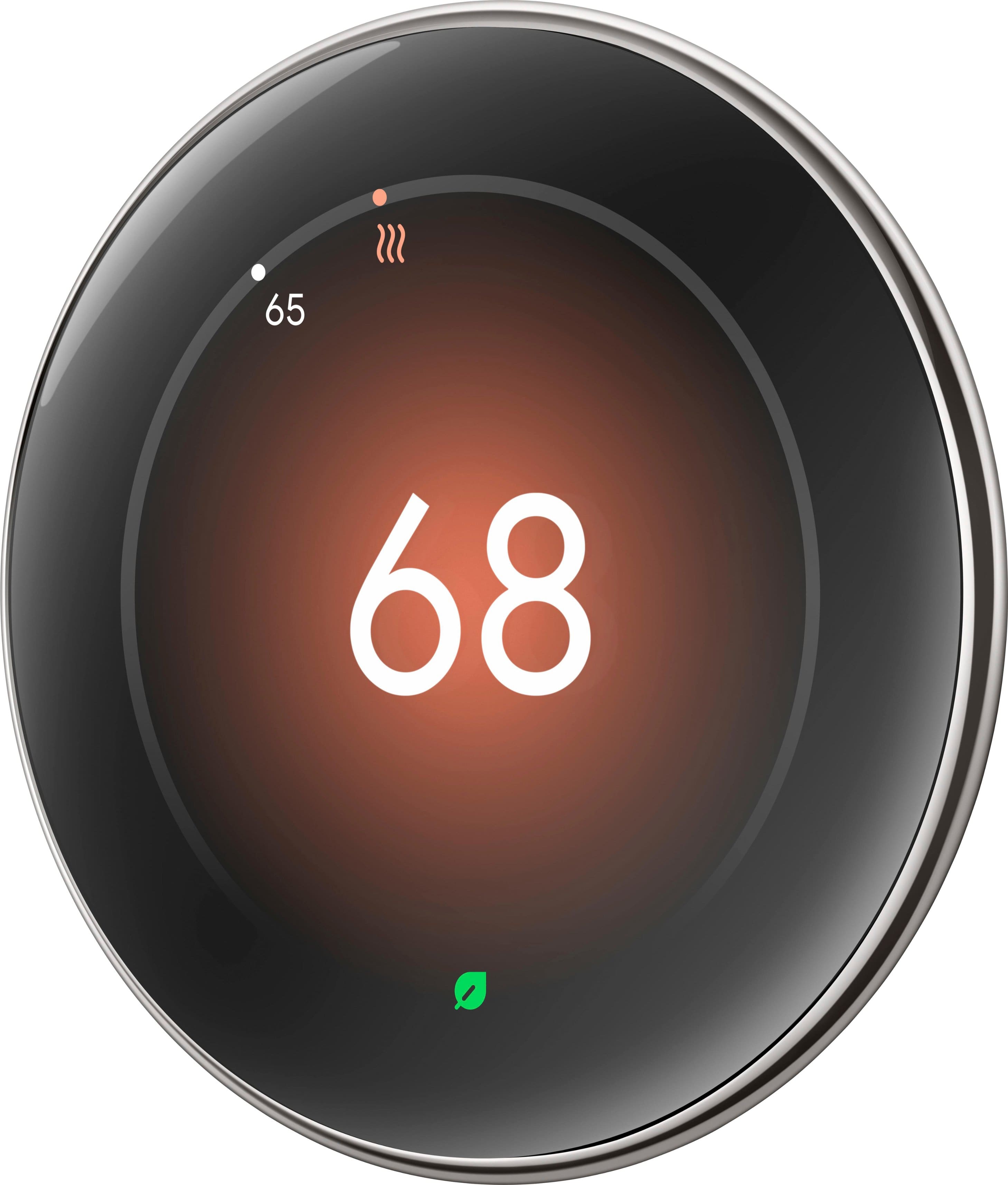
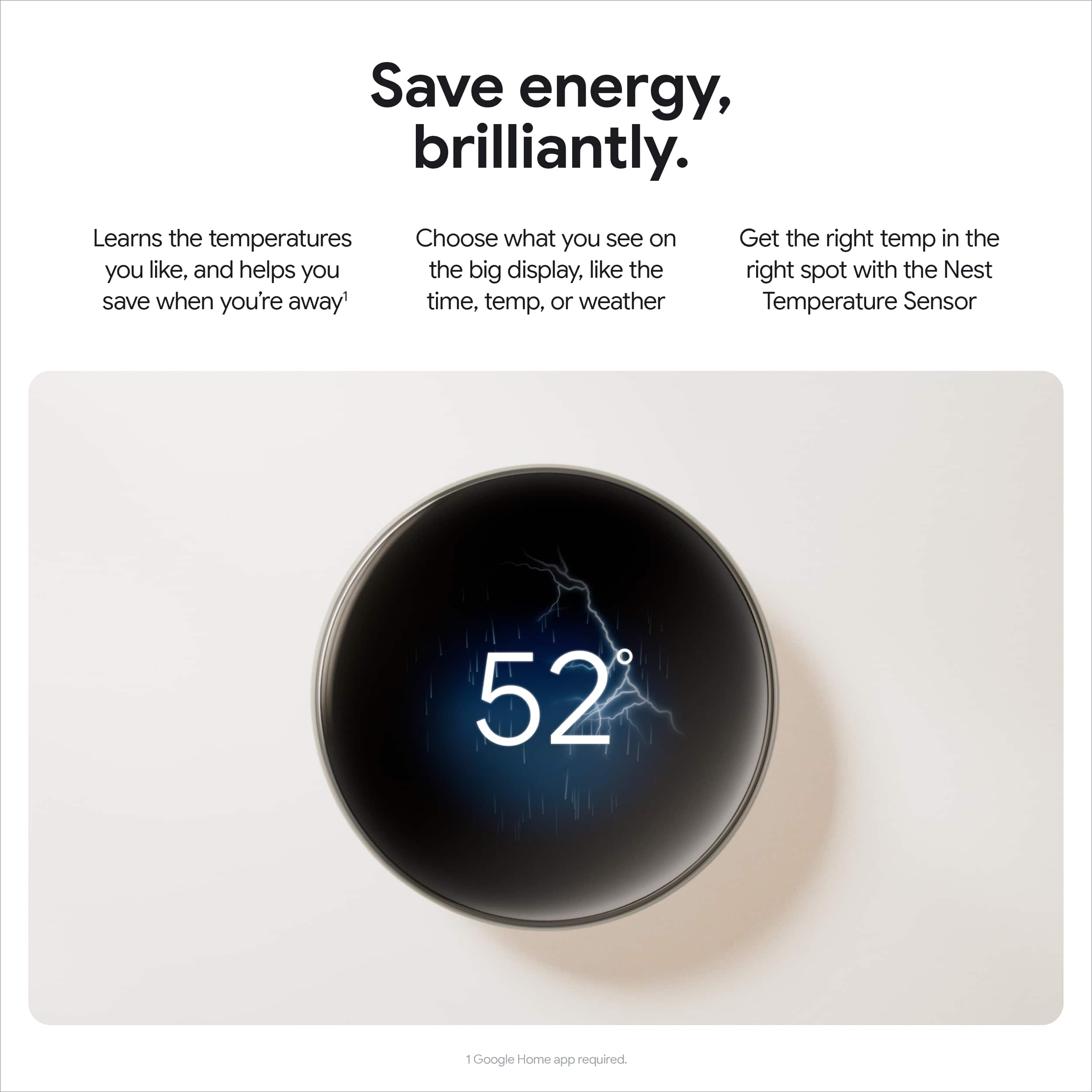
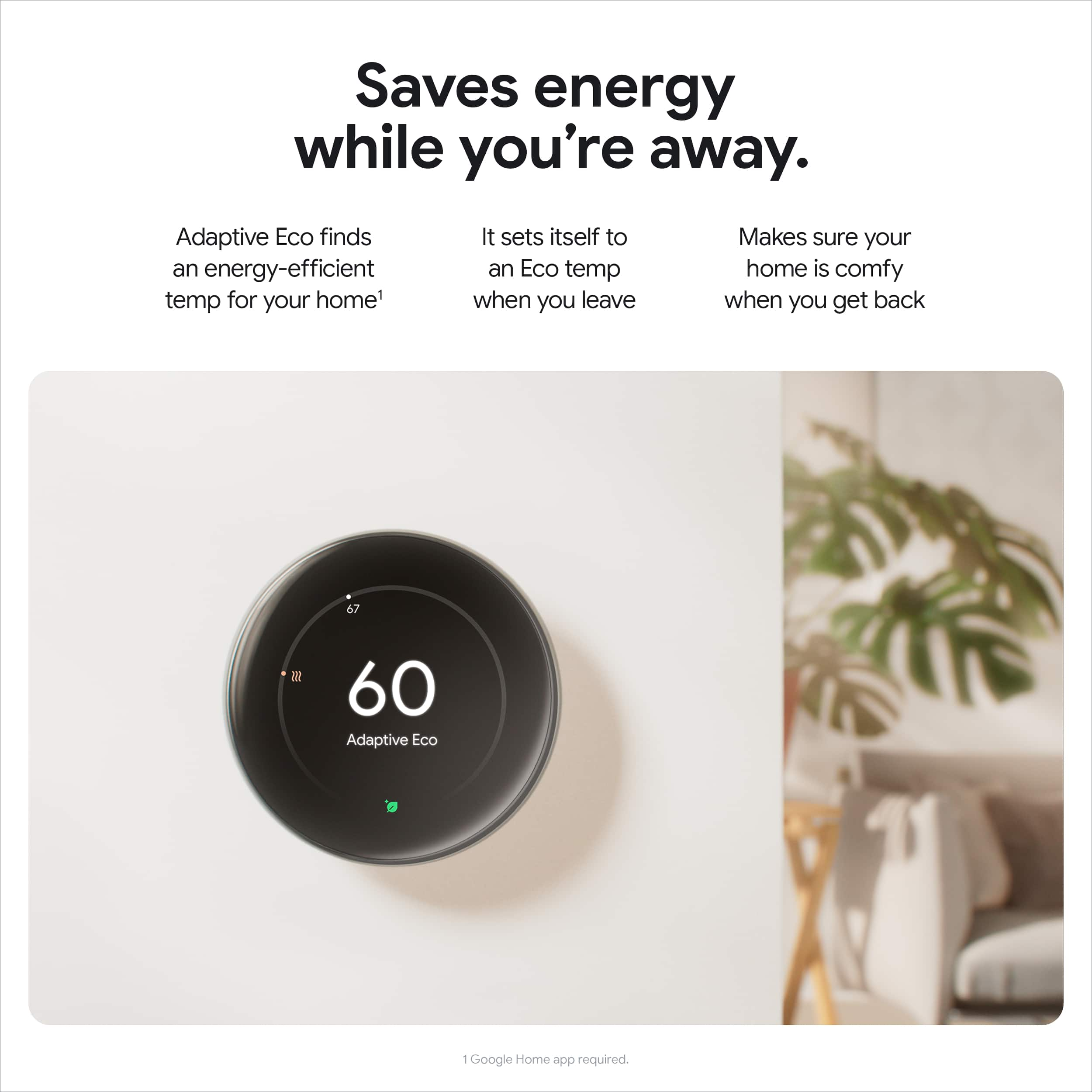
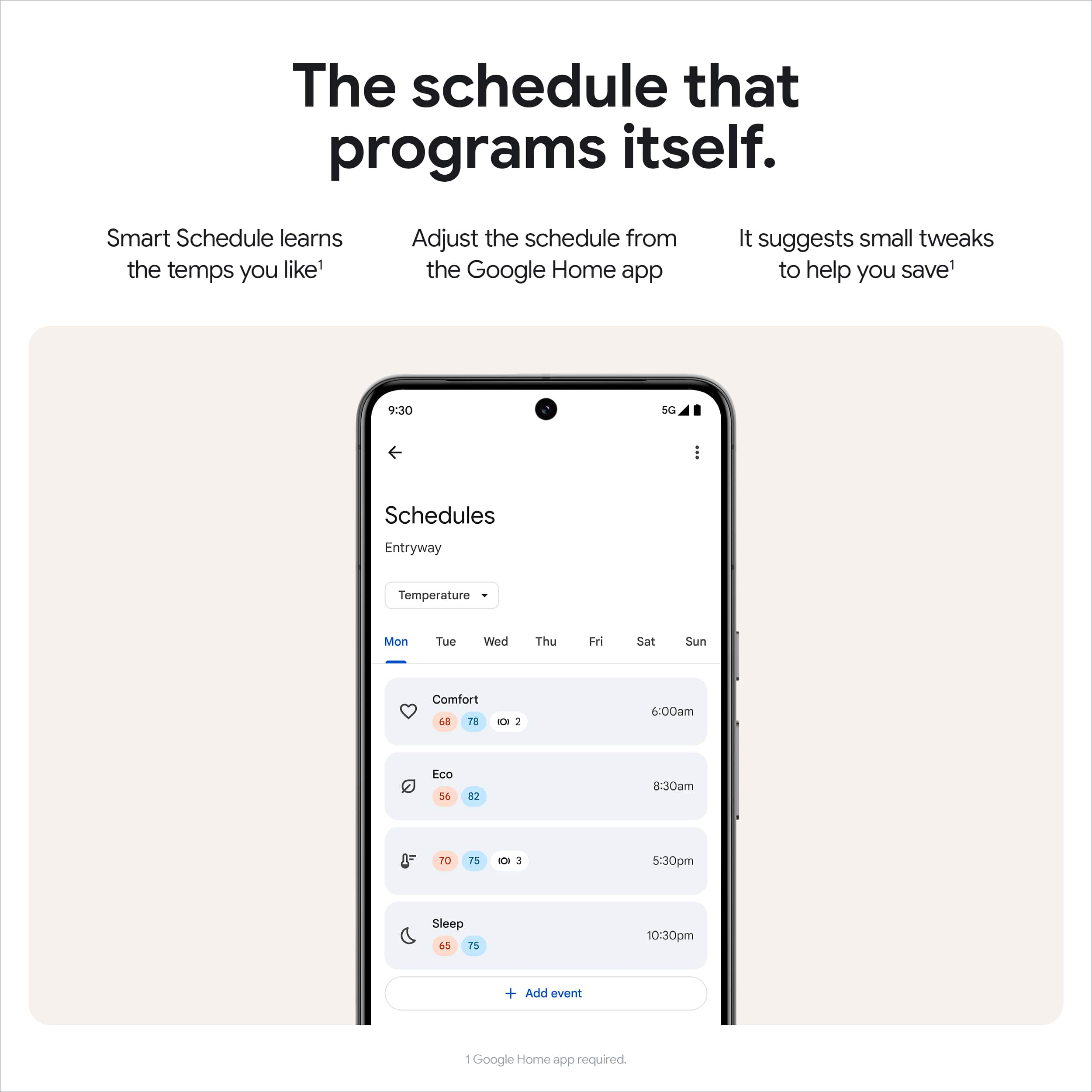
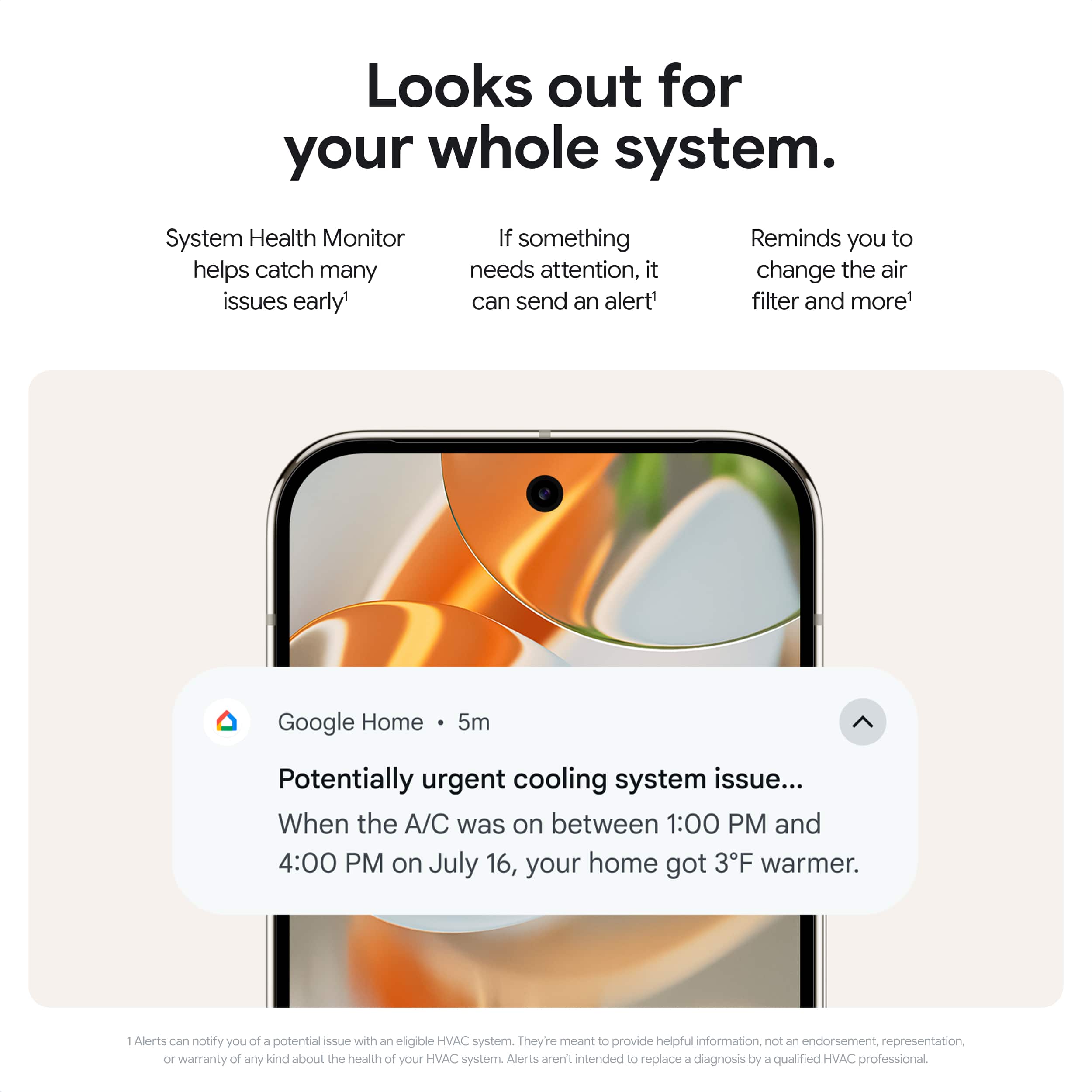
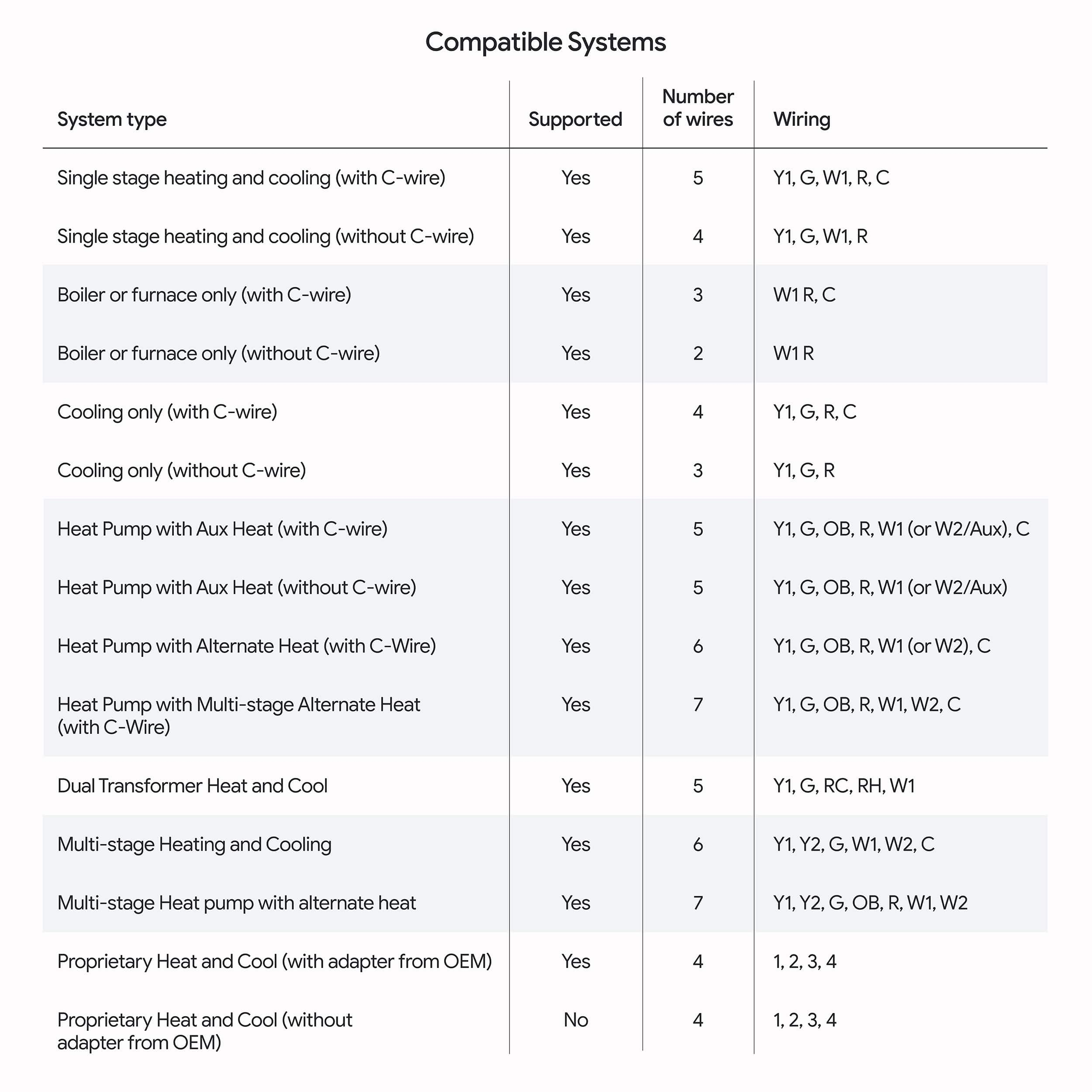
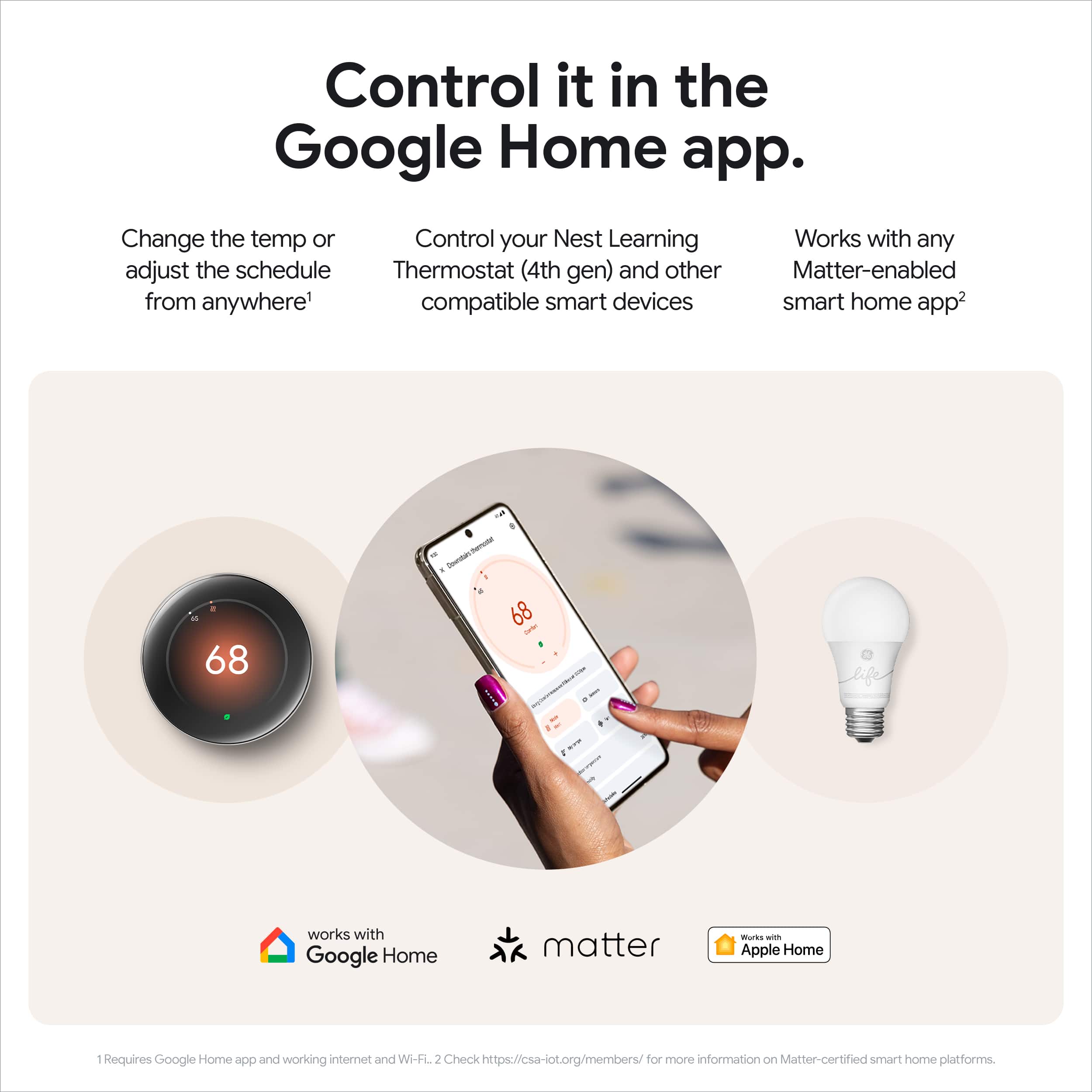
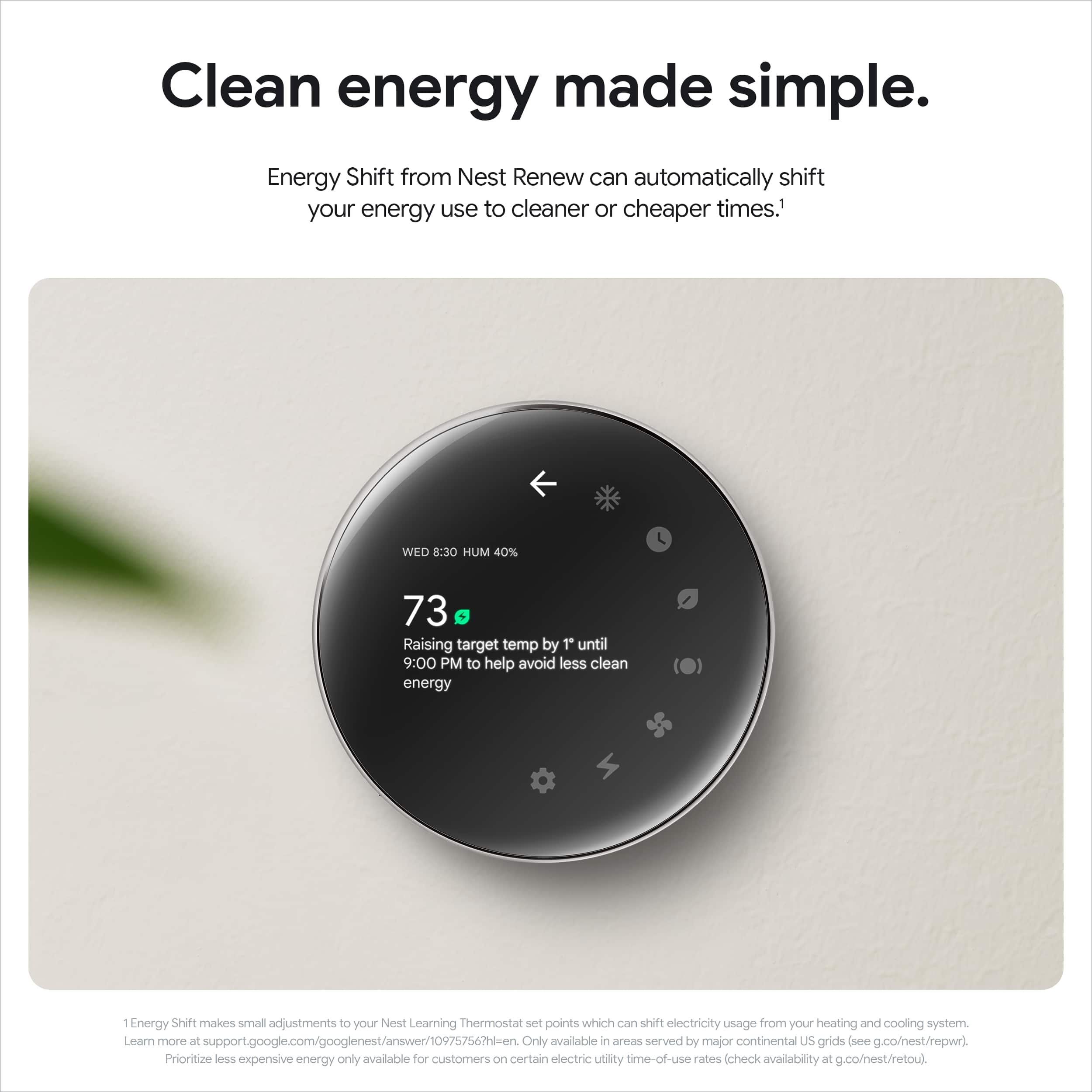
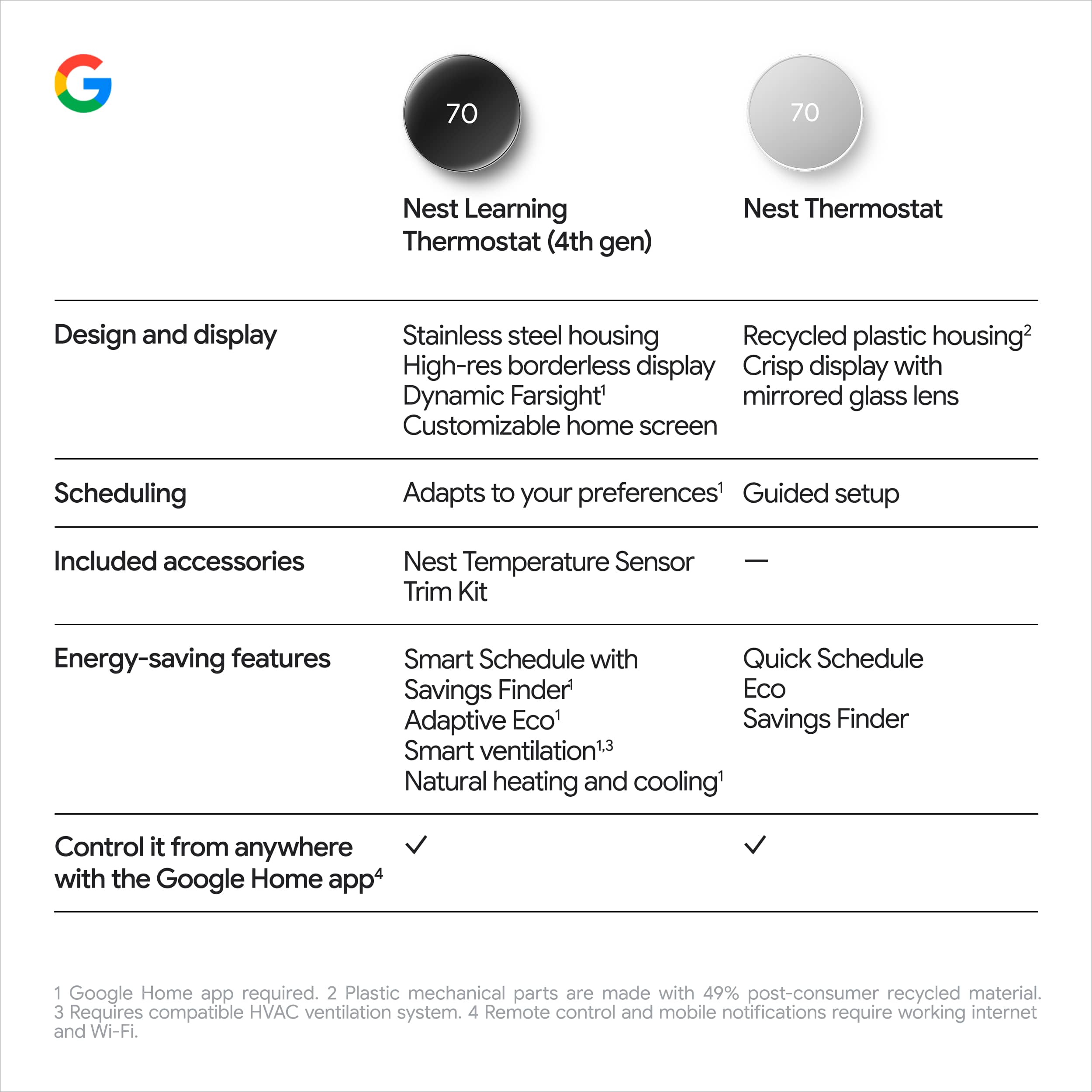
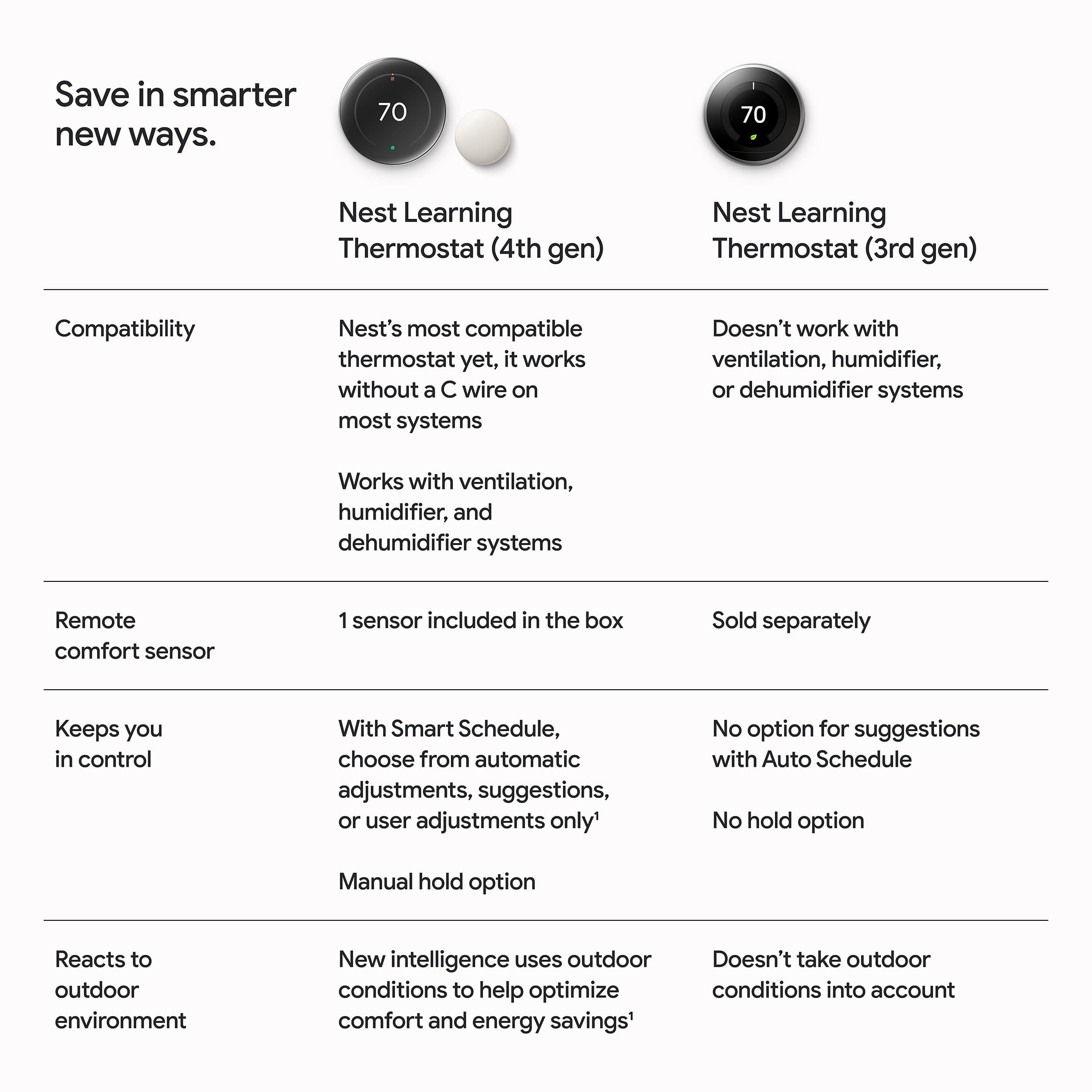
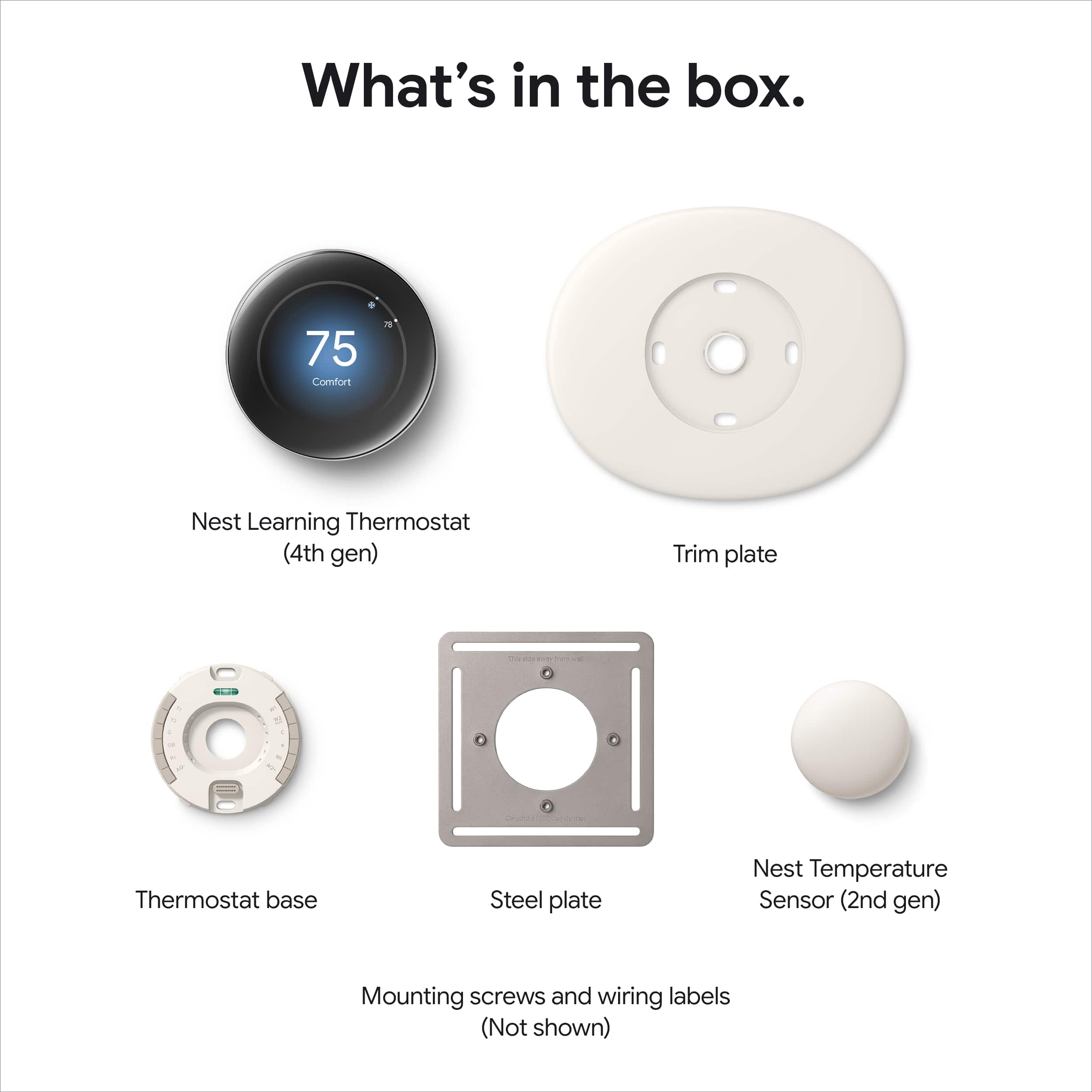
|Posted .This reviewer received promo considerations or sweepstakes entry for writing a review.Google - Nest Learning Thermostat (4th gen) with Nest Temperature Sensor (2nd gen) - Polished Silver The Google - Nest Learning Thermostat (4th gen) rounded 2.7-inch LCD screen is 60% bigger than the previous (3rd) generation's display. The larger screen view changes when you are up close and expands when you are further away, allowing you to see your customized info at a glance. The display has a new Dynamic Farsight feature with a customized home screen to easily view the time, temperature, weather, or outdoor air quality. This new screen, which is larger, allows the Dynamic Farsight feature to pop. Like previous models, you can use the stainless steel edge surrounding the thermostat to adjust and dial in your temperatures. A new 12-terminal backplate greatly expands its compatibility with most HVAC systems. If your house is equipped with a separate ventilation system, it works to help save energy when it senses that outside air changes that can work with your comfort settings and considers air quality. Installation was straightforward and easy to do. I have been a Nest user since Gen 2, so I am already familiar with the process. They give you a metal plate, a large oval trim plate, screws, and a Sensor. They also include a strip of wire tags. You scan a QR code to give you step-by-step instructions, and the unit is good at testing and giving feedback during the installation process. As noted, the unit now comes with a (2nd gen) remote sensor. This can be used to create routines to help adjust the temperature to the sensor rather than the one in the thermostat. Additional remote thermostats can be purchased separately, and the unit can be programmed to choose different sensors at different times or to adjust to their average as you customize your thermostat's routine. It would be a nice addition if the remote sensors had occupancy detectors like the main unit. That would give additional flexibility to adjust a room's temperature only if it senses someone there. You can not use the original Nest app with this revision. You have to switch to the Google Home App. Though there are certain features, like dealing with the entire week at a time on the Nest app, that the Home app doesn’t have, the Home app has a lot more settings and features, though the organization doesn’t seem to be as clear. This of course could be because I am so used to using the Nest app. One thing I always appreciated about the smart home thermostat is the ability to switch to a more energy-efficient temperature when you are away from home and then switch to your normal setting when you get into the GeoFencing range. Most of the time, I will have it switch over to home mode when I am twenty minutes away just for my own family's comfort. The Google Home app can be shared with other members of the family and will take advantage of everyone's presence or be aware when everyone is away and then act accordingly. The Gen 4 unit is advertised as having improved AI that helps adjust the thermostat to keep you comfortable by learning patterns and monitoring your system's health and indoor and outdoor conditions. I can see it adjusting things like the fan and trying different temperature settings while it learns, but it does take some time, and I have only been using this for a week. The AI is supposed to be smart enough to analyze how the weather outdoors will affect the temperature inside and adjust accordingly. Smart Schedule looks at pattern changes and makes frequent micro-adjustments in different situations, such as coming home early instead of your regular schedule. It will give you energy-saving suggestions that can be implemented automatically or you can accept or reject them in the APP. The Thermostat and the App are Matter-Compatible, allowing you to control them from other smart home apps and devices. They also provide advice about other sensors, such as window sensors, reminding you to close or open them to conserve energy. I could not test or utilize this feature because my home automation is Z-Wave, not Matter units. One additional feature that I have always appreciated is the System Health Monitor. This tracks the HVAC performance over time. It can sense issues of failure to cool or heat a space in adequate time and send you recommendations or urgent alerts for problems that may require immediate attention. I like the upgraded thermostat and look forward to the adjustments the AI will make. I also like that I can use this unit with my electrical company to participate in a discount to adjust my usage during a time that would benefit in decreasing the load at peak times during the summer months.
I would recommend this to a friendSmart, sleek, and saves money!
||Posted . Owned for 3 weeks when reviewed.This reviewer received promo considerations or sweepstakes entry for writing a review.Honestly, this thing is awesome. The setup was stupid easy — the app basically does all the work for you. The polished black look is super clean and gives my wall that modern vibe. The temp sensor that comes with it is a game-changer. I dropped it in my bedroom and now it actually stays the perfect temp at night. It learns my routine, saves energy, and I can tweak everything from my phone or just tell Google to handle it. If you’re on the fence — just get it. Worth every penny.
I would recommend this to a friendBrand response from Google Team
Posted .In the comfort zone no matter where you are, BenjaminE. Thanks for the kind words!
Continues to be a great option
||Posted .This reviewer received promo considerations or sweepstakes entry for writing a review.Needed to replace an earlier generation Nest thermostat. Since I already have several other Nest/Google devices, this was my first choice. I am very happy with the update. The replacement install took literally less than 10 minutes. Setup was very simple as all I had to do was connect to wireless and it was pretty much done. That being because I was replacing an earlier gen of the same device. Feature set is really very good. I usually leave it on heat/cool all year round. Took a couple of weeks for the "learning" part to kick in but once it started to get my routine down it does really well. Don't have to adjust it which was the point to begin with. Works well with the Google home app. Sets itself to Eco mode when it senses no one is home. Looks are fantastic. Great design without being too busy. No complaints. I would recommend this to someone.
I would recommend this to a friendBrand response from Google Nest Support
Posted .Thrilled you’re enjoying your upgrade, jasvanek. Thanks for the five stars!

Looks amazing and simple to use
||Posted . Owned for less than 1 week when reviewed.This reviewer received promo considerations or sweepstakes entry for writing a review.The installation process is easy and it looks really good on your wall once installed. Navigation and menus are straight forward and simple. My problem with this gen 4 model is it doesn’t sync with the nest app and only google home. If you have more than 1 nest thermostat like I do and it’s gen 3 and under prepare to ditch the nest app. Another is if you’re an Apple user like I am it, setting it up with Apple home is a pain and gives you a lot of errors. It’s possible to do it but it’s not easy. The different fixes for this can be found on Reddit. If all you need is Google home than this is the best product for you.
I would recommend this to a friendBrand response from Google Team
Posted .Hi Jr0me112, thanks for taking some time to leave us a review. We're glad you found installation and setup easy, and we hear you on the compatibility issues. We do think the Google Home app provides customers with a great experience and offers the best features for controlling your Nest ecosystem - we hope you'll come around on it in the future! Thanks for being a Nest Customer.
Bought on sale, would recommend even at full price
||Posted . Owned for 2 weeks when reviewed.This reviewer received promo considerations or sweepstakes entry for writing a review.Got it on sale. It was 50% off with purchase of a Google TV. We wanted one but were waiting, then saw the sale. Works great. Easy install. Perfect for helping with energy bills.
I would recommend this to a friendBrand response from Google Team
Posted .Now that's perfect timing, Fenix87! Happy you're part of the Nest family.
Nice!!!
||Posted .This reviewer received promo considerations or sweepstakes entry for writing a review.I really liked the updated design. It feels so modern. I was able to install it myself and I have no experience. Be sure to watch the video on you tube to watch how to install it. My only complaint is that the included instructions weren’t very detailed.
I would recommend this to a friendBrand response from Google Team
Posted .We appreciate your review, SylviaS. Glad you're enjoying the design!
New Nest Thermostat
||Posted .This reviewer received promo considerations or sweepstakes entry for writing a review.We had an older model which we bought 8-9 years ago and was still working fine. We decided to upgrade to a newer model with the current technology. So far it's been wotking great and it's easier to use than our original model.
I would recommend this to a friendBrand response from Google Team
Posted .We're happy the upgrade was worthwhile, TomS!
Best thing ever
||Posted . Owned for 2 months when reviewed.This reviewer received promo considerations or sweepstakes entry for writing a review.Very impressed with my Google Thermostat. Clean design, easy setup, and it keeps my home comfortable while helping me save on energy. The app is intuitive and makes controlling the temperature from anywhere effortless. Highly recommended.
I would recommend this to a friendBrand response from Google Team
Posted .We appreciate all your kind words Glenn! Happy to have you part of the Nest family.
Google Nest Thermostat
||Posted . Owned for 8 months when reviewed.This reviewer received promo considerations or sweepstakes entry for writing a review.Absolutely worth it — smart, sleek, and actually useful The Google Nest Learning Thermostat (4th gen) with the 2nd gen temperature sensor has been one of the best upgrades I’ve made to my home. Setup was surprisingly simple, and the design in Polished Obsidian looks incredibly clean and modern on the wall—it honestly feels more like a piece of tech decor than a thermostat. What really stands out is how quickly it learns your schedule. Within just a few days, it started adjusting temperatures automatically based on our routine, which has made the house consistently comfortable without us constantly touching it. The included temperature sensor is a game-changer—it helps balance hot and cold spots, especially in rooms that used to feel off compared to the rest of the house. The app is intuitive and responsive, making it easy to control everything remotely. Whether I’m adjusting temps from bed or checking things while away, it just works seamlessly. Energy savings have been noticeable too, which is a huge bonus. Overall, it’s smart without being complicated, stylish without being flashy, and genuinely improves day-to-day comfort. Highly recommend to anyone looking to upgrade their home’s efficiency and convenience.
I would recommend this to a friendBrand response from Google Team
Posted .Your home has entered the comfort zone, JAMESJ! Thanks for the kind words.
Decent
||Posted .This reviewer received promo considerations or sweepstakes entry for writing a review.Overall decent product pretty easy to navigate and install
I would recommend this to a friendBrand response from Google Team
Posted .Thanks for sharing with us, Josh!
Love it !
||Posted .This reviewer received promo considerations or sweepstakes entry for writing a review.The Google Nest Thermostat is a sleek, smart addition to any home. Its modern design blends seamlessly with most interiors, while the intuitive interface makes temperature control effortless. Installation is straightforward, and the device quickly integrates with Google Home for voice commands. The energy-saving features are impressive, including automatic scheduling and Eco Mode, which help reduce utility bills. The thermostat learns your preferences over time, adjusting temperatures accordingly. Overall, it’s a great choice for those looking to upgrade to a smart, energy-efficient thermostat.
I would recommend this to a friendBrand response from Google Nest Support
Posted .Sounds like the ultimate combo, Buddy1. Here's to always getting the perfect temperature!
Love these!
||Posted .This reviewer received promo considerations or sweepstakes entry for writing a review.Great product, very sleek and easy to use with our home automation system
I would recommend this to a friendBrand response from Google Team
Posted .Giving your home the perfect upgrade, JeffreyP! Thanks for sharing with us.
Google Nest Thermostat
||Posted .This reviewer received promo considerations or sweepstakes entry for writing a review.Easy to use and looks very sleek on the wall. Did not have issues installing.
I would recommend this to a friendBrand response from Google Team
Posted .We call that the ultimate combo, Phil! Happy you're part of the Nest fam.
Great
||Posted . Owned for 5 months when reviewed.This reviewer received promo considerations or sweepstakes entry for writing a review.Works excellent! Easy install , easy to set up on the phone
I would recommend this to a friendBrand response from Google Team
Posted .Glad set up was a breeze, Eric!
value, price and technology are very proportional
||Posted . Owned for 2 months when reviewed.This reviewer received promo considerations or sweepstakes entry for writing a review.It definitely exceeded my expectations. The newer versions of Google products just keep getting better. I had the previous version, and it broke due to an electrical problem at home, so I wouldn't have replaced it if it hadn't been for the faulty circuit breaker. My first impression is that it's like having a very well-made and highly functional wall clock. The software has also changed; it's easier to use on the device and in the app. Overall, the product is 1000% better than its predecessors, and the price isn't unreasonable.
I would recommend this to a friendBrand response from Google Team
Posted .The upgrade you deserved, GuillermoSalas!